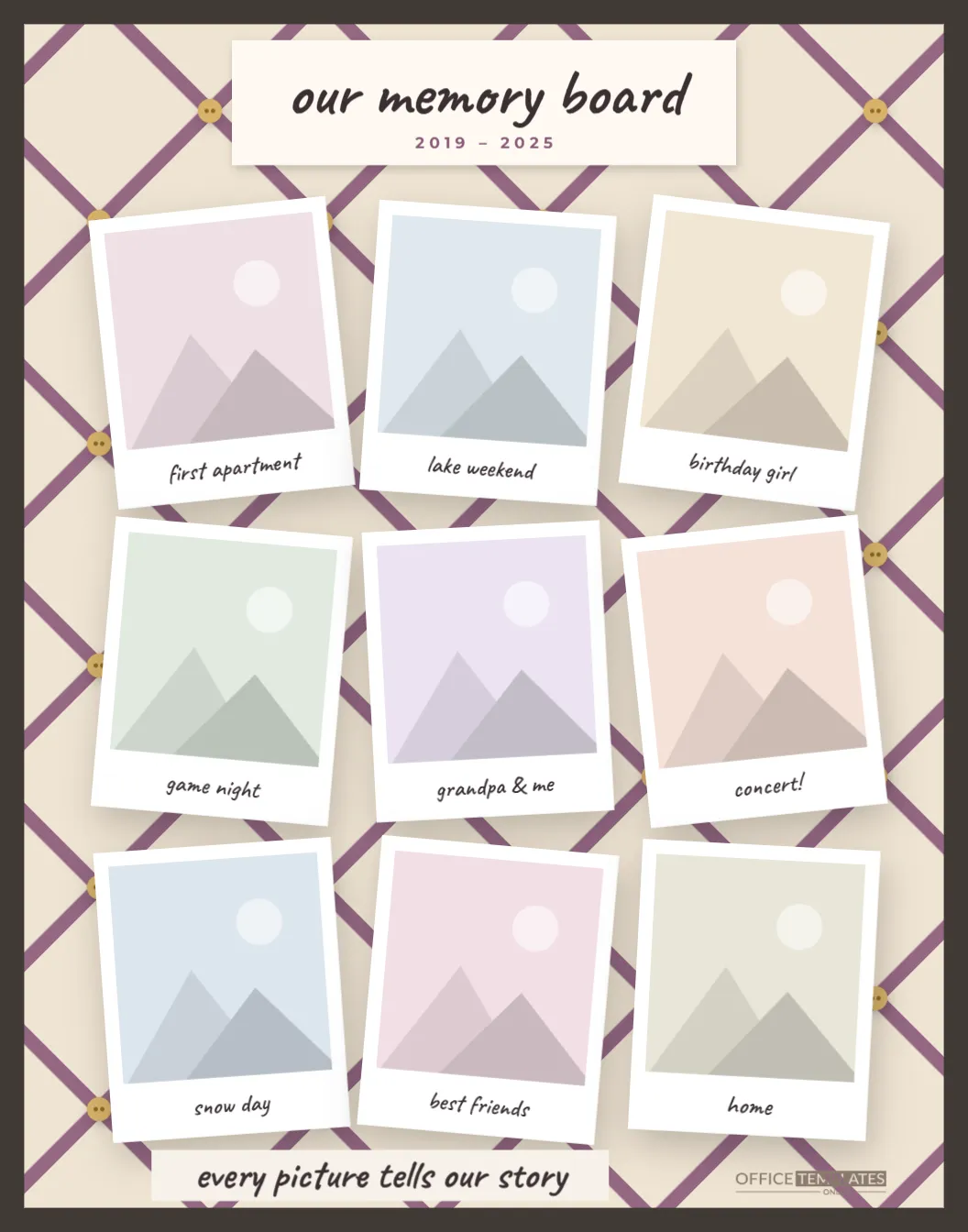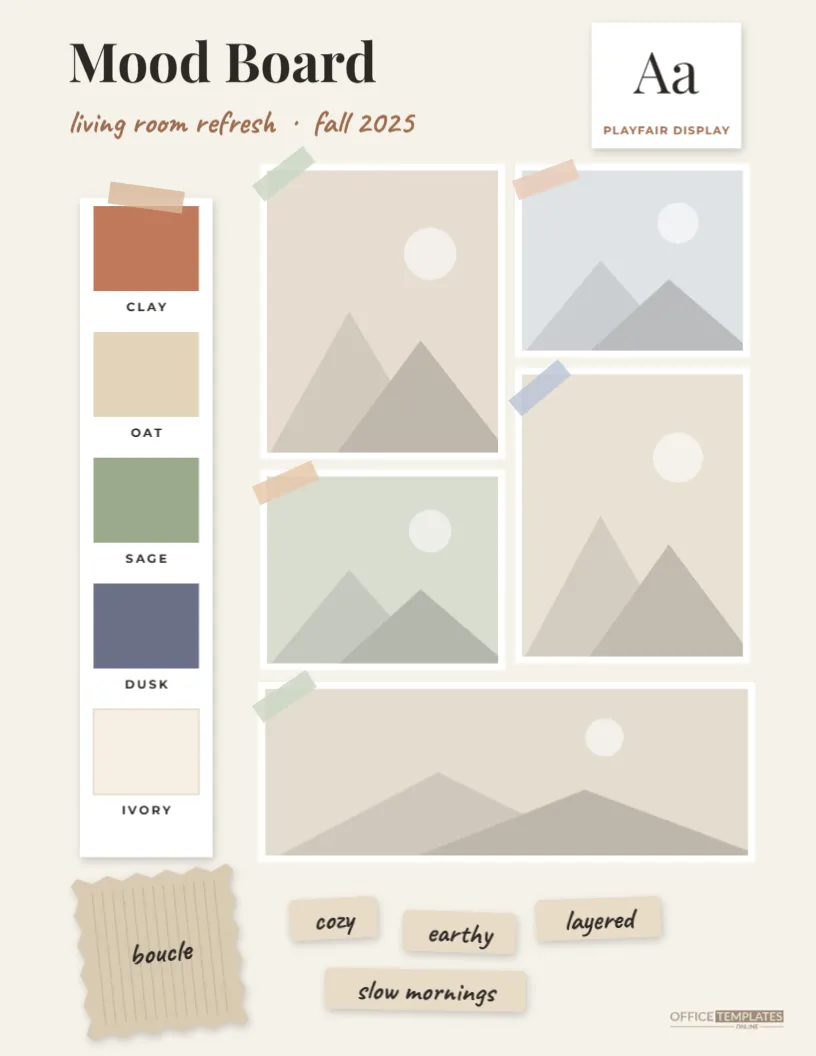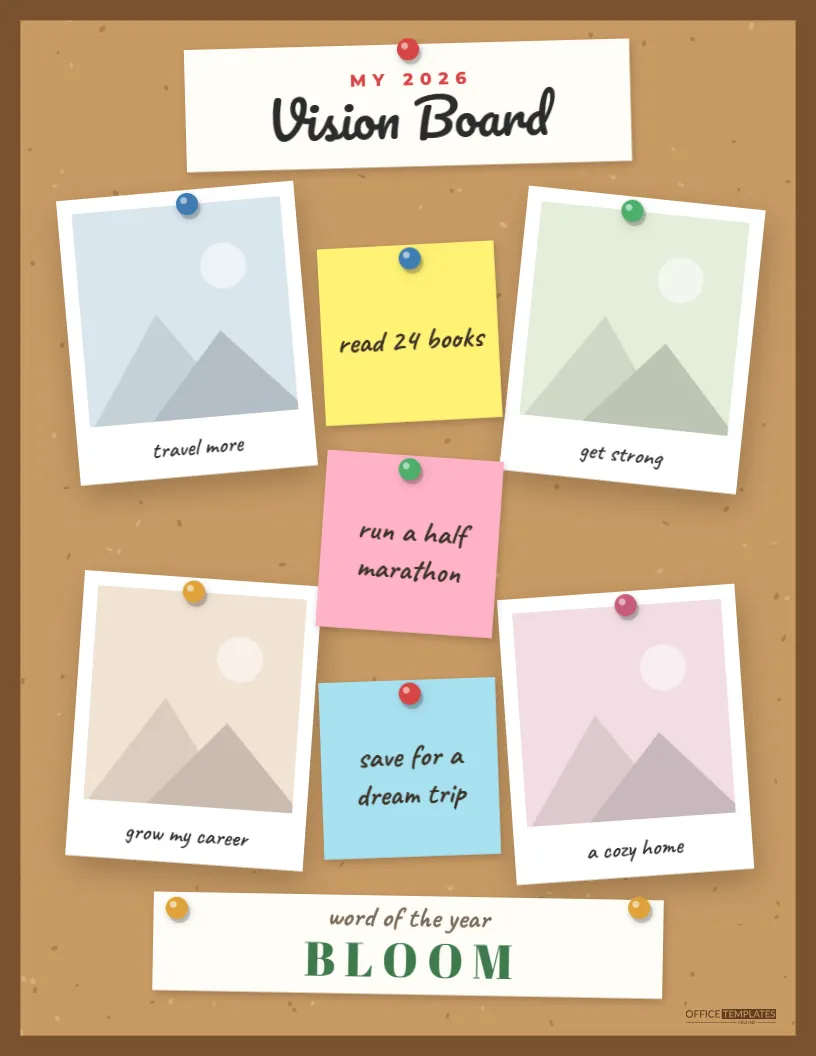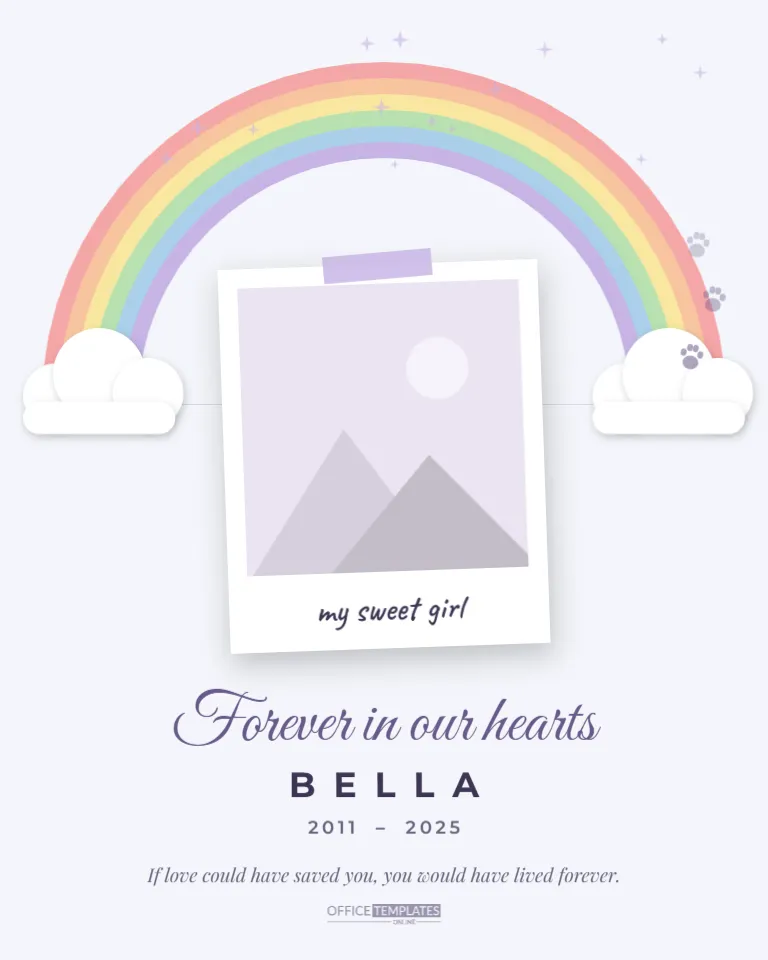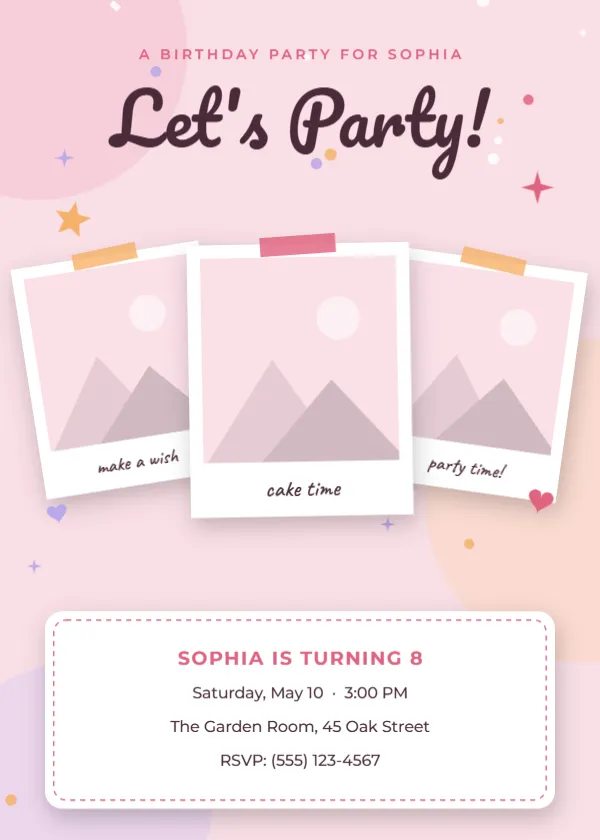
Turn favorite snapshots into a party invitation with this Polaroid Birthday Invitation Template. Three fanned photos with handwritten captions set a fun, personal tone, while a clean white details card keeps the party information easy to read.
It is a great choice when the birthday person is the star: use recent photos, a favorite trio of friends or a then-and-now set, and let the invitation tell a little story before guests even read the date.
What’s included in this Polaroid Birthday Invitation Template
- Three overlapping Polaroid frames with handwritten captions and colored tape
- A Let’s Party! script headline above a A birthday party for… line
- A rounded white details card with a dashed border for the name, date, place, and RSVP
- Soft pastel background shapes plus stars, hearts, and confetti
- Balanced spacing that keeps the invitation readable when printed at 5 x 7
- Three replaceable photo frames ready for your own pictures
- Fully editable text, so you can change every name, date, caption, and message
- Download options: PDF, PNG, and JPG
Design details and size
Three polaroid photos fan out across the top of the card like snapshots pinned to a wall, each with a handwritten caption. Below them, a rounded white details card with a dashed border holds the party information, all on a soft pink background with pastel color blobs and confetti. The template is 5 x 7 inches in portrait orientation and made up of one page. The color palette combines blush pink, soft lavender, peach, and warm coral. Decorative touches include three fanned Polaroid photos with tape, stars, hearts, and confetti on soft color blobs. All fonts are Google Fonts, and every element can be recolored, resized, moved, or deleted, so the design adapts to your own style.
Why choose this polaroid birthday invitation template?
Designing a birthday invitation from scratch means choosing fonts, balancing colors, lining up photos, and checking that everything fits on the page. This template does that work for you. The layout is already balanced; the blush pink, soft lavender, peach, and warm coral palette has been chosen so the text stays easy to read, and the three fanned polaroid photos with tape, stars, hearts, and confetti on soft color blobs are placed where they add charm without crowding your words. You only need to add your details, which saves time and keeps the result looking professional, even if you have never designed anything before.
Who is this template for?
- Girls’ and teens’ birthday parties
- Tea parties, sleepovers and spa-day celebrations
- Milestone birthdays where photos show the guest of honor’s journey
- Small gatherings where a photo-led invitation feels personal
- Photo-booth or polaroid-themed parties
- Digital invitations shared by message or email
Invitation wording ideas
- Let’s party! Sophia is turning 8, and you are invited.
- Snap, smile, celebrate! Join us for cake and games.
- Saturday, May 10 at 3:00 PM. The Garden Room, 45 Oak Street.
- Make a wish with us! RSVP by May 3.
How to customize your birthday invitation
- Open the template in the editor and click any text to change it. Replace the sample name, date, time, address, and RSVP details with your own.
- Click each photo and choose Replace Image to upload your own pictures. The frame keeps its size, and your photo is cropped to fit, so the layout never breaks.
- Click the headline to change the wording and try a different Google font if you want a different mood.
- Change colors from the toolbar to match your theme, or keep the ready-made palette of blush pink, soft lavender, peach, and warm coral.
- Move, resize, or delete any decoration, such as three fanned polaroid photos with tape, stars, hearts, and confetti on soft color blobs, until the layout feels right.
- Check the spelling of names, dates, and addresses, then download your birthday invitation as a PDF, PNG, or JPG.
Tips for a great invitation
- Pick three photos with similar lighting so the fan of polaroids looks cohesive.
- Use short, playful captions such as make a wish, cake time, and party time.
- Keep the details card to four lines: who, when, where, and how to RSVP.
- If the party has a theme, recolor the tape and stars to match it.
- Print a test copy on plain paper first to check the photo crops before you order card stock.
Download and print
A 5 x 7 inch design is the classic birthday invitation size, so it fits standard A7 envelopes and 5 x 7 photo frames. For the sharpest result, download the PDF and print on matte or semi-gloss card stock, around 100 to 130 lb (270 to 350 gsm). A home printer works well: choose 5 x 7 paper or actual size, and turn off fit to page so nothing is scaled. Prefer a professional finish? Any print shop or online printer can produce flat 5 x 7 cards from your PDF, and many offer envelopes to match. Order a few extra copies to allow for guests you add later.
Share it online
Not everything has to be printed. Download the PNG or JPG version and send it by text message, WhatsApp, email, or a private social media group, or attach it to an online RSVP page. Sending the digital version first and printing a few copies for grandparents and neighbors is a simple way to reach everyone.
Frequently asked questions
Can I use just one or two photos?
Yes. Replace the photos you want and delete the frame you do not need, or move the remaining polaroids together to fill the gap.
What fonts does it use?
The headline uses Pacifico, the captions use Caveat, and the details use Montserrat, all free Google Fonts that you can change.
What size is this polaroid birthday invitation template?
It is 5 x 7 inches in portrait orientation.
Can I use my own photos?
Yes. Click a photo, choose Replace Image, and upload yours. The frame stays the same size, and your picture is cropped to fit.
Can I change the colors and fonts?
Yes. All text uses Google Fonts and can be restyled from the toolbar, and every shape and decoration can be recolored, moved, or deleted.
Do I need design software or design experience?
No. The template opens in your web browser, and you edit it by clicking text and photos, just like a simple document. There is nothing to install, and every Google font used in the design loads automatically.
Can I edit the template again after I download it?
Yes. You can reopen the template at any time, make changes, and download a fresh copy, so it is easy to reuse the same design for another date, name, or offer.
Which file formats can I download?
You can download your finished design as a PDF, PNG, or JPG. Use the PDF for printing and the PNG or JPG for sharing online.
Ready to send the cutest invitation on the block? Add your photos, type your party details, and download your polaroid birthday invitation in a few clicks.