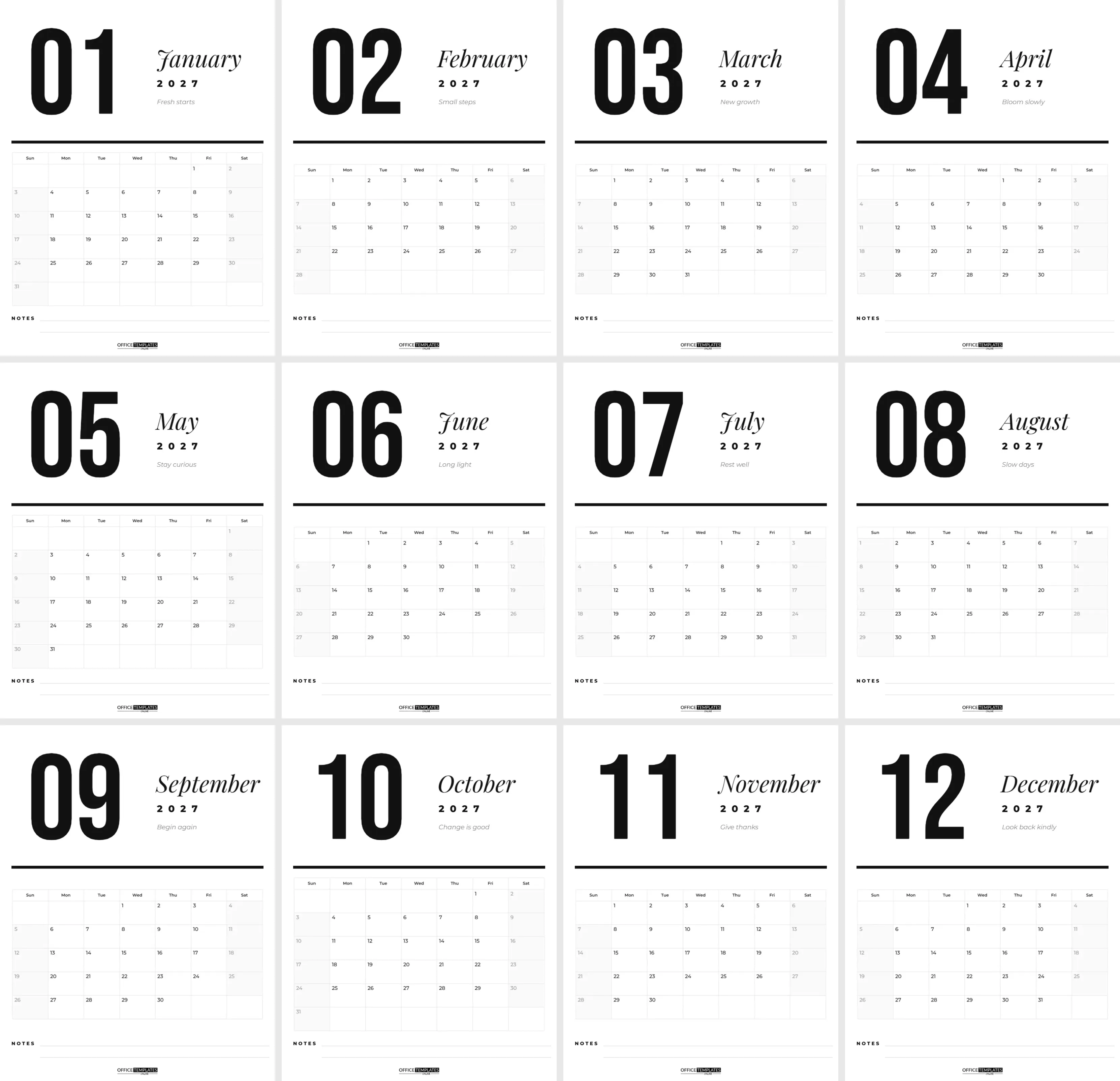
Some calendars shout. This one speaks quietly and confidently. Black type on white paper, a huge month number, an elegant month name, and a clean grid with plenty of room to write: it is the calendar for people who love order, white space, and good typography. It looks just as good in a home office as it does on a kitchen wall.
Spec Sheet
| Detail | Specification |
|---|---|
| Pages | 12, one per month of 2027 |
| Size | US Letter, 8.5 x 11 in, portrait |
| Fonts | Bebas Neue numerals, Playfair Display italic months, Montserrat grid |
| Colours | Black, white and light grey only |
| Grid | Editor Calendar object, Sunday start, shaded weekends |
| Extras | Monthly motto, two-line notes strip, OTO logo |
Designer’s Note: One Bold Idea per Page
The calendar has twelve US Letter pages (8.5 x 11 inches, portrait), one for each month of 2027. Every page follows the same confident layout. In the top-left corner, the month number is set huge in Bebas Neue, a tall condensed sans-serif: 01 for January, 02 for February, all the way to 12. To its right, the month name appears in Playfair Display italic, with 2027 in widely spaced bold capitals underneath and a short motto in grey italics, such as Fresh starts for January, Bloom slowly for April, and Look back kindly for December.
A thick black rule separates the header from the calendar grid. The grid has bold weekday names, light grey cell borders, softly shaded weekends, and date numbers in the top-left corner of each square, so there is lots of space for appointments and notes. A NOTES strip with two ruled lines sits under the grid, and the OTO logo is centred at the foot of each page.
Designer’s Note: Why Less Ink Works
A minimal calendar does one job very well: it shows you time. Without illustrations competing for attention, your own notes become the focus. Black and white also works with every room colour, prints well on any printer, and photocopies cleanly if you want to hand copies to a team. Designers, architects, writers, and anyone who keeps a tidy workspace tend to prefer this style, because it looks deliberate rather than decorative.
Quick Answers Before You Print
Can I change the motto font?
Yes. Select the motto and pick any Google font in the editor.
Does the calendar start on Sunday or Monday?
Sunday by default. Change the week start to Monday in Calendar Options on each page.
Can I print only one month?
Yes. Choose the page you need when printing.
Can I add holidays?
Write them in by hand, or switch a page to the Task Calendar style in Calendar Options to type notes into the dates.
What size is it?
US Letter, 8.5 x 11 inches, portrait, twelve pages.
The Monthly Mottos
| Month | Motto on the page |
|---|---|
| January | Fresh starts |
| February | Small steps |
| March | New growth |
| April | Bloom slowly |
| May | Stay curious |
| June | Long light |
| July | Rest well |
| August | Slow days |
| September | Begin again |
| October | Change is good |
| November | Give thanks |
| December | Look back kindly |
Each motto is ordinary text, so double-click to replace it with your own goal, a family saying, or a business theme for the month.
Built with a Real Calendar Object
The month grids are not typed tables. Each one is the editor’s built-in Calendar, which means the dates are always correct and easy to change. Select a grid and open Calendar Options to switch the year, change the week to start on Monday instead of Sunday, adjust colours, fonts, or cell sizes, or change the style entirely. If you want a 2028 version next year, open each page’s Calendar Options, change the year to 2028, and update the 2027 text in the header. Every date moves to the right weekday automatically.
Adding a Single Accent Colour
If you love the layout but want a touch of colour, change just one thing. Recolour the black rule and the month numeral to a deep navy, forest green or terracotta, and leave everything else black. Or set the weekend text colour in Calendar Options to the same accent. One colour, used consistently, keeps the minimal feel while making the calendar your own. The month name font is Playfair Display and the rest is Montserrat, both free Google Fonts, and any other Google font can be chosen in the editor.
Planning a Year at a Glance with Twelve Pages
A month-per-page calendar shines when you plan in a simple routine. At the end of each month, take the next page, look at the grid, and write in fixed commitments first: birthdays, bills, school holidays and travel. Then add the things you want to protect, such as a weekend away, a gym class or a quiet Sunday with no plans. Finally, use the notes strip at the bottom for the month’s top three priorities. Because the design is so uncluttered, a month planned this way is readable from across the room, and a glance on Monday morning tells you how the week ahead looks. Many people also keep last year’s pages in a folder, which becomes a surprisingly useful diary of what happened and when.
Writing on the Grid
The date numbers sit in the top-left corner of each cell, leaving the rest of the square clear. A fine 0.3 mm pen fits two or three short entries per day. Colour-coding works beautifully against the black and white design: one colour per family member, or one per project. Weekends are lightly shaded, so they stand out without needing extra colour.
Ways People Use This Calendar
- A family command-centre calendar on the kitchen wall.
- A desk calendar next to a monitor, one page at a time.
- A content or project calendar in a small office.
- A client gift: add your business name under the logo and print a stack.
- A planner insert, hole-punched for a ring binder.
Printing a Clean Black and White Calendar
- Download the calendar as a PDF.
- Print on bright white paper or card, 120 to 200 gsm, for crisp blacks.
- Print at actual size (100%) so the grid keeps its proportions.
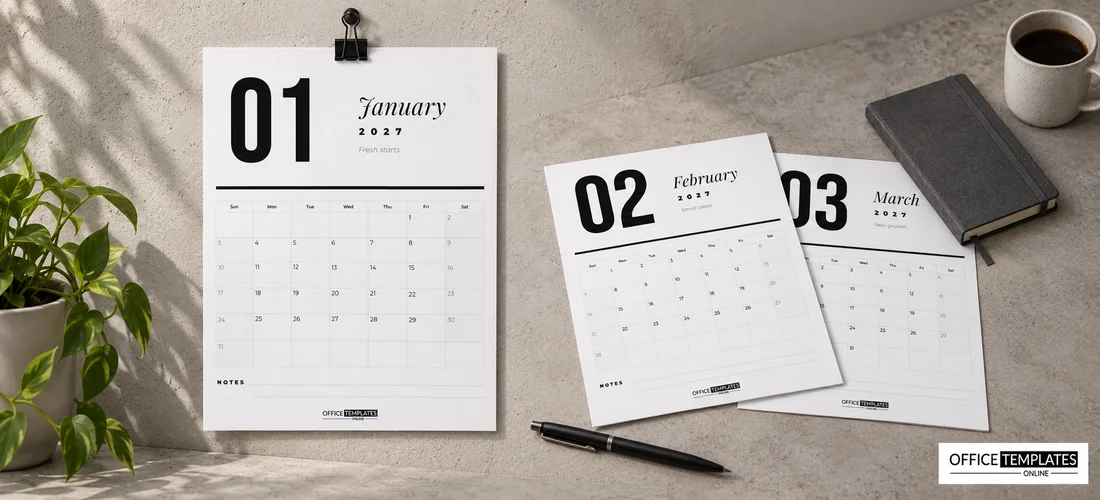
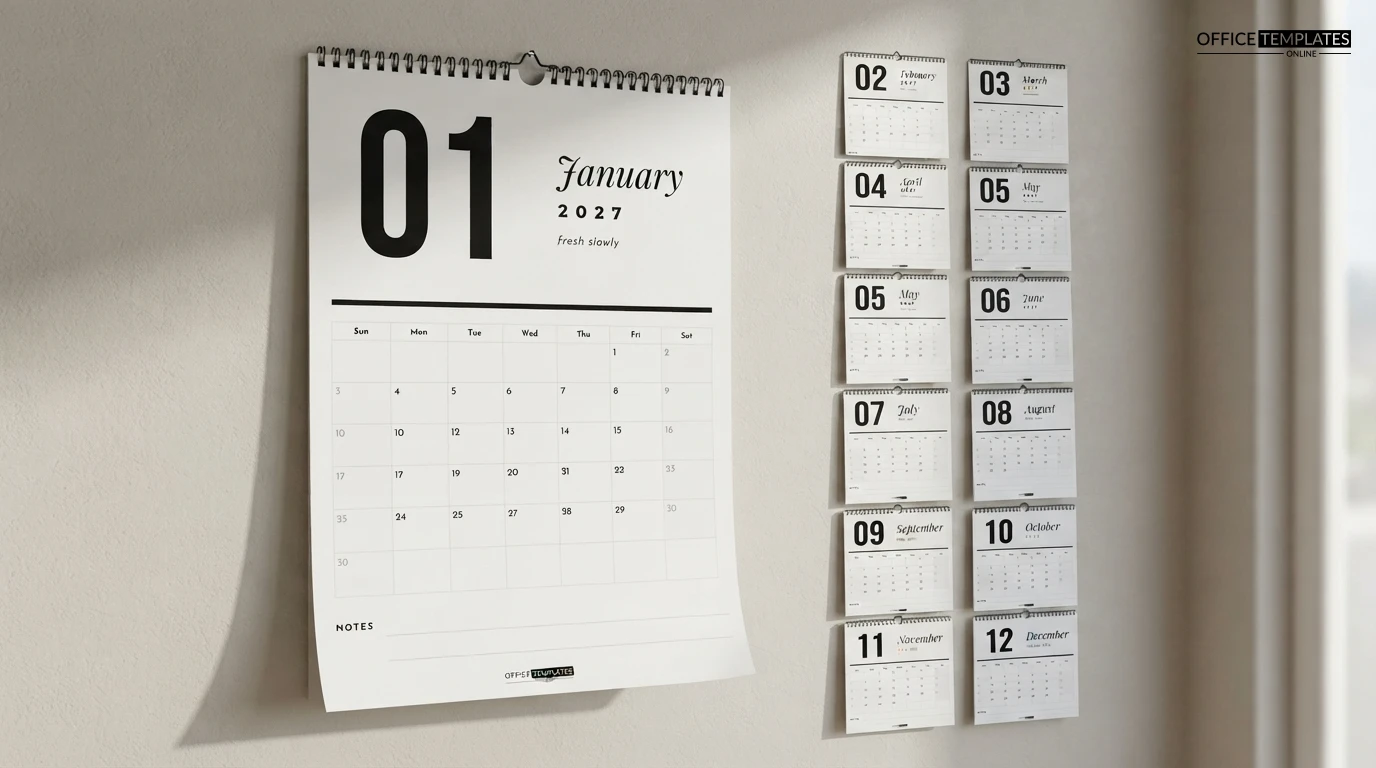
- Hole-punch the top and hang the pages on a nail or a bulldog clip, or have a print shop add wire binding.
- For a single-month planner, print just the current month each time.
Because the design is mostly white, it uses very little ink, which makes it ideal for home printing.
Download the twelve months, print them crisp and clean, and let 2027 be a year with plenty of white space.