Every year, Ana Ferreira scrolls through 4,000 photos on her phone and prints none of them. Last December she picked three photos for each month: a big one of the best moment, and two small ones of the everyday things she wanted to remember, a muddy football boot, her son asleep on the sofa, the first tomato from the garden. She dropped them into this calendar and printed copies for both grandmothers. It became the most talked-about present of the year.
That is what this photo collage calendar is built for: turning a year of pictures into twelve pages people actually look at every day.
Three Polaroids per Month
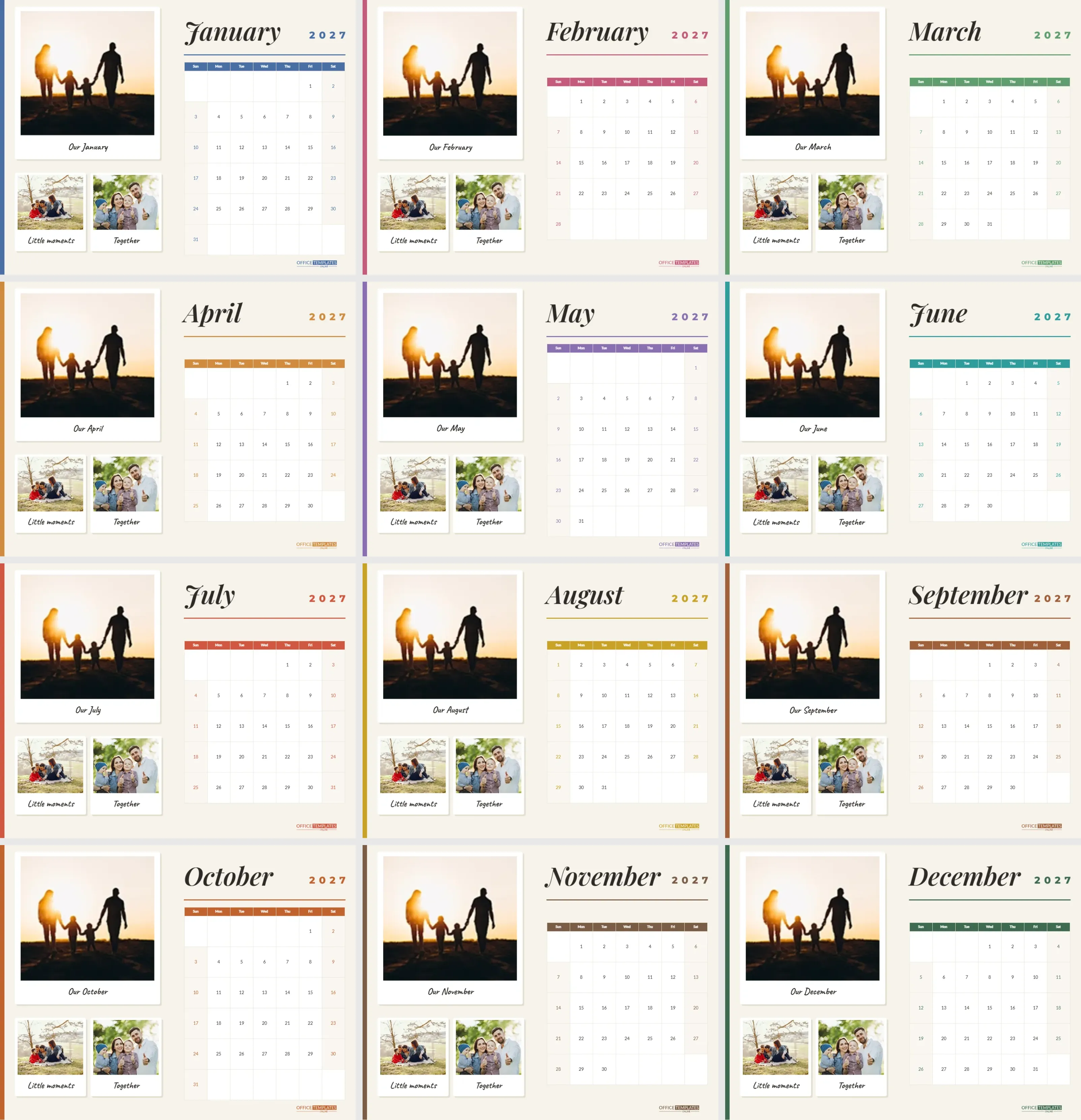
Each page is US Letter landscape, 11 x 8.5 inches, on a warm off-white background with a thin coloured stripe down the left edge. The left half of the page holds three polaroid-style frames: one large frame on top and two smaller ones side by side below. Each frame is a white card with a soft shadow and a handwritten caption underneath in Caveat. The large photo’s caption reads Our January (then Our February and so on), and the small ones read Little moments and Together. Every caption can be retyped.
The Month Side of the Collage Calendar
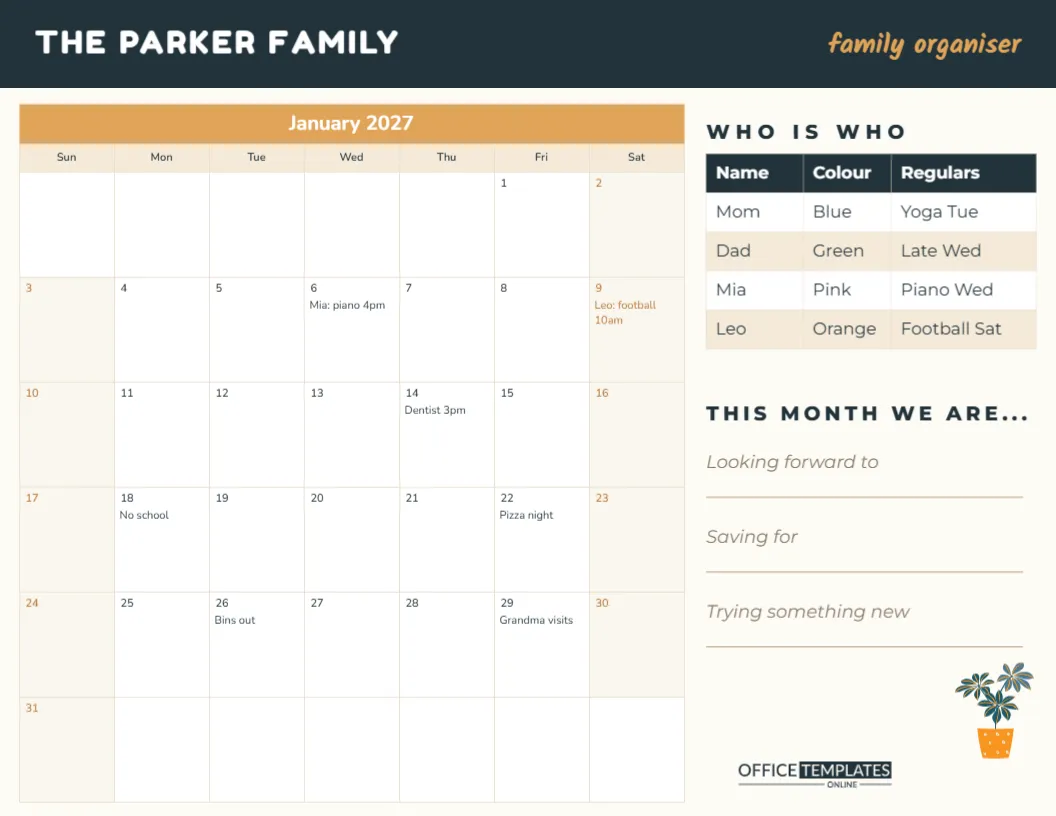
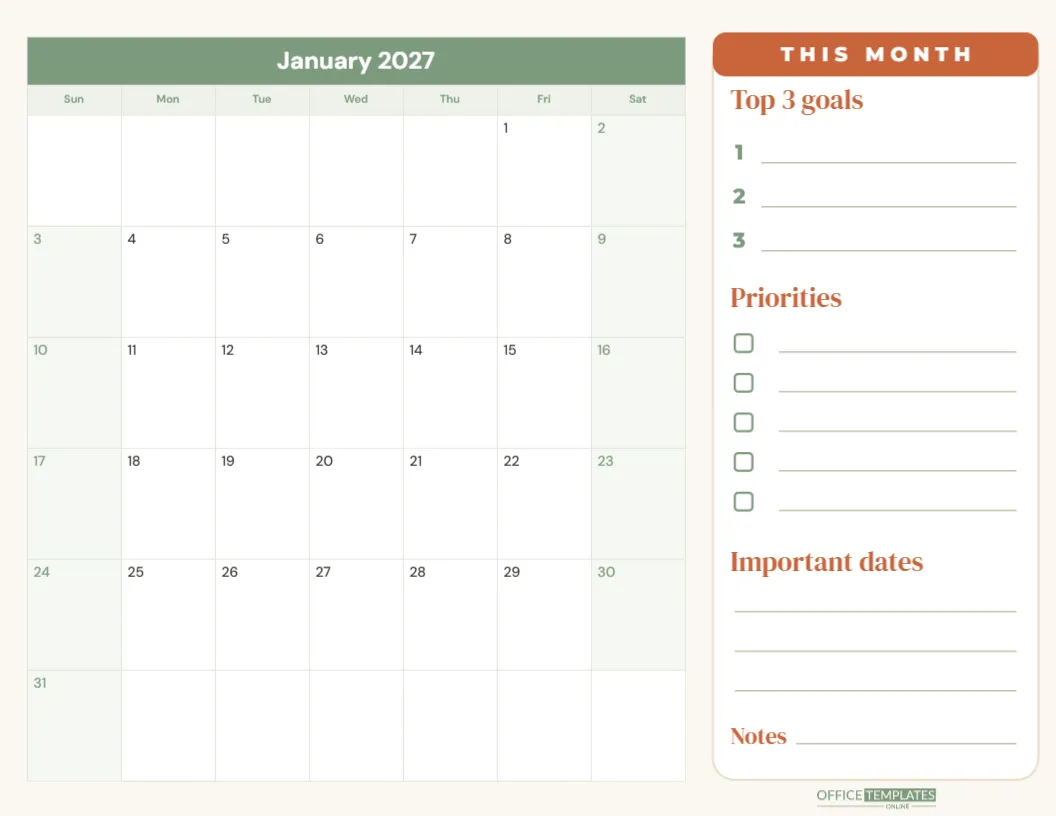
On the right, the month name is set in large italic Playfair Display, with 2027 in spaced capitals and a fine rule underneath. Below sits a clean calendar with a coloured weekday row, white date boxes, and weekends tinted in the month’s accent. The accent changes every month (blue, rose, green, amber, violet, teal, coral, mustard, cinnamon, rust, cocoa and forest green), and the stripe, weekday row and logo all follow it. The OTO logo sits small in the bottom-right corner.
Putting Your Photos In
Every photo frame is a photo slot. Click the picture area inside a frame and choose Replace Image, then upload your photo. It fills the frame and stays the right size, so the layout never breaks. Landscape photos suit the large frame best, and almost anything works in the small square-ish frames. If a photo crops awkwardly, try another; the frames are quick to refill.
Choosing Pictures That Tell the Year
When Ana built hers, she used a simple rule: one big moment and two small moments per month. The big frame got the birthday, the beach, the first day of school. The small frames got the things that are easy to forget: the dog’s new trick, a funny face, a messy kitchen after cookie-baking. Mixing the two makes the calendar feel like real life rather than a highlight reel.
- Use the photo from the same month last year, so the calendar becomes a one-year-ago reminder.
- Pick seasonal pictures: snow in January, blossoms in April, the beach in July, leaves in October.
- Give each family member a month to fill.
- For a grandparent, choose photos with their grandchildren in every month.
Writing Captions That Make People Smile
The captions are short, so use them for names, places, or inside jokes: Leo’s first goal, Lake weekend, Grandpa’s famous pancakes. The handwriting font keeps it personal. You can also put dates in the captions so the calendar doubles as a record of when things happened.
Changing the Month, Week Start and Colours
The calendar on each page is the editor’s Calendar object. Open Calendar Options to change the month or year, start the week on Monday, or adjust the colours and font. To make a calendar for 2028, change the year on each page. The accent stripe on the left and the rule under the month name are simple shapes, so recolour them to match if you change the calendar colours.
Giving the Photo Calendar to Grandparents
A photo calendar is one of the most welcome presents for grandparents, aunts and uncles, godparents and friends who live far away. Print on heavy matte or satin photo paper for the best results, and bind the pages at the top with a ribbon, binder clips, or wire binding at a print shop. Add a cover page if you like by duplicating January and replacing the calendar with a big title such as The Ferreira Family 2027.
Printing Tips for Photo Pages
Download the PDF in high quality and use the printer’s photo setting. Check one page first: if photos look dark, brighten them before uploading. Print shops can produce the whole set on card in one go, which often looks better than home printing for twelve photo-heavy pages. Order one extra copy for yourself; once people see it, someone always asks for another.
Other Ways to Use the Collage Layout
The same design works well beyond family photos: a pet calendar with your dog in every frame, a travel calendar with pictures from each trip, a small-business calendar showing products or happy customers, or a school calendar with class photos from each month. Change the captions to fit, and the calendar becomes a completely different gift.
A Year-Long Photo Habit
The easiest way to fill a photo calendar is to collect pictures as you go. Ana now keeps a phone album called Calendar 2027 and adds two or three favourites at the end of each month. In November she opens the album, picks the best three for each page and is finished in an evening instead of searching for days. If you share an album with your partner or older children, everyone can suggest pictures, and the final calendar becomes a family project rather than one person’s job.
Some families go further and keep the calendars from every year in a box. Flicking through them, you can watch children grow up, pets get older, and gardens fill in, one Polaroid at a time. Each new calendar adds another chapter to the family story, and the older ones become more precious with every passing year. It is a simple, low-cost habit that turns digital photos into something you can hold.
Ana has already started saving her favourite photos for next year’s version. Start yours by picking three pictures for January.