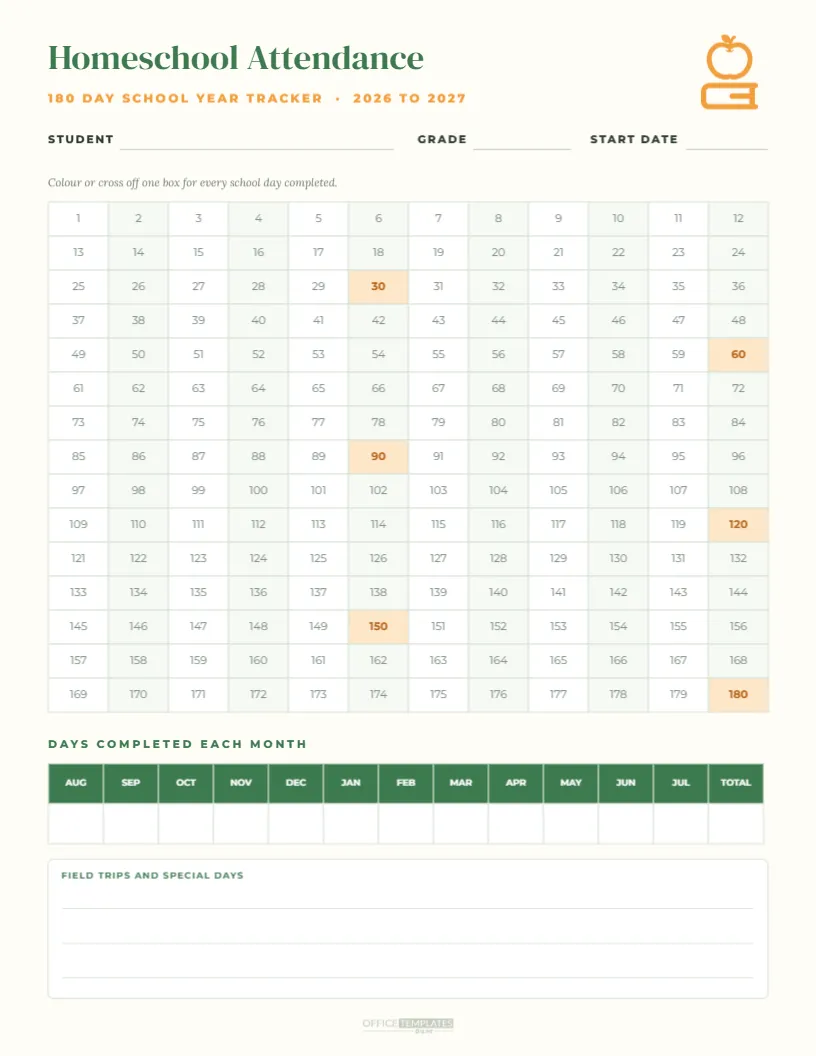
Keeping attendance records is an important part of homeschooling, and this tracker makes it simple and satisfying. The warm cream US Letter page opens with the title Homeschool Attendance in a green serif, the subtitle 180 Day School Year Tracker, 2026 to 2027, and an apple-on-books icon. Lines for the student’s name, grade, and start date sit below. The heart of the page is a grid of 180 numbered boxes, twelve across and fifteen down, with every 30th day highlighted in soft orange as a milestone. A table below records the number of days completed each month from August to July with a total, and a field trips and special days box completes the page.
Why Track Homeschool Attendance
Many states and countries require homeschool families to keep attendance records, often showing a minimum number of instructional days such as 180. Even where it is not required, a simple attendance log documents your child’s education, helps if you return to a traditional school, and gives children a visible sense of progress through the year.
How the 180 Day Grid Works
Each box represents one school day. Colour it in, cross it off, or add a sticker each time you complete a day of learning. Because the boxes are numbered rather than dated, the tracker works for any schedule, including year-round homeschooling, four-day weeks, or flexible calendars.
Milestone Days Every 30
Days 30, 60, 90, 120, 150, and 180 are highlighted in orange. Celebrate each milestone with a small treat, a special outing, or a family movie night. Breaking the year into six chunks makes the goal feel achievable for children and parents.
Monthly Attendance Totals
The table below the grid has columns for each month from August to July plus a total. At the end of each month, count the days completed and write the number. These totals are useful for reports to your local education authority and for planning the rest of the year.
Homeschool Student Details
Write the student’s name, grade, and start date on the lines at the top. If you homeschool several children, print one tracker for each, perhaps in different colours, so everyone can see their own progress.
Field Trips and Special Days
The box at the bottom records educational outings, co op classes, museum visits, and special projects. Many families count these as school days, and noting them here helps when compiling a portfolio or annual review.
Meeting State Homeschool Requirements
Requirements vary widely. Some states ask for 180 days, others count hours, and some have no attendance rules at all. Check your local regulations, keep the tracker in your homeschool records, and adjust the number of boxes if your requirement differs.
Adapting the Tracker for Hours
If your state counts instructional hours instead of days, write the hours completed inside each box. The grid then becomes a log of daily hours that you can total each month in the table below.
Editing the Attendance Tracker
Everything is editable. Change the school year, recolour the milestone boxes, rename the months to match your calendar, or edit the number of boxes. The grid and monthly table are editable tables.
Green and Orange Classroom Design
The fresh green and warm orange palette feels friendly and calm, suitable for children of all ages. Change the colours to your child’s favourites to make the tracker feel personal.
Printing the Homeschool Tracker
Print on US Letter at actual size on sturdy paper or card. Keep it on the homeschool wall where children can colour in their day, or in your record binder for safekeeping.
Using the Tracker With Younger Children
Young children love colouring in their own box at the end of each school day. It teaches counting, builds routine, and gives them pride in their learning. Let them choose a colour for each month to create a rainbow effect.
Using the Tracker With Older Students
Teenagers can manage their own attendance and record subjects studied in the field trips box. Taking ownership of the tracker builds responsibility and prepares them for managing their own schedules later.
Matching Homeschool Templates
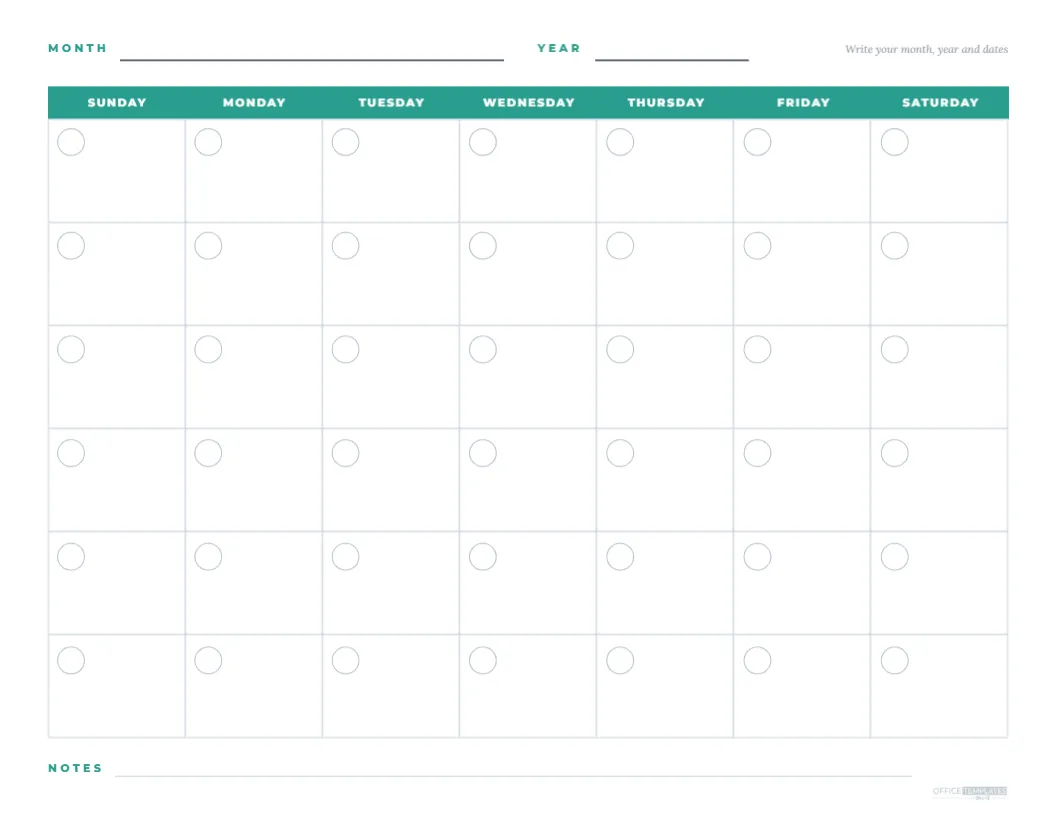
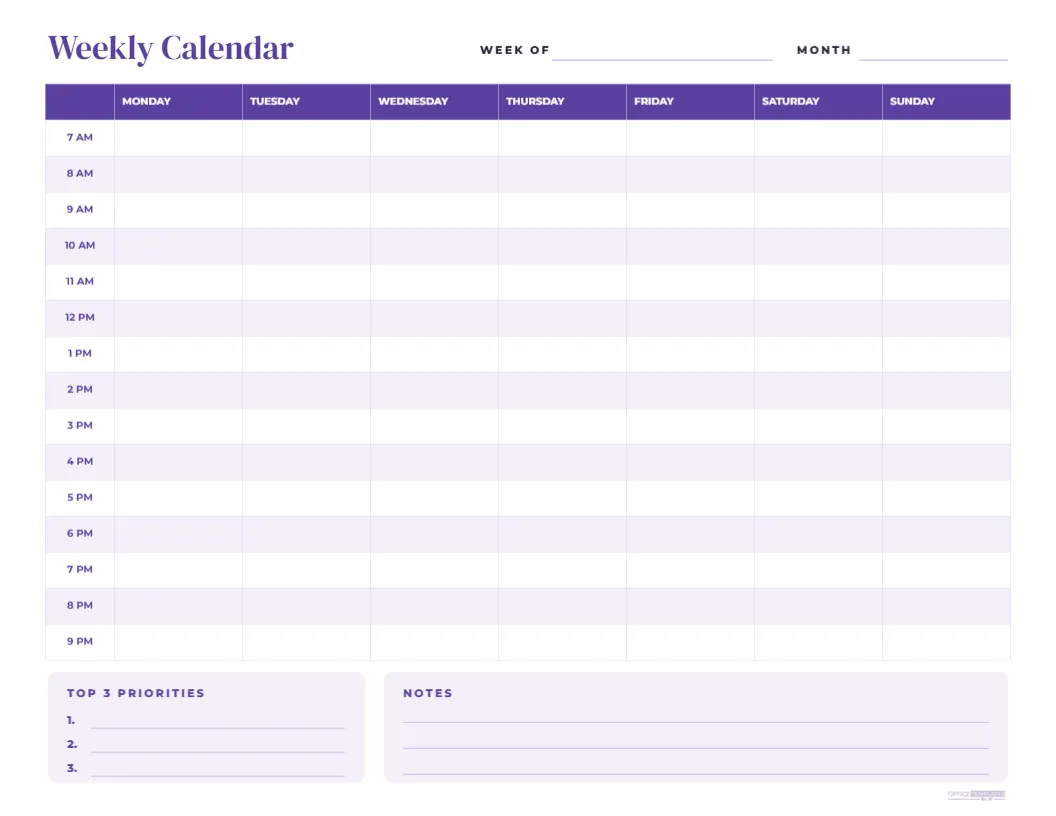
Pair the tracker with our blank monthly calendar for lesson planning, the 100th day of school chart for younger learners, and the weekly hourly calendar for scheduling subjects.
Saving the Homeschool Attendance Template
Save the tracker in your account and update the school year each August. Keep each year’s completed tracker as part of your homeschool portfolio.
Homeschool Tracker File Formats
Download a PDF for printing or an image for digital records. Some families also take a photo of the completed tracker each month as a backup.
Celebrating the Final Day
When the last box is coloured in, celebrate the end of the school year with a special day out or a homemade certificate. Looking back at a full grid of 180 days is a proud moment for the whole family.
Planning Breaks Around 180 Days
A 180-day year leaves around 185 days for weekends, holidays, and breaks. Many homeschool families plan a few weeks off at Christmas, a spring break, and a long summer, while others school year-round with shorter breaks. Count the boxes you need to complete each month to stay on track, and adjust if illness or travel interrupts your plan.
Recording Sick Days and Make Up Days
Note sick days and holidays in the field trips box, and add make-up days later in the year if you need to reach 180. A simple record shows you met your requirements even when life got in the way.
Attendance for Co Op and Online Classes
Days spent at a homeschool co op or in online classes usually count as school days. Colour those boxes in a different shade to see the mix of learning settings across the year.
Combining Attendance With a Portfolio
Many homeschool families keep a portfolio of work samples, reading lists, and photos. File the completed attendance tracker at the front as a summary of the year, followed by samples from each month for a complete record.