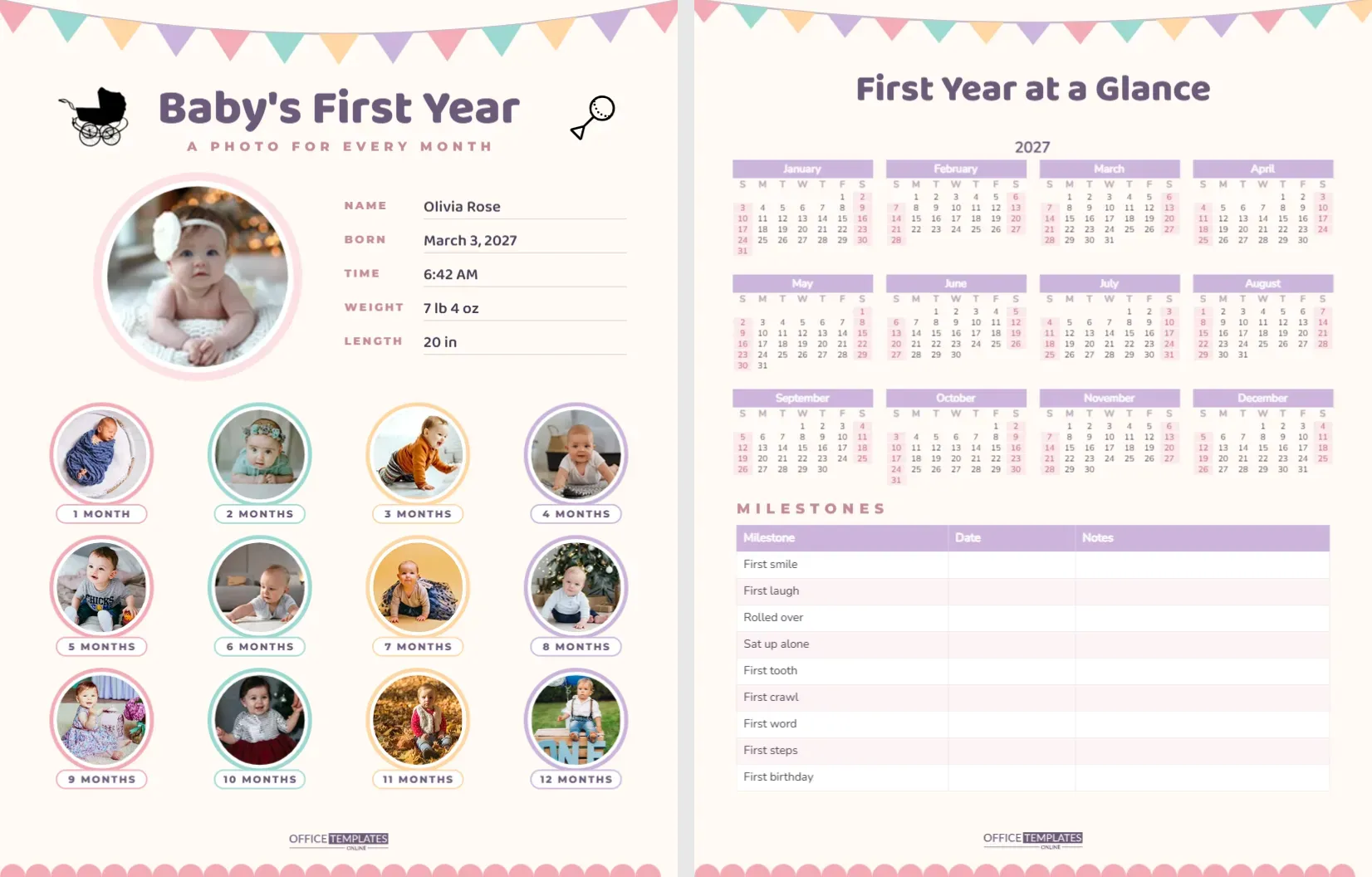
The first year goes by in a blur. One day your baby is a newborn, and the next they are pulling themselves up on the sofa. This two-page milestone calendar helps you capture it: a photo for every month on the first page, and a year calendar with a milestone record on the second. Follow the steps below, and you will finish the year with a keepsake you will treasure.
Step 1: Add the Newborn Photo and Birth Details
Page one is US Letter portrait on a soft cream background. Pastel bunting in pink, mint, peach, and lilac hangs across the top, and Baby’s First Year is written in rounded plum Baloo 2, with A PHOTO FOR EVERY MONTH underneath. A pram and a rattle decorate the corners of the title.
Below, a large round photo frame with a pale pink halo is waiting for the newborn photo. Click it and choose Replace Image to upload your picture. Beside the photo, five lines hold the birth details: Name, Born, Time, Weight, and Length. The sample reads Olivia Rose, born March 3, 2027 at 6:42 AM, 7 lb 4 oz and 20 in. Click each value to type your own.
Step 2: Take One Photo Every Month
The lower half of page one holds twelve smaller photo circles in a four-by-three grid, each ringed in one of the pastel colours and labelled with a pill-shaped tag from 1 MONTH to 12 MONTHS. Take a photo on or near your baby’s monthly birthday and drop it into the matching circle with Replace Image.
Tips for photos that work in a small circle:
- Fill the frame with your baby’s face; the circle crops the edges.
- Use the same spot, blanket, or soft toy every month so growth is easy to see.
- Shoot in daylight near a window and avoid flash.
- Take a few shots each time and pick the happiest one.
Step 3: Mark the Year on the Calendar Page
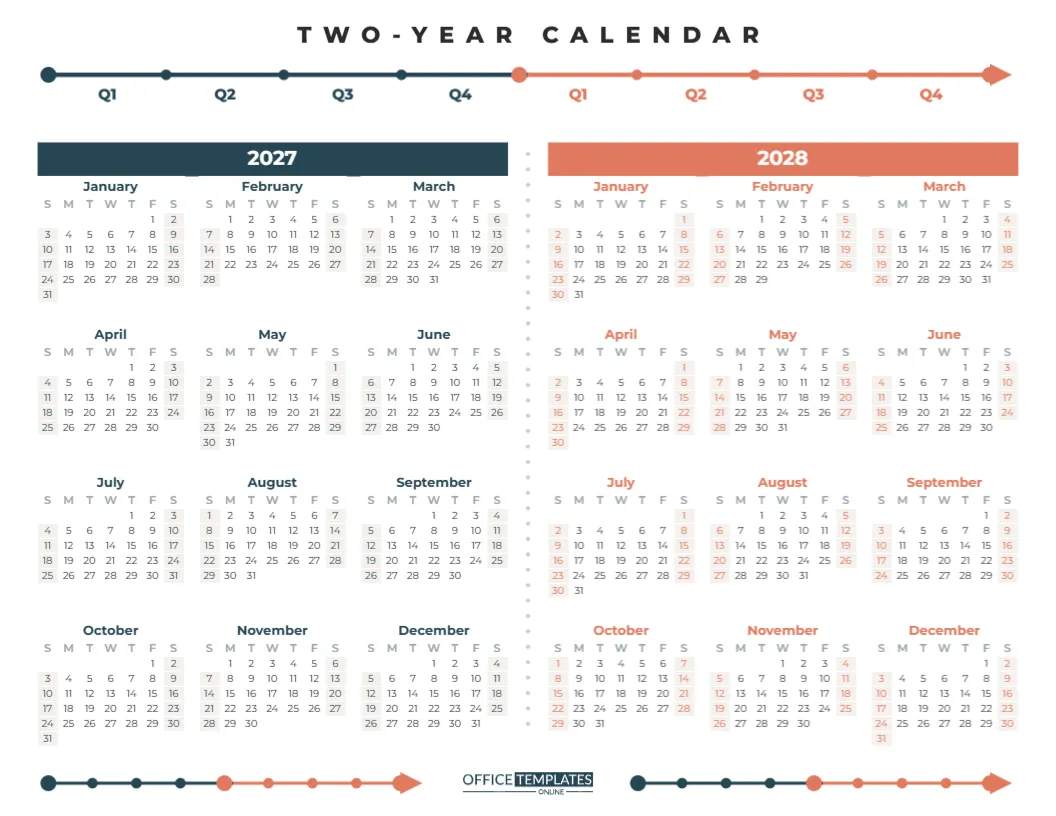
Page two is titled First Year at a Glance. It has smaller bunting across the top and a full-year calendar for 2027, with lilac month bars and weekends shaded in blush. Circle or colour your baby’s birthday, monthly birthdays, vaccinations, and check-ups. If your baby was born in 2026 or will be born in 2028, open Calendar Options and change the year; all twelve months rebuild automatically.
Step 4: Fill In the Milestones Table
Below the calendar, a milestones table lists nine big firsts with columns for the date and notes:
| Milestone | Typical age range | What to note |
|---|---|---|
| First smile | 6 to 8 weeks | Who made them smile |
| First laugh | 3 to 4 months | What was so funny |
| Rolled over | 4 to 6 months | Tummy to back or back to tummy |
| Sat up alone | 6 to 8 months | How long they stayed up |
| First tooth | 6 to 10 months | Which tooth appeared |
| First crawl | 7 to 10 months | Crawl style, shuffle or scoot |
| First word | 9 to 14 months | The word and who heard it |
| First steps | 9 to 15 months | Where it happened |
| First birthday | 12 months | Party, cake and guests |
Every baby develops at their own pace, so treat these ranges as a rough guide and talk to your health visitor or paediatrician if you have any questions. The table in the template is the editor’s Table object, so you can add rows for other firsts, such as first solid food, first swim or first haircut.
Step 5: Personalise the Colours and Fonts
The pastel palette suits any baby. To change it, recolour the bunting flags, photo rings and tags, and update the calendar colours in Calendar Options and the table colours in the Table Options. For a boy’s nursery theme, you might choose blues and greys; for a woodland theme, sage and mustard. Fonts are Baloo 2 for the titles and Nunito for the calendar and table, both Google Fonts.
Step 6: Print and Display the Milestone Pages
Download the PDF and print on matte photo paper or heavy card. Many parents print page one twice: once at the start of the year to fill in by hand, and once at the end with all twelve photos added digitally. Frame the photo page for the nursery, or put both pages in the baby book. It also makes a lovely first-birthday display at the party, where guests can see how much the little one has grown.
Step 7: Share It with the Family
Grandparents love this page. Download a PNG after each month’s photo is added and send it to the family group chat, so everyone can watch the grid fill up. At the end of the year, a printed copy makes a thoughtful gift for grandparents, godparents, or anyone who helped through those sleepless months.
Step 8: Write a Note for the Future
The back of the printed photo page is a perfect place for a short letter to your child, written on their first birthday. Describe what they loved that year, the songs that calmed them, the funny noises they made, and how you felt watching them grow. Date it and sign it. Years from now, the photos show what your child looked like, but the letter tells them who they were and how much they were loved. Some parents add a short note for each month in pencil as they go, which makes the letter much easier to write at the end.
Using the Calendar for Twins or Siblings
For twins, duplicate page one and make one copy per baby, or put both babies in each monthly circle. For a second child, print a fresh set so each sibling has their own keepsake; children love comparing their pages later. Change the name, birth details, and colours so each version feels like it belongs to its owner. A matching set also looks lovely framed side by side on a nursery or hallway wall, where visitors can compare the two first years.
Twelve months, twelve photos and a page full of firsts. Start with the newborn picture and the rest will follow.