A Company Letterhead Built Around a Side Tab
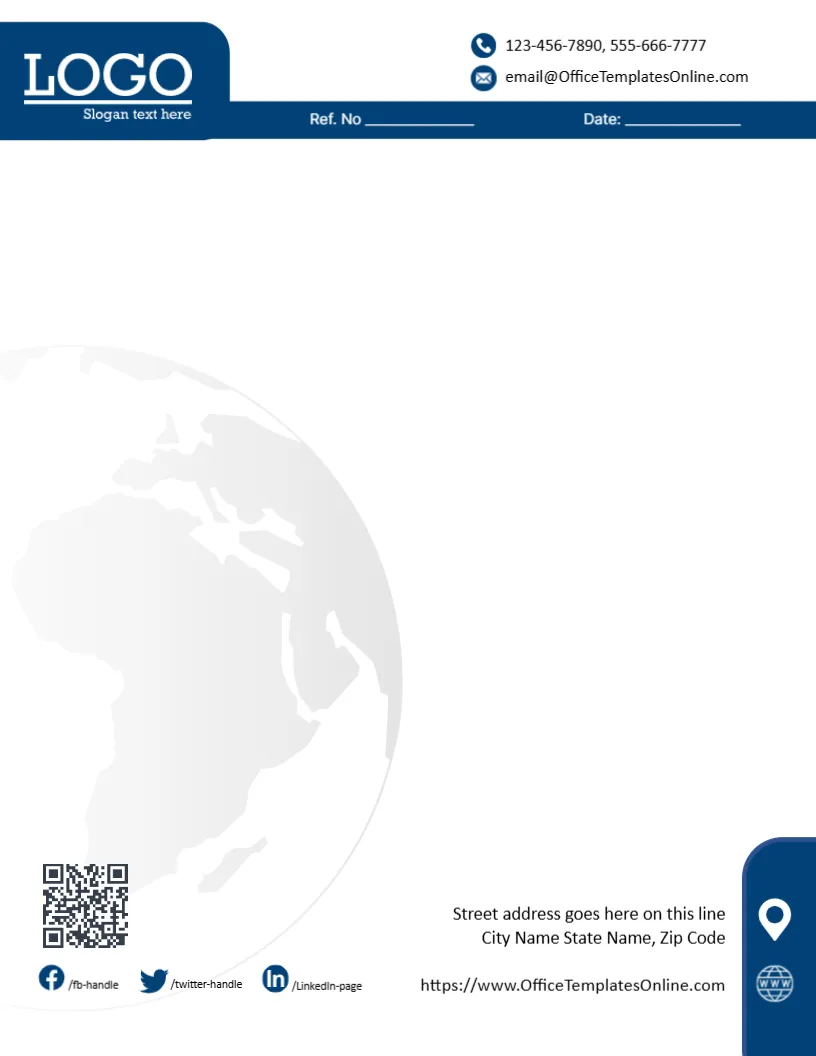
Many letterheads put everything in a header and a footer. This one adds a third element: a navy tab that rises along the right edge of the page and holds the address and the website. It gives the page a distinctive silhouette without taking space from the writing area. A company that sends letters to clients, banks or authorities can use it as its standard stationery, and a department can keep one master file for every outgoing letter.
The Navy Header and the Globe Watermark
The page is 8.5 x 11 inches, portrait, one page. A navy header with a lighter angle crosses the top, and a logo area sits on the left. In the middle of the page there is a faint globe watermark, drawn in light grey blue lines. A globe suits firms with international clients, such as freight, trading, software or consulting businesses. If your work is local, replace the globe with your own faded logo, or remove it.
Reading the Right Hand Tab
The tab on the right carries two small icons. One is a map pin beside the line for street address, city and state. The other is a web icon beside the website address. Because the tab is narrow, long addresses wrap onto two or three lines. Shorten words where you can, for example St for Street, and keep the postcode on its own line so the block looks tidy.
Contact Lines and Social Handles
Along the foot of the page you will find the phone numbers, an email address and the handles /fbhandle, /twitterhandle and /LinkedInpage. All of these are text, so click each one and type your own details. If you do not use one of the platforms, delete that handle, since an empty or wrong handle looks worse than none.
Ref. No and Date for Business Correspondence
Below the header there is a line for a reference number and a date. A reference helps when a client replies, because your team can find the original letter in seconds. A simple pattern works well, such as the year, the client code and a running number. Write the date the same way in every letter, so your files sort neatly.
Editing the Navy Letterhead Online
- Open the template and click the logo area, then choose Replace Image.
- Retype the address, the phone numbers, the email and the website.
- Update or delete the three social handles.
- Change the Ref. No and Date line.
- Type the letter in the clear space between the header and the foot.
The navy shapes are part of the design background and keep their colour, so a logo with navy, white or a bright accent will sit well on them.
Where This Letterhead Fits Best
The restrained navy suits accountants, logistics firms, schools, property companies and technology suppliers. It reads as formal without being cold. For a creative studio or a shop, a livelier design from the same category may suit you better, and you can switch without redoing your text.
Printing the Letterhead on Plain Paper
For office use, print on ordinary 80 to 100 gsm paper. The navy header is a large block of ink, so use the standard quality setting, and avoid draft mode, which can make navy look streaky. If you print many copies, ask a shop to run the header on offset paper and print your letter text over it on the office printer.
A Last Check for Company Letters
Look at the legal name of the company, the registration details if your country requires them, and the date. Make sure that the tab text fits without being cut off. Save the finished letter as a PDF, which keeps the tab and the globe exactly as you designed them.
For a simpler blue page, see the business letterhead. For a teal and navy angled look, try the corporate letterhead design. A navy and gold alternative is the creative company letterhead format. More are in letterheads.