Bring More Order to the School Day with a Clear Weekly Classroom Schedule
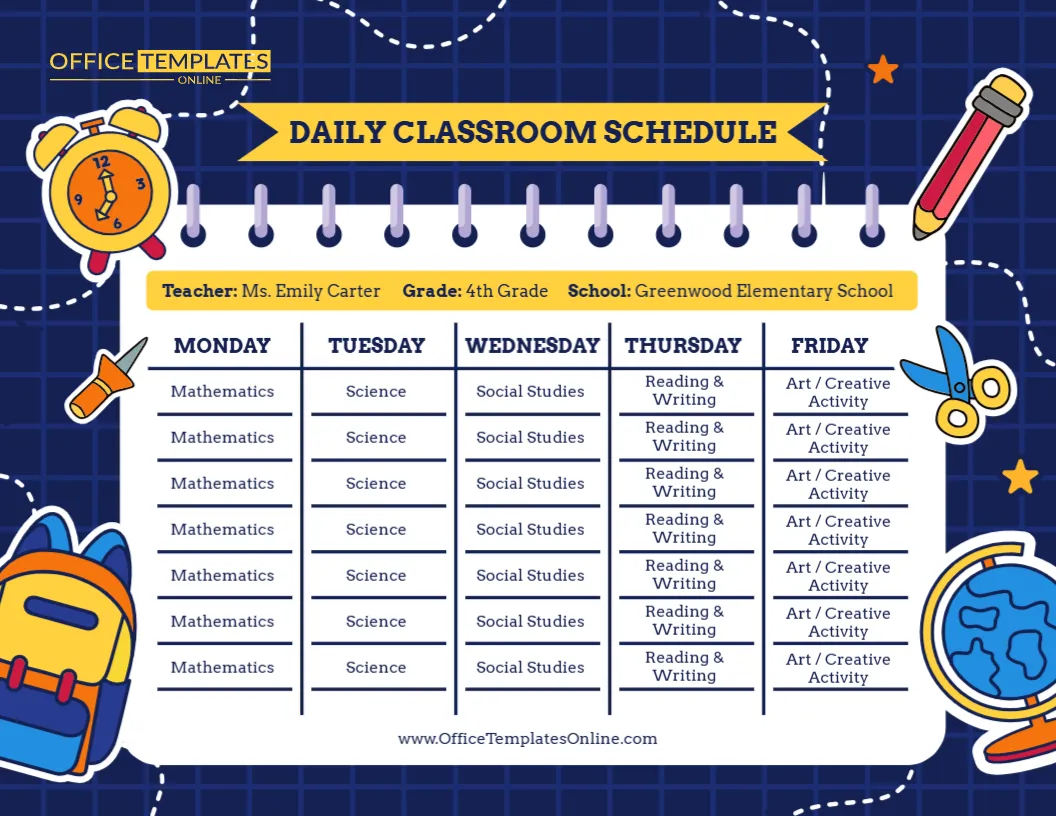
A busy school day becomes much easier to follow when students and teachers can see what is happening and when. This Classroom Schedule template provides a colorful, organized way to display a complete Monday-to-Friday routine, including class times, subjects, lunch, reading periods, activities, and other parts of the school day.
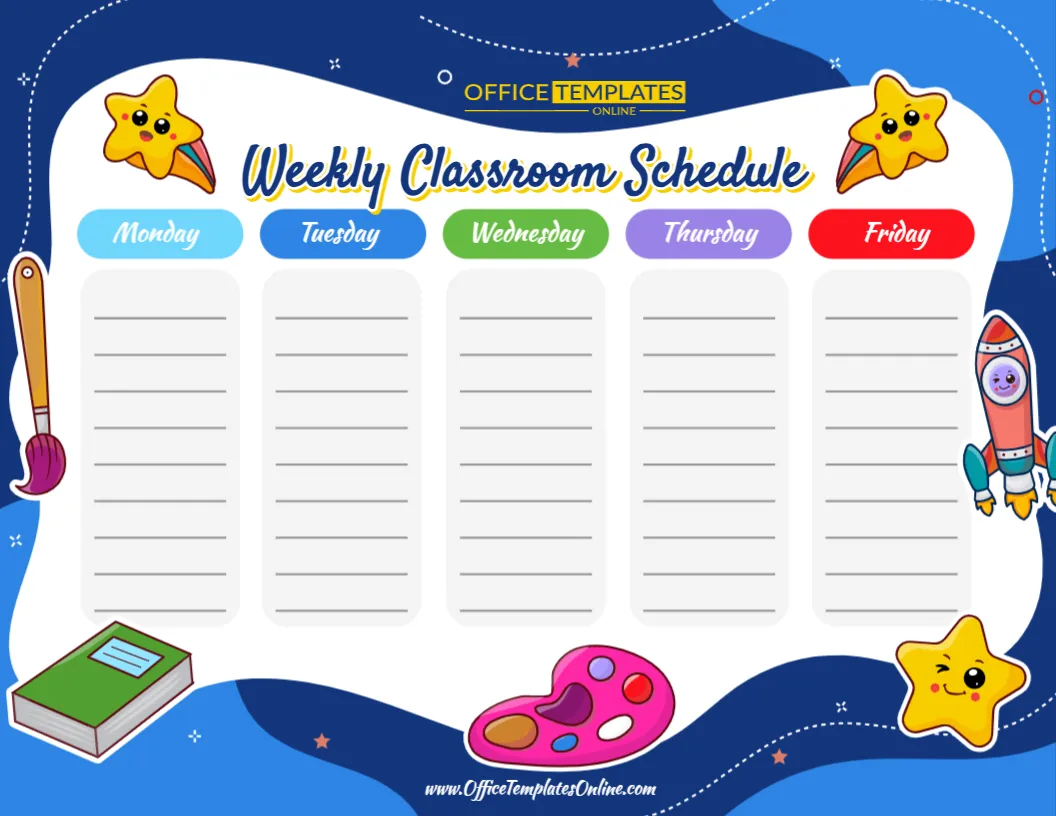
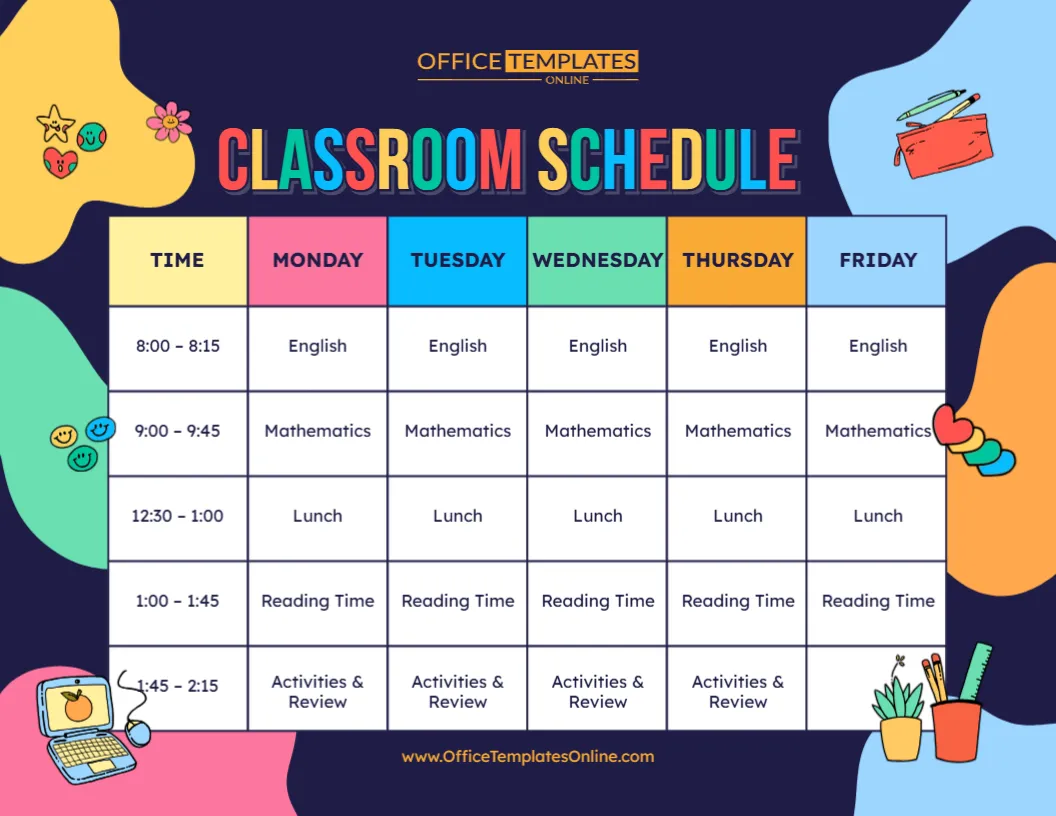
The template uses a simple weekly table with separate columns for Time, Monday, Tuesday, Wednesday, Thursday, and Friday. Each weekday has its own colorful heading, making it easy to move across the schedule and find the right day.
The sample schedule includes English, Mathematics, Lunch, Reading Time, and Activities & Review. These are only example entries—you can replace them with your own subjects, lesson periods, breaks, activities, and times.
There is no need to build a timetable from scratch. Open the template in the online editor, customize it directly in your browser with no login required, and download the completed classroom schedule as a PDF, PNG, or JPG.
See the Entire School Week in One Place
One of the main advantages of a weekly classroom schedule is having several days of information available in a single view.
Instead of checking separate schedules for Monday, Tuesday, Wednesday, Thursday, and Friday, this layout places the full school week together. Students can look across a row to see what happens at a particular time or look down a column to review the plan for a particular day.
This structure works especially well for classrooms that follow a fairly regular routine while still allowing individual periods to be changed when activities differ from one day to another.
What Is Included in the Template?
The sample design provides a ready-made timetable divided into six main columns.
The first column is reserved for time, followed by individual columns for all five weekdays. Several rows are available for entering lessons and activities throughout the day.
The example shows entries such as:
- English
- Mathematics
- Lunch
- Reading Time
- Activities & Review
It also includes sample time periods for each activity.
You can treat all of this information as placeholder content. Replace it with the actual timetable followed by your classroom.
Customize It Around Your Real School Day
Not every classroom follows the same schedule. Some schools have fixed lesson periods, while others use flexible blocks. Younger students may have circle time, snack breaks, or play periods, while older students may move between different academic subjects.
That is why an editable schedule can be particularly useful.
Depending on your classroom, you could customize the timetable with entries such as:
- Morning meeting
- Homeroom
- English or Language Arts
- Mathematics
- Science
- Social Studies
- Reading
- Writing
- Art
- Music
- Physical Education
- Computer or technology class
- Library
- Recess
- Snack time
- Lunch
- Independent work
- Group activities
- Project time
- Review periods
- Dismissal preparation
Enter only the activities that are relevant to your own school day.
Change the Times as Well as the Activities
A classroom schedule is only useful when its timing reflects the actual routine.
The time column makes it easy to show when each lesson or activity begins and ends. You can replace the sample times with your own class periods, blocks, or activity times.
For example, a teacher might organize the morning around core academic subjects and use later periods for reading, creative activities, physical education, or review.
Another classroom might use longer learning blocks instead of short periods.
By editing both the times and activity names, you can turn the ready-made design into a schedule that reflects how your classroom actually operates.
Color-Coded Weekday Headings Make the Layout Easy to Follow
The visual design is colorful without making the timetable difficult to read.
Monday, Tuesday, Wednesday, Thursday, and Friday each have a different header color. The time column also has its own light-colored heading. This creates a clear separation between days and makes it easier to follow information across the table.
A dark navy background surrounds the schedule, while large colorful lettering gives the “Classroom Schedule” title a strong visual presence.
Playful educational illustrations—including stationery, a small computer, pencils, a ruler, decorative hearts, and other classroom graphics—appear around the edges. These details give the schedule a friendly school theme while leaving the timetable itself clean and organized.
Made to Be Read at a Glance
Schedules often need to be checked quickly.
A student may want to know what lesson comes after lunch. A teacher may need to confirm the next activity. A parent may want to understand the basic structure of the school day.
The grid format supports these quick checks because information is organized by both day and time.
The large table cells also prevent the schedule from feeling crowded. Short activity names can be placed clearly within each section, helping the important information remain the focus of the design.
Edit the Classroom Schedule Online
You do not need to install desktop publishing or graphic design software to personalize this template.
The design can be customized using the online editor directly in your browser. Even if you have little experience creating schedules or designing classroom materials, the ready-made structure gives you an easy starting point.
No login is required to start customizing.
Simply replace the sample schedule with your own information, check that the days and times are correct, and prepare the finished version for download.
How to Personalize Your Weekly Schedule
You can prepare your classroom timetable in a few straightforward steps:
- Open the Classroom Schedule template in the online editor.
- Review the existing sample times and activities.
- Replace the sample time periods with your actual classroom times.
- Enter the correct lessons and activities for Monday through Friday.
- Check each row and column to make sure activities appear under the correct day.
- Review spelling and timing before finishing.
- Download the completed schedule as PDF, PNG, or JPG.
Starting with an existing table means you can concentrate on entering the schedule rather than designing its overall structure yourself.
Use It as a Classroom Wall Schedule
Once personalized, the template can become a useful visual reference inside the classroom.
Display it near the teaching area, beside a whiteboard, on a bulletin board, or in another location where students can easily check the day’s routine.
A visible schedule can be especially convenient when students frequently ask what subject or activity comes next. Instead of repeating the full routine, teachers can direct students to the schedule.
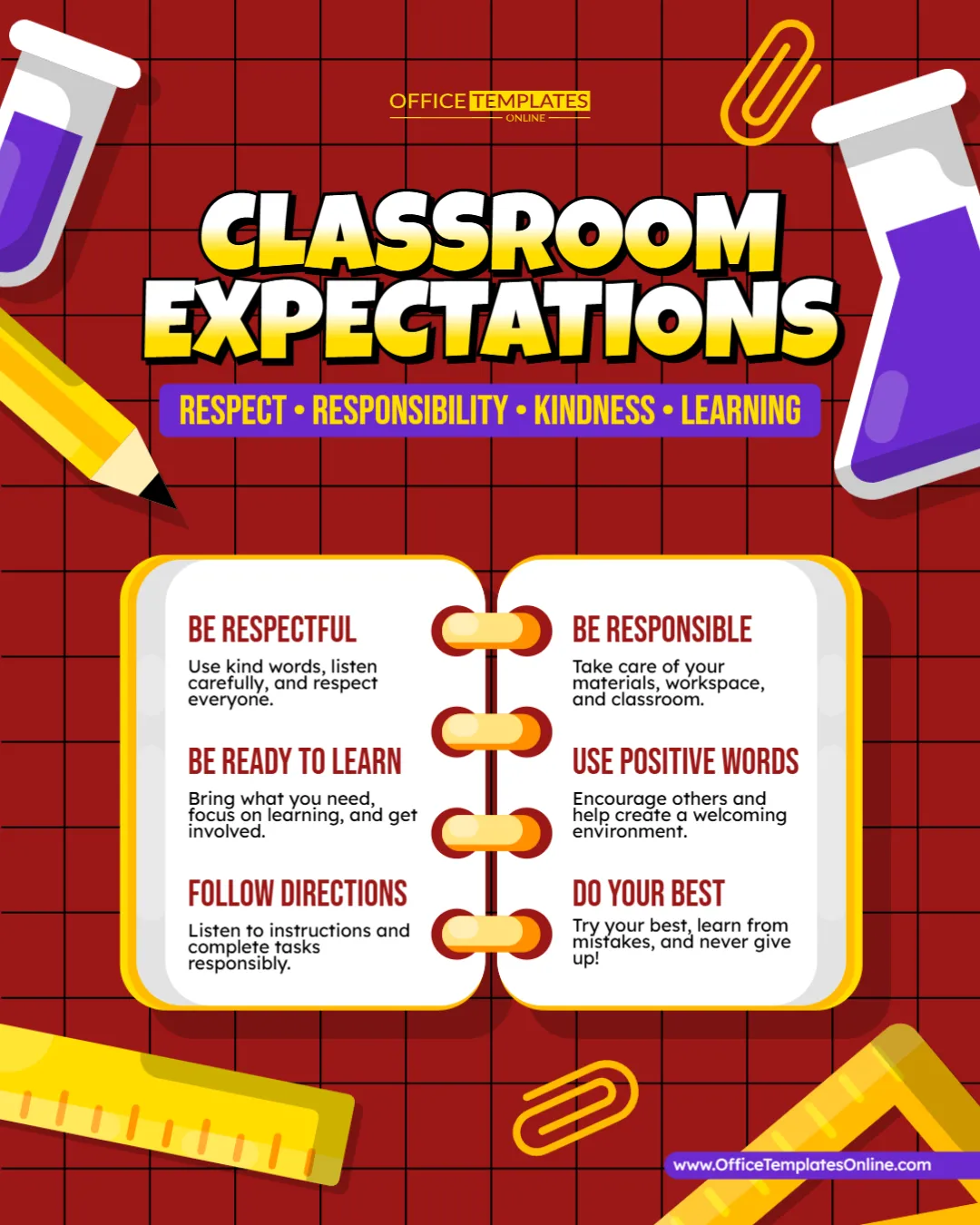
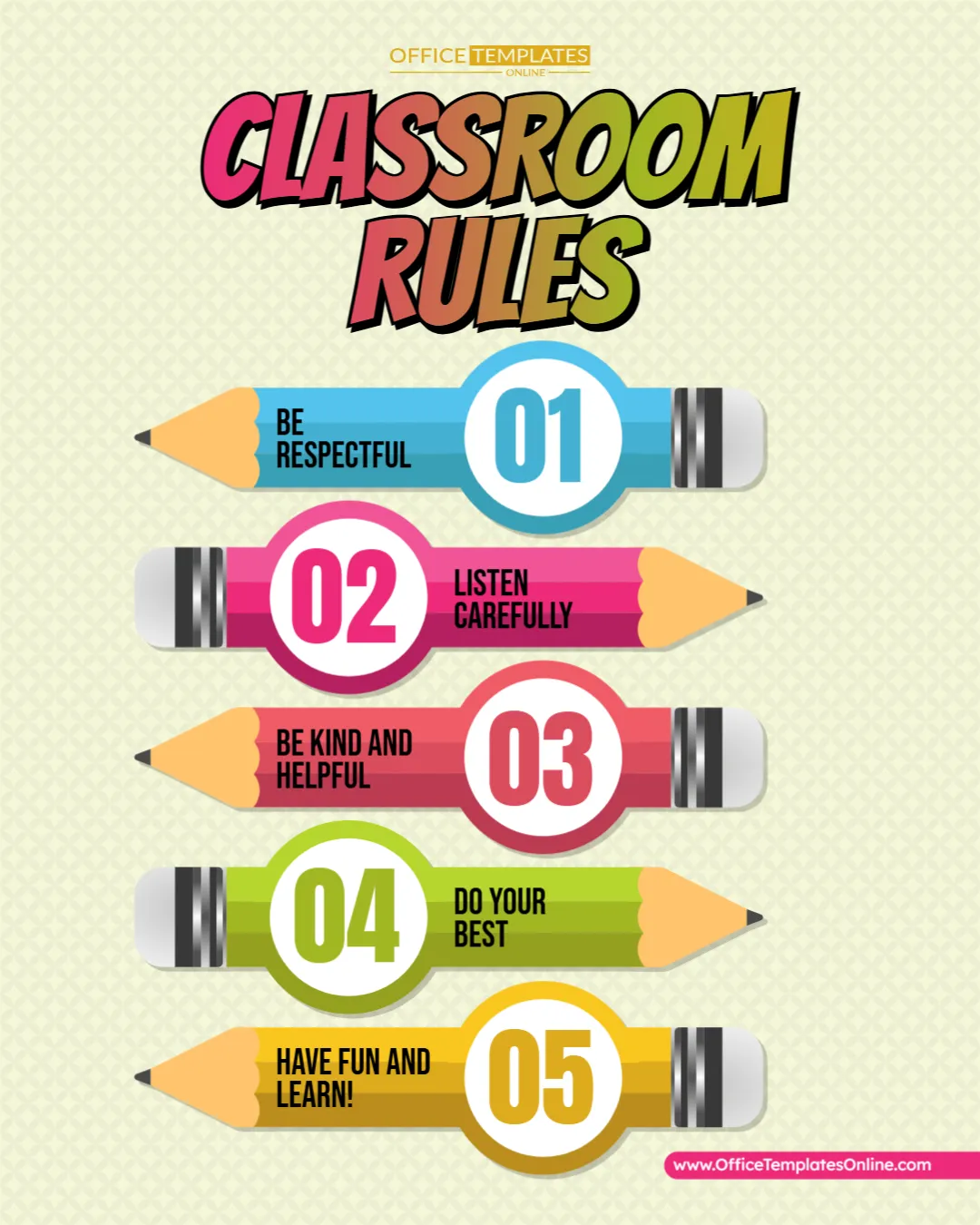
It can also serve as part of a larger classroom organization display alongside classroom rules, expectations, calendars, or important reminders.
Helpful for Teachers, Students, and Families
Although the template is designed primarily for classroom use, different people may find it useful.
Teachers can use it to present the weekly routine in an organized visual format.
Students can refer to it throughout the day to understand what comes next.
Parents and families can use a shared copy to better understand the student’s regular weekly routine.
Homeschool educators can adapt it into a structured Monday-to-Friday home learning timetable.
Tutors and learning centers can replace the subjects with sessions, activities, breaks, or group learning periods.
This makes the template suitable for more than one type of educational setting.
Adapt It for Different Grade Levels
The schedule is not tied to a particular subject or grade.
For preschool or kindergarten, the rows might contain activities such as morning circle, story time, snack, outdoor play, art, lunch, and quiet time.
An elementary classroom could include mathematics, reading, writing, science, social studies, lunch, recess, and special subjects.
A homeschool schedule could contain lessons, independent study, reading, creative projects, physical activity, and breaks.
The content can be adjusted according to the students’ age and the structure of the learning environment.
Use the Template for More Than Traditional Subjects
A weekly classroom timetable does not have to contain only academic subjects.
The same layout can be used to organize:
Special classes: Art, music, library, technology, or physical education.
Classroom responsibilities: Weekly routines, cleanup periods, or organizational activities.
Learning blocks: Independent reading, group work, projects, intervention, or review.
Breaks: Lunch, recess, snack time, and other scheduled pauses.
Recurring activities: Assemblies, clubs, enrichment sessions, or weekly classroom events.
This flexibility allows teachers to make the schedule as detailed or as simple as their students need.
Download Your Schedule in Three Convenient Formats
When your weekly timetable is complete, you can download it as a PDF, PNG, or JPG.
Choose PDF when you want a convenient document format for printing or sharing.
Choose PNG when you want a high-quality image version of the schedule.
Choose JPG when you need a widely supported image file that is easy to store and use across many devices.
Multiple download formats make it easier to use the same customized schedule for different purposes.
Make the Weekly Routine Easier to Understand
A clear schedule can turn a long list of lessons and activities into something students can understand at a glance. Rather than creating separate plans for every weekday, this template brings Monday through Friday into one organized weekly view.
With editable times, subjects, and activities, the Classroom Schedule template can be adapted to fit your actual school routine instead of forcing your routine into a fixed example.
Whether you need a weekly classroom timetable, homeschool schedule, student routine, or visual school-day planner, this ready-made design gives you a practical place to begin.
Customize your classroom schedule online with no login required, add your own times and activities, and download the finished timetable as a PDF, PNG, or JPG.