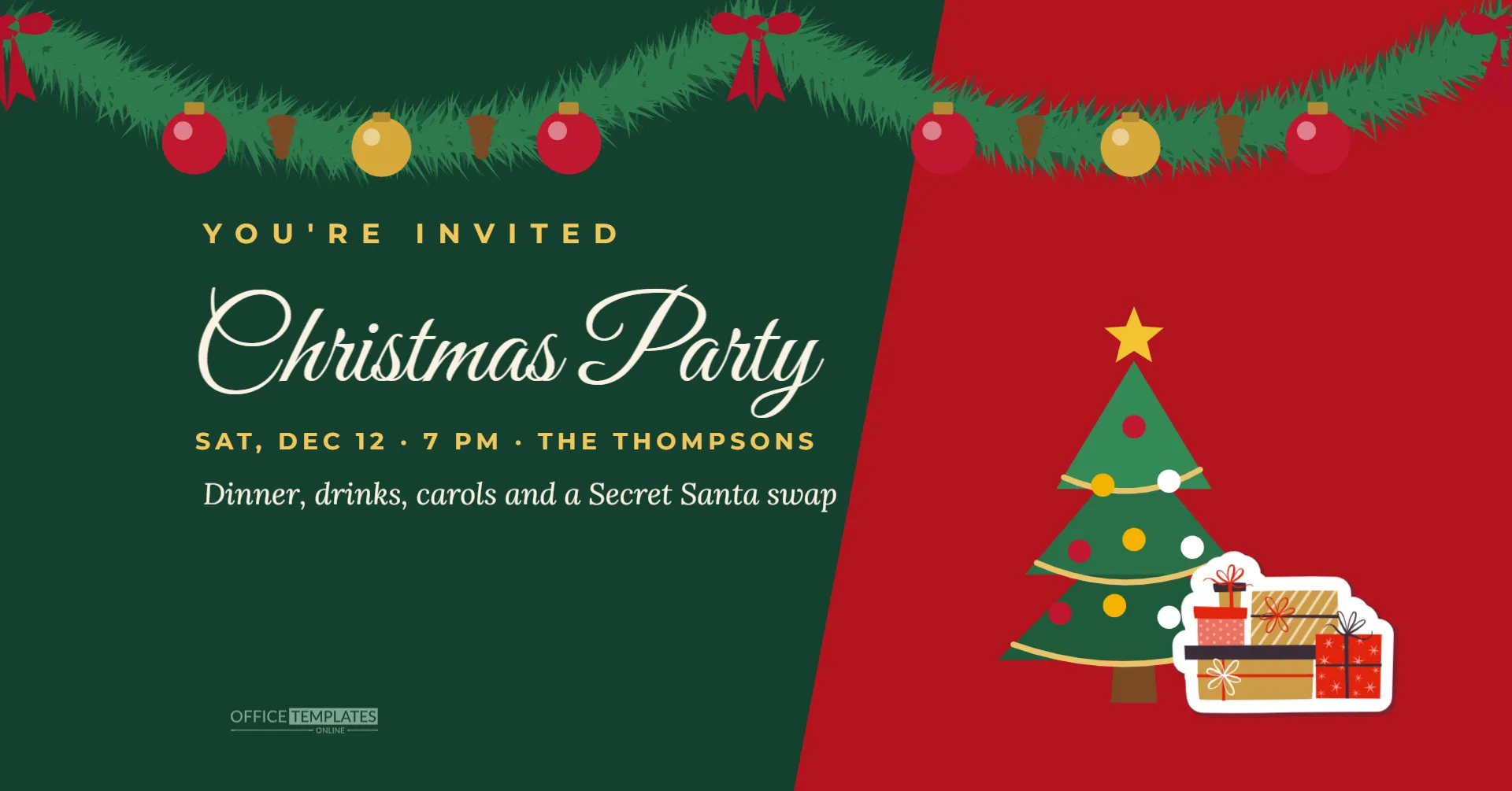
When you create a Christmas party event on Facebook, the cover image is the first thing invited guests see in their notifications and on the event page. A plain photo or a blank grey cover looks unfinished. This wide 1920 x 1005 pixel template is designed for event covers: a deep green and red split background, a full fir garland with baubles across the top, a large script title on the left and a decorated tree with a stack of gifts on the right.
Why Event Covers Matter
Facebook events show their cover image in invitations, reminders and the event list. A clear, festive cover tells people at a glance what the event is, when it is, and that it is worth attending. It also makes the event look organised and welcoming, which encourages replies. Because the cover also appears in event reminders, guests see it several times before the party, which keeps your event top of mind during a crowded December.
Size and Layout
The canvas is 1920 x 1005 pixels, roughly a 1.91: 1 ratio, which matches the size Facebook recommends for event cover photos. Facebook may crop slightly differently on phones and computers, so the design keeps important elements away from the edges. The title and date sit in the centre-left area, the tree and gifts on the right, and the garland across the top is decorative, so a little cropping does not hide anything important.
Garland, Split Background and Tree
The left side is deep evergreen, and a large red area cuts in from the right on a diagonal, creating a dynamic split. A lush fir garland with red and gold baubles, pine cones, and red bows hangs across the top. YOU’RE INVITED sits in spaced gold capitals, Christmas Party in large cream Great Vibes script, and SAT, DEC 12, 7 PM, THE THOMPSONS in gold capitals beneath. An italic line describes the evening. On the right, a decorated tree with a gold star and red, yellow, and white ornaments stands next to a stack of wrapped gifts.
Editing the Event Cover
Click the date line and the description line to replace them with your own details. Keep the date line short so it does not run into the red area. If you change the title, keep it to one line. The garland, tree and gifts are editable vectors; select them to recolour, resize or move them. The red diagonal is a single shape; click it to change its colour, for example to gold or navy.
Uploading to Facebook
Download the cover as a PNG or a high-quality JPG. When creating or editing your event, choose to upload a cover photo and select the file. Facebook lets you reposition the image; check the preview on both desktop and mobile, and make sure the title and date are fully visible. Save the event, then open it on your phone to confirm the cover looks right.
Writing the Event Description
The cover attracts attention; the description gives details. Include the full address or venue name, start and end times, what to bring, the dress code, parking information, and any activities such as a gift exchange. Use the event’s discussion posts to share updates, such as the menu or a reminder to bring gifts. Keep the description friendly and concise, and put the most important information first.
Other Uses for the Wide Design
The wide format works beyond Facebook events. Use it as a website banner for a community party, a header image in an email newsletter, a LinkedIn event banner, or the cover of a shared photo album after the party. For an email header, you may want a shorter version; crop the canvas height in the editor.
Privacy for Private Parties
For a party at home, create a private event visible only to guests, and avoid putting your full street address in the cover image. Share the address in the event details, which only guests can see. For public events, such as a community or business party, a public event and a clear venue name help people find it.
Promoting a Public Christmas Event
If your event is public, such as a bar’s Christmas party, a church carol night, or a community celebration, share the event to your page, ask co-hosts to share it, and post the cover image in local groups where allowed. Update the event regularly with posts so it appears in followers’ feeds, and use the same design in an Instagram post for consistency.
Matching Invitations
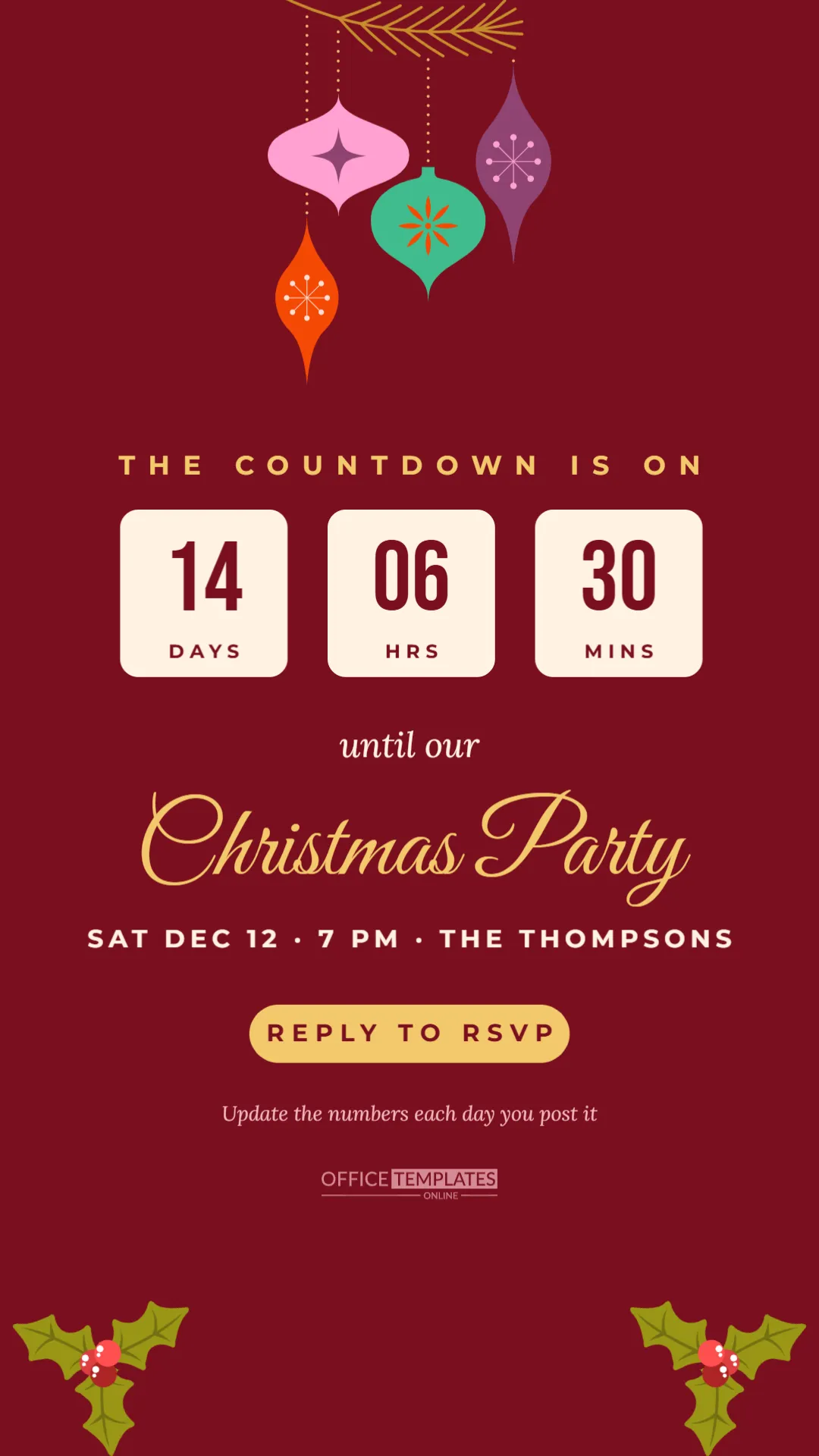
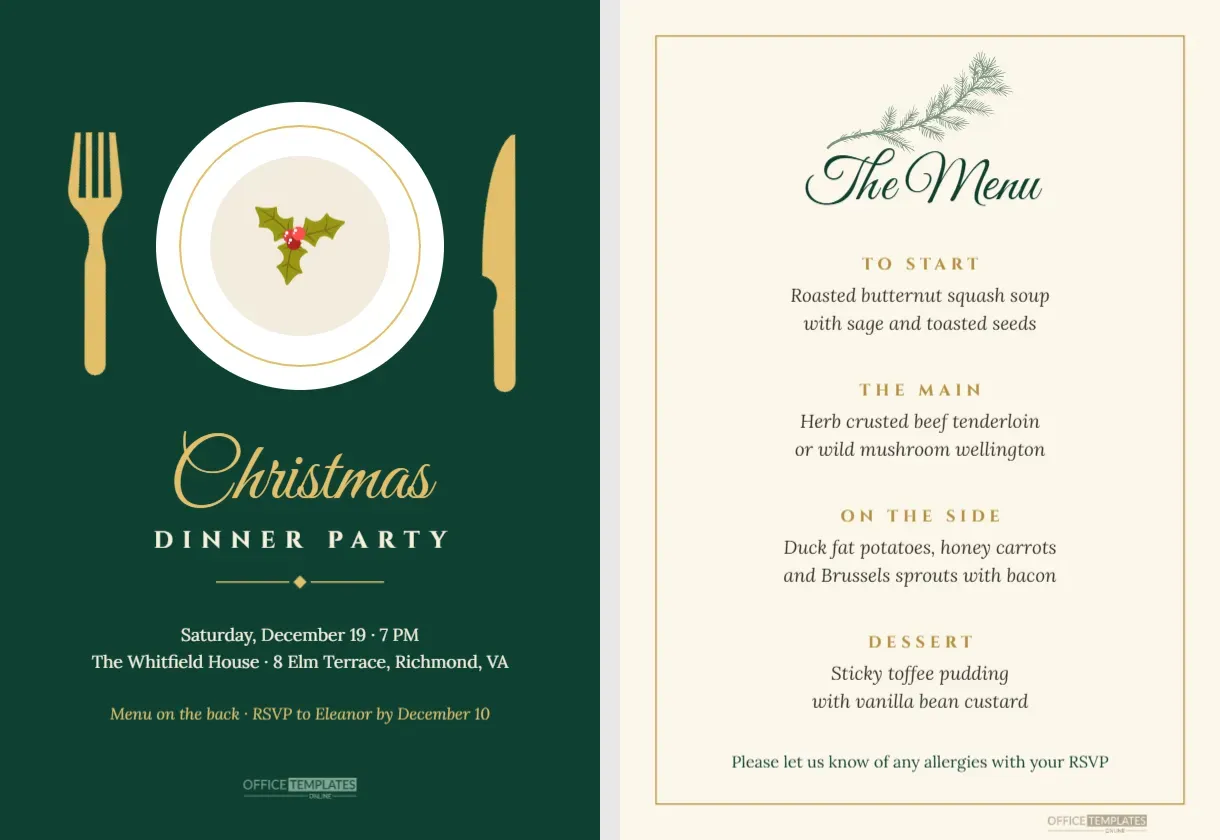
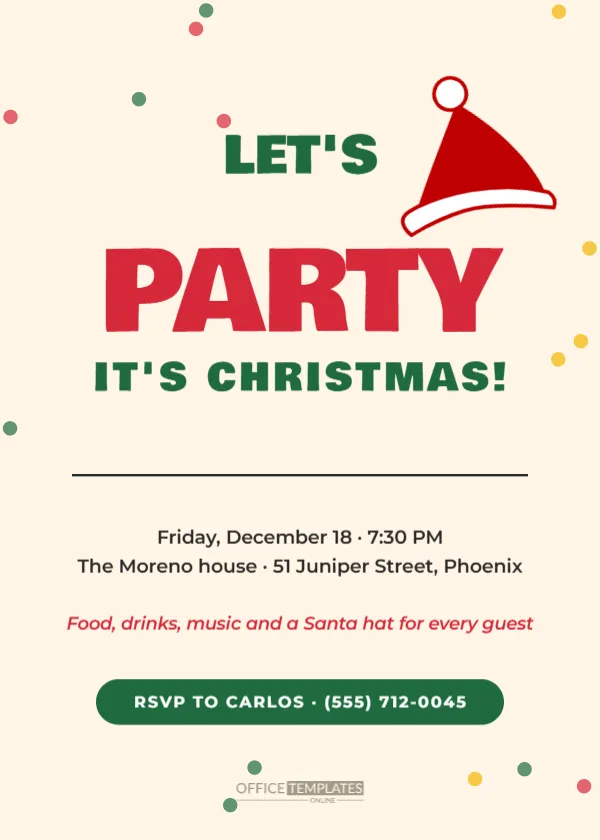
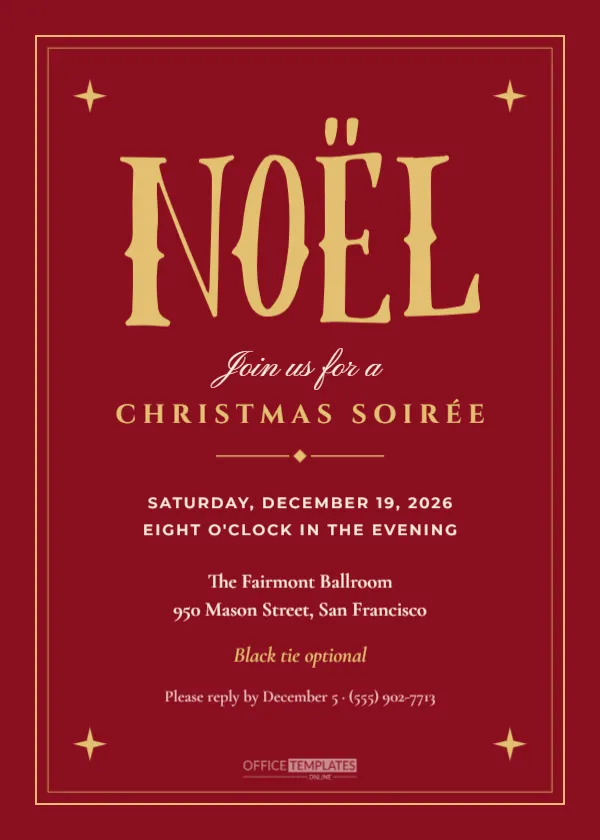
For a coordinated look, use the same green, red, and gold colours on printed invitations, the phone invitation, and the email invitation in this collection. Guests who see consistent designs everywhere recognise your event immediately.
Event Cover Questions
Can I add a photo?
Add a rectangle from the Elements panel on the green side and use Replace Image, keeping it away from the edges.
Will it fit a Facebook group cover?
Group covers use a different ratio, so some cropping may occur. Test the upload and reposition as needed.
Can I print it?
Yes, as a banner or poster, but it is designed for screens.
Event Reminders and Updates
Facebook sends reminders to guests who reply going or interested, but a personal post in the event a few days before the party is still helpful. Share the final timings, the menu, a parking tip, or a photo of the decorations being set up. Each post brings the cover image back into guests’ notifications, reminding them of the date. After the party, post a thank you and a few photos in the event so everyone can relive the evening.
Accessibility for Event Images
Images on Facebook can include alternative text for people using screen readers. After uploading the cover, add a short description such as Christmas party cover with a fir garland, tree, and gifts, Saturday, December 12. Also repeat the key details in the event description, since text inside images cannot be read by everyone.
Make Your Event Stand Out
Add your date and details, upload the cover, and invite your friends. A festive cover turns a simple event page into an invitation people want to accept.