Clearly Confirm Who Is Authorized to Sign on Behalf of Your Company
When a company needs to formally identify a person who is authorized to sign, execute, or deliver documents on its behalf, the information should be presented clearly. This Authorized Signatories Incumbency Certificate Template gives you a professional, ready-to-edit format for doing exactly that.
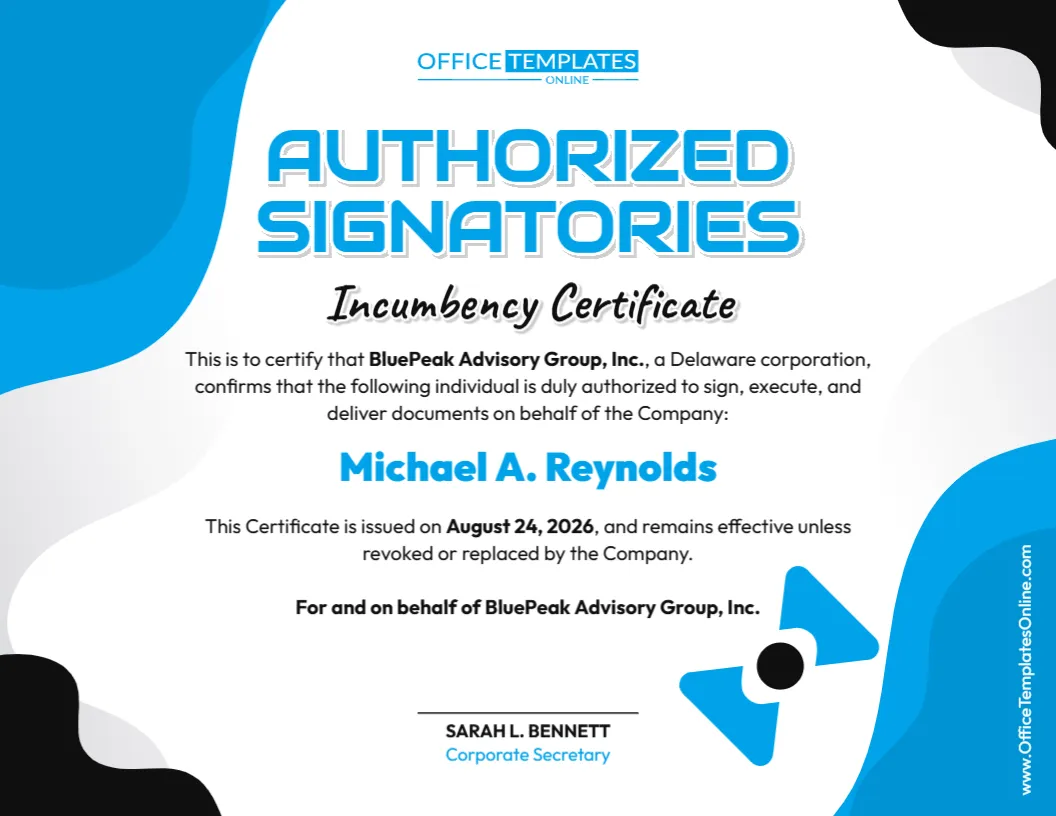
The template focuses on a straightforward purpose: identifying an authorized signatory and recording the company’s confirmation of that person’s signing authority. The sample certificate includes the company name, jurisdiction of incorporation, authorized individual’s name, issue date, statement about how long the certificate remains effective, and a certification area for the Corporate Secretary.
Instead of building such a certificate from a blank page, you can personalize this design using our online editor directly in your browser. No login is required. Enter your information, adjust the editable content as needed, review the completed certificate, and download it in PDF, PNG, or JPG format.
A Certificate Designed Around Signing Authority
An incumbency certificate is commonly used to provide information about people who currently hold specified positions or authority within an organization. This particular template places special emphasis on authorized signatories.
In its sample wording, the company confirms that a named individual is duly authorized to sign, execute, and deliver documents on behalf of the company.
That makes the certificate different in focus from a basic document that only states a person’s job title. Here, the central information is the individual’s authority to sign for the business.
This distinction is important because a person’s position within a company and the exact signing powers granted to that person may not always be the same thing.
What Information Does This Template Contain?
The certificate has a spacious layout that keeps the main details highly visible. You can customize the sample content to include information appropriate to your organization, such as:
- Company name
- State or jurisdiction of incorporation, where applicable
- Name of the authorized signatory
- Statement describing the person’s signing authority
- Certificate issue date
- Statement concerning the certificate’s continuing effectiveness
- Name of the person certifying the information
- Title of the certifying person
- Signature or certification area
The sample uses a Corporate Secretary as the certifying person, giving the certificate a clear distinction between the individual receiving signing authority and the person certifying that authority.
Why Might a Business Need to Identify an Authorized Signatory?
Companies frequently conduct business through individuals acting on their behalf. Depending on their authority, these individuals may sign contracts, execute documents, handle certain account-related matters, or complete other transactions for the organization.
A third party dealing with a company may therefore want documentation showing who has been authorized to sign.
An Authorized Signatories Incumbency Certificate can provide a convenient written record of that information when this type of certification is appropriate. Rather than relying on an informal statement, the certificate organizes the company details, authorized person, scope of the stated authority, date, and certification in one document.
The exact purpose and required contents will depend on the recipient and the transaction involved.
Edit the Sample Wording to Match the Actual Authority
One of the most important parts of this template is the sentence describing what the named individual is authorized to do.
The sample certificate states that the person is authorized to sign, execute, and deliver documents on behalf of the company. Before using that wording, make sure it accurately reflects the authority that has actually been granted.
You may need broader, narrower, or more specific language.
For example, a person might have authority only for particular accounts, contracts, transactions, departments, or types of documents. If limitations apply, the certificate should not suggest that the individual has unrestricted signing power.
Because this template is editable, you can revise the certification statement instead of being locked into the sample language.
Customize Everything Online—No Login Needed
Preparing your own version is simple.
Open the template in our browser-based editor, click on the editable content, and replace the sample details with your own. You do not need to install special software, and you do not need to log in to customize the template.
Start with the company name and incorporation details. Next, enter the full legal name of the authorized signatory and review the statement describing their authority.
Update the issue date, validity wording, certifying person’s name and title, and any other editable information required for your situation.
You can also make available design adjustments to personalize the certificate further while keeping its professional structure.
Understanding the Effective-Until-Revoked Statement
The sample certificate includes wording indicating that it remains effective unless revoked or replaced by the company.
This can be useful when the certification is intended to continue beyond the date on which it was issued. However, this wording should not automatically be used in every situation.
Some recipients may require a recently dated certificate. Others may expect an expiration date, transaction-specific authorization, updated corporate resolution, or another form of confirmation.
If you keep an “effective unless revoked or replaced” statement, make sure it is suitable for the company’s procedures and the purpose for which the certificate will be used.
An Easy-to-Scan Design for Business Use
The visual design gives important information room to stand out.
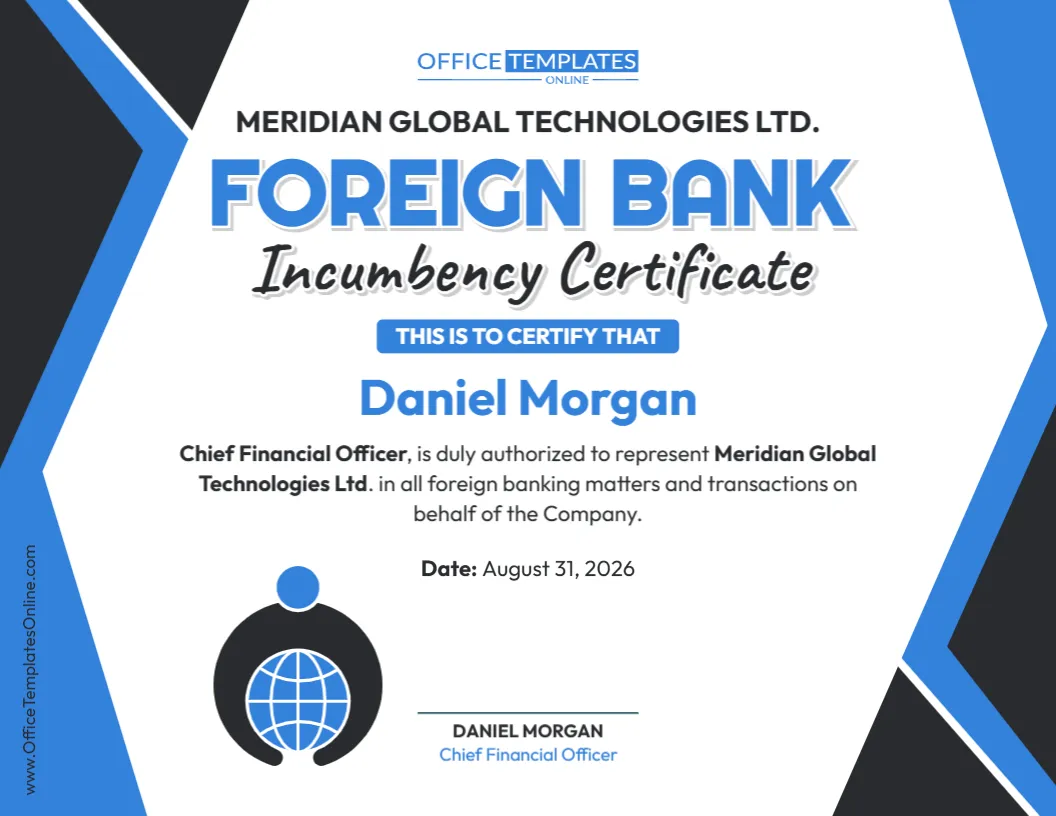
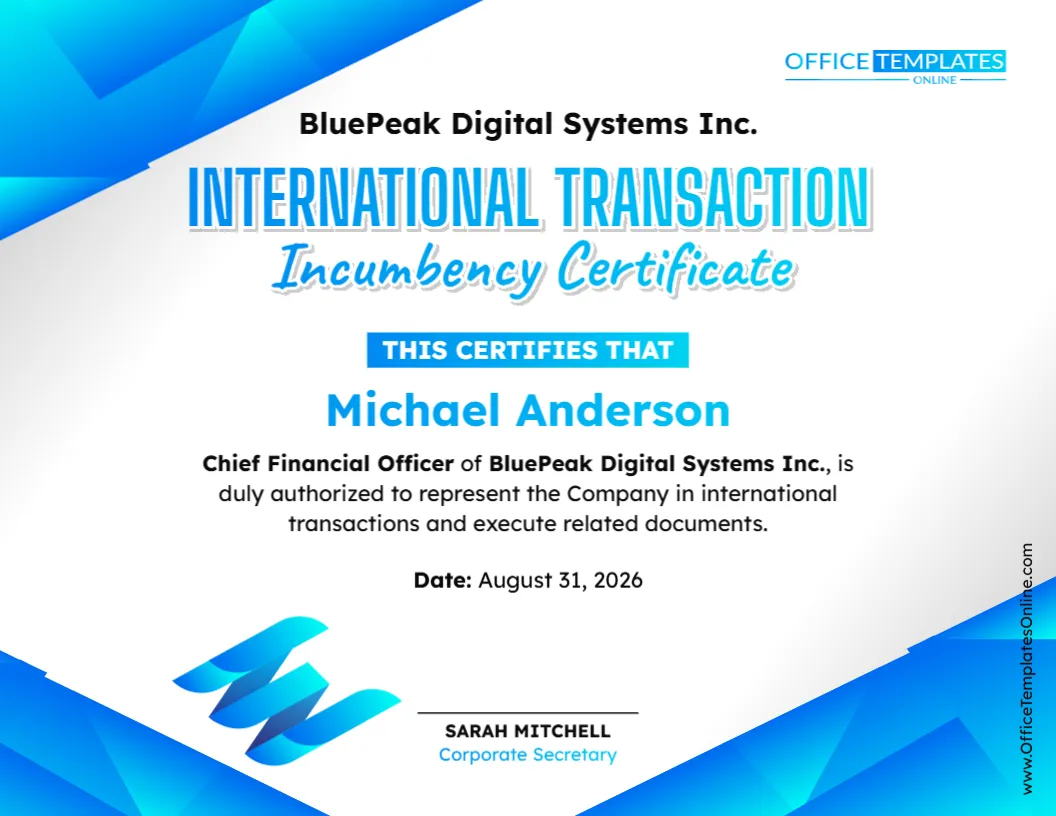
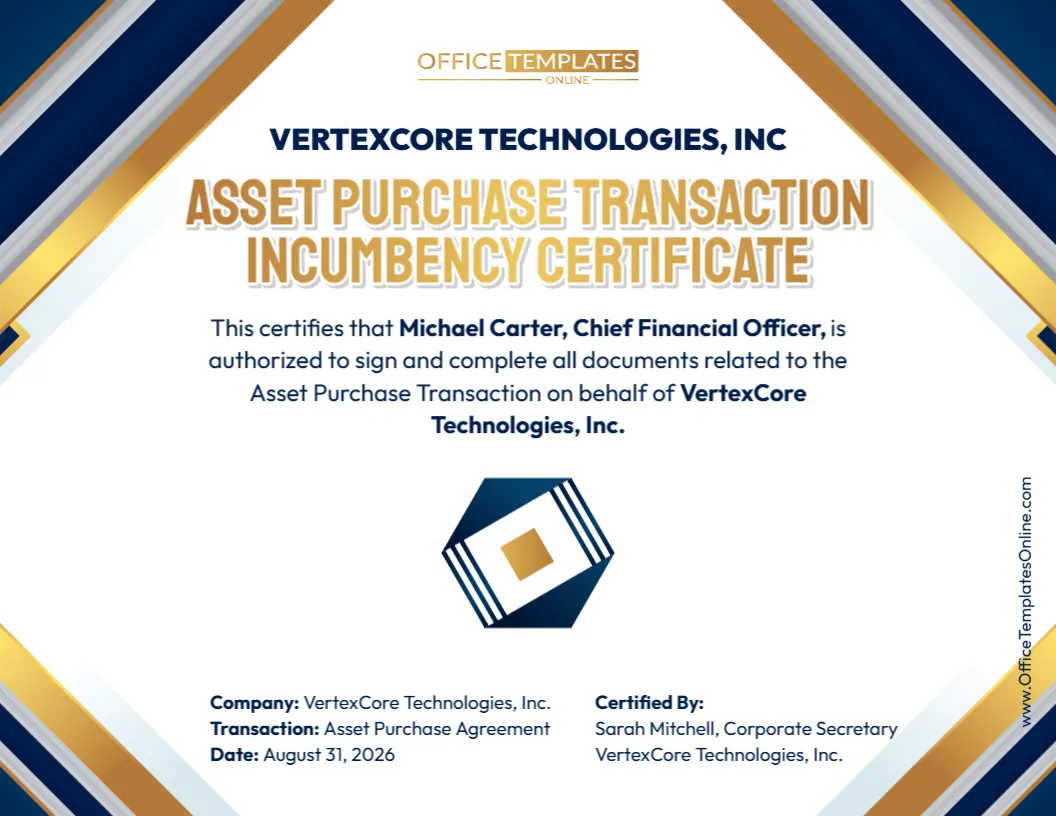
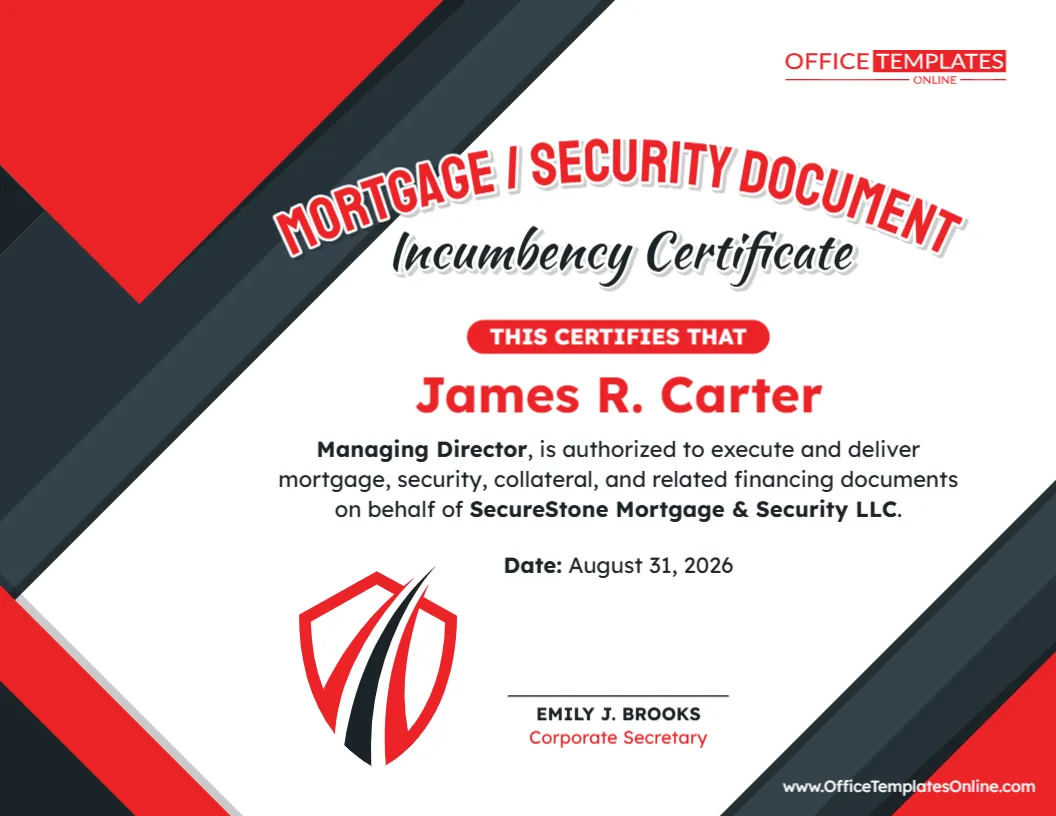
A large “Authorized Signatories” heading immediately tells the reader what the certificate concerns, while the “Incumbency Certificate” subtitle identifies the document type.
The authorized individual’s name appears prominently in the center, making it one of the first details a reader will notice. The certification text is positioned above and below the name, and the certifying officer’s signature area appears separately toward the bottom.
Blue, white, and black design elements create a modern corporate appearance without making the certificate unnecessarily complicated. The generous spacing also helps keep longer company or signatory information readable.
How to Complete the Template
You can prepare your certificate in a few straightforward stages.
First, replace all sample company information with the correct details for your organization. Check whether the jurisdiction or state of incorporation shown in the wording needs to be changed or removed.
Next, add the authorized signatory’s full name. Review the authority statement carefully and modify it so that it accurately describes what the person is permitted to sign or execute.
Then update the certificate date and review any language concerning how long the certification remains effective.
Finally, enter the details of the person who will certify the information. If your organization uses someone other than a Corporate Secretary for this purpose, make sure the document is changed appropriately and that the chosen certifier is permitted to make the certification.
Proofread the entire certificate before downloading it.
When Could an Authorized Signatory Certificate Be Useful?
Organizations may be asked to provide evidence of authorized signatories in a variety of business settings.
Depending on the recipient and circumstances, this could arise during banking or financial procedures, contractual arrangements, business transactions, due diligence, account administration, vendor relationships, corporate record verification, or other processes where signing authority needs to be established.
However, there is no single certificate format that works for every situation.
A bank, financial institution, government authority, business partner, professional adviser, or other recipient may have its own required form. Some may request additional information such as corporate resolutions, specimen signatures, officer titles, multiple authorized signatories, identification documents, notarization, or specific certification language.
Check those requirements before relying on a customized certificate.
Can You Use the Template for More Than One Authorized Signatory?
The sample layout prominently displays one authorized individual, so it works especially well when the company needs to certify a single signatory.
If you need to document several authorized signatories, consider whether the available editing space allows the certificate to be adapted clearly. Each person may need their own name, title, scope of authority, or signature information.
For a longer list of signatories, a certificate specifically structured for multiple officers may be more suitable. The key is to keep the document clear enough that a recipient can easily determine who is authorized and what authority each person has.
Review These Details Before Downloading
Accuracy matters more than appearance when a certificate is being used to communicate corporate authority. Before finalizing your document, check the company’s full name, incorporation details, authorized signatory’s name, certification date, and certifying officer’s information.
Also pay close attention to the wording of the authorization itself. Confirm that it matches relevant company records, resolutions, delegations, governing documents, or other sources of authority as applicable.
Make sure no sample names, dates, or company information remain in the finished version.
Download Your Certificate as PDF, PNG, or JPG
Once everything has been customized and checked, you can download your completed Authorized Signatories Incumbency Certificate in the format that suits your needs.
Choose PDF when you need a practical document format for printing, saving, emailing, or electronic submission. Choose PNG for a high-quality image version, or JPG when a commonly supported image format is more convenient.
With multiple download options available, you can create the certificate online and save the finished version in the format best suited to your workflow.
Start with the Design—Then Make the Details Yours
You do not need to spend time creating headings, arranging text, positioning certification details, or building a professional certificate layout yourself. This editable template provides the structure so you can concentrate on the information that needs to be communicated.
Simply open the template online, replace the sample details, define the appropriate signing authority, review the certificate, and download your finished copy. The process takes place directly in your browser, and no login is required to customize the design.
The result is a clean and professional Authorized Signatories Incumbency Certificate tailored to your organization rather than a generic document with fixed information.
Important note: This template is provided as an editable document resource and does not constitute legal advice or independently grant signing authority. Authority to act for a company must come from the appropriate corporate or legal source. Requirements for incumbency certificates and authorized signatory confirmations can vary by organization, transaction, jurisdiction, and recipient. For important legal, banking, or corporate uses, confirm the required content, authority, signatures, and formalities with the requesting party or an appropriately qualified professional.