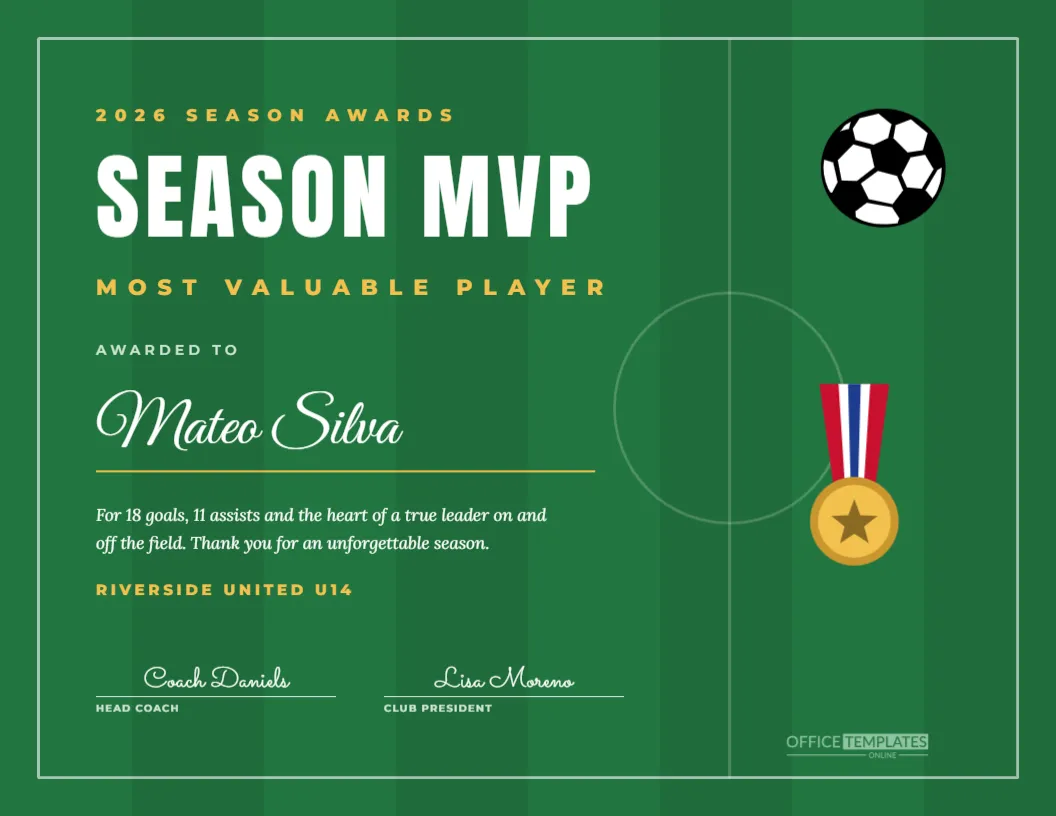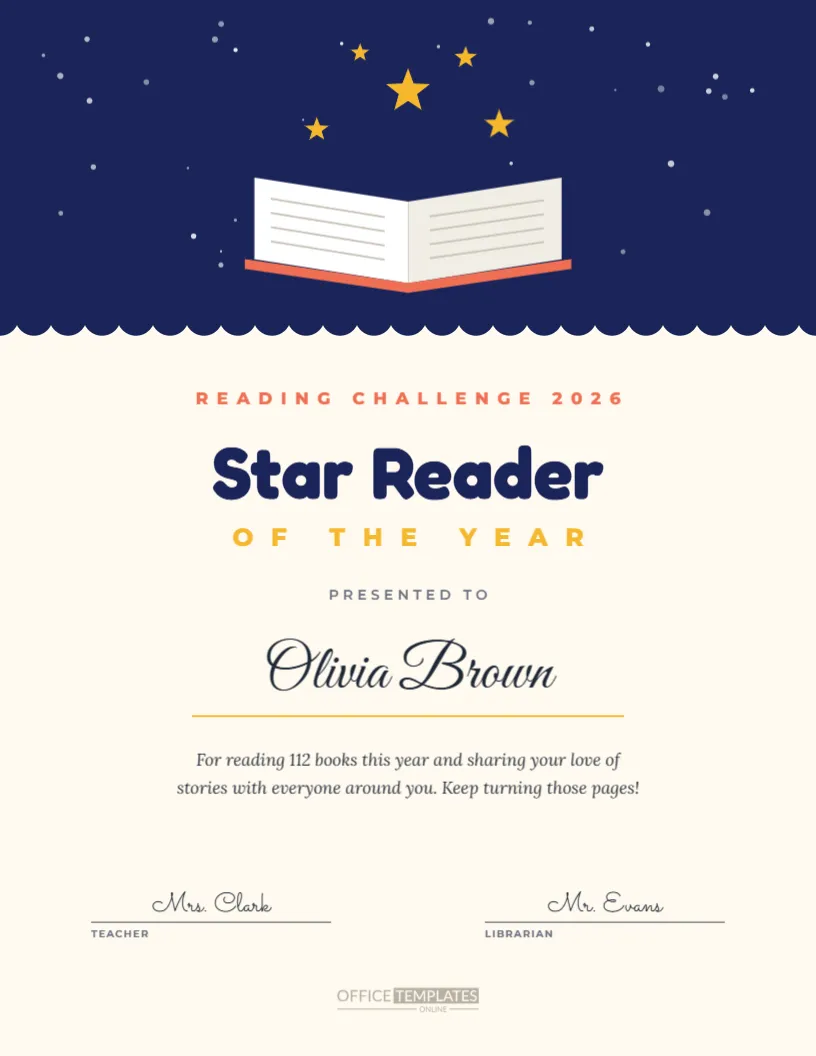
Announcing your award categories builds excitement and encourages nominations, and this 11 x 17-inch poster does it with a red-carpet style. Two soft gold spotlight beams shine down from the top of a black page through a shower of gold and white confetti, meeting in a gentle glow behind a large gold trophy. Below, Acme Corporation Presents in spaced capitals leads into The 2026 in gold script and AWARDS in huge cream Cinzel letters. A gold line announces that the nominees are in these categories, followed by twelve outlined tiles, each with a star, a category name in capitals, and a script second line. The voting deadline, winners’ reveal date, and voting instructions finish the poster.
Why Display an Award Categories Poster
A poster in the office, staff room or clubhouse keeps the awards visible every day. People stop, read the categories and start thinking about who deserves to win. That conversation leads to more nominations, higher voting participation, and a bigger buzz on awards night. A well-designed poster also signals that the awards are a major event worth taking part in.
Spotlight Beams and Confetti
The two spotlight beams are translucent gold shapes that cross above the trophy, creating a stage lighting effect. The confetti is a grouped set of small circles and strips. Both are editable, so you can change their colours, opacity, or position, or remove them for a cleaner look.
The Twelve Category Tiles
Twelve tiles in a three-by-four grid list the categories: MVP of the Year, Rookie of the Year, Leader of the Year, Team Player, Rising Star, Sales Champion, Above and Beyond, Problem Solver, Culture Champion, Safety Champion, Team of the Year and Funniest Colleague. Each tile has a capital first word and a script second line. Edit the text to match your categories.
Fewer or More Award Categories
If you have fewer categories, delete tiles and centre the remaining ones, or enlarge them to fill the space. For more categories, reduce the tile size slightly and add another row. The grid is built from simple shapes and text, so rearranging it is quick.
Editing the Presenter Line and Title
Replace Acme Corporation Presents with your organisation’s name. The script line The 2026 and the word AWARDS can also be changed, for example to The Summit Awards or The Excellence Awards. Keep the main word short so it stays large and dramatic.
Voting Deadline and Instructions
At the bottom, the poster shows when voting closes, when winners are revealed, and how to vote. Update these details with your dates, ballot location, and online voting link. Clear instructions turn interest into action.
Black and Gold Poster Style
Black and gold suggests a glamorous awards show and matches the invitation and certificates in this collection. If your event has a different theme, change the black to navy, purple, or deep green, keeping gold for the tiles and title.
Printing the Poster at 11 x 17
The poster is designed for tabloid size, 11 x 17 inches, a common size for office printers and print shops. Dark backgrounds look best on satin or gloss poster paper. For larger displays, a print shop can scale it to 18 x 24 inches without losing quality.
Displaying the Poster Digitally
Download the poster as an image to show on office screens, in digital signage loops, or as an intranet banner. The tall format suits portrait screens in lobbies and break rooms.
Award Category Posters for Schools
Schools can use the poster to announce end-of-year awards, prize categories, or student council positions. Change the presenter line to the school name and the categories to subjects or student awards.
Award Category Posters for Clubs and Sports
Sports clubs can announce season awards such as Top Scorer, Best Defender and Coach’s Award, and community groups can list volunteer awards. The bold design works for any organisation.
When to Put Up the Poster
Display the poster when nominations open, usually six to eight weeks before the ceremony. Leave it up until the awards night, and consider replacing it afterwards with a winners poster for a lasting celebration.
Turning the Poster Into a Winners Board
After the ceremony, duplicate the poster and replace each tile’s script line with the winner’s name. Display it as a winners board so everyone can see the results and congratulate the winners.
Matching Awards Templates
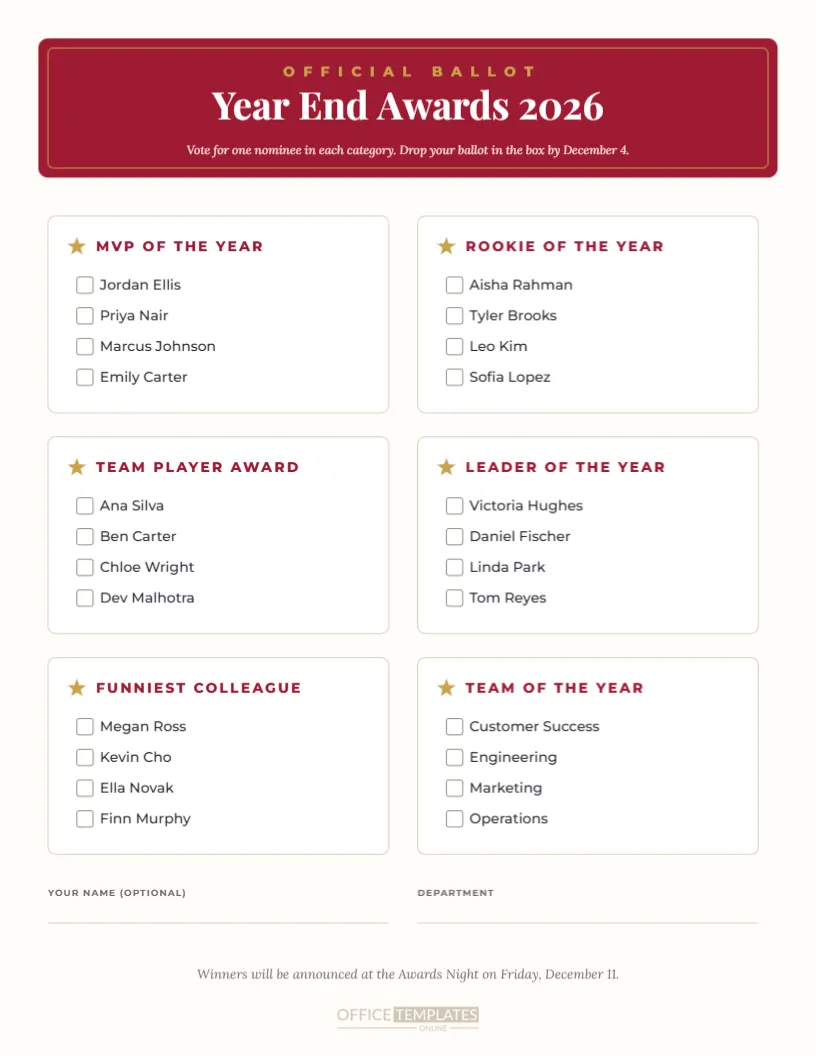
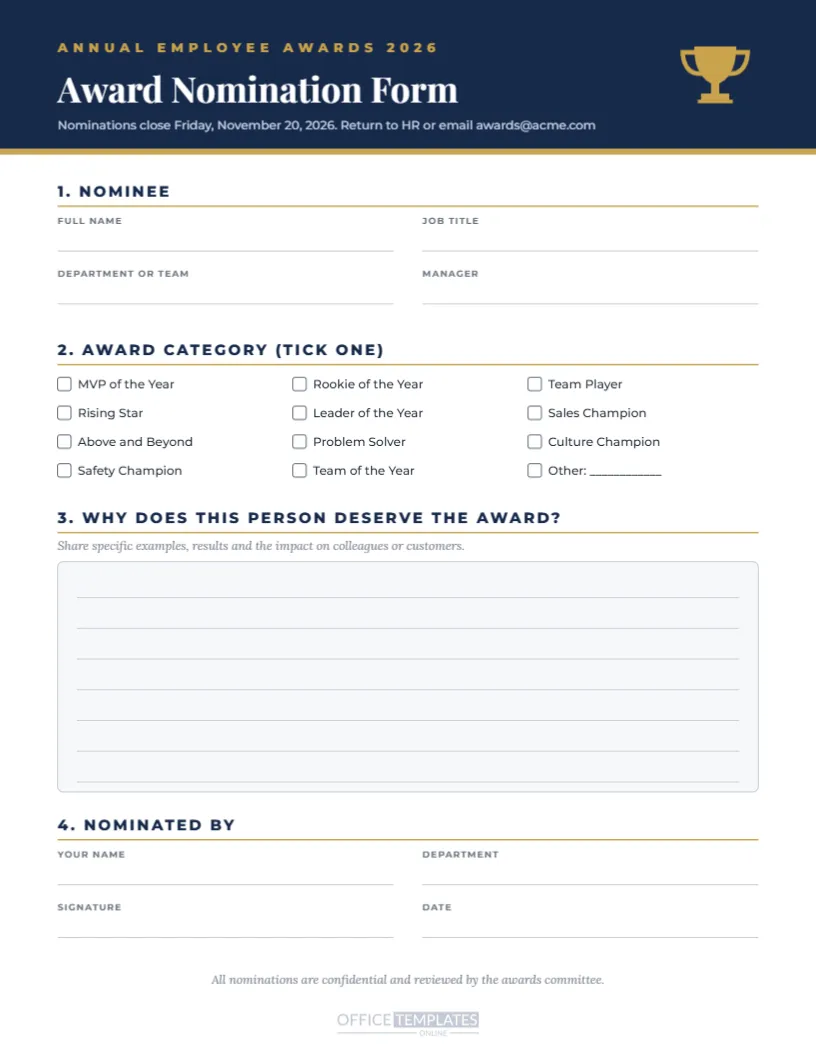
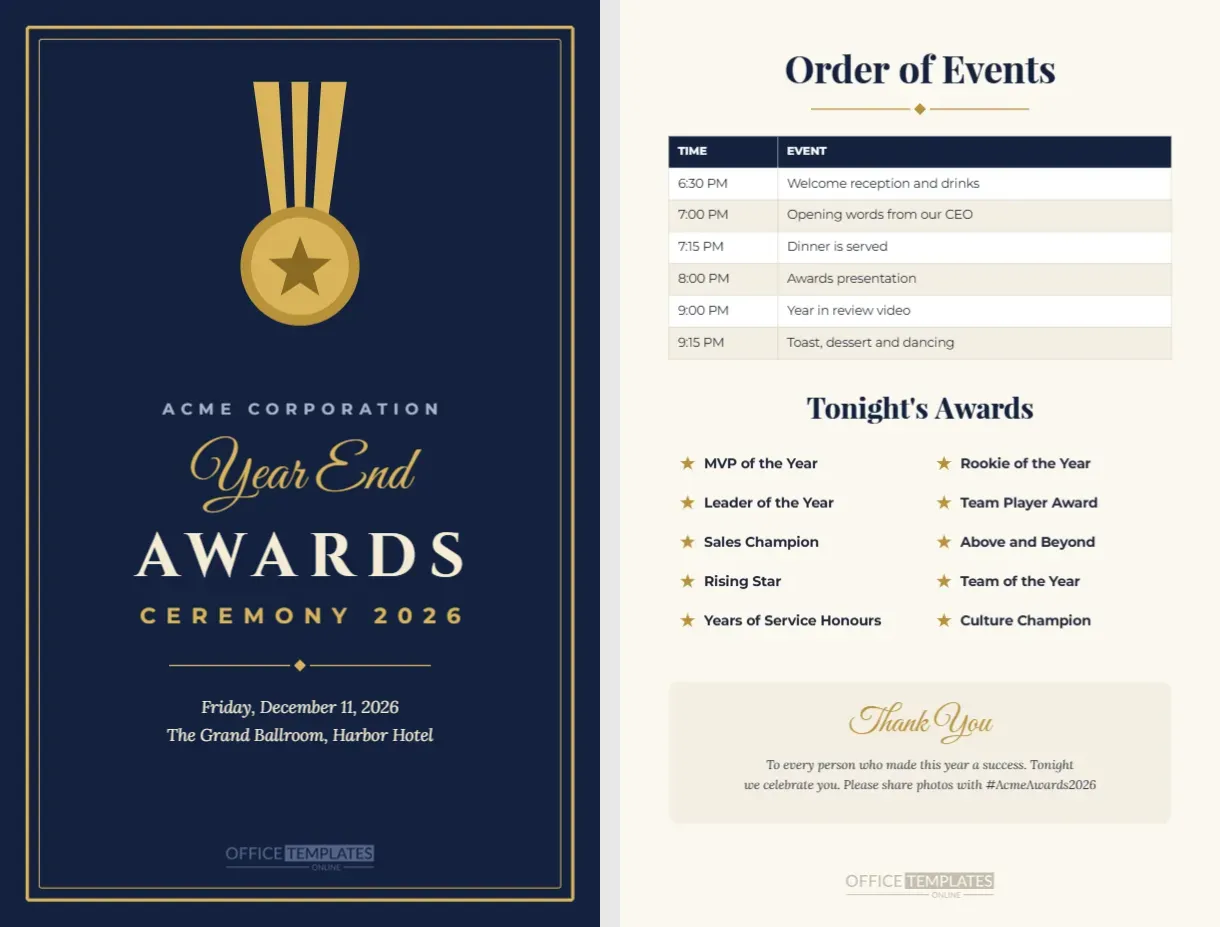
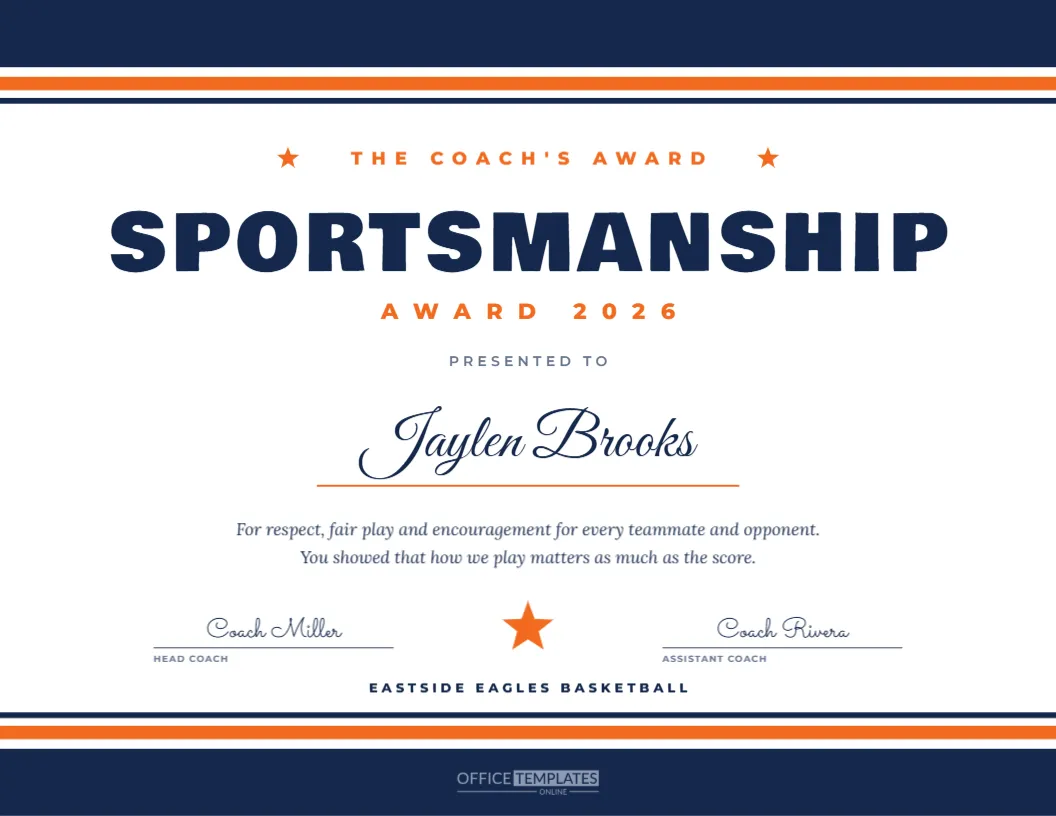
Pair the poster with the awards night invitation, nomination form, voting ballot, and certificates in this collection for a consistent look from the first announcement to the final award.
Poster Wording Ideas
Try: And the nominees are, Who will take home the trophy, or Your vote decides the winners for the line above the tiles. Short, exciting phrases suit the stage lighting theme.
Saving the Poster Template
Save your poster in your account and update it each year with new categories, dates and branding. A recognisable poster becomes part of your awards tradition.
Award Poster File Formats
Download a high-resolution PDF for printing or a PNG for screens and email. The spotlight beams, confetti and gold tiles stay crisp in every format.
Writing Clear Award Category Names
Category names should be short, positive, and easy to understand at a glance. Avoid internal jargon that new staff may not know, and keep the tone consistent across all twelve tiles. If a category needs explaining, add a one-line description on the nomination form rather than crowding the poster. A clean, readable grid encourages people to stop and read every tile, which is exactly what you want in the weeks before voting closes.
Placing the Category Poster for Maximum Visibility
Hang the poster at eye level near entrances, lifts, kitchens, or printers, where people naturally pause for a moment during the day.
Encouraging Participation With the Poster
Add a QR code linking to an online voting form using the editor’s QR tool. Placing it near the bottom of the poster makes voting instant for anyone passing by with a phone, which can significantly increase participation.