A Pink Backpack and School Supplies on a Raffle Ticket
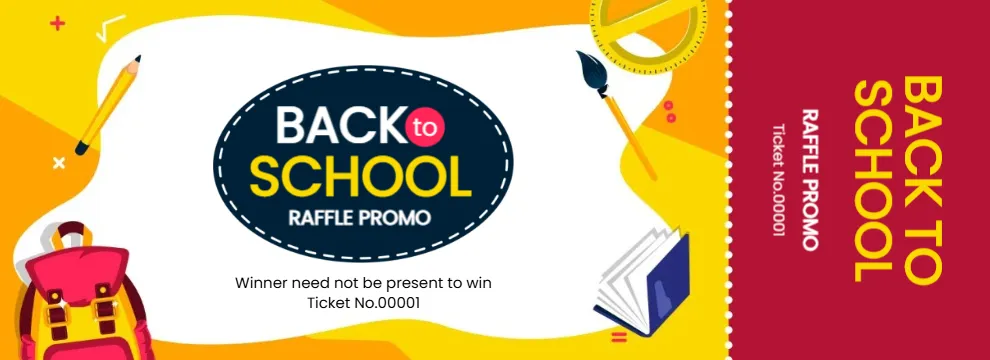
A wavy white panel sits on orange and yellow shapes, surrounded by a pink backpack, a pencil, a paintbrush, a ruler, a protractor and an open blue book. A navy oval with a white dashed border holds BACK to SCHOOL in white and yellow and RAFFLE PROMO below. Winner need not be present to win and a ticket number sit under the oval. A crimson stub repeats BACK TO SCHOOL in big yellow letters with the promo line and number.
Playful School Scene
The design is 990 x 360 pixels. The supplies frame the oval title, and a dotted line separates the body from the stub. The stub has no name lines, only the ticket number.
A Useful Winner Line
The line Winner need not be present to win tells buyers they can still win if they leave early, which is helpful at busy school events. The ticket has no date, prize or school name, so add those on the back or below the oval. Number each ticket on both parts.
Preparing the School Tickets
- Add the school name.
- Add the prize and draw date.
- Number each ticket twice.
- Print on card.
- Tear stubs for the draw.
School Supply Raffles
Parent groups often raffle backpacks full of supplies, tablets or bookshop vouchers at the start of the school year. The money raised can fund class trips or library books.
Adding Name Lines to the Stub
Since the stub has no name lines, buyers can write their name and phone on the back. That makes it easy to contact winners who were not present.
Printing Bright School Colours
The orange, yellow and pink print well on white card. Choose a quality setting so the small supplies stay sharp.
Raffle Rules for School Parent Groups
Many schools and districts have rules on raffles. Check with the school office or parent association.
Matching Posters for the Hallway
Use the same artwork on a poster to promote the raffle in school corridors.
Using the School Tickets
Sell them during the first weeks of term.
Step by Step Editing of the Back To School Backpack Design
- On the back to school backpack design, click the main headline and type your own words, keeping a similar length.
- Retype every name, date and contact line on the back to school backpack design, checking each against a trusted source.
- Search the back to school backpack design for the words Lorem and Company so that no placeholder remains.
- Click any logo or photo on the back to school backpack design, choose Replace Image and resize the new picture to fit.
- Zoom the back to school backpack design to full size and read each line aloud before you save it.
- Keep a clean master of the back to school backpack design without private details, so later versions start tidy.
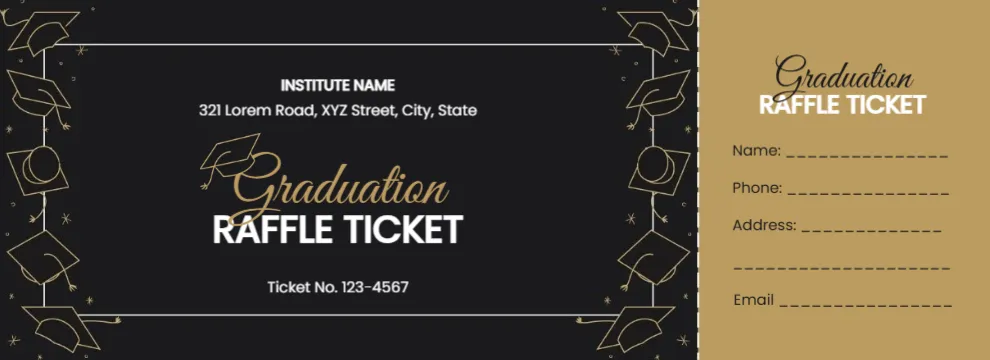
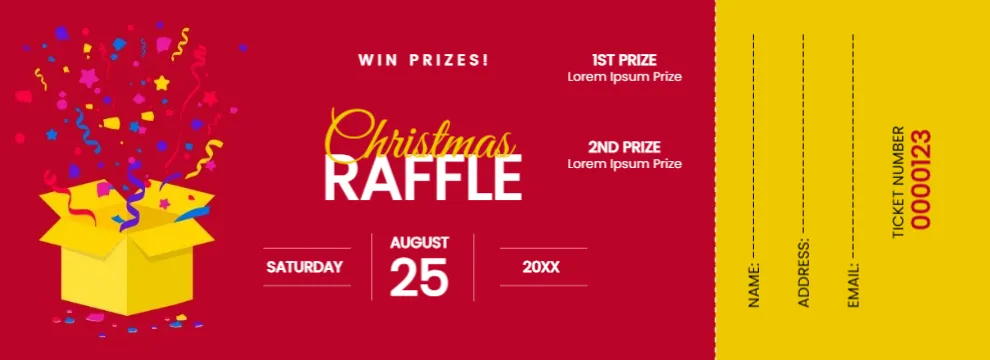
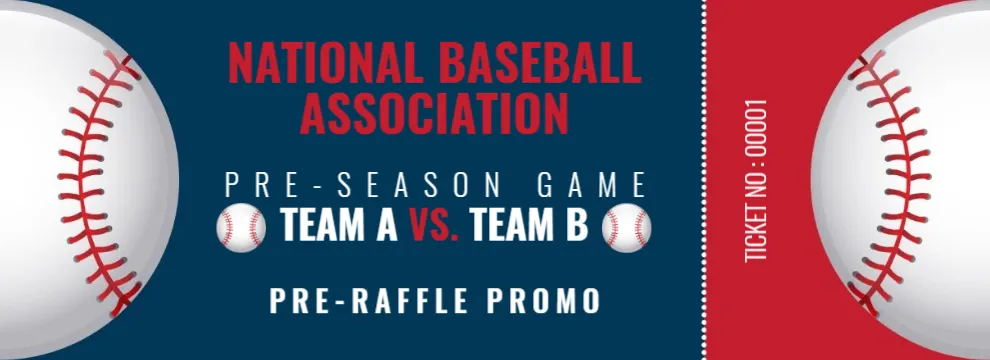
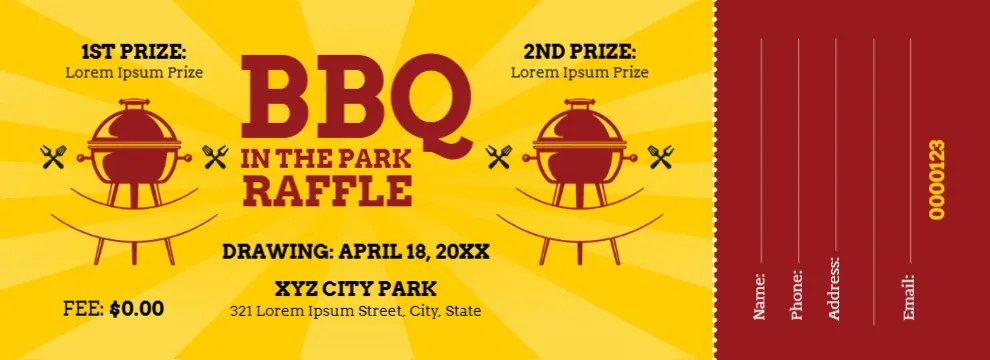
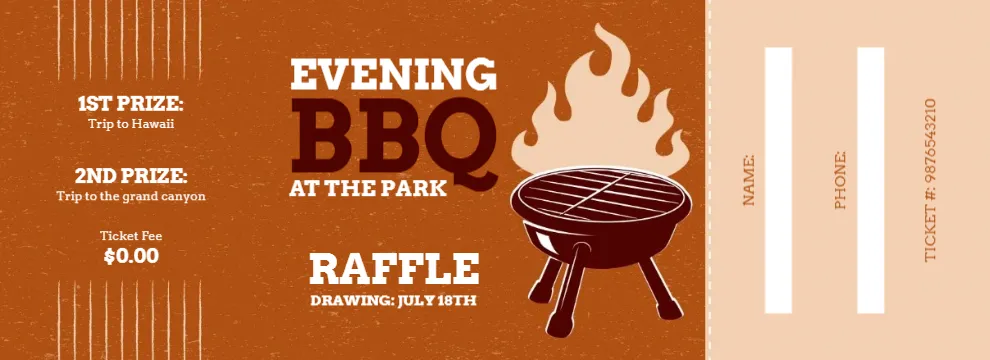
Compare it with the graduation raffle ticket. You may also like the BBQ park raffle ticket. For comparison, open the baseball raffle ticket. The rest of the series around the back to school backpack design is in ticket templates.