School Supply Icons and an Aqua Grid for Co Op Planning
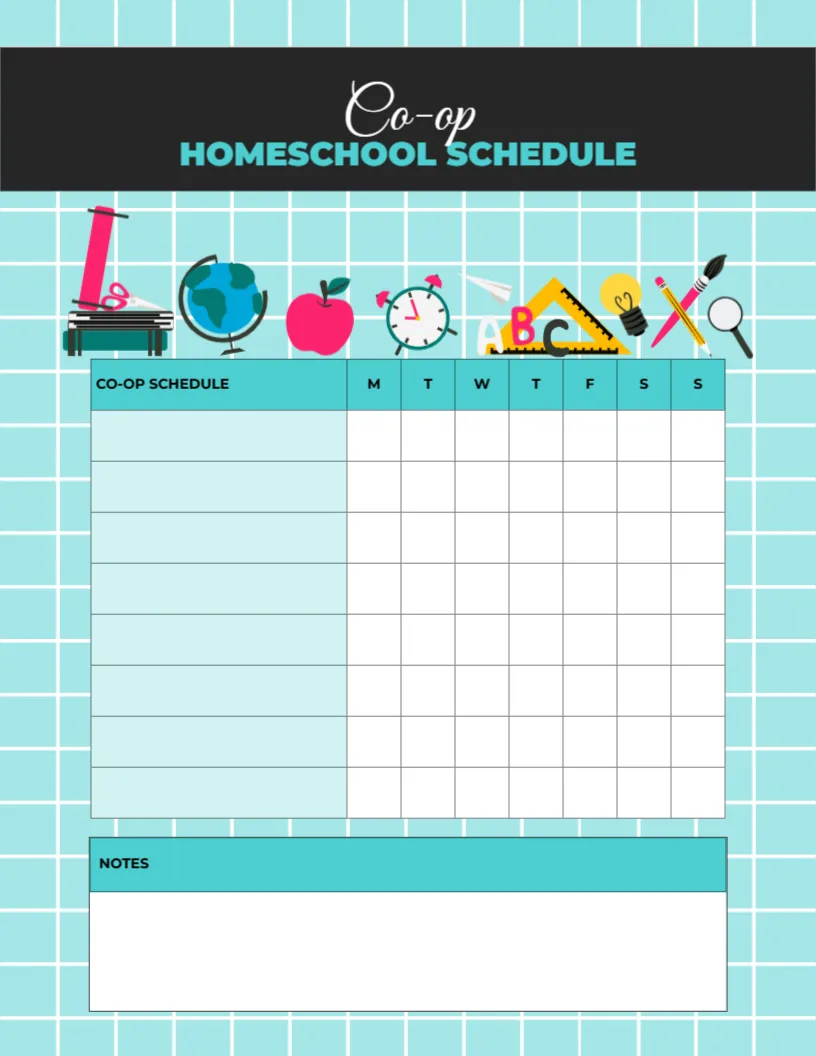
An aqua grid background holds a black header band with Co op in a white script and HOMESCHOOL SCHEDULE in teal capitals. A row of colourful icons sits below: a microscope, a globe, an apple, an alarm clock, a paper plane, ABC blocks with a ruler, a light bulb, crossed pencils and a magnifying glass. A table has a pale aqua CO OP SCHEDULE column and seven narrow day columns, with eight rows, and a NOTES box below.
Class List With Day Columns
The page is 8.5 x 11 inches, portrait. The wide first column holds class names, teachers or locations, and the day columns show when each class meets.
Planning Co Op Classes
A homeschool co op is a group of families who share teaching, often meeting once or twice a week. Write each class, such as Science with Mrs Lee, in the first column and mark the days it meets. Use the notes box for locations, supplies or rota duties.
Setting Up the Co Op Schedule
- List each co op class.
- Add teachers or rooms.
- Mark the meeting days.
- Note supplies and duties.
- Share with other families.
Sharing the Plan With Co Op Families
Print copies for every family, or send a PDF by email. Everyone then knows which classes meet when and who is teaching.
Tracking Parent Duties
Many co ops ask parents to teach or help. Add each parent’s name to the class row or the notes box so duties are clear.
Combining Co Op and Home Lessons
Use this page for co op days and a weekly grid for home lessons. Together they show the full week.
Printing the Aqua Grid
The aqua grid prints softly and looks fine in black and white.
Room and Location Notes
Co ops often meet in churches, libraries or community halls. Note the room or address beside each class.
Term by Term Updates
Co op classes often change each term. Save the file and update the class list rather than starting again.
Using the Co Op Schedule
Share it at the start of each term.
Step by Step Editing of the Co Op Aqua Grid Supplies Design
- On the co op aqua grid supplies design, click the main headline and type your own words, keeping a similar length.
- Retype every name, date and contact line on the co op aqua grid supplies design, checking each against a trusted source.
- Search the co op aqua grid supplies design for the words Lorem and Company so that no placeholder remains.
- Click any logo or photo on the co op aqua grid supplies design, choose Replace Image and resize the new picture to fit.
- Zoom the co op aqua grid supplies design to full size and read each line aloud before you save it.
- Keep a clean master of the co op aqua grid supplies design without private details, so later versions start tidy.
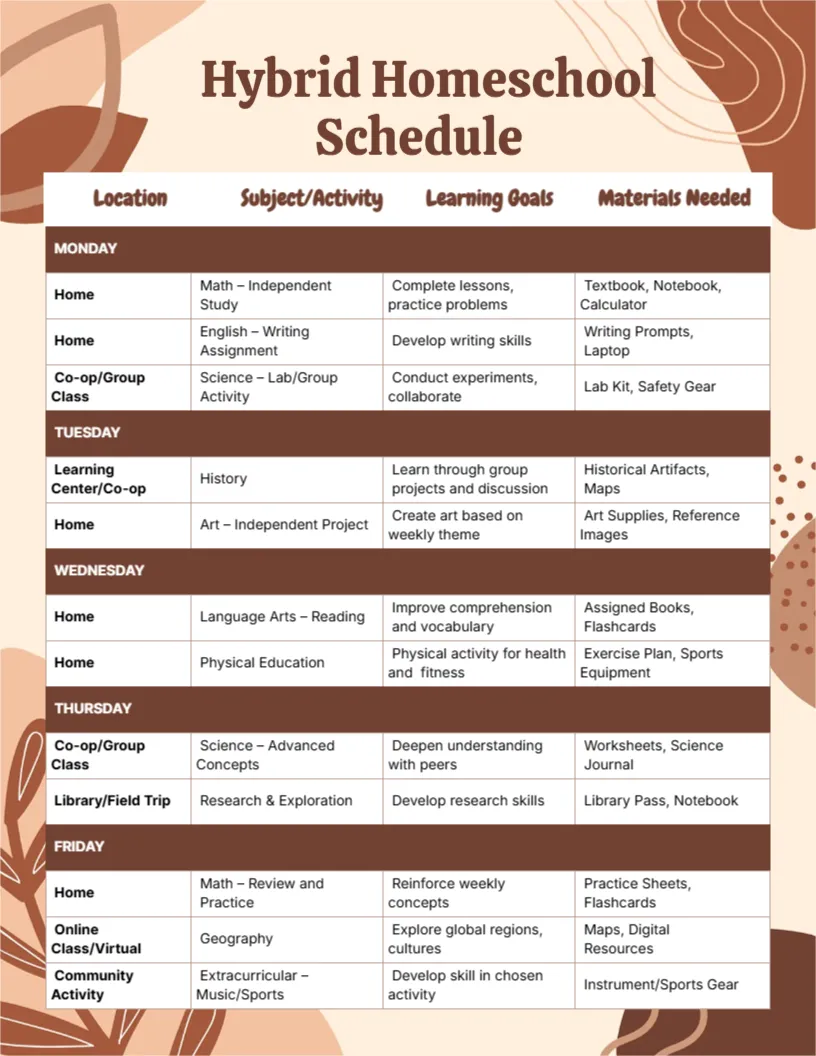
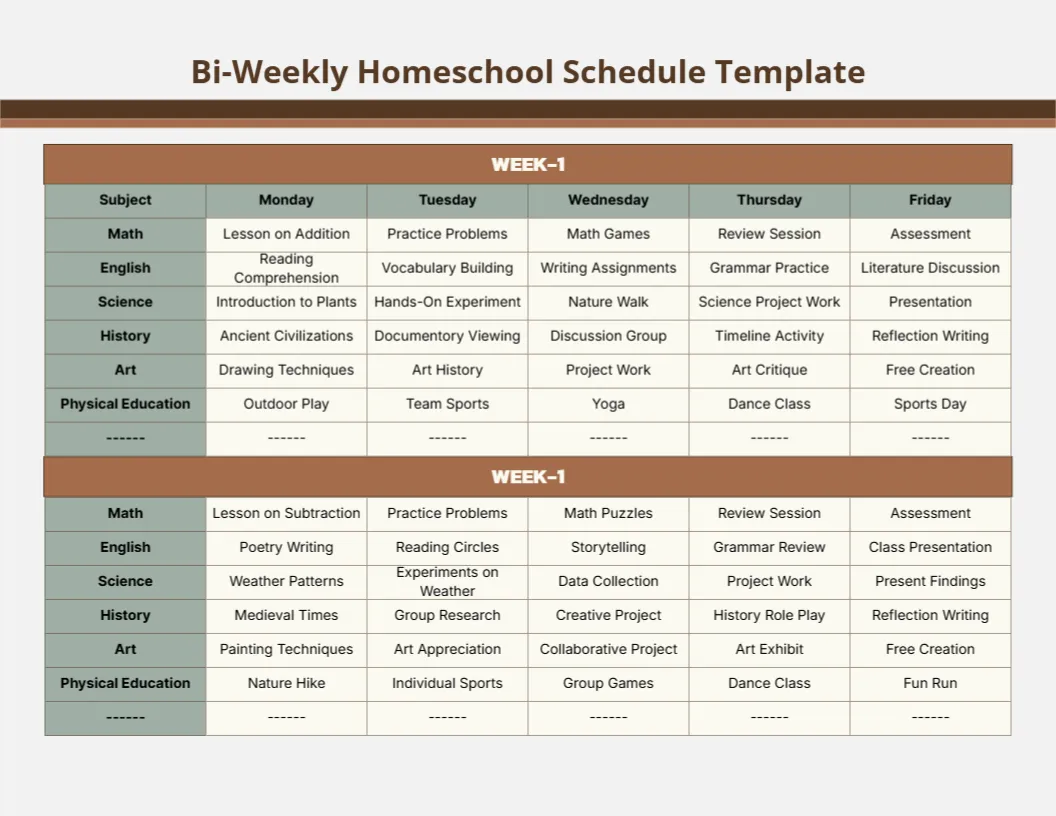
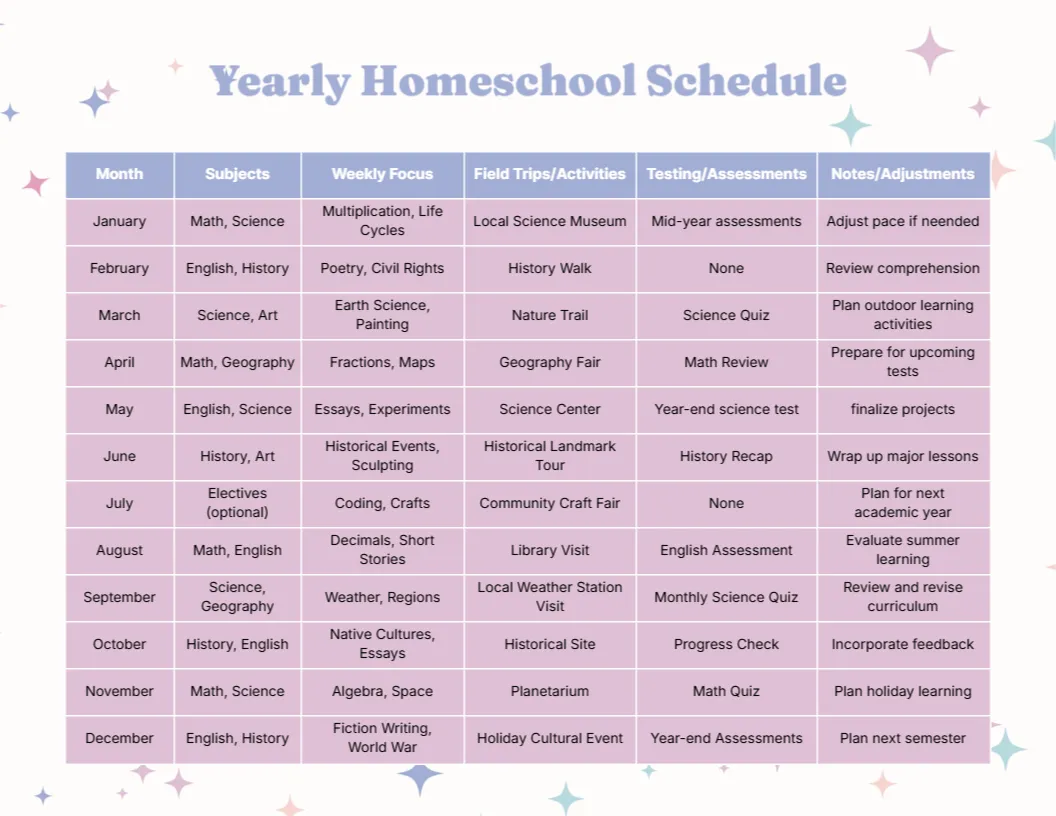
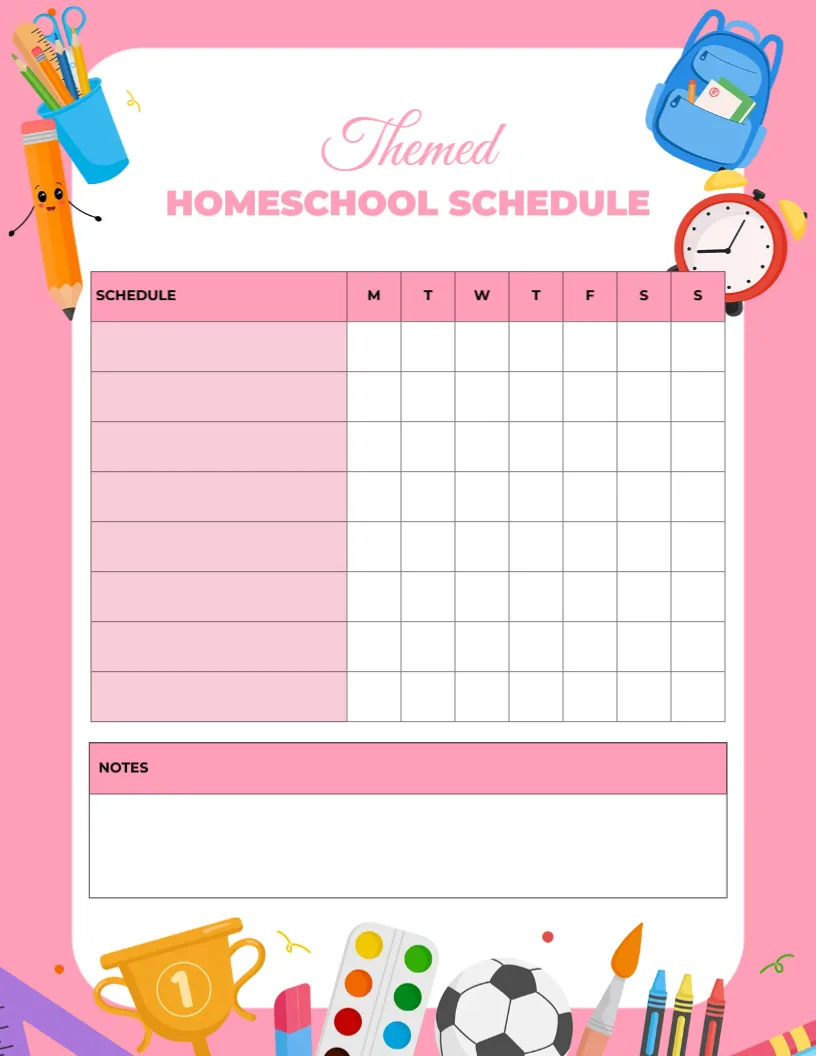
Also worth a look: hybrid homeschool schedule. Next to try is the weekly homeschool schedule. Have a look at the themed homeschool schedule. Every co op aqua grid supplies style alternative sits in homeschool planner templates.