Four Colourful Week Boxes for a Month of Homeschool
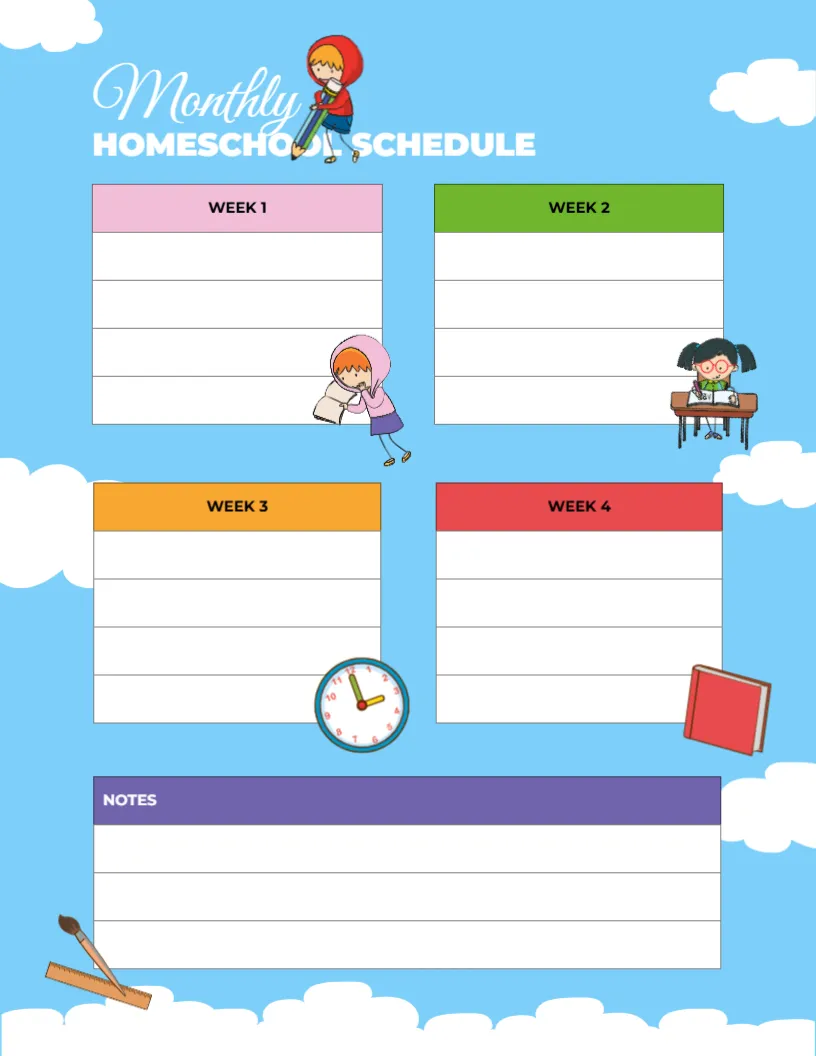
A sky blue page with fluffy white clouds holds four white boxes for Week 1 to Week 4, each with a different coloured header in pink, green, orange and red and four lines for writing. Small cartoon children read, write and study beside the boxes, with a clock, a book and a paintbrush tucked in. Monthly runs in a white script above HOMESCHOOL SCHEDULE in white capitals, and a purple NOTES box sits at the foot.
Two by Two Week Layout
The page is 8.5 x 11 inches, portrait. The four week boxes sit in two rows of two, which keeps each week visually separate and makes the month easy to scan.
Planning a Month at a Glance
Each week box has four lines, enough for the main topics, projects or trips of that week. Use the notes box for monthly goals, books to read or reminders about appointments. Add the month name above the title if you keep several pages in a binder.
Setting Up the Monthly Plan
- Add the month name.
- Write key topics for each week.
- Note trips or events.
- Add monthly goals in notes.
- File it in a binder.
Big Picture Planning
A monthly view helps parents see whether topics are balanced and whether there is time for revision before moving on. It also shows busy weeks in advance, such as a week with a family trip, so lessons can be lighter.
Linking Monthly and Weekly Plans
Use this page alongside a weekly grid. The monthly page holds the big topics, while the weekly grid holds the day to day lessons. Moving between the two keeps plans realistic.
Months With a Fifth Week
Some months have a few extra days. Use the notes box for those days, or treat them as a catch up or review week.
Printing the Sky Blue Page
Sky blue prints softly, and the white boxes stay clear for writing. A black and white copy still works well.
Keeping a Year in a Binder
Print twelve copies and keep them in a binder with a tab for each month. At the end of the year, the binder becomes a record of everything your children studied.
Reviewing the Month Together
At the end of each month, review the page with your children and talk about what they enjoyed most. Their answers can shape next month’s plan.
Using the Monthly Schedule
Fill it in on the last weekend of the previous month.
Step by Step Editing of the Monthly Sky Blue Four Weeks Design
- On the monthly sky blue four weeks design, click the main headline and type your own words, keeping a similar length.
- Retype every name, date and contact line on the monthly sky blue four weeks design, checking each against a trusted source.
- Search the monthly sky blue four weeks design for the words Lorem and Company so that no placeholder remains.
- Click any logo or photo on the monthly sky blue four weeks design, choose Replace Image and resize the new picture to fit.
- Zoom the monthly sky blue four weeks design to full size and read each line aloud before you save it.
- Keep a clean master of the monthly sky blue four weeks design without private details, so later versions start tidy.
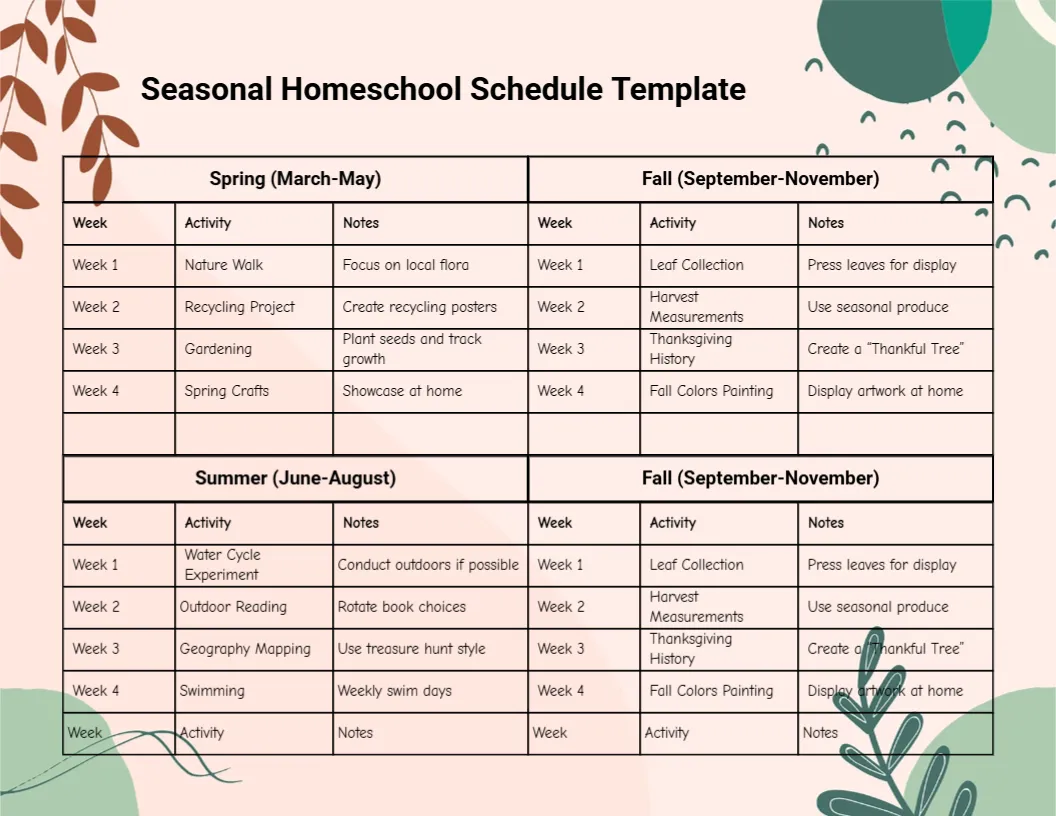
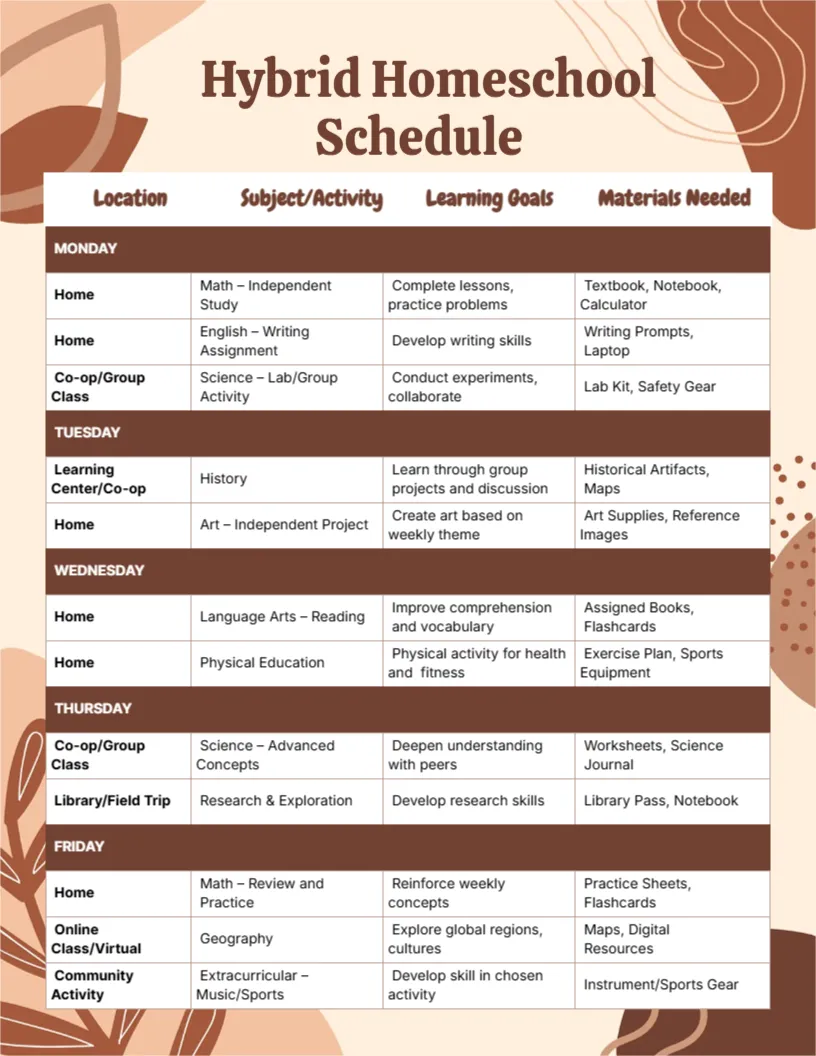
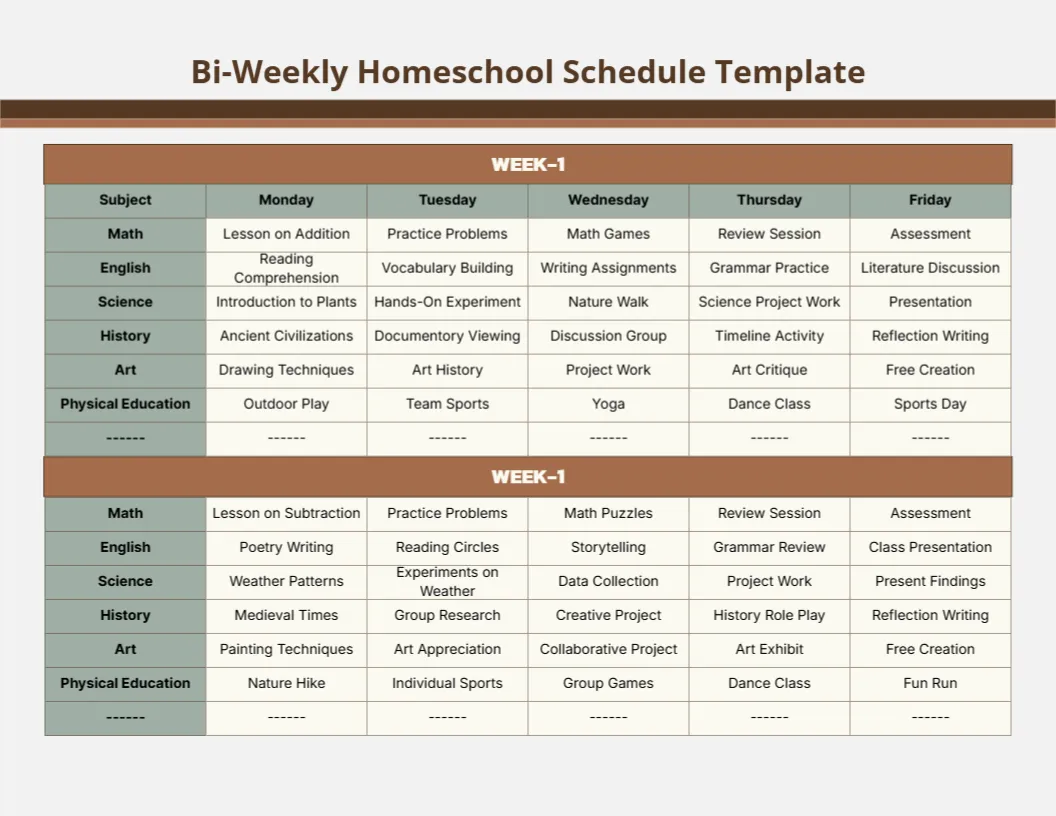
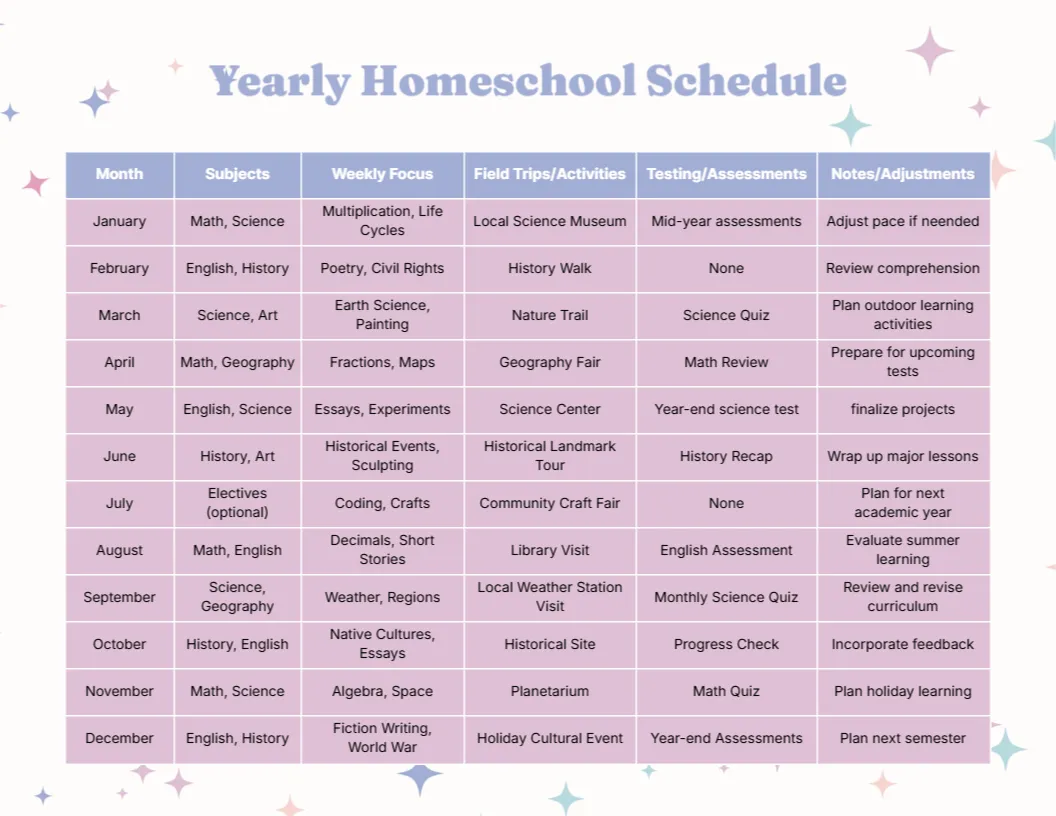
You may also like the yearly homeschool schedule. For comparison, open the weekly homeschool schedule. Consider the bi weekly homeschool schedule. Looking beyond the monthly sky blue four weeks design? See all homeschool planner templates.