A Professional Way to Confirm Who Currently Has Authority in an LLC
When someone signs an agreement, handles a business transaction, or represents an LLC, another party may want confirmation that the person actually holds the stated position and has the appropriate authority. An LLC Certificate of Incumbency provides a convenient way to put that information into a clear, formal document.
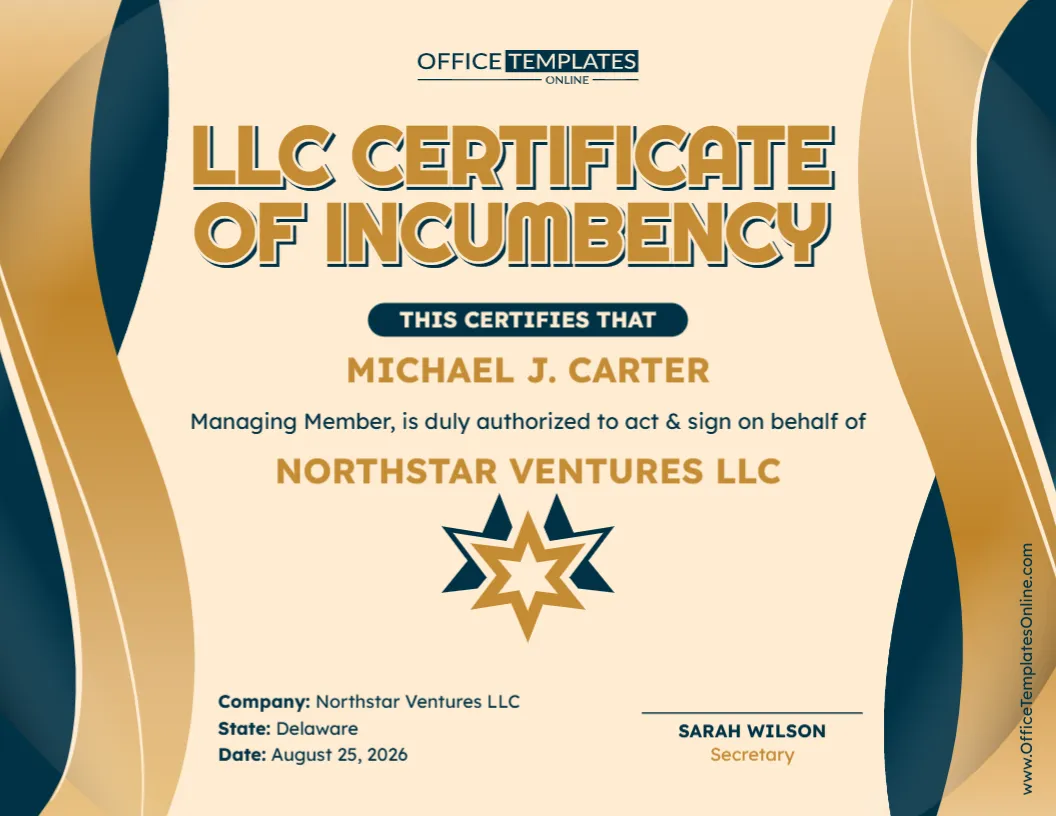
This editable LLC Certificate of Incumbency Template gives you a ready-made layout for identifying an LLC’s current member, manager, officer, or other authorized representative. You can use it to show the person’s name and position, state the authority being confirmed, identify the company and its state, add the relevant date, and include certification or signature details.
The template can be personalized directly in the online browser-based editor. Replace the sample information, adjust the available wording to match your situation, and complete your certificate without having to design one yourself. No login is required to customize it. When finished, you can download the completed certificate as a PDF, PNG, or JPG.
What Is an LLC Certificate of Incumbency?
An LLC Certificate of Incumbency is a business document used to certify current information about one or more people holding specified positions or authority within a limited liability company.
The word “incumbency” essentially refers to someone currently holding a particular office, position, or role.
For an LLC, the certificate can therefore be used to identify a current Managing Member, Member, Manager, officer, or another authorized representative and describe the authority associated with that person.
The exact content can vary depending on the LLC and why the certificate is needed. This template keeps the format flexible so you can adapt the information rather than being restricted to one specific transaction.
What Information Is Included in This Template?
The sample certificate has a straightforward structure that puts the authorized person’s identity and company information at the center of the document.
It provides space for details including:
- Authorized person’s full name
- Position or role within the LLC
- Statement confirming the person’s authority
- LLC or company name
- State associated with the company
- Certificate date
- Name of the certifying individual
- Title or position of the certifying individual
- Signature or certification area
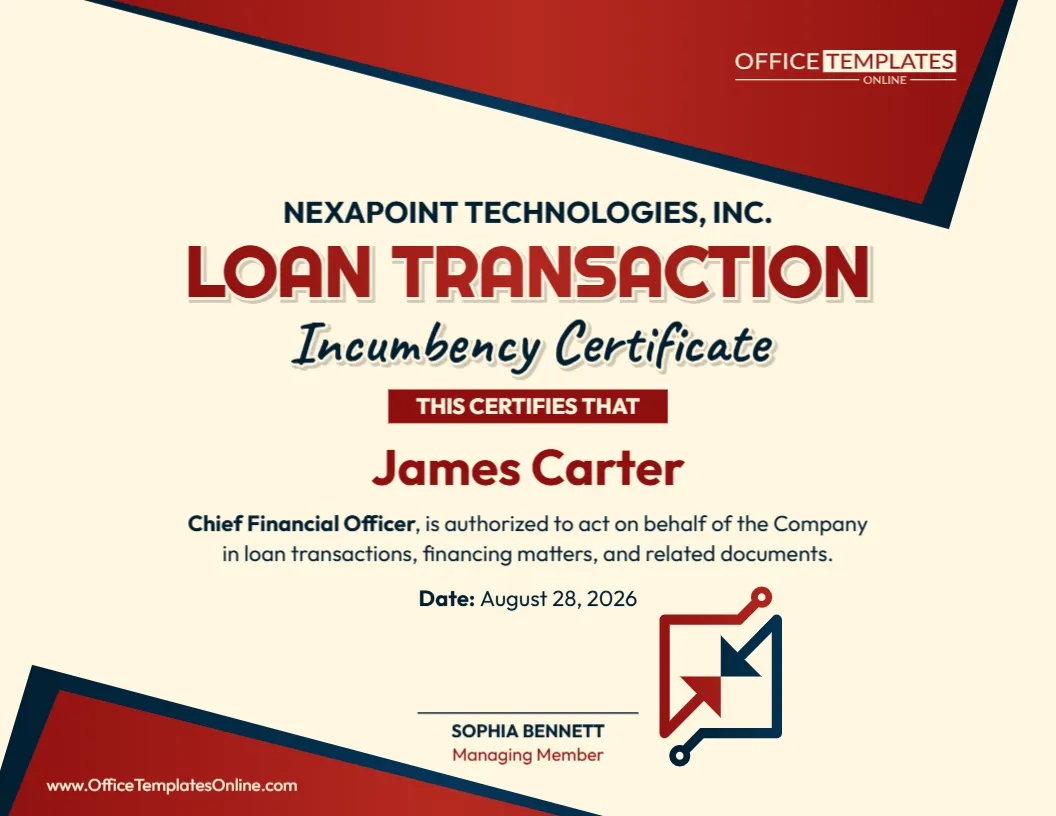
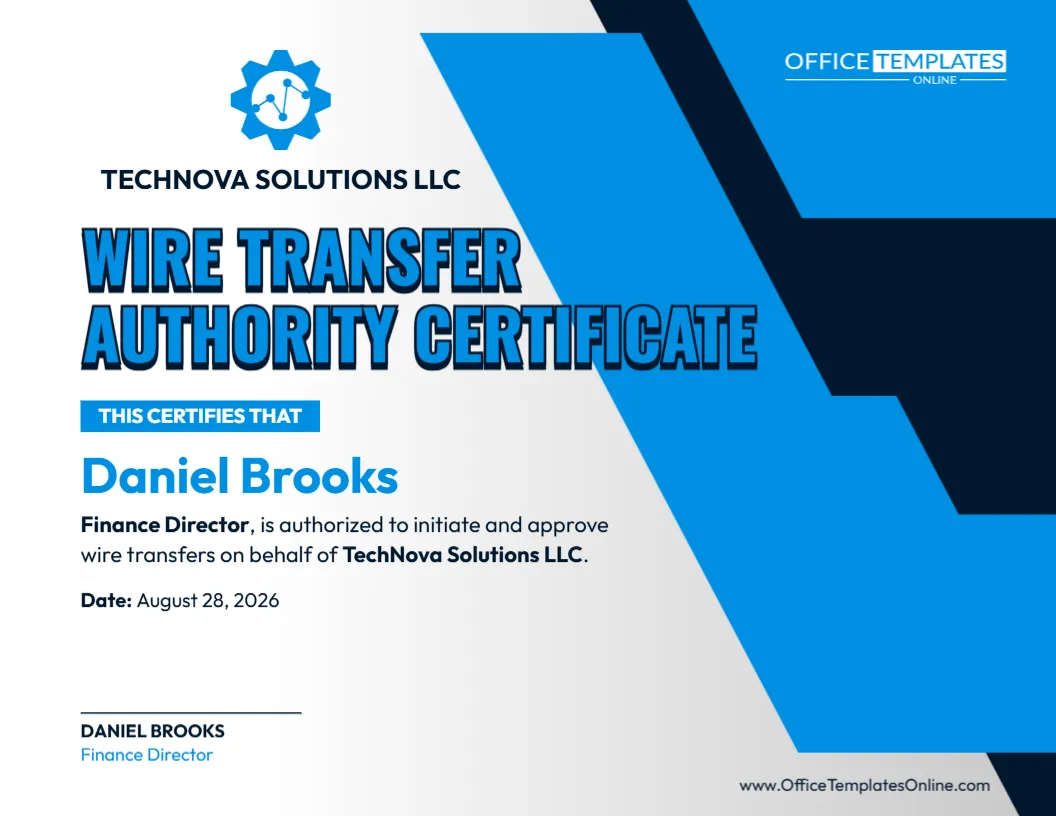
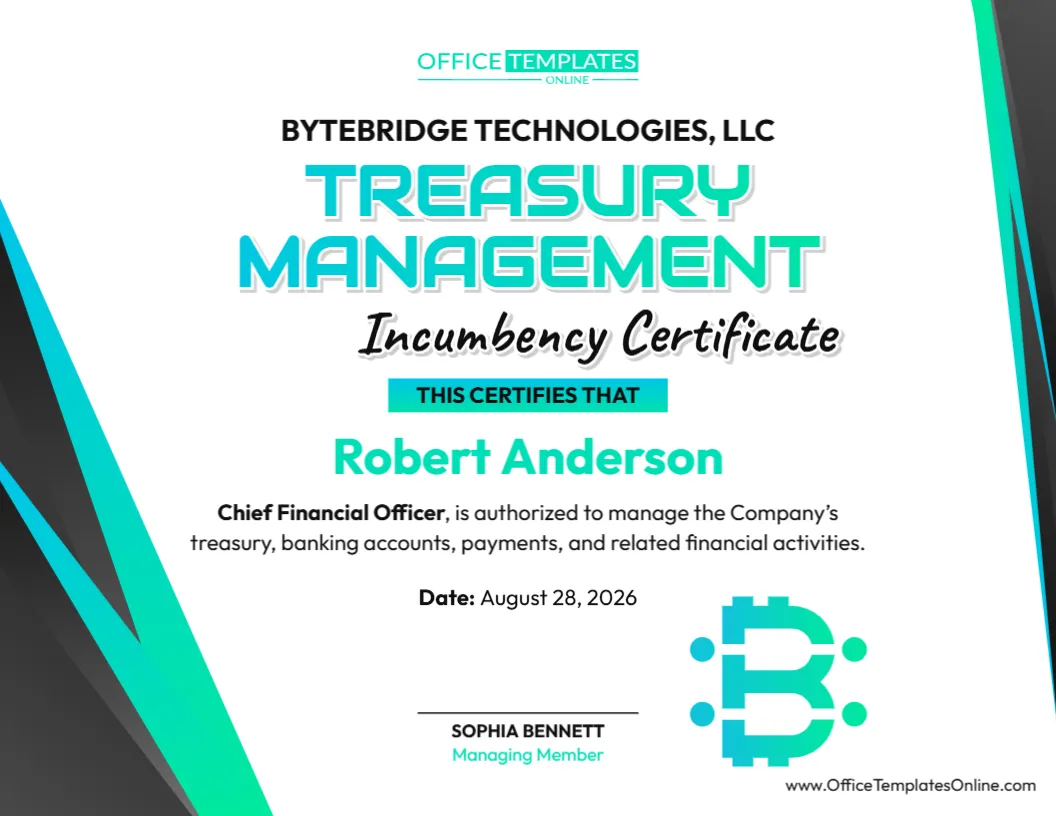
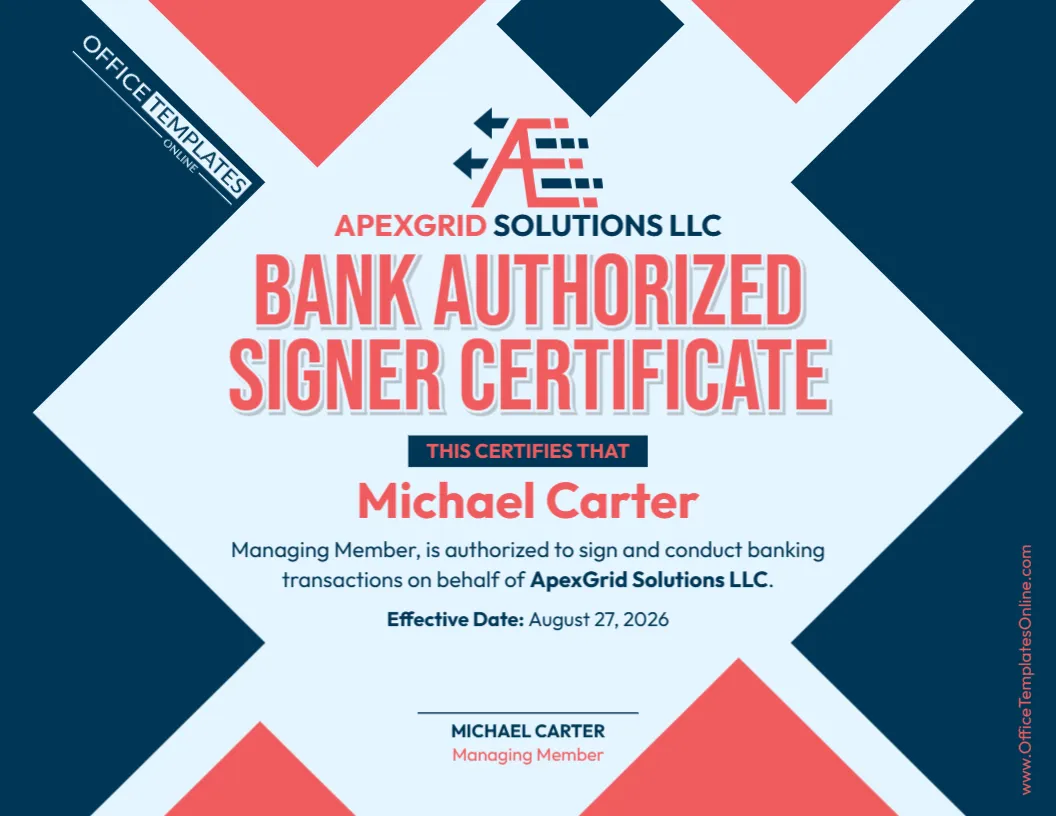
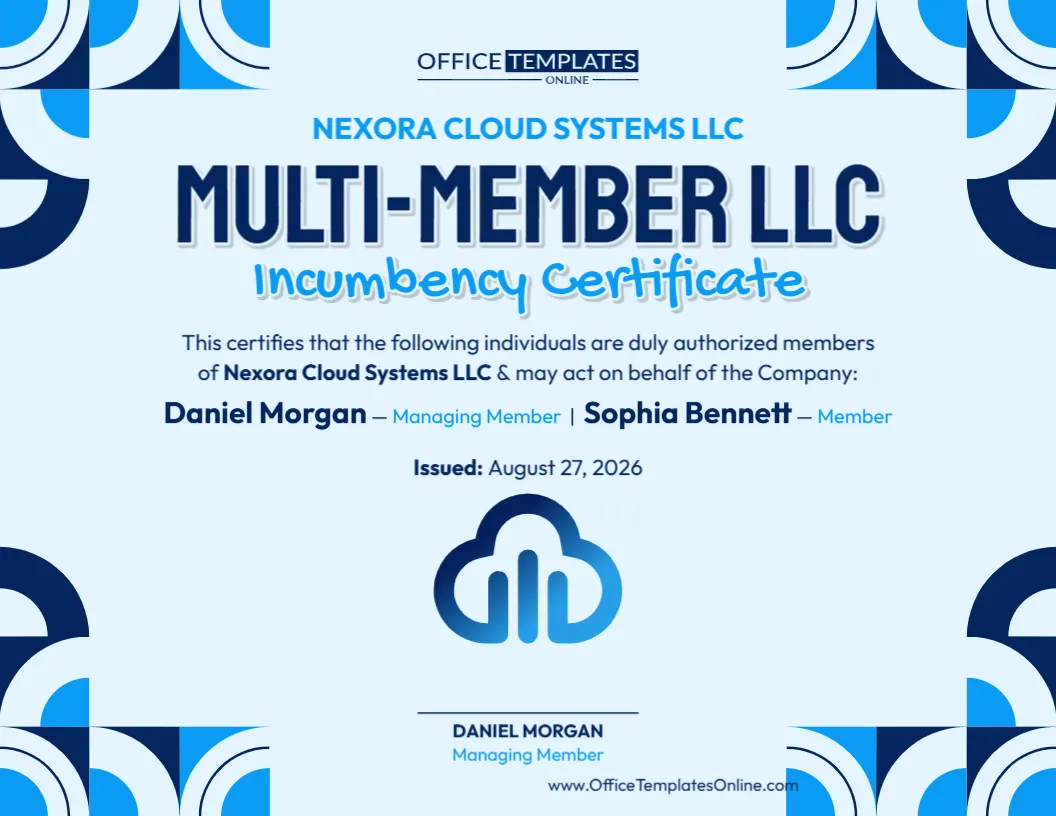
The certificate shown uses Managing Member as the sample position and states that the individual is authorized to act and sign on behalf of the LLC. Both the title and authorization wording can be changed when your circumstances require something different.
Why Might an LLC Need an Incumbency Certificate?
There are situations where simply telling another party who represents an LLC may not be enough. A more formal record can make it easier to communicate the person’s current position and stated authority.
An LLC Certificate of Incumbency may be prepared in connection with:
Business agreements: A counterparty may want confirmation that the person signing for the LLC holds the stated role.
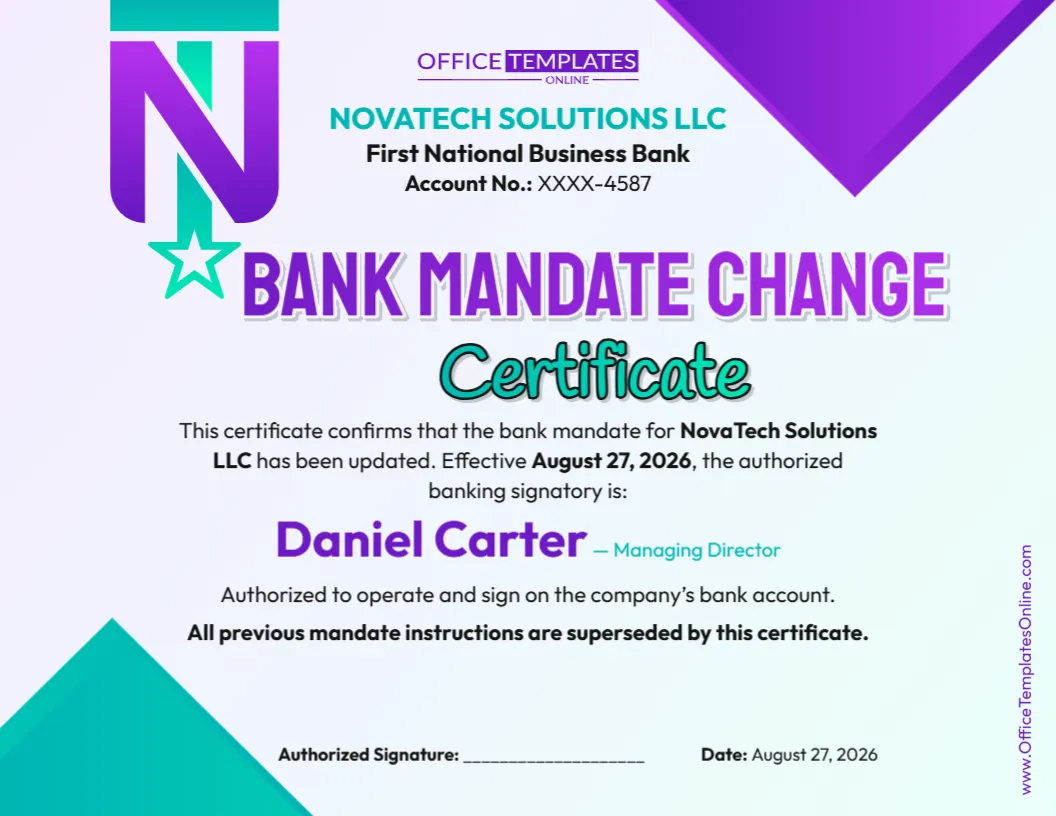
Banking matters: A financial institution may request information about current managers, members, officers, or authorized signers.
Loans and financing: A lender may need supporting documentation concerning the people authorized to represent the company.
Vendor or service arrangements: Another business may ask who has authority to enter into an agreement for the LLC.
Corporate recordkeeping: The certificate can be retained with other LLC records as a dated statement of current incumbency.
Due diligence: A third party reviewing a transaction may request confirmation of the company’s current representatives.
The specific requirements will depend on the recipient and purpose of the document.
Customize the Person’s Position, Not Just Their Name
One advantage of this general LLC Certificate of Incumbency is that it does not have to be limited to one type of management structure.
The example identifies a Managing Member, but you can change the role to whatever accurately describes the individual whose incumbency is being certified.
Depending on the LLC, that might be:
- Managing Member
- Member
- Manager
- President
- Treasurer
- Secretary
- Chief Financial Officer
- Another properly authorized representative
Use the title that corresponds with the company’s actual organizational and governance records.
A professional-looking certificate with an incorrect title can create confusion, so checking the person’s official role is an important part of customization.
Be Precise About the Authority to “Act and Sign”
The sample certificate states that the named person is authorized to act and sign on behalf of the company. This keeps the example simple, but the phrase can potentially cover many different activities.
Before using it unchanged, consider what you actually want the certificate to establish.
Does the person have broad authority to represent the LLC? Is their authority limited to a particular transaction? Can they sign contracts but not financial documents? Do certain transactions require approval from another member or manager?
If necessary, replace the broad sample language with a more specific statement.
For example, you may want the certificate to relate only to a particular agreement, banking activity, financing matter, real estate transaction, or another defined purpose.
The wording should reflect the authority that actually exists rather than making the certificate broader than necessary.
Add the Correct Company and State Information
The template includes dedicated fields for the company name and state, making important identifying information easy to locate.
When customizing these fields, use the company’s correct name and the appropriate state information for the purpose of the certificate. Depending on your intended use, this may refer to the LLC’s state of formation rather than simply the state where an office happens to be located.
If the distinction matters for the transaction, check the LLC’s formation records before completing this part of the certificate.
This is particularly helpful when companies with similar names exist in different jurisdictions.
Create the Certificate Directly in Your Browser
You do not need to download complicated design software or manually recreate the certificate in a word processor.
Open this template in the online editor and customize the available elements right from your browser.
Change the individual’s name, position, company information, state, authorization wording, date, and certification details. The existing layout takes care of the presentation, allowing you to focus on entering accurate information.
Even better, there is no login required to edit the template.
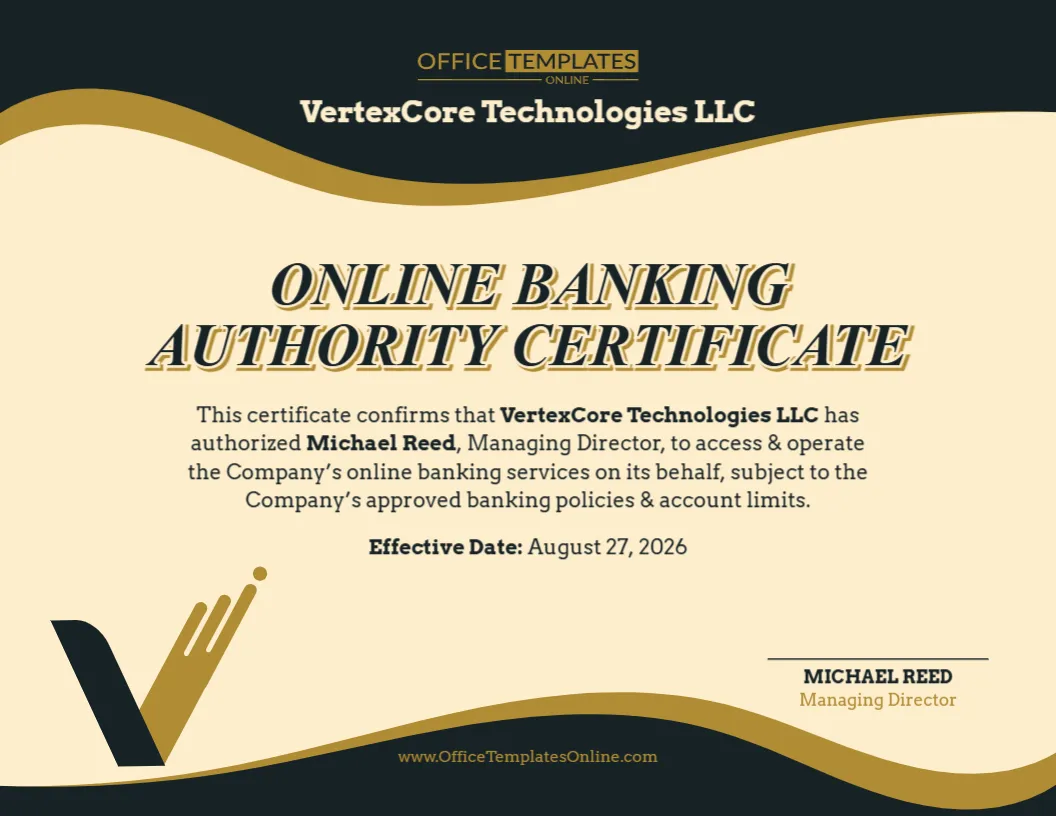
The gold and dark-blue styling gives the certificate a formal business appearance, while the large heading, centered authorization statement, and clearly separated company and signature information keep the content organized.
Who Should Sign or Certify the Document?
The sample design provides a separate signature area for a certifying person and their title.
Who should complete this section depends on the structure of the LLC, its governing documents, the purpose of the certificate, and the recipient’s requirements.
For example, an LLC may use an appropriate company officer, secretary, manager, member, or another person who is authorized to certify the information.
Avoid automatically retaining the sample title if it does not apply to your organization.
If the recipient requires the certificate to be signed by a particular person, notarized, or accompanied by additional documents, follow those requirements when preparing the final version.
Incumbency and Authority Are Related, but They Are Not Exactly the Same
A useful distinction when preparing this certificate is the difference between confirming someone’s position and confirming their authority.
An incumbency statement can establish that a person currently holds a particular role. The authority to take a specific action may depend on additional company documents or rules.
For example, a person may currently be a manager but still need member approval for certain major transactions. Similarly, a member’s ownership interest does not automatically tell an outside party everything about their signing authority.
That is why this template includes both a position and an authorization statement. Customize each carefully so that the completed document accurately communicates what you intend to certify.
Review These Details Before Downloading
Before you finalize the certificate, perform a quick accuracy check:
- Person’s name: Confirm the full name and spelling.
- Current position: Make sure the listed title is accurate as of the certificate date.
- LLC name: Use the company’s complete and correct name.
- State: Verify that the state information represents what you intend it to represent.
- Authority statement: Make sure it accurately describes the person’s powers.
- Date: Enter the correct certification or effective date.
- Certifying person: Verify their name and organizational title.
- Signature requirements: Determine whether an actual signature, notarization, or other execution requirement applies.
- Sample details: Remove all example names, companies, states, and dates before using the certificate.
If another organization requested the certificate, it is also a good idea to confirm its requirements before completing the document.
Download Your Finished Certificate as PDF, PNG, or JPG
Once the information has been personalized and reviewed, you can download the completed certificate in PDF, PNG, or JPG format.
Choose PDF when you want a convenient document for printing, emailing, or storing with company records. Choose PNG for a clear image version, or JPG for a widely compatible image format.
This gives you flexibility to use the completed certificate in the format that best suits your needs.
Make Your LLC’s Current Authority Easier to Understand
An incumbency certificate does not need to be complicated. Its value comes from clearly presenting who currently holds a position, which LLC they represent, and what authority is being certified.
This editable LLC Certificate of Incumbency Template provides the design and structure so you can focus on those details. Personalize it online, adjust the authorization statement, add the correct company, state, and date information, and complete the appropriate certification fields.
You can make your changes without creating an account or logging in, then download the finished certificate as a PDF, PNG, or JPG.
Important: This template is a general-purpose document and design resource. An incumbency certificate does not independently appoint someone to a position or create authority that does not otherwise exist. Actual authority may depend on the LLC’s operating agreement, resolutions, organizational documents, applicable law, and other company records. Banks, lenders, counterparties, or other recipients may also require their own forms, supporting documents, signatures, or notarization.