Clearly Confirm Who Can Sign – and the Limits of Their Authority
Giving someone permission to sign on behalf of a company does not always mean giving them unlimited authority. In many organizations, an officer or representative is permitted to sign only certain documents, handle particular transactions, or act within limits approved by the board or another governing authority. This Limited Signing Authority Incumbency Certificate Template provides a simple and professional way to record that arrangement.
The certificate is designed to identify an authorized individual, state their position within the organization, and confirm that their signing authority is limited rather than unrestricted. This distinction can be important because formal signing policies may restrict authority to particular duties, divisions, document classes, circumstances, or approval levels.
You can personalize this template online in your browser without logging in. Change the sample name, company, job title, effective date, certification wording, and other editable content to fit your situation. Once everything looks right, download your finished certificate as a PDF, PNG, or JPG.
What Does “Limited Signing Authority” Mean?
Limited signing authority means that a person is authorized to sign on behalf of an organization, but only within a defined scope.
In practical terms, an officer might be allowed to sign a certain class of documents, act only within their department or function, approve matters up to a stated amount, or exercise authority only under particular conditions. Formal organizational policies can also require specific numbers of signatories or additional approval before certain documents are signed.
This is different from giving someone broad authority to sign anything on behalf of the organization.
The certificate therefore helps communicate two important facts: who the authorized person is and that their authority has boundaries.
A Closer Look at This Certificate Design
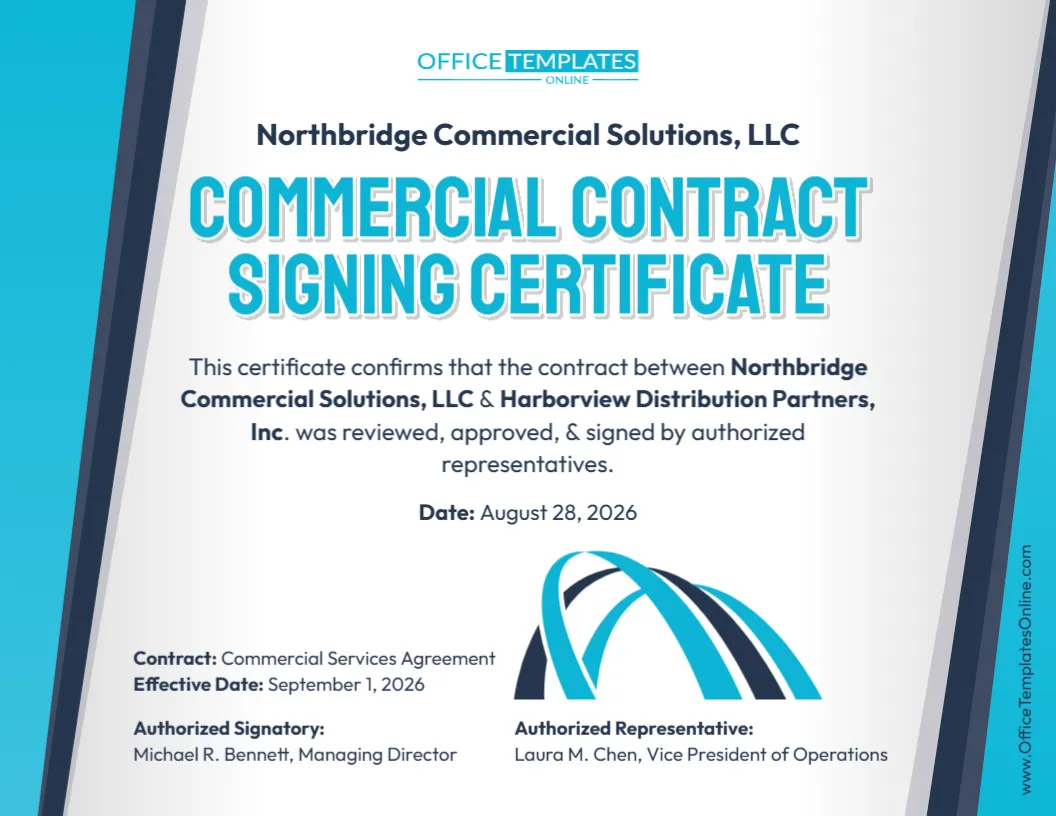
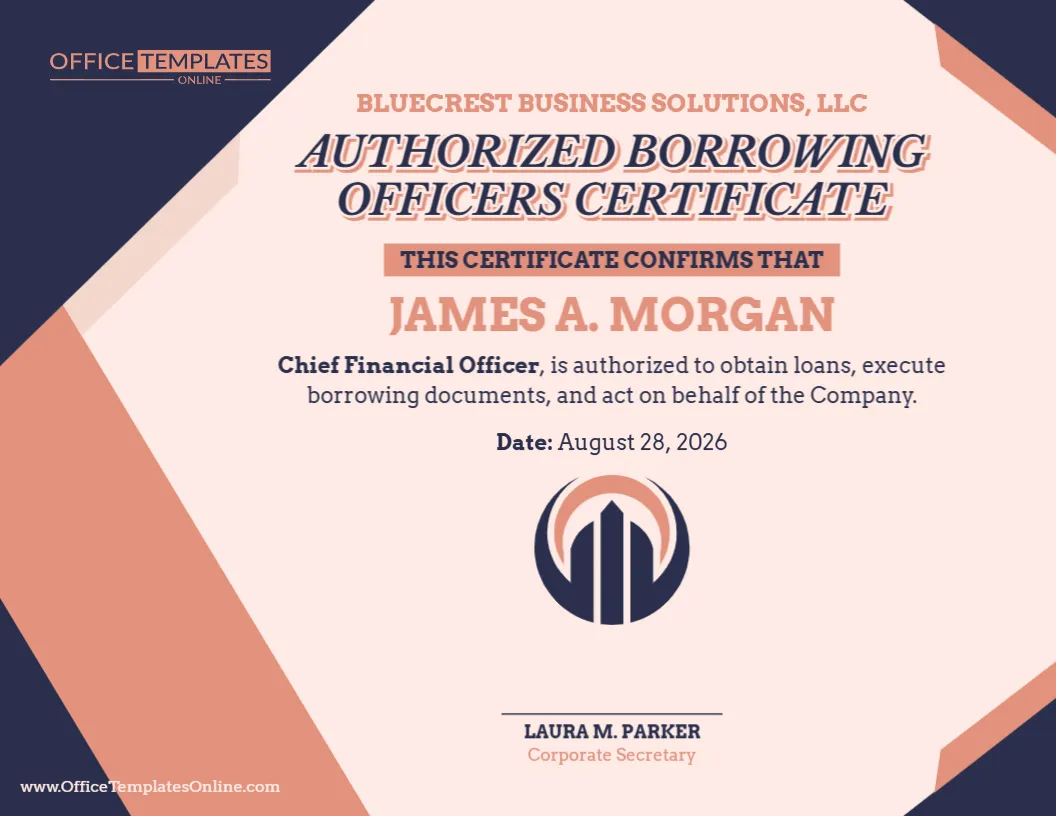
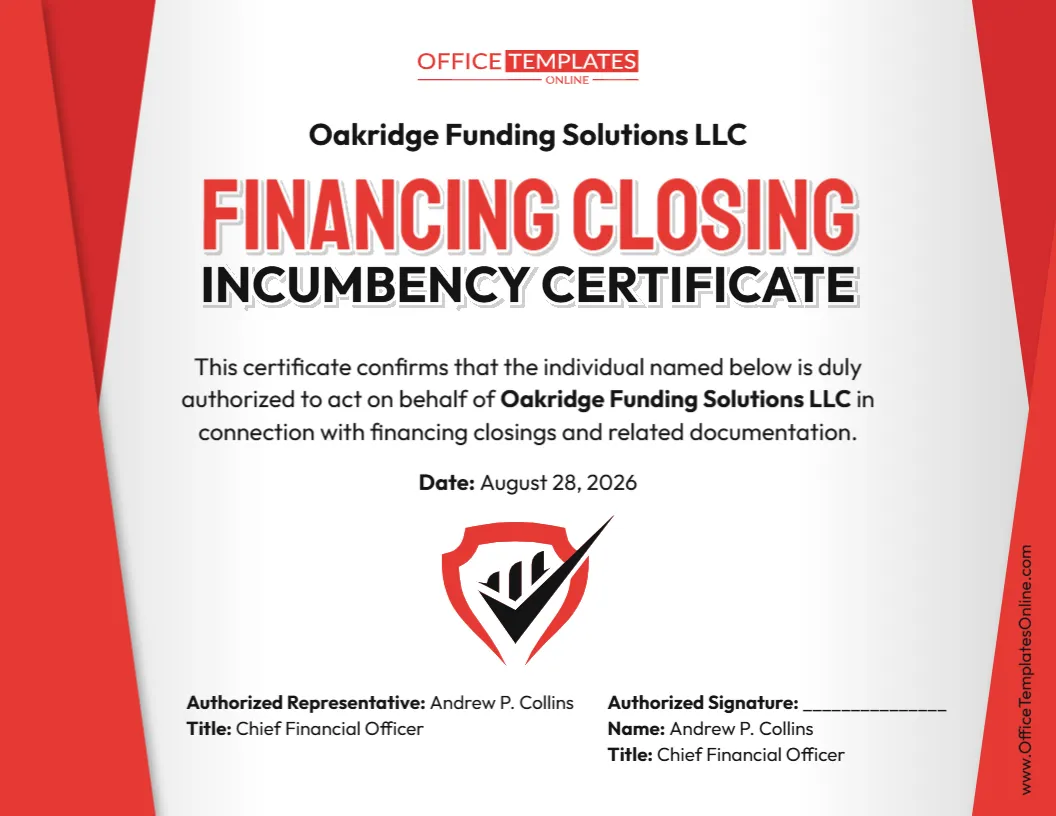
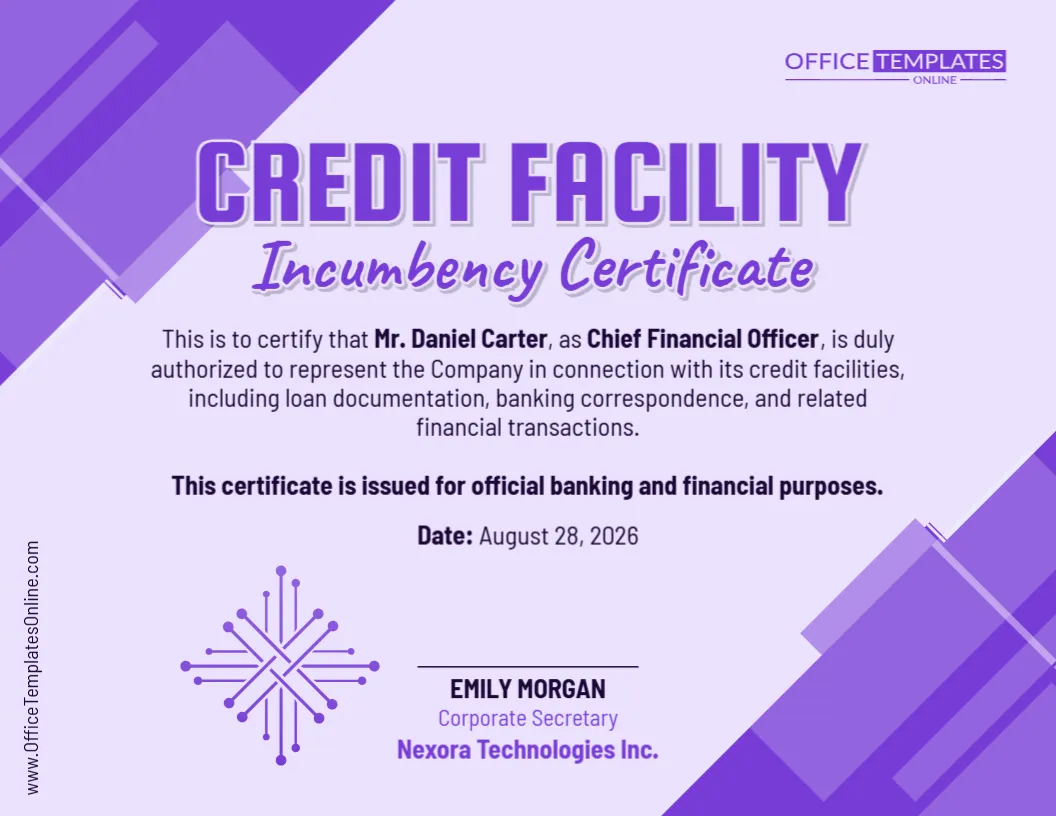
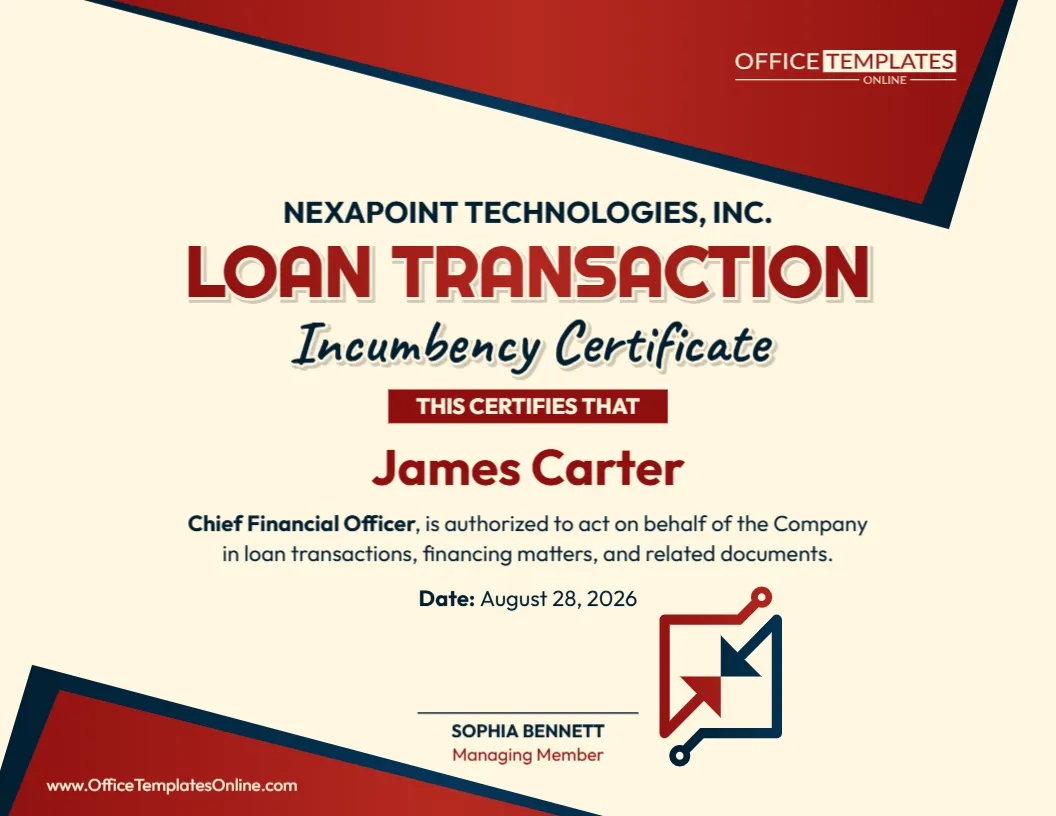
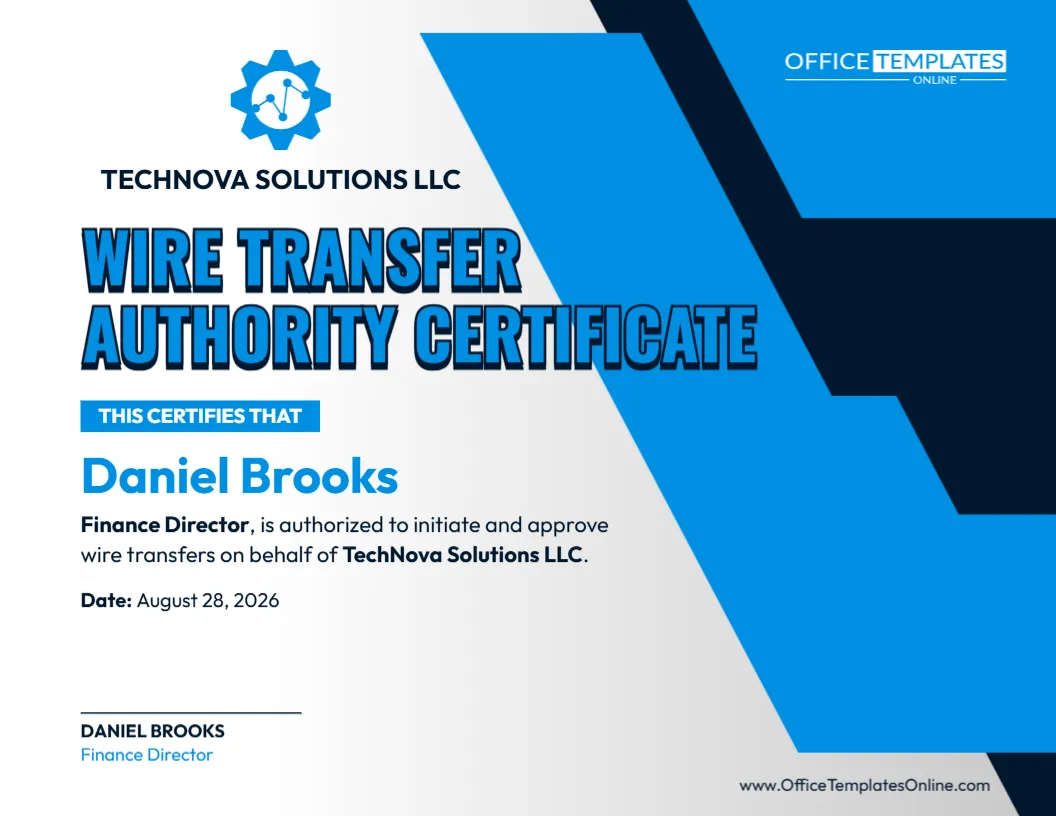
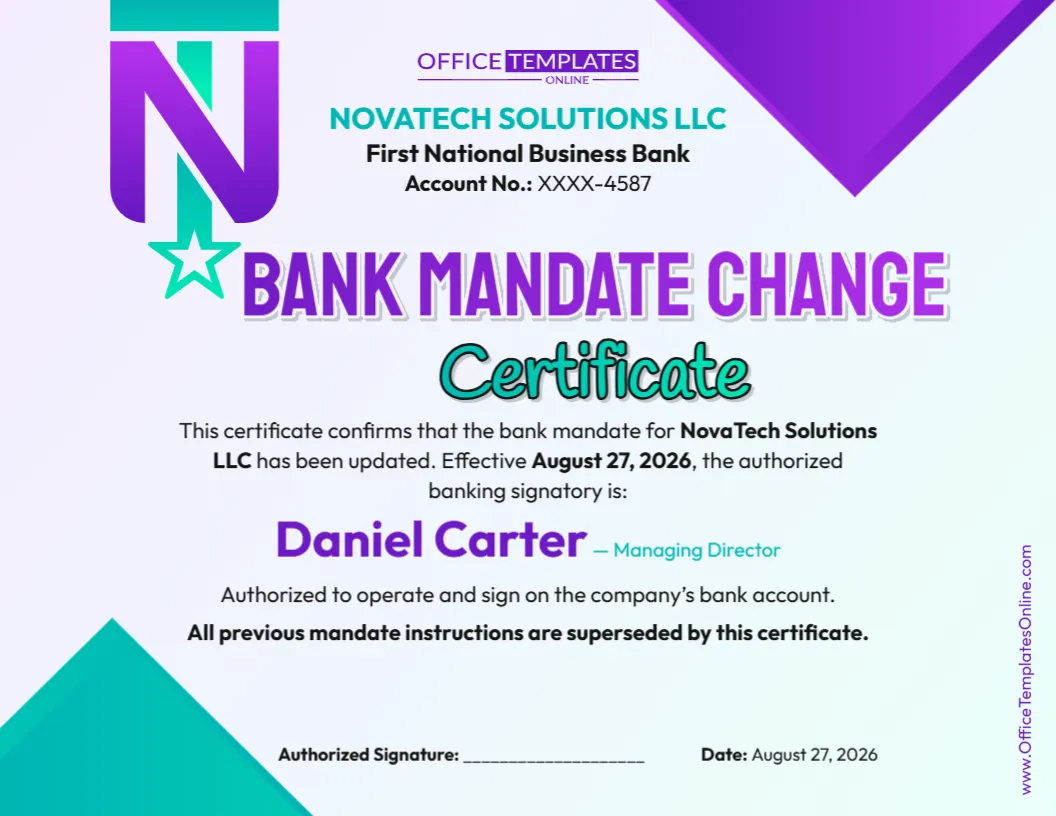
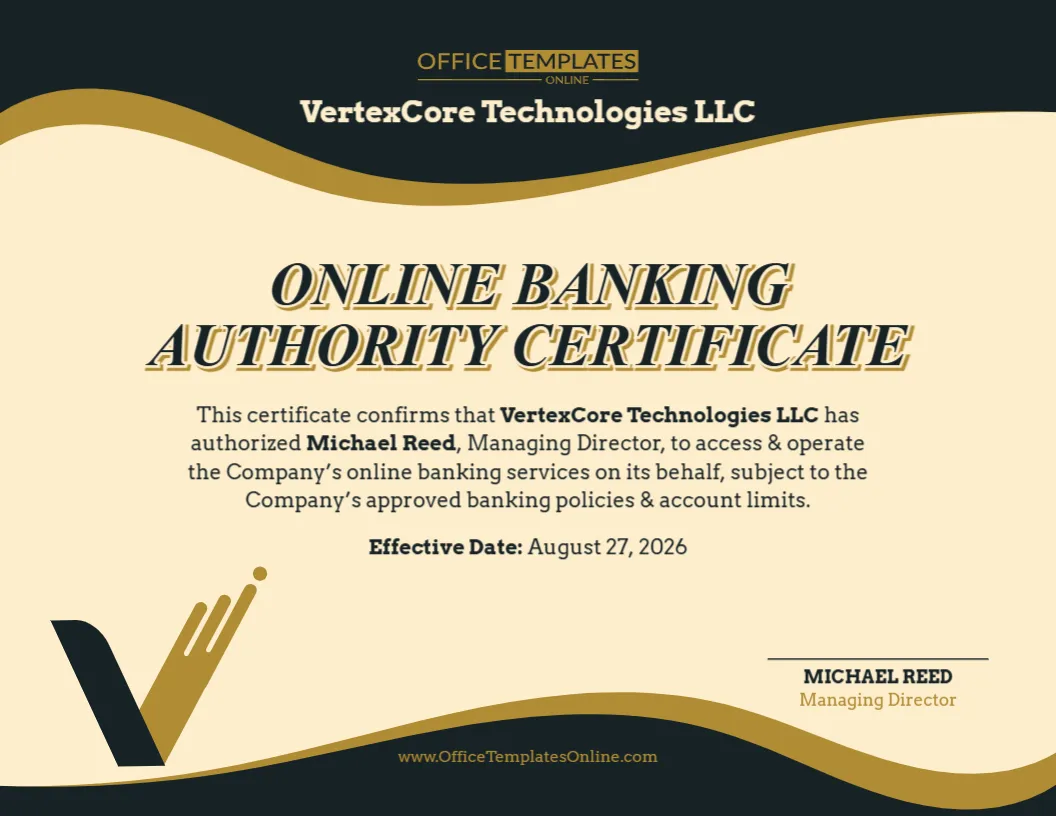
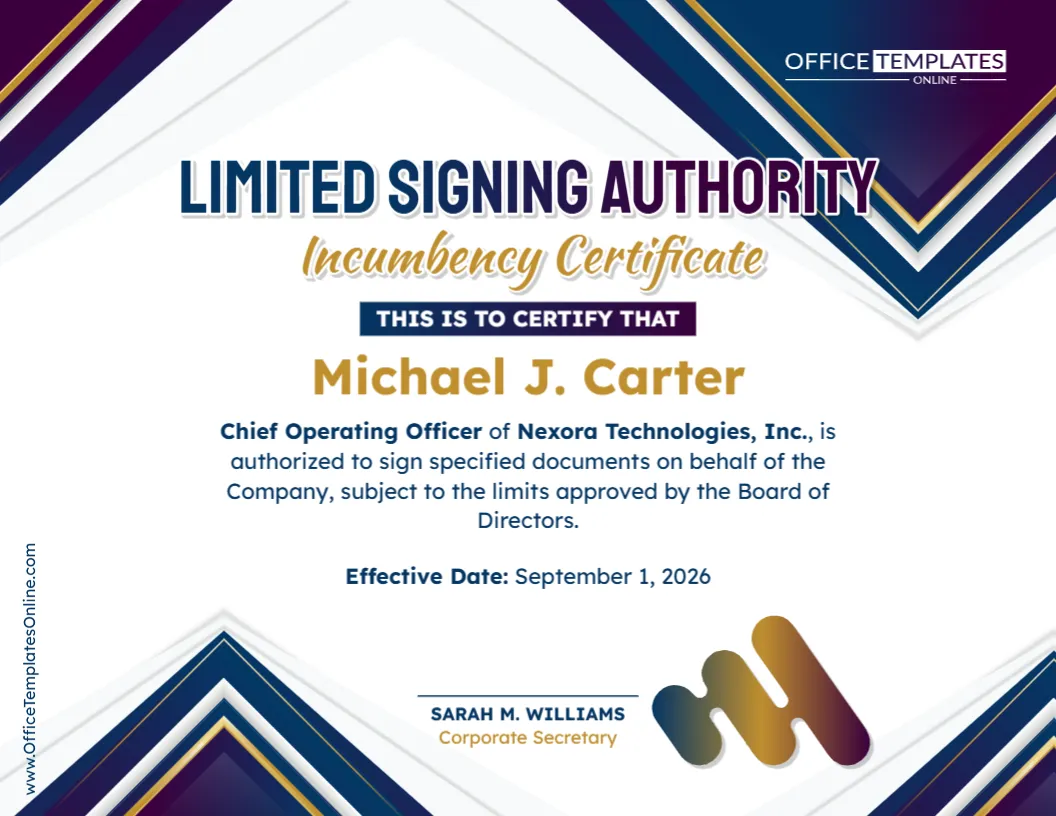
This template uses a clean certificate-style layout that makes the main information easy to identify at a glance. Its prominent “Limited Signing Authority Incumbency Certificate” heading immediately communicates the purpose of the document.
The central area is designed to highlight the authorized person’s name. Beneath it, the certificate provides room for the person’s official position, organization name, and a statement confirming their authority to sign specified documents subject to applicable limits.
There is also a clearly visible effective date, which helps show when the stated signing authority begins or applies.
At the bottom, a certification or signature area can be used for an appropriate officer, such as a corporate secretary or another person responsible for confirming the information. The professional certificate layout helps keep all of these details organized without making the document difficult to read.
Information You Can Personalize
The sample wording and details are there to give you a starting point. They should be replaced with information that accurately reflects your organization and its authorization arrangements.
Depending on your needs, you can customize details such as:
- Name of the person receiving signing authority
- Officer, employee, or representative’s job title
- Legal or business name of the organization
- Description of the permitted signing authority
- Documents or matters covered by the authorization
- Limits or conditions attached to that authority
- Effective date of the authorization
- Name and title of the person certifying the information
- Certification statement
- Other text appearing on the certificate
This flexibility makes the template suitable for organizations that want a polished certificate but do not want to create its visual design from the beginning.
Why Would an Organization Use This Type of Certificate?
A business may have several people who are allowed to act on its behalf, but their responsibilities may be very different.
For example, a senior executive may have broad signing powers, while another officer may only be authorized to sign documents related to their particular function. Organizations can formally delegate limited signing authority for specified duties or circumstances rather than granting unrestricted authority.
A certificate can provide a convenient written record of that arrangement. Depending on the circumstances, it may be useful for corporate records, internal administration, transactions, dealings with outside parties, or situations in which a person’s position and signing authority need to be confirmed.
It may also complement other corporate documents, such as board resolutions, bylaws, signing-authority policies, or incumbency records.
Incumbency Certificate vs. Limited Signing Authority Certificate
These concepts are related, but there is a useful difference to understand.
An incumbency certificate is generally concerned with confirming that named individuals currently hold specified positions or offices within an organization. When signing authority is included, the document can also help establish that a particular incumbent is authorized to act for the organization.
A limited signing authority certificate goes a step further by emphasizing that the person’s ability to sign is restricted in some way.
For example, the authority might apply only to specified documents or activities. It might also be governed by financial thresholds, departmental responsibilities, joint-signature requirements, board approval, or another internal restriction.
This template brings these ideas together by identifying the incumbent and stating that the individual has limited signing authority.
Edit It Directly in Your Browser
There is no need to install complicated design software just to personalize this certificate.
Open the template in the online editor and begin replacing the sample information with your own. No login is required to edit the template.
You can update the certificate step by step:
- Replace the sample recipient name with the authorized person’s name.
- Enter their correct position or official title.
- Add your company’s or organization’s name.
- Adjust the authorization statement to describe the intended signing powers.
- Enter the correct effective date.
- Update the certifying officer’s name and title.
- Review the completed certificate for accuracy.
- Download the finished design in your preferred file format.
This approach is especially convenient when you need a professional-looking certificate quickly but still want control over its wording and details.
Define the Limits Carefully
The word “limited” is one of the most important parts of this certificate.
Avoid wording that could make restricted authority appear broader than intended. If the authorization is limited to particular documents, functions, transactions, departments, values, or periods, the completed document should reflect those restrictions as clearly as necessary.
Real-world signing-authority rules can distinguish between signing and approval authority, specify additional approvals, and establish how many signatories are needed for particular arrangements.
Before using the certificate, therefore, compare its wording with the actual authorization granted to the individual.
Remember the Effective Date
The effective date deserves particular attention because authority can change over time.
An employee may be newly appointed, an officer’s responsibilities may change, or previously granted authority may later be withdrawn. Some formal signing arrangements expressly provide for limited authority to be rescinded or to end when an authorized employee leaves the organization.
Entering an accurate effective date helps place the certificate in the proper organizational context. When authority changes, consider whether the certificate and related internal records also need to be updated.
Download as PDF, PNG, or JPG
Once you have finished editing and checking the certificate, you can download it in PDF, PNG, or JPG format.
Choose PDF when you need a convenient document format for printing, electronic distribution, or recordkeeping. Choose PNG or JPG when an image version is more suitable for your intended use.
The availability of different formats means you can create the certificate once and save the finished version in the format that works best for you.
Before You Finalize the Certificate
Because signing authority can determine whether someone has the power to act on behalf of an organization, accuracy matters.
Check the spelling of names, official job titles, organization name, effective date, certification details, and especially the description of the person’s authority. The completed certificate should be consistent with any applicable board resolution, bylaws, delegation, signing policy, or other governing document.
Also remember that requirements can differ between organizations and recipients. A bank, government body, contracting party, or other institution may require its own wording, supporting documents, signatures, notarization, or verification procedure.
This template is an editable starting point for presenting information professionally; it does not itself grant legal signing authority. The authority stated in the certificate should already be properly established under the organization’s applicable rules and documents. For important legal or financial uses, obtain appropriate professional guidance when needed.
Turn Your Authorization Details Into a Professional Certificate
When an officer can sign for an organization but only within approved limits, documenting that distinction clearly can help prevent confusion. This Limited Signing Authority Incumbency Certificate Template gives you a polished starting point for presenting the individual’s identity, position, authorization, effective date, and certification details in one easy-to-read document.
Open the template in the browser-based editor, personalize the wording and information, review the limits of authority carefully, and download the completed certificate as a PDF, PNG, or JPG—all without needing to log in.