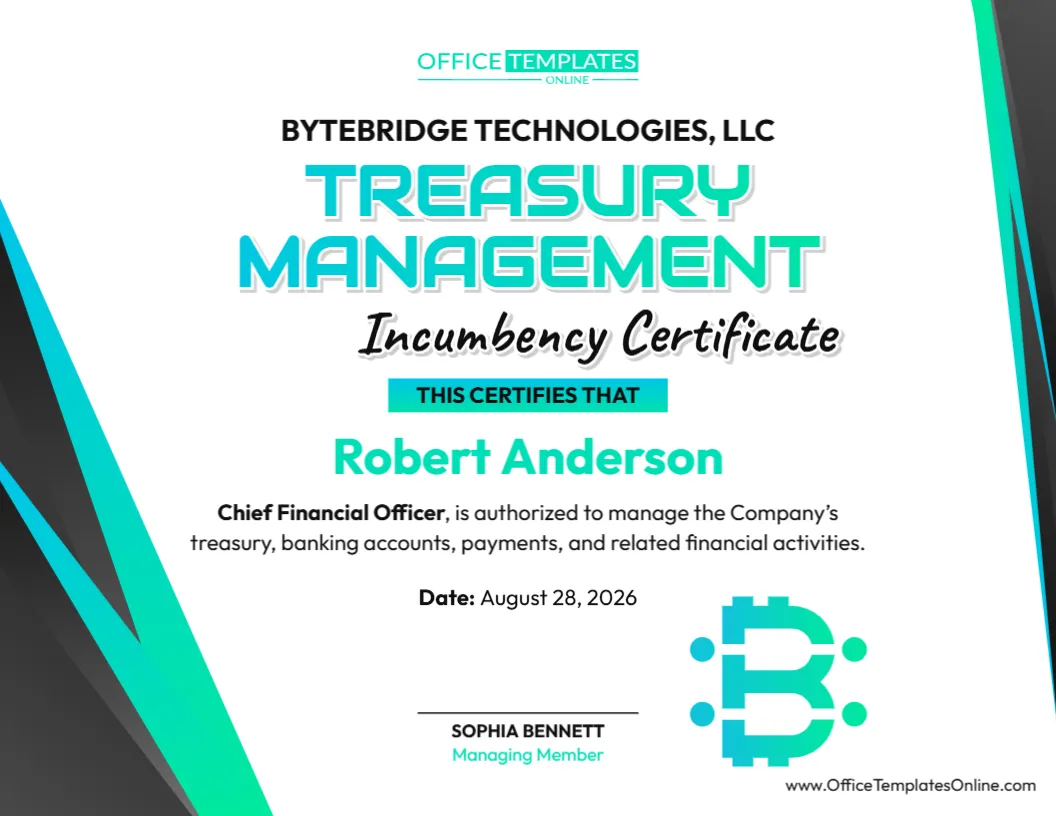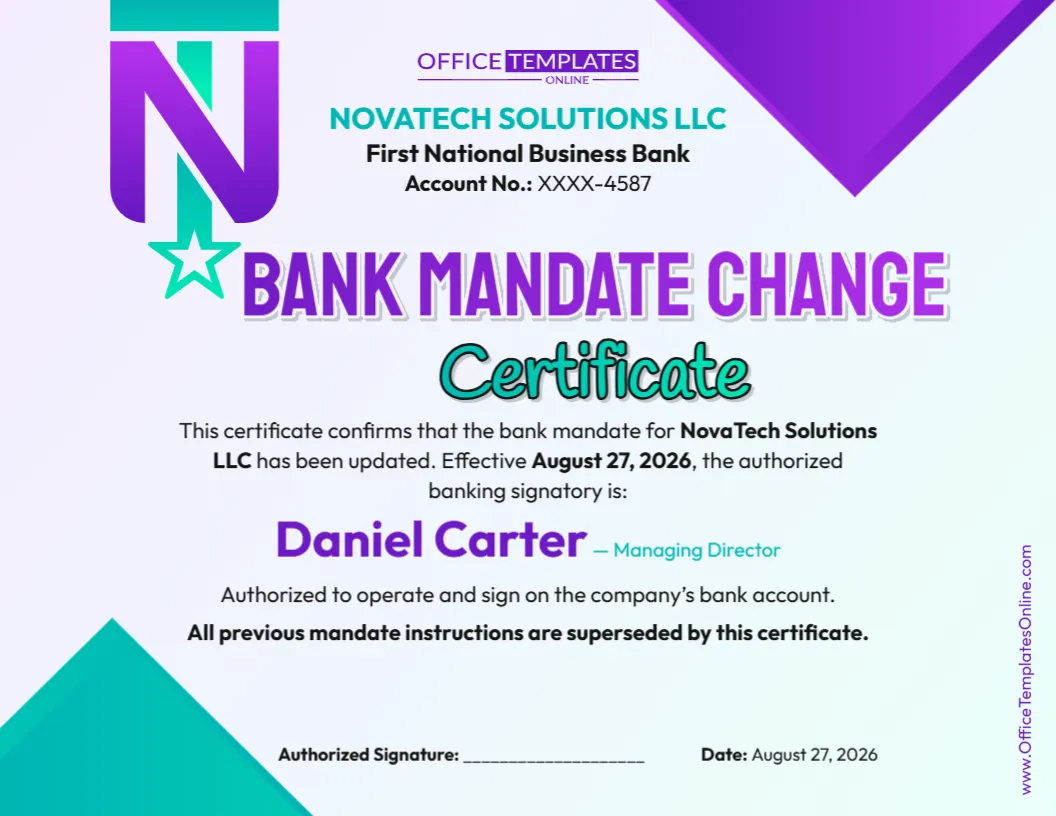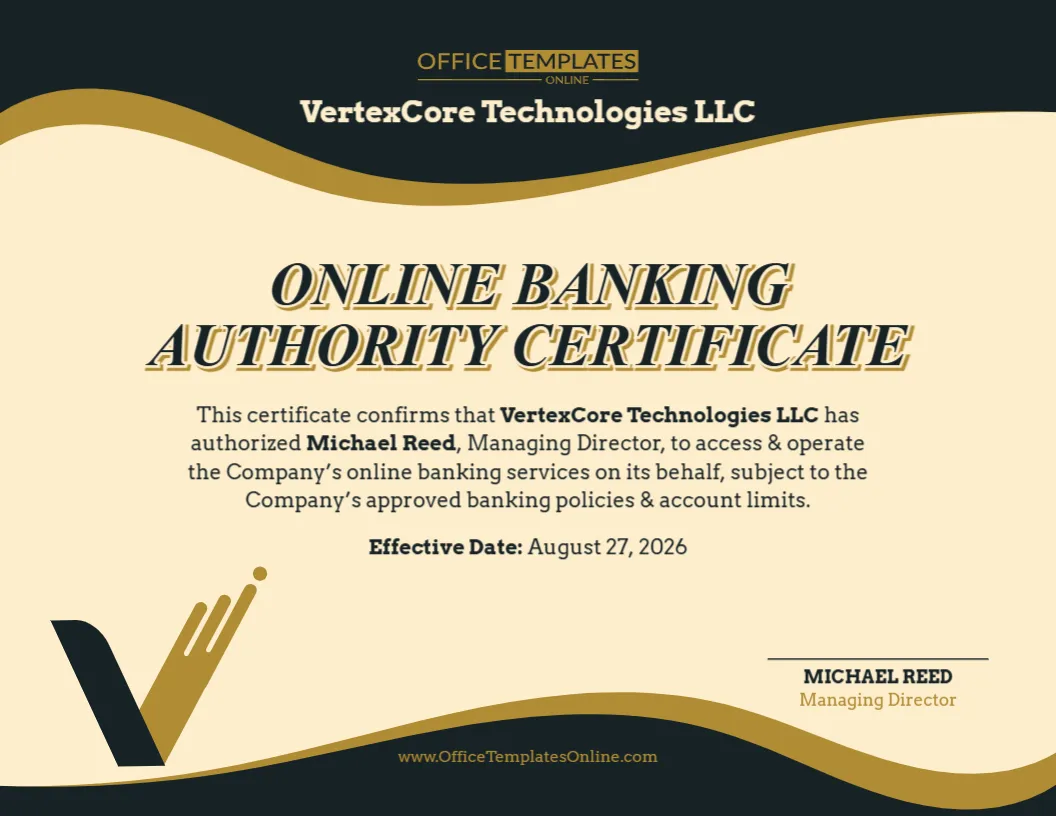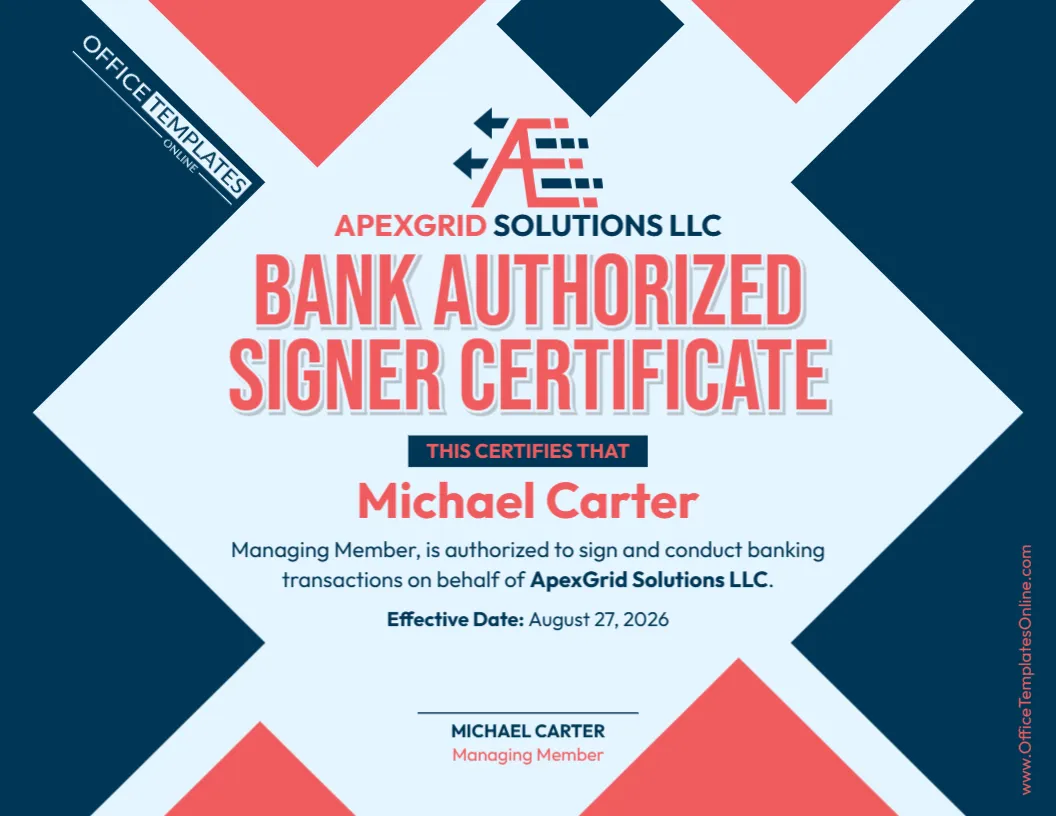
Keep Your Company’s Current Officers Clearly Documented in One Certificate
When several people hold important positions within a company, it can be helpful to have one clear document that identifies who the current corporate officers are and the positions they hold. This Corporate Officers Incumbency Certificate Template gives you a professional, organized way to present that information.
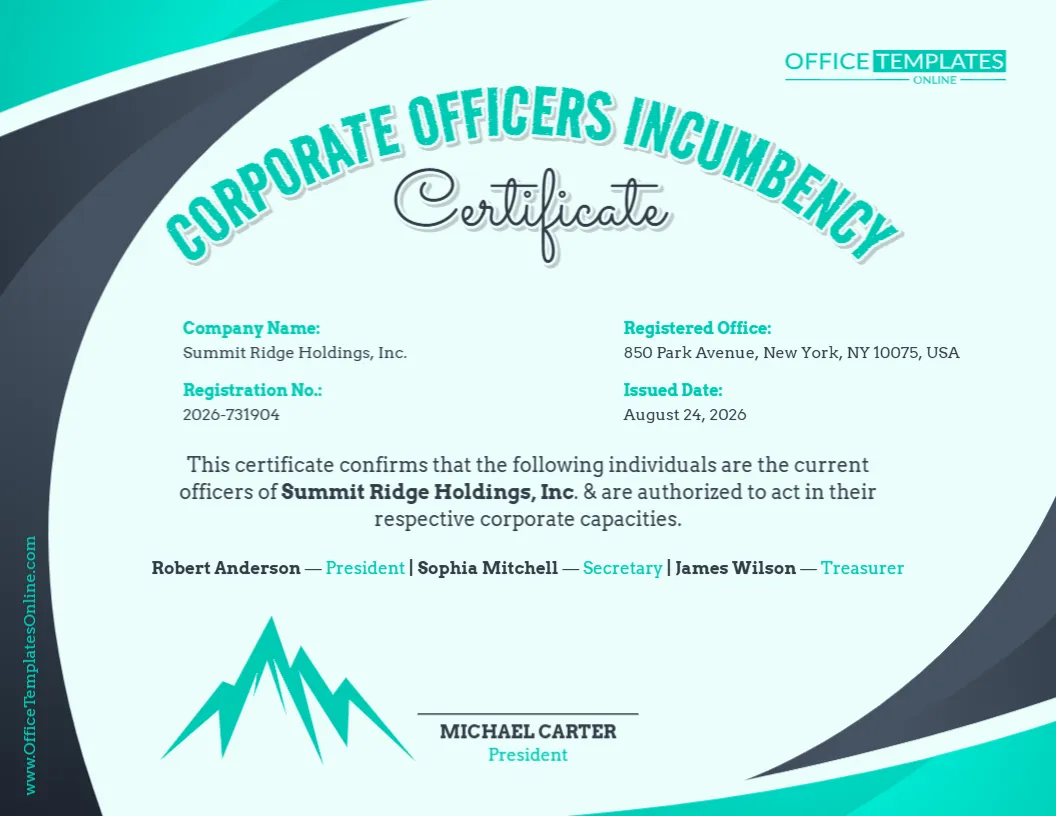
Unlike a certificate designed around only one officer, this template provides space to identify multiple corporate officers on the same document. The sample design lists a President, Secretary, and Treasurer and confirms that these individuals are the company’s current officers and are authorized to act in their respective corporate capacities.
The template also includes fields for the company name, registration number, registered office, issue date, officer names and titles, and certification details.
You can personalize the template directly in our online browser-based editor. There is no login required, and you do not need special design software. Replace the sample information, make the available changes you need, and download the completed certificate in PDF, PNG, or JPG format.
What Is a Corporate Officers Incumbency Certificate?
A Corporate Officers Incumbency Certificate is a document used to identify individuals who currently hold specified offices within a company.
In simple terms, it answers an important question:
Who currently holds the company’s key corporate positions?
Depending on the company and the purpose of the certificate, those positions could include President, Secretary, Treasurer, Chief Executive Officer, Chief Financial Officer, Vice President, or other recognized corporate offices.
This particular template is designed to show several officers together, making it useful when a company needs more than a single-person incumbency statement.
See Several Officers and Their Titles at a Glance
One of the strongest features of this design is the way it presents multiple officers without turning the certificate into a complicated document.
The sample version identifies three individuals and places each person’s name directly beside their corporate title. This makes the information quick to scan and easy to understand.
For example, you can use the editable officer section to identify positions such as:
- President
- Secretary
- Treasurer
These are only sample roles. The names and titles can be changed to match the actual officers you need to identify.
If your company uses different titles, replace the examples with the correct positions. The important thing is that the finished certificate accurately reflects the company’s current records.
Company Information Has a Clear Place Too
An incumbency certificate needs to make it obvious which company the listed officers belong to. For that reason, this template does more than provide a list of names.
Separate fields are available for the Company Name and Registration No., helping identify the organization to which the certificate relates.
There is also a Registered Office field where you can enter the appropriate company address or registered office information.
An Issued Date field gives the certificate a clear point in time. This is particularly useful because corporate officers can change, and a certificate should accurately reflect the company’s officer information as of the relevant date.
A Useful Format for Maintaining Clear Corporate Information
Companies can experience changes in leadership over time. Officers may be appointed, replaced, resign, change positions, or take on additional responsibilities.
An incumbency certificate provides a convenient way to present the current officer information being certified at a particular time.
This template keeps that information together instead of scattering it across several documents. A reader can identify the company, review its registration and office details, see the named officers and their titles, and find the certification information on the same page.
That makes the finished certificate both compact and easy to review.
Customize It Online Without Logging In
You do not need advanced formatting or graphic design skills to make this certificate your own.
Simply open the template in our online editor and customize it directly in your browser. No login is required to start editing.
Begin by replacing the sample company name. Then enter the correct registration number, registered office information, and issue date.
Move on to the officer section and replace each sample person’s name and title with the correct details from your organization.
You can also review the certification statement and make changes where needed. Other available editable elements can be adjusted to better suit the certificate you want to create.
Personalizing the Officer List
The sample design uses three common corporate offices: President, Secretary, and Treasurer.
Your organization may be structured differently.
If you need to identify a Vice President, Chief Executive Officer, Chief Financial Officer, Assistant Secretary, or another corporate officer, edit the titles accordingly. Likewise, if one individual holds more than one office, make sure the wording clearly reflects the roles being certified.
When changing the officer list, try to keep the information easy to read. If you need to include a large number of officers, a template specifically designed with a table or extended officer list may be more appropriate than fitting too much information onto a single line.
Pay Attention to the Statement About Corporate Authority
The sample certificate states that the listed individuals are the company’s current officers and are authorized to act in their respective corporate capacities.
This wording should be reviewed carefully before the certificate is used.
Holding a corporate office does not necessarily give a person unlimited authority to take every action or sign every type of document for a company. The scope of an officer’s authority may depend on company governing documents, board resolutions, internal delegations, applicable law, transaction-specific approvals, or other arrangements.
For that reason, keep or modify the authorization wording only when it accurately describes the status and authority you intend to certify.
If the recipient specifically needs proof of signing authority, additional or more precise language may be necessary.
Who Can Certify the Information?
The template provides a signature and identification area at the bottom for the person certifying the officer information.
In the sample design, the certifying person is identified as the President. You can change the name and title if another appropriate person is required to certify the certificate for your organization.
Who should sign or certify an incumbency certificate can depend on the company’s governing documents, internal practices, applicable requirements, and the organization requesting the certificate.
Before finalizing the document, make sure the person identified in this section is appropriate for the intended use.
A Fresh Corporate Design That Remains Easy to Read
Corporate documents often contain important information but do not have to look overly plain.
This certificate uses a modern teal, dark gray, and light background design with curved graphic elements around the page. The decorative border gives the certificate a distinctive appearance while leaving a large central area for the actual company information.
The arched “Corporate Officers Incumbency” heading establishes the document type immediately, while the script-style “Certificate” adds a formal certificate feel.
Company details are organized into separate areas near the top, the certification statement and officer list occupy the center, and the certifying person’s information is placed toward the bottom.
This visual structure helps the reader move naturally from the company details to the officers being identified and finally to the certification section.
When Could a Corporate Officers Incumbency Certificate Be Useful?
A company may be asked to provide current officer information in a variety of business situations.
Depending on the circumstances and recipient, an incumbency certificate may be relevant during banking procedures, corporate verification, financing, due diligence, account administration, contractual arrangements, business transactions, or other situations where current corporate officers need to be identified.
For example, a third party may want to know who currently serves as President, Secretary, or Treasurer before proceeding with a particular corporate process.
However, requirements vary. Some recipients may need only names and titles, while others may request specimen signatures, detailed signing authority, board resolutions, notarization, a company seal, or additional supporting information.
Check the recipient’s requirements before preparing the final certificate.
Company Name, Registration Number, and Registered Office: Check Them Carefully
Because this template contains several company-identification fields, it is worth verifying each one against the appropriate records.
Enter the company name exactly as it should appear. Avoid unintentionally shortening the legal name if the recipient expects the full registered name.
Check the registration number character by character, since a small typing error can create confusion.
The registered office should also be reviewed carefully. A company’s registered office may not necessarily be the same as its everyday trading, mailing, or operational address, depending on the jurisdiction and company structure.
If the terminology used in your jurisdiction is different, customize the labels where appropriate.
A Simple Way to Complete the Template
You can work through the certificate in a logical order.
First, enter the company’s identifying details: name, registration number, and registered office.
Second, update the issued date so the certificate clearly indicates when the information is being certified.
Third, replace the sample officer names and titles with the company’s current information.
Next, read the certification statement closely and revise it if necessary, particularly any wording concerning the officers’ authority.
Finally, enter the name and title of the person certifying the document.
Before downloading, review the entire page once more. Make sure no sample company names, addresses, registration numbers, dates, or officer names remain.
Choose the File Format That Fits Your Needs
After completing your edits, you can download the customized certificate in PDF, PNG, or JPG format.
Choose PDF when you need a convenient document format for printing, emailing, archiving, or electronic submission.
Choose PNG when you want a high-quality image version of the certificate.
Choose JPG when you prefer a widely compatible image file that is easy to use across many devices and applications.
The multiple download options give you flexibility without requiring you to rebuild the certificate for different uses.
Final Checklist Before Using Your Certificate
Before you download or share the completed certificate, check that:
- the correct company name appears throughout the document;
- the registration number is accurate;
- the registered office details are current;
- the issue date is correct;
- every listed person currently holds the stated office;
- each corporate title is written correctly;
- any statement about authority is accurate;
- the certifying person’s name and title are correct; and
- all placeholder information has been replaced.
If the certificate has been requested by a bank, government body, business partner, adviser, or another organization, also confirm whether they require particular wording, signatures, dates, notarization, supporting resolutions, or other formalities.
Build Your Certificate from a Ready-Made Professional Layout
This Corporate Officers Incumbency Certificate Template removes the need to design a corporate certificate from an empty page.
The layout, headings, company-information fields, officer section, and certification area are already organized for you. All that remains is to personalize them with accurate information for your company.
Use the online editor with no login required, enter your company and officer details, adjust the certification wording where appropriate, and review the finished document. When everything is ready, download your personalized certificate as a PDF, PNG, or JPG.
It is a simple way to turn a professionally designed template into a certificate that clearly presents your company’s current officer information.
Important note: This template is provided as an editable document resource and does not constitute legal advice or independently establish a person’s corporate position or authority. Requirements for incumbency certificates, officer certification, signing authority, signatures, notarization, and supporting documents can vary by company, jurisdiction, transaction, and recipient. For official or legally significant use, verify the information and required formalities with the requesting organization, applicable corporate records, or an appropriately qualified professional.