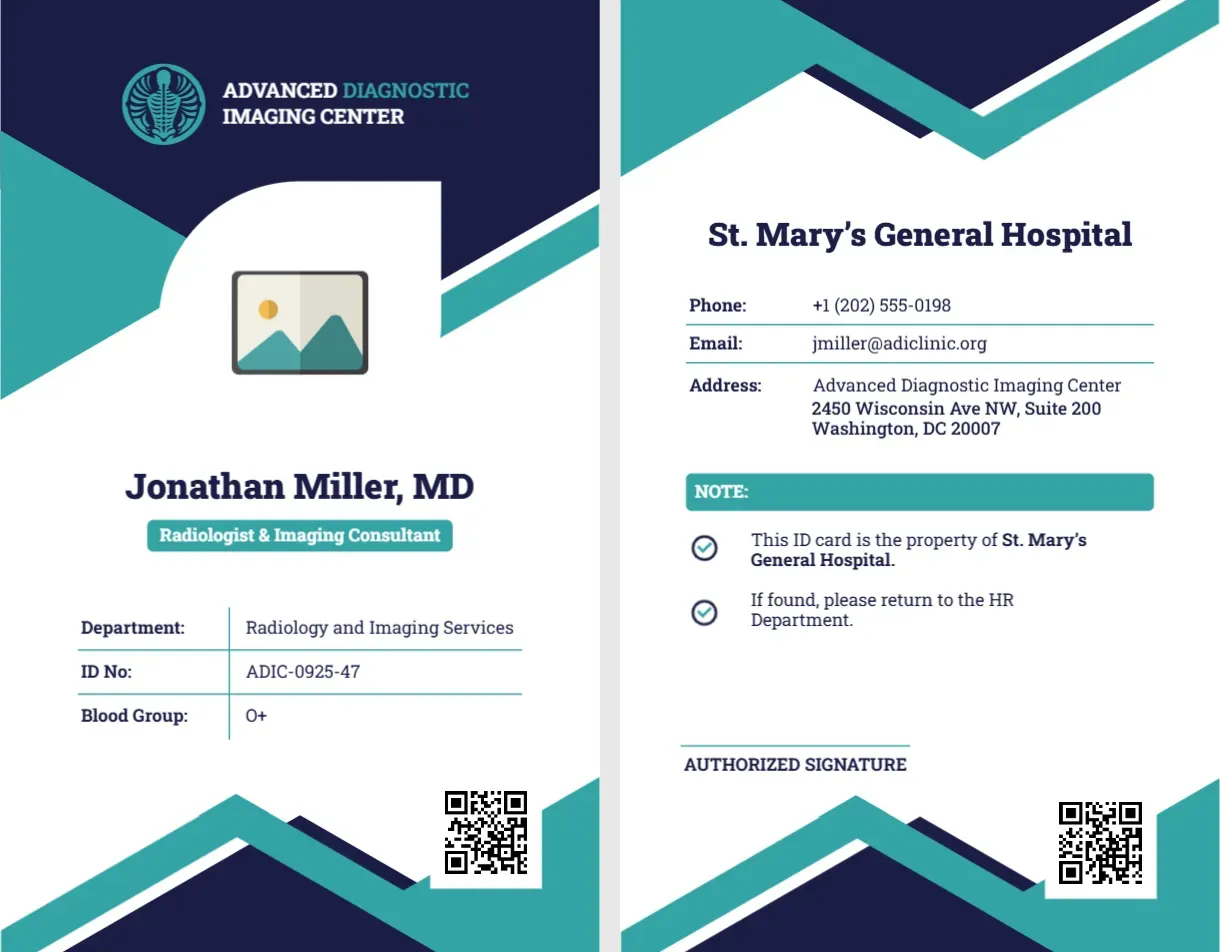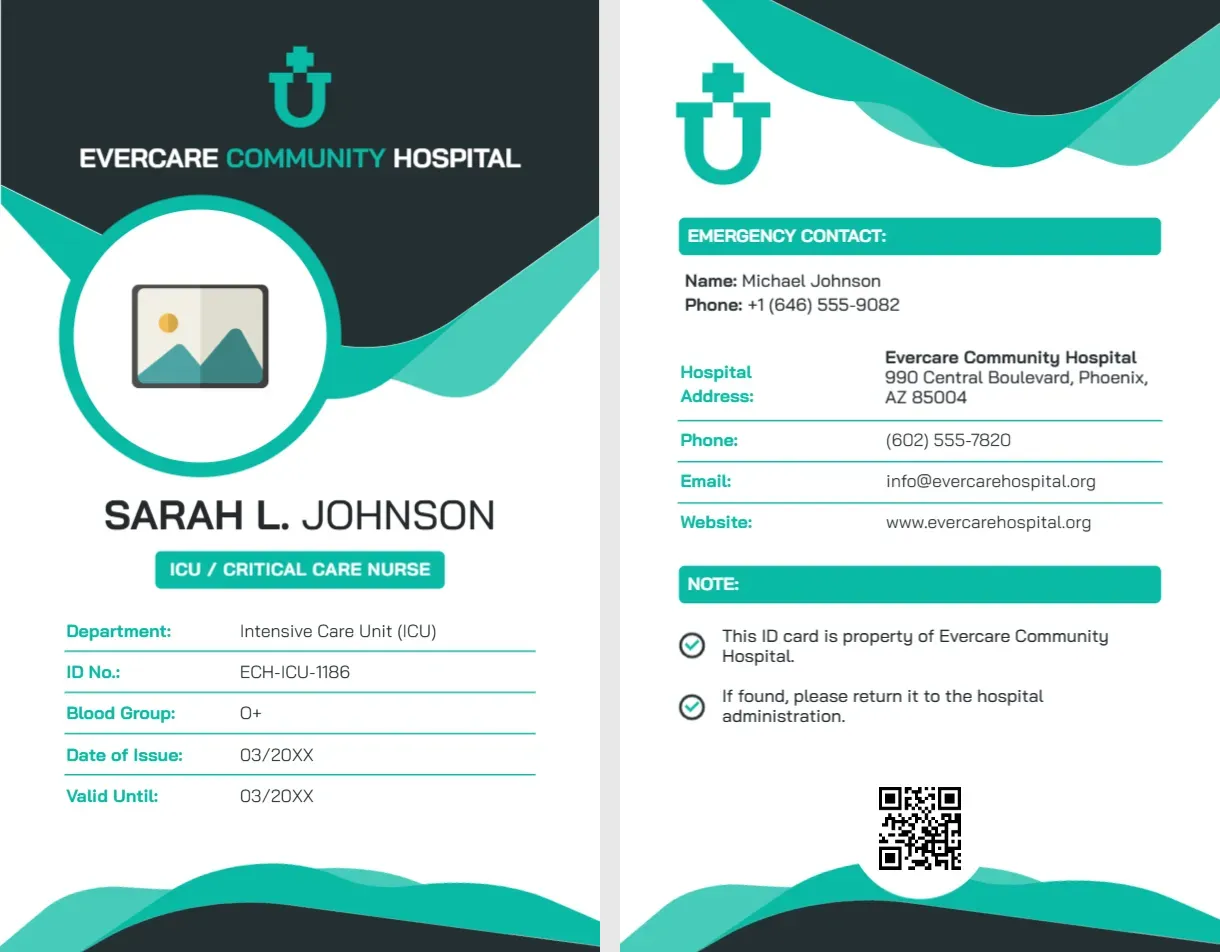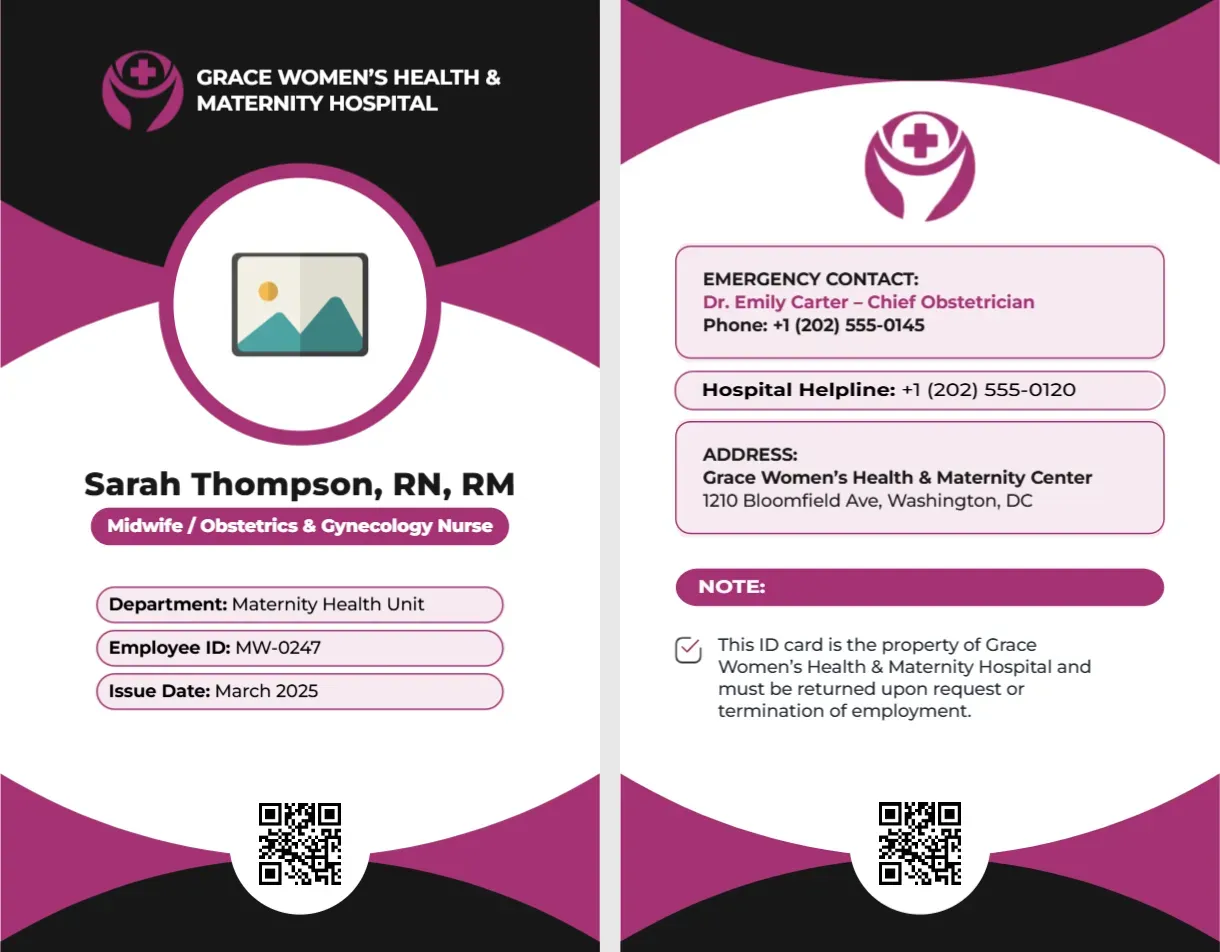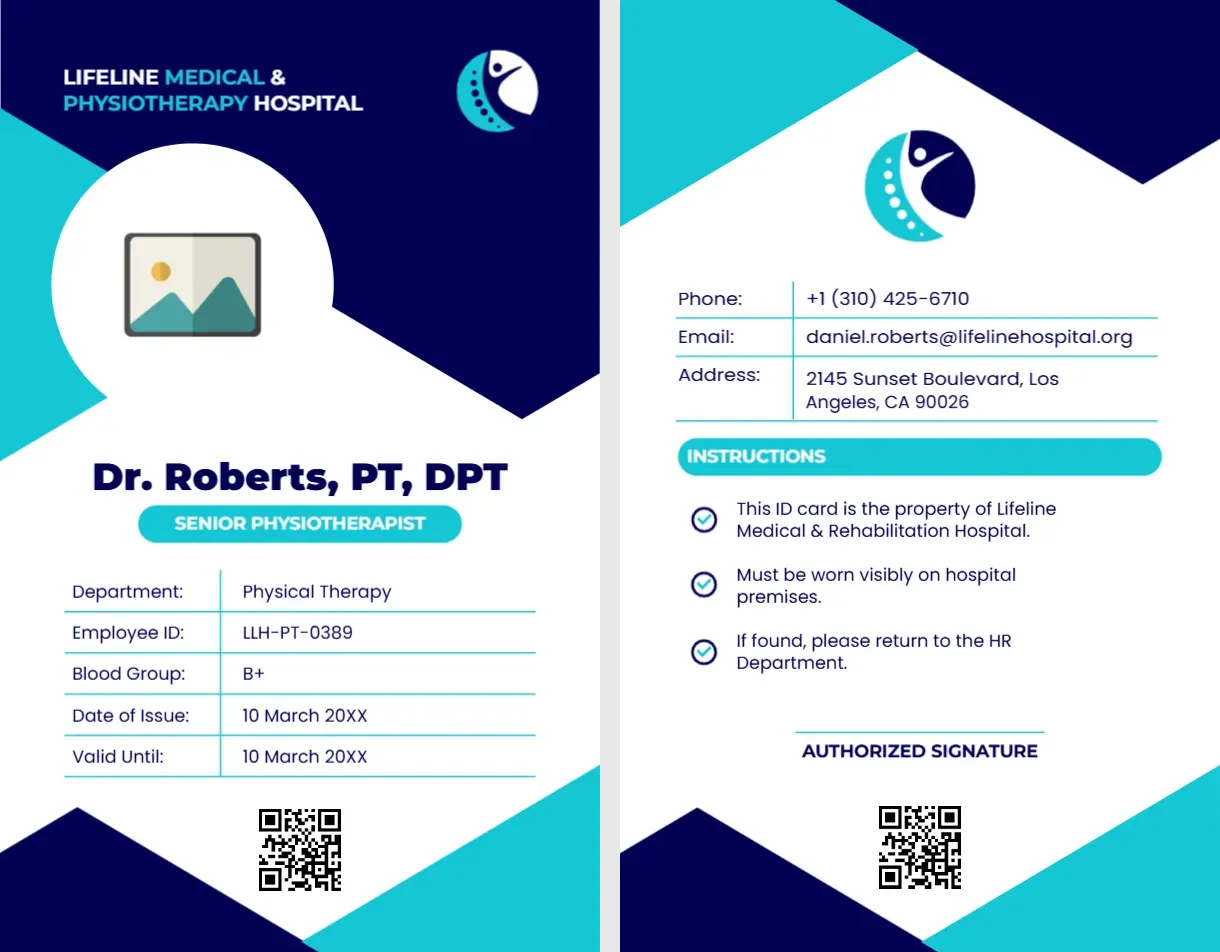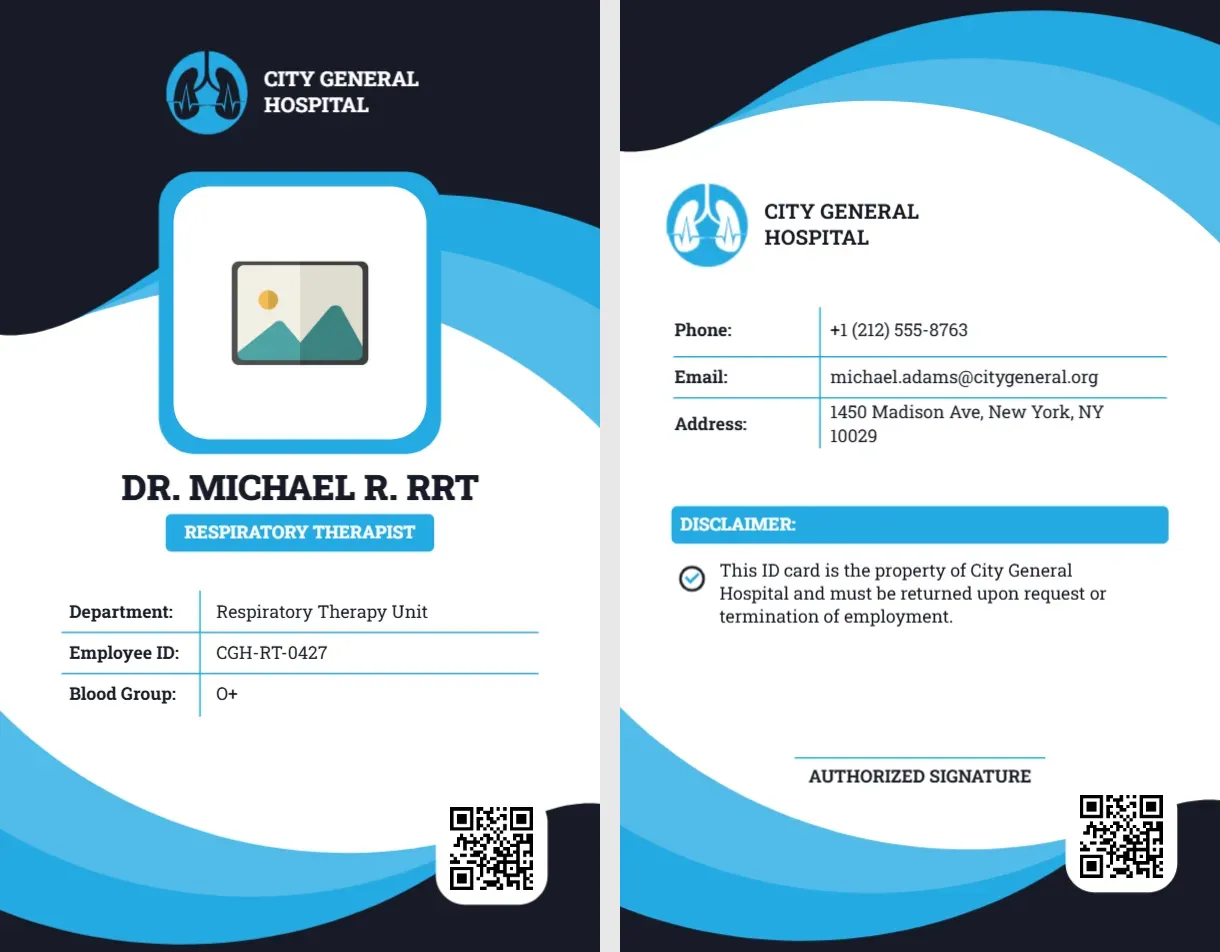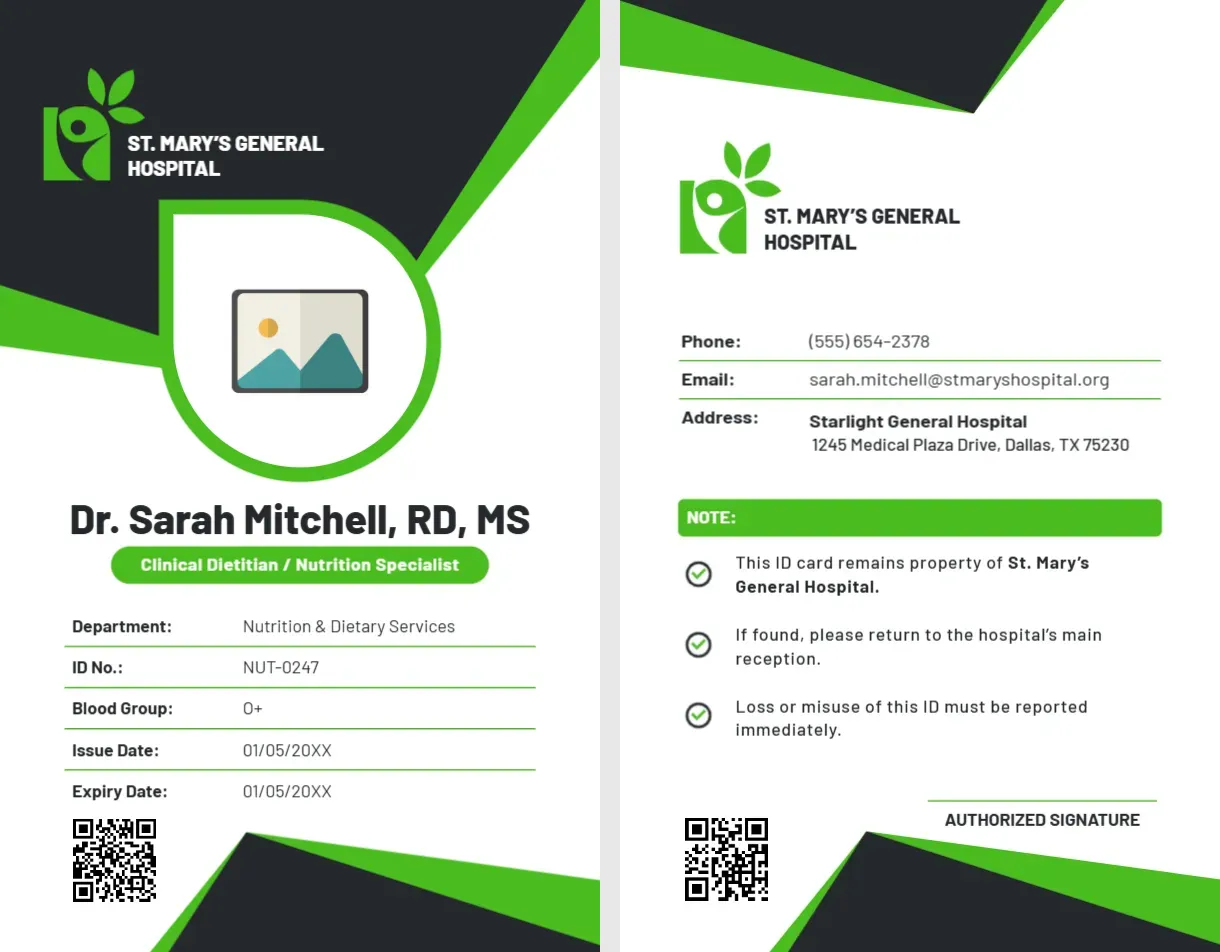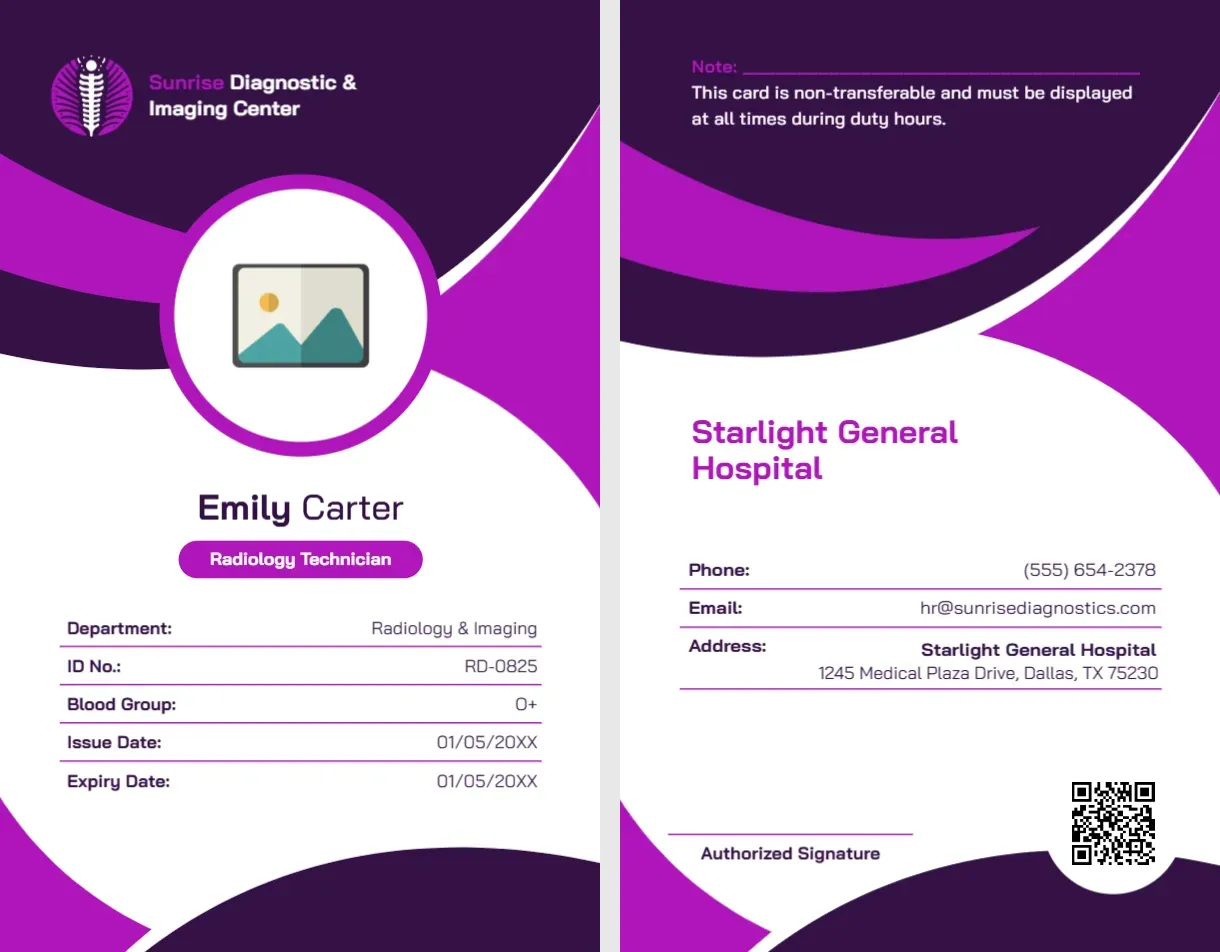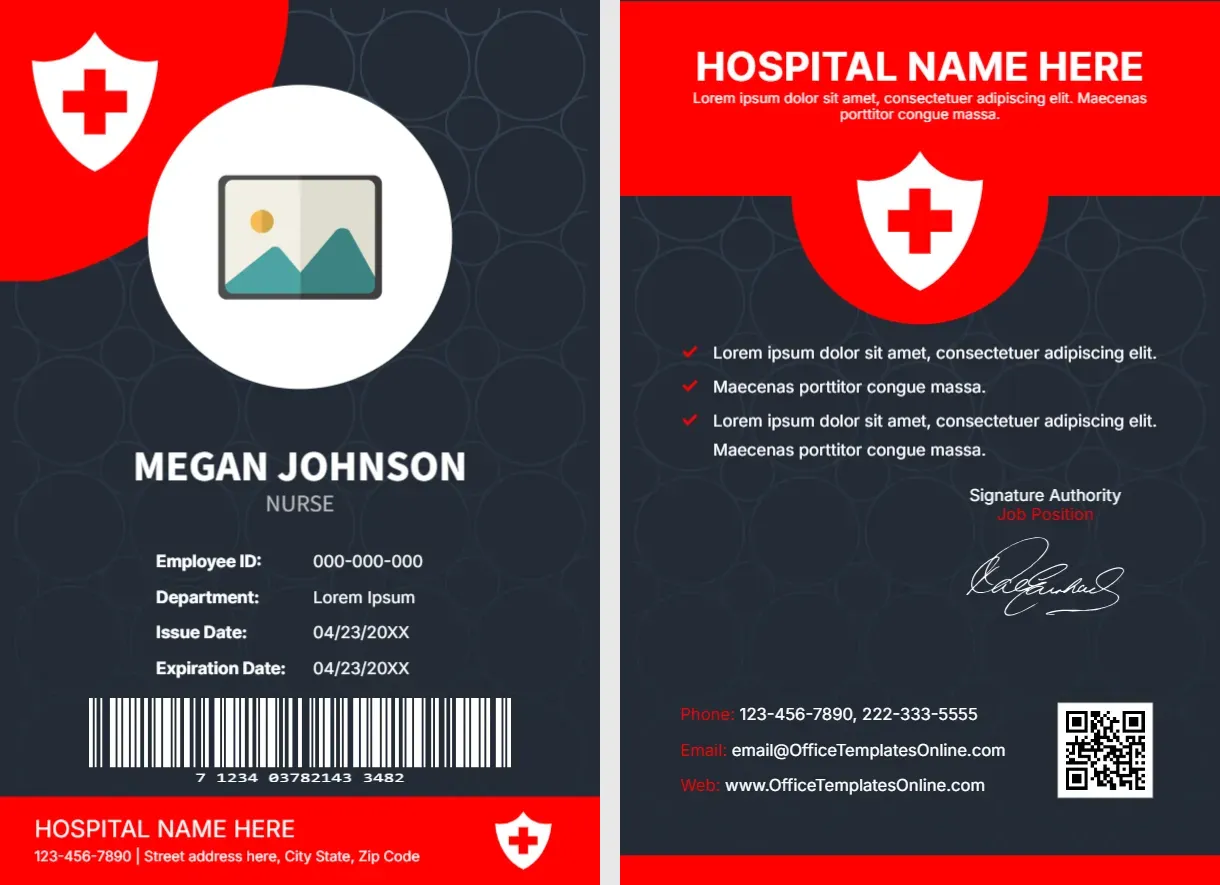
A university does not have one door. It has a library, laboratories, a faculty lounge, a parking structure, an exam hall and often a dozen buildings scattered across a campus. A professor moves between all of them in a single day, so the faculty ID card is less a name tag and more a key. This college and university professor ID card template gives you a traditional academic look, in burgundy and gold with a serif typeface, and it includes the features campus systems expect: a barcode, a signature panel and a magnetic stripe area.
The academic look, explained
Burgundy and gold are used by colleges around the world because they look established without feeling stiff. The heading is set in Playfair Display, a high-contrast serif that reads as scholarly, while the supporting text uses a clean sans-serif for legibility at small sizes. A gold shield with a star stands in for the university crest. Replace it with your own emblem by uploading an image and placing it over the shield.
Front of the card
Header band
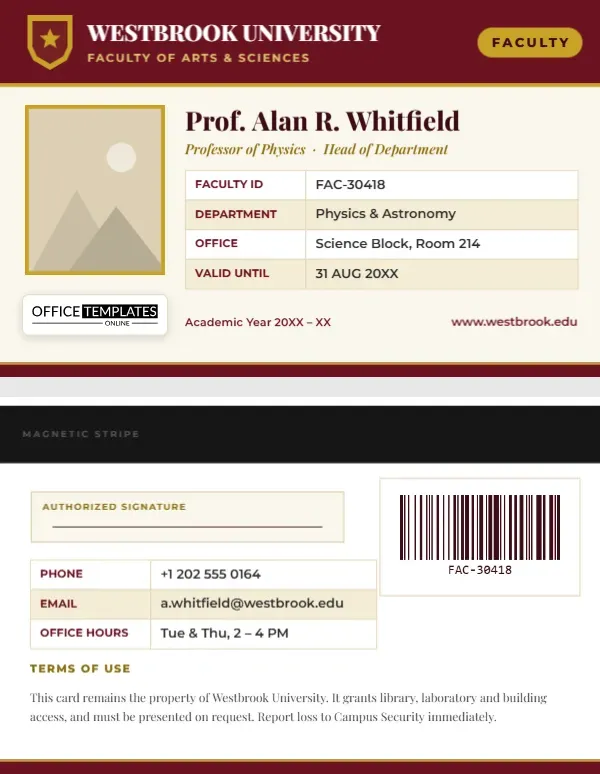
The top of the card carries the university name, the faculty or school beneath it and a gold “Faculty” tag on the right. Rename these to match your institution: “College of Engineering”, “School of Business” or “Department of Humanities”.
Framed portrait
The photo sits in a rectangular slot with a gold border. It is a pattern-filled shape, so uploading a new portrait crops it to the frame rather than stretching or resizing it. Choose a head-and-shoulders picture with a plain background for a professional result.
Name, title and details
The professor’s title and name are set in a large serif line, followed by an italic line for rank and administrative role. A table then lists faculty ID, department, office location and validity date. Because it is a real editor table, you can add rows for extension number or research centre, or delete rows to simplify.
Footer strip
The academic year appears at the bottom left and the website at the bottom right, over a burgundy strip trimmed with a gold hairline. Our logo appears as a template credit at the lower left of the photo.
Back of the card: built for campus systems
The back mirrors the layout of a traditional campus ID.
- Magnetic stripe zone. A black band runs across the top. If your cards are printed on PVC with a real magnetic stripe, keep this area clear; if not, the band works as a design element.
- Signature panel. A cream box with a signature line lets the holder sign the card in ink after printing.
- Barcode. A CODE128 barcode is placed on the right. It stores the faculty ID and can be scanned at the library desk, the print station or the exam hall. Click it to change the value.
- Contact table. Phone, email and office hours sit in a compact table.
- Terms. A short paragraph states that the card belongs to the university and must be reported if lost.
Faculty roles that fit this card
- Full, associate and assistant professors
- Adjunct and visiting lecturers
- Department heads and deans
- Research fellows and postdoctoral staff
- Teaching fellows and lab supervisors
- Emeritus faculty who keep library privileges
Customizing the card
- Change “Westbrook University” and the faculty line to your institution’s name.
- Replace the placeholder photo using Replace Image.
- Edit the professor’s name, rank and details table.
- Select the barcode and type in the real faculty ID number so it matches your system.
- Update the contact rows and terms on page 2.
- Download the file in your preferred format.
Barcode tips for library and lab scanners
Scanners read best when the barcode has a quiet zone around it and strong contrast, which is why it sits on a white plate. Use a value of about ten characters, as very short values create a narrow, tall symbol that is harder to read. After printing, test the card at the scanner you use most. If it fails, print at a slightly larger size or choose a matte finish to cut glare.
Printing for a long academic year
The card is 3.375 x 2.125 inches, the standard CR80 credit-card size. Professors carry these cards for years, so choose 30 mil PVC if your budget allows. If you print on paper, laminate the card and round the corners so they survive a backpack. Match the burgundy by printing a test swatch first, since dark reds can shift between printers.
Faculty queries answered
Can I use it for a college that is not a university?
Yes. Replace the word “University” with “College”, “Institute” or “Academy” and adjust the tag to suit.
Can I add a second language?
Yes. Add another text line and pick a Google Font that supports your script.
Do I need the magnetic stripe band?
No. Delete it or recolour it if your system uses chip or barcode access only.
Adapting the wording to your country and system
Academic titles differ around the world. In some systems a lecturer sits below a senior lecturer, in others a reader or an associate professor fills that role. The template uses “Professor of Physics · Head of Department” only as a sample, so replace it with the rank your institution uses. In the same way, “Faculty ID” can become “Staff No.”, “Employee ID” or “Personnel Number”, and “Office” can be “Room” or “Cabinet”. The table labels are ordinary text, so you can type over them in seconds. If your university works in more than one language, add a second line under the title and choose a Google Font that supports the second script.
What to keep off a faculty card
A card is often lost, lent or photographed, so leave off anything that would cause harm in the wrong hands. Avoid printing a home address, a personal mobile number, a national identity number or any password. Keep the ID number, office phone and university email, and let the barcode link to the record in your system. If you want to show blood group and an emergency contact on the back, make sure staff agree to it first.
A faculty card should feel as dependable as the institution behind it. Open the template, add your professor’s details and produce a polished, campus-ready ID.