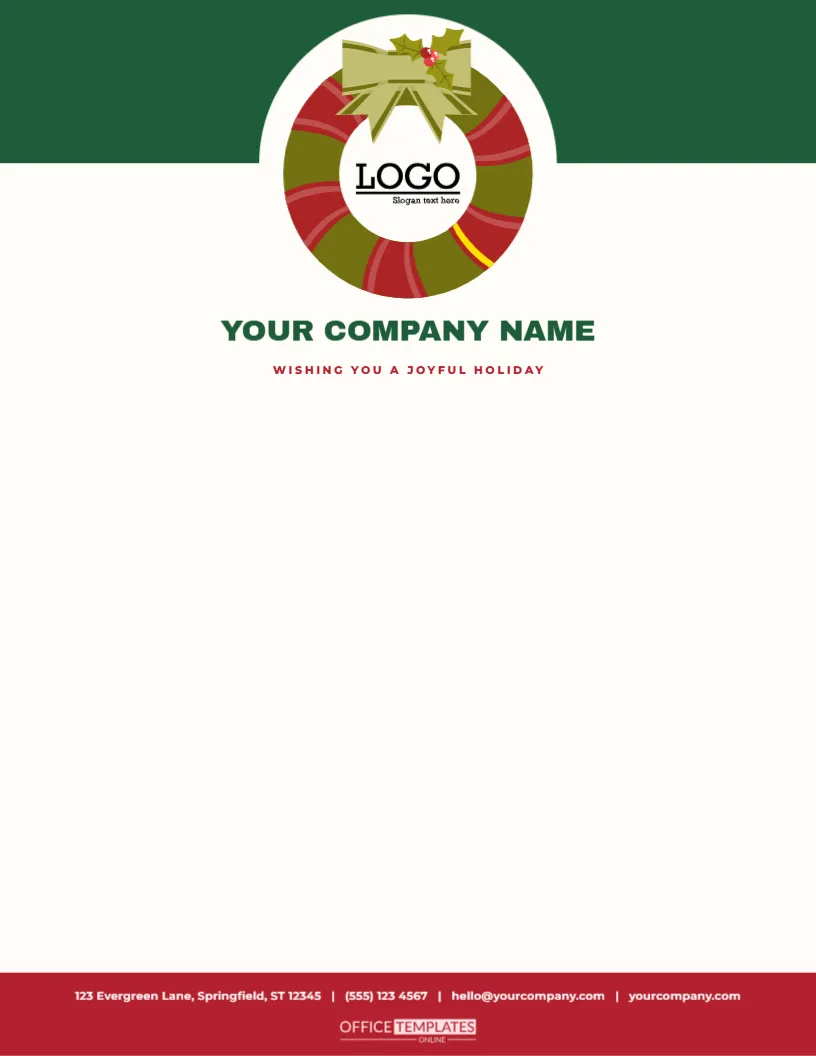
A wreath is a circle of welcome, and this letterhead hangs one at the top of the page with your logo at its heart. A deep green band, one and seven-tenths inches deep, spans the top of a cream sheet, and a large cream circle with a wreath of mixed greens, red berries and a bow sits at its centre, overlapping the band. Inside the wreath, a square logo slot holds your own mark. Below, YOUR COMPANY NAME is centred in bold green capitals with a red tagline, and a red band at the foot carries the contact line.
A Logo in a Wreath
Many organisations have a logo that they want to feature, and a wreath frames it perfectly. The ring of leaves draws attention to the centre, and the red berries and the bow add a festive note without hiding the mark. Because the wreath is centred, the page has a formal, symmetrical feel, which suits invitations, thank you letters and official notices.
The Logo Slot in Detail
The slot is a pattern-filled shape placed at the centre of the wreath, with a sample logo already in it. Click it and choose Replace Image, and your logo will appear at the same size, centred inside the ring. Square and round logos fit best. The slot sits above the wreath in the stacking order, so you can click it without touching the leaves, and it stays editable.
| Part | Details | Editing tip |
|---|---|---|
| Wreath | Mixed greens, berries and bow, 1.9 inches | Scale or recolour |
| Logo slot | 0.9 by 0.8 inches, centred in the ring | Replace Image keeps the frame |
| Company name | Red italic serif, 18 point | Type your own |
| Footer | Thin red rule and contact line | Retype your details |
Preparing Your Logo
For the best result, use a logo on a transparent background, saved as a PNG, at a resolution of at least three hundred pixels. A dark logo works well against the cream page. If your logo is white or very light, place it on a coloured circle first. If it is rectangular, reduce its size slightly so that it does not touch the leaves of the wreath.
Writing Beneath the Wreath
- Start the address block about two and three-quarters inches from the top.
- Centre the date and salutation if you prefer a formal layout.
- Use a classical serif at eleven points.
- Print in black or a deep red-brown.
- Keep one inch free above the footer rule.
Who Might Choose the Wreath Letterhead
Hotels, inns, florists, schools, churches, boutique shops, estate agents and housing associations all use wreath imagery at Christmas. The design is warm, hospitable and clear, which suits any organisation that wants to welcome people in. It is also a good choice for a mailing that goes to a large list, because it makes the logo the hero of the page.
Printing the Wreath
The wreath is a detailed illustration with many leaves, so print on the best quality setting and on smooth paper. A laser printer or a print shop will give the finest result. If you only need a few sheets, a good inkjet is fine. The colours stay true on bright white or cream paper, and the wreath looks richest on a matte finish.
Questions About the Wreath Letterhead
Can I remove the bow?
Yes. Ungroup the wreath and delete the bow.
Which fonts are used?
On the wreath logo slot letterhead sheet, Archivo Black sets the company name, and Montserrat sets the tagline and the contact line.
Can I make the wreath smaller?
Yes. Scale the wreath and the slot together and keep the logo centred.
Is it suitable for A4?
Yes. Resize the page and recentre the wreath.
Matching Wreath Items
The evergreen wreath gift tags, the fold-over Christmas gift card tags and the wreath tags in this collection use the same ring of leaves. Send a letter on this sheet with a fold-over tag on the gift, and the wreath ties the whole parcel together. For a hotel or inn, a printed wreath on every letter, menu, and tag makes a consistent seasonal brand.
Using the Wreath on Door Hangers
Print the top of the sheet at a larger scale on card stock and cut a hole for a door handle. The wreath with a logo in the centre makes a charming door hanger for a hotel room or a shop. A single design can serve letters, signs and hangers.
Writing Letters That Match a Formal Layout
A centred wreath calls for a tidy, formal letter. Use a full address block, a clear date and a proper salutation. Keep the paragraphs balanced and the sign-off courteous. The symmetry of the page makes any text look orderly. For a short note, centre the whole message; for a longer letter, align it to the left for readability.
A Letterhead for Hotels, Inns and Venues
A wreath says welcome, and hospitality businesses can use it on confirmation letters, gift vouchers and seasonal packages. Place the venue logo in the slot, add a table of festive packages below, and end with a booking line. The same wreath on the letter, the voucher, and the door hanger builds a clear seasonal identity from the first message.
Testing the Logo Inside the Ring
Before printing the whole run, print a single sheet and check how the logo sits inside the leaves. Look for any part of the mark that touches the wreath, and reduce the logo or the slot slightly if it does. Check the contrast of a pale logo against the cream page. A thirty-second test saves a pile of wasted paper. Print a spare sheet with the slot empty so that you can add a different logo for each department or event. Remember that the wreath is the first thing a reader sees, so keep the area around it free of other text and let the logo breathe. If you send letters to a large list, ask a colleague to open a printed copy and check the first impression at arm’s length. A short review costs a minute and avoids reprinting a whole box of sheets.