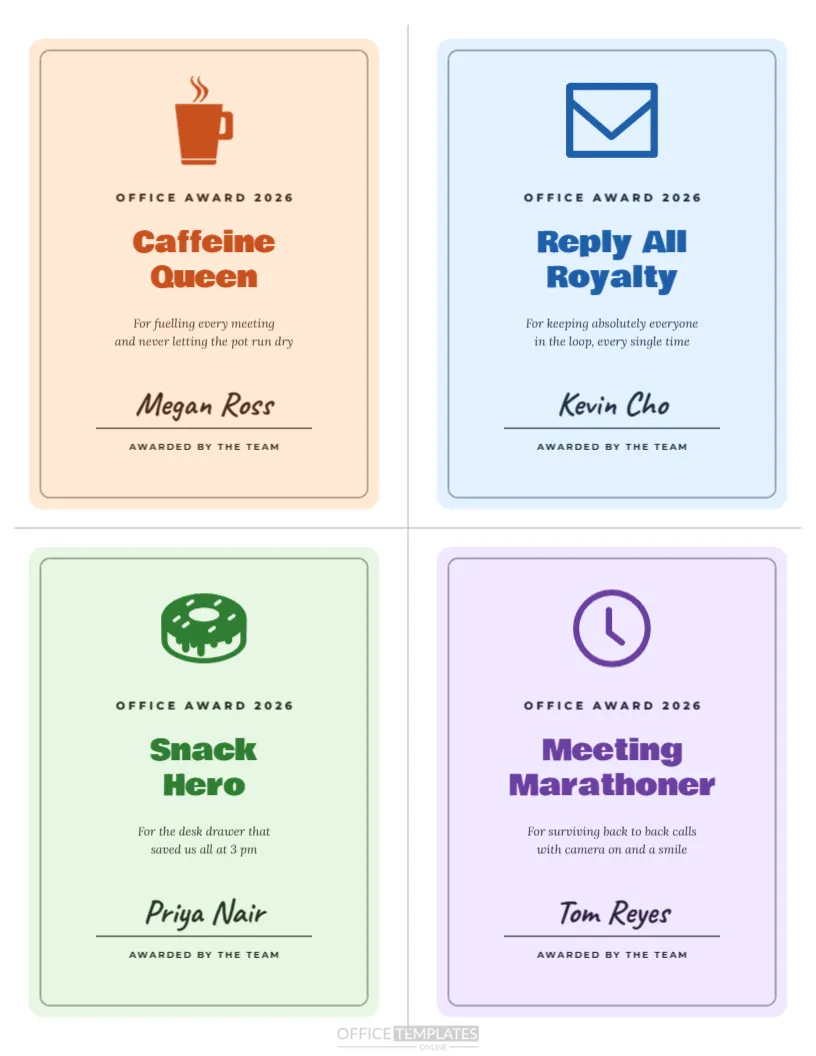
Not every award has to be serious. Funny office superlatives bring laughter to a year-end party and celebrate the quirks that make a team special. This US Letter template fits four mini award cards on one page, each in its own pastel colour with a rounded frame and a simple icon. The examples are Caffeine Queen with a coffee mug, Reply All Royalty with an envelope, Snack Hero with a doughnut, and Meeting Marathoner with a clock. Each card shows Office Award 2026, a bold Bowlby One title, a cheeky one-line reason, the winner’s name in handwriting, and Awarded by the Team. Dashed cut guides divide the page into four equal cards.
Why Funny Office Awards Work
Humorous awards relax people, spark conversation, and make everyone feel included, not only the top performers. They celebrate personality and the shared moments that build team spirit. Laughing together at the end of a busy year strengthens relationships and creates memories that colleagues talk about long after the party. They also give quieter team members a moment in the spotlight for something everyone loves about them.
Four Awards on One Page
Each card measures a quarter of a Letter page, about 4.25 by 5.5 inches. Printing four per page saves paper and time, and the cards are a nice size for desks, notice boards, or small frames. Follow the dashed guides with scissors or a paper trimmer for neat edges.
Changing the Funny Award Titles
Every title is editable. Ideas include Most Likely to Bring Snacks, Desk Plant Whisperer, Mute Button Master, Spreadsheet Wizard, Best Out of Office Message, Printer Whisperer, Chief Morale Officer, and Most Likely to Be Early. Keep titles to two short lines so the bold font stays large and readable.
Writing the Funny Reason Line
Under each title is a short italic reason, such as For fuelling every meeting and never letting the pot run dry. Keep the reason affectionate and inclusive. The best office superlatives poke fun at harmless habits everyone shares, never at appearance, personal life, or anything that could embarrass.
Icons on Each Superlative Card
Each card has an icon tinted in its own colour: a coffee mug, an envelope, a doughnut and a clock. Replace any icon by selecting it and choosing a new one from the editor’s library, such as a plant, headphones, a pizza slice or a laptop, to match your award titles.
Pastel Card Colours
Peach, sky blue, mint and lavender cards keep the page light and fun. Each card’s title colour matches its background, giving every award its own personality. Change the colours freely, or make all four the same colour for a more uniform set.
Printing More Than Four Awards
Duplicate the page in the editor to create as many awards as you need. Many teams create one superlative per person so nobody is left out. Edit the titles, reasons, and names on each copy, then print the whole set at once.
Keeping Office Superlatives Kind
The golden rule of funny awards is that the winner should laugh first. If you are unsure whether someone will enjoy a title, ask them privately before the event or choose a safer option. Inclusive humour keeps the mood happy and makes the awards a highlight rather than an awkward moment.
Voting for Office Superlatives
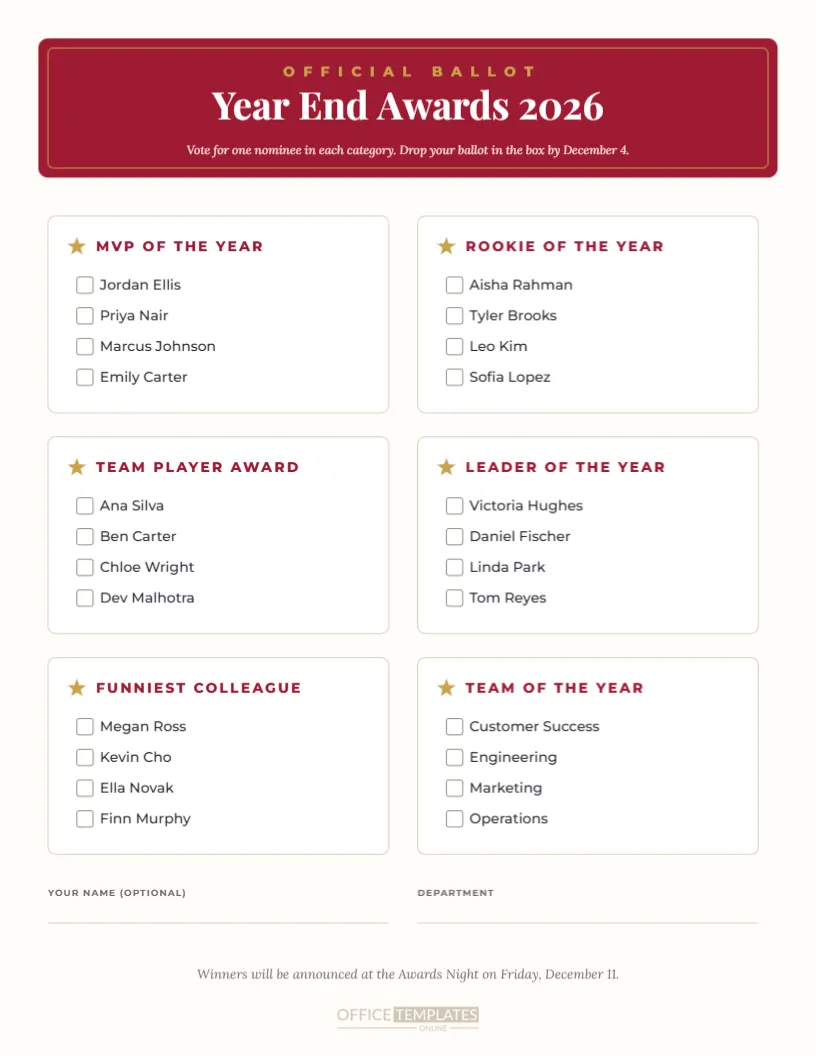
Let the team vote for the funny awards. Share a list of categories and ask everyone to nominate a colleague for each, or use our voting ballot template. Team votes make the results feel fair and add excitement when the winners are revealed.
Presenting Funny Awards at the Party
Present the funny awards between the serious ones to keep energy high, or save them for the end of the night. Read each title and reason with a dramatic pause before the name. A small prop, like a mug for the Caffeine Queen, makes the moment even funnier.
Funny Awards for Virtual Teams
Remote teams love superlatives too. Titles like Best Virtual Background, Most Pets on Camera, or Fastest to Unmute work perfectly. Share the cards on screen during your video party and email PDFs to the winners afterwards.
Using the Cards as Desk Trophies
Print the cards on thick card and slide them into small acrylic stands to create desk trophies. Winners can keep them on display all year, and they make great conversation starters for visitors and new starters.
Funny Superlatives for Clubs and Families
The same layout works for sports teams, volunteer groups, classrooms and even families. Change Office Award to Team Award or Family Award and choose titles that fit your group’s inside jokes.
Signing and Personalising the Cards
Each card ends with Awarded by the Team. Change it to the name of your department or party committee if you prefer. A handwritten signature or doodle from the organiser makes each card feel extra personal.
Saving Your Superlatives Template
Save your edited page so you can reuse the format next year with new titles. Over the years, the collection of past superlatives becomes a fun record of your team’s history and running jokes.
More Funny Office Award Title Ideas
Need more inspiration? Try Keeper of the Office Snacks, Most Creative Excuse for Being Late, Inbox Zero Legend, Chief Plant Officer, Best Dressed on Casual Friday, Most Likely to Start a Group Chat, Calendar Tetris Champion, Queen of Post-it Notes, King of Puns and Most Dramatic Sneeze. Mix work habits with personality traits so everyone finds a title that suits them.
Planning a Superlatives Segment at the Party
Set aside fifteen minutes during your year-end party for the funny awards. Prepare the cards in advance, arrange them in the order you want to present them, and choose an enthusiastic host to read them out. Keep the pace quick, encourage applause after each one, and take a group photo of all the winners holding their cards at the end.
Office Superlative File Formats
Download a PDF for printing at actual size, or export each card as an image for sharing in team chat. The four-card layout stays aligned in every format, making cutting easy.