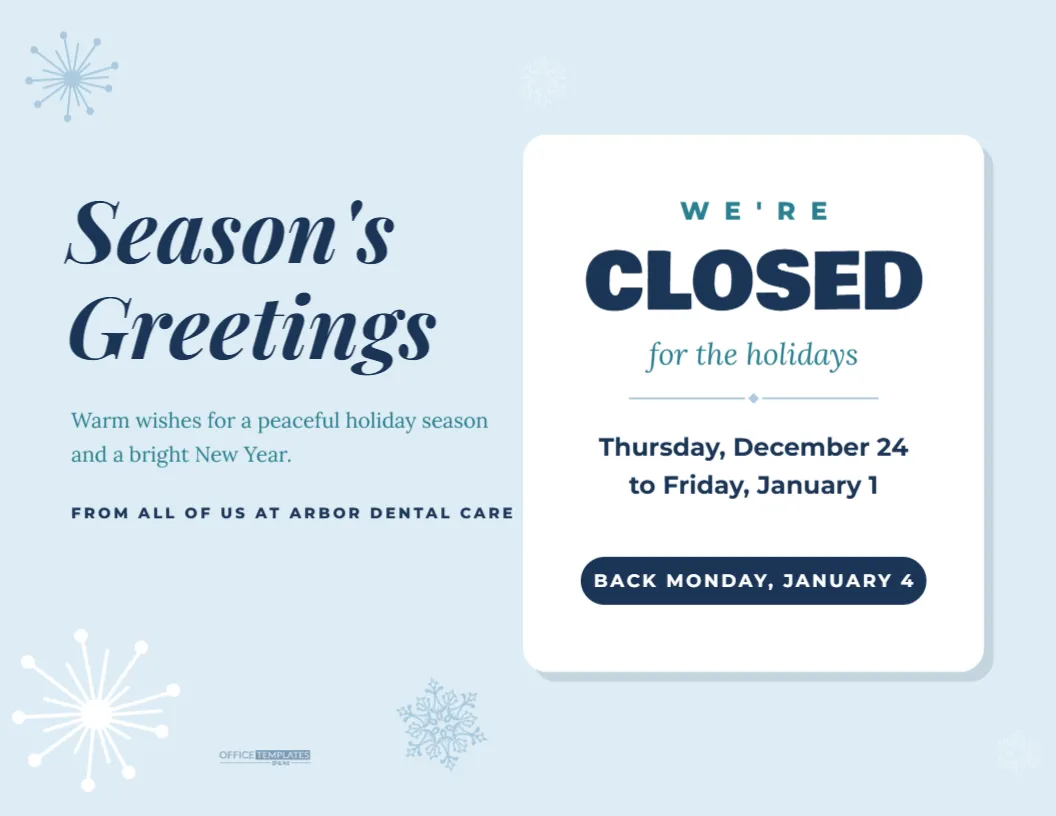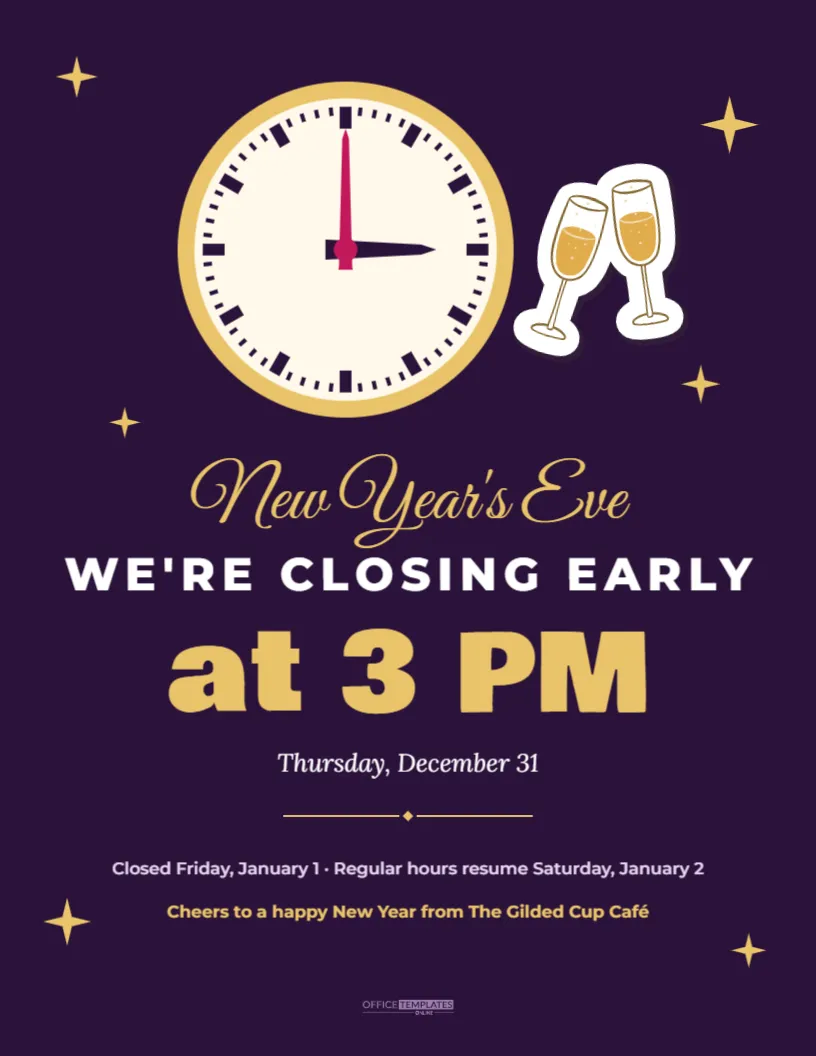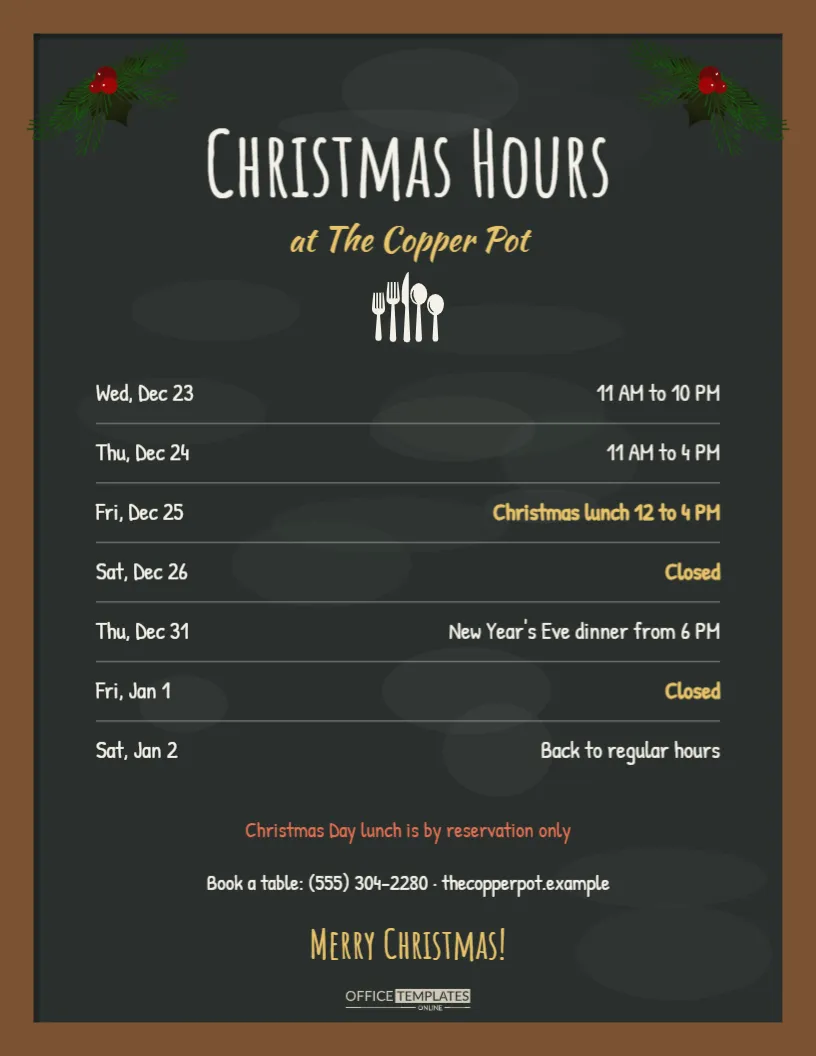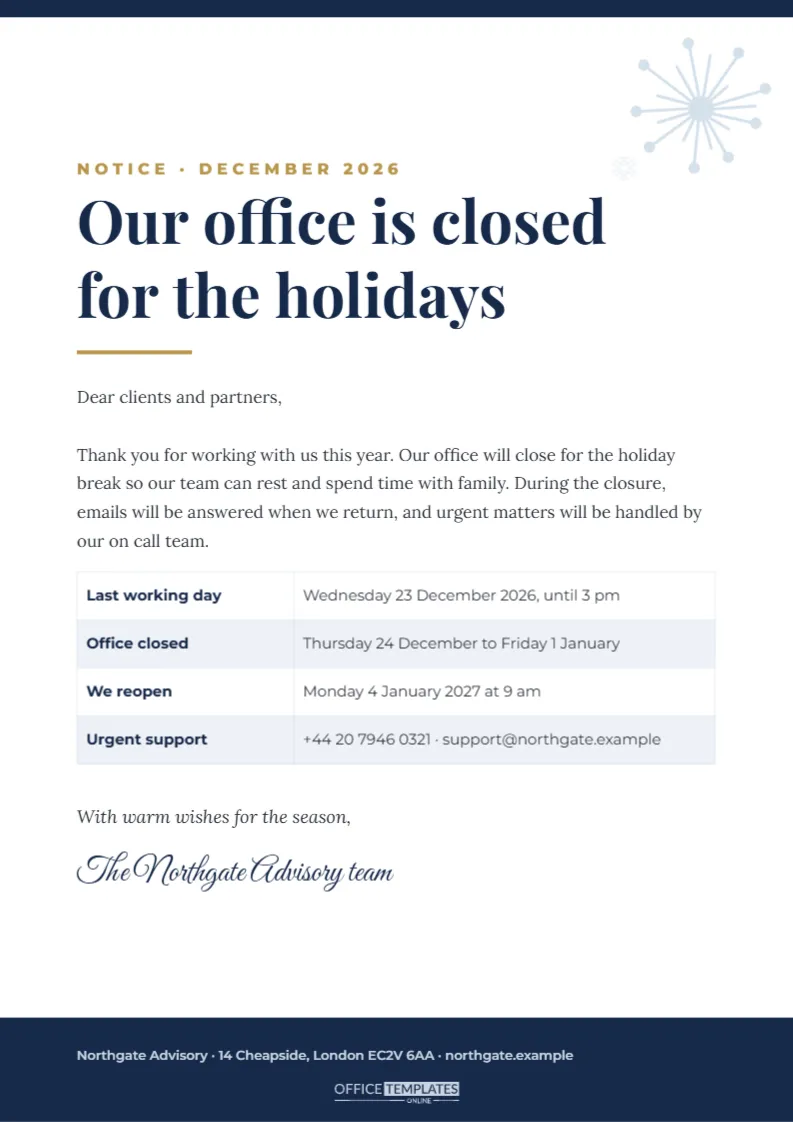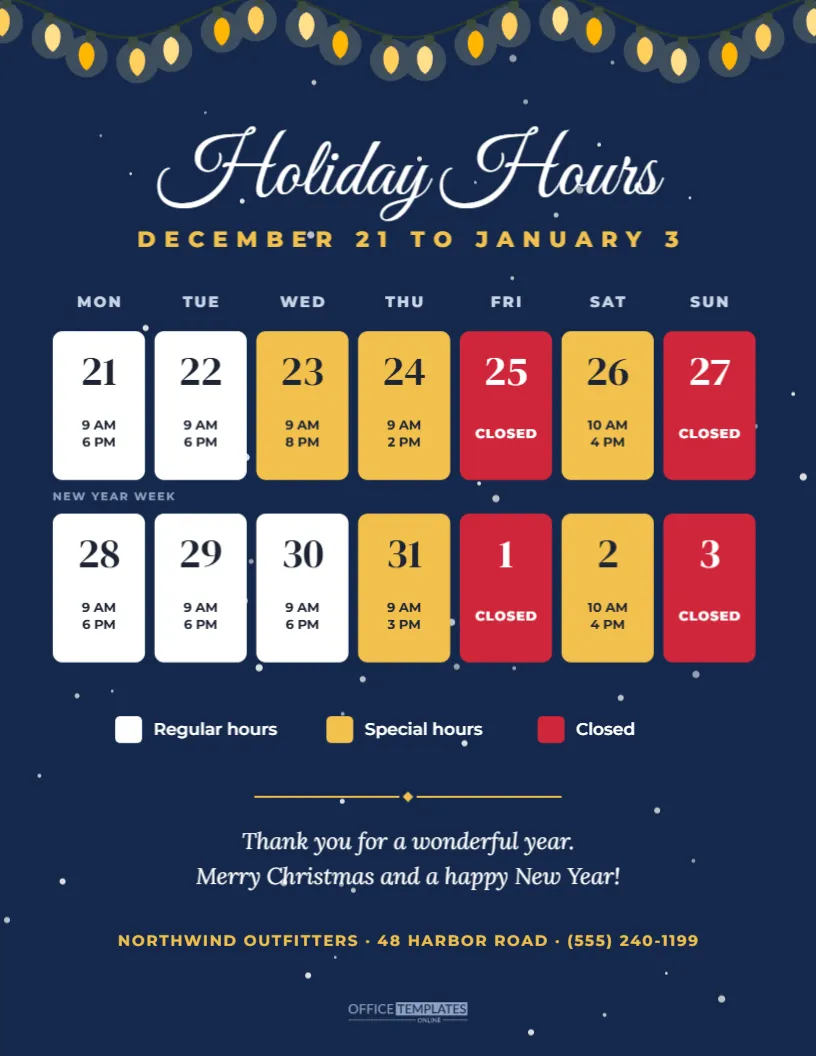
The two weeks between Christmas and New Year are the most confusing time of year for opening hours. Some days are normal, some are shorter, and some are closed altogether, and customers rarely remember which is which. This US Letter sign solves that with a calendar grid. On a deep navy background with soft snow and a string of warm lights, Holiday Hours appears in white script above a two-week grid from Monday, December 21 to Sunday, January 3. Each day is a tile with its date and hours, coloured white for regular hours, gold for special hours, and red for closed days, with a legend explaining the colours.
How the Two Week Calendar Grid Works
The grid has seven columns, Monday to Sunday, with weekday labels across the top. Each row is one week. A tile shows the date in a large serif number and the hours underneath in two short lines, such as 9 AM and 6 PM. Closed days show the word CLOSED instead. The colours let customers scan the whole period in seconds: gold tiles mean go early, red tiles mean stay home, and white tiles mean business as usual.
The Sample Holiday Schedule
The sample shows a typical retail pattern for 2026. Regular hours run on most weekdays, with a late evening on December 23, short days on Christmas Eve and New Year’s Eve, and short Saturdays on December 26 and January 2. Christmas Day, New Year’s Day and both Sundays are closed. The second row is labelled NEW YEAR WEEK so customers can see where January begins.
Editing the Day Tiles
Each date and hours line is editable text on top of the tile shapes. Click a number or time to change it. To change a tile’s colour, select the tile group and pick the tile you want, then set its fill to white, gold or red. Remember to switch the text colour too: dark text on white and gold tiles, white text on red tiles.
Changing the Date Range
If your holiday period starts on a different Monday, update the date numbers in order. The weekday labels stay the same because the grid always runs Monday to Sunday. For a period that starts mid-week, you can simply leave the first few tiles white with regular hours, or change their text to a dash-free note such as Usual hours.
The Colour Legend
Below the grid, three small swatches explain the colours: Regular hours, Special hours and Closed. A legend may seem obvious, but it helps customers who glance at the sign quickly or who are unfamiliar with your usual schedule. If you change the tile colours to match your brand, update the swatches to match.
Winter Night Styling
The navy background, gentle snow, and warm golden lights give the sign a calm, wintry feel that suits any business, not only Christmas-themed shops. The script title adds elegance, while the bold sans serif dates keep the information practical. A thank you message and a gold address line finish the page.
Best Places for a Holiday Calendar Sign
This design works best where customers stand still for a moment: at the checkout, in a waiting room, on a reception desk, or on a notice board. Because it holds a lot of information, consider printing it larger, at 11 x 17 inches, for windows. A smaller copy at the register helps staff answer questions by pointing to the right tile.
Printing a Dark Background Sign
Dark backgrounds look rich but use a lot of ink. For several copies, a laser printer or a print shop produces a smoother navy than most inkjet printers. Choose a matte finish to avoid glare under shop lighting. If you prefer to save ink, change the background to white and the title and legend text to navy.
Sharing the Calendar on Social Media
The colour-coded grid makes an excellent social post. Download a PNG and share it with a caption listing the closed days in words, which also helps people using screen readers. Pin the post to the top of your page through the holiday period.
Planning Holiday Staffing With the Grid
Many managers find it useful to plan the holiday schedule using the same grid before publishing it. Fill in the hours, check that each tile matches your staff rota, and only then print the customer version. A second internal copy with staff names in place of hours can double as a rota for the break room.
Calendar Hours Sign Questions
Can I show three weeks instead of two?
Yes. Duplicate a row of tiles with its text, move it down and reduce the spacing between rows.
Can I use it for other holidays?
Yes. Change the title, dates, and lights to suit Thanksgiving week, Easter, or any busy period.
Are the lights editable?
Yes. They are vector artwork that you can resize, move, or delete.
Holiday Calendar Signs for Gyms and Libraries
Places with long and varied schedules, such as gyms, libraries, leisure centres and community halls, often change their hours several times during the festive fortnight. A calendar grid is ideal for them because members can see every day at once instead of reading a long list. Add a short line under the legend for any reduced services, for example pool closed December 24 to 27, so the grid stays tidy while the extra details remain visible.
Accessible Holiday Hours Information
Colour coding is helpful, but some people cannot easily tell red from green or gold. That is why every closed tile also says CLOSED in words and every open tile lists the times. When you share the sign online, add the key closed days in your post text as well. Large, high-contrast numbers and a simple legend make the calendar easier to read for older customers and anyone with low vision.
Make the Holiday Fortnight Simple
Fill in each tile, check the colours, and post the sign. A clear calendar of your holiday hours turns the most confusing weeks of the year into an easy glance for every customer.