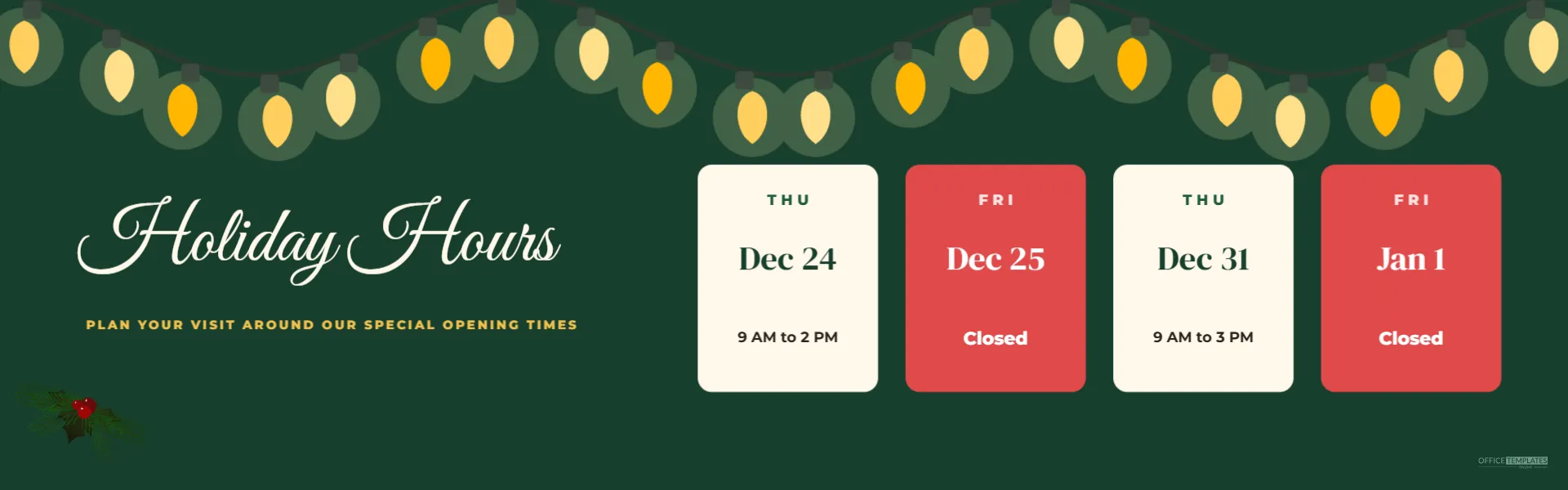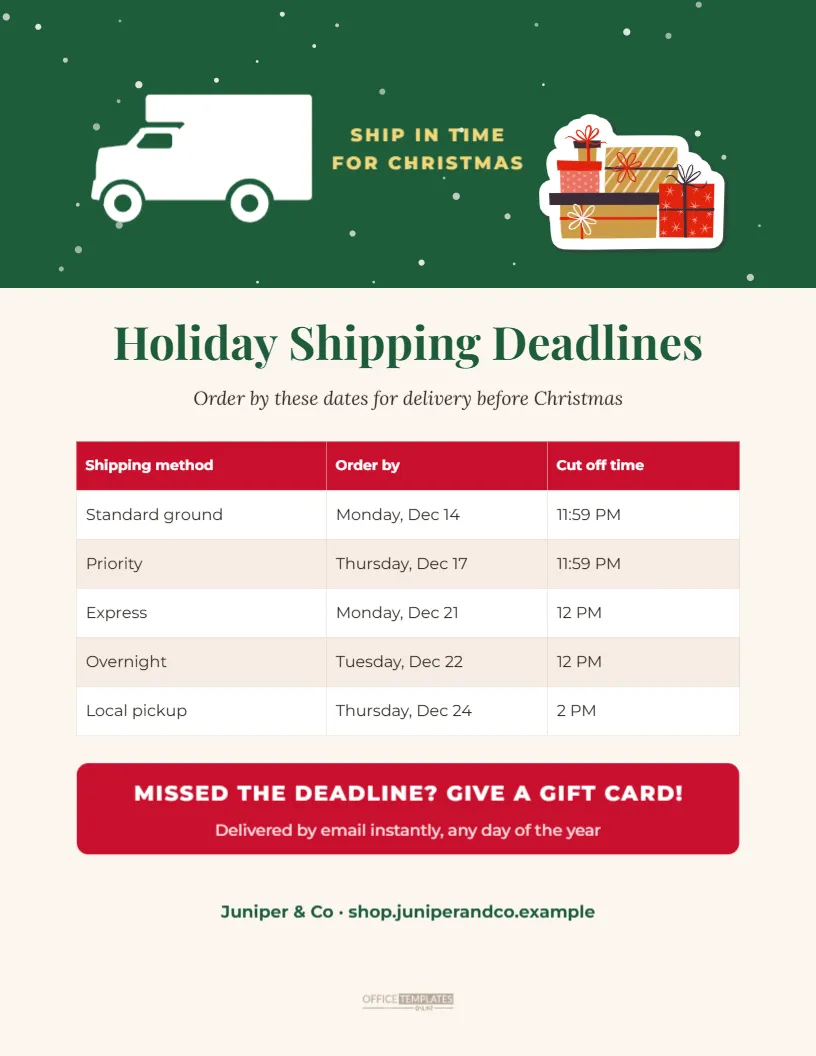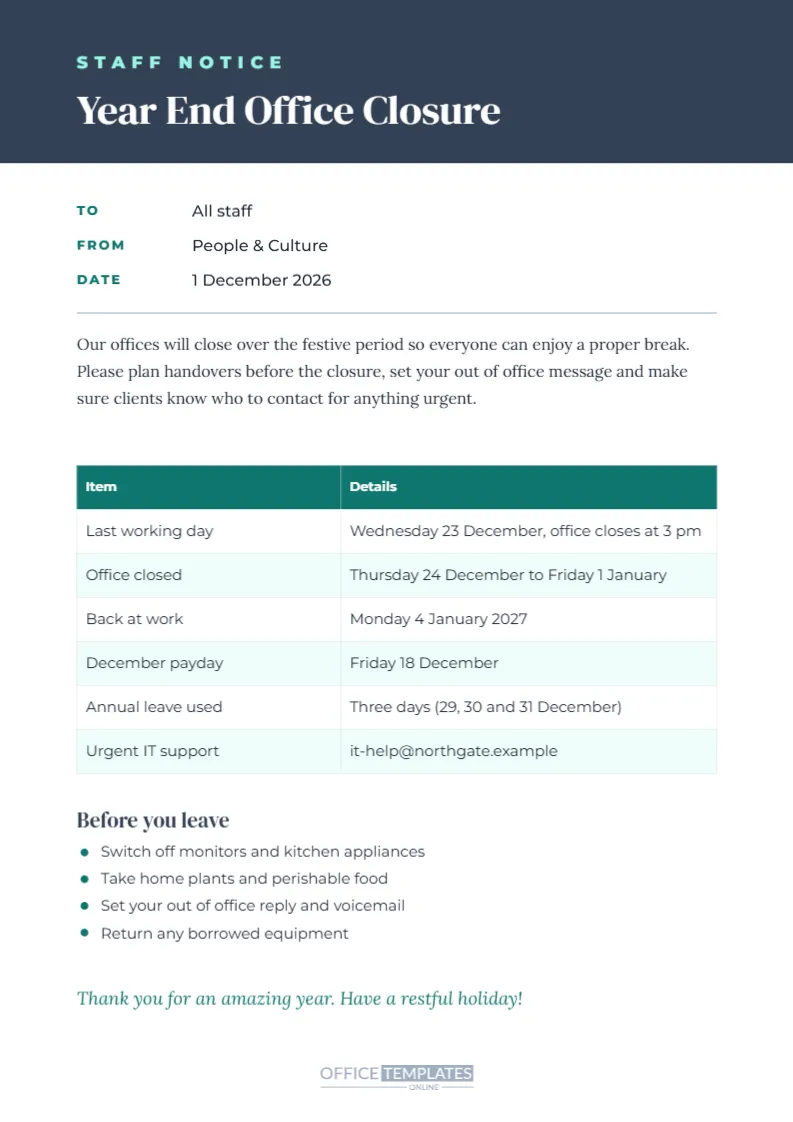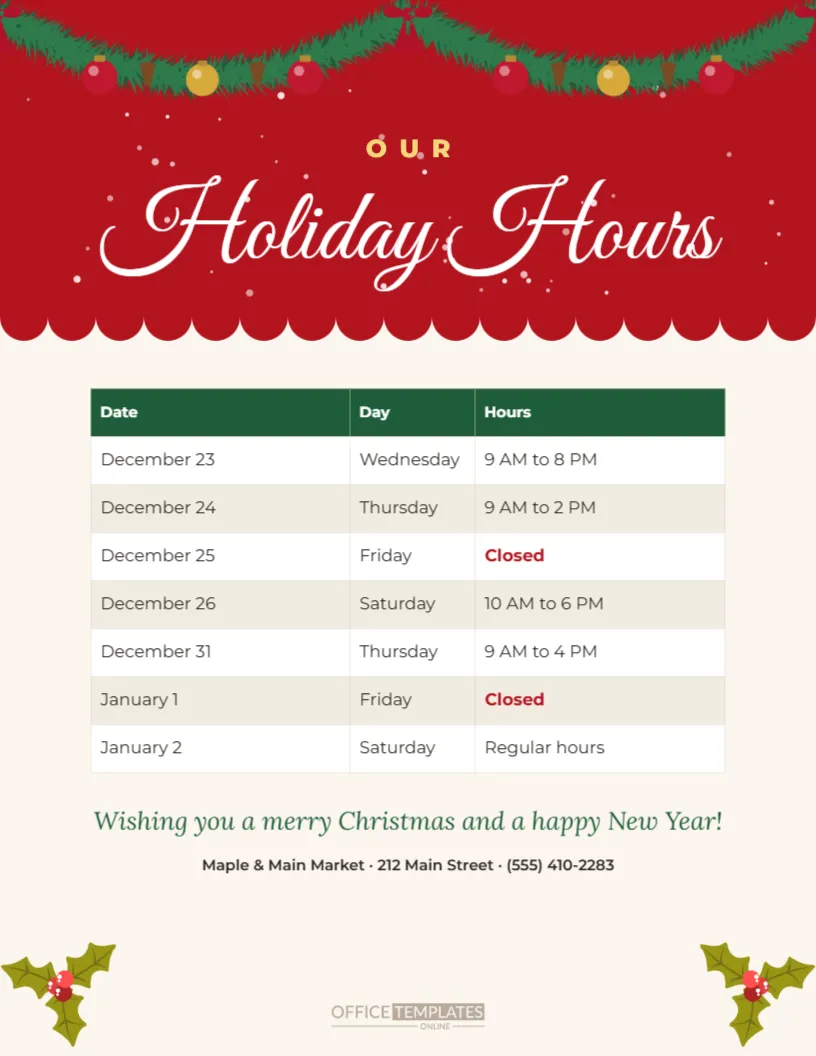
Every December, customers ask the same question: are you open on Christmas Eve? A clear holiday hours sign in the window answers it before they ask, saves your staff from repeating themselves, and stops people from driving over to a locked door. This US Letter template puts your Christmas and New Year opening times in a real, editable table under a festive header. A rich red band with falling snow and a hanging fir garland of red and gold baubles sits at the top, with Holiday Hours in flowing white script, and a scalloped edge leads down to a cream page with the schedule, a seasonal greeting, and space for your logo.
What the Christmas Hours Sign Shows
The table has three columns: Date, Day, and Hours. The sample lists December 23 to January 2, including the shorter hours on Christmas Eve and New Year’s Eve and the closed days on Christmas Day and New Year’s Day, which appear in bold red so nobody misses them. Under the table, a green italic line wishes customers a merry Christmas and a happy New Year. A logo frame and a line with your business name, address, and phone number sit at the bottom, framed by two sprigs of holly.
Editing the Christmas Dates and Times
The schedule is a real table, not a picture of one. Double-click it or choose Edit Table Data to change any date, weekday, or time. Use the + Row button to add more days, for example, if you also open on Boxing Day or close for inventory on January 2, and remove rows you do not need. To make a closed day stand out in red, select the cell text and change its colour and weight, just as the sample does for December 25 and January 1.
Checking the 2026 Christmas Calendar
In 2026, Christmas Day falls on a Friday and New Year’s Day falls on the following Friday, which gives many businesses two long weekends in a row. Christmas Eve and New Year’s Eve are both Thursdays. Before you print, check every weekday against a calendar, because a sign that says Thursday, December 25 will confuse customers and look careless. The sample dates and weekdays in this template are already correct for 2026.
Choosing Your Christmas Week Opening Times
Retailers often extend hours in the last week before Christmas, close early on Christmas Eve, and stay closed on Christmas Day. Many reopen on December 26 for returns and sales, then close early again on New Year’s Eve. Service businesses such as offices and clinics may close for the whole week. Decide your hours with your team early in December, then post the sign by the first or second week of the month so regular customers can plan.
Adding Your Logo and Store Details
Click the logo frame and choose Replace Image to upload your logo. The frame keeps its size and position, so the layout stays balanced. Then edit the line beneath it with your store name, street address, and phone number. If you have more than one location, you can duplicate the page, change the address and hours on each copy, and download a separate sign for every branch.
Changing the Festive Colours
The red header, green table and cream page are classic Christmas colours, but you can match your brand instead. Click the red band to change its fill, select the table to change its header colour, and recolour the script title if needed. The garland and holly are editable vector artwork, so you can resize, move, or delete them. A navy and silver version, for example, suits a bank, law firm or medical office.
Where to Put Holiday Hours Signs
Place the sign where people look before they reach the door: on the front door at eye level, in the main window, beside the register, and near the parking lot entrance if you have one. Inside, a copy near the checkout reminds shoppers who are already in the store. Post the same hours on your website, your Google Business Profile, your social pages, and your phone greeting so every source agrees.
Printing the Window Sign
Download a PDF and print at actual size on US Letter paper. Heavier paper or matte card resists curling in a sunny window. If the sign will face outdoors, slide it into a clear sheet protector or laminate it to keep condensation and rain away. For a larger poster, print the PDF at a copy shop on tabloid paper, where the table and script title scale up cleanly.
Sharing Christmas Hours Online
Download the sign as a PNG or JPG and post it on Facebook, Instagram, and your website, or attach it to an email to your customer list. If you prefer a design made for phones, the same category includes a holiday hours story sized 1080 x 1920 pixels and a square post. Keep the wording identical across the window sign and the online version.
Wording Ideas for the Greeting Line
The italic greeting is a small touch that makes the sign feel warm rather than administrative. Alternatives include: Thank you for shopping with us this year; Wishing you joy and peace this holiday season; Season’s greetings from our family to yours; or See you in the new year! Choose a line that sounds like your business and keeps the sign friendly.
Updating the Sign Each December
Because the dates live in an editable table, you can reuse this sign every year. Open your saved design, update the dates and weekdays for the new calendar, and download a fresh copy. Keeping one familiar design from year to year also helps returning customers recognise your holiday notice at a glance.
Christmas Hours Sign Questions
Can I add more rows to the table?
Yes. Double-click the table and use + Row, or choose Edit Table Data to type the full schedule.
Can I remove the logo frame?
Yes. Select the frame and delete it, then move the address line up.
Will it print on A4?
Yes. Choose fit to page in your print settings; the layout scales slightly but stays clear.
Post Your Christmas Hours With Confidence
Fill in your dates, add your logo, and print a copy for the door and the counter. A clear, festive Christmas hours sign keeps customers informed, protects your staff from confusion, and shows that your business pays attention to the details.