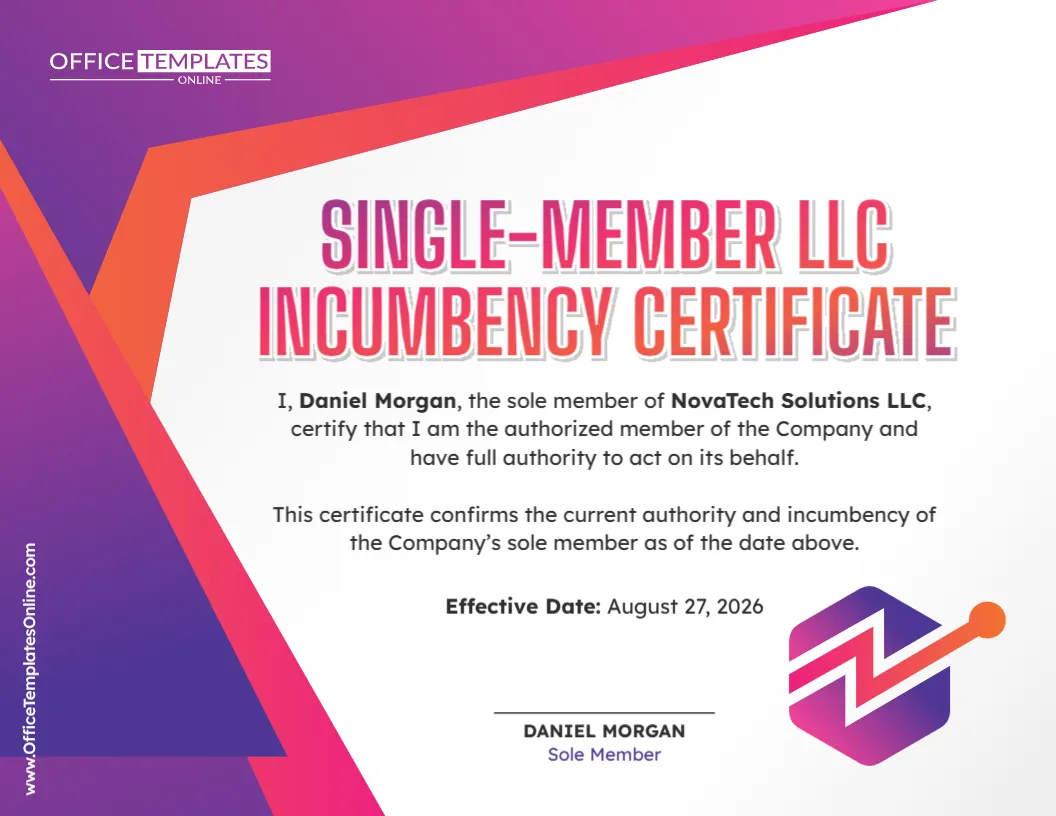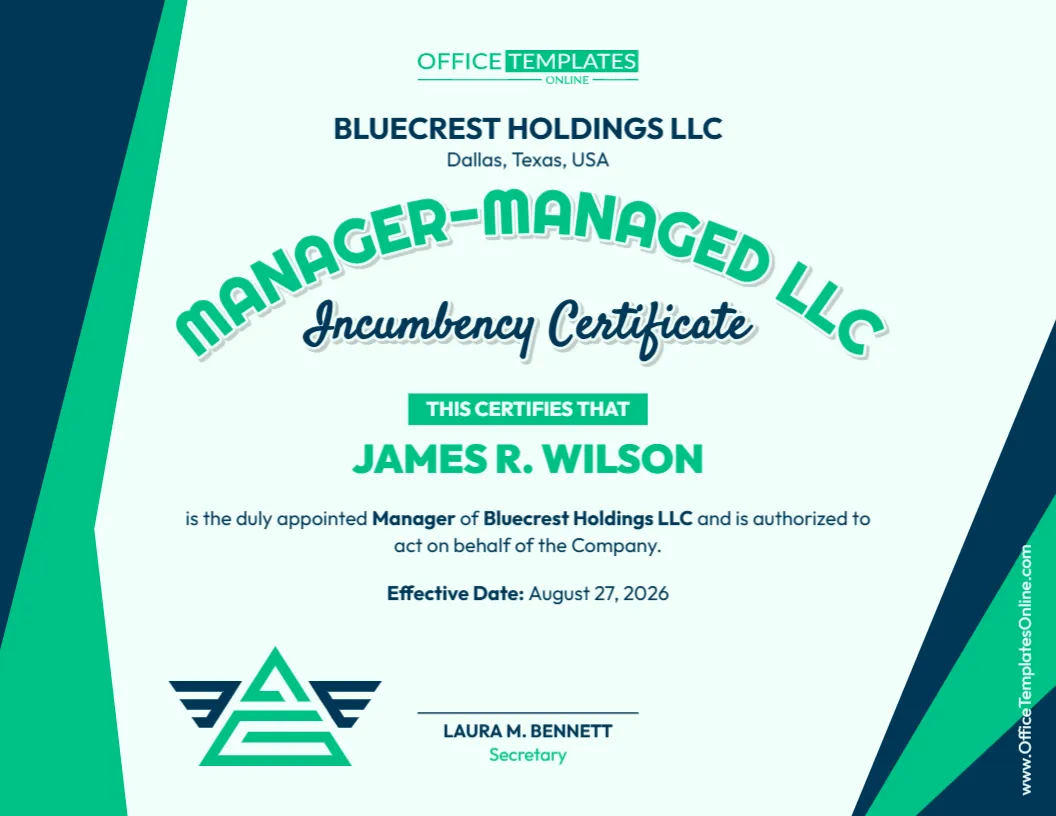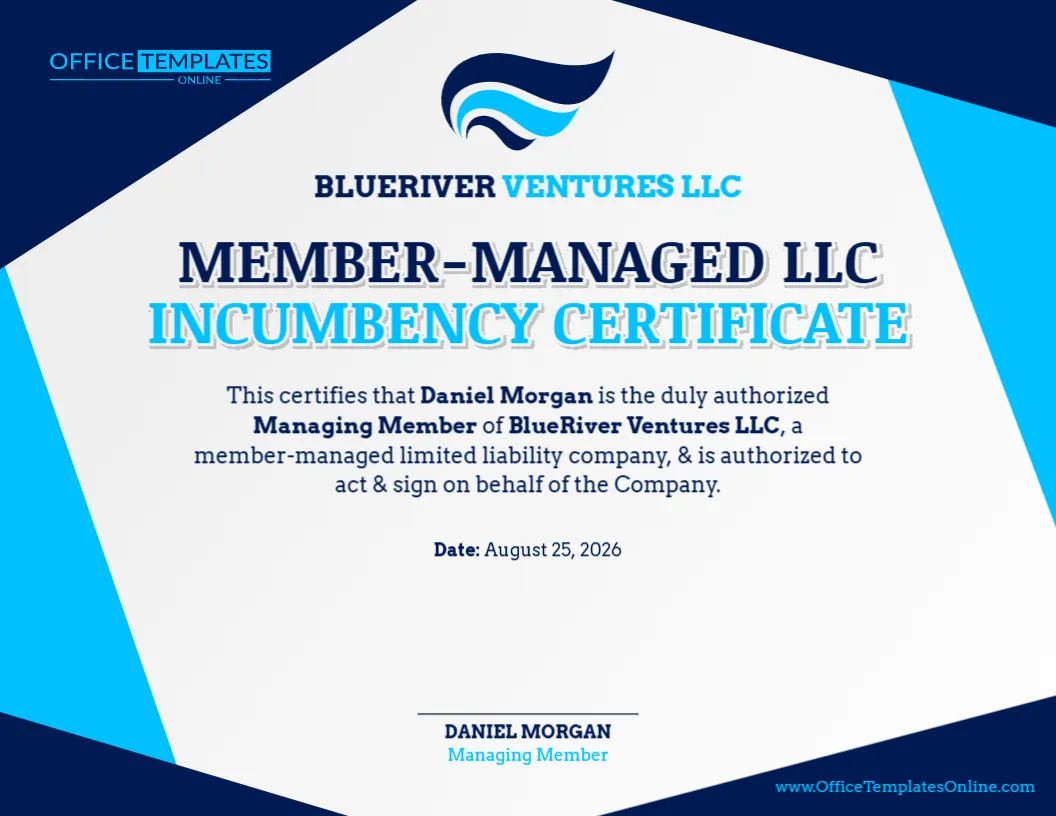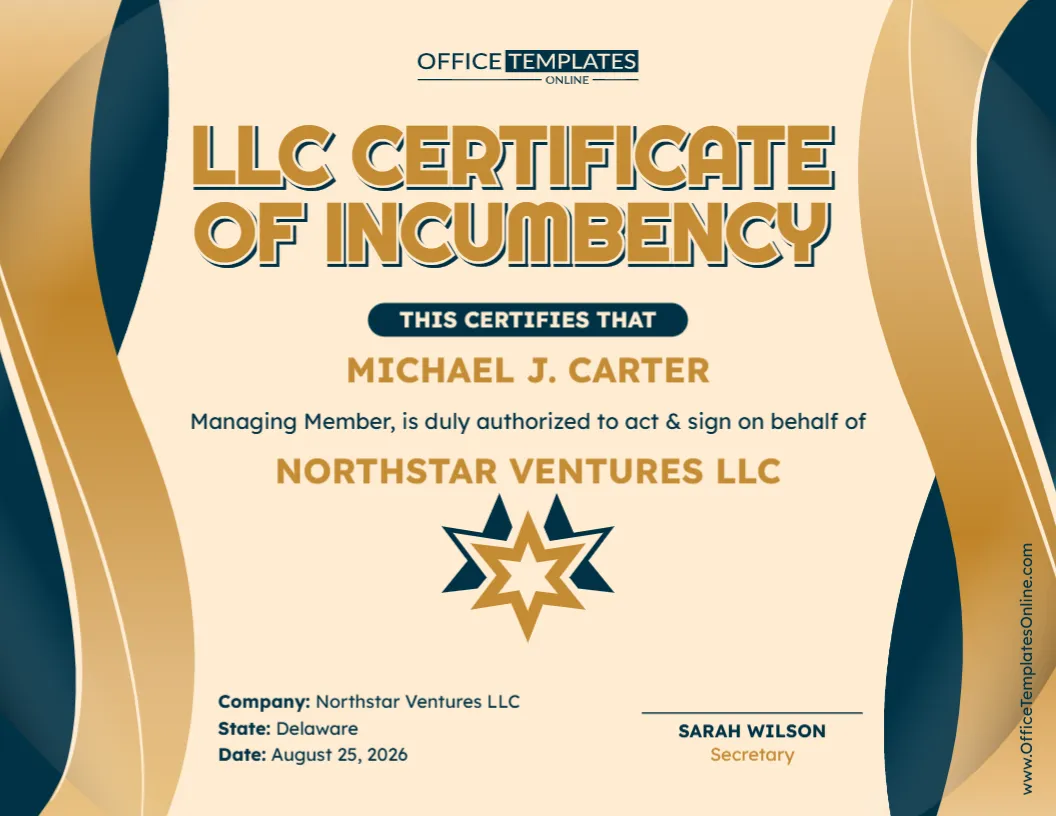
Record an Officer and Director Role Together in One Clear Corporate Certificate
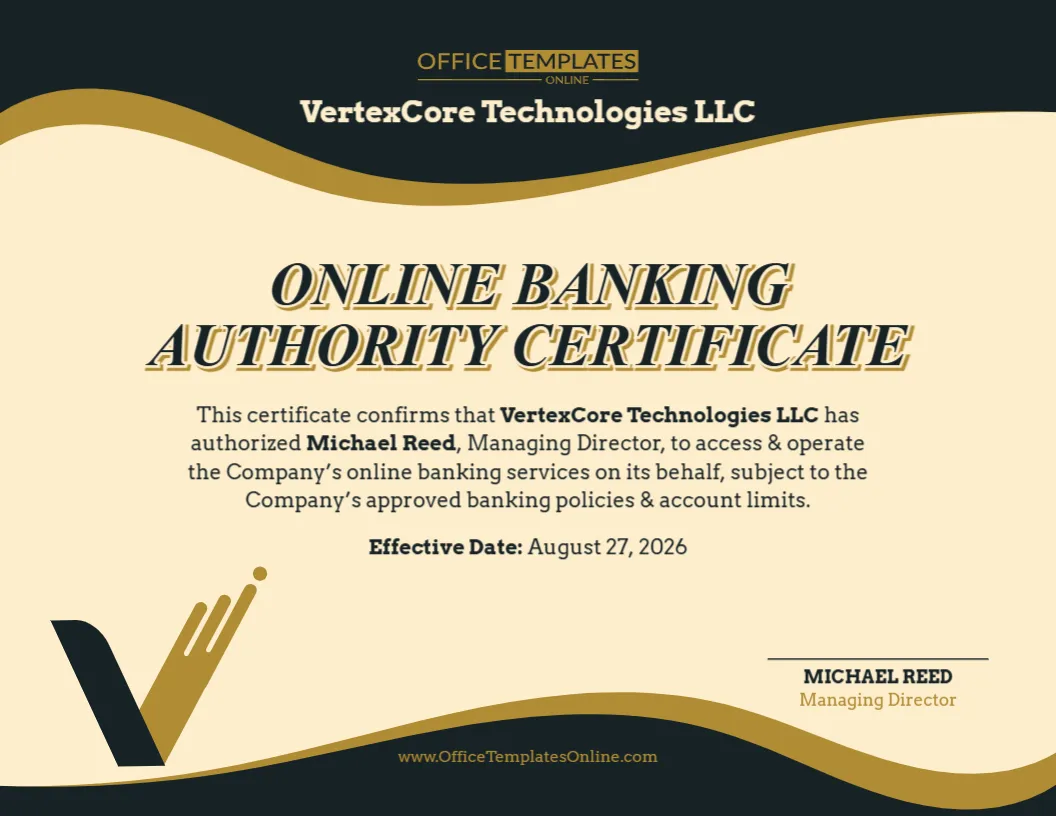
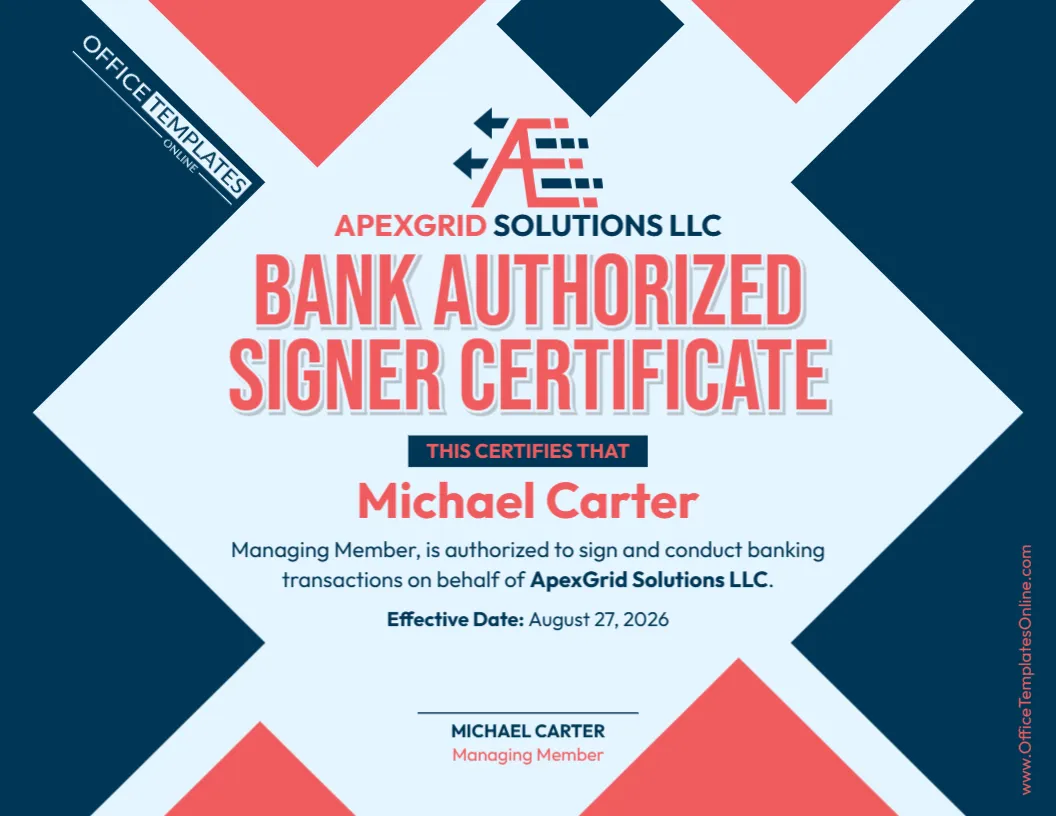
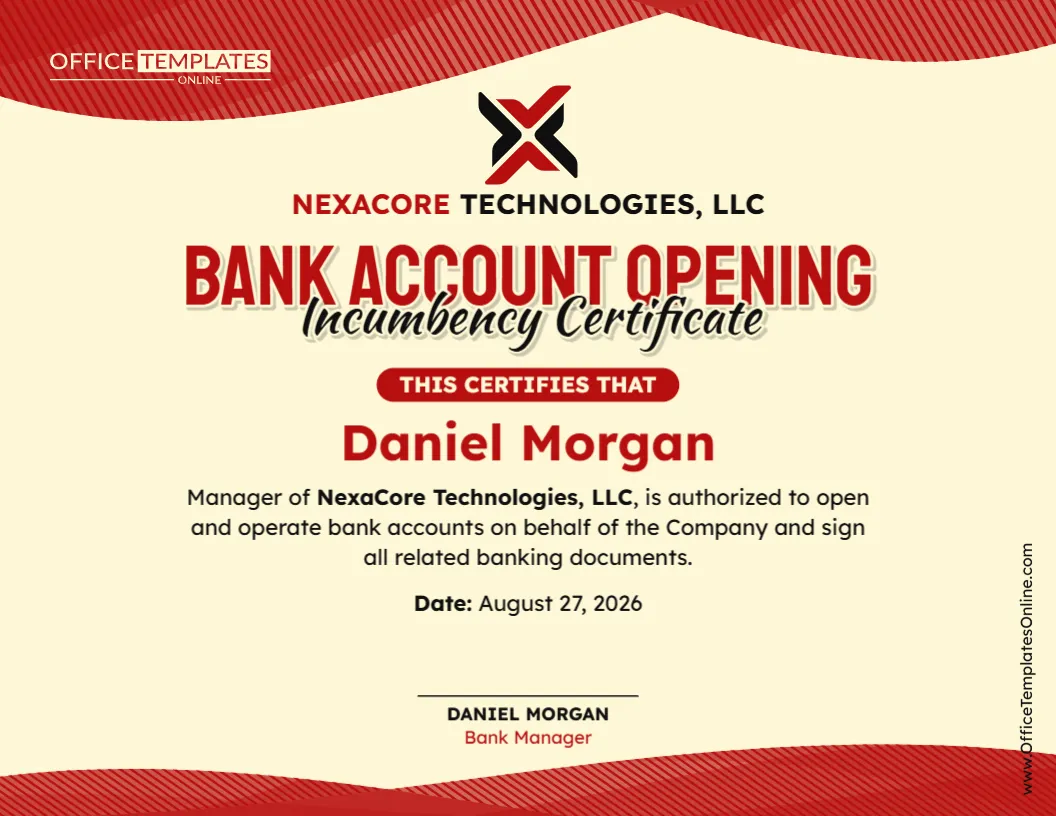
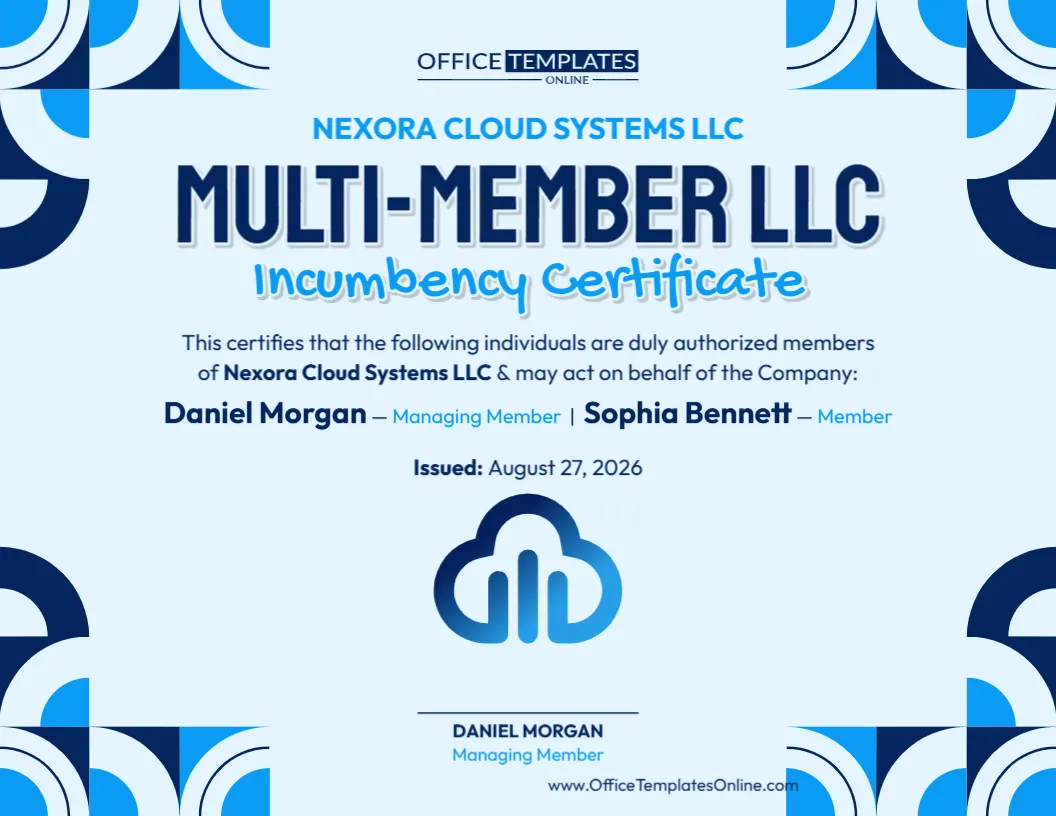
In some companies, the same individual may serve in more than one corporate capacity. A person might, for example, hold an executive office while also sitting on the company’s board of directors. When both roles need to be confirmed in writing, this Officers and Directors Combined Certificate Template provides a convenient way to present the information together.
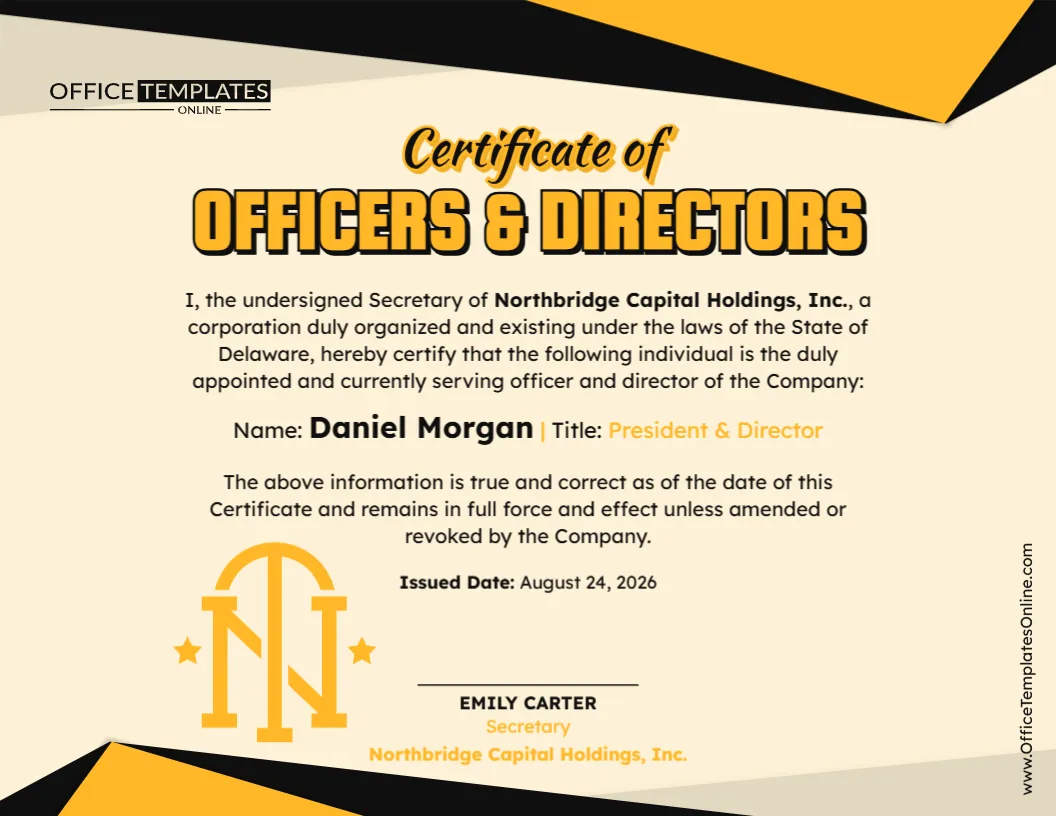
The sample certificate is structured as a certification by the company’s Secretary. It confirms that the named individual is duly appointed and currently serving as both an officer and director of the company. A dedicated line identifies the person by name and states the specific title or combination of roles being certified.
The template is fully customizable through our easy-to-use online editor. You can edit it directly in your browser with no login required. Replace the sample company information, officer or director name, title, jurisdiction, date, Secretary’s details, and other editable content. Once finished, download your personalized certificate as a PDF, PNG, or JPG.
What Is an Officers and Directors Combined Certificate?
An Officers and Directors Combined Certificate is a corporate document used to certify information about individuals serving as company officers, directors, or both.
The important feature of this template is that it can show both capacities together.
In the sample design, the company Secretary certifies that a named individual is duly appointed and currently serving as an officer and director. The person’s specific roles are then shown as President & Director.
This format can be useful when a company needs a concise document confirming that an individual holds an executive position while also serving on its board.
Officer and Director: Why Show Both Roles?
An officer and a director do not necessarily perform the same function within a company.
In general corporate use, officers handle designated management or executive responsibilities, while directors serve as members of the board and participate in the governance and oversight of the corporation. The exact responsibilities and authority associated with each role can vary according to applicable law, the company’s governing documents, resolutions, and organizational structure.
One person can sometimes serve in both capacities.
For that reason, simply identifying someone as “President,” for example, may not communicate that the same individual also serves as a director. This combined certificate provides space to state both roles clearly when that is what the company’s records show.
Key Details Already Organized for You
Rather than presenting corporate information in an unstructured paragraph, this template arranges the important details into an easy-to-follow certificate. The editable design provides room for information such as:
- Company or corporation name
- State or jurisdiction of organization
- Name of the officer and/or director
- Corporate title or combination of titles
- Statement confirming current service
- Effective-status wording
- Certificate issue date
- Secretary’s name
- Secretary’s title
- Company name beneath the certification
- Signature or certification area
This gives you a useful starting structure while allowing the sample information to be replaced with details appropriate to your organization.
A Secretary-Certified Format
The sample document is written from the perspective of the Secretary of the corporation.
The opening statement identifies the Secretary and the company, followed by a certification that the named individual is duly appointed and currently serving as an officer and director. At the bottom of the certificate, a separate area is provided for the Secretary’s name and title.
This helps readers understand who is making the certification and whose corporate positions are being confirmed.
If a different officer is permitted or required to certify the information for your intended use, review whether the wording and certifier fields should be changed accordingly.
Customize the Certificate in Your Browser
You do not have to recreate this corporate certificate in a word processor or design application.
Open the template in the online editor and personalize the content directly from your browser. No login is required, making it easy to start editing without creating an account first.
Replace the sample corporation name with the correct company name. Update the jurisdiction information, enter the officer or director’s full name, and change the title to match the roles actually held.
You can also update the issue date, Secretary’s details, certification wording, and other available elements before downloading your finished certificate.
Adapt the Title to the Roles You Need to Certify
The sample certificate identifies one person as President & Director, but that is only an example.
Depending on the organization and the purpose of the certificate, you may need to identify a different combination of roles. For instance, the individual might hold another executive office while also serving as a director.
The most important point is accuracy. Use titles that correspond with the company’s current corporate records rather than choosing a title simply because it fits the design.
If you need to certify several officers and directors rather than one individual, consider whether the layout provides enough room to add them clearly or whether a list-style incumbency certificate would be more appropriate.
A Straightforward Way to Prepare the Certificate
Start by removing or replacing every piece of sample information. Enter the company’s complete name and check the wording relating to where the corporation is organized or existing.
Next, add the full name of the individual whose position is being certified. Enter the person’s current officer title and director status exactly as applicable.
Review the certification statement carefully. It should describe the person’s actual appointment and current status without overstating their role or authority.
Then update the issued date and enter the correct details for the Secretary or other appropriate certifying officer.
Before downloading, read the entire certificate again to ensure no sample names, companies, dates, or titles remain.
Understand the “Remains in Full Force and Effect” Wording
The sample design contains a statement explaining that the information is true and correct as of the date of the certificate and remains in full force and effect unless amended or revoked by the company.
This wording can provide useful context, but it may not be suitable for every organization or recipient.
A company may have different procedures for appointments, resignations, removals, board changes, or certifications. Likewise, a recipient may require a certificate issued within a specific period rather than relying on an older certificate that states it remains effective.
Since the text is customizable, review this language carefully and change it when necessary.
Designed for Professional Corporate Presentation
The certificate combines a formal business layout with a more distinctive visual style.
The prominent “Certificate of Officers & Directors” heading makes the document’s purpose immediately recognizable. Important information is centered on the page, while the person’s name and title are emphasized so that the certified roles are easy to identify.
The black and gold geometric accents give the certificate a polished appearance, while the lighter central background keeps longer certification text readable. A clearly separated certification area near the bottom provides space for the Secretary’s information.
The result is a certificate that feels formal without becoming overly complicated or crowded.
When Might a Combined Certificate Be Useful?
A company may occasionally be asked to provide current information about its corporate leadership. Depending on the circumstances, this could include confirmation of officers, directors, or individuals who hold both types of positions.
Such information may be relevant during corporate record reviews, business transactions, due diligence, banking or financial procedures, contractual matters, account administration, or other organizational verification processes.
The exact document required will depend on the requesting party.
Some recipients may want only the names and titles of current officers. Others may require a complete list of directors, specimen signatures, statements of signing authority, board resolutions, notarization, or additional company information.
Always check what the recipient expects before preparing the final version.
Does This Certificate Automatically Prove Signing Authority?
Not necessarily.
Confirming that someone is an officer, a director, or both does not by itself establish that the person has unlimited authority to sign every document or enter every transaction for the company.
Signing authority may depend on the individual’s office, company bylaws, board resolutions, delegations of authority, transaction-specific approvals, applicable law, or other corporate records.
If the purpose of your document is specifically to confirm signing authority, make sure the certificate contains appropriate authorization language and that the statement is supported by the company’s records.
Download the Finished Design in Three Formats
Once you have entered the correct information and reviewed your changes, you can save the completed certificate in the format that best suits its intended use.
PDF is useful for creating a document that can be printed, archived, emailed, or submitted electronically.
PNG provides a high-quality image version of the certificate.
JPG offers a convenient and widely supported image format for digital use.
You can therefore prepare the certificate once in the online editor and select PDF, PNG, or JPG when you are ready to download it.
Final Checks That Can Prevent Simple Mistakes
Before using the certificate, verify the company name and jurisdiction, especially if the wording refers to a particular state or place of incorporation.
Confirm that the named individual currently holds every position listed. Check the spelling of the officer or director’s name, the exact corporate titles, the issue date, and the Secretary’s information.
You should also review statements about appointment, continuing effectiveness, and authority rather than assuming the sample language applies automatically to your company.
Finally, make sure every placeholder has been replaced. A quick final review can prevent a sample company name or date from accidentally appearing in an otherwise completed certificate.
Create Your Combined Officers and Directors Certificate Online
This Officers and Directors Combined Certificate Template is a practical choice when you want to document corporate positions in a professional format without spending time building the entire certificate yourself.
The layout is already prepared. All you need to do is customize the information that matters to your organization.
Open the template in your browser, enter the correct company details, identify the officer and director, update the title and certification language, add the date and Secretary’s information, and review the finished design.
There is no login required to customize the template, and once your edits are complete, you can download the certificate as a PDF, PNG, or JPG file.
Important note: This template is provided as an editable document resource and is not legal advice. Corporate titles, appointments, director status, certification procedures, signing authority, and document requirements can differ according to the organization, jurisdiction, transaction, and requesting party. For an official or legally significant use, verify the certificate’s information and required formalities with the relevant corporate records, recipient, or an appropriately qualified professional.