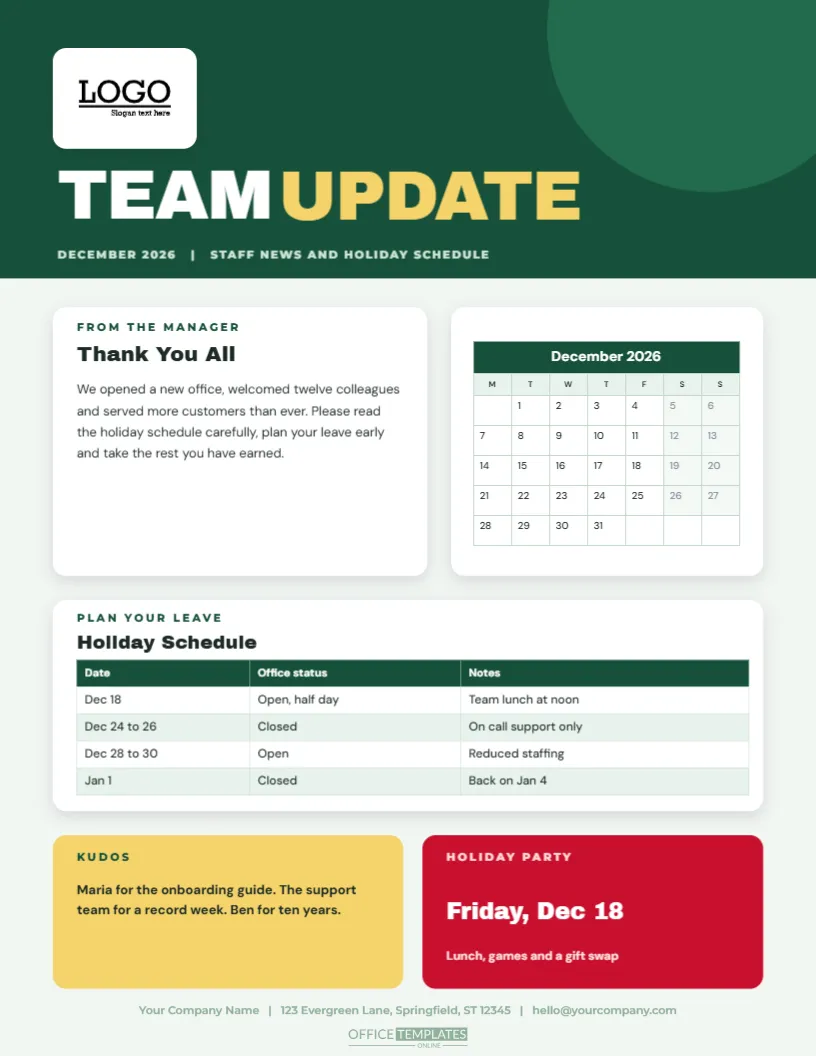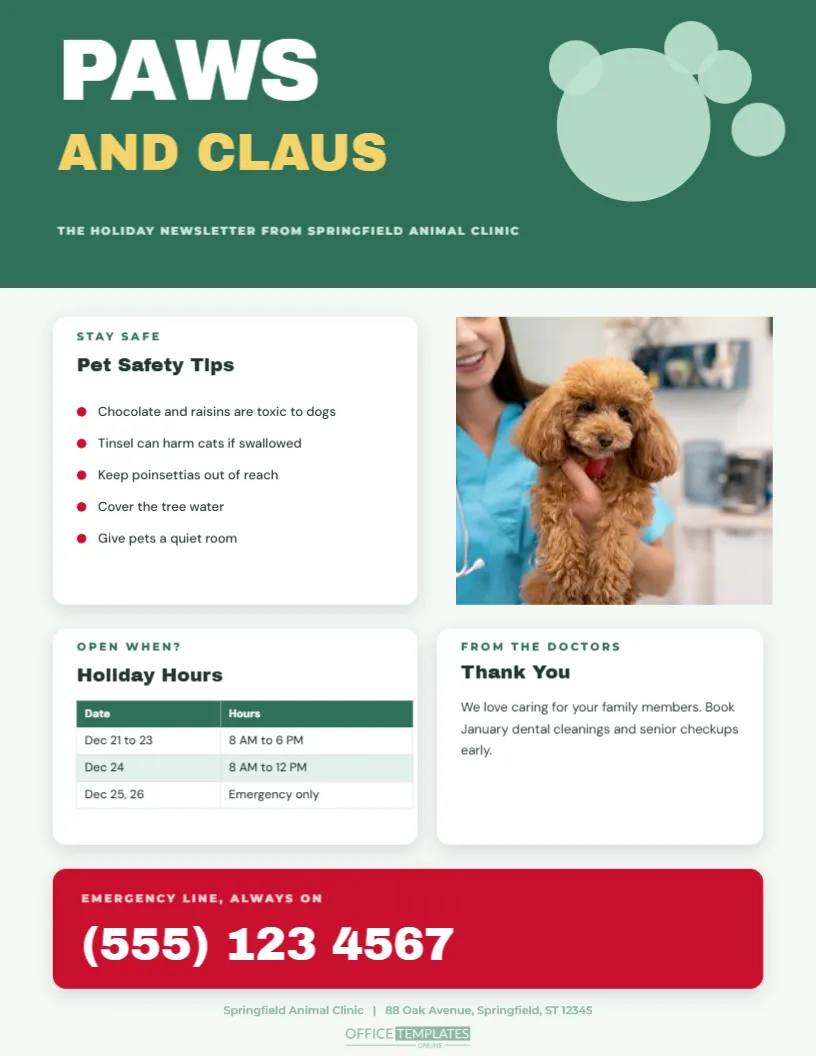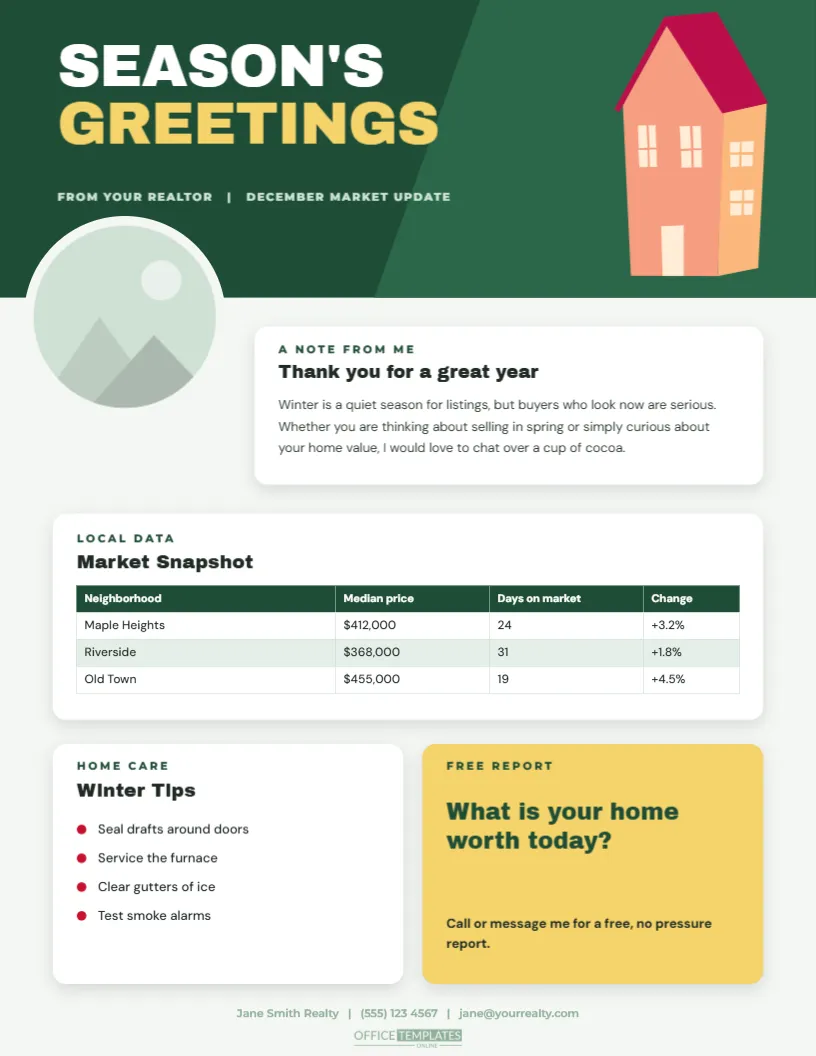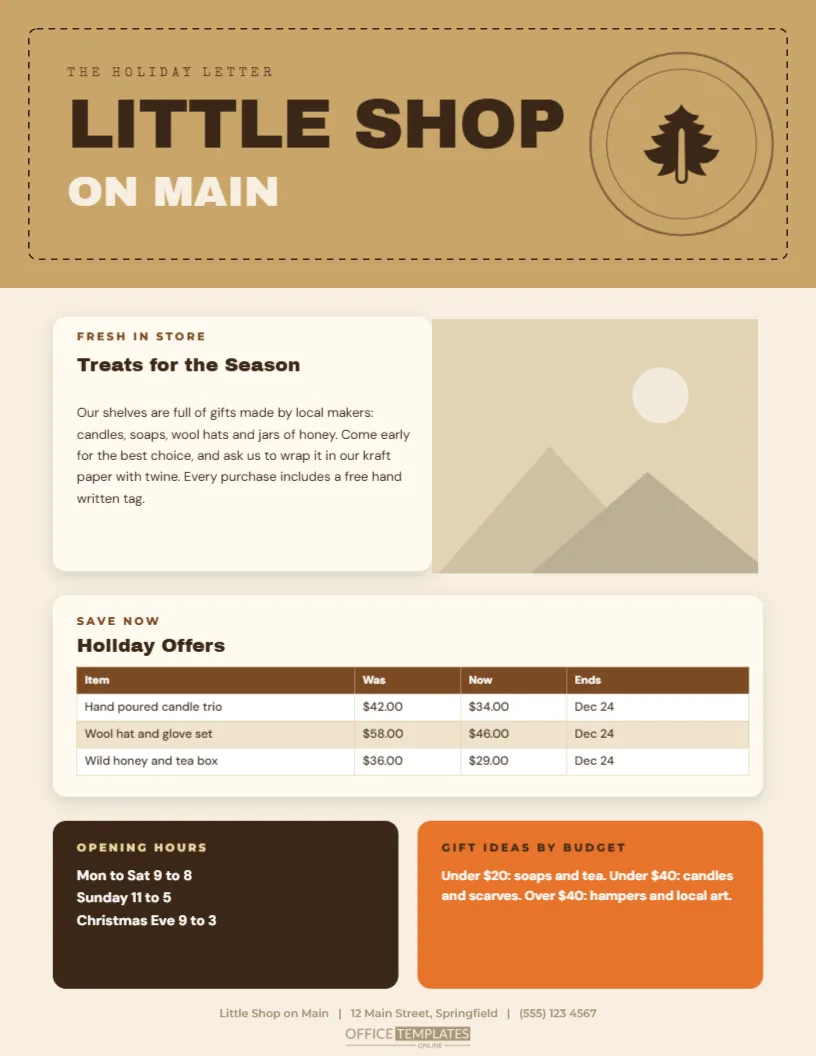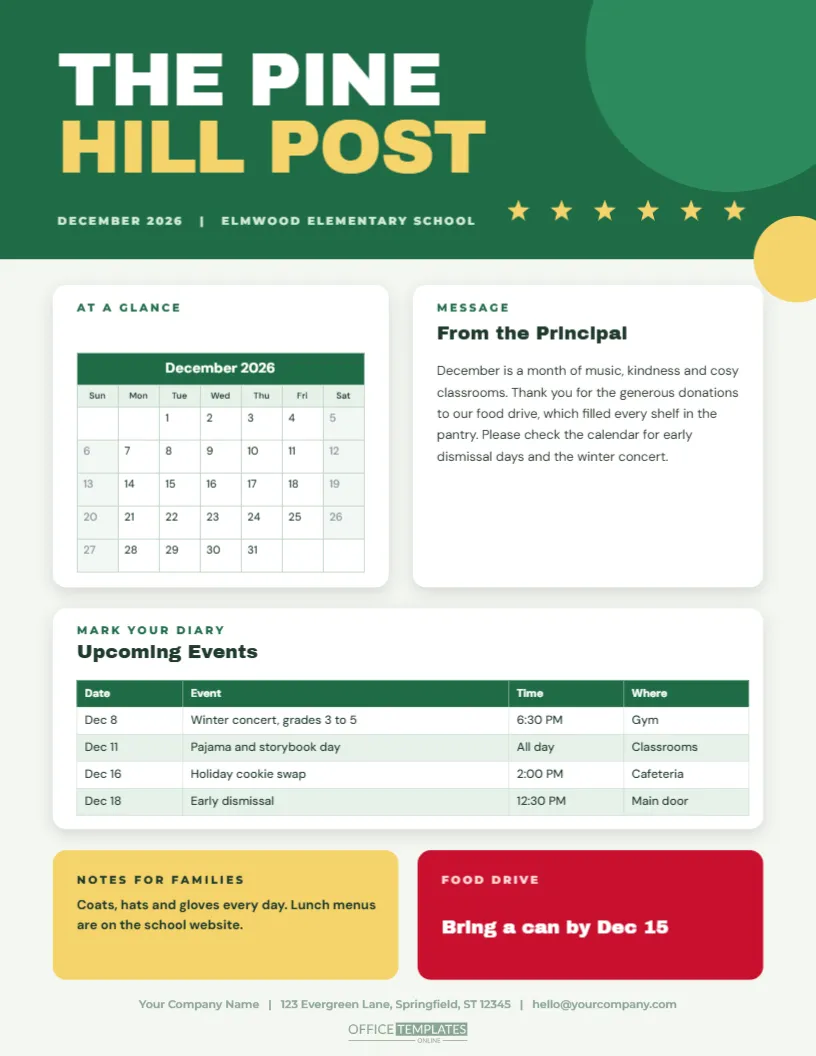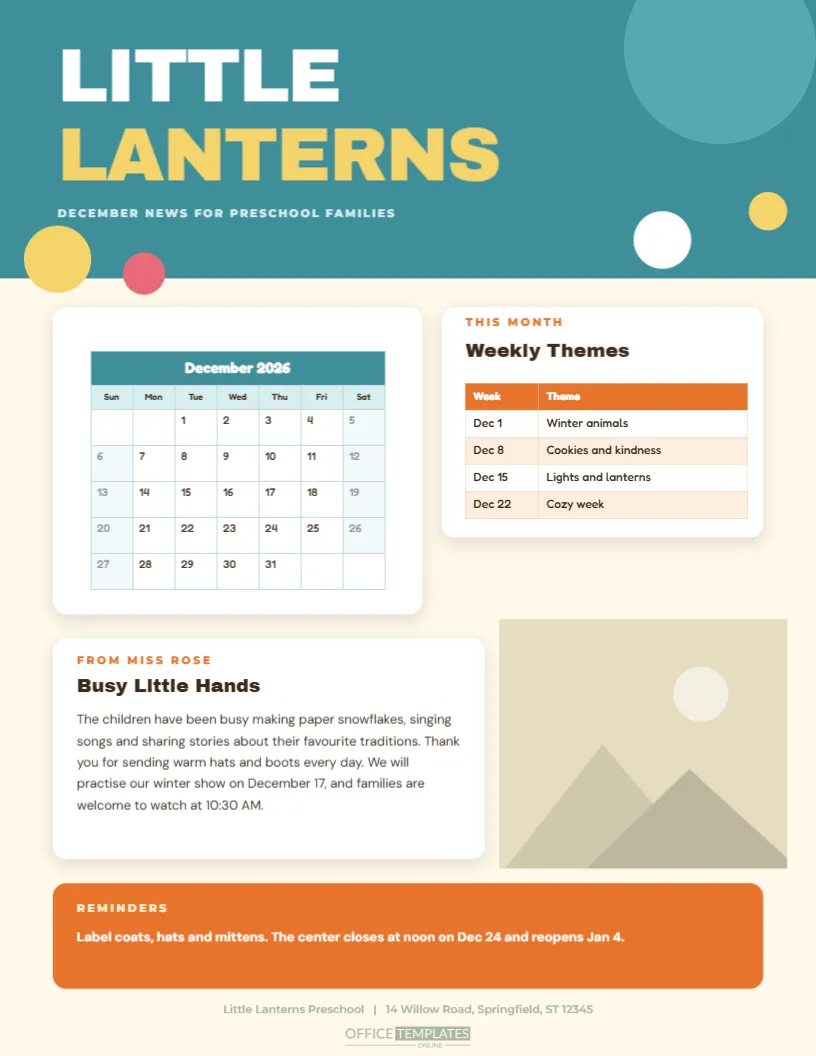
Parents of small children read newsletters in the car park, at the kitchen table and in the five minutes between pick-up and tea, so a preschool newsletter must be bright and quick to scan. A teal block with playful coloured circles carries LITTLE in white and LANTERNS in yellow, in huge capitals. Below it, a real December calendar sits on a white card beside a weekly themes table, a teacher note shares news beside a photo slot, and an orange reminders panel closes the page.
What Parents Want to Know
When families receive a preschool newsletter, they want answers to a few simple questions. What is happening this month? What should my child bring? When is the centre closed? Who do I contact? This page answers all four in a clear order, with the calendar for dates, the themes table for activities, the teacher’s note for the story, and the reminders list for practical details.
The Calendar for the Month
The calendar is the editor’s Calendar object, so you can change the month, the year, and the colours in Calendar Options, and double-click a day to add a note. Mark closures, outings, and concerts directly on the grid. A visual calendar is easier for busy parents to read than a list, and it can be pinned to the fridge. Change the month for each issue, and the layout stays the same.
| Part | Where | Editing tip |
|---|---|---|
| Teal banner with dots | Top | Retype the preschool name |
| Calendar | Left | Calendar Options |
| Weekly themes table | Right | Table options |
| Teacher’s note and photo | Middle | Click and Replace Image |
The Weekly Themes Table
The table lists each week with its theme, such as Winter animals, Cookies and kindness, Lights and lanterns, and Pajama and cozy week. It is a real table, so you can change the rows, add a column for the letter of the week or a song, and recolour it. Themes give parents a way to talk about the day with their child, and they help families bring the right items, such as a favourite soft toy.
Writing the Teacher’s Note
A good note is specific. Mention what the children have made, sung or learned, and thank families for practical help. Avoid jargon, and describe activities in simple words. A sentence about a funny moment, such as a snowman made of play dough, makes the note human. Close with the date of any event families are invited to, and a warm line about the holidays.
Reminders for Cold Weather
- Label coats, hats, and mittens with your child’s name.
- Send a spare set of clothes in a labelled bag.
- Check the closure dates for the holiday break.
- Remember the book swap and any small gifts.
- Tell staff about any changes in pick-up.
Using the Photo Slot
Parents love pictures of their children, but only post them with permission. Choose a photo of an activity from the back or from a distance if consent is limited, or use a picture of artwork. Click the slot and choose Replace Image. A cheerful photo makes the newsletter something families keep and share with grandparents.
Questions About the Preschool Newsletter
Can I add a menu for the month?
Yes. Add a second table below the themes with the days and the meals.
Which fonts are used?
On the preschool daycare December newsletter page, Archivo Black sets the titles and card headings, DM Sans sets the body text and tables, and Montserrat sets the small labels.
Can I change the colours?
Yes. Select the banner, the calendar header, and the table header and choose new colours.
Can I send it by email?
Yes. Export it as a PDF and attach it, or post it on a parent app.
Printing and Handing Out
Print on bright white paper, and slip a copy into each child’s folder. Use a laminated copy for the entrance board. For families who prefer digital, send a PDF the same day. Keep a stack by the door for new visitors. A consistent distribution routine, such as the first Monday of the month, helps families remember when to look for it.
Involving Children in the Newsletter
Ask children to draw a picture to appear on the masthead or beside the note. Scan the best ones and place them in the free area. A newsletter with children’s art feels personal, and it encourages families to look at every issue. Return the originals to the children with a sticker, and celebrate their contribution at circle time.
Planning the Year Ahead
Use the same layout for each month and change the banner colour to match the season. Keep a binder of past issues for new staff, so that they can see how the newsletter has evolved. Over time, you will build a library of themes, songs and activities that can be reused and shared.
Communicating With Parents Who Are Short on Time
Many parents glance at a newsletter for ten seconds. Use big headings, short sentences, and a clear order: dates first, then themes, then reminders. Highlight any item that needs action, such as a form to return, by placing it in a box. A page that can be understood in ten seconds is more useful than a long one that is never finished.
Adapting the Page for Daycare Centres
A daycare may need to add meal menus, nap times, or toilet training updates. Insert a second table under the weekly themes for the menu, or reduce the size of the photo to make room. Keep the colours and the layout, and only add what families need. The same template serves a nursery, a playgroup or a childminder with a few edits.
Planning a Month of Little Activities
Use the weekly themes as a planning spine. Under each week, list two songs, one craft, one story and one outdoor play idea, then keep the list on the staff room wall. Parents like to see the plan, and they often copy the ideas at home. A themed week also helps new teachers, because the structure is already in front of them. Invite families to lend books or toys that fit the theme, and thank them in the next issue.
Helping Families Keep to Routines
Young children cope better with change when the adults around them keep a steady rhythm. Use the reminders panel at the foot of the page to repeat the essentials: drop-off times, nap times, what to pack and who to call. Short, friendly lines work better than a long rule list. A parent who knows what to expect on the morning of the winter show arrives calm, and the children notice.