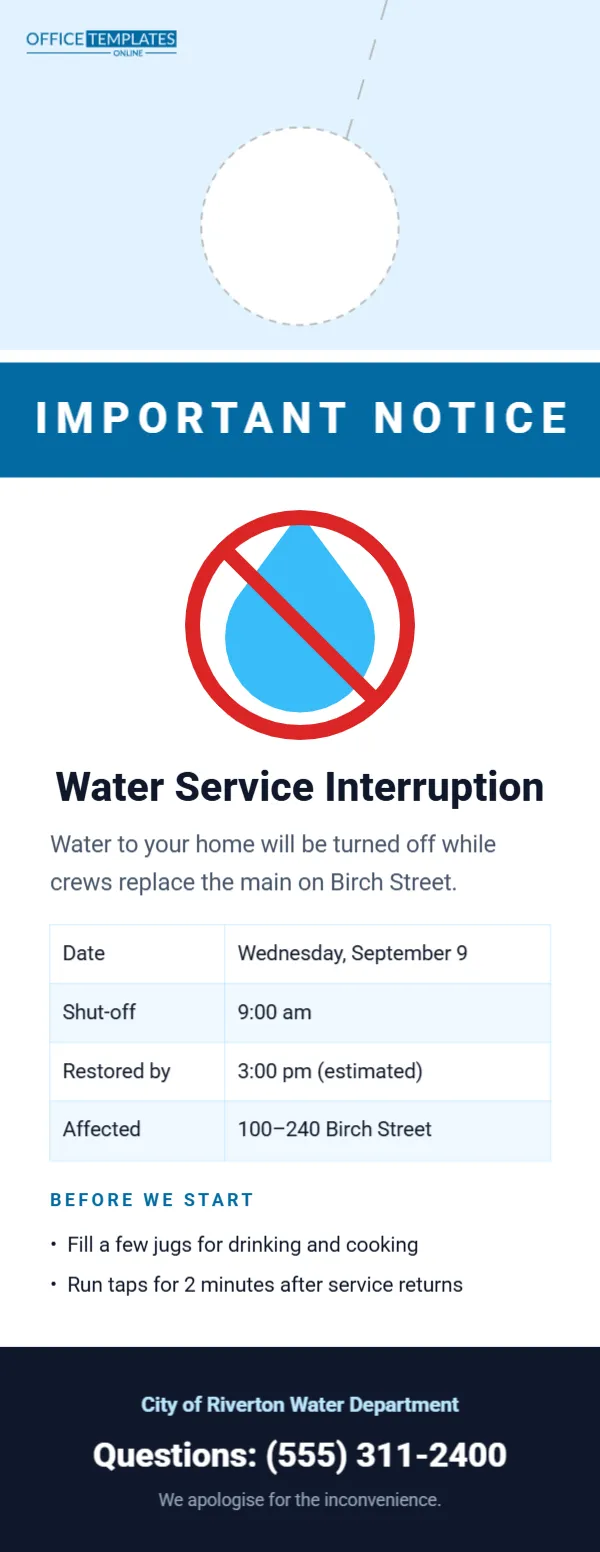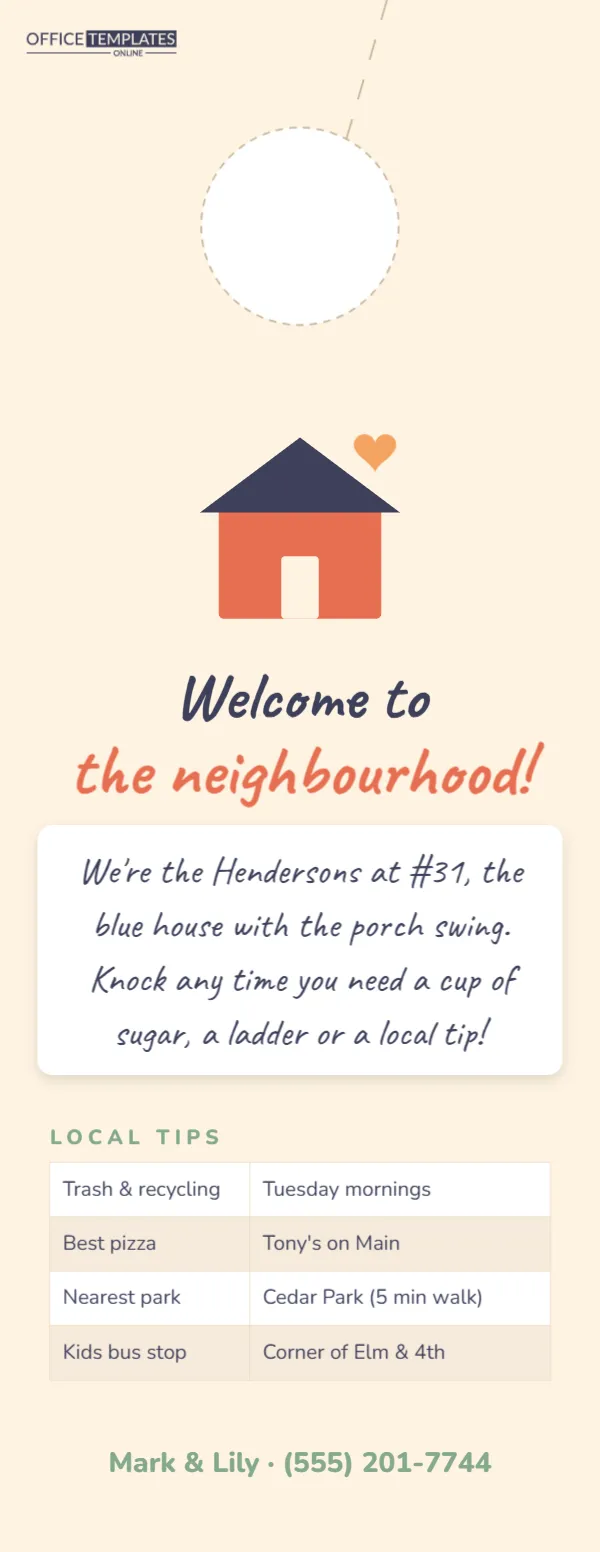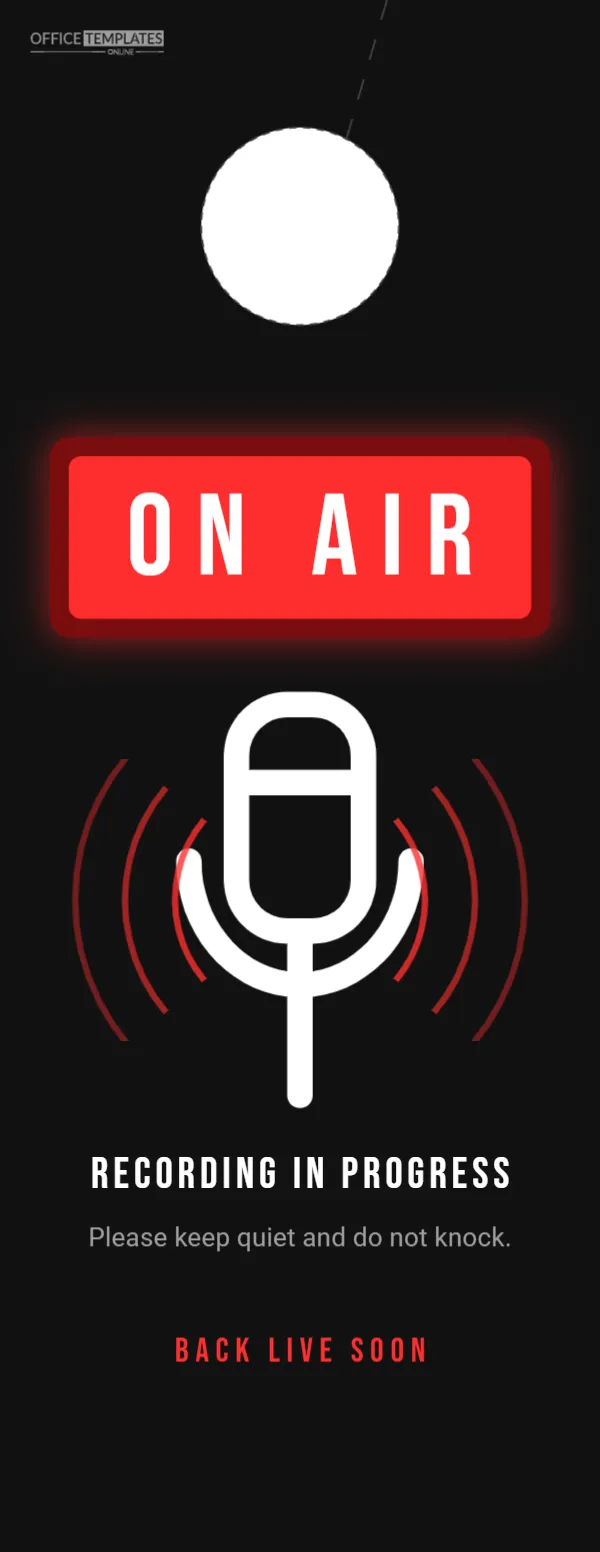
Podcasters, YouTubers, voice-over artists, musicians and anyone who records audio at home knows the frustration of a perfect take ruined by a knock, a doorbell or someone shouting a question through the door. Professional studios use a glowing red On Air light; this door hanger brings that same instantly recognisable signal to any home studio, spare room or office. A red light box with ON AIR glows on a black background above a white microphone surrounded by sound waves, with Recording in progress in bold capitals underneath.
A Glowing On-Air Sign
This single-sided hanger is 4.25 x 11 inches. The background is near-black. Under the door hole, a dark red box with a soft red glow holds a brighter red panel with ON AIR in tall white Bebas Neue capitals, exactly like the light boxes above studio doors. Below, a white microphone icon sits in the middle of curved red sound waves spreading out on both sides, fading as they move outward. Recording in progress is set in white capitals, followed by Please keep quiet and do not knock in grey, and Back live soon in red spaced capitals near the bottom.
Who Uses an On-Air Sign
The sign suits podcast hosts and guests, YouTube and Twitch creators, voice actors, musicians recording vocals, radio presenters working from home, teachers recording lessons, and remote workers on important calls who want an extra-clear signal. It also works in schools and offices with small recording booths.
Recording Situations and Wording
| Situation | Headline | Bottom line |
|---|---|---|
| Podcast recording | Recording in progress | Back live soon |
| Live stream | Live on stream | Say hi in the chat |
| Voice-over session | Voice recording | Silence please |
| Music recording | Tracking vocals | Do not open the door |
| Online teaching | Class recording | Done at 3 pm |
Why Red Means “Stop”
Red is used worldwide to mean stop or warning, and the on-air light has been a broadcast symbol for decades. Even young children and visitors who have never seen a studio understand it. The soft glow effect around the box makes the sign feel lit up, which grabs attention from across a hallway.
Customising the Microphone and Waves
The microphone is an editable vector icon; swap it for a headset, a camera, or a guitar from the editor’s library if you record video or music. The sound waves are curved lines in a group; recolour them to match your brand or remove some for a cleaner look.
Branding for Podcasters
Add your podcast logo or name under Back live soon to make the sign part of your brand. Many creators show their recording setup on social media, and a branded on-air sign in the background looks professional and fun.
Soundproofing Tips
A sign stops interruptions, but some noise still gets through. Simple fixes help: a rug and soft furnishings to reduce echo, a door draught stopper to block hallway noise, recording at quiet times of day, and turning off noisy appliances. Ask household members to avoid running the washing machine or vacuum during sessions.
Recolouring the Studio Sign
The black and red palette is classic broadcast style. For a softer home-office version, change the background to charcoal and the light box to orange. For a creator brand, use your brand colour for the box and keep the background dark so the light glows.
Two-Sided Option
Add a second page in the editor with a green Off air · Come on in message so the hanger can be flipped after recording. A two-sided sign makes the status clear at all times.
Cutting the Studio Hanger
The dashed circle near the top marks the handle hole, and the dashed slit marks the cut. Scissors or a circle punch are fine for a single sign.
Printing a Dark Studio Sign
Black backgrounds use a lot of ink; a laser printer or print shop gives the best result. Download as a PDF and print on heavy card, then laminate it to keep the black looking deep and to protect it from fingerprints.
Studio Etiquette at Home
Agree with your household on recording times and what the sign means: no knocking, no calling out, text only in emergencies. A shared calendar of recording sessions helps everyone plan around them, and a thank-you to family for their patience goes a long way.
Studio Hanger Specs
- Size: 4.25 x 11 inches, single-sided
- Glowing red ON AIR box, white microphone, red sound waves
- Fonts: Bebas Neue and Roboto
Building a Home Studio
A good home studio does not need to be expensive: a decent USB or XLR microphone, closed headphones, a pop filter, and a quiet room with soft surfaces get most podcasters a professional sound. Rooms with carpets, curtains, and bookshelves sound better than bare rooms. The on-air sign completes the setup by protecting your recording time.
Guests and Co-Hosts
When guests visit to record, the hanger shows them which room to use and reminds others in the house to keep quiet. For remote guests, the sign still protects you from interruptions during the call. Mention start and end times to your household so the session runs smoothly.
Live Streaming Etiquette
Streams are unforgiving: everything that happens is broadcast immediately. A clear sign, plus a quick text to family before going live, prevents surprise appearances and protects family members’ privacy. Agree on a code word for genuine emergencies.
On Air Hanger FAQ
Can I use it for video calls?
Yes. Change the headline to On a video call.
Can I add my podcast name?
Yes. Add it under the bottom line or replace Live Soon.
What size is it?
4.25 x 11 inches.
Can I make the box bigger?
Yes. Resize the red box and text together for an even bolder sign.
Is there a matching “Off air” side?
Add a second page with a green box reading Off air, come in.
Will the glow print?
Yes, the soft red glow prints as a gentle halo around the box.
Can I use it on a studio desk?
Yes. Stand it in a holder beside your microphone.