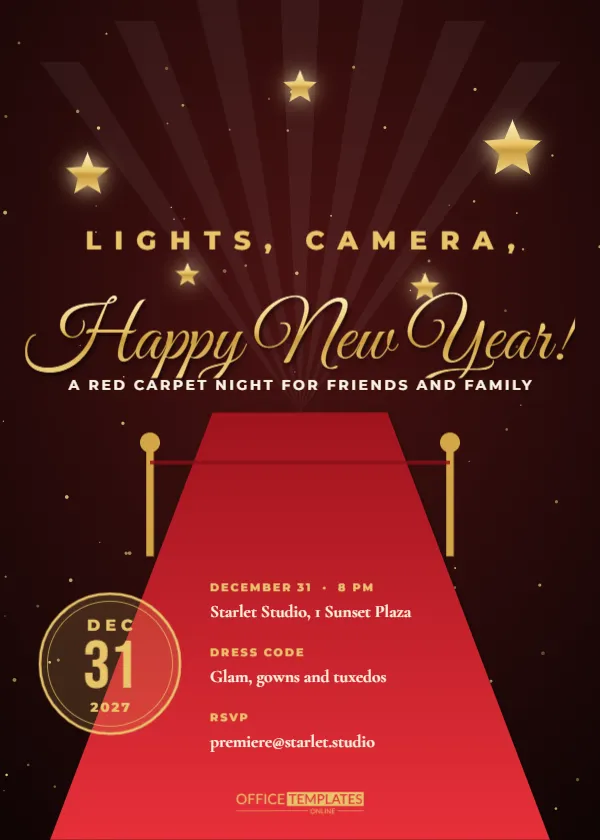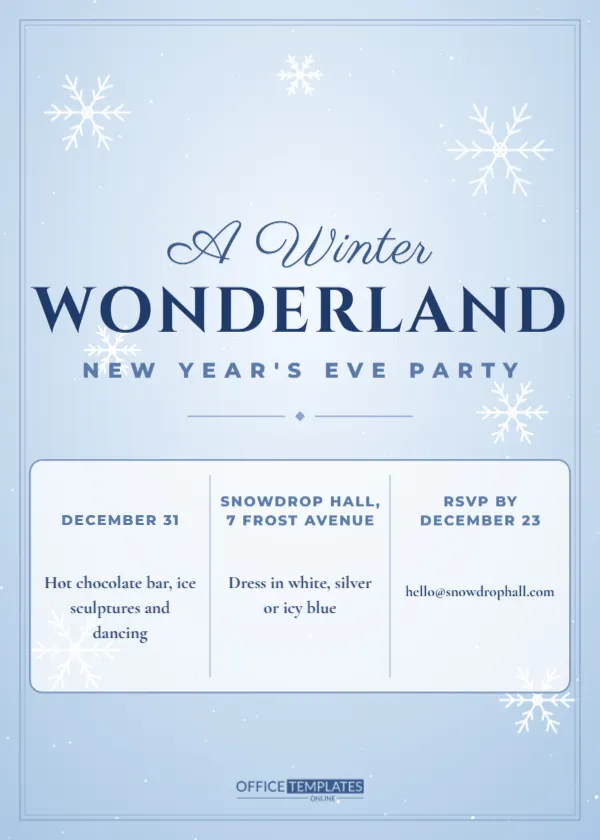
Most invitations are opened on a phone, so this one is designed for it. The page is a tall 4.5 by 8-inch format, close to the 9 by 16 shape of stories and phone screens, with a deep indigo sky, three colourful fireworks, gold dust, the line YOU’RE INVITED, a huge gold script New Year’s Eve Bash, a gold 2027, and two large blocks for the date, the venue, and a tap to RSVP link. It suits clubs, venues, friends, and event hosts who share invitations through messaging apps and social stories.
Designing for the Phone Screen
A tall layout fills the whole screen without cropping, and the large lettering is readable at arm’s length. The invitation leads with the biggest message and puts the action at the bottom, near the thumb. This helps guests respond quickly.
The Vertical Story Format
The page uses a taller ratio than a standard card, which matches story features on most social apps. You can post it directly as a story or send it as an image in a chat. Keep important text away from the very top and bottom edges, where app buttons may overlay.
Fireworks and Gold Dust
Gold, pink, and cyan bursts sit in the upper third, with 130 specks of gold dust drifting across. They create a celebratory opening for the story. You can resize the bursts or delete some if you want a calmer page.
Editing the Script and the 2027 Numerals for the Story E-Invitation
New Year’s Eve Bash is set in a very large gold script, and the year in Cinzel with wide spacing. Replace Bash with Party, Ball, or Bash at the Loft. The size makes the text easy to read even in a small preview.
| Block | Sample text | Edit idea |
|---|---|---|
| When and where | Wed, Dec 31, 9 PM, The Rooftop Lounge, 1 Skyline Plaza | Add doors and dress code |
| Action | Tap to RSVP, skyline.lounge/nye | Use a short link or QR code |
Writing a Link That Is Easy to Tap
Use a short, readable link and place the same address in your message, since text in an image cannot be tapped. A QR code placed at the bottom lets guests scan from another screen. Test both on a phone.
Sharing as a Story, Status or Message
Post the invitation as a story with a link sticker, share it as a status on a messaging app, or send it directly to friends. Different platforms crop slightly, so keep the key words in the centre. A short caption helps.
Using Countdown Stickers and Reminders
Add a countdown sticker in a story to build excitement, and send a reminder message a day before. Guests who forget the date will appreciate the nudge. Keep reminders short.
Tracking RSVPs and Guest Numbers
Use a form or a shared sheet to track replies. Ask about plus ones and dietary needs. A simple spreadsheet keeps numbers clear for the host and the venue.
Venues, Clubs and Promoters
Venues can add a ticket link, a price, and a lineup. Promoters can post the invitation as an ad with a short video. A vertical format is cost-effective on social platforms.
Private Parties and Friend Groups
A friend group can send the invitation in a chat and let guests react with an emoji. Add a note about what to bring. A digital invitation is quick and free for casual parties.
Accessibility for Screen Readers and Small Text for the Story E-Invitation
Include the key details in the text of the message as well as in the image, so screen readers and search can find them. Use large type and high contrast. Gold on indigo is very readable.
Printing a Poster or Print Version for the Story E-Invitation
The vector design scales to a poster, though the shape is tall. Print at 11 by 17 inches for a shop window. Check the margins to be sure the text is not cut off.
Colour Variations for Other Event Styles for the Story E-Invitation
Change the sky to black for a more formal look, or to deep teal for a fresh feel. The fireworks and script stay recognisable. A bright version suits a daytime party.
Final Check Before Sharing the E-Invitation for the Story E-Invitation
View the image on two phones to confirm that nothing is cut off. Test the link and the QR code, and read every word on screen. A quick test prevents mistakes that cannot be recalled once the story is shared.
Choosing a Story Duration and Music
Stories play for a few seconds, so keep the text readable at a glance. Add a short royalty-free music clip if the platform allows. A clear message in the first three seconds helps viewers decide quickly.
Collecting Replies Through a Poll or Reaction
Use a poll sticker with Yes and Maybe, or ask guests to reply with a fire emoji. Quick responses make it easy to gauge numbers. Follow up privately with those who respond maybe.
Creating a Series of Reminder Stories
Post a countdown story with the date, then a photo of the venue and a final reminder on the day. A short series keeps the party in sight without repeating the same image.
Keeping Text Large Enough for Small Screens
Test the invitation on a phone at arm’s length. Date and venue lines should be readable without zooming. If anything is small, enlarge it or shorten the words before you post.
Adding a Plus One and Dietary Question to the RSVP Form
Use a short form that asks for name, plus one, and dietary needs. A complete reply saves you from extra messages and helps the venue prepare.
Following Up With Guests Who Have Not Replied
Send a gentle personal message to those who have not answered a few days before the deadline. A friendly nudge often gets a quick response and helps you finalise numbers.
Pinning the Story or Message for Easy Finding
Pin the invitation at the top of the group chat or save the story to your highlights. Guests who need the address later can find it easily, which reduces last-minute questions.