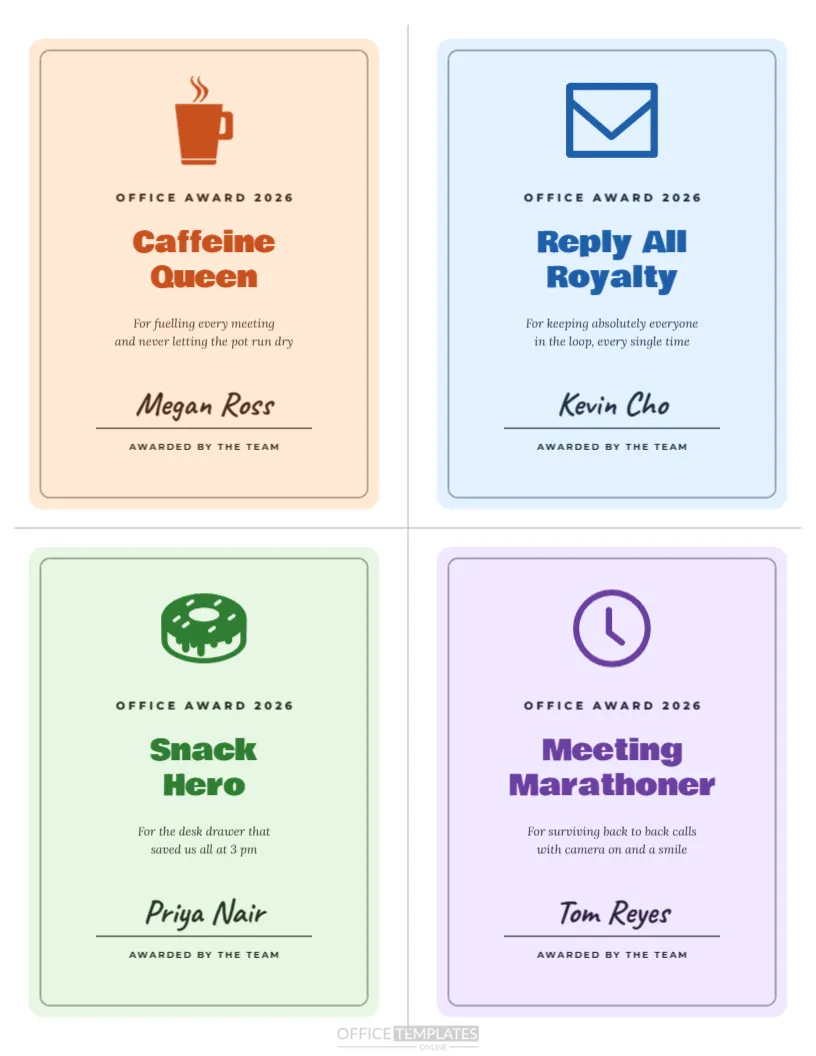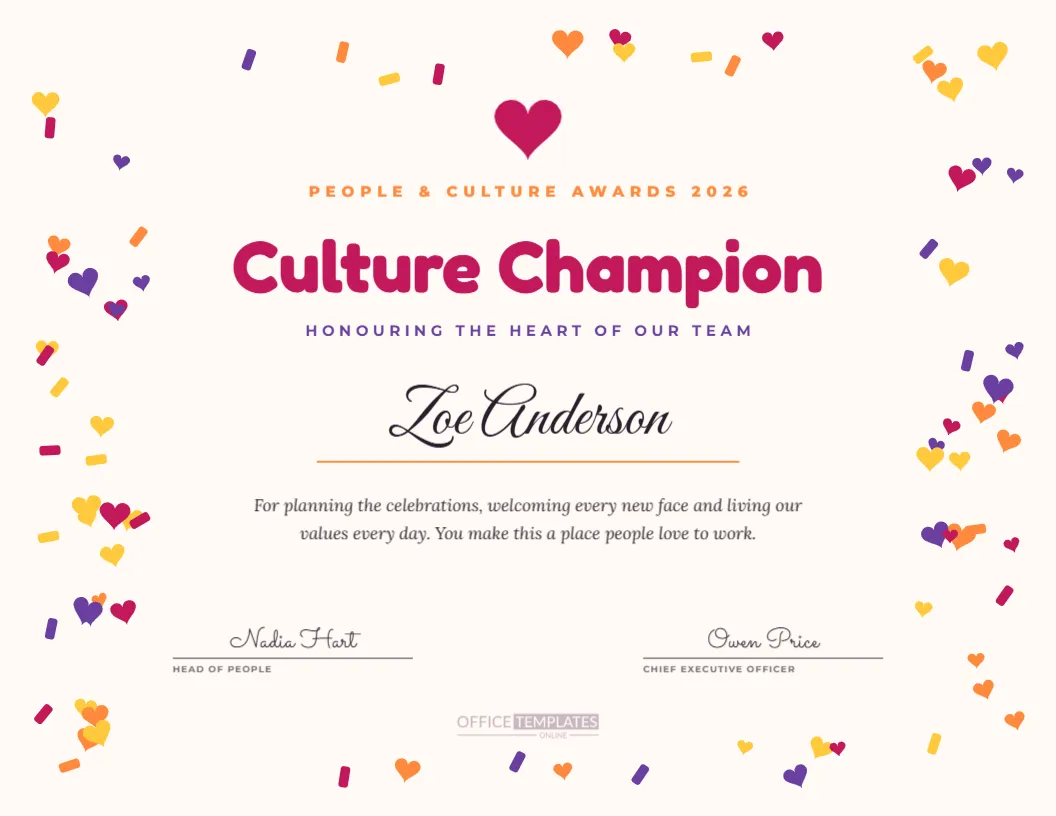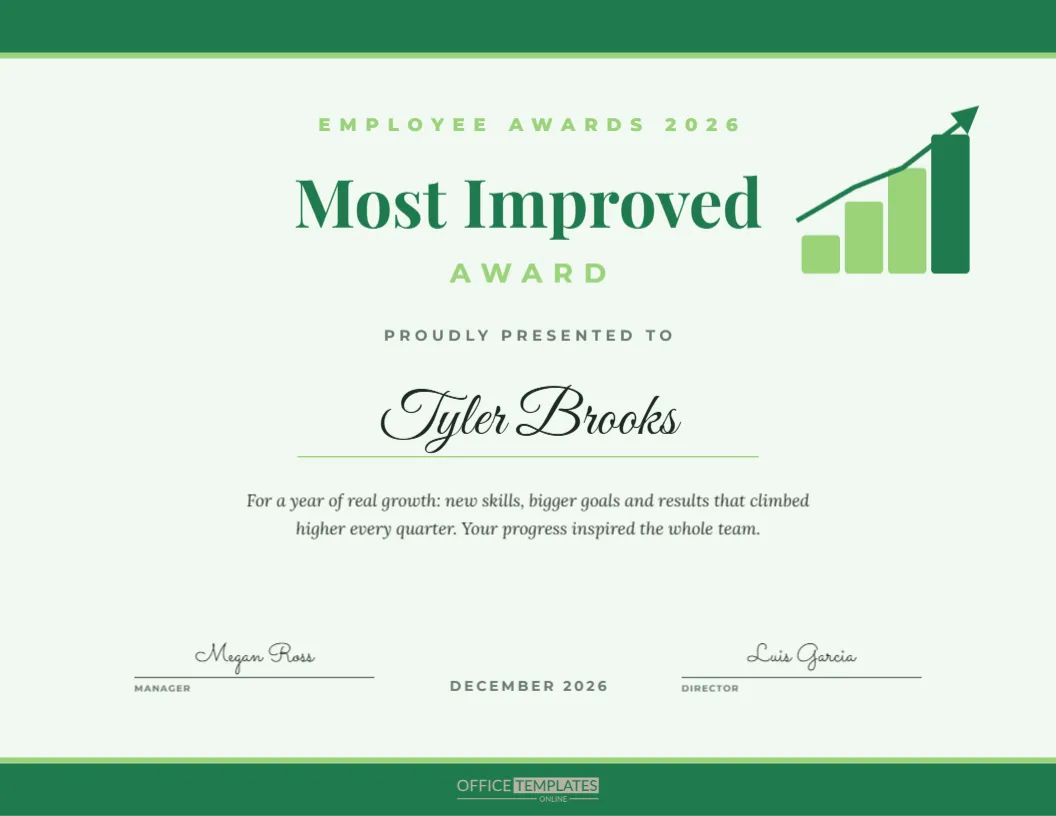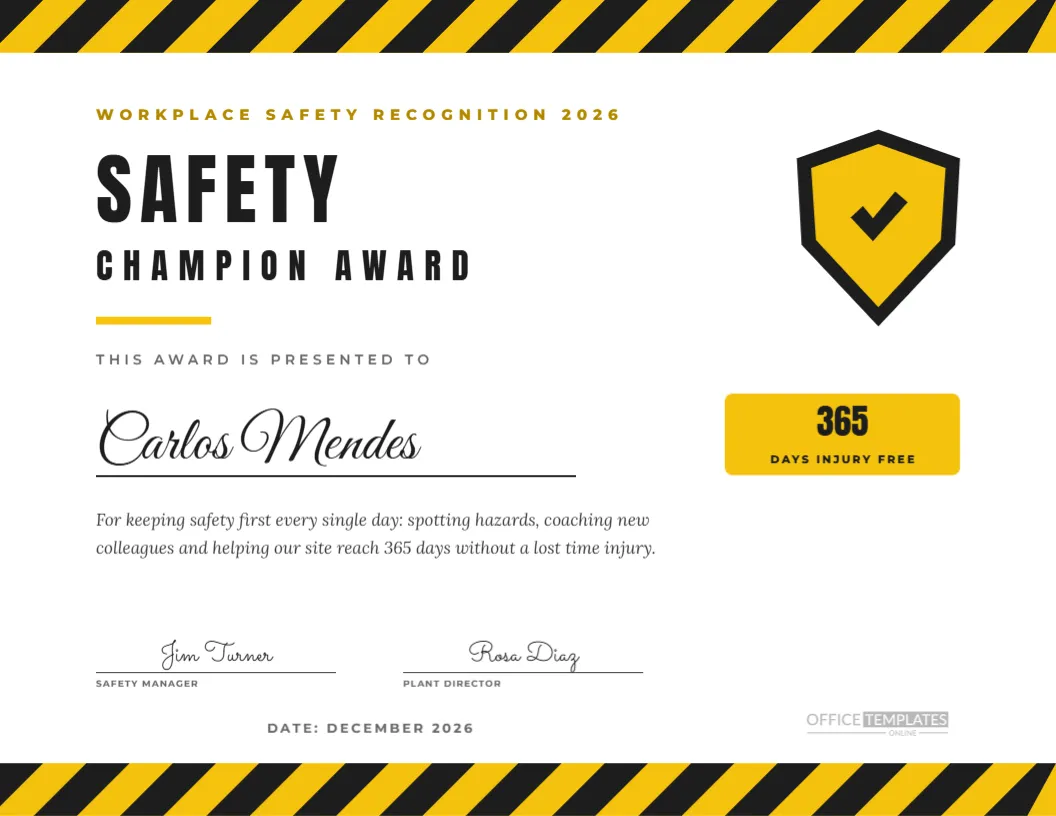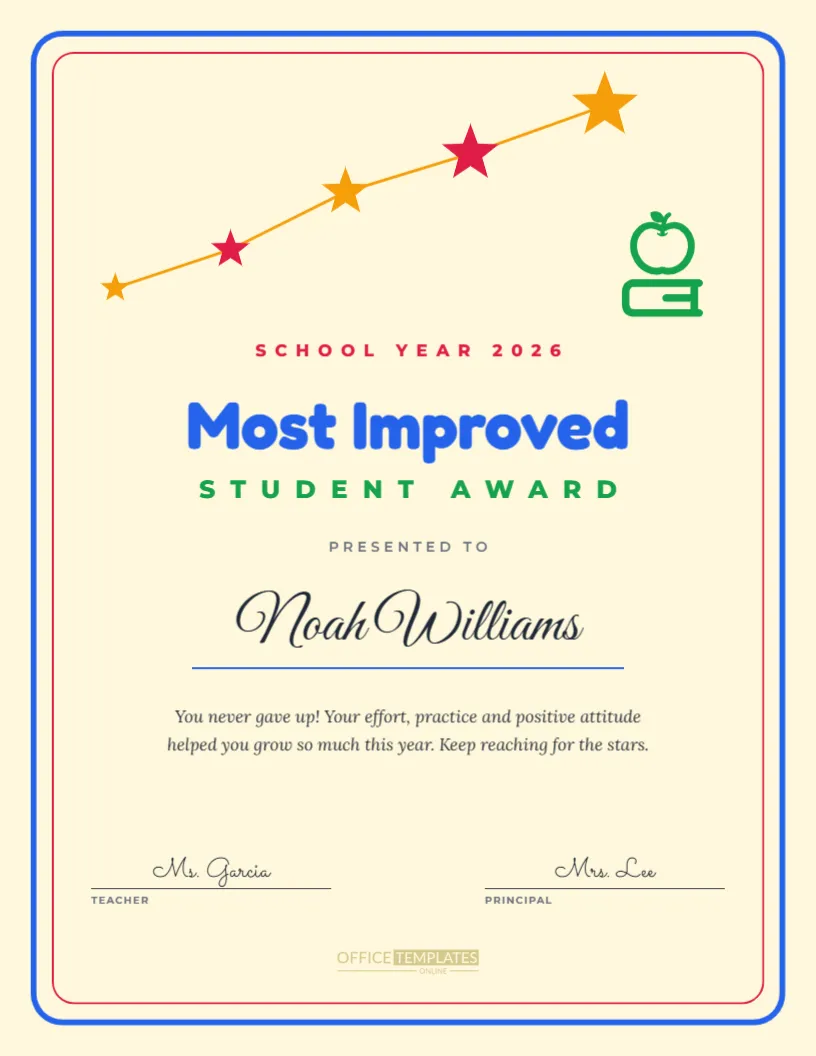
Few things motivate a child more than being recognised for their effort, and the Most Improved Student Award does exactly that. This portrait certificate has a sunny pale yellow background with a thick rounded blue frame and a dashed red inner frame. A dotted orange path climbs across the top, dotted with stars that grow larger as they rise, showing progress step by step. A green apple and books icon sits on the right. School Year 2026 in red capitals leads into the bold blue Most Improved title in rounded Fredoka letters, with Student Award in spaced green capitals. The student’s name, an encouraging citation, and signature lines for the teacher and principal complete the page.
Why Recognise the Most Improved Student
Not every child can be top of the class, but every child can improve. A Most Improved award rewards persistence, practice, and a positive attitude. It often goes to a student who struggled earlier in the year and worked hard to catch up, and the recognition can transform their confidence. Parents treasure these certificates because they celebrate the journey their child has made.
The Rising Star Path
Five stars in orange and red follow a dotted path that climbs from bottom left to top right, getting bigger at each step. The path is a simple visual story of growth that children understand instantly. All the stars and the path are grouped, so you can move or resize them together, or recolour them to match your school.
The Apple and Books Icon
An apple resting on books is a classic symbol of school and learning. It is tinted green to match the subtitle. You can replace it with another icon, such as a pencil, a ruler, or your school crest, using the editor’s image library.
Bright Primary Colour Palette
Blue, red, green, and sunny yellow are bold primary colours that feel cheerful and child-friendly. The pale yellow background keeps the page warm without overwhelming the text. For older students, tone the colours down to navy and gold for a more grown-up look.
Editing the Student’s Name
Replace Noah Williams with the student’s name. The Great Vibes script looks elegant, but if you prefer something easier for young children to read, change the name font to a rounded style such as Fredoka. Keep the name large so it is the first thing the student sees.
Writing a Positive Most Improved Citation
The default citation reads You never gave up, praising effort, practice, and a positive attitude, and ends with Keep reaching for the stars. When personalising it, focus on growth rather than earlier difficulties. Mention a real improvement, such as reading chapter books independently or mastering multiplication tables.
Most Improved Awards for Specific Subjects
Teachers can create subject-specific versions, such as Most Improved in Reading, Maths, Writing or Spelling. Change the subtitle to the subject and adjust the citation. A set of subject awards lets more students be recognised for their efforts.
Most Improved Awards Beyond the Classroom
The certificate also suits music lessons, swimming clubs, dance classes, scouts and sports teams. Change School Year 2026 to the season or programme name and the signatures to the coach or instructor.
Who Signs the Most Improved Student Award
The two signature lines are set for the class teacher and principal. A signature from both shows the student that the whole school has noticed their progress. Add a small handwritten note for an extra personal touch.
Printing the Most Improved Certificate
Print on white or pale yellow card. The colours print well on standard school printers. For a polished finish, print on heavier card so the certificate does not crease in a school bag on the way home.
Presenting the Award to a Student
Present the award in class or assembly and briefly describe the student’s progress. Children love hearing what they did well. Encourage classmates to clap, and let the student hold the certificate for a photo to share with family.
Most Improved Student Wording Ideas
Try: Hard work really does pay off, You grew so much this year, or Every day you tried your best, and it shows. Keep sentences short and positive so young students can read the certificate themselves.
Sharing With Parents
Send a digital copy to parents by email or the school app, or include it in end-of-year reports. Parents appreciate seeing their child’s effort recognised, especially if the year was challenging.
Saving the Template for Next Year
Save the edited certificate in your account. Next year, update the school year, student name, and citation. Keeping the same design makes the award recognisable and something students look forward to earning.
Small Rewards for Most Improved Students
Pair the certificate with a sticker, a bookmark, a small book or a special classroom job. Simple rewards make the award feel like a celebration and encourage continued effort.
Tracking Student Progress for the Award
Teachers can choose the most improved student by comparing early assessments with later ones, looking at reading levels, test scores, homework completion, and classroom behaviour. Notes from parent conferences and learning support staff also help. Keeping a simple record during the year makes the final decision easier and gives you specific examples to include in the citation.
Celebrating Effort at Home
Encourage families to display the certificate on the fridge or in the child’s bedroom, where it serves as a daily reminder that hard work leads to progress. A simple family celebration, such as choosing a favourite dinner, helps the child connect effort with positive feelings and keeps motivation strong into the next school year.
Most Improved Awards for Students With Extra Support
Students who receive learning support, speech therapy, or English language help often make remarkable progress that deserves recognition. Work with support staff to choose wording that celebrates their achievements, and consider inviting the support teacher to sign the certificate as well. Recognition from the adults who helped them can be especially meaningful.
Most Improved Certificate File Formats
Download a PDF for printing or a PNG for emailing to families and sharing on class pages. Every format keeps the stars, frame, and colours exactly as designed.