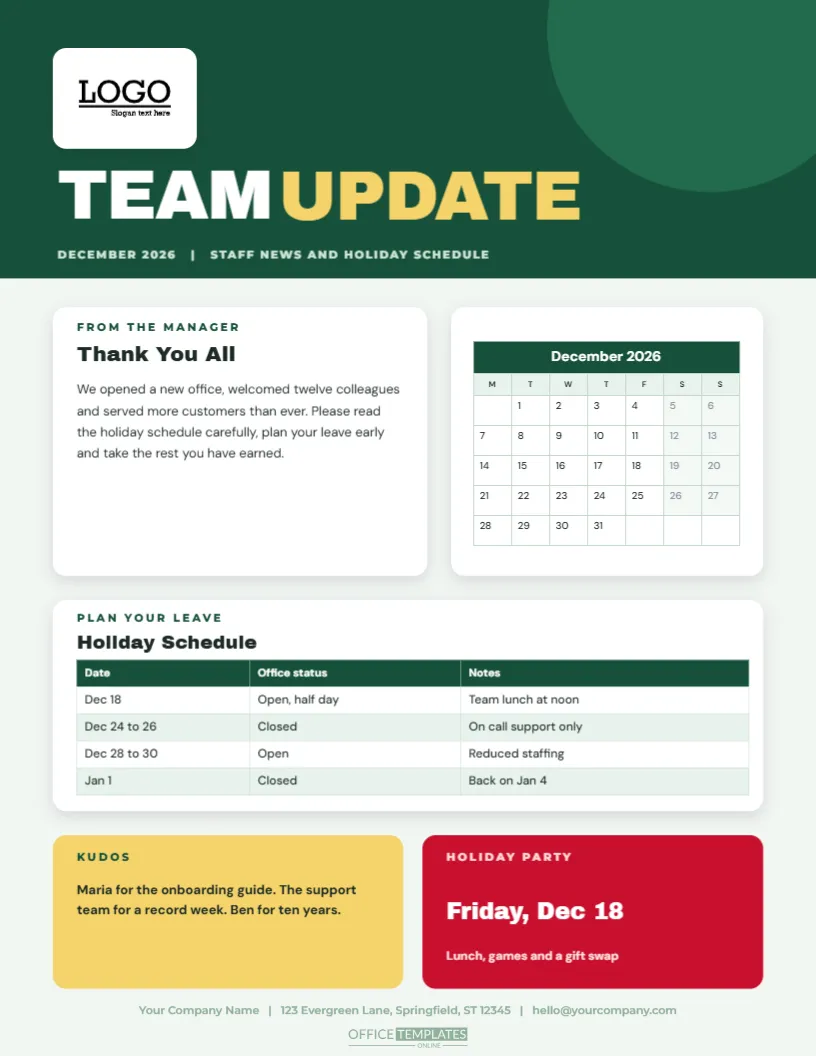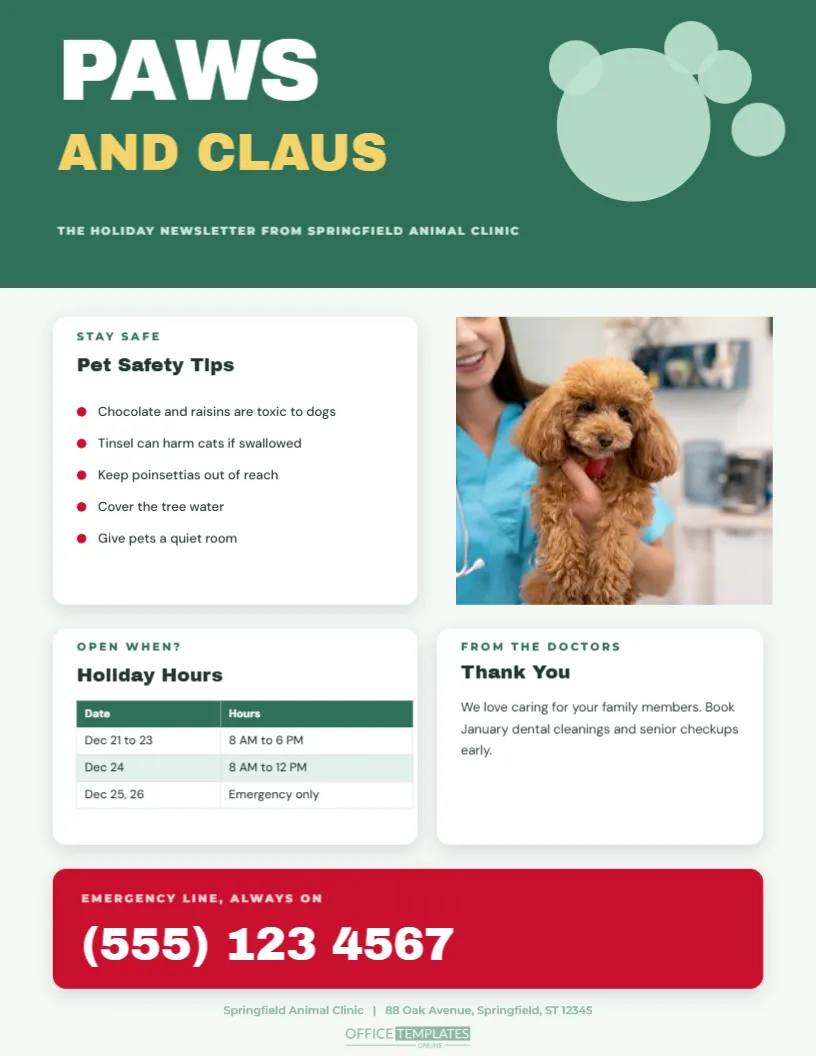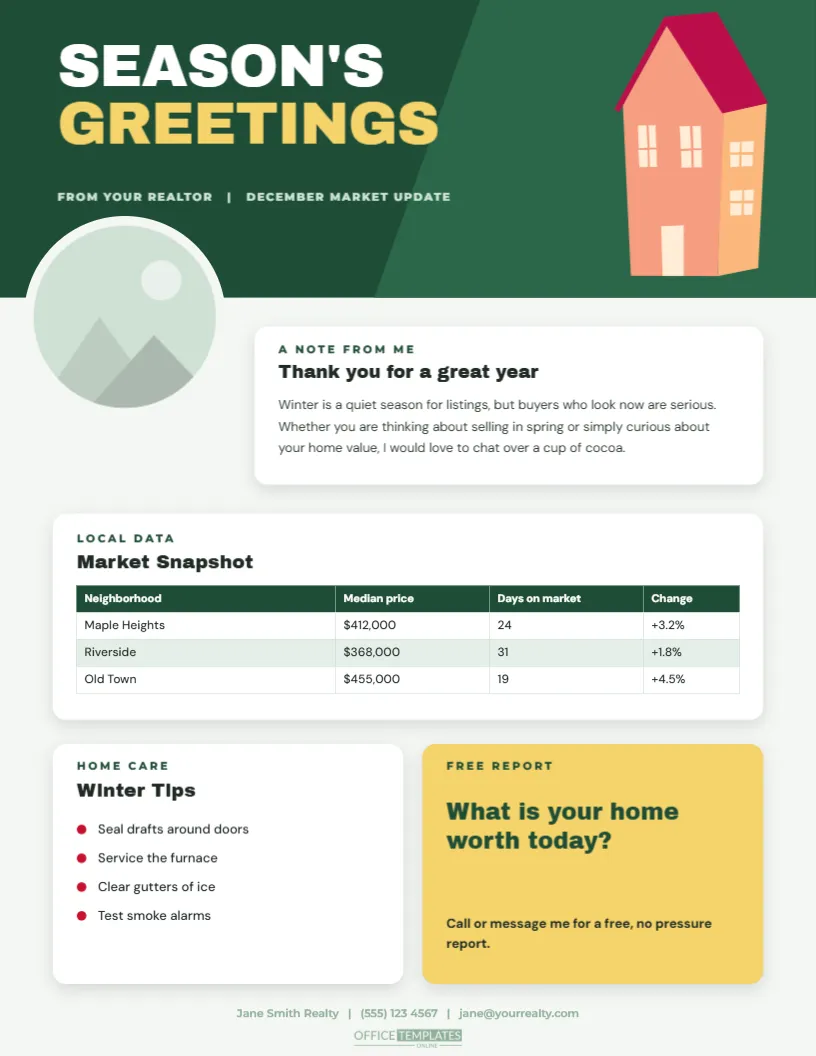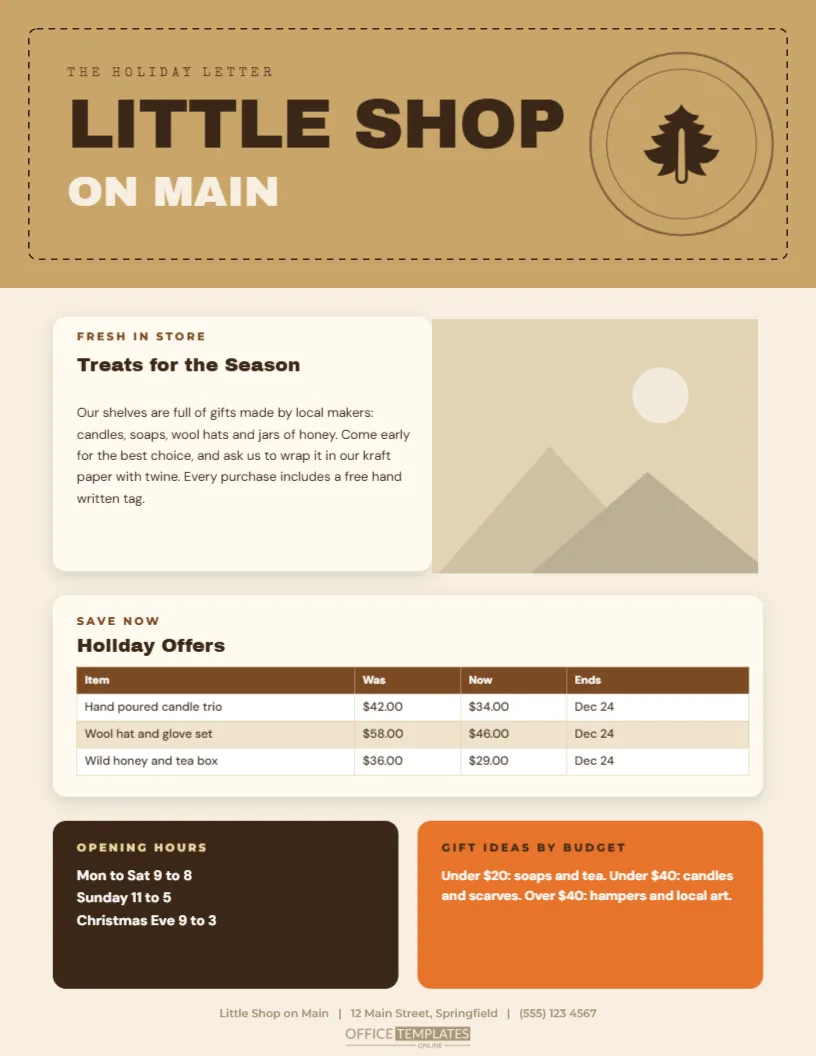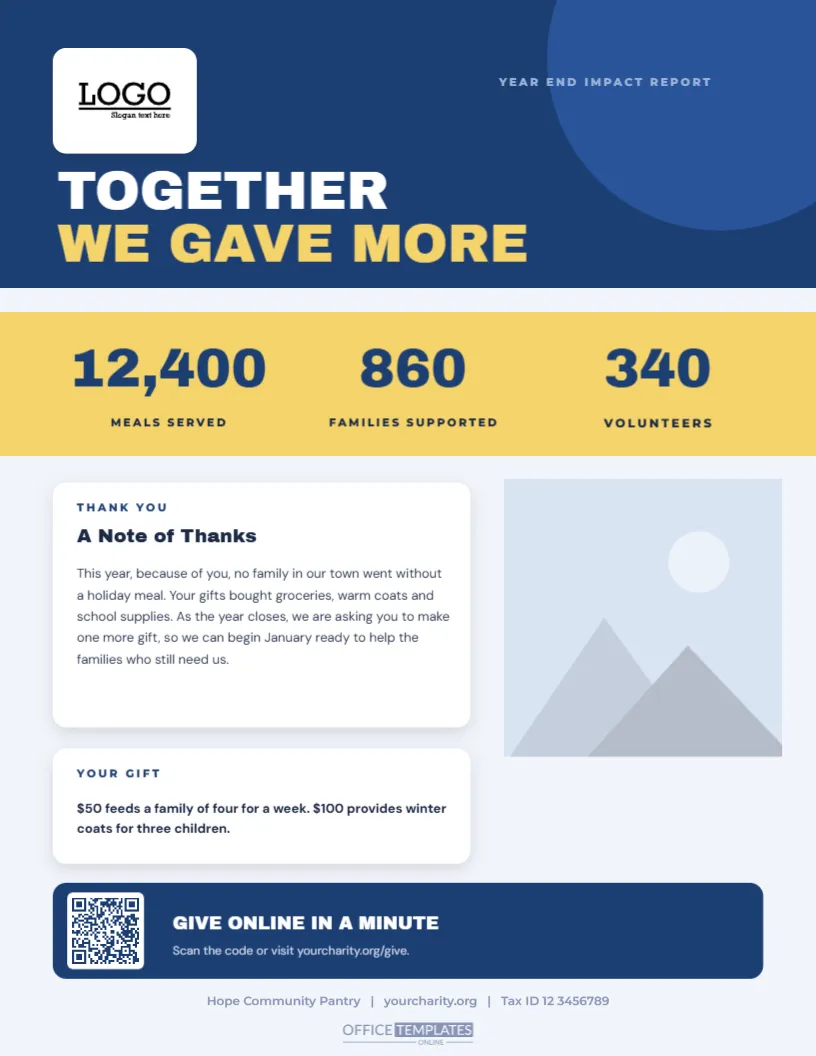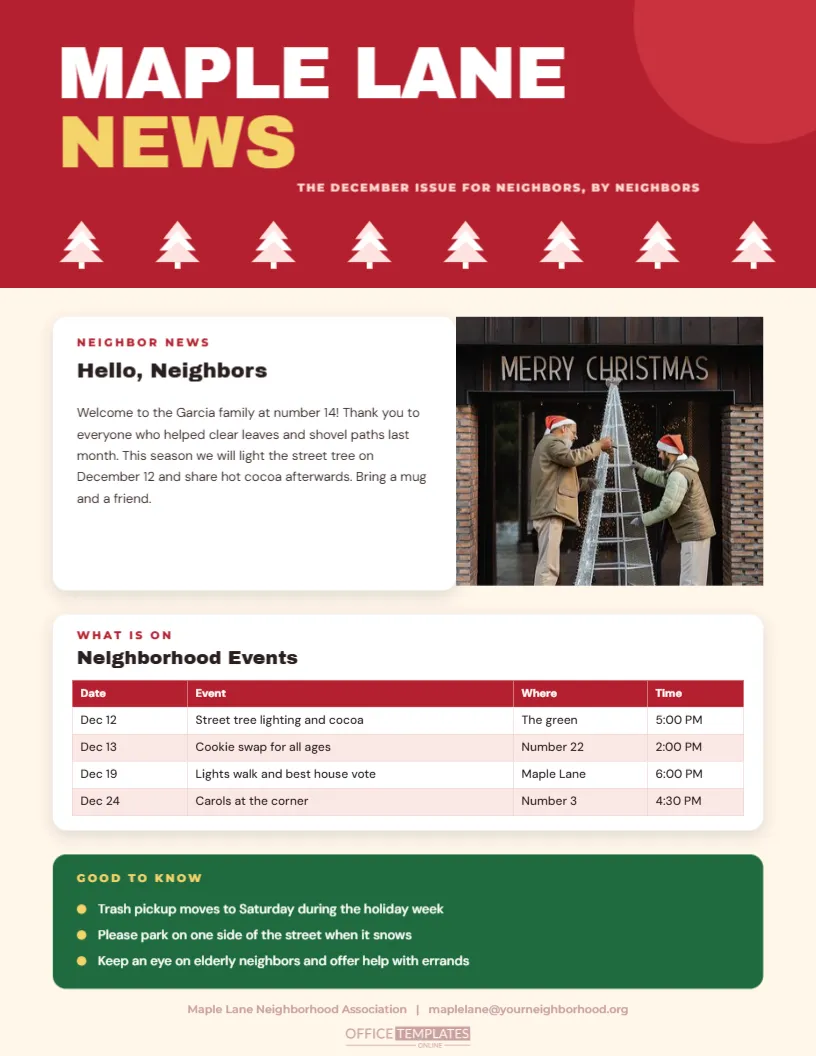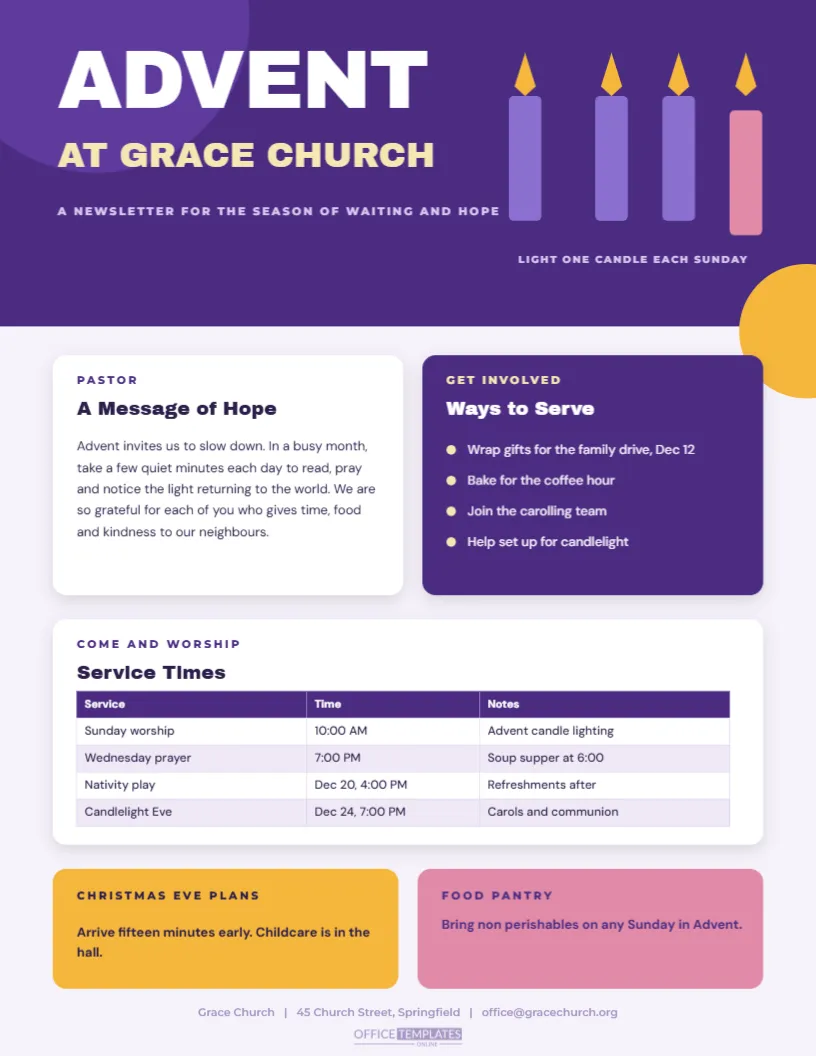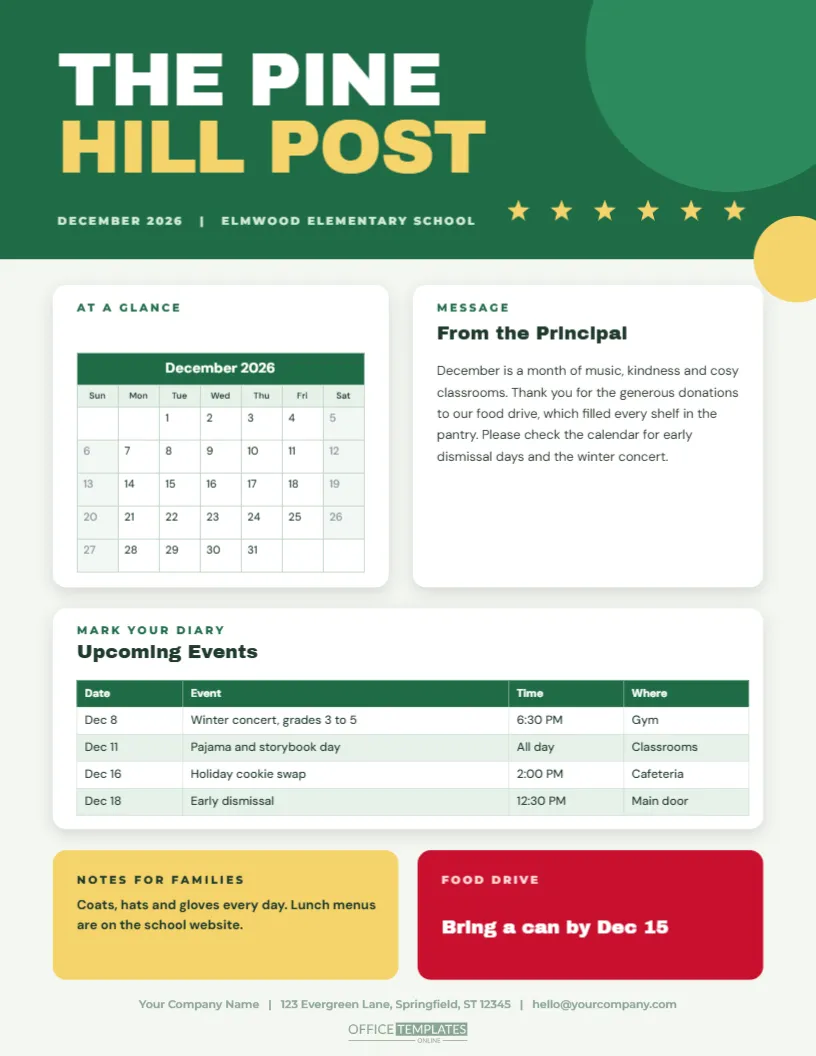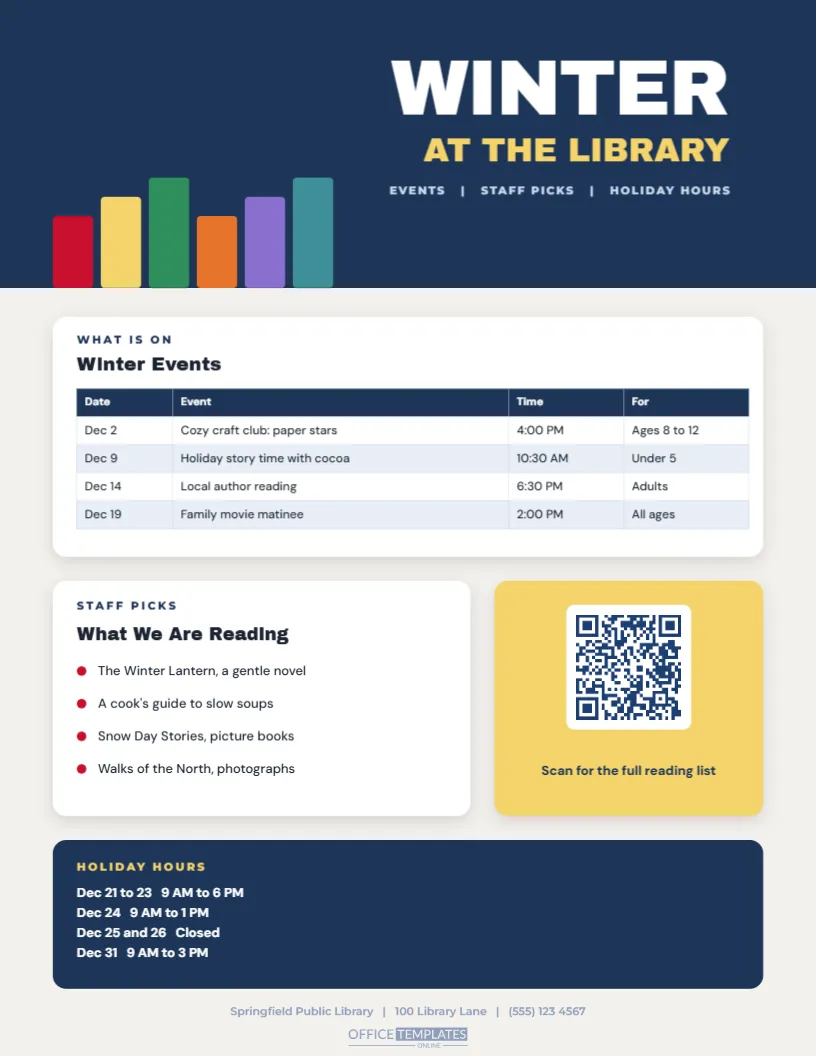
Libraries are busiest and most useful in winter, when people want warmth, stories, and something to do with the children. This newsletter shows what the building offers. A navy block carries WINTER in huge white capitals and AT THE LIBRARY in gold, with a row of coloured blocks on the left that look like the spines of books on a shelf. A real events table lists dates, events, times and audiences, a staff picks card sits beside a gold card with a reading list QR code, and a navy hours panel closes the page.
Showing What the Library Offers
Many people think of a library only as a place to borrow books. A newsletter that lists story times, author readings, craft clubs, and film matinees shows the range of the service. It also helps families plan their week. The page puts events first, because they are the most likely reason someone will visit, and follows with recommendations and practical information.
The Book Spine Border
Under the header runs a row of fourteen small rectangles in red, yellow, green and orange, like books on a shelf. They are simple shapes, so they print cleanly, and they carry the theme without needing a photograph. You can recolour them to your library’s palette, change the number of books, or delete the row for a plainer look. They give the page a lively edge.
| Part | Where | Editing tip |
|---|---|---|
| Header and book spines | Top | Recolour or retype |
| Events table | Upper middle | Table options |
| Staff picks and QR | Lower middle | Replace the code with your link |
| Holiday hours table | Bottom | Update dates and times |
The Winter Events Table
Each row lists a date, an event, a time, and the audience, such as Under 5 or Adults. Use short phrases, and keep to one line per event. If you have more events than the table can hold, add a second page, or highlight only the most popular. Edit the table in its options, where you can change colours and add rows. A clear table helps staff answer questions, too.
Staff Picks and the Reading List Code
- Choose four titles that suit a range of readers.
- Add a few words about each, such as a gentle novel or a picture book.
- Include a mix of fiction, non-fiction and children’s books.
- Link the QR code to the full list in your catalogue.
- Rotate the picks each month.
Replacing the QR Code
The template code points to a sample address. To use your own, create a QR code for your reading list page with a free generator, save it as an image and place it over the sample, sizing it to the white square. Test it with a phone before printing. Add the short web address beneath it in small text, so that people who cannot scan it can still find the page.
The Library Hours Panel
The last table lists the library’s hours for the holiday week. Edit the dates to match your schedule, and make closures stand out with the word Closed. If your branches have different hours, add a column for each. Patrons check this table before they plan a visit, so make sure it is accurate and easy to read. Update the posted copy whenever the schedule changes.
Questions About the Library Newsletter
Can I add a photo?
Yes. Add a photo slot in the free space beside the staff picks.
Which fonts are used?
On the library winter events newsletter page, Archivo Black sets the titles and card headings, DM Sans sets the body text and tables, and Montserrat sets the small labels.
Can I use it for a school library?
Yes. Edit the events, the audiences, and the hours.
Can I change the navy?
Yes. Select the header and the table headers and choose a new colour.
Promoting the Newsletter
Place a stack at the checkout desk, post one in the window, and share a PDF through the library’s website and social media. Ask local schools and community centres to display it. Track which events draw the biggest crowds, and use that information to plan the next season’s programme. A well-promoted newsletter can double the attendance at a quiet event.
Connecting With Local Partners
Invite a local author, a baker or a musician to run an event, and mention them in the newsletter. Partners often share the page with their own followers, which extends the reach. Add a line thanking sponsors and friends of the library at the foot. A page that credits partners builds goodwill and encourages future support.
Keeping the Design Consistent
Use the same layout for each quarter, and change the title, the colours and the events. A consistent look makes the newsletter easy to recognise, and it speeds up production for the staff who prepare it. Keep a folder of past issues, so that you can see which features were popular and which can be improved.
Choosing Events That Fill Seats
Look at past attendance before planning the season. Story times with a craft, author evenings with a local connection, and family film afternoons are reliably popular. Add a sign-up line for events with limited places, and say how to book. A newsletter that lists clear, appealing events with simple booking instructions turns browsers into attendees.
Reaching Readers Who Do Not Visit
Many residents do not use the library, and a newsletter can change that. Leave copies at schools, clinics, cafes and community centres, and post an image on social media. Mention services that people may not know about, such as free wifi, e-books, printing, and homework help. A single page can introduce someone to the whole range of what a library offers.
Promoting the Reading List
The staff picks card and the QR code work as a pair. Choose four titles that suit different ages, then link the code to a full reading list on your website or catalogue. Update the list each month, and the same printed code keeps working. Readers who scan it can reserve a book on the spot, which turns a casual look at a newsletter into a visit. Ask each staff member to add one line about why they loved their pick.