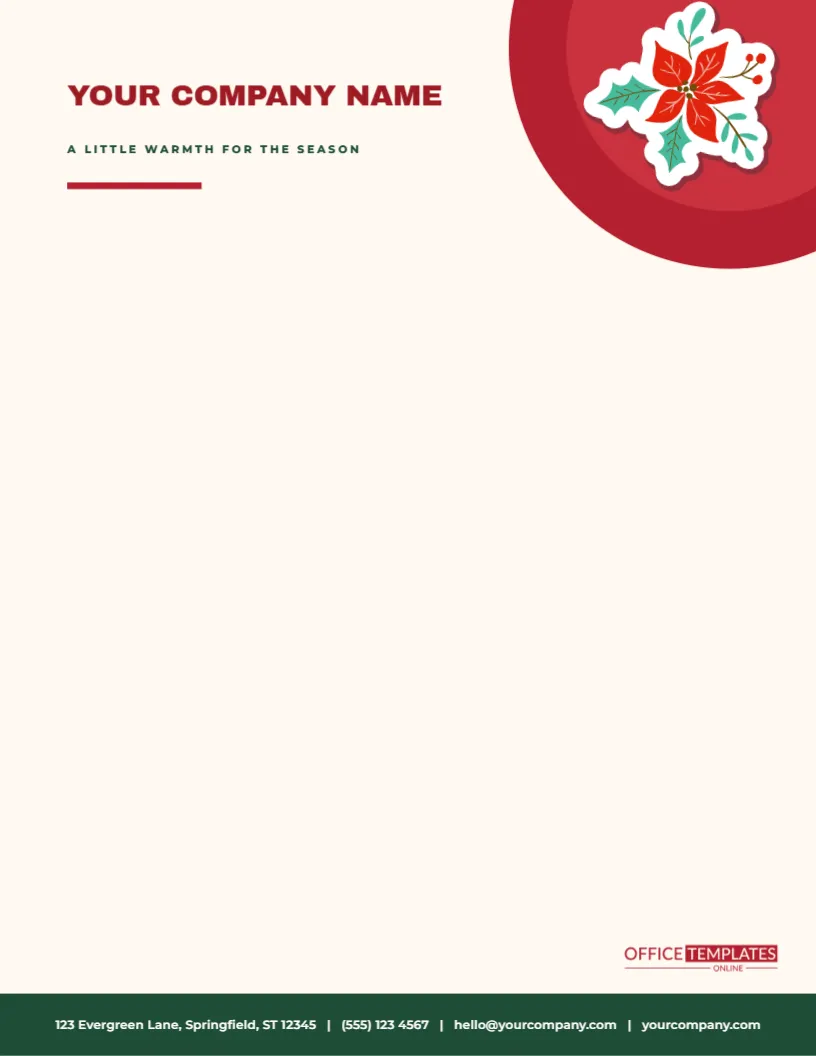
The poinsettia is the most striking flower of the season, and here it is given a big stage. A large red circle in two tones sits in the top right corner of a warm ivory page, and one poinsettia with green leaves rests on it. To the left, YOUR COMPANY NAME runs in bold deep red capitals with A LITTLE WARMTH FOR THE SEASON in small green capitals and a short red bar beneath. A deep green band across the foot of the sheet carries the contact line in white, above the small OTO mark.
A Corner Instead of a Banner
Corner designs feel lighter than full-width banners. The poinsettia takes up only about two inches of the top right corner, so the eye travels from the flower to the name and then down to the letter. The asymmetry gives the page movement, and it leaves the left side of the header open for a company name that can be long. It is a good pattern for professionals who want a seasonal touch without a theatrical one.
About the Poinsettia Artwork
The flower is a vector illustration with layered red bracts, green leaves and a small golden centre, set on a pale sticker-style outline. You can recolour the red to white, pink or burgundy from the colour swatches, enlarge it, rotate it or ungroup it to remove a petal. The sticker outline can be deleted if you prefer the flower to sit directly on the page. At the printed size, the detail is crisp, even on an ordinary printer.
| Part | Style | Easy change |
|---|---|---|
| Poinsettia | Red bracts, green leaves, tilted | Recolour to white or pink |
| Company name | Italic serif, deep red, 26 point | Type your name |
| Tagline | Italic serif, green, 10 point | Replace with your own line |
| Double rule | Gold, thick over thin | Recolour or delete |
The Gold Double Rule
Two parallel lines, one about a hundredth of an inch thick and one half as thick, separate the header from the body. The effect resembles the border of a certificate or an old-fashioned invitation, and it adds a note of formality. The lines are plain rectangles, so you can change their colour to match your brand, lengthen them, or remove one. If the poinsettia overlaps the rule on your print, nudge the flower up a few hundredths.
Writing a Letter Under the Poinsettia
- Begin the date about two inches from the top of the page.
- Align the address block and salutation with the left margin of the company name.
- Keep the body to three or four short paragraphs, which fits the clean look.
- Close with a handwritten signature in dark blue or black ink.
- Leave the area near the poinsettia clear of text.
Good Uses for This Letterhead
- Thank you letters to clients, donors and suppliers.
- Seasonal announcements from a florist, a garden centre or a boutique.
- Letters to parents from a private school or a nursery.
- Formal invitations to a holiday open house or reception.
- Family letters sent to relatives with a Christmas card.
Print Tips for an Ivory Page
The page background is a warm ivory, which is a tint printed over the whole sheet. If you want to save ink, change the page colour to white in the editor and print on cream stock. This gives the same look at a fraction of the cost and avoids any risk of an uneven tint. Choose a laser printer or high-quality inkjet setting for the poinsettia, so the layered petals stay distinct.
Questions About the Poinsettia Letterhead
Can I use a white poinsettia?
Yes. Select the red petals and change them to white or pale grey for a winter white look.
Which fonts are used?
On the poinsettia corner letterhead sheet, Archivo Black sets the company name, and Montserrat sets the tagline and the contact line.
Can I add a logo?
Yes. Add an image or a photo slot to the left of the name and move the tagline.
Does the template fit A4?
Yes. Resize the page and check the margins.
Matching Poinsettia Items
The poinsettia floral gift tags in this collection share the same flower. Add a tag to any parcel that goes with a letter, and use the matching envelope seals to close the envelope. The set suits florists, garden centres, and anyone sending plants as gifts, since the flower introduces the product before the letter is read.
Using the Letterhead for Gift Notes
Print the letterhead on half sheets or fold it into a card and write a short note inside. A small note on this paper looks luxurious with a gift of flowers or chocolates. It costs little to print, and the poinsettia makes any message feel like a greeting card.
Choosing Paper and Ink for a Refined Result
A refined letterhead deserves a refined sheet. Choose a smooth ivory or cream paper of twenty-eight to thirty-two-pound weight, and a warm black or dark brown ink for the text. Avoid very bright white, which can look clinical beside the poinsettia. If you print many sheets, a short run at a local print shop gives a richer red than most home printers can manage.
A Letterhead for Florists and Garden Centres
For a florist, the poinsettia is a natural logo substitute. Use the letterhead for orders, gift notes and corporate quotations, and replace the tagline with the name of your wreath or arrangement service. Add a small line near the foot with delivery dates and cut-off times. The flower on the page tells the customer exactly what you do.
Printing Sets of Notes From the Same Design
Scale the page to half size and print two notes on one sheet. Cut them apart and fold for a note card or use them as enclosure cards in gift boxes. The same poinsettia design then runs across the letter, the note, and the card, and a customer receives a matching set with each order. Because the red circle is a solid shape, print a single test sheet first to check the colour, then run the rest of the batch with confidence in the result.