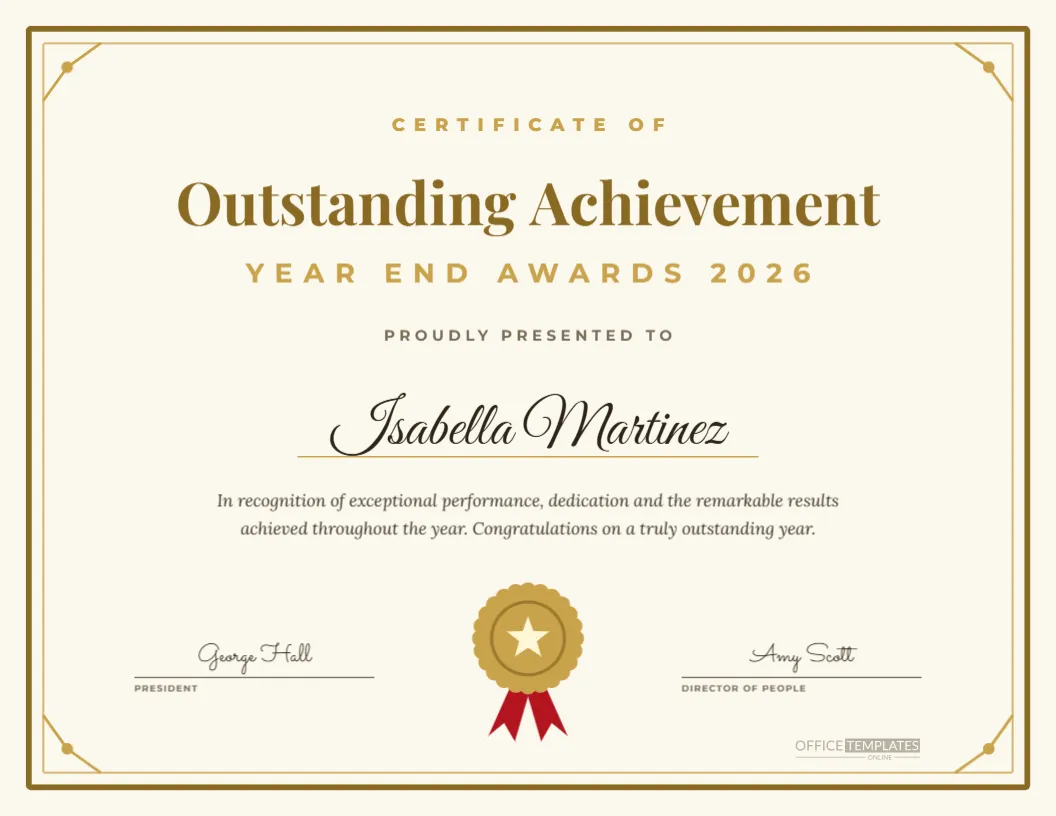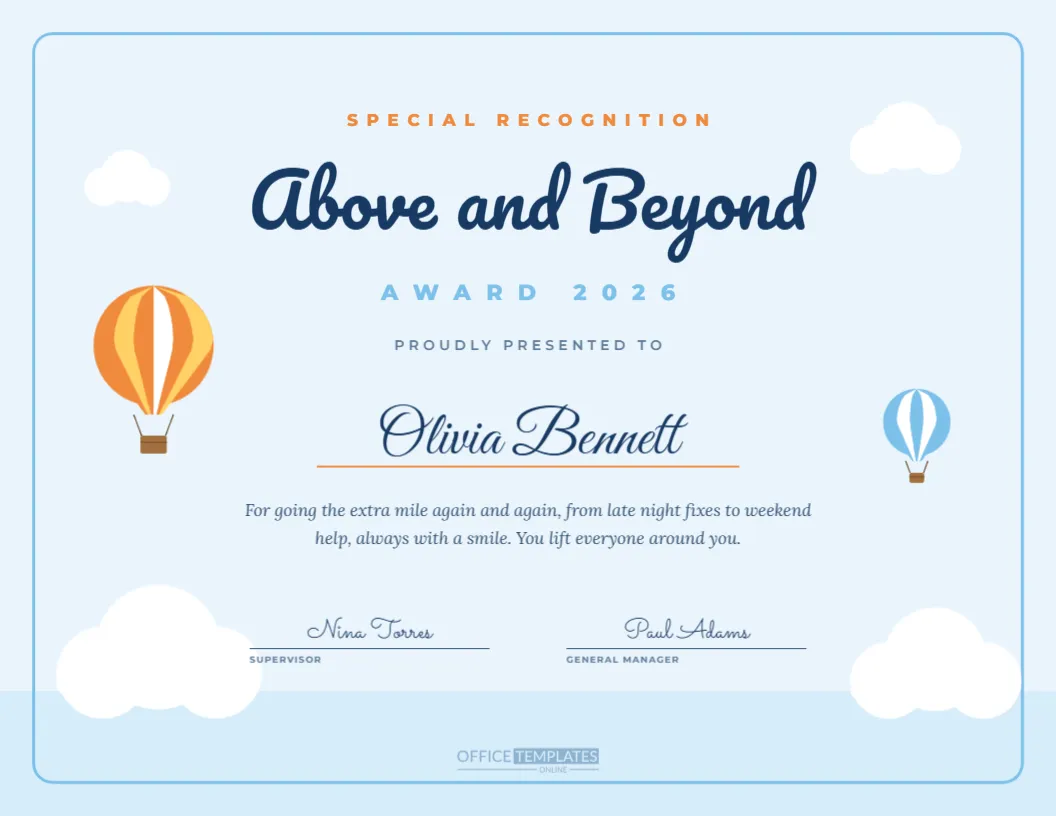
Great results are rarely achieved alone, and the Team of the Year Award celebrates a whole group at once. This US Letter landscape certificate gives the team photo pride of place. The left side is a tall photo frame ready for your favourite group picture, separated from the deep teal right panel by a gold vertical line with a gold rosette seal at the top. On the right, Annual Awards 2026 leads into a cream Team of the Year title in Playfair Display, Presented To and the team’s name in gold italics. A short citation, a list of six team members in two columns and two signature lines complete the design.
Why Celebrate a Team of the Year
Team awards recognise collaboration, shared effort and collective results. They reward behaviours that individual awards can miss, such as covering for each other, sharing credit and solving problems together. Celebrating a whole team also spreads recognition across more people, which boosts morale and encourages other teams to work more closely. It sends a clear message that the company values how people achieve results together, not only who achieves them.
Adding Your Team Photo
Click the photo frame on the left and choose Replace Image to upload your team picture. The frame keeps its tall shape, so choose a photo where people are grouped closely or standing in rows. You can reposition the photo inside the frame to keep faces centred. A candid photo from a team event often feels warmer than a formal portrait.
The Team Name and Member List
The team name appears in large gold italics, set by default to The Customer Success Team. Replace it with your team’s name, such as The Product Launch Squad or The Night Shift Crew. Below the citation, six team members are listed in two columns. Edit the names, add more lines for larger teams, or reduce the font size if needed.
Deep Teal and Gold Palette
Deep teal feels calm, confident, and modern, and gold adds a sense of achievement. The cream title stands out clearly against the dark panel. If your brand colours differ, change the teal background to navy, burgundy, or charcoal, keeping the gold details for a premium finish.
The Gold Divider and Seal
A thin gold line separates the photo from the text, and a gold rosette seal sits at its top like a badge. The seal adds a formal touch to an otherwise modern layout. Move it lower, change its colour, or remove it if your team photo needs more space.
Writing a Team of the Year Citation
The default citation praises outstanding teamwork, record satisfaction scores, and turning every challenge into a shared win. Replace it with the team’s real story, for example, launching the new app ahead of schedule, cutting customer wait times by half, or opening a new branch. Specific achievements help everyone understand why this team was chosen.
Team Awards for Departments and Projects
The award can go to a permanent department, a cross-functional project group, or even a temporary task force. Change the title to Project Team of the Year or Department of the Year to fit. For project teams, mention the project name in the citation so the certificate tells the full story.
Giving Every Member a Copy
Print one certificate for each team member so everyone has a keepsake, and frame one larger copy for the team’s office or meeting room. Because the member list appears on every copy, each person sees their name alongside their colleagues, which reinforces the team spirit.
Team of the Year Signatures
The default signatures are a chief executive and a VP of operations. Choose leaders who understand the team’s impact. Their signatures show that the achievement is recognised at the highest level of the organisation.
Printing the Team Photo Certificate
Photos and dark backgrounds look best when printed by a print shop on satin or matte card. At home, use photo quality settings and allow the ink to dry before handling. The certificate fits a standard Letter landscape frame.
Presenting the Team Award
Invite the whole team to the stage together. Read the citation, then hand the certificates to each member or to the team lead to distribute. Take a group photo with everyone holding their copies, and you have the perfect picture for next year’s team award too.
Team Awards for Sports and Schools
Sports clubs can use the certificate for their best squad of the season, and schools can recognise a winning debate team, robotics club or sports team. Change the top line and signatures accordingly, and use a photo of the team in action.
Team of the Year Wording Ideas
Try: For proving that together we are unstoppable, For a year of shared wins and shared laughter, or For showing all of us what great teamwork looks like. These lines suit the two-line citation.
Sharing the Team Award Online
Export the certificate as a PNG and share it in your newsletter or on social media. A team photo with a gold award title makes an eye-catching post that celebrates many people at once.
Choosing the Team of the Year
Ask for nominations that describe a team’s achievement, collaboration, and impact on others. A small panel can then compare entries. Including feedback from other departments or customers who worked with the team adds valuable perspective.
Saving the Team Award Template
Save the certificate in your account. Next year, swap the photo, team name, members, and citation to create a new certificate in minutes while keeping the familiar design that makes the award feel established.
Team of the Year Without a Photo
If you do not have a suitable group picture, the photo frame can hold your team logo, a project screenshot, or a simple illustration instead. You can also delete the frame and widen the text panel to fill the page. The certificate still works beautifully, with the team name and member list carrying the message.
Team Celebration Ideas
Pair the certificate with a team experience, such as a celebration dinner, an escape room outing, or an afternoon off together. Shared rewards suit a shared award and create new memories for next year’s photo.