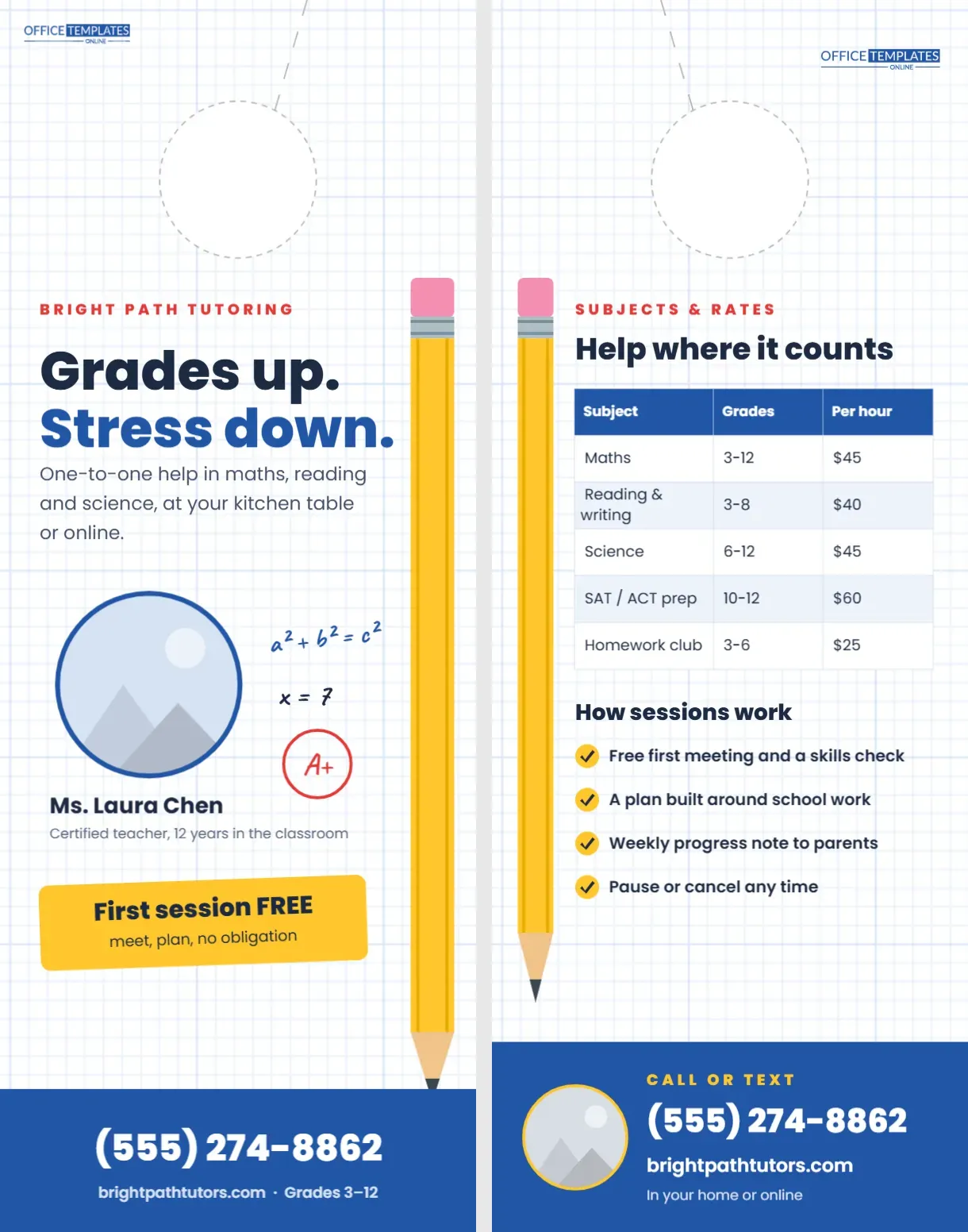
Parents looking for a tutor want two things: someone qualified, and someone their child will actually get along with. A tutoring door hanger has to reassure on both counts and still feel friendly. This design looks like a page from a maths notebook, with blue graph paper, a giant yellow pencil running down the edge, a few handwritten sums, and a big circle around an A+. In the middle, a round photo slot introduces the tutor by name.
A Notebook Page with a Pencil Edge
The 4.25 x 11-inch front is white with a light blue graph-paper grid across the whole page. A tall yellow pencil, complete with pink eraser, silver ferrule, sharpened wood tip, and graphite point, runs vertically down the right edge from under the hole almost to the footer.
On the left, BRIGHT PATH TUTORING is set in spaced red capitals, then Grades up. In navy and stress down. In blue, both in bold Poppins. A line offers one-to-one help in maths, reading and science, at the kitchen table or online. Below, a large round photo slot with a blue border sits beside handwritten doodles in Caveat: a² + b² = c², x = 7, and a red circled A+. The tutor’s name, Ms. Laura Chen, and Certified teacher, 12 years in the classroom, sit under the photo. A yellow sticky-note card, slightly tilted, says First session FREE · meet, plan, no obligation. The blue footer carries the phone number, website, and Grades 3-12.
The Graph Paper Is a Background Texture
The grid comes from the editor’s background Pattern feature using the Graph Paper pattern in light blue. Open Backgrounds> Pattern to make the grid bigger or smaller, change its colour, fade it further, or remove it. Because it is a locked background layer, it never gets in the way when you click text or the photo.
Adding the Tutor’s Photo
The round frame is a photo slot. Select it and choose Replace Image to drop in a friendly headshot. Natural light, a plain background, and a genuine smile work best. Parents are deciding whether to welcome this person into their home or onto their child’s screen, so a clear, warm photo matters more than any slogan.
Subjects and Rates on the Back
The back uses the same graph-paper texture, with a shorter pencil on the left edge. Help where it counts introduces a real table:
| Subject | Grades | Per hour |
|---|---|---|
| Maths | 3-12 | $45 |
| Reading & writing | 3-8 | $40 |
| Science | 6-12 | $45 |
| SAT/ACT prep | 10-12 | $60 |
| Homework club | 3-6 | $25 |
How sessions work lists four yellow ticks: a free first meeting and skills check, a plan built around schoolwork, a weekly progress note to parents, and the freedom to pause or cancel any time. A blue contact band closes the page.
Changing Subjects and Prices
Select the table and use Edit Table Data to list your own subjects, grade ranges, and rates. Add a Row for languages, music theory, coding, or exam prep. If you teach groups, add a Group rate column.
A Step-by-Step Plan for a Tutor’s First Drop
- Pick three streets within 15 minutes of home, near a primary or secondary school.
- Replace the photo, name, and credentials with your own.
- Set real rates in the table and choose your free-session offer.
- Print 100 hangers and drop them on a weekday afternoon in late August.
- Note which street each enquiry came from, then repeat the best street in January.
When Families Look for Tutors
Demand peaks at the start of the school year, after the first report cards, and in the run-up to exams. January, when families make new year plans, is another good window. Avoid the summer holiday unless you offer summer catch-up sessions.
Safeguarding and Trust
Parents will want to know about background checks, qualifications, and where sessions take place. If you hold a background check certificate or teaching licence, mention it on the back. Many tutors also offer sessions only with a parent at home, which is reassuring to say upfront.
Recolouring the Pencil and Accents
The pencil is a group of shapes. Make it red, green, or striped from its swatches, or swap it for a ruler for a maths specialist or a paintbrush for an art tutor. The blue accent colour and footer can become your brand colour; keep the yellow sticky note for contrast.
Editing the Doodles
The handwritten equations are text boxes in Caveat. Change them to suit your subject: a chemical formula for science, Bonjour! for French, a musical note line for music theory, or A, B, C for early reading. Keep two or three short doodles; more would clutter the space around the photo.
Printing the Notebook Look
The graph paper looks best on bright white matte card, like real notebook paper. Download as a PDF and print both pages back to back at actual size. If the grid looks too strong on your printer, lower its opacity in Backgrounds> Pattern before printing.
Punching the Notebook Hanger
A dashed circle at the top marks the handle hole and a dashed slit runs to the top edge, mirrored on the back so the cuts line up when the pages are printed double-sided.
Beyond Private Tutoring
Learning centres, after-school clubs, reading programmes and language schools can use the same design. Replace the tutor photo with a classroom photo, change the headline to After-school help, Monday to Thursday, and adapt the table to class times.
Online Sessions from the Same Hanger
Many tutors now teach partly or entirely online, which widens the area you can serve. If you do, keep online in the front line and add the platform you use on the back. Families in rural areas or with busy schedules often prefer it, and a local hanger still builds the trust that a website alone can’t.
Tutoring Hanger FAQ
Can I remove the graph paper?
Yes. Open Backgrounds, Pattern, and remove it for a plain white page.
Can I use a square photo?
Replace Image keeps the round frame, so any photo is cropped to the circle.
What size is the hanger?
4.25 x 11 inches, two-sided.