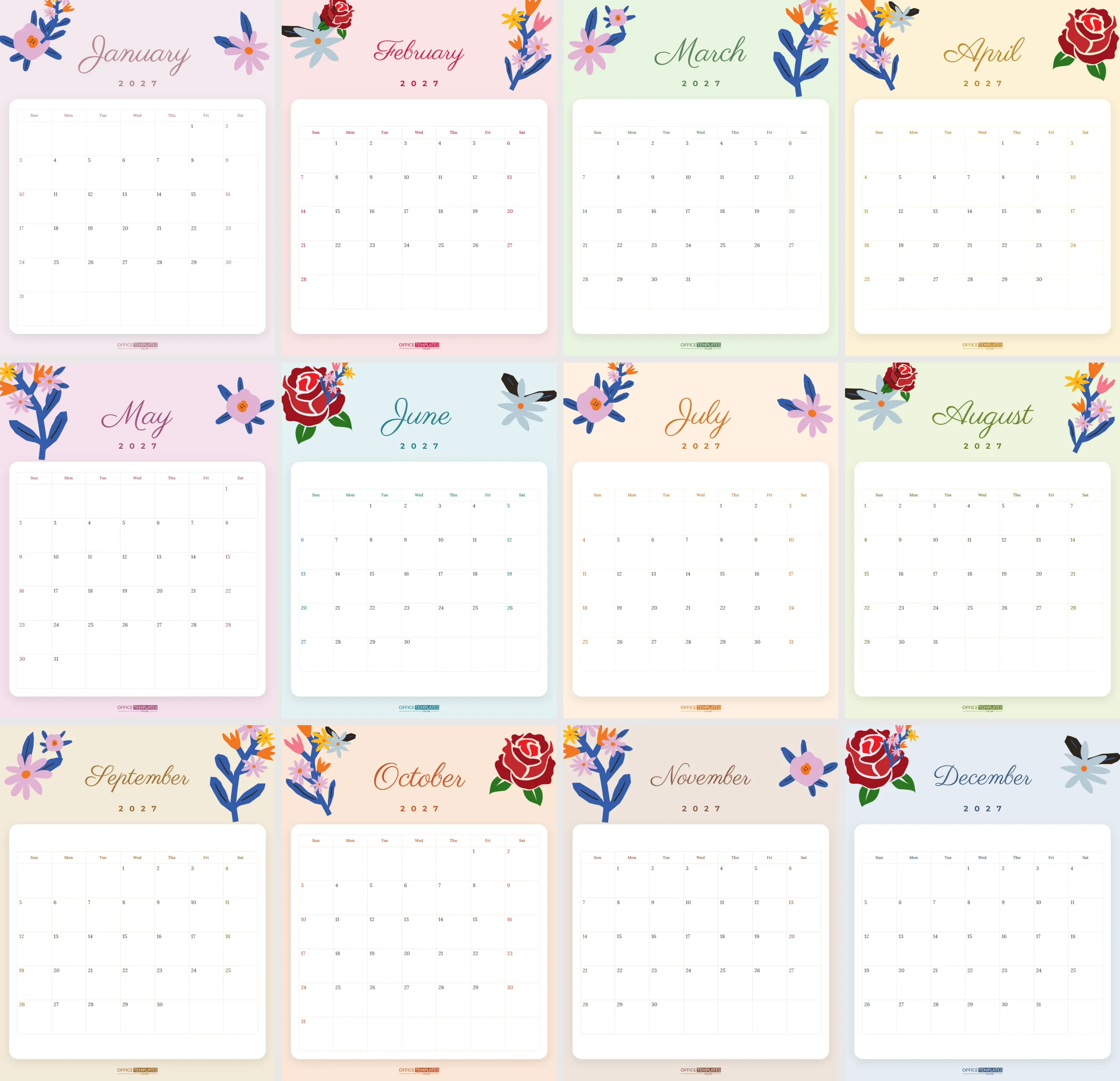
Flowers make every month feel like spring. This floral wall calendar wraps each page of 2027 in soft pastel colour, with bright illustrated blooms tumbling from the top corners and an elegant script month name. It is pretty enough to frame, practical enough to fill with plans, and makes a lovely gift for anyone who loves gardens, florals, or a gentle, feminine style.
Month by Month: The Colour Guide
| Month | Background | Ink colour |
|---|---|---|
| January | Pale mauve | Dusty rose |
| February | Blush | Raspberry |
| March | Mint | Sage green |
| April | Cream | Honey gold |
| May | Orchid pink | Plum |
| June | Sea glass | Teal |
| July | Peach | Tangerine |
| August | Pistachio | Olive |
| September | Wheat | Bronze |
| October | Apricot | Rust |
| November | Mocha cream | Cocoa |
| December | Powder blue | Navy |
How Each Page Is Arranged
Each of the twelve US Letter pages (8.5 x 11 inches, portrait) has its own pastel background and matching ink colour: dusty mauve for January, rose for February, mint and sage for March, buttercup for April, orchid for May, sea glass for June, peach for July, pistachio for August, wheat for September, apricot for October, mocha for November and powder blue for December.
In the top corners, clusters of illustrated flowers lean inwards: pink and lilac blooms with deep blue stems, coral and yellow sprays, a soft blue daisy and a classic red rose. The combination changes from month to month, so no two pages look quite the same. The month name sits between them in flowing Parisienne script, with 2027 in spaced capitals underneath. Below, a white card with rounded corners and a soft shadow holds the calendar grid, with Lora serif numbers, weekday names in the month’s ink colour, and weekend numbers picked out in the same tone. The OTO logo sits at the foot of each page.
Things Floral Fans Ask
Will the flowers print well in black and white?
They print as soft grey shapes, which still look pretty, but the calendar is designed to be enjoyed in colour, so colour printing is recommended.
Can I make every page the same colour?
Yes. Select the background on each page and choose one colour; then set the ink colours to match.
Can I use only one month?
Yes. Print the page you need, or delete the other pages in the editor.
Can I change the script font?
Yes. Select the month name and choose any Google font from the editor.
Does it work as a desk calendar?
Print it at a smaller scale, such as A5, and stand it in a desk easel.
Can I add a photo?
Yes. Add an image in the editor, for example, inside a small circle above the grid.
Recolouring the Flowers
The flowers are editable vector illustrations, not flat pictures. Select a cluster to see its colour swatches and change any colour in one click; turning all the petals white and blush, for example, gives a wedding-style calendar. You can ungroup a cluster to move or delete single blooms, resize the clusters, or flip them to the other side. The background colour of each page and the grid card are separate shapes, so changing the whole mood of a month takes seconds.
The Calendar Grid
Every grid is the editor’s built-in Calendar object, already set to the right month of 2027. Open Calendar Options to change the year, start the week on Monday, or change the grid colours and font. The grid sits on its own white card, so it stays readable whatever background colour you choose. Next year, you can update each page’s year in Calendar Options, change the 2027 text, and the calendar is ready again.
Planning a Garden Year Alongside the Flowers
Gardeners love a floral calendar because it doubles as a garden journal. Use the squares to note sowing dates, the first bulbs to appear, when the roses bloom, and when to feed or prune. Over a year, those notes become a record of your garden’s rhythm that is surprisingly useful the following spring. The calm white card leaves room for short notes, and the matching ink colour each month makes it feel like a personal diary rather than a busy planner.
Writing on a Floral Calendar
The white grid card gives you a calm writing surface. Pens in the month’s ink colour look lovely: rose pens in February, green in March, and so on. Gel pens and fine felt tips work well on matte paper. Keep the floral areas clear of notes so the design stays pretty all month.
Styling Ideas for Your Wall
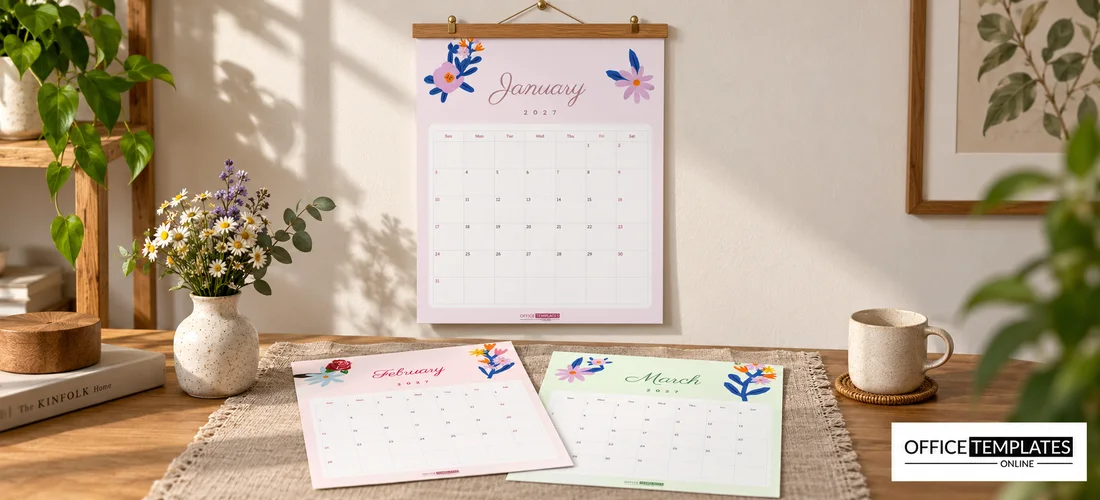
Hang the calendar on a wooden clipboard for a cottage feel, or clip it to a brass bulldog clip on a nail for a modern look. Pair it with a small vase of real flowers on the desk below. Some people print the calendar, cut the pages along the card edge, and frame each month in a thin wooden frame, swapping the page every month.
Turning the Calendar into Seasonal Decor
At the end of each month, the pages are too pretty to throw away. Trim the top flower section and use it as a gift tag, a bookmark, or a card front. Frame your favourite months as small prints for a bathroom or hallway. Some people slip the old pages into a scrapbook alongside photos from the same month, creating a floral memory book of the year. Because every page has a different colour, the collection looks lovely displayed together.
Floral Calendar Gift Ideas
- A Mother’s Day or birthday gift, with family birthdays written in before printing.
- A thank-you gift for a florist’s or garden centre’s customers, with the business name added.
- A teacher’s gift at the end of term.
- A bridal shower favour, with the wedding date circled.
- A personal planner for a home office or craft room.
Printing Soft Pastels Beautifully
- Download the PDF.
- Print on matte or silk paper, around 170 to 200 gsm; pastels look richer on a smooth surface.
- Check one test page first, because some printers print pastels lighter than the screen shows.
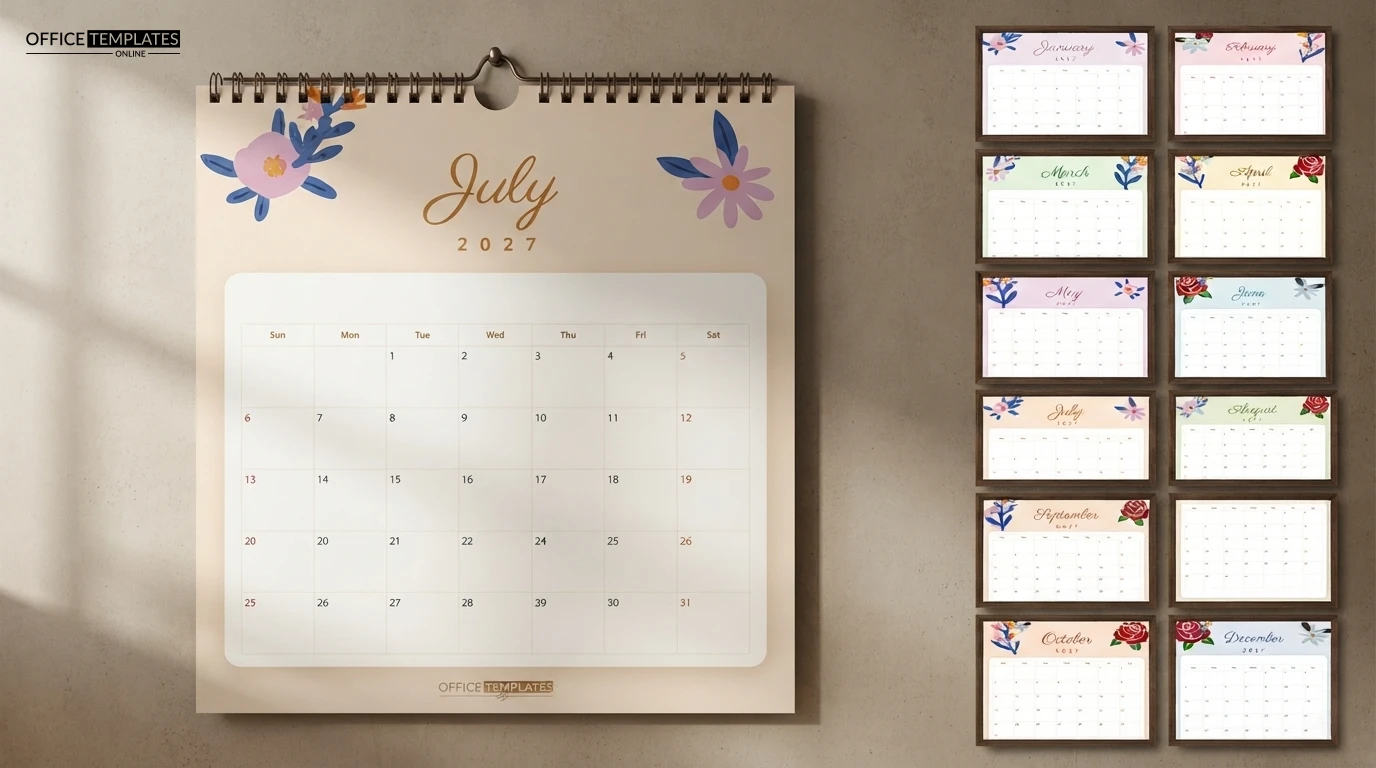
- Bind at the top with wire or a ribbon through two punched holes.
Pick your flowers, print the year, and let every month bloom. 2027 deserves a calendar this pretty.