A Scalloped Photo Frame in Terracotta and Plum
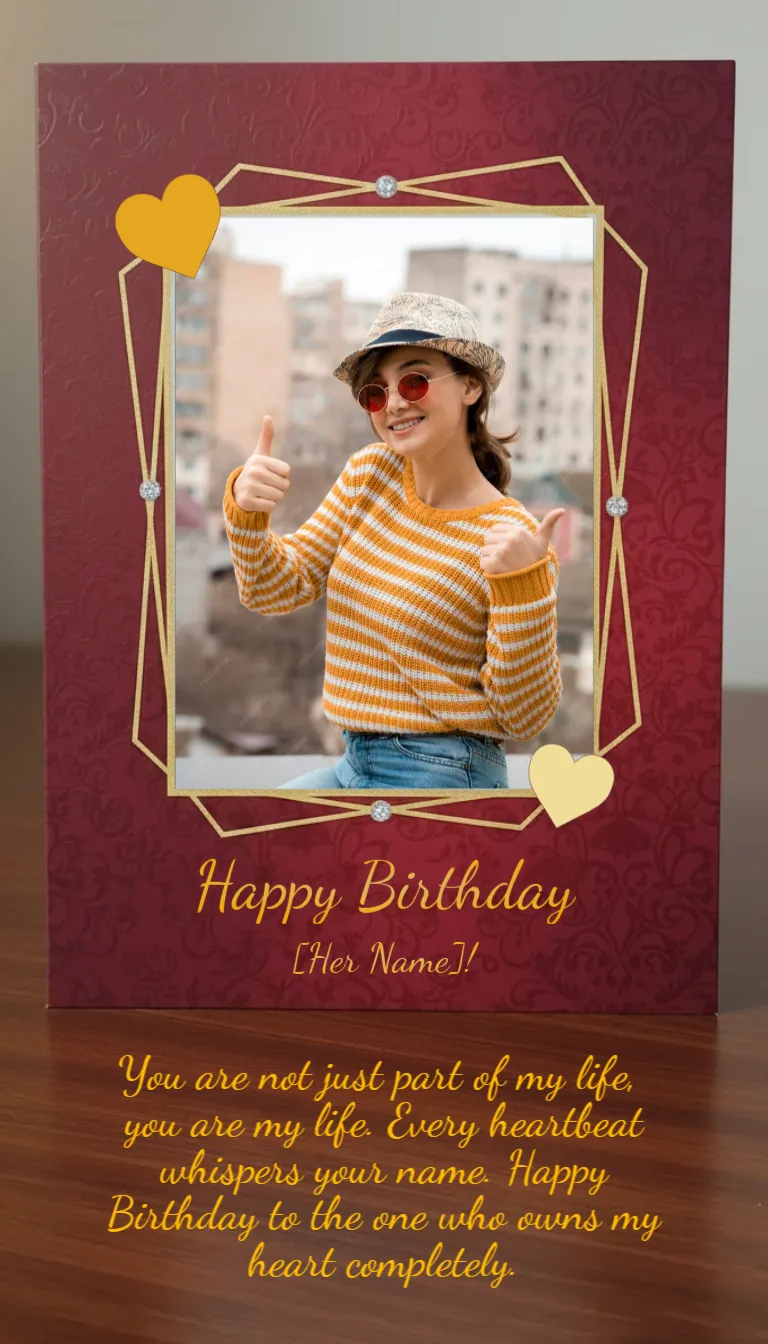
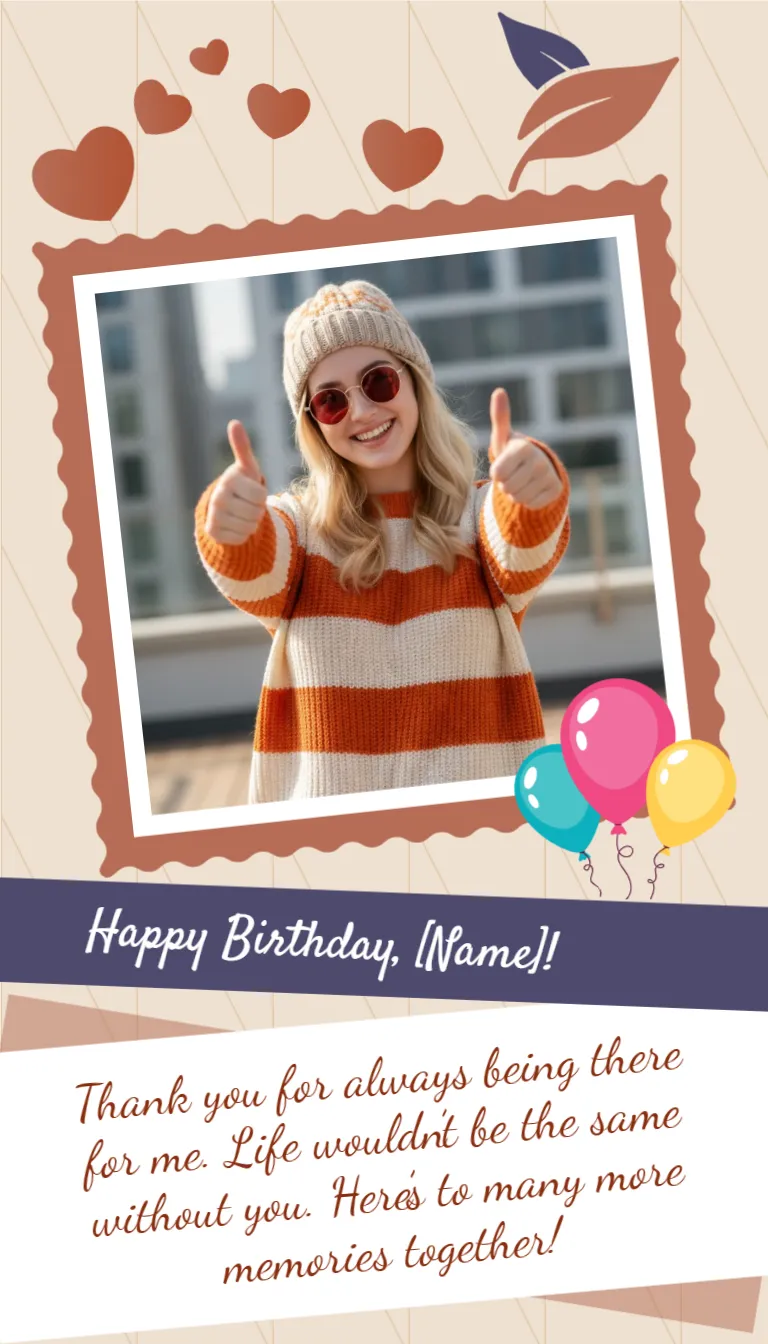
A tilted photo of a woman in a knit hat giving two thumbs up sits inside a terracotta frame with a scalloped edge, with terracotta hearts and a leaf above it and three balloons at the corner. A plum ribbon holds the heading and a white tilted panel carries the thank you note. The tall format suits a phone and the mood is warm and sincere.
Photo Frame, Ribbon and Note Panel
The card is 768 x 1344 pixels, portrait, one page. The photo is the largest object. The ribbon below it carries a script heading, and the note is set in a deep red script on a white panel that tilts slightly upward.
Placeholder Name and Thank You
The heading reads Happy Birthday, [Name]! with square brackets, which mark a placeholder, so retype the whole thing without the brackets. The note reads Thank you for always being there for me. Life wouldn’t be the same without you. Here’s to many more memories together! Swap the sample portrait with your own using Replace Image.
Making an Emotional Card Specific
- Retype the name without brackets.
- Replace the portrait with a shared photo.
- Add one real memory to the note.
- Keep the script large enough to read.
- Send it privately.
Choosing a Photo of the Two of You
The sample shows one person, but a picture of two friends works better for an emotional card. Pick one where you are laughing, and crop so both faces sit near the middle of the frame.
Saying Thank You Properly
The note thanks the friend for being there. Name the moment, for example the night you drove across town, so the thanks feels earned. A single true example is stronger than three general lines.
Adding a Reply Space
Leave a line for the friend to answer. Friends often reply with a short message of their own, and the exchange becomes a small keepsake for both of you.
Saving the Emotional Friend Card
Save at the original size and send it as a private story or message with a voice note.
Step by Step Editing of the Emotional Terracotta Photo Design
- On the emotional terracotta photo design, click the main headline and type your own words, keeping a similar length.
- Retype every name, date and contact line on the emotional terracotta photo design, checking each against a trusted source.
- Search the emotional terracotta photo design for the words Lorem and Company so that no placeholder remains.
- Click any logo or photo on the emotional terracotta photo design, choose Replace Image and resize the new picture to fit.
- Zoom the emotional terracotta photo design to full size and read each line aloud before you save it.
- Keep a clean master of the emotional terracotta photo design without private details, so later versions start tidy.
Compare it with the birthday card for best friend. You may also like the funny birthday card for friends. For comparison, open the short and cute quick birthday card. Looking beyond the emotional terracotta photo design? See all birthday cards.