Prepare a Clear Incumbency Certificate Before Taking It to a Notary
When a company needs stronger verification of a document identifying one of its current officers, notarization may be requested. A Notarized Certificate of Incumbency can help present an officer’s identity, position, and authority in a formal document that can then be completed through the appropriate notarial process.
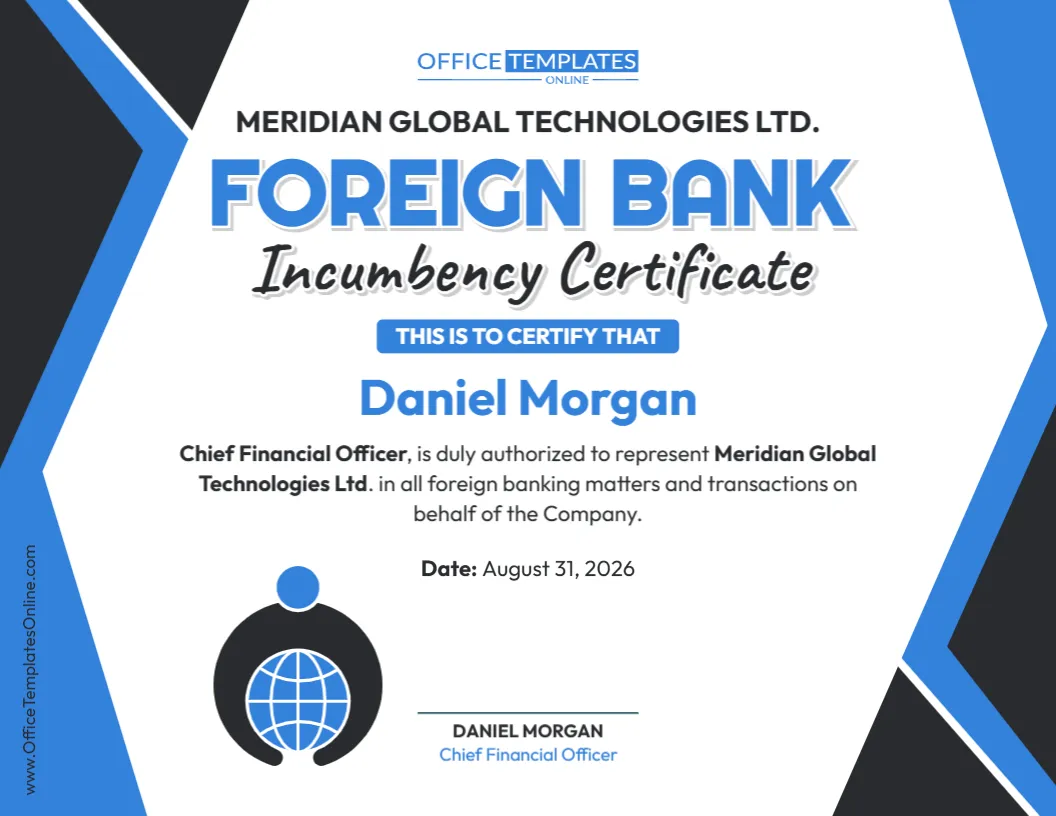
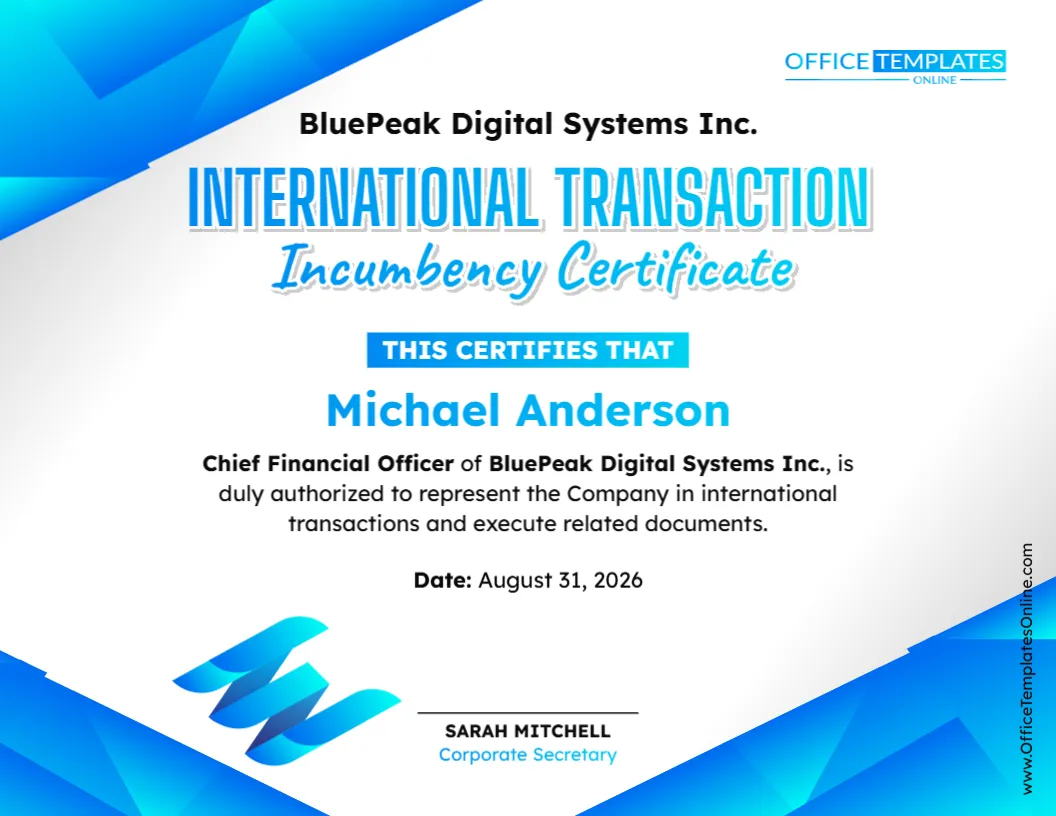
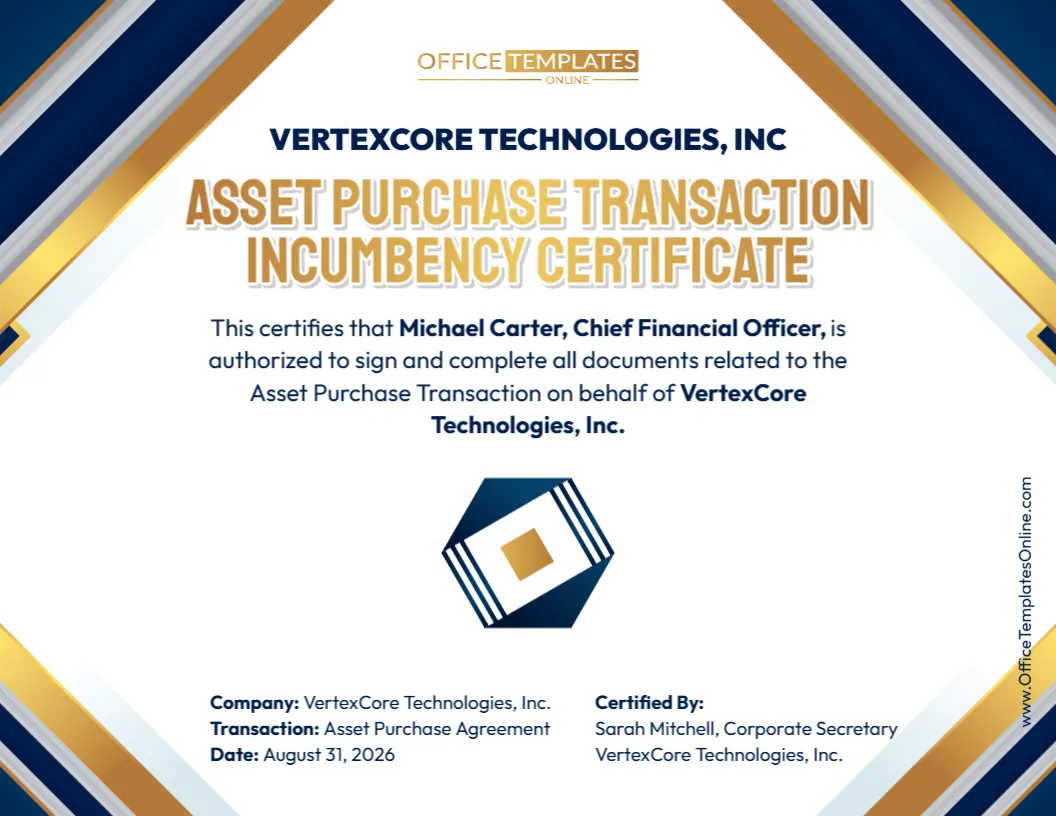
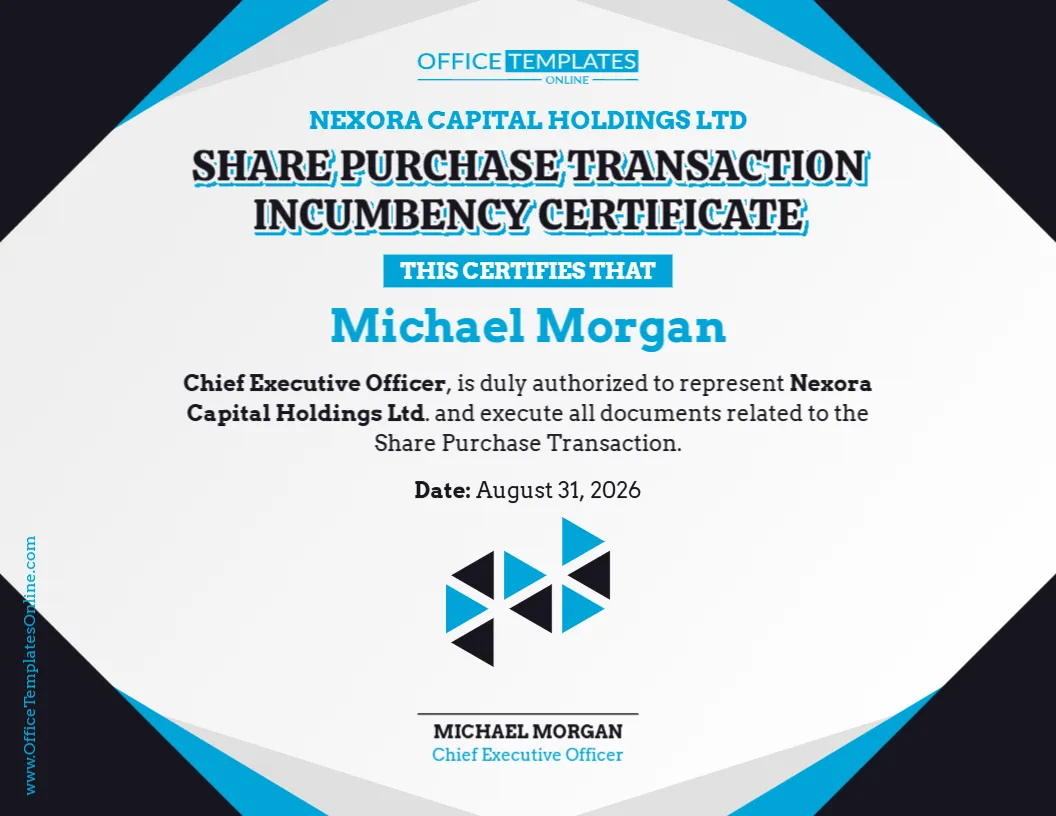
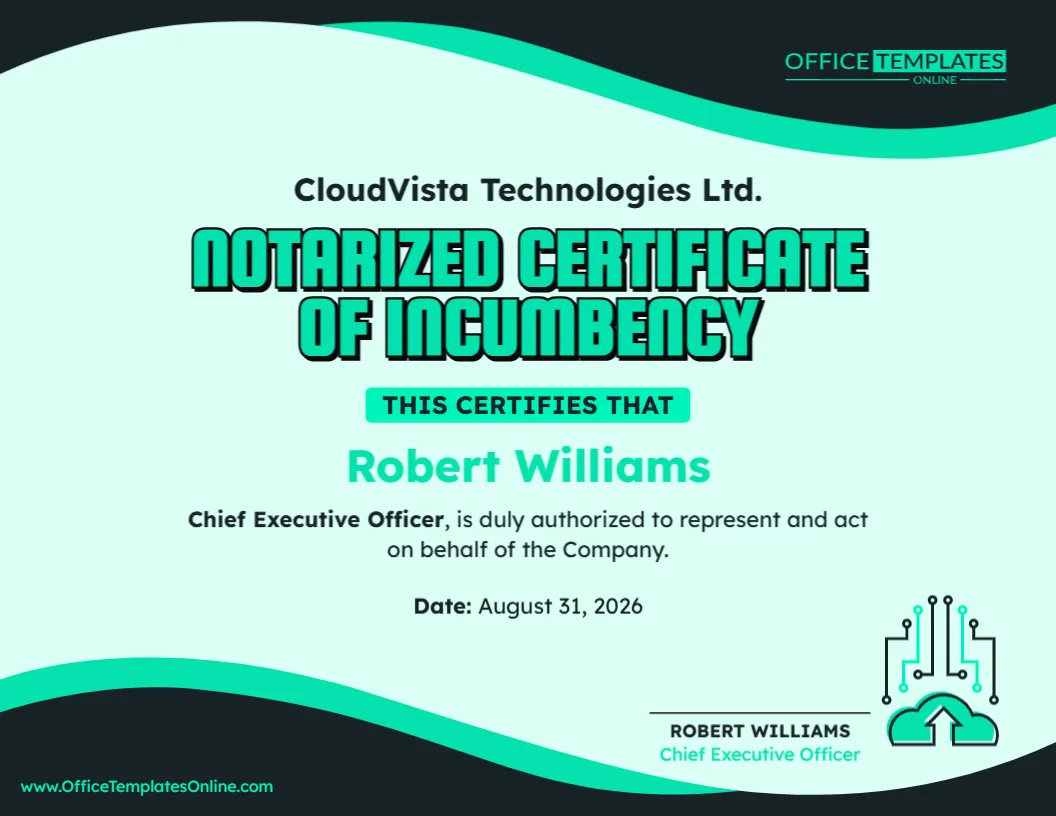
This editable Notarized Certificate of Incumbency Template provides a professional starting point. The design clearly displays the company name, authorized officer, corporate title, statement of authority, certificate date, and certification area. You can replace the sample information with your own details and adapt the wording to the purpose for which the certificate is being prepared.
The template can be customized online directly in your browser with no login required. Once you have finished editing, you can download your certificate as a PDF, PNG, or JPG.
One point is especially important: customizing and downloading this template does not notarize it. Notarization is a separate official process performed by a qualified notary according to the requirements that apply where the document is executed.
What Is a Notarized Certificate of Incumbency?
A Certificate of Incumbency is a document used to confirm that a particular individual currently holds a stated office or position within a company or other organization.
For example, it might identify a person as the company’s:
- Chief Executive Officer
- President
- Corporate Secretary
- Treasurer
- Managing Director
- Director
- Manager
- Other authorized officer or representative
Depending on its wording, the certificate can also describe the person’s authority to represent, sign for, or otherwise act on behalf of the organization.
When notarization is required, an appropriate signature or certification associated with the certificate goes through a notarial procedure. The exact notarial act and wording can vary according to the jurisdiction, circumstances, and recipient’s requirements.
What This Template Helps You Document
This particular design focuses on a single authorized officer, allowing the reader to quickly understand who the certificate concerns.
The company name appears prominently above the main certificate heading. The central area then provides room for the individual’s name, corporate position, and a statement confirming their authority.
A separate date field helps establish when the certificate was prepared, while the lower section provides a clear certification or signature area.
The result is a simple document structure that keeps the main information easy to locate:
Company ? Authorized officer ? Corporate position ? Authority ? Date ? Certification
You can modify any sample information that does not match your situation.
Why Might Notarization Be Requested?
A regular incumbency certificate and a notarized incumbency certificate serve closely related purposes, but notarization may provide an additional level of formal verification associated with the signing or certification of the document.
A notarized version might be requested in connection with certain corporate transactions, banking procedures, business agreements, due diligence, international matters, financial arrangements, official submissions, or other situations in which the recipient wants a notarial act associated with the document.
However, not every Certificate of Incumbency needs to be notarized.
Whether notarization is necessary depends on the recipient, transaction, jurisdiction, and purpose of the certificate. If a bank, government authority, business partner, lawyer, or another institution requested the document, check its instructions before completing it.
The Template Is Editable—Not Pre-Notarized
The word “Notarized” in the template title should not be misunderstood.
A document cannot become genuinely notarized simply because it contains the word “notarized,” has a formal design, or includes a space for signatures.
This template helps you prepare the certificate that may subsequently be notarized.
Actual notarization must be carried out through the appropriate process. Depending on the applicable rules, a notary may need to verify identity, witness or acknowledge a signature, administer an oath or affirmation, complete a notarial certificate, apply a notarial seal, or perform another authorized notarial act.
Do not add a fake notary seal, signature, commission information, or statement suggesting that notarization has occurred when it has not.
Start by Replacing the Sample Information
The names, company, title, and date shown in the example are placeholders. Before using the certificate, replace them with information that matches your organization’s actual records.
You may customize details including:
- Company’s full legal name
- Authorized officer’s full name
- Officer’s current corporate position
- Incumbency statement
- Description of representative authority
- Signing authority, where applicable
- Date of the certificate
- Signature or certification details
- Additional text required by the recipient
- Notarial wording, when supplied or required by the appropriate procedure
This flexibility allows the same professional layout to be adapted to different organizations and circumstances.
Keep the Officer’s Authority Accurate
The sample design states that the named Chief Executive Officer is authorized to represent and act on behalf of the company.
Before keeping similar wording in your certificate, verify that it accurately reflects the person’s actual authority.
Being an officer of a company does not necessarily give someone unlimited power to act in every matter. Authority may depend on corporate bylaws, board resolutions, operating agreements, delegations, internal policies, or other governing records.
For example, an individual might be authorized to sign routine agreements but require additional approval for major transactions. Another officer might have authority only in a particular area of the business.
If limitations exist, consider reflecting them in the certificate rather than using wording that appears broader than the actual authorization.
Edit the Certificate Online Without Creating an Account
You can prepare the certificate without installing document-design software or building a layout from an empty page.
Open the template in the online browser editor and replace the existing content with your own information. No login is required to customize it.
The process can be as simple as:
- Enter your company’s correct legal name.
- Replace the sample officer with the current officer’s name.
- Add the person’s official corporate title.
- Review and customize the authority statement.
- Enter the appropriate certificate date.
- Update the certification or signature information.
- Add any wording required for your intended notarial process.
- Proofread all information.
- Download the prepared certificate.
- Complete the required notarization separately.
This gives you control over the content while the ready-made design takes care of the visual presentation.
Do Not Sign Too Early If Notarization Is Required
If the finished certificate needs to be notarized, find out what type of notarial procedure is required before signing the document.
This is an easy detail to overlook.
Depending on the jurisdiction and type of notarial act, the signer may need to appear before the notary and sign in the notary’s presence, or acknowledge a signature according to the applicable procedure.
If you sign first without checking the requirements, you may discover that the document needs to be completed again.
The safest approach is to ask the notary or check the recipient’s instructions before adding final signatures.
Who Should Sign or Certify the Certificate?
The appropriate person can depend on how the company is organized and what the recipient requires.
In some situations, a Corporate Secretary or another officer may certify that the person named in the certificate currently holds the stated position. In other circumstances, a different authorized individual may be appropriate.
The person whose incumbency is being confirmed and the person certifying that information do not necessarily have to be the same individual.
Before finalizing the document, check the company’s governing records and the recipient’s requirements to determine who should provide the certification.
If notarization is required, also establish whose signature is supposed to be notarized.
Notary Seal and Corporate Seal Are Different Things
These two items can easily be confused.
A corporate seal belongs to or represents the company and may be used on certain corporate documents according to the organization’s practices or applicable requirements.
A notary seal or stamp belongs to an authorized notary and is applied as part of an official notarial act where required.
One does not replace the other.
If your Certificate of Incumbency requires a corporate seal as well as notarization, those requirements should be handled separately and correctly.
Never place a decorative seal on the certificate and represent it as an official notary seal.
Check the Certificate Date Carefully
Incumbency information can become outdated.
An officer who was authorized when an older certificate was prepared may have resigned, changed positions, or had their authority modified. This is why the date of the certificate can be an important reference point.
Before preparing a new certificate, confirm that the individual currently holds the stated office and that the authority described remains valid.
Do not simply reuse an old certificate by changing its date without checking the underlying corporate information.
Some recipients may also require a recently issued certificate, so check whether they have specified an acceptable time period.
When This Certificate May Be Useful
A notarized Certificate of Incumbency may be considered in a variety of business situations where an organization needs to provide formal evidence concerning a current officer.
Depending on the recipient and applicable requirements, this could include:
- Corporate and commercial transactions
- Banking or financial matters
- Contract execution
- Due diligence
- Business account administration
- International transactions
- Foreign corporate matters
- Verification of authorized representatives
- Legal or administrative documentation
- Other situations requiring confirmation of corporate authority
These are examples rather than universal requirements. The recipient determines what documentation it will accept for a particular purpose.
Using the Certificate for International Purposes
If the certificate is going to another country, notarization may not necessarily be the final step.
Depending on the destination and circumstances, an authenticated document may need an apostille or another form of legalization after notarization or certification.
An apostille and notarization are not the same thing. A notary performs a notarial act, while an apostille is issued through an appropriate competent authority under the applicable international authentication framework.
If the certificate will be used internationally, find out the full document chain before beginning. This may help you avoid having to repeat signatures, notarizations, certifications, or other steps.
PDF, PNG, or JPG—Choose the Format That Fits Your Needs
After customizing the certificate, you can download the finished design as a PDF, PNG, or JPG.
For a document intended to be printed or maintained with corporate records, PDF will often be a convenient option. PNG and JPG provide image versions when those formats better suit your needs.
Remember that the download format and the notarization requirements are separate issues.
A notary, government office, bank, or other recipient may require a printed original, electronic notarization, a particular type of signature, or another specific format. Check those requirements before deciding how the final document should be prepared.
Before Visiting the Notary, Check These Details
A few minutes spent reviewing the certificate can prevent avoidable errors.
Confirm that the company’s legal name is correct, including the proper entity suffix. Check the officer’s full name and current title. Read the authority statement carefully and make sure it agrees with actual corporate records.
Verify the certificate date and determine who is supposed to sign or certify the document.
Most importantly, check what the recipient means when it asks for a “notarized Certificate of Incumbency.” If specific notarial wording or a particular notarial act is required, make sure you know that before the certificate is signed.
Prepare the Document Online, Then Complete the Official Notarial Step
This Notarized Certificate of Incumbency Template makes the document-preparation stage simple. You get a polished certificate layout for presenting the company name, current officer, corporate title, authority statement, date, and certification details without designing the document yourself.
Customize it online with no login required, replace all sample information with accurate company records, and download the finished certificate as a PDF, PNG, or JPG.
If notarization is required, take the properly prepared document through the applicable notarial process afterward. The template helps you create the certificate; only an authorized notary performing the required notarial act can make the relevant signature or certification notarized.