Create a Clear Record of Who Is Authorized to Handle a Property Closing
A property closing often involves important documents that must be reviewed, signed, and executed by an authorized person. When a company or other business entity owns, sells, purchases, or otherwise handles real estate, it can be helpful to clearly identify the individual who has authority to act on its behalf.
This Property Closing Incumbency Certificate Template provides a simple and professional way to record that information. It can be customized to identify an authorized representative, state their position or role, name the organization they represent, and describe their authority in connection with a property closing.
The template is especially useful when you need a concise certificate rather than a long or complicated document. Its clean layout places the most important information in easy-to-find areas, helping the recipient quickly understand who has been named and what authority the certificate is intended to confirm.
What Is a Property Closing Incumbency Certificate?
A property closing incumbency certificate is a document used to identify a person who is authorized to represent a company or organization in matters related to a real estate closing. Depending on the transaction and the organization involved, it may be used to confirm the person’s position and their authority to sign or execute certain closing documents.
For example, a limited liability company involved in a property transaction may need to identify a managing member or another authorized representative. The certificate can provide a straightforward written record showing who that individual is and the capacity in which they are acting.
The exact documents and proof of authority required for a property closing can vary according to the transaction, organization, jurisdiction, lender, title company, attorney, or other parties involved. This template is therefore designed to be customized for the particular situation rather than treated as a universal legal form.
Information You Can Include in This Template
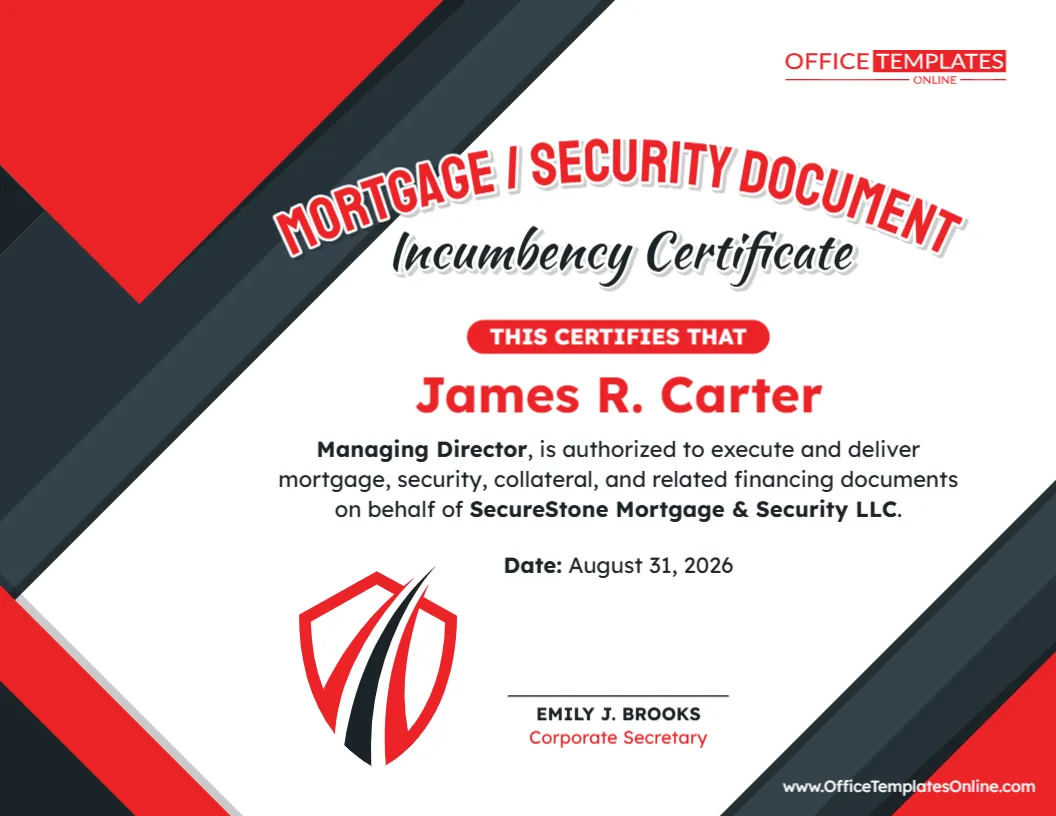
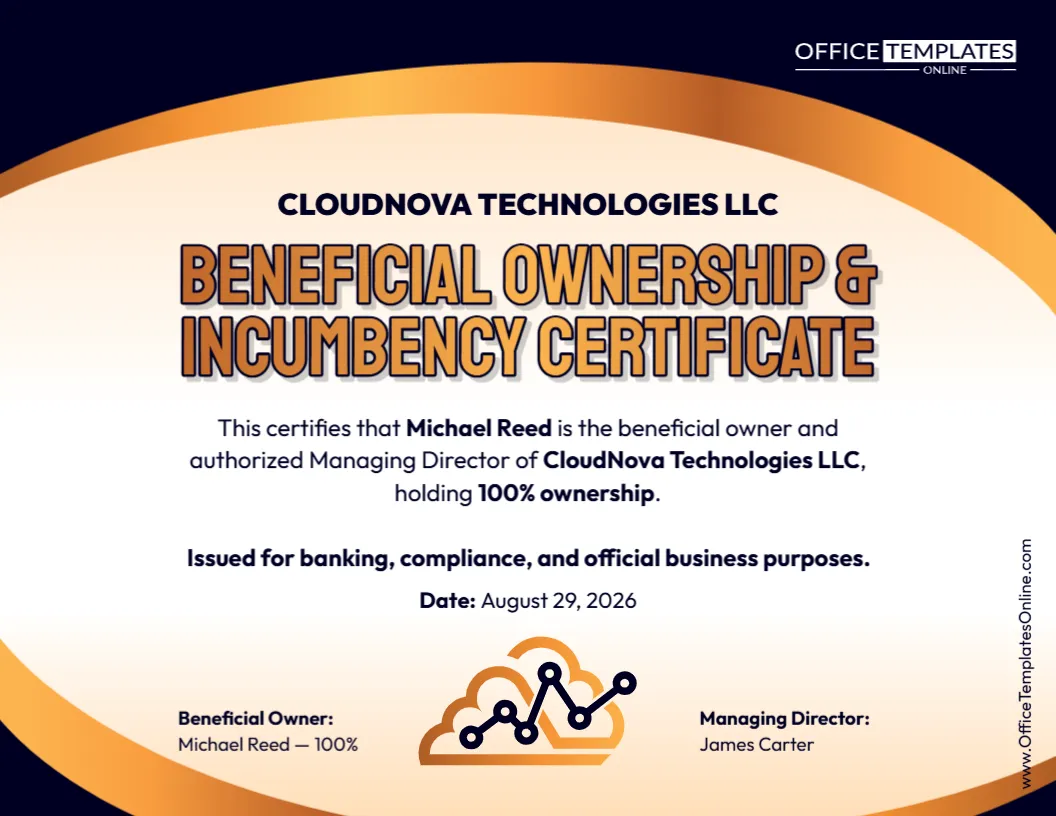
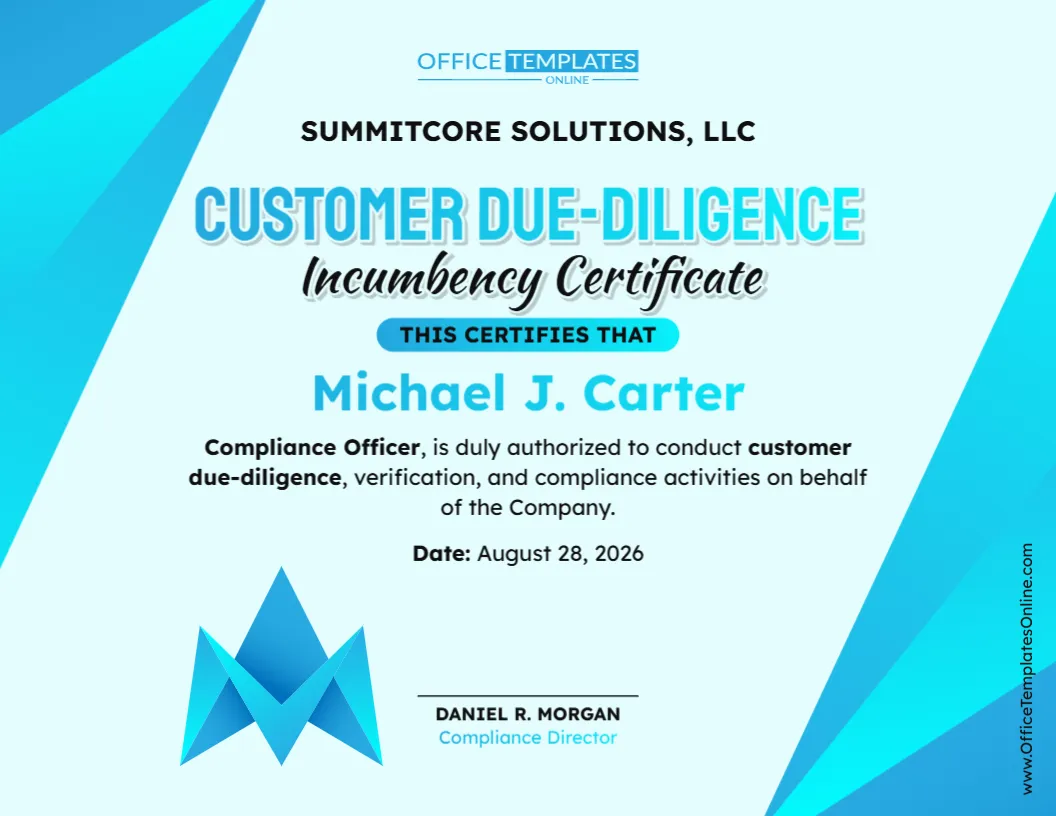
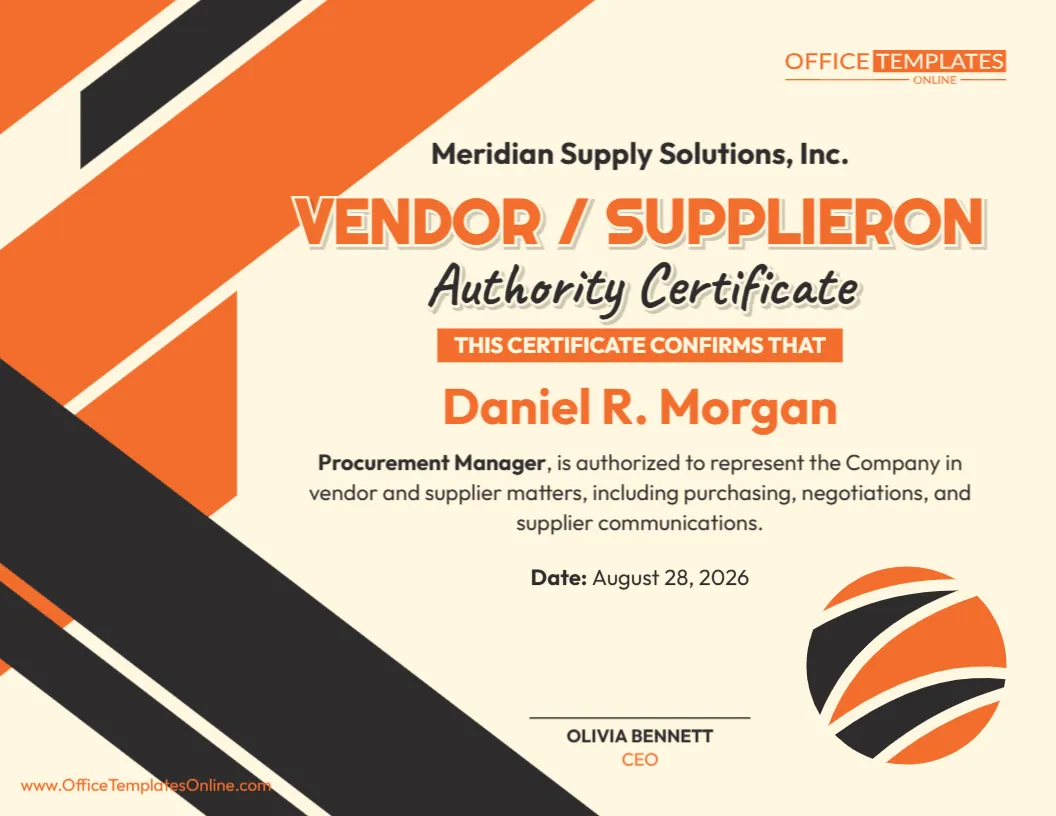
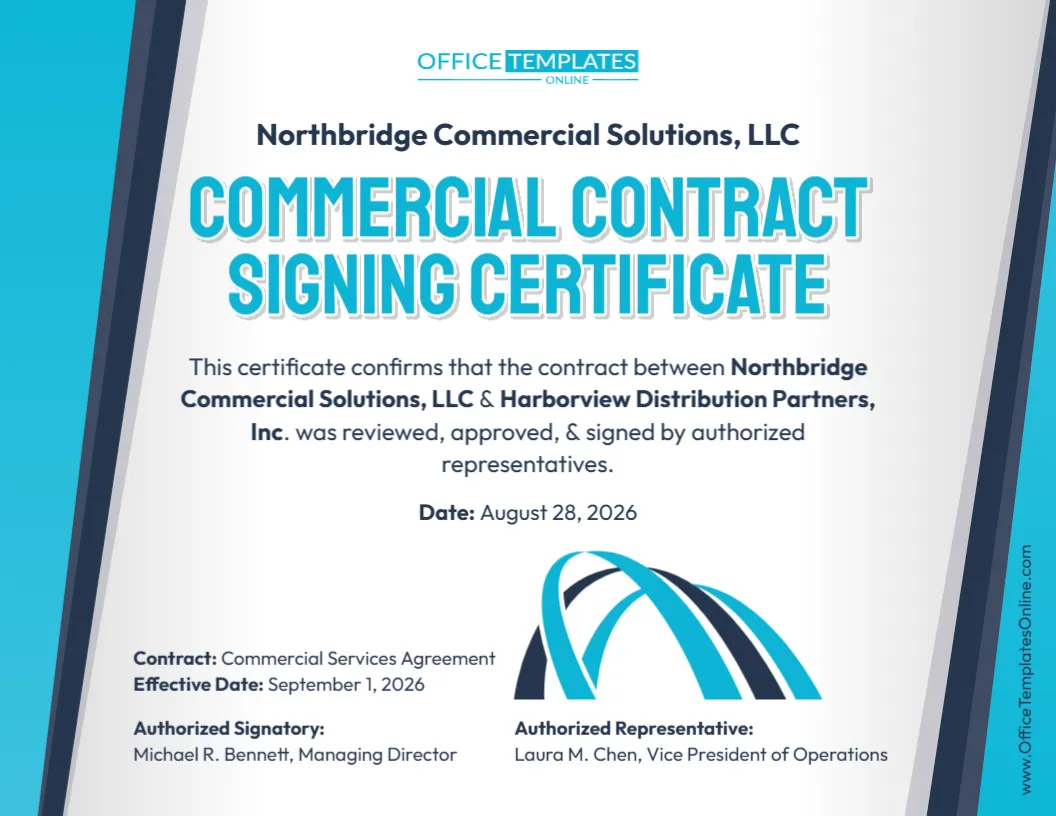
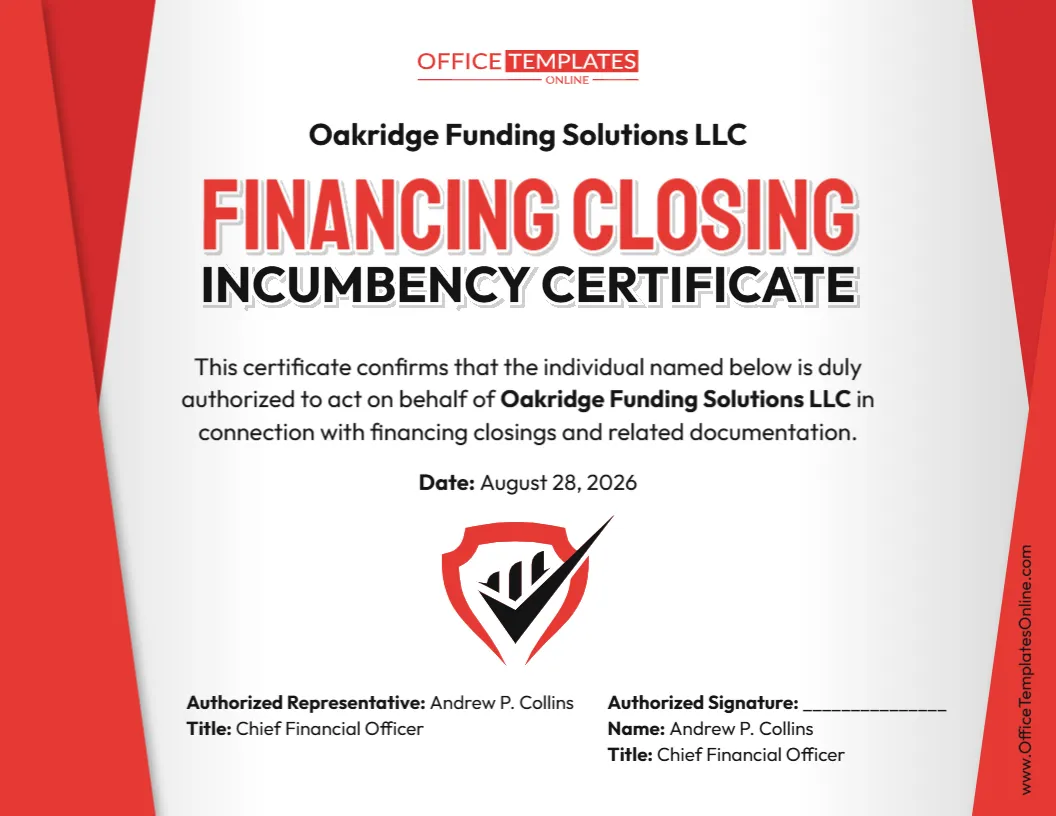
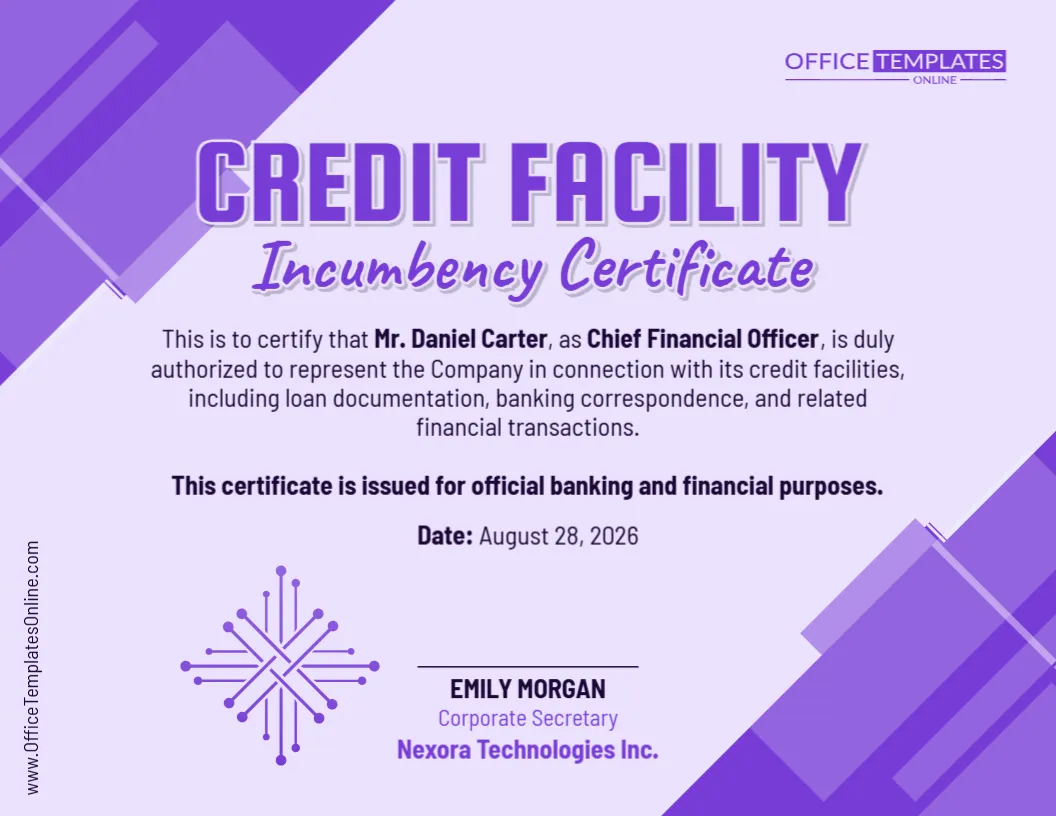
The sample design demonstrates a simple certificate containing the essential details in a highly readable format. When customizing it, you can replace the example information with details relevant to your own organization or transaction.
Typical information may include:
- Name of the authorized person – Enter the full name of the individual being identified.
- Position or official role – Add a title such as Managing Member, Member, Manager, Officer, or another appropriate role.
- Company or organization name – Identify the business entity the person is authorized to represent.
- Statement of authority – Explain that the named person is authorized to represent the organization and, where appropriate, execute documents required for the property closing.
- Certificate date – Add the date on which the certificate is issued or confirmed.
- Signature or identification area – Customize the lower section to identify the person associated with the certificate.
- Branding or visual elements – Adjust applicable design elements so the finished certificate better suits the organization or purpose.
Because the wording needed for one transaction may differ from another, review every field and statement before downloading or using the completed certificate.
A Professional Layout That Keeps the Key Details Noticeable
This template uses a certificate-style design that gives important information a clear visual hierarchy. The authorized person’s name receives prominent placement, while the person’s role, organization, authorization statement, and date appear nearby.
The design also provides a distinct lower area for the representative’s identification. Decorative geometric elements frame the certificate without making the main content difficult to read.
This structure can be particularly useful when the certificate needs to be shared with people who want to locate the authorization details quickly rather than search through a dense page of text.
Customize the Certificate Directly in Your Browser
You do not need to start with a blank document or recreate the design yourself. This property closing incumbency certificate can be opened in the online editor and customized directly in your browser, with no login required.
Replace the sample name with the correct representative’s name, update the position, insert the appropriate company name, revise the authorization wording, and change the date. You can also customize the available design elements to prepare a certificate that fits your needs.
The editing process is designed to be straightforward, making the template practical even for users who do not have advanced graphic design experience.
How to Prepare Your Property Closing Certificate
Start by opening the template in the online editor. Carefully replace all sample information with the details for your transaction or organization.
Pay particular attention to the representative’s name and title. The company name should also match the organization’s correct legal name where that is required for the intended use.
Next, review the statement describing the person’s authority. Make sure it accurately reflects what the individual is permitted to do. Do not leave sample wording in place simply because it appears in the original design.
Add the appropriate date and review the complete certificate for spelling mistakes, incorrect names, outdated information, or missing details. Once everything is correct, you can download the finished design in your preferred format.
Download Your Finished Certificate in PDF, PNG, or JPG
After customization, the completed property closing incumbency certificate can be downloaded in PDF, PNG, or JPG format.
PDF can be a convenient choice when the certificate needs to be shared as a document, printed, or stored with other transaction records. PNG and JPG provide image-based versions that may be useful for digital sharing, previews, or other situations where an image file is preferred.
Having several download options makes it easier to prepare the same customized certificate for different uses without rebuilding the design.
Who May Find This Template Useful?
This template may be useful for businesses and individuals preparing documentation connected with a real estate transaction. Potential users can include LLC members or managers, corporate representatives, property-holding companies, real estate businesses, administrative staff, and professionals helping prepare closing documentation.
It can also serve as a practical starting point when an organization needs a professionally presented certificate identifying the person authorized to act for it during a property closing.
Review the Authority and Wording Before Using the Certificate
An attractive certificate does not determine whether a person actually has legal authority to act for an organization. That authority may come from an operating agreement, corporate resolutions, organizational documents, applicable law, or other records.
For that reason, the information entered in this template should be checked against the relevant records and the requirements of the particular property transaction. A title company, lender, closing agent, attorney, or other party may also request specific wording or additional supporting documents.
If you are uncertain about the legal wording, signing authority, or requirements for your transaction, consider having the completed certificate reviewed by an appropriately qualified professional before relying on it.
Make the Certificate Your Own and Download It When Ready
Instead of spending time designing a certificate from scratch, use this editable Property Closing Incumbency Certificate Template as a ready-made starting point. Update the sample content with your information, review the authorization details carefully, make any needed design changes, and prepare a clean certificate for your property closing documentation.
Everything can be customized online in your browser without requiring an account. Once you are satisfied with the result, simply download the completed certificate as a PDF, PNG, or JPG file for your intended use.