Turn Your Labor Day Hours into a Notice Customers Will Actually See
Holiday hours are only helpful when customers know about them. This Labor Day Store Hours Template gives retailers and other customer-facing businesses a bold, ready-made way to announce special opening and closing times for Labor Day.
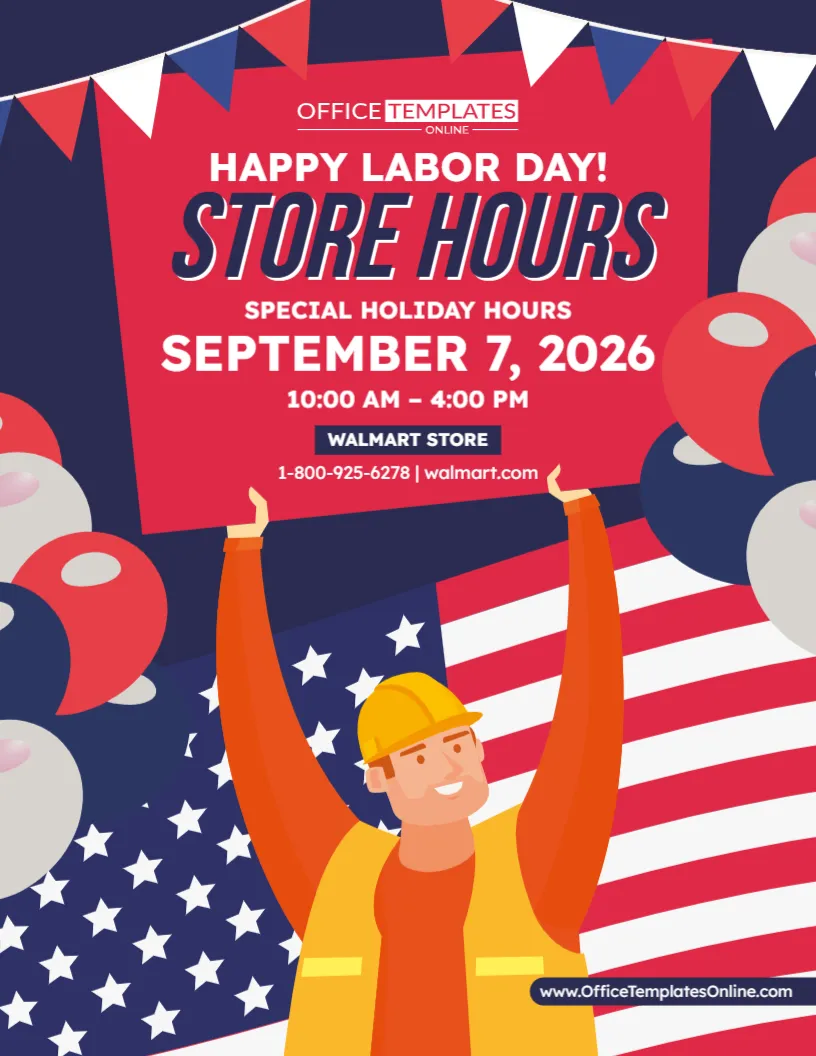
Instead of using a plain text notice, this design turns your holiday schedule into an eye-catching visual announcement. A large “Store Hours” headline sits at the center of the upper section, followed by dedicated areas for the Labor Day date, special holiday hours, store name, phone number, and website.
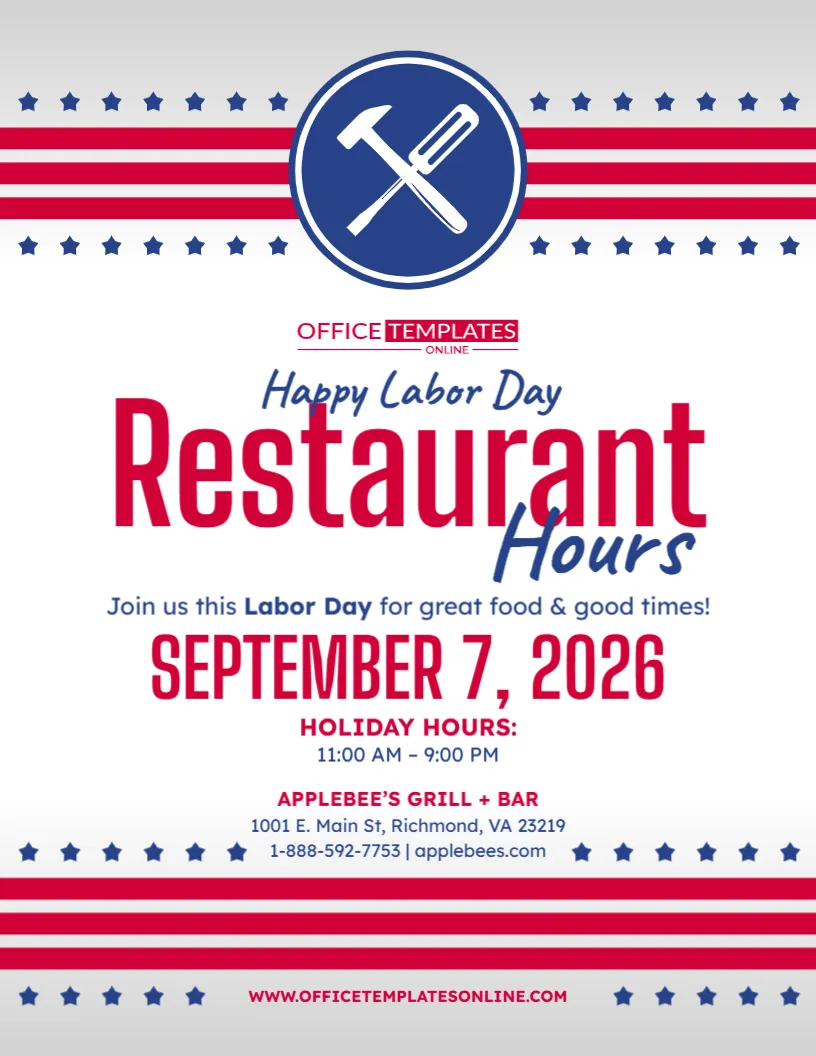
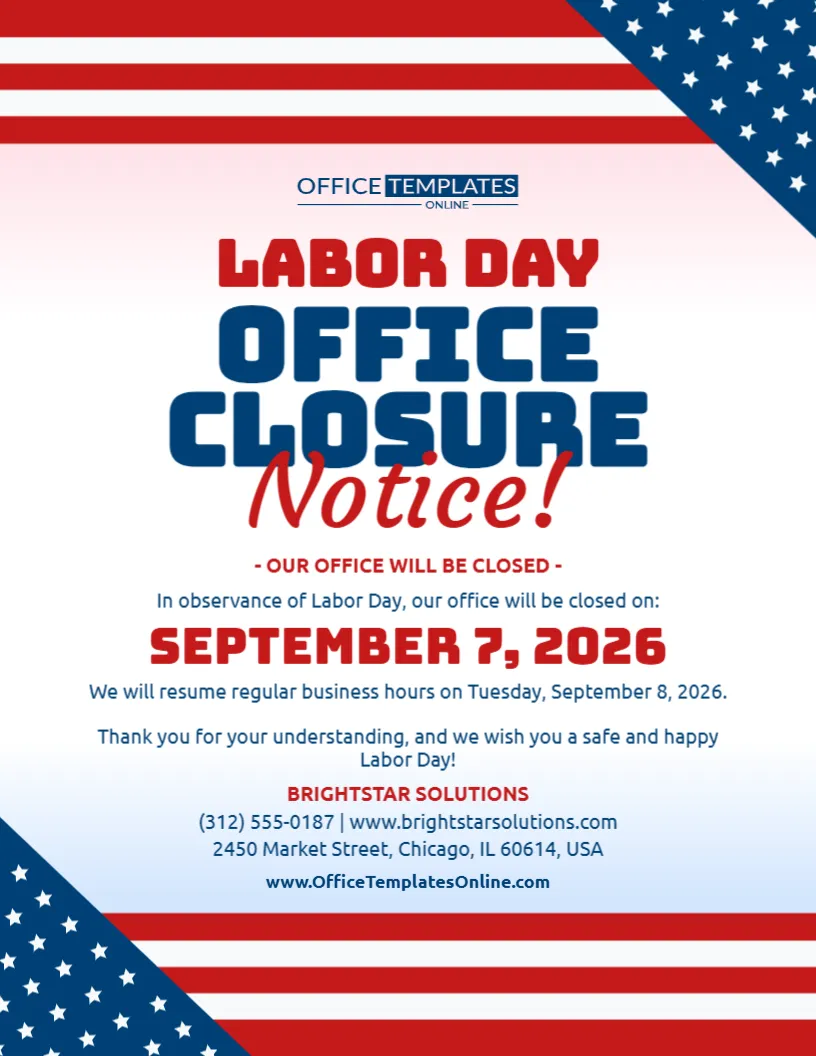
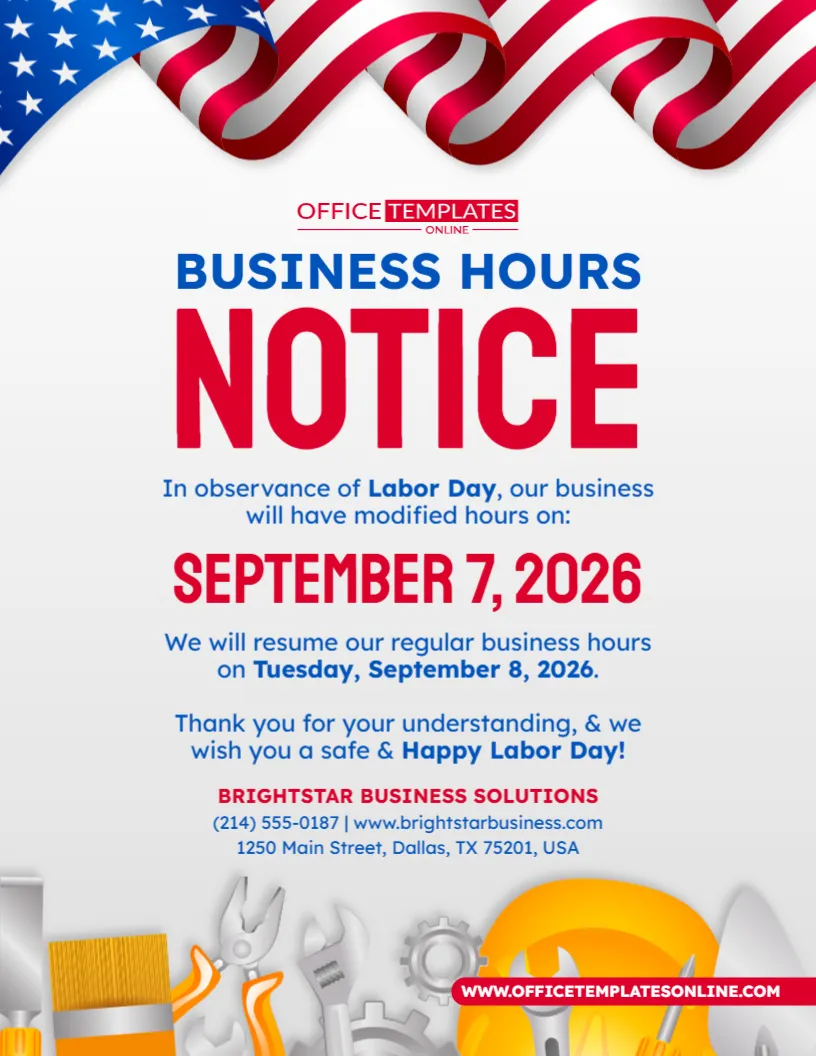
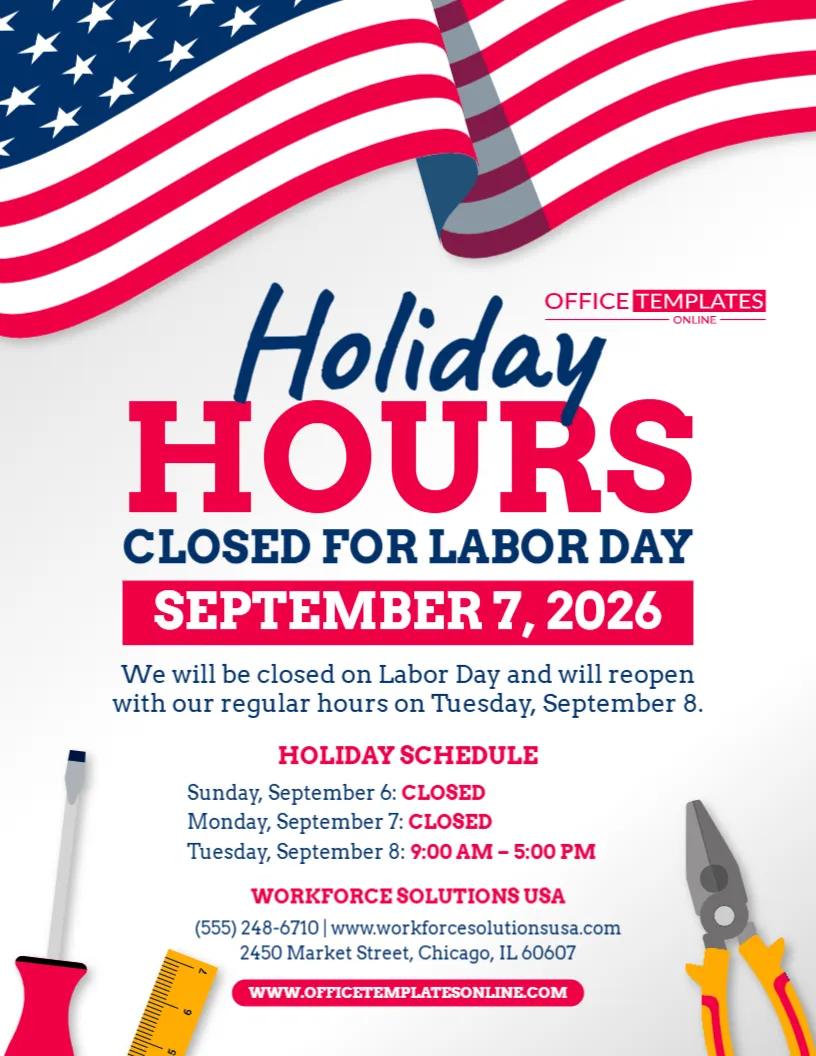
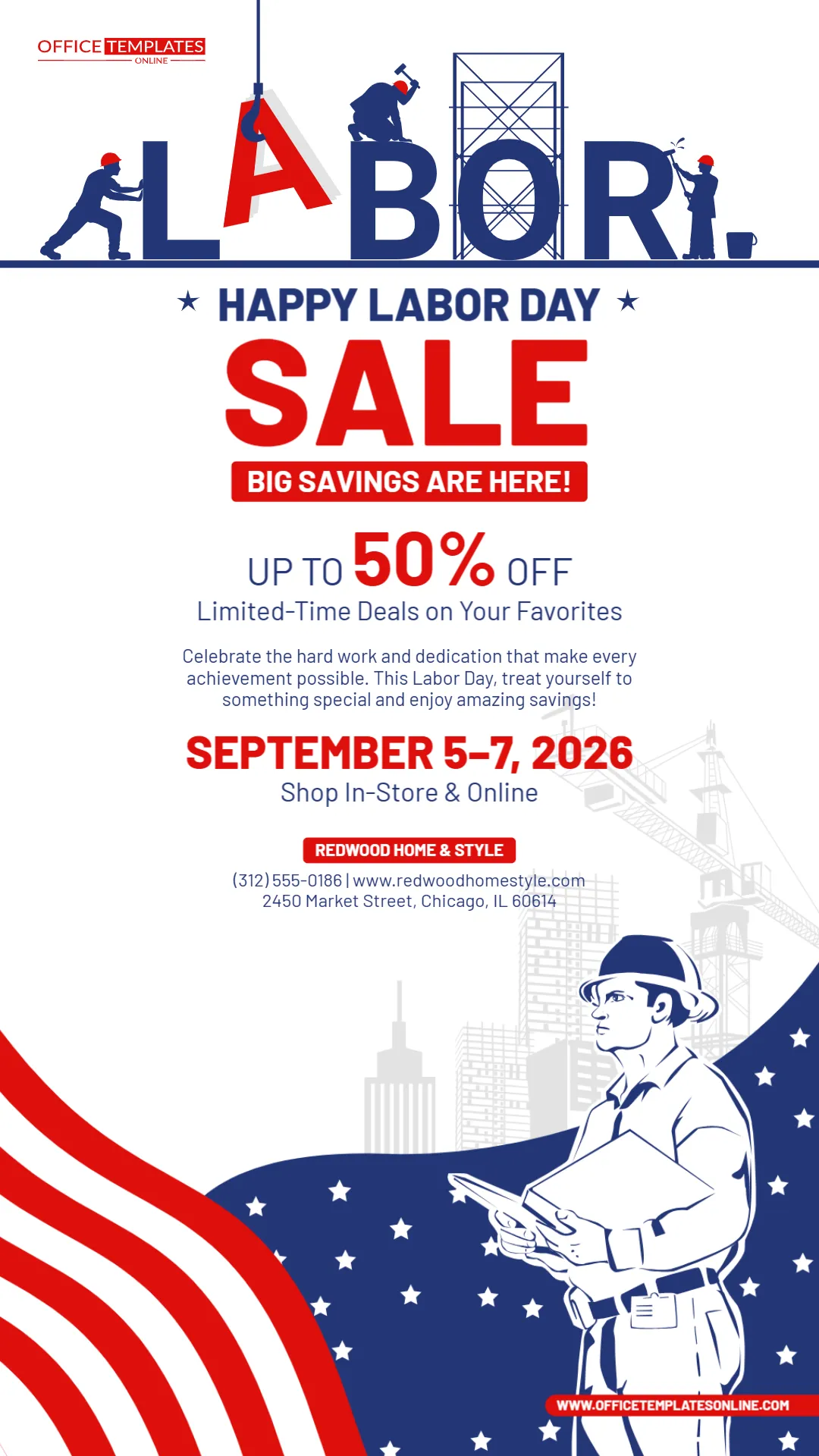
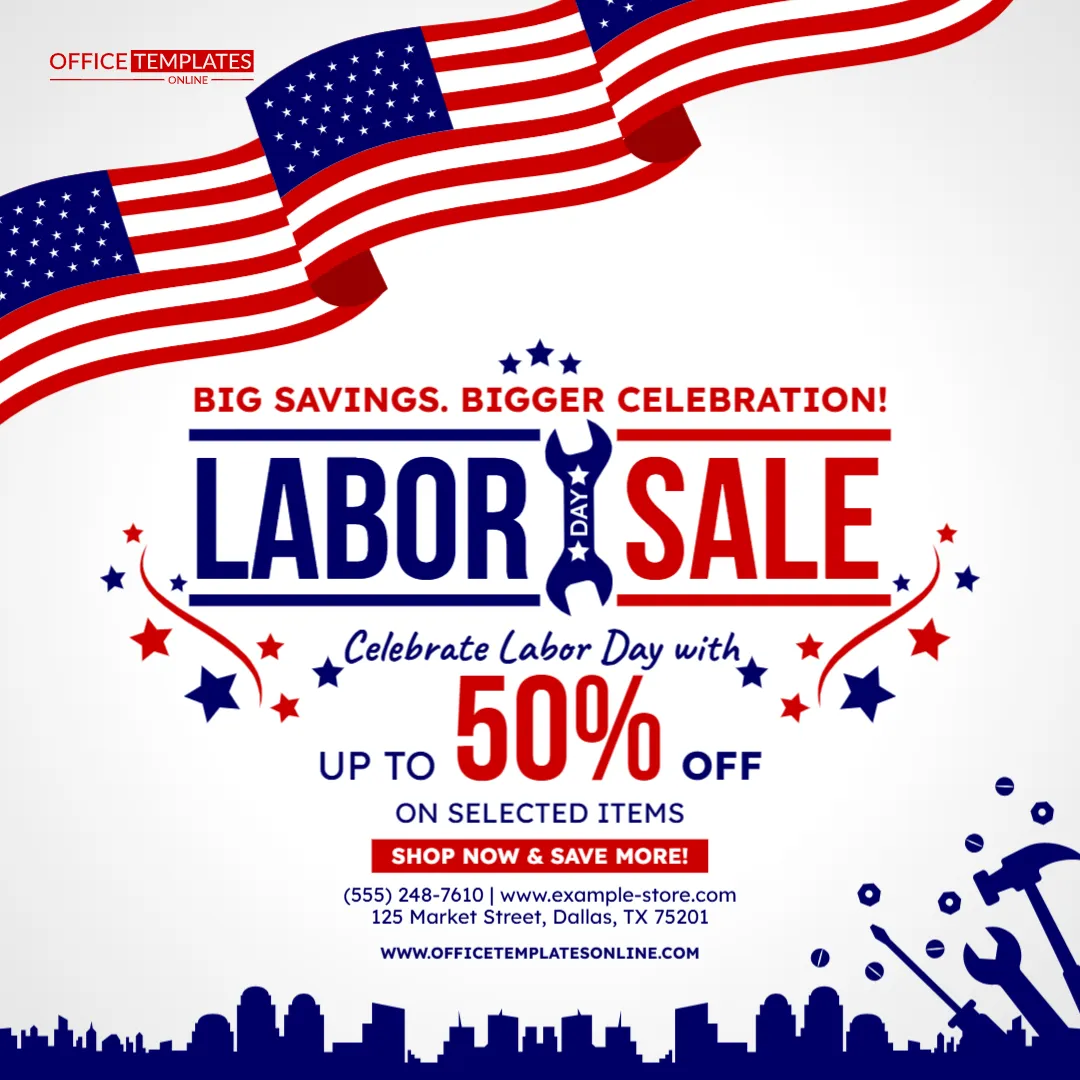
The design uses a strong patriotic theme with red, white, and blue decorations, American flag imagery, stars, balloons, festive bunting, and an illustrated worker wearing a hard hat and safety vest. Together, these elements give the notice a lively Labor Day character while keeping the actual store-hours information prominent.
You can customize this template directly in our easy-to-use online editor that works in your browser. There is no login required to start editing. Once you have entered your actual store details and holiday schedule, download the finished design in PDF, PNG, or JPG format.
A Store Hours Announcement Designed Specifically for Labor Day
Regular business hours often change during holiday weekends. Some stores shorten their operating day, others open later, and some remain closed altogether.
This template gives you a flexible starting point for communicating whatever schedule applies to your location.
The sample version includes:
- Happy Labor Day greeting
- Store Hours headline
- Special Holiday Hours label
- Labor Day date
- Opening and closing times
- Store or business name
- Phone number
- Website
- Labor Day-themed graphics
Because the important information already has dedicated space, you do not have to figure out how to organize your announcement from scratch.
Put Your Special Holiday Hours Where Customers Can Find Them Quickly
The most important information in this design appears directly beneath the large “Store Hours” heading.
The sample schedule reads:
September 7, 2026
10:00 AM – 4:00 PM
This straightforward format allows customers to quickly identify both the affected date and the hours of operation.
When customizing your version, replace the example schedule with your actual Labor Day hours.
For example:
9:00 AM – 3:00 PM
10:00 AM – 5:00 PM
11:00 AM – 4:00 PM
8:00 AM – 2:00 PM
Use the exact times that apply to your business rather than vague wording such as “limited hours” whenever possible.
Completely Closed on Labor Day? Adapt the Template
Although this design is especially useful for special Labor Day store hours, you can also adapt the main message if your location will not open at all.
Instead of showing an opening and closing time, you could use:
CLOSED FOR LABOR DAY
STORE CLOSED – SEPTEMBER 7
CLOSED MONDAY FOR LABOR DAY
WE WILL REOPEN TUESDAY
CLOSED FOR LABOR DAY WEEKEND
This flexibility means you can keep the same holiday-themed design even when your business does not operate on Labor Day.
Just make sure the final wording leaves no doubt about whether customers can visit.
Customize the Template Online with No Login Required
You do not need to download complicated design software just to update a few holiday hours.
Open the template in our browser-based editor and personalize the available elements online. No account creation or login is required before you begin editing.
Depending on the available editable elements, you can personalize:
- Store hours
- Labor Day date
- Store or company name
- Phone number
- Website
- Holiday greeting
- Headings
- Text
- Colors
- Other available design elements
The layout and decorative work have already been prepared, allowing you to concentrate on entering accurate information for your customers.
Replace the Sample Store Name with Your Own
The template includes a separate area beneath the operating hours for the business or store name.
The example information is placeholder content and should be replaced before you use the design.
Add the name customers normally recognize, whether that is your:
- Retail store
- Grocery store
- Department store
- Local shop
- Outlet
- Showroom
- Service business
- Branch location
- Franchise location
- Other customer-facing business
If you operate multiple branches with different Labor Day schedules, create a customized version for each location rather than using one schedule for all of them.
Add a Phone Number and Website Below the Hours
Customers sometimes need more information than a holiday-hours graphic can reasonably contain.
The contact area gives you room for a phone number and website, providing viewers with another way to check information or contact your business.
You might use this section for:
Main Store Phone | Website
or, if more useful:
Customer Service Number | Online Store
Adding your website is particularly helpful if customers can shop online, check product availability, request services, or find updated information while the physical location is operating on reduced hours.
Make Sure Customers Know These Are Special Hours
One strength of the design is the small but important “Special Holiday Hours” label.
This tells viewers that the displayed schedule is an exception rather than your normal operating time.
That distinction matters.
Without it, someone could mistakenly assume that the displayed times represent your regular Monday schedule.
You can keep the existing wording or change it to something like:
Labor Day Hours
Holiday Store Hours
Special Labor Day Schedule
Labor Day Opening Hours
Monday Holiday Hours
Choose whichever phrase best fits the way your business normally communicates with customers.
Use a Date Alongside the Holiday Name
The design includes both Labor Day wording and a specific date.
Using both can make your announcement clearer.
For the sample year, the date shown is:
September 7, 2026
Labor Day falls on Monday, September 7 in 2026. Because the holiday is observed on the first Monday in September, its numerical date changes from year to year.
If you reuse the template for another Labor Day, update the date as well as the operating hours.
Do not assume that simply changing the year will make the existing date correct.
Promote Different Hours for Different Days When Needed
Many stores change their schedule across the entire Labor Day weekend rather than only on Monday.
If your hours differ on Saturday, Sunday, and Monday, you can adapt the available text areas to communicate a short multi-day schedule.
For example:
SATURDAY: 9 AM – 6 PM
SUNDAY: 10 AM – 5 PM
LABOR DAY: 10 AM – 4 PM
Or:
SEPT. 5: REGULAR HOURS
SEPT. 6: 10 AM – 4 PM
SEPT. 7: CLOSED
When adding several days, keep the wording concise so the information remains easy to scan.
If your schedule becomes too detailed for the available space, consider using the template for the most important Labor Day hours and directing customers to your website for the complete schedule.
A Festive Design That Feels Different from an Ordinary Hours Sign
This is not a plain black-and-white operating-hours notice.
The design uses a bold red panel for the main information, surrounded by a deep navy background. White text creates strong contrast against the red area, while the large Store Hours headline uses dark blue with a light outline.
Across the upper edge, a string of triangular red, white, and blue pennants adds a festive atmosphere.
Balloons appear around the sides, helping the design feel celebratory rather than administrative.
This makes the template suitable for businesses that want to communicate practical information while still acknowledging the holiday.
The Worker Illustration Gives the Design a Labor-Focused Character
The lower half of the design features an illustrated worker wearing a yellow hard hat and high-visibility safety vest.
The figure holds up the main store-hours panel, visually connecting the practical announcement with the worker-centered theme of Labor Day.
Behind the worker is a large American flag-inspired background featuring white stars, red and white stripes, and dark blue sections.
These visual elements help distinguish the design from general patriotic graphics used for other American holidays.
A Strong Red, White, and Blue Theme for Labor Day
The template relies heavily on colors commonly associated with American patriotic celebrations.
Red dominates the information panel and several decorative elements.
Dark blue provides contrast through the background, typography, and star-filled portions of the design.
White is used throughout the flag graphics, lettering, balloons, and decorative pennants.
Yellow and orange from the worker illustration add warmth and help the character stand apart from the surrounding patriotic palette.
The result is colorful and attention-grabbing while keeping the holiday-hours information concentrated in one main area.
Who Can Use This Labor Day Store Hours Template?
Although the headline specifically says Store Hours, the design can be adapted for many businesses that serve customers at a physical location.
It may work well for:
- Retail stores
- Grocery stores
- Convenience stores
- Clothing shops
- Furniture stores
- Hardware stores
- Electronics retailers
- Auto parts stores
- Home improvement businesses
- Local shops
- Shopping center businesses
- Showrooms
- Service centers
- Salons
- Restaurants and cafés
- Repair businesses
- Other customer-facing locations
If “store” is not the right term for your organization, you can customize the heading where the editable template allows.
For example, you might use “Business Hours,” “Holiday Hours,” “Special Hours,” or “Labor Day Hours.”
Useful for a Single Store or Individual Branch Location
Businesses with multiple locations should pay special attention to holiday-hour differences.
One branch may operate from 10:00 AM to 4:00 PM while another closes completely.
If schedules differ by location, personalize separate versions of the template with the correct:
- Store name
- Branch name or number
- Address
- Phone number
- Labor Day hours
- Website or location page
This can help prevent customers from assuming that every location follows the same schedule.
Display the Notice Before the Holiday Weekend Begins
Do not wait until Labor Day morning to tell customers about special hours.
Displaying your notice ahead of time gives shoppers an opportunity to change their plans.
Depending on your business, you might place the customized design at:
- Store entrance
- Front window
- Checkout counter
- Customer service desk
- Reception area
- In-store noticeboard
- Pickup counter
- Waiting area
Advance notice is especially useful when your Labor Day hours are significantly shorter than your normal Monday schedule.
Use the Design for Digital Customer Updates Too
After downloading an appropriate image version, you may also be able to use the customized design for digital communication where its dimensions and layout are suitable.
For example, a holiday-hours graphic may complement updates on your business’s digital channels.
Before publishing it digitally, check that the text remains readable at the size at which the image will appear.
The opening and closing times are the most important information, so customers should not need to zoom excessively to find them.
Tell Customers Whether Online Shopping Remains Available
If your physical store has shorter hours but your online store remains open, that may be useful information to include.
You could replace or add a short line such as:
Shop Online Anytime
Our Online Store Is Open 24/7
Order Online During the Holiday
Visit Our Website to Shop Online
Online Ordering Remains Available
Only use these messages if they accurately describe your business operations.
For stores offering pickup, you may also want to clarify whether holiday pickup follows the same reduced hours as the physical store.
Avoid One Common Holiday-Hours Mistake
A frequent problem with holiday announcements is failing to distinguish special hours from regular hours.
For example, suppose your store normally operates from 8:00 AM to 8:00 PM but will be open from 10:00 AM to 4:00 PM on Labor Day.
Simply displaying:
10:00 AM – 4:00 PM
may not give enough context when the graphic is viewed away from your store.
A clearer message is:
LABOR DAY SPECIAL HOURS
SEPTEMBER 7, 2026
10:00 AM – 4:00 PM
The template already follows this type of structure, making the schedule easier to understand.
Match the Notice with Your Other Published Store Hours
Once your holiday schedule is finalized, customers may encounter it in several places.
Where appropriate, make sure the same Labor Day hours are reflected in your:
- Website
- Store information page
- Customer emails
- Phone greeting
- Online ordering information
- Pickup instructions
- Relevant business listings
If your printed sign says 10:00 AM – 4:00 PM but another customer-facing source shows normal hours, shoppers may not know which schedule is correct.
Consistency can reduce unnecessary calls and disappointing trips.
Add a Friendly Labor Day Greeting
The template already begins with:
Happy Labor Day!
This gives the announcement a positive opening before presenting the special schedule.
You can keep this wording or customize it to match your brand’s tone.
Alternatives might include:
Wishing You a Happy Labor Day!
Have a Safe Labor Day Weekend!
Happy Labor Day from Our Team!
Enjoy the Labor Day Holiday!
Thank You to Our Hardworking Community!
Keep the greeting brief so it does not compete with the operating hours.
What Should You Check Before Publishing the Design?
Holiday-hour mistakes can send customers to your store at the wrong time, so proofread the finished notice carefully.
Pay particular attention to:
- Labor Day date
- Opening time
- Closing time
- AM and PM
- Store name
- Phone number
- Website
- Branch or location information
- Spelling
- Remaining placeholder text
If your store closes at 4:00 PM, for example, make sure the notice does not accidentally say 4:00 AM.
Small errors in a schedule can have a big practical effect.
Download as PDF, PNG, or JPG When You Are Finished
After personalizing and checking the design, download your completed Labor Day store-hours notice in PDF, PNG, or JPG format.
Having multiple format options gives you more flexibility for different uses.
Choose the format that suits your intended method of displaying, printing, saving, or digitally sharing the completed design.
If you intend to print it, review the final output before producing multiple copies to ensure the important text is clear and readable.
How to Create Your Personalized Labor Day Store Hours Notice
The process is simple:
- Open the Labor Day Store Hours Template in the online editor.
- Replace the sample Labor Day date if necessary.
- Enter your actual holiday opening and closing times.
- Change the store-hours heading if you prefer different wording.
- Replace the sample store name with your business name.
- Add your correct phone number and website.
- Customize the holiday greeting if desired.
- Adjust other available text, colors, or editable elements.
- Check the design for remaining placeholder information.
- Proofread all dates and times.
- Download your completed design in PDF, PNG, or JPG format.
You can do all of this without logging in or creating an account.
Make Your Labor Day Schedule Easy to Plan Around
Special holiday hours are useful only when customers can find and understand them.
This Labor Day Store Hours Template combines the practical information shoppers need with a lively holiday design featuring a prominent Store Hours headline, dedicated date and time areas, store contact details, patriotic flag graphics, festive balloons and bunting, and a worker-themed illustration.
Rather than designing a Labor Day hours announcement from scratch, customize the ready-made template online in your browser with no login required, enter your actual store schedule and business information, and download the completed design as PDF, PNG, or JPG.
It gives you a convenient way to tell customers when you are open on Labor Day, how the holiday schedule differs from your regular hours, and where they can find more information about your business.