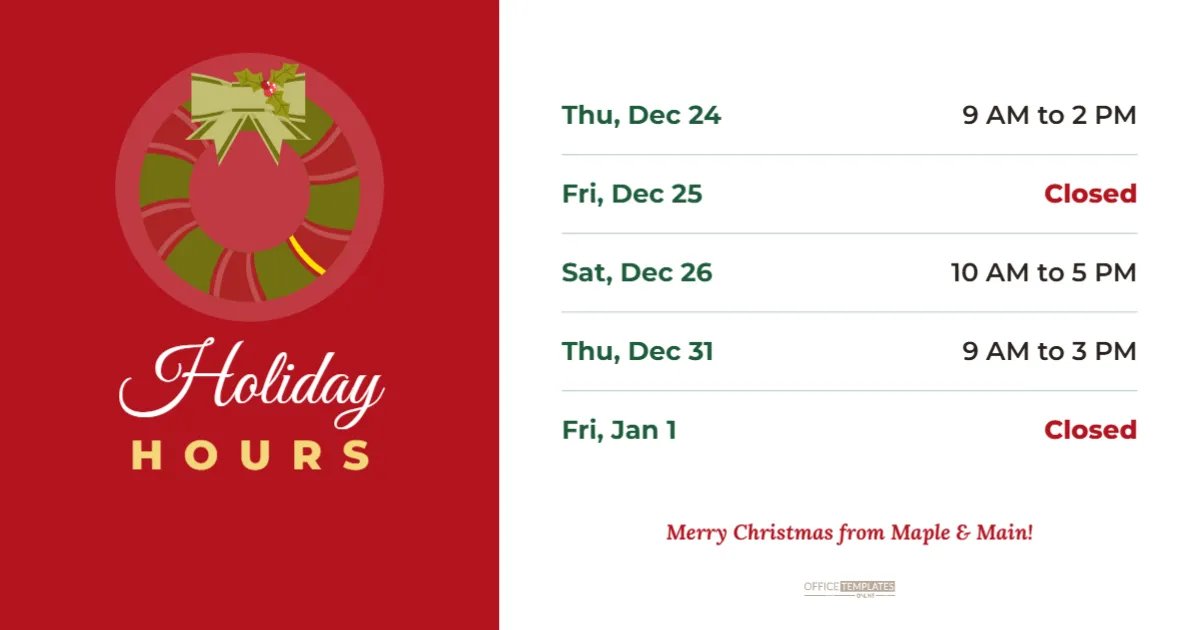
Facebook remains one of the main places customers look for local business news, especially in community groups and on business pages. A landscape image fills the feed nicely and shares well in groups and link previews. This 1200 x 630 pixel template splits the image into two halves. The left side is a festive red panel with a striped wreath and bow on a soft light disc, Holiday in white script and HOURS in gold capitals. The right side is white, with five rows of dates and times, closed days in red and a dotted line under each row. A red italic greeting from the business finishes the right side, with a small logo mark beneath.
Why a Landscape Post Works on Facebook
Facebook displays landscape images at full width in the feed, and 1200 x 630 is the recommended size for shared links and many feed images. The split layout keeps the festive branding on one side and the practical information on the other, so followers understand the post instantly.
The Red Panel and Wreath
The red panel holds a wreath sticker with a cream bow, placed on a soft light disc so it stands out against the red. Holiday in Great Vibes script and HOURS in spaced gold capitals sit beneath. You can recolour the panel to green or navy, or replace the wreath with your logo.
Editing the Holiday Hours Rows
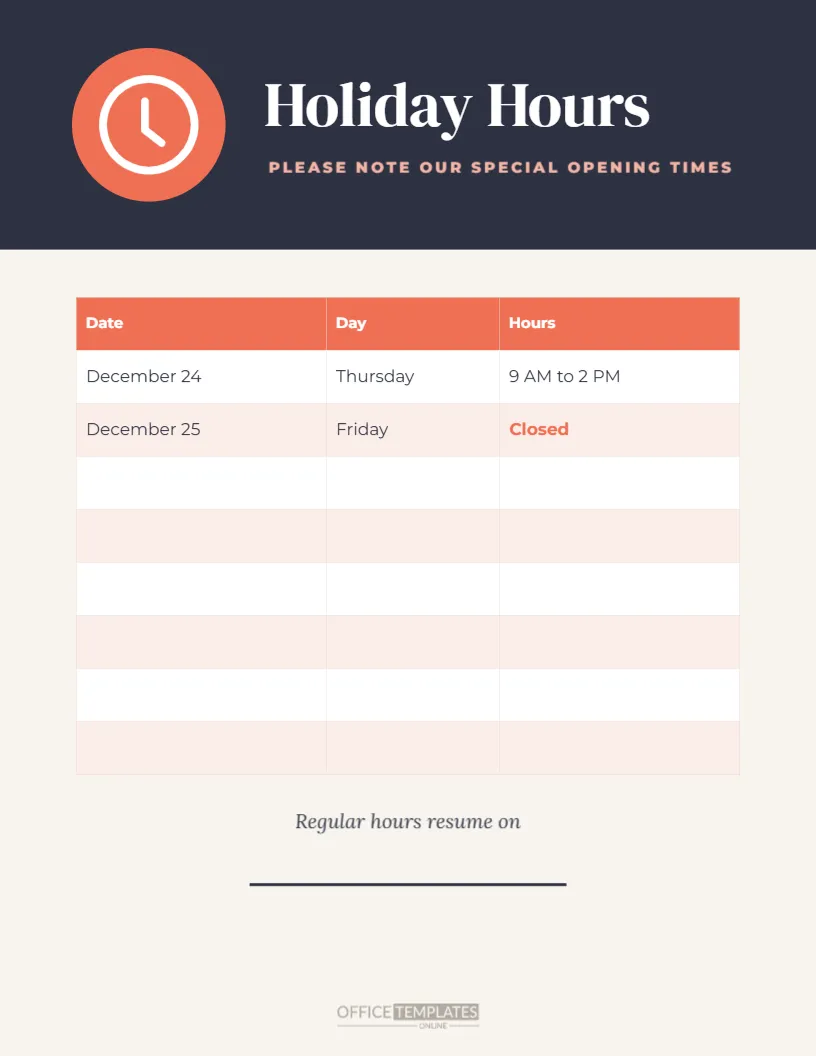
The rows list Thursday, December 24, 9 AM to 2 PM; Friday, December 25, closed; Saturday, December 26, 10 AM to 5 PM; Thursday, December 31, 9 AM to 3 PM; and Friday, January 1, closed. Click any text to change it, and duplicate a row if you need more.
Posting to Your Facebook Page
Download a PNG or JPG and upload it as a photo post on your business page. Add a caption that repeats the closed days, and pin the post to the top of your page during the holidays.
Sharing in Community Groups
Many towns have community Facebook groups where residents ask about holiday hours. Share your post in local groups where business posts are allowed. A clear image answers questions before they are asked.
Updating Your Facebook Page Hours
Facebook business pages let you set special hours for holidays. Update them as well as posting the image, so the hours shown in your page information match the post.
Using the Post on LinkedIn and X
The 1200 x 630 size also works on LinkedIn and X. Professional services can share the post on LinkedIn with a short message thanking clients for the year.
Using the Image in Emails and Websites
Wide images are ideal for email newsletters and website news sections. Upload the same image to your newsletter so customers see consistent information everywhere.
Changing the Greeting and Colours
Click the greeting line to type your business name. Change the red panel to your brand colour and update the closed day text to match.
Facebook Event and Cover Images
If you host a holiday event, adapt the right side to show event details instead of hours. For your page cover, resize the canvas to the cover dimensions and keep the important text in the centre.
Accessible Facebook Posts
Add alt text to the image in Facebook, listing the holiday hours in words. Screen reader users will hear the hours, and your post remains useful for everyone.
Scheduling Holiday Posts
Facebook lets you schedule posts in advance. Schedule your hours post for early December, a reminder for December 22, and a New Year update for December 30, so your page stays informative while you are busy.
Boosting the Holiday Hours Post
A small paid boost can show the post to local followers who missed it. Target people within a few miles of your business and run the boost in the week before your first holiday closure.
Holiday Posts for Restaurants and Cafes
Restaurants and cafes can adapt the rows to show Christmas Day lunch seatings, New Year’s Eve dinner and closed days. Add a booking link in the caption so followers can reserve straight from the post.
Holiday Posts for Professional Services
Accountants, lawyers and consultants can use a calmer colour on the left panel, such as navy, and replace the wreath with a simple snowflake or logo. The right side still lists closure dates clearly, giving clients the information they need in a professional format.
Comparing Facebook and Instagram Formats
Facebook favours landscape images, while Instagram favours square and vertical ones. Our category includes a square Christmas holiday hours post and a vertical story, so you can post the same hours on every platform in the best format for each.
Facebook Holiday Post Questions
Can I change the wreath?
Yes. Replace it with another sticker or your logo.
Can I add more rows?
Yes. Duplicate a row and adjust the spacing.
Is the size right for link previews?
Yes. 1200 x 630 pixels matches Facebook’s recommended link image size.
Holiday Hours Posts for Community Groups and Charities
Charities, food banks and community centres often change hours over the holidays while demand rises. A clear post shared in local groups tells families when they can collect food parcels or visit, and the landscape format is easy to share between volunteers. Add a line in the caption about how people can donate during the season.
Replying to Hours Questions in Comments
Followers often ask about specific days in the comments. Reply politely and point to the image, and if a question reveals something missing, such as Boxing Day hours, update the post with a new row so everyone benefits.
Holiday Hours Posts for Shops With Several Branches
Retailers with more than one branch can duplicate the post for each location, change the hours, and add the branch name to the greeting line. Posting each branch separately in its local community group keeps information relevant to the people who live nearby.
Share Your Hours Where Customers Look
Update the rows and greeting, download the image, and post it on Facebook. A clear holiday hours post keeps your community informed and brings festive cheer to their feeds.