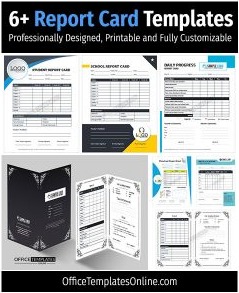
Free Online Report Card Generator with Templates, GPA & PDF Export
Building a report card from scratch every term doesn’t have to mean fighting with Word tables, mismatched fonts, or a spreadsheet formula that breaks the moment you add one more subject. This free report card generator lets you build a professional, printable report card online in minutes — no downloads, no sign-up, and no design software required. Whether you need a single progress report for one student, a full semester report card for an entire class, or a homeschool record you can keep from one year to the next, you can set it up right here on this page and start filling it in immediately.
Built for schools, colleges, private tutors, homeschooling parents, and training organizations alike, this online report card maker includes ten ready-made templates, a searchable library of 70+ subjects, and seven grading systems — Percentage, Letter Grade, GPA 4.0, GPA 5.0, Performance Levels, Standards-Based, and Pass/Fail — plus a custom grading editor for schools with their own scale. Totals, percentages, GPA, weighted averages, and pass/fail status are calculated automatically as you type, and you can add attendance, behavior ratings, teacher comments, and signatures before exporting to PDF, PNG/JPG, or print. Every report card you create stays private in your own browser unless you choose to download or print it, so you can generate a free printable report card or a shareable digital record with complete peace of mind.
What Is a Report Card Generator?
A report card generator is a tool that lets you build, calculate, and export a student report card without starting from a blank page every grading period. Instead of manually drawing tables in Word, re-entering formulas in Excel, or paying for design software just to lay out subjects and grades neatly, this online report card maker does the structural and mathematical work for you. You pick a template, choose a grading system, list the subjects and marks, and the tool instantly calculates the total, percentage, average, GPA, and overall grade — then lays it all out on a print-ready document.
Unlike a static report card template you download as a Word or PDF file and then have to edit by hand for every student, this is a fully interactive report card builder that lives in your browser. You can create one report card or twenty, switch templates without losing your data, and undo or redo any change while you work, so a typo in a mark or a wrong grading system never turns into a redo-everything moment.
Who Can Use This Free Report Card Maker?
This report card generator was built to be flexible enough for any setting that needs to turn a list of marks into a finished, presentable document. Whether you’re a single teacher with one class or an administrator standardizing report cards across an entire school, the same core tool adapts to your grading system and your terminology.
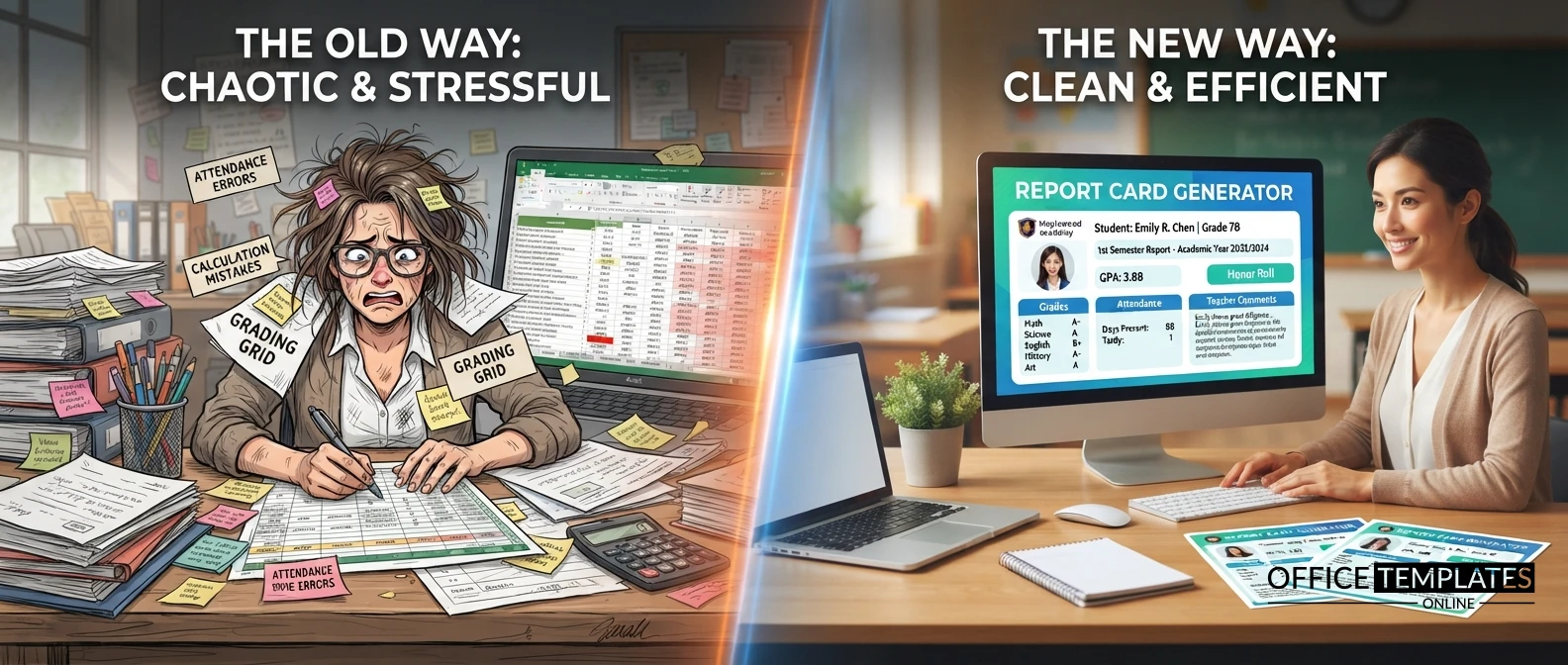
Schools and Classroom Teachers
Teachers can generate a student report card for an entire class in a fraction of the time it takes to build one in a spreadsheet. Pick a school-appropriate template such as Classic School, Primary School, or Colorful Elementary, add each student’s subjects and marks, and let the tool calculate totals, percentages, and overall grade automatically. Attendance and behavior ratings can be added per student, and every report card prints or exports identically to what you see in the live preview.
Colleges and Training Institutes
Higher education and vocational programs often need GPA-based reporting rather than a simple percentage. The College/Training Institute template pairs with the GPA 4.0 or GPA 5.0 grading systems to calculate weighted GPA using per-subject credit hours, so a semester’s worth of courses — each with its own credit weight — rolls up into a single, accurate GPA on the finished report.
Private Tutors and Tutoring Centers
Independent tutors rarely have access to a school’s official report card system, but parents still expect a professional-looking progress update. This generator lets a tutor build a clean, branded report card or progress report for one or several students in minutes, complete with subject marks, teacher comments, and a signature line, without needing any school administration software.
Homeschooling Parents
Homeschool families need a permanent, presentable academic record just as much as any school does — for their own records, for portfolio reviews, or for transferring a student back into a traditional school. The dedicated Homeschool template, combined with the custom subject library, lets a parent record every subject actually taught (including electives a standard school template wouldn’t list) and export a polished report card or year-end summary.
Coaching Centers and Test-Prep Programs
Coaching centers running short, intensive courses can use the Semester Performance Report or Progress Report templates to summarize a student’s performance across mock tests, assignments, and skill areas, without needing to build a custom spreadsheet for every intake batch.
Daycare and Early Learning Centers
Early learning doesn’t fit a percentage-and-letter-grade mold, which is why the Performance Levels and Standards-Based grading systems exist alongside the Colorful Elementary and Primary School templates — built for descriptive, developmentally appropriate reporting on young children rather than a strict numeric score.
Training Organizations and Certification Programs
Corporate and vocational trainers who need to document pass/fail outcomes for a course or certification can use the Pass/Fail grading system paired with any template, producing a clean completion record without unnecessary letter grades or GPA columns that don’t apply to the course.
Key Features of This Online Report Card Generator
- Ten built-in report card templates — Modern Academic, Classic School, Primary School, High School, College/Training Institute, Homeschool, Minimal Black & White, Colorful Elementary, Semester Performance Report, and Progress Report, each with its own colors, typography, and layout.
- Seven built-in grading systems — Percentage, Letter Grade, GPA 4.0, GPA 5.0, Performance Levels, Standards-Based, and Pass/Fail, plus a full custom grading system editor with automatic overlap and gap validation so your grade ranges are always correct.
- A searchable subject library of 70+ subjects across eight categories (Languages, Mathematics, Sciences, Social Studies, Technology & Vocational, Arts & Physical Education, Early Learning, and Additional Areas), plus unlimited custom subjects and drag-to-reorder.
- Automatic calculations — total marks, percentage, average, weighted average, GPA, weighted GPA (using per-subject credit hours), overall grade, pass/fail status, and promotion status, all recalculated instantly as you type.
- Attendance, behavior, and comments — an optional attendance summary, a customizable behavior/skills rating matrix, and teacher, principal, and parent comment fields, each independently switched on or off.
- Typed, uploaded, or blank signatures for teachers, principals, or parents, so the finished report card is ready to sign or already signed.
- A live preview that matches the printed, PDF, and image output exactly — what you see while editing is exactly what gets exported.
- Multiple export formats — browser print, a vector multi-page PDF with repeated table headers, and PNG/JPG image export, all generated entirely on your device.
- Bulk import from CSV — generate one report card per row for a whole class at once, matched by column headers, then export every resulting report card as a single PDF ZIP file.
- Local drafts with autosave — save, rename, duplicate, search, and sort report cards saved in your own browser, plus JSON export/import for a single report or a full backup of everything you’ve saved.
- No account, no software — this report card maker works entirely in your browser. There is nothing to install and no sign-up required.
- Private by design — student names, marks, comments, photos, and signatures are never uploaded to a server. They stay on your own device unless you choose to export or print.
How to Create a Report Card Online in 6 Simple Steps
1. Choose a template. Pick from ten built-in designs — from Classic School to Homeschool to Minimal Black & White — so the layout matches the age group and tone you need.
2. Choose a grading system. Select Percentage, Letter Grade, GPA 4.0, GPA 5.0, Performance Levels, Standards-Based, Pass/Fail, or build your own custom grading system with the grade-range editor.
3. Add students and subjects. Fill in the student’s details, then search the 70+ subject library, add a whole category at once, or type in your own custom subjects and drag them into order.
4. Enter marks. Type in obtained marks (and credit hours, if using GPA) for each subject — totals, percentage, average, GPA, and overall grade update immediately as you go.
5. Add attendance, behavior, and comments. Turn on the sections you need — attendance percentage, a behavior/skills rating matrix, teacher/principal/parent comments, and a typed, uploaded, or blank signature.
6. Export or print. Download your finished report card as a PDF, PNG, or JPG image, or send it straight to your printer — or save it as a local draft to come back to later.
For a whole class at once, skip straight to Bulk Import: upload a CSV with one row per student, and this tool generates a full set of report cards — and an all-in-one PDF ZIP — in a single pass.
Popular Report Card Formats and Use Cases
People search for a “report card” in many different shapes depending on what they actually need that day, and this generator is built to cover all of them from one tool instead of forcing you to hunt for a separate template each time.
Printable Report Card Template for Elementary School
A primary school teacher preparing end-of-term reports often just needs a bright, simple, printable report card template for elementary school that a young student and their parents can actually read. Choose the Colorful Elementary or Primary School template, pair it with Performance Levels grading, and print directly from the browser.
Report Card Generator with GPA Calculator
High schools and colleges frequently need a report card generator with GPA calculator built in, rather than working out weighted GPA by hand. Select GPA 4.0 or GPA 5.0, add each subject’s credit hours, and the weighted GPA is calculated automatically alongside the simple average.
Homeschool Report Card Template Free
Homeschooling families searching for a homeschool report card template free of cost or subscription fees can use the dedicated Homeschool template with the custom subject library to record every subject actually taught, including electives.
Progress Report Template for Students
Not every reporting period needs a full report card. The Progress Report template gives tutors, coaching centers, and teachers a lighter-weight progress report template for students to summarize performance mid-term, before a full report card is due.
High School Report Card with Credits and GPA
The High School template, combined with per-subject credit hours and a GPA grading system, produces a proper high school report card with credits and GPA that mirrors what a transcript or college application typically expects.
Report Card Generator with Attendance and Behavior Grades
Schools that expect more than a subject list can turn on the optional attendance summary and the behavior/skills rating matrix, producing a complete report card generator with attendance and behavior grades in the same document.
Create Your Perfect Templates in Seconds
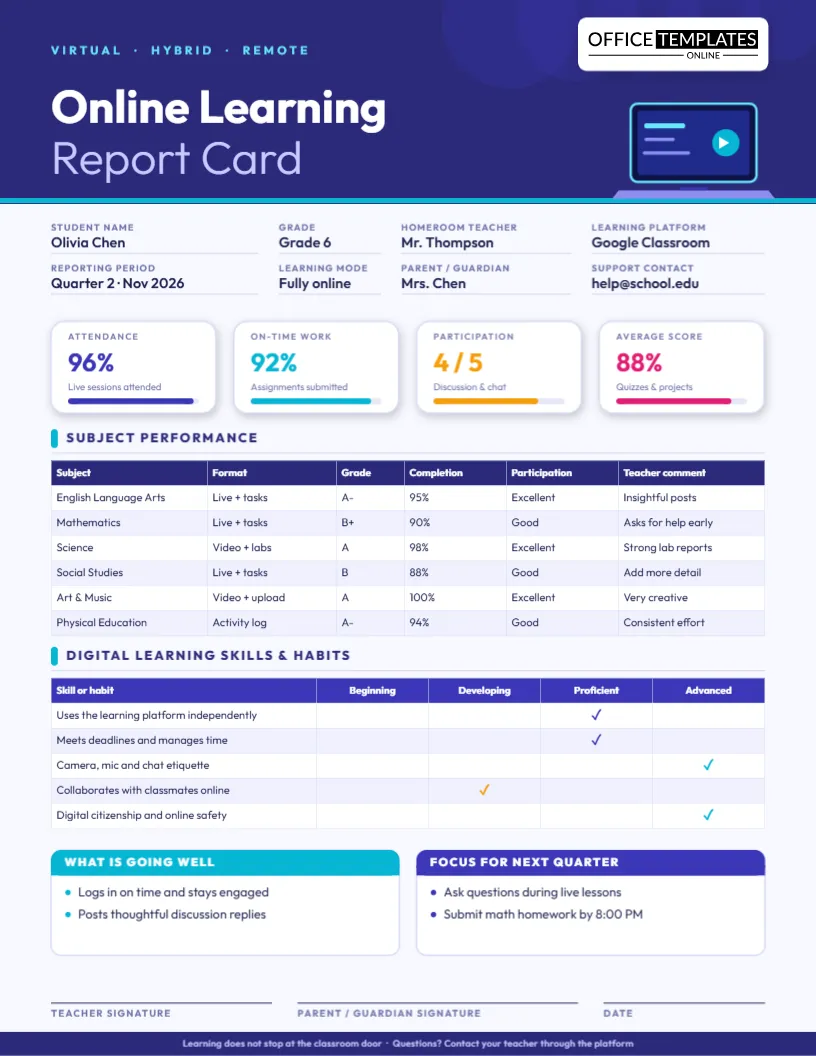
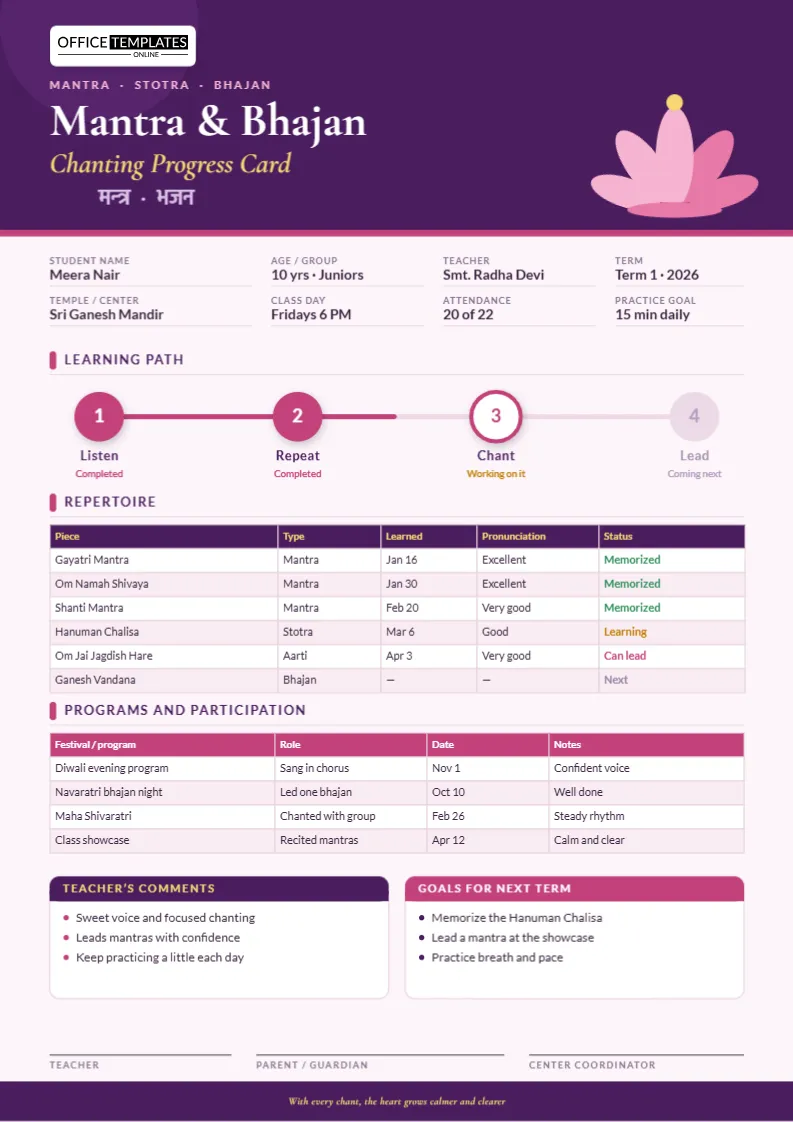
Choose from ready-made templates related to this topic, edit them online, and download instantly in PDF, PNG, or JPG format - fast, free, and no login needed.

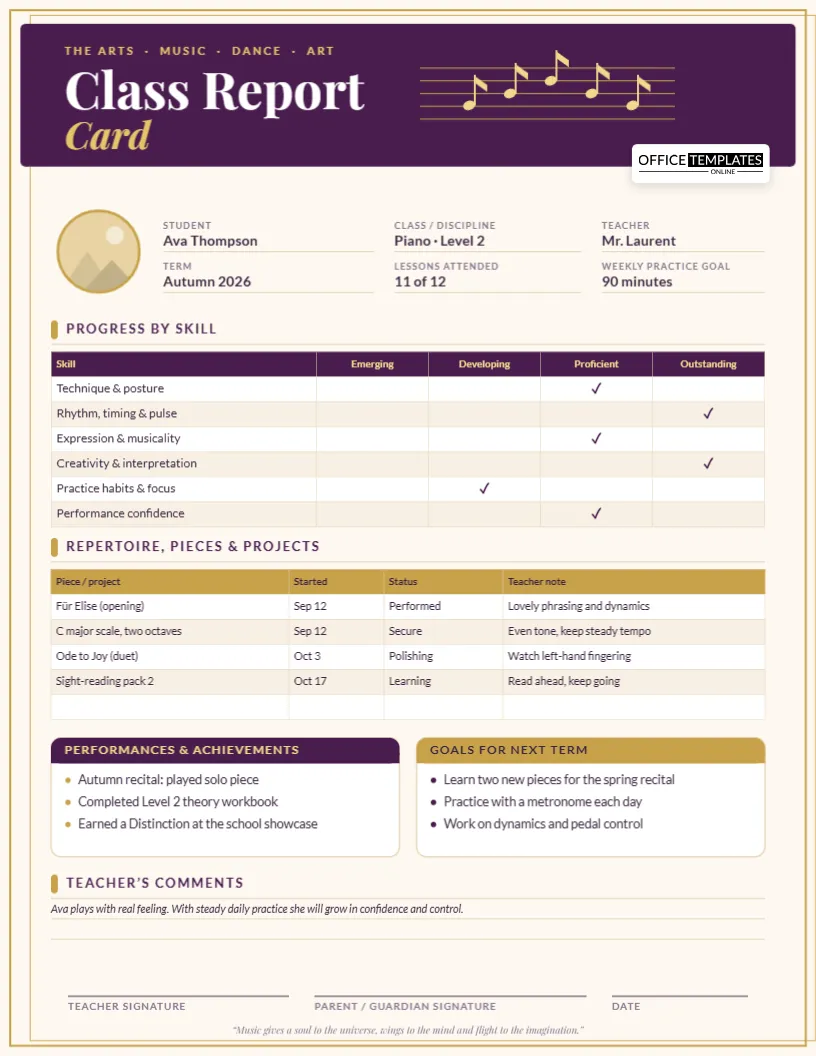
Semester Report Card Generator
For schools reporting twice a year, the Semester Performance Report template is purpose-built as a semester report card generator, with a layout designed for a mid-year and end-of-year summary rather than a single term.
Choosing the Right Grading System
Not every school or program grades the same way, which is why this generator supports seven built-in systems plus a fully custom one:
- Percentage — the most common system worldwide, scoring 0-100 with configurable grade bands (A+, A, B, and so on) and a pass mark.
- Letter Grade — a straightforward A-F style system, ideal for schools that report a letter without an explicit percentage on the card itself.
- GPA (4.0 Scale) and GPA (5.0 Scale) — built for colleges, training institutes, and high schools that need a weighted GPA calculated from each subject’s credit hours, not just a simple average.
- Performance Levels — descriptive bands (such as Exceeds Expectations, Meets Expectations, Developing) suited to early learning and standards-based classrooms where a numeric score isn’t developmentally appropriate.
- Standards-Based — built for schools reporting against specific learning standards rather than a single overall score per subject.
- Pass/Fail — a simple two-outcome system for certification programs, training courses, or pass/fail electives.
- Custom Grading System — build your own scale from scratch, with the same overlap-and-gap validation the built-in systems use, so your custom grade ranges can never accidentally leave a mark uncovered or double-covered.
Choosing a Template
Ten templates are built in, each defined by its own colors, typography, spacing, and layout, so switching between them changes the entire look of the report card without changing any of your entered data: Modern Academic, Classic School, Primary School, High School, College/Training Institute, Homeschool, Minimal Black & White, Colorful Elementary, Semester Performance Report, and Progress Report. Switch templates at any point in the live preview to compare them side by side before exporting.
Customizing Subjects and Marks
The built-in subject library covers 70+ subjects across eight categories — Languages, Mathematics, Sciences, Social Studies, Technology & Vocational, Arts & Physical Education, Early Learning, and Additional Areas — searchable and filterable by category, with the option to add an entire category’s subjects at once. If a subject you need isn’t listed, add a custom subject with its own name and maximum marks, and drag-and-drop to reorder the full subject list to match how your official report card is normally laid out.
Attendance, Behavior, and Comments
Beyond subject marks, a report card can optionally include an attendance summary (with the attendance percentage calculated automatically), a behavior or skills rating matrix for things like punctuality, teamwork, or class participation, and free-text comment fields for the teacher, the principal, and the parent. Each of these sections is independently optional, so a simple marks-only report card and a fully detailed one use the exact same tool.
Exporting and Sharing Your Report Card
Once a report card is complete, there are several ways to finish it:
- PDF export — a true vector, multi-page PDF with the subject table’s header repeated on every page, so even a long subject list stays readable and professional when printed or emailed.
- PNG/JPG image export — a quick visual snapshot of the finished report card, useful for sharing digitally or attaching to a message.
- Print — a dedicated print view that hides everything else on the page so only the report card itself comes out of the printer.
- JSON export/import — save a single report card as a file to reopen later or share with a co-teacher, or back up and restore every report card saved in your browser at once.
- Bulk PDF export — after a CSV bulk import, download every generated report card as PDFs bundled into a single ZIP file, ready to print or distribute to an entire class at once.
Why Use an Online Report Card Generator Instead of Word or Excel Templates?
A downloaded report card template in Word or Excel is static: you still have to manually calculate totals and percentages, keep grade bands correct as you change a mark, and rebuild the layout every time you need a different grading system or an extra subject. An online report card generator removes all of that manual work. Percentage, average, GPA, and overall grade recalculate the moment a mark changes instantly; switching between a percentage-based and a GPA-based report takes one click instead of a new spreadsheet, and the live preview guarantees the printed or exported version looks exactly like what’s on screen. For anyone who has ever had a report card’s grade column fall out of sync with its marks column in Excel, a purpose-built report card maker is simply faster and far less error-prone.
Tips for Creating Accurate Report Cards
- Pick the grading system before entering marks, since switching systems later re-maps every grade band and is easiest to check while the subject list is still short.
- Use credit hours consistently across every subject when working with a GPA system, since an inconsistent credit value will skew the weighted GPA more than the simple average.
- Add subjects from the built-in library where possible instead of retyping common subject names, so spelling and capitalization stay consistent across every report card you generate.
- Save a draft before switching templates on a long report card, so you can compare two layouts side by side without re-entering any data.
- Export a JSON backup of a finished report card before clearing browser data or switching devices, since local drafts are stored only on the device that created them.
- For a full class, use Bulk Import with a CSV instead of re-entering the same institution and template details for every student one at a time.
Privacy and Data Security
This report card generator is designed with privacy as a core principle, not an afterthought. Everything you enter — student names, marks, attendance, behavior ratings, comments, photos, and signatures — stays inside your own browser. Nothing is uploaded to any server unless you personally choose to export or print a file. There are no accounts to create, no passwords to manage, and no third-party trackers collecting student data. You are always in full control of every report card you create.
Get Started Today
Whether you need a single progress report for one student or a full set of semester report cards for an entire class, this free report card generator gives you everything required to get it done in minutes, not hours. Scroll up, choose a template and grading system, and start building your report card right away.
Frequently Asked Questions
Whether you’re creating a single student evaluation or preparing results for an entire class, the answers below cover the most common questions about using this free online generator, grading systems, templates, exports, privacy, and more.
Everything is designed to help you create professional printable records quickly, without sign-up, software installation, or manual calculations.
Is this generator free to use?
Yes, this report card generator is completely free to use, with no hidden fees, subscription costs, or feature paywalls. You can create, edit, and export unlimited report cards at no cost.
Do I need to create an account or sign up?
No account or sign-up is required. The entire tool works directly in your browser, and every document you create is saved locally on your own device.
What grading systems are available?
You can choose from seven built-in grading systems — Percentage, Letter Grade, GPA 4.0, GPA 5.0, Performance Levels, Standards-Based, and Pass/Fail — or build your own custom grading system with automatic overlap and gap validation.
What templates can I choose from?
Ten built-in templates are included: Modern Academic, Classic School, Primary School, High School, College/Training Institute, Homeschool, Minimal Black & White, Colorful Elementary, Semester Performance Report, and Progress Report.
Does it calculate GPA and percentage automatically?
Yes. Total marks, percentage, average, weighted average, GPA, weighted GPA (using per-subject credit hours), overall grade, pass/fail status, and promotion status are all calculated automatically as you enter marks.
Can I add attendance, behavior ratings, and comments?
Yes. Attendance, a customizable behavior/skills rating matrix, and teacher, principal, and parent comment fields are all available and can be turned on or off independently.
What file formats can I export to?
You can export your document as a PDF (multi-page, with repeated table headers) or a PNG/JPG image, or print it directly from your browser.
Can I create report cards for a whole class at once?
Yes. The Bulk Import tool generates one report card per row of an uploaded CSV file, and you can then download every generated report card as a single PDF ZIP file.
Is my student data stored on your servers?
No. All student data — names, marks, comments, photos, and signatures — stays in your own browser and is never uploaded to a server unless you explicitly export or print a file.
Can I use this for homeschool, tutoring, or training programs, not just a school?
Absolutely. The dedicated Homeschool and College/Training Institute templates, along with a fully searchable custom subject library, make this suitable for schools, colleges, private tutors, homeschooling parents, coaching centers, and training organizations alike.