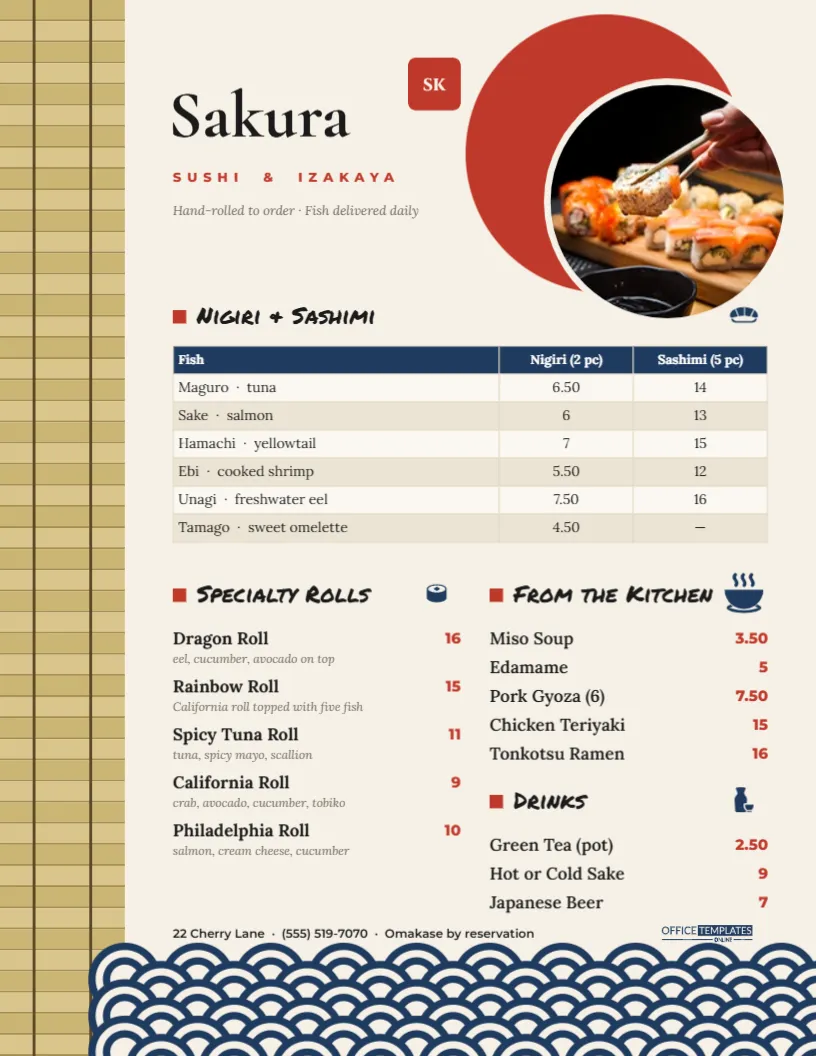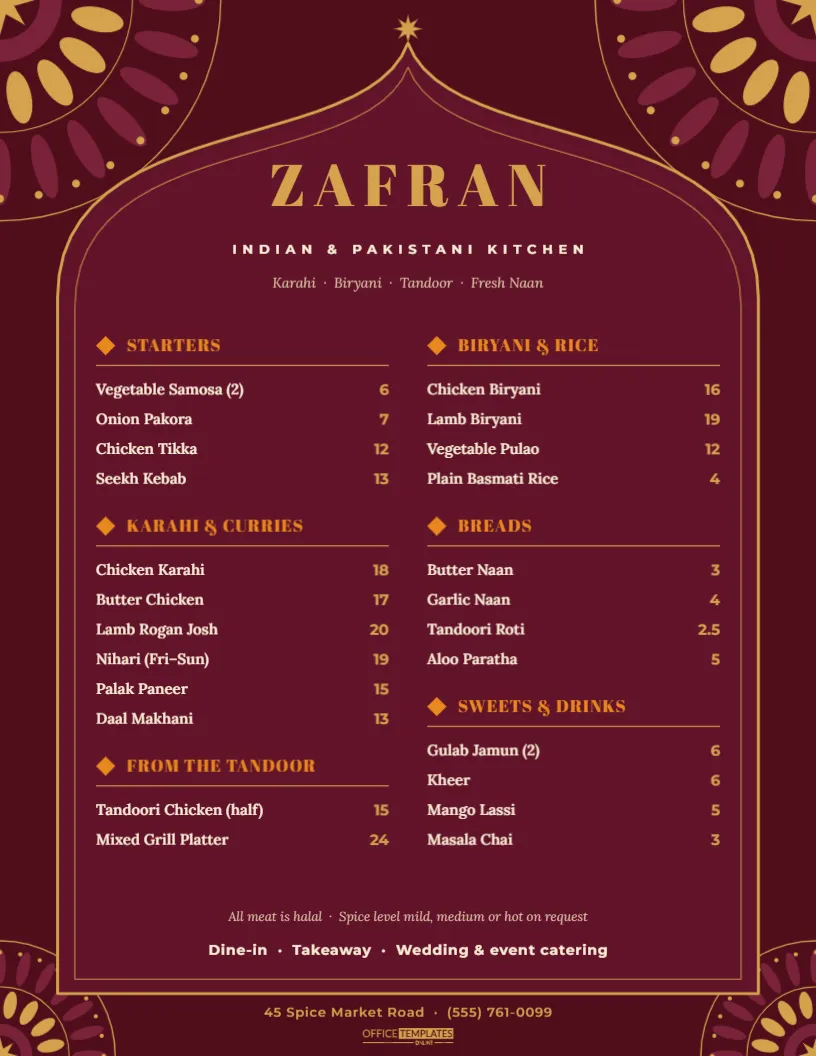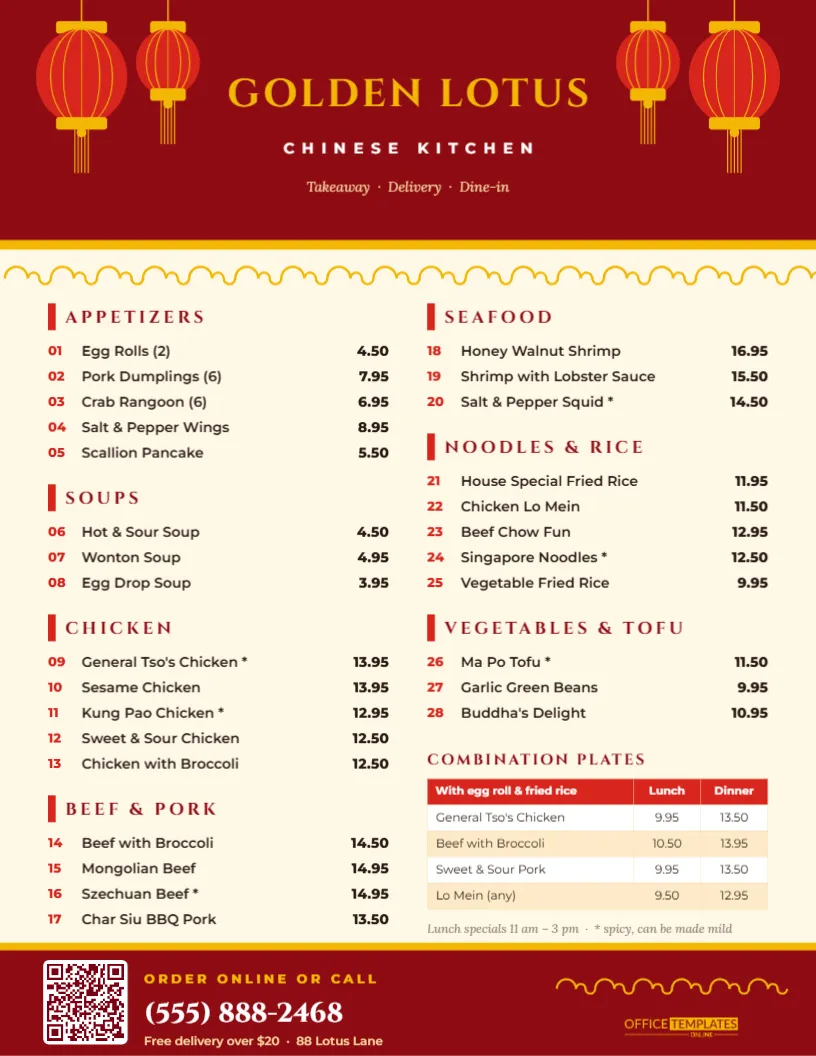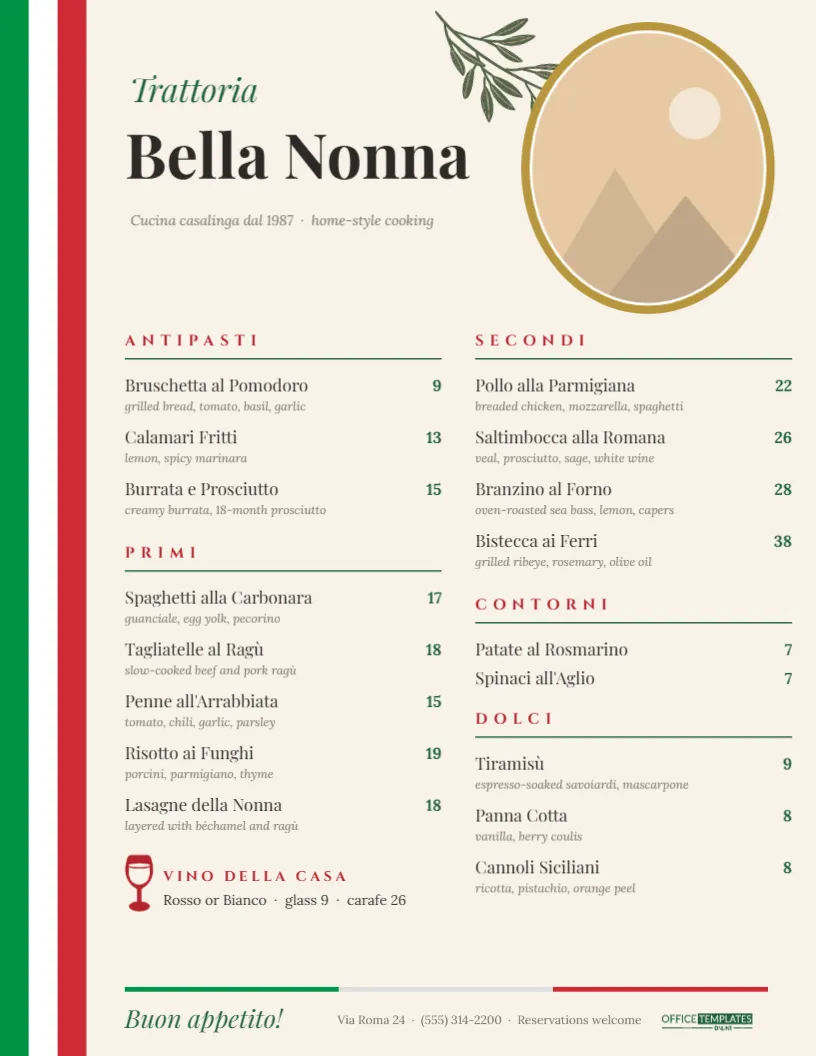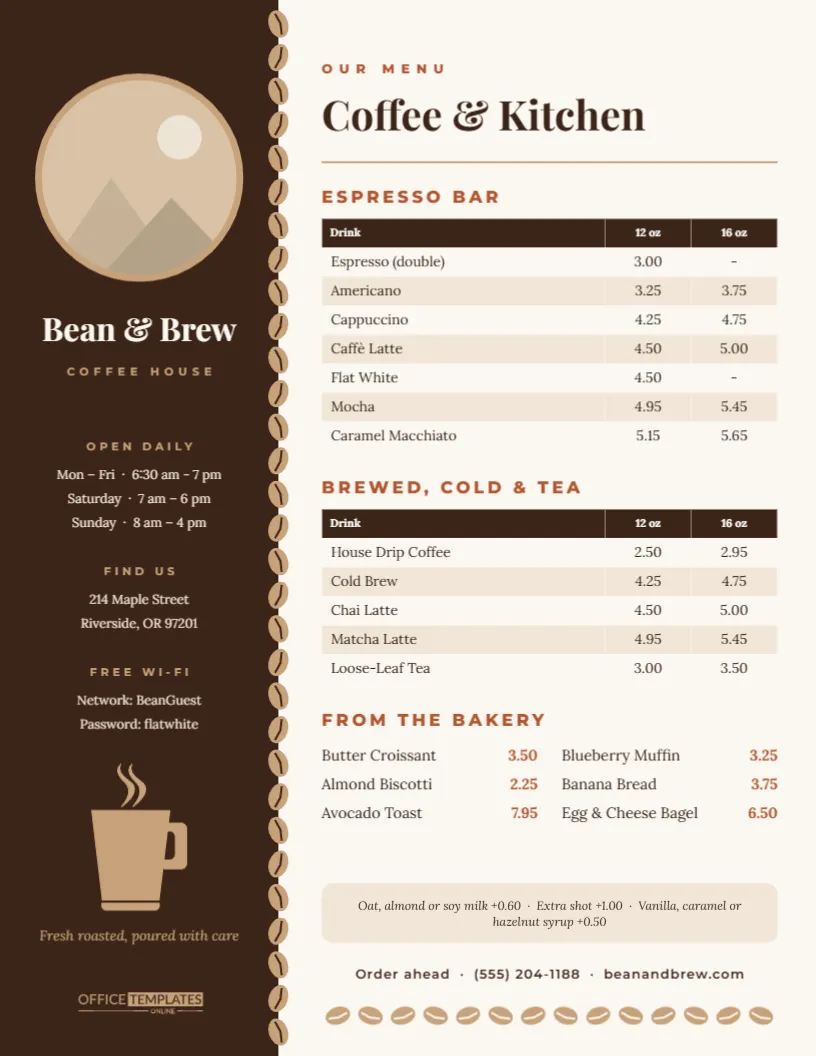
A coffee menu has an unusual job. People read it standing up, often in a queue, usually before their first caffeine of the day. They want to find their drink, see the price for their size, and move on. This coffee shop menu template is laid out for that half-minute glance. Drinks sit in clean rows with a column for each cup size, the bakery case gets its own short list, and the details regulars ask about (hours, address, the Wi-Fi password) live in a dark sidebar so they never clutter the drinks.
A Look at the Layout
The page is US Letter, 8.5 x 11 inches, in portrait orientation. Its left third is a rich espresso-brown sidebar running the full height of the sheet. A column of coffee beans in soft crema tan runs down the sidebar’s right edge like a stitched seam, with each bean tilted a little so the line feels hand-placed. At the top of the sidebar is a large round photo frame with a tan ring. Below it, the shop name, Bean & Brew, is set in bold Playfair Display, with COFFEE HOUSE in widely spaced capitals underneath.
Further down the sidebar, there are three short information blocks, OPEN DAILY, FIND US, and FREE WI-FI, each with a small tan heading and two or three lines of cream text. Near the bottom sits a steaming mug, drawn as a vector in the same tan, with the line Fresh roasted, poured with care beneath it in italic Lora.
The right two-thirds is warm off-white. OUR MENU sits in small terracotta capitals above the headline Coffee & Kitchen, followed by a thin tan rule. Then come the three menu sections:
- Espresso Bar: a price table with Drink, 12 oz and 16 oz columns and seven drinks, from a double espresso to a caramel macchiato.
- Brewed, Cold & Tea: a second table in the same style, covering drip coffee, cold brew, chai, matcha and loose-leaf tea.
- From the Bakery: six items in two columns, each with its price in terracotta on the right.
A rounded tan box lists the add-ons (plant milks, an extra shot, syrups). An Order ahead line gives the phone number and website, and a horizontal row of coffee beans runs along the foot to echo the seam in the sidebar.
Why Size Columns Beat a Long List
Many small cafés write every drink twice, Latte small 4.50, Latte large 5.00, and end up with a menu twice as long as it needs to be. Size columns fix that. A customer finds Caffè Latte once and reads straight across to the size they want. The two price tables in this template are real editor tables, not loose text lined up by eye, so the columns stay aligned however many drinks you add.
If you sell three sizes, add a column. If you only sell one, delete a column and let the drink names spread out. Drinks that only come in one size, such as the double espresso and the flat white in the sample, simply show a dash in the other column.
Editing the Menu for Your Café
- Swap in your photo. Click the round frame at the top of the sidebar and choose Replace Image. Your photo fills the circle and the frame keeps its size. A top-down shot of latte art, your storefront, or your roaster all work well.
- Rename the shop. Double-click Bean & Brew and type your name. If it is long, shorten the font size a step so it stays on one line inside the sidebar.
- Update the drinks. Double-click a price table (or use Edit Table Data) to change drink names and prices. Press + Row to add a drink. If your price list already lives in a spreadsheet, Import CSV fills the table in one step.
- Adjust the bakery list. Each bakery item is a pair of text boxes, a name and a price, so you can retype them or drag them to rebalance the two columns.
- Fill in the sidebar. Enter your real hours, address, and Wi-Fi details. The Wi-Fi block is the most photographed part of any café menu, so keep the password short and easy to type.
- Recolour if you like. The beans and the mug are editable vectors. Select the mug and change its colour from the colour swatches, or ungroup the bean column to move individual beans.
What Belongs in Each Section
If you are writing a café menu for the first time, this table shows what each area of the template is meant to hold, with examples from the sample text:
| Section | What to put there | Example from the template |
|---|---|---|
| Espresso Bar | Every drink built on a shot of espresso, from plainest to sweetest | Americano, Cappuccino, Mocha, Caramel Macchiato |
| Brewed, Cold & Tea | Batch coffee, cold drinks, and anything tea-based | House Drip, Cold Brew, Chai Latte, Loose-Leaf Tea |
| From the Bakery | Pastries and light food with one price each | Butter Croissant, Avocado Toast, Egg & Cheese Bagel |
| Add-ons box | Paid extras that apply to many drinks | Oat milk, extra shot, flavour syrups |
| Sidebar | Practical facts customers ask the barista about | Hours, address, Wi-Fi network and password |
Ordering drinks from simple to indulgent within each table helps people who are ordering for the first time. They can start with what they recognise and read down to the specials.
The Morning-Rush Test
Before printing, stand six feet from your screen and try these checks. They are the ones that matter when there is a line out the door:
- Can you find the price of a large latte in under five seconds?
- Is every drink spelled the way your baristas say it out loud? If the menu says Caffè Latte but staff call it a latte, customers will still understand, but consistent names make a busy counter run more smoothly.
- Do the add-on prices match your register exactly?
- Are seasonal drinks marked clearly? You could add a row such as Pumpkin Spice Latte (fall only) at the top of the Espresso Bar table.
- Is the Wi-Fi password legible from a café table, not just at arm’s length?
Printing It for the Counter and the Tables
The design has a full-bleed dark sidebar, so it looks best printed edge to edge. A local print shop can trim it cleanly. Home printers usually leave a thin white margin, which is fine on a clipboard but more visible in a frame. Some practical routes:
- Counter menu: print on 100 lb matte cover stock and slide it into a clear acrylic stand or a letter-size frame beside the register.
- Table menus: laminate a few copies. The off-white main column wipes clean, and the dark sidebar hides fingerprints.
- Window display: tape one copy inside the front window, facing out, so passers-by can check prices before they come in.
- Digital menu: download it as a PNG or JPG for your website, Google Business profile, or a tablet on the counter. Keep a PDF for print shops.
Deep browns print darker on uncoated paper. If the sidebar comes out muddy, lighten the brown a notch in the editor and reprint one test copy before a full run.
Barista Questions, Answered
Can I add a third size, like 20 oz?
Yes. Open the table’s settings and increase the number of columns, then type the new size in the header row. If the drink names start to feel cramped, widen the table a little or shorten a long name.
We only serve drip coffee and tea. Can I remove the Espresso Bar?
Select the Espresso Bar heading and its table and delete them, then drag the remaining sections up. You could stretch the bakery list into the freed space or add a breakfast section.
Does the photo have to be round?
The frame is a circle because it echoes a cup seen from above, and Replace Image keeps that shape. If you would rather show your logo, a round logo drops into the same frame neatly.
How often should I update a café menu?
Most cafés adjust prices once or twice a year and change seasonal drinks four times a year. Since the menu is saved in your account, a seasonal update means editing a few rows and downloading a new copy.
Pour, Print, Serve
A good café menu should feel like the shop itself: warm, uncluttered and quick to use. Add your photo, set your prices and Wi-Fi details, then print a copy for the counter and download another for your website. When the autumn drinks arrive, open the template, add a row or two, and your menu is ready for the next season.