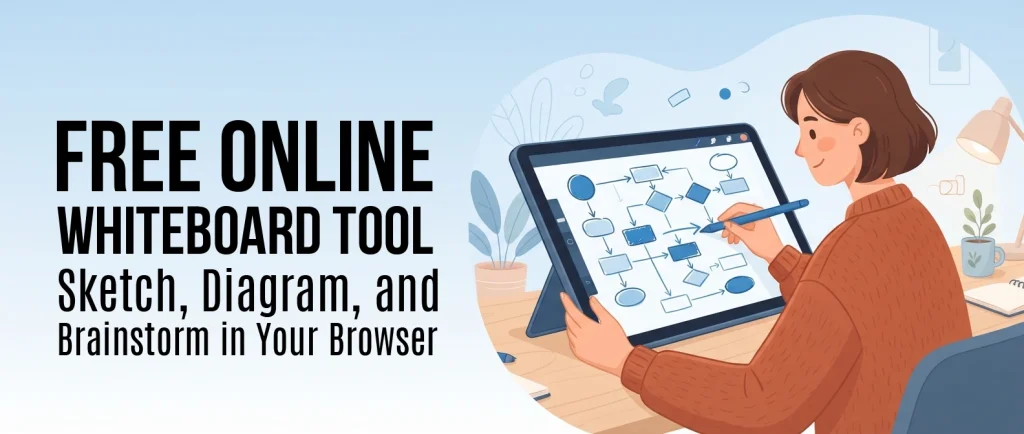
Free Online Whiteboard Tool: Sketch, Diagram, and Brainstorm in Your Browser
Some ideas are just easier to draw than to type out. If you’re mapping out a plan, explaining a process to someone, or working through an idea with a team, a blank canvas is usually faster than opening a document or a slide deck. You just need somewhere to draw.
This free online whiteboard gives you a clean, hand-drawn-style canvas that works right in your browser, on any device. There’s nothing to install and nothing to sign up for just to try it. Draw shapes, arrows, and freehand notes, add text and images, and lay out your ideas visually. It’s one of several free tools on this site, including our Invoice Generator and Report Card Generator. Start sketching below.
Who uses an online whiteboard like this
- Teams and remote workers: brainstorm together over a screen share the same way you would at a physical whiteboard.
- Students and self-learners: sketch concept diagrams, mind maps, and study notes.
- Freelancers and small business owners: rough out a wireframe, a process diagram, or a client-facing sketch quickly.
- Anyone planning something visually: a layout, a flowchart, a simple mind map, without opening a full design app for a five-minute sketch.
How it’s different from most free whiteboard tools
Most “free” whiteboard tools ask you to create an account before you can draw a single shape, limit what you can export unless you upgrade, or track what you do for ads. This one skips all of that. Guest use is genuinely free, and your drawing stays in your own browser. Nothing is uploaded anywhere unless you choose to save it. You can export as a PNG or an SVG at any time, with no watermark and no paywall. If you’d like to save drawings to come back to later, a free account lets you do that too, but it’s optional, not required to get started.
How to get started
- Pick a tool from the toolbar: rectangle, arrow, freehand pen, or text.
- Sketch your diagram, mind map, or notes directly on the canvas.
- Export it as a PNG or SVG, or save it to your free account to keep working later.
Prefer a distraction-free, full-screen workspace?Open the full whiteboard app(opens in a new tab)
Frequently asked questions
Is this whiteboard tool really free?
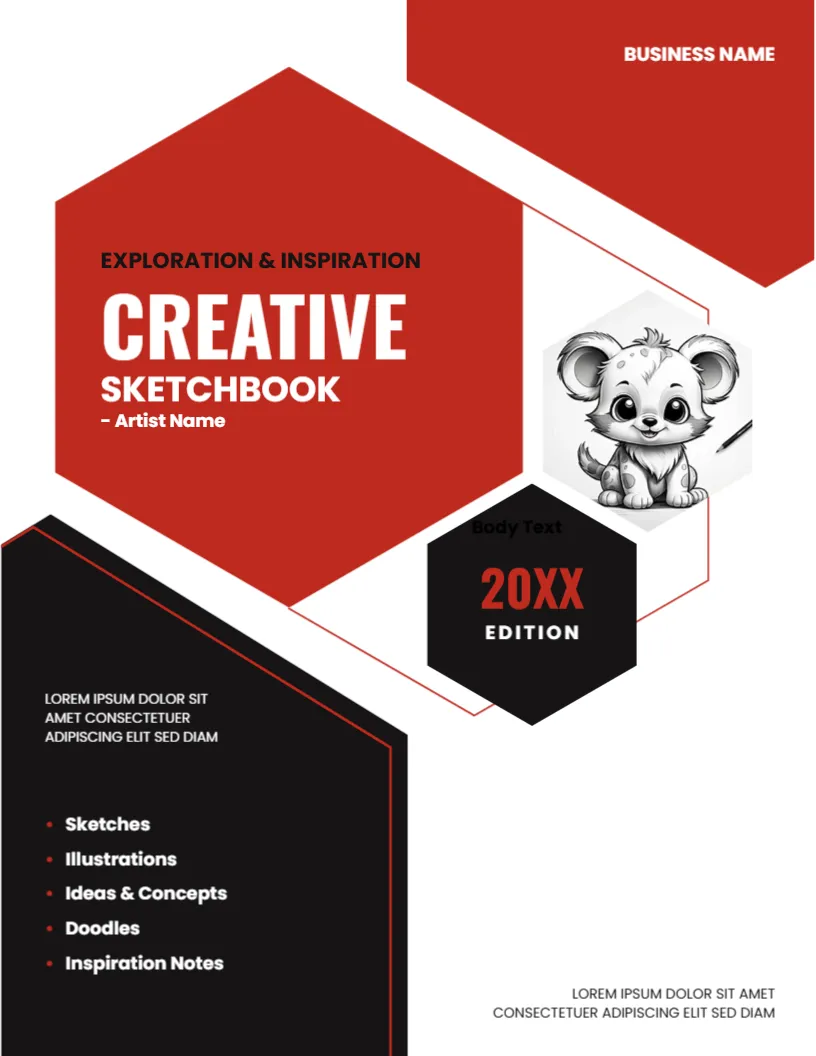
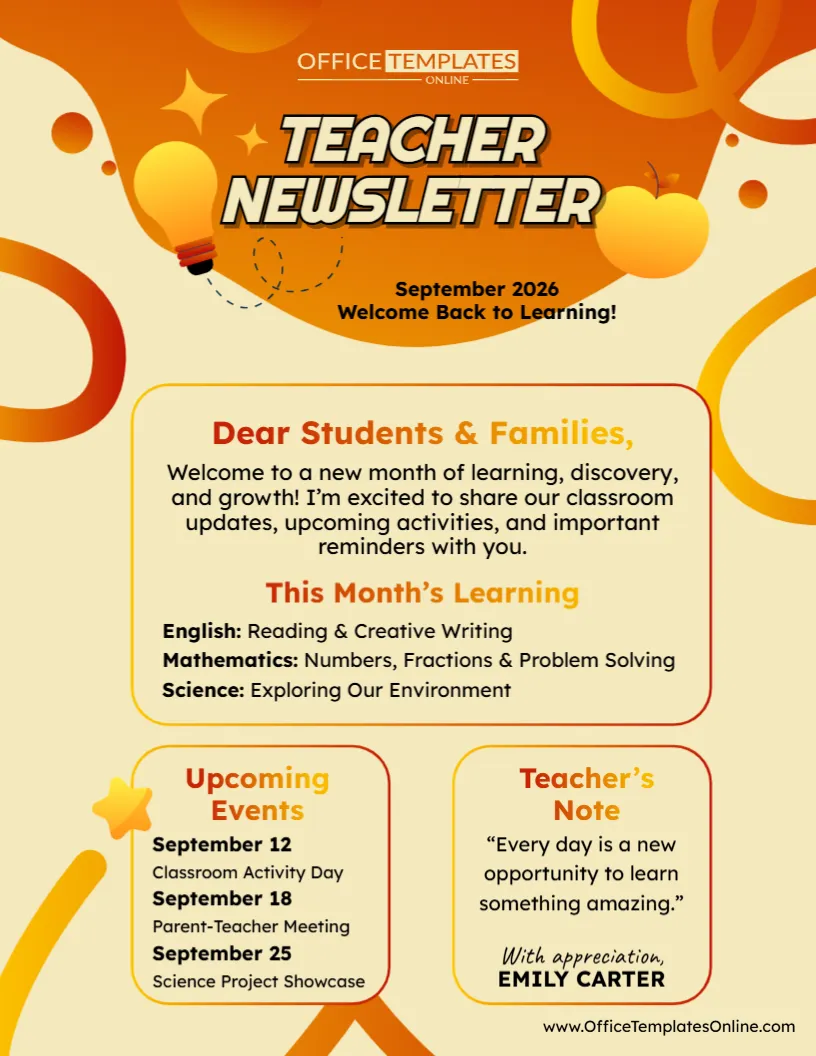
Create Your Perfect Templates in Seconds
Choose from ready-made templates related to this topic, edit them online, and download instantly in PDF, PNG, or JPG format - fast, free, and no login needed.


Yes. Drawing and exporting are completely free, and you don’t need to sign up to get started.
Do I need to create an account?
No. Your drawing stays in your browser automatically. A free account just lets you save drawings and come back to them later, from any device.
Can I use this on my phone or tablet?
Yes. It works on any modern browser, including touchscreens.
Can I export my drawing to use elsewhere?
Yes. Export to PNG for documents and slides, or SVG if you need to scale it without losing quality, with or without a background.
Is my drawing private?
Yes. As a guest, everything stays local in your browser and nothing is sent to a server. If you save it to your account, only you can access it.











