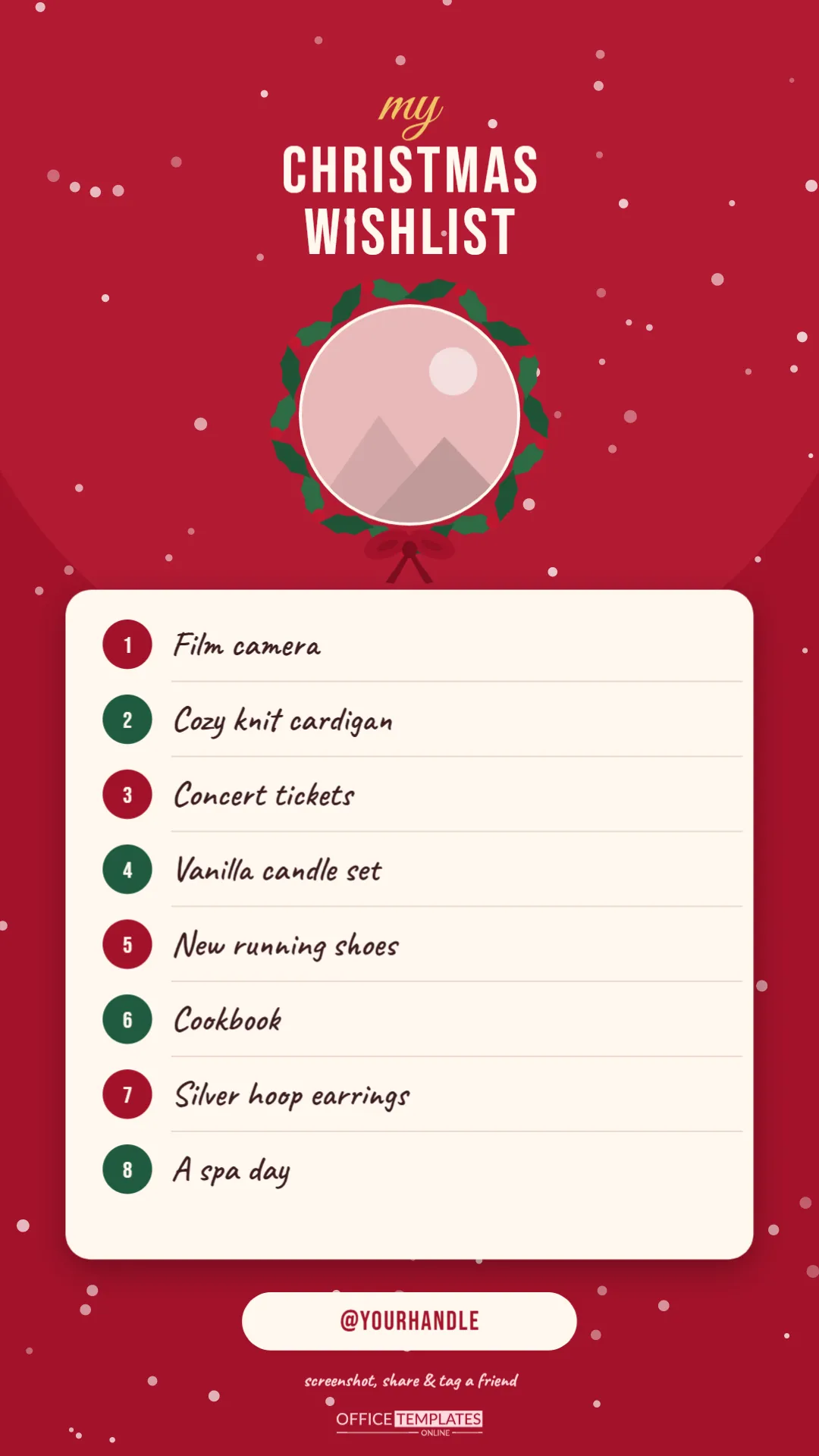
A lot of wish lists never touch paper anymore. They get shared as stories, posted in group chats, and saved as phone wallpapers. This template is made for exactly that: a tall 1080 x 1920 pixel Christmas wishlist that fits a phone screen perfectly. Add your photo, type eight wishes and your handle, download it as an image, and post it to your story in a couple of minutes.
Built for a Phone Screen
The design is 1080 x 1920 pixels, the standard 9:16 size for Instagram Stories, Facebook Stories, TikTok images, and WhatsApp Status. The background is a rich Christmas red with a softer red glow behind the top half and white snowflakes drifting across the whole screen.
At the top, my is written in gold Great Vibes script above CHRISTMAS WISHLIST in tall cream Bebas Neue capitals. Below the title, your photo sits in a circle framed by a wreath of green holly leaves and red berries, with a red bow tied beneath it. The centre of the story is a cream card with rounded corners, holding eight numbered wishes. The numbers sit in alternating red and green circles, and each wish is written in large, friendly handwriting that is easy to read on a small screen. At the bottom, a cream pill shows @yourhandle, with screenshot, share & tag a friend in handwriting and our logo in soft pink.
Posting Your Wishlist to a Story
- Personalise it in the editor: add your photo, type your wishes, and your handle.
- Download a PNG (or a JPEG) from the editor’s download menu. PNG keeps text crisp.
- Save it to your phone. If you designed it on a computer, send the file to yourself by email or cloud storage, then save it to your camera roll.
- Open your story in Instagram or Facebook and choose the image from your gallery. At 9:16, it fills the screen without cropping.
- Add stickers if you like: a link sticker to a shop page, a mention of friends, a poll (Which should I ask Santa for?) or a music track.
- Share, and save it to a Highlight so it stays on your profile through December.
Keep the most important information away from the very top and bottom edges of the screen, where the app places your profile name and reply bar. The template already leaves room there.
Story Specifications at a Glance
| Setting | This template |
|---|---|
| Size | 1080 x 1920 pixels |
| Aspect ratio | 9:16 (vertical) |
| Best download format | PNG for sharpness; JPEG for a smaller file |
| Wishes | Eight numbered lines |
| Photo | Circular photo slot inside a holly wreath |
| Also works for | Facebook Stories, WhatsApp Status, TikTok photos, phone wallpaper |
Personalising the Story
- Photo: click the circle inside the wreath and use Replace Image. A close-up selfie, your pet, or a flat-lay of your favourite things all look great.
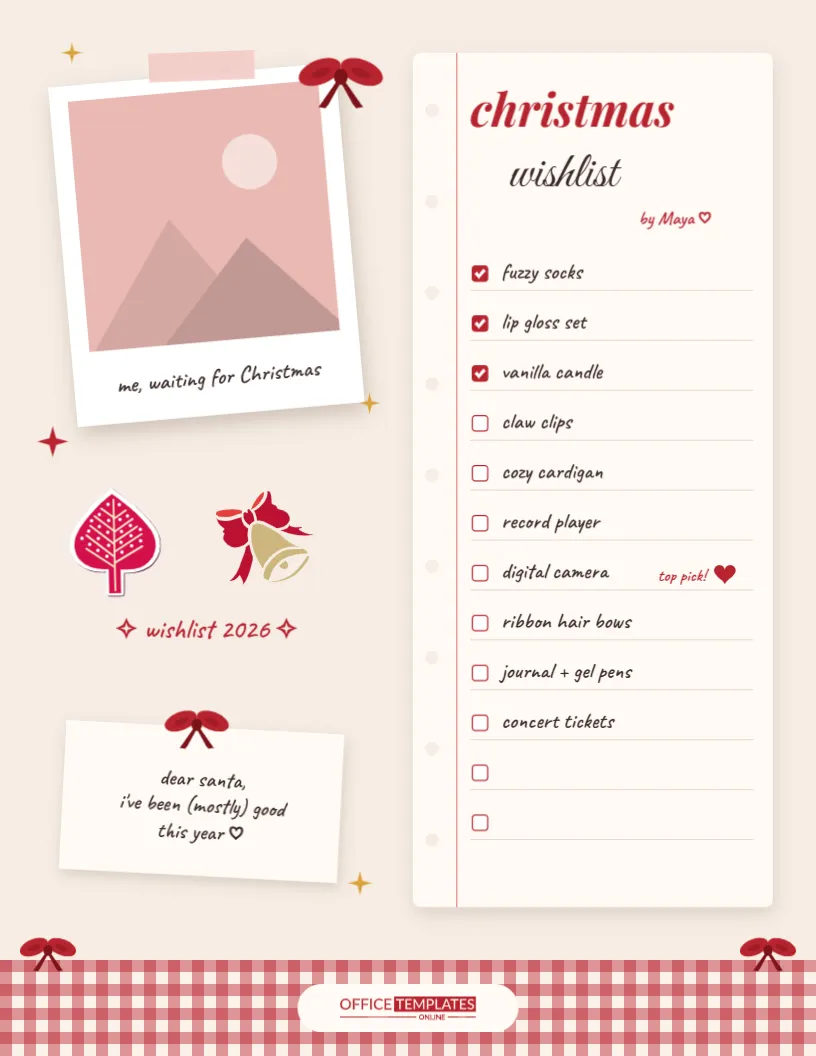
- Wishes: click each line and type. Keep them short so they stay on one line at this size; the sample lists a film camera, a cozy knit cardigan, concert tickets, a vanilla candle set, new running shoes, a cookbook, silver hoop earrings and a spa day.
- Handle: replace @yourhandle with your username, or with your name if you are sharing privately.
- Colours: recolour the red background, the number circles, or the card. The wreath and snowflakes are grouped, so each moves as one piece.
- Title: change my to our for a couple or family list.
Ideas to Make It Interactive
Stories are built for interaction, so use it. Post your list, then add a poll sticker asking friends to pick your top wish. Share a fill-in-yours version with the wishes deleted, and invite friends to screenshot it, fill it in with the text tool, and tag you. Or post your list together with a friend’s, so your group can plan a gift swap. The small line at the bottom of the template invites exactly that.
A Word on Privacy
A wishlist story is fun, but it is also public if your account is. Leave out personal details like your address, and consider sharing to your Close Friends list rather than everyone. If you want relatives to buy from specific shops, send the links privately rather than posting them publicly.
Beyond Instagram
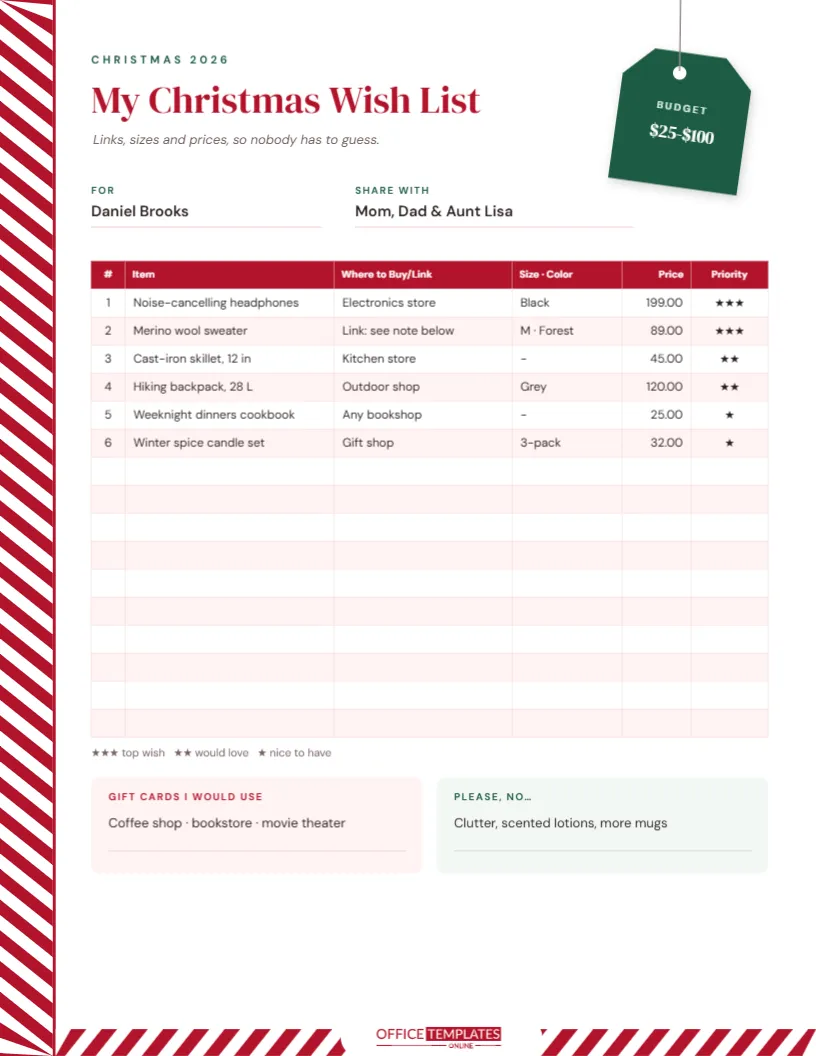
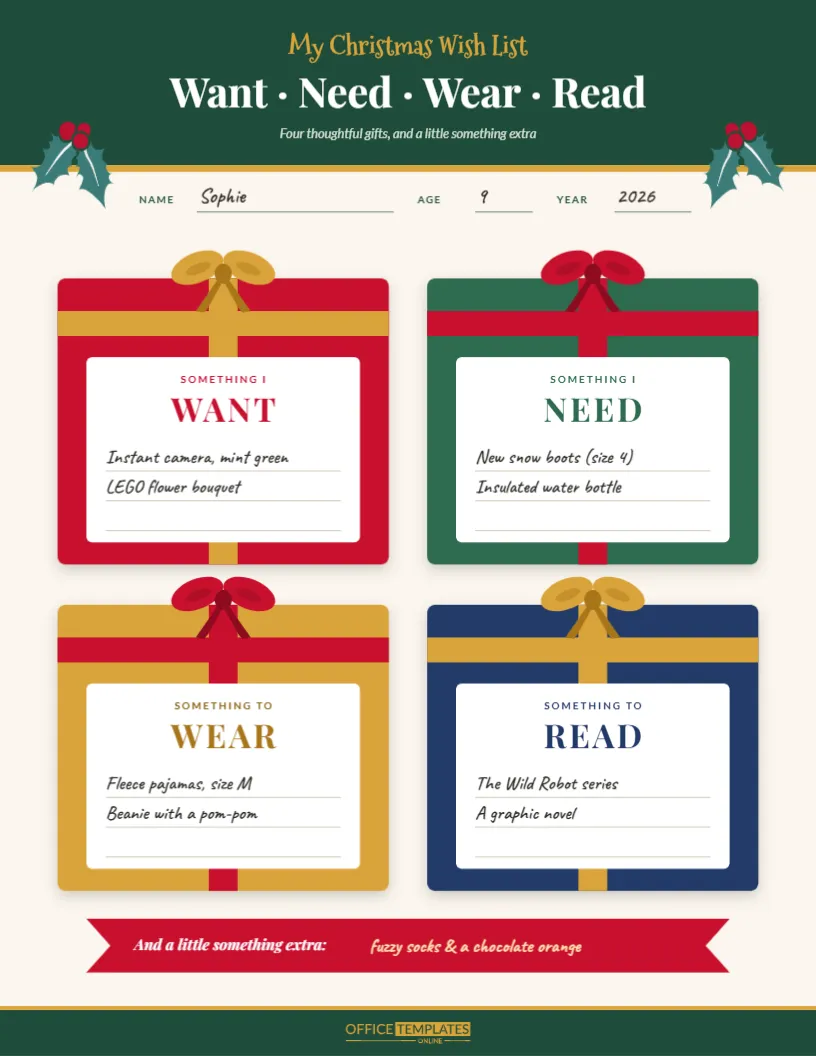
The same image works well as a phone lock screen through December, as an image in a family group chat, or printed at 4.5 x 8 inches if you ever want a paper copy. For a printable version with more room, try the other Christmas wish lists in this collection, such as the want, need, wear, read list or the wish list with links and prices.
Timing Your Post
Stories disappear after twenty-four hours unless you save them to a Highlight, so choose your moment. Early December, when friends and family start asking what you want, is ideal, and a second post a week or so later reminds anyone who missed it. If a wish gets bought, update the list in the editor, cross it out or replace it, and share the new version. Saving each version in a Christmas Highlight also makes a fun record to look back on next year.
Story Wishlist Questions
Will it look blurry on my phone?
No. At 1080 x 1920 pixels, it matches the resolution stories are displayed at. Download as PNG for the sharpest text.
Can I post it as a regular feed post?
Feed posts are usually 4:5 or square, so the top and bottom would be cropped. It is designed for stories.
Can I add more than eight wishes?
Eight fit comfortably at a readable size. For more, duplicate the page in the editor, number the second list 9 to 16, and post it as the next story frame.
Share the Christmas Spirit
Pop in your photo, list your top eight wishes, and post them where your friends and family already are. Christmas wishes, story-ready.
When the gifts are opened, post a thank-you story using the same design, with the wishes that came true ticked off.