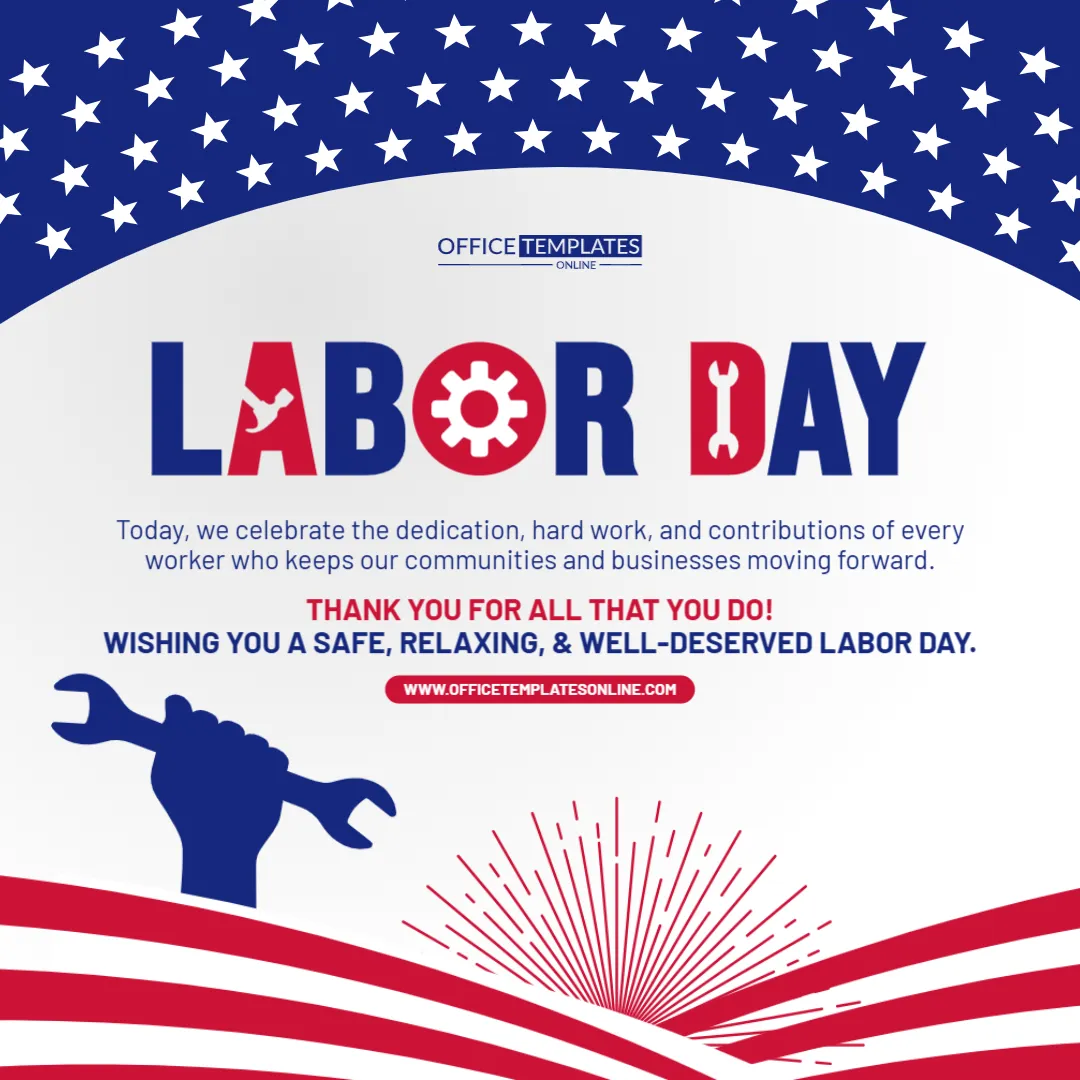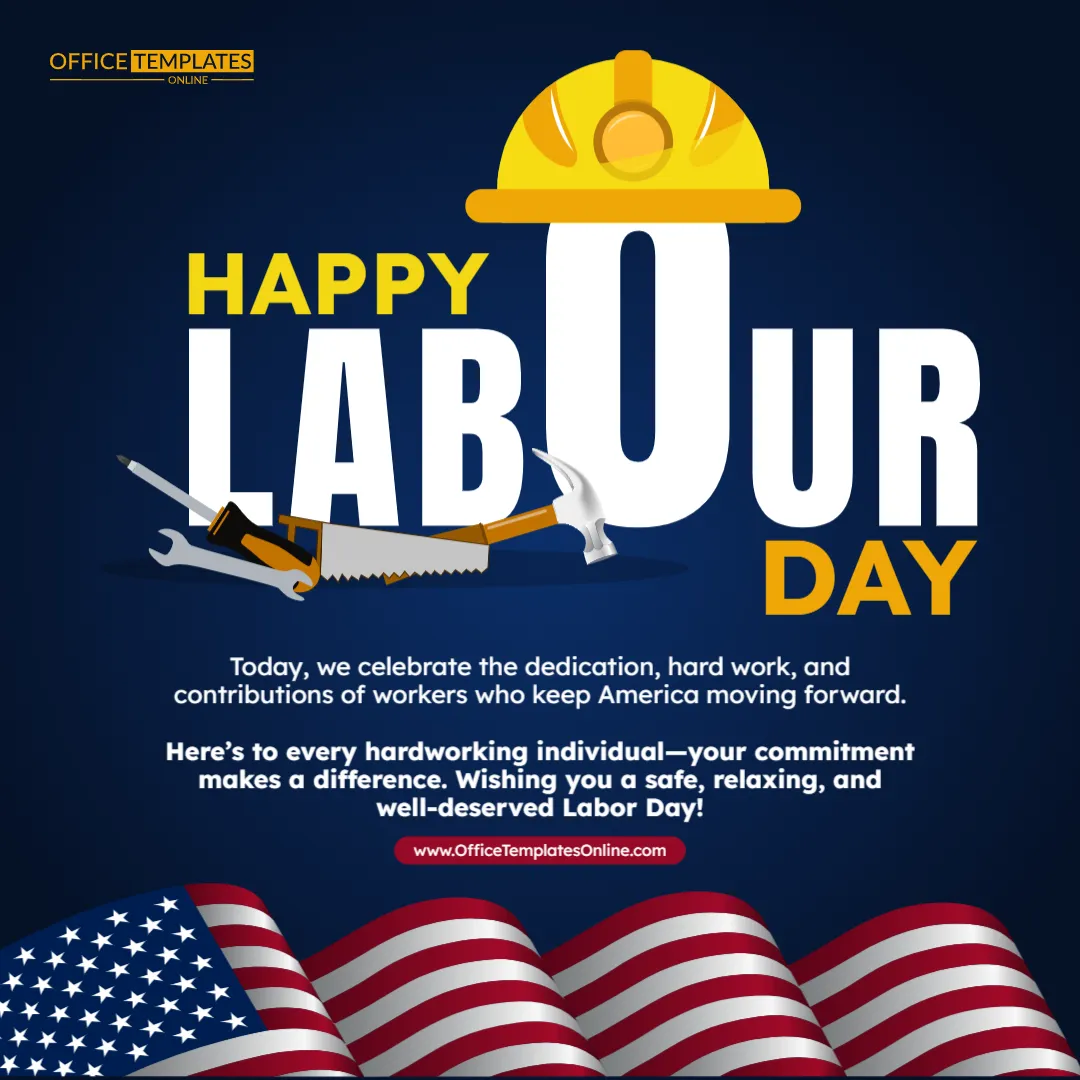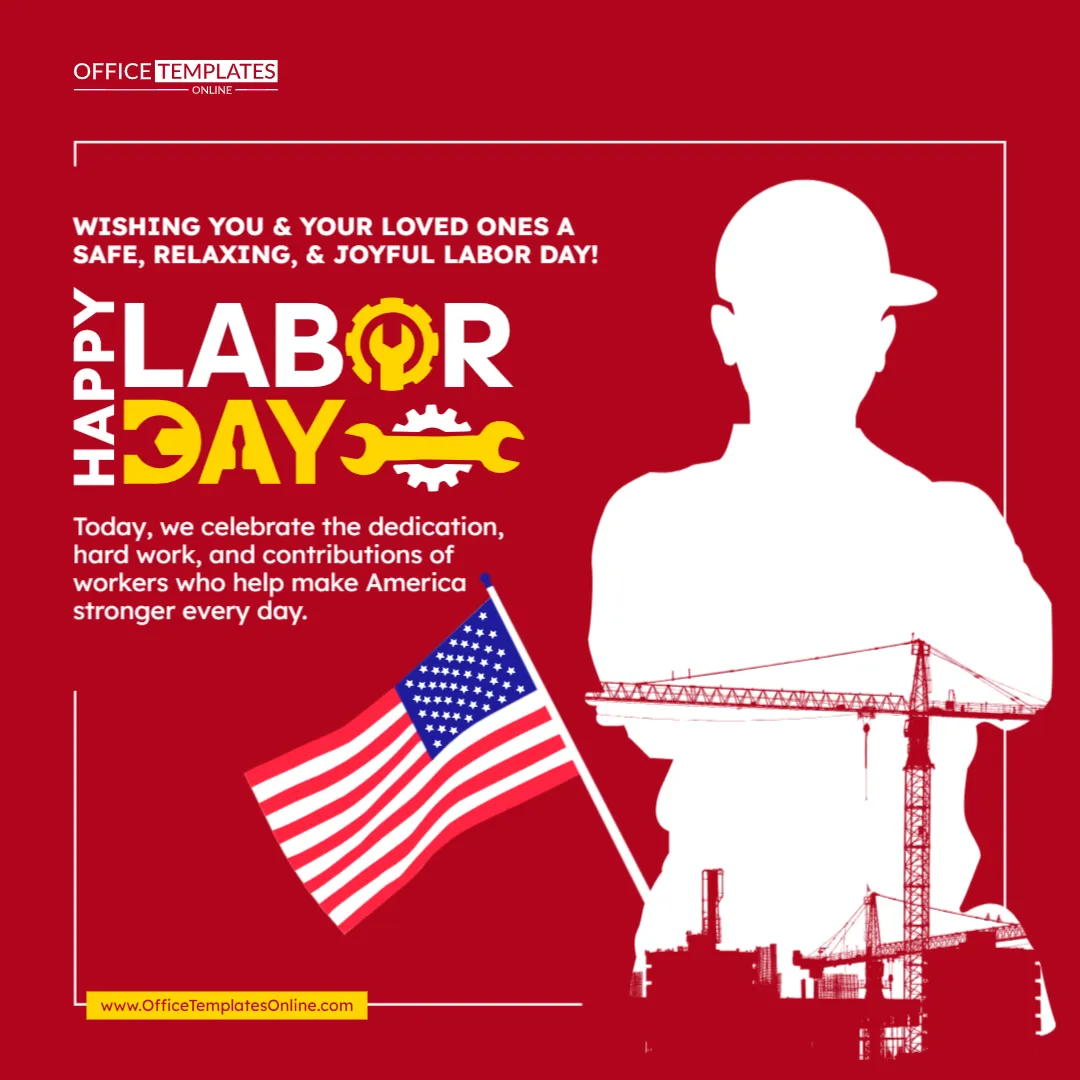
Welcome Visitors with a Bold Labor Day Message That Celebrates American Workers
Give your website a timely holiday look with this Labor Day Website Banner Template. Designed with a wide horizontal layout, patriotic colors, bold typography, and a clear call-to-action area, this template provides a ready-made way to recognize Labor Day while directing visitors toward your holiday deals, promotions, or other relevant content.
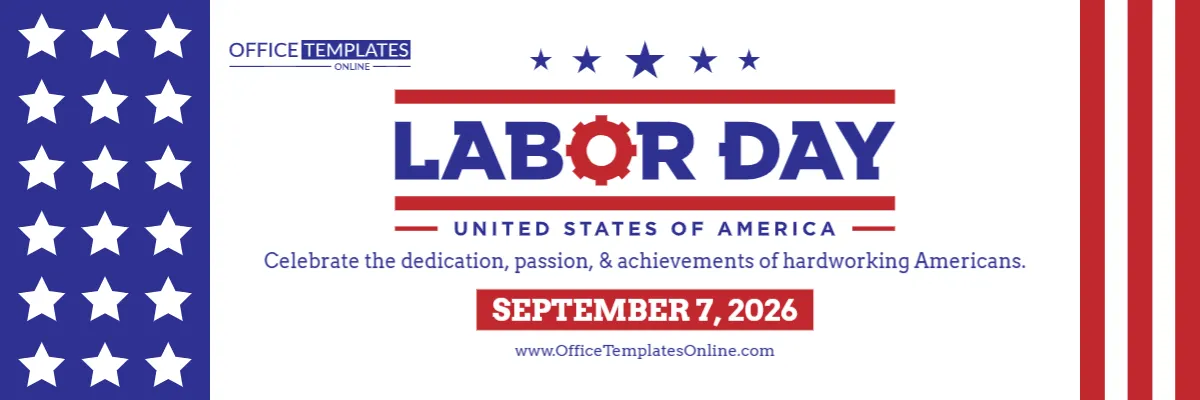
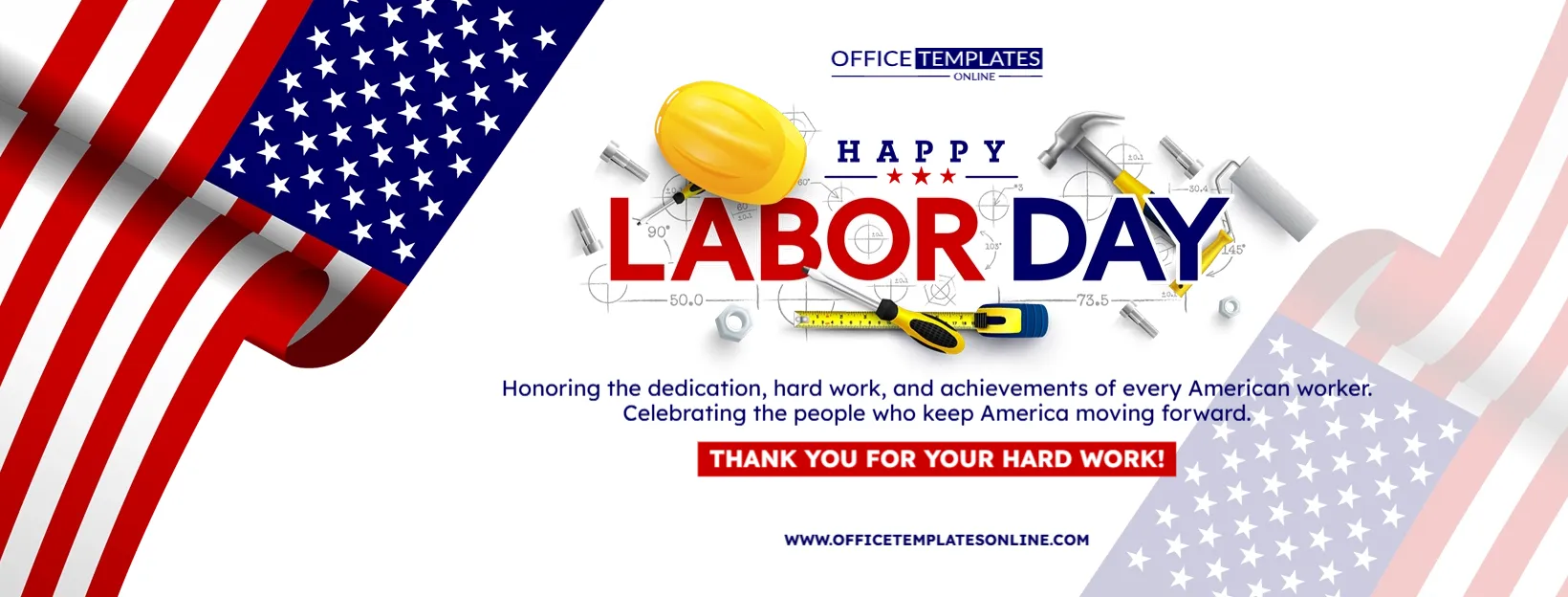
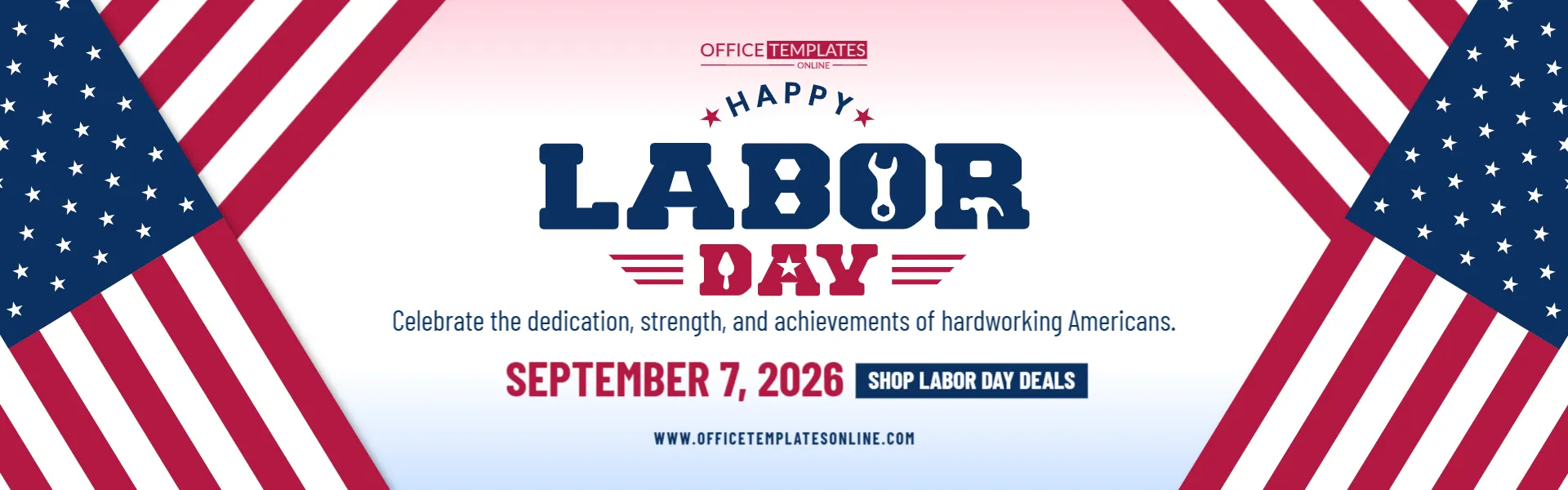
The design combines red, white, and blue stars and stripes with a large “Happy Labor Day” message in the center. Tool-inspired details incorporated into the typography add a work-related touch, while the supporting message recognizes the dedication, strength, and achievements of hardworking Americans.
A prominent date and “Shop Labor Day Deals” call to action complete the design, making it especially useful for businesses that want to combine a Labor Day greeting with a promotional message.
There is no need to recreate this banner from scratch. Open the template in our online editor directly in your browser, customize it without logging in, and download your completed design in PDF, PNG, or JPG format.
What Makes This Labor Day Website Banner Different?
This design combines two types of messaging in a single banner: holiday recognition and a business call to action.
Rather than focusing entirely on a large discount percentage, the center of the design gives the Labor Day greeting the most visual importance. The promotional call to action appears underneath, allowing your website to recognize the holiday first and introduce your deals or special content second.
The ready-made layout includes:
- A “Happy Labor Day” greeting
- A message celebrating hardworking Americans
- A prominent Labor Day date
- A call-to-action area
- Space for a website address
- Red, white, and blue color styling
- American flag-inspired stars and stripes
- Work and tool-inspired details within the lettering
- A spacious horizontal website-banner layout
You can use these elements as your starting point and replace the sample information with content that fits your website.
Designed to Sit Prominently Across a Website
The extra-wide shape is one of the defining features of this template.
Rather than using a square or vertical format, the design spreads its visual elements horizontally. This makes it particularly suitable for website areas where a broad banner is more appropriate.
The stars and stripes enter the composition from both sides and naturally direct attention toward the central message. Because the main content is placed against a light background, the headline remains easy to distinguish from the decorative patriotic elements.
This arrangement can work well when you want your Labor Day message to appear prominently without filling the entire banner with text.
Always check the image-size recommendations and responsive behavior of your own website before publishing the downloaded graphic.
A Labor Day Message with Meaning Behind It
The sample wording reads:
“Celebrate the dedication, strength, and achievements of hardworking Americans.”
This message reflects the purpose of Labor Day rather than treating it only as a shopping occasion. The U.S. Department of Labor describes Labor Day as an annual celebration of the social and economic achievements of American workers. The holiday is observed on the first Monday in September.
That makes this template useful when you want a business banner that can acknowledge workers while still providing visitors with a route to your Labor Day offers.
You can keep the appreciation-focused wording or replace it with your own short message.
Edit the Template Online Without Signing Up
You do not need professional graphics software to personalize this website banner.
The template works with our easy-to-use browser-based editor, allowing you to make your changes online. Better still, no login is required to customize the template.
Start with the existing design and edit the available elements according to your needs. You may personalize details such as:
- Main Labor Day wording
- Supporting holiday message
- Displayed date
- Call-to-action text
- Website information
- Text appearance
- Colors
- Other editable design elements
Because the basic composition has already been created, you can spend your time refining your message rather than arranging every design element from an empty canvas.
Change the Call to Action to Fit Your Website
The sample banner uses “Shop Labor Day Deals” as its call to action. This is a good choice for an online store or retailer, but it does not have to remain unchanged.
Different websites have different goals.
An e-commerce store could use:
Shop the Sale
Explore Labor Day Deals
Save This Weekend
A service-based business could use:
View Our Specials
Book Today
See Holiday Offers
For a non-sales page, you could use:
Learn More
View Details
Celebrate With Us
Choose a short CTA that makes sense for the page or content you want visitors to explore.
Remember that the downloaded banner is a visual design. If you want the CTA area to direct visitors to another webpage, you will normally need to add the appropriate link when placing the graphic on your website.
Make the Banner Promotional—or Keep It Celebration-Focused
One advantage of this particular Labor Day template is that it does not depend on a discount percentage.
This gives you more freedom in deciding how promotional you want the finished banner to be.
For a retail website, you can keep the shopping-oriented CTA and use the banner to lead visitors to a Labor Day sale.
For a corporate website, you could replace the shopping message with a simple Labor Day greeting or employee appreciation message.
For a service business, the CTA could lead visitors toward a seasonal offer, booking page, or holiday schedule.
You could also adapt the banner for an organization that simply wants to recognize Labor Day without advertising a sale.
Patriotic Visuals Frame the Message
The red, white, and blue border treatment gives the banner an unmistakably American appearance.
Large dark-blue sections filled with white stars appear on the left and right sides. Red and white diagonal stripes extend inward, creating an American flag-inspired frame around the central content.
Instead of placing the text directly over this detailed background, the template uses a large light-colored area in the middle. This separation helps the headline, supporting message, date, and CTA remain clear.
The result is a design that feels patriotic while keeping the central information as the primary focus.
Tool-Inspired Lettering Adds a Labor Theme
Look closely at the “LABOR” lettering and you will find several small details that help distinguish the design from a general patriotic banner.
Tool and hardware-inspired shapes are incorporated into the letters, including wrench-like and hammer-like forms. These details provide a visual reference to work and skilled labor without requiring separate illustrations of specific professions.
The word “DAY” uses additional star and stripe details, bringing the patriotic and labor themes together in the main title.
This gives the template its own visual personality while keeping the overall message simple.
Update the Date Whenever You Need To
The sample banner displays September 7, 2026.
Labor Day is observed on the first Monday of September each year, so its numerical date changes from year to year. The U.S. Department of Labor confirms this annual first-Monday observance.
If you use this template for another year, update the displayed date before downloading your final version.
You can also replace the single Labor Day date with a promotional period if that better suits your website. For example, a business running a multi-day campaign could use a Labor Day weekend date range instead.
Suitable for Many Types of Websites
Because the template is not tied to a particular product or industry, it can be customized for many business and organizational websites.
Possible uses include:
- Retail websites
- E-commerce stores
- Small business websites
- Corporate websites
- Service business websites
- Home improvement companies
- Automotive businesses
- Restaurants
- Local business websites
- Professional service providers
- Online marketplaces
- Community organizations
- Employee or company portals
The wording you choose will determine whether the finished design feels primarily promotional, informational, or celebratory.
Use It to Guide Visitors Toward Your Labor Day Campaign
A website banner can do more than decorate a homepage for the holiday. It can also serve as a visual introduction to a larger campaign.
For example, you might use your customized banner to direct visitors toward:
- A Labor Day sale page
- Special holiday deals
- A seasonal product collection
- An employee appreciation page
- A Labor Day blog post
- Holiday business hours
- A special event
- A limited-time service promotion
- A customer appreciation offer
Think about the destination first, and then customize the CTA so visitors understand what they can expect after interacting with the banner.
Keep the Main Message Short
Website banners are usually easier to scan when they contain only the most important information.
This template already follows a simple structure:
Holiday greeting ? Supporting message ? Date ? Call to action
Try to maintain that clarity when personalizing it.
Avoid replacing the short supporting sentence with a long paragraph. Likewise, keep the CTA brief and action-oriented.
If your Labor Day promotion has coupon codes, exclusions, detailed terms, or other important information, those details are generally better placed on the page the banner leads to rather than squeezed into the graphic.
Download in PDF, PNG, or JPG Format
Once you are happy with the customized banner, download the finished design in PDF, PNG, or JPG format.
For website use, PNG and JPG provide convenient image options. PDF is also available when you need your completed design in that format for another purpose.
Having several download choices gives you flexibility to save the design in the format that best matches your intended use.
Your Banner Can Be Ready in a Few Simple Steps
You do not have to be a graphic designer to personalize this template. The process is straightforward:
- Open the Labor Day Website Banner Template in the online editor.
- Review the existing Labor Day message.
- Replace the supporting text with your own wording if needed.
- Check and update the Labor Day date.
- Change “Shop Labor Day Deals” to your preferred call to action.
- Replace the sample website information with your own details.
- Customize other available editable elements as desired.
- Proofread the entire banner.
- Download the completed design as PDF, PNG, or JPG.
There is no login required, allowing you to begin customizing the design without first setting up an account.
Check the Banner Before Adding It to Your Website
Before downloading the final version, review the design as a website visitor would see it.
Is the main message immediately understandable? Is the date correct? Does the CTA accurately describe where you want visitors to go? Have you replaced all sample or placeholder information?
If you plan to make the banner clickable on your website, also make sure you link it to the correct destination when adding it to your site.
Finally, check how the banner displays on different screen sizes after publishing it. Websites can handle wide images differently, particularly on mobile devices, so the final appearance will depend on your website’s layout and settings.
Give Your Website a Timely Labor Day Look
Labor Day honors the contributions and achievements of American workers, a tradition with roots in the U.S. labor movement of the late nineteenth century. Congress made the first Monday in September a legal holiday in 1894.
This Labor Day Website Banner Template gives you an easy way to bring that theme to your website while leaving room for your own business message.
Its patriotic stars and stripes create the holiday setting, the bold typography makes Labor Day the visual centerpiece, the supporting text recognizes hardworking Americans, and the CTA gives you space to direct visitors toward your campaign.
Open the template in the online editor, customize it in your browser without logging in, add your own message and website details, and download your finished Labor Day banner as PDF, PNG, or JPG.