
Free Event Templates for Word & Excel - Invitations, Flyers & Guest Lists
Free, editable event templates for Microsoft Word & Excel – plan parties, weddings, school events, holiday gatherings, and office meetings in minutes.
Browse the designs below and download your editable template – polished layouts, easy customization, and print-ready results.

![11+ Best & Free Thanksgiving Templates – [Cards, Invitations, Menu, Posters]](https://officetemplatesonline.com/wp-content/uploads/2021/10/best-thanksgiving-card-invitation-and-menu-templates-in-ms-word-250x300-oto-trim.jpg)
Advertisement


Advertisement


Featured Browser-Editable Templates
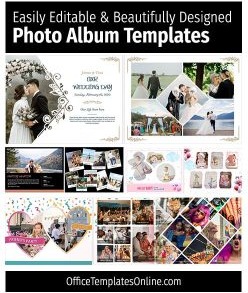
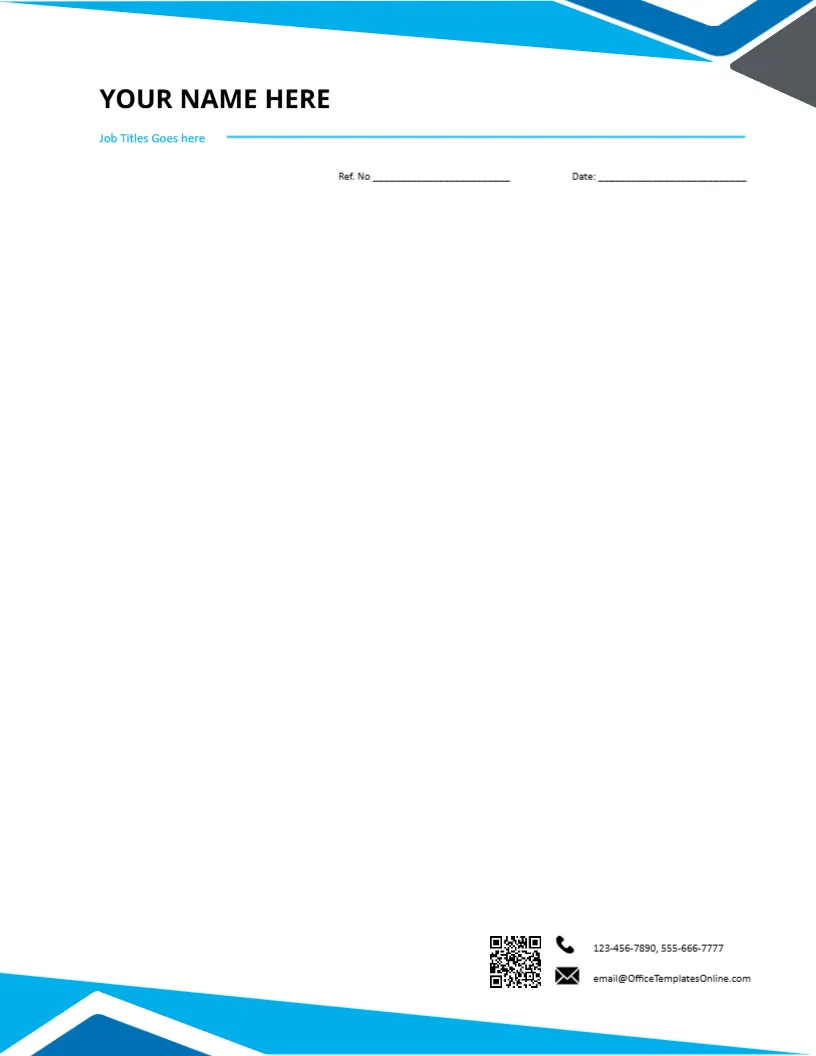
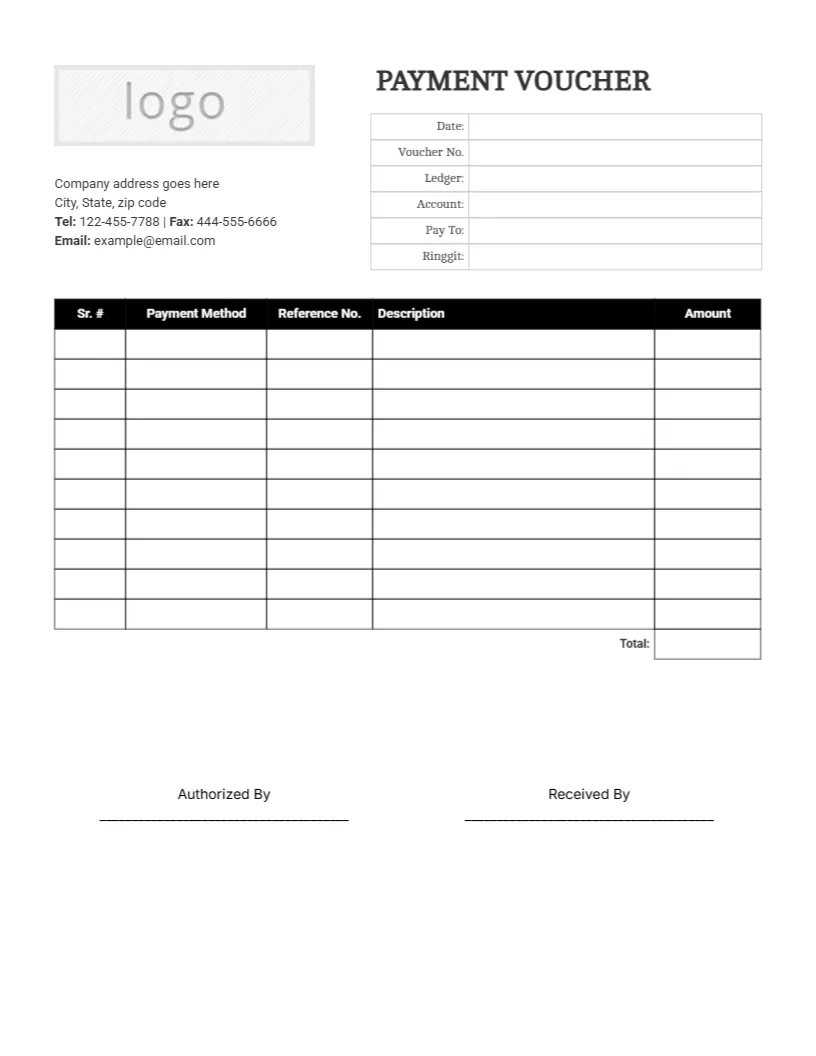
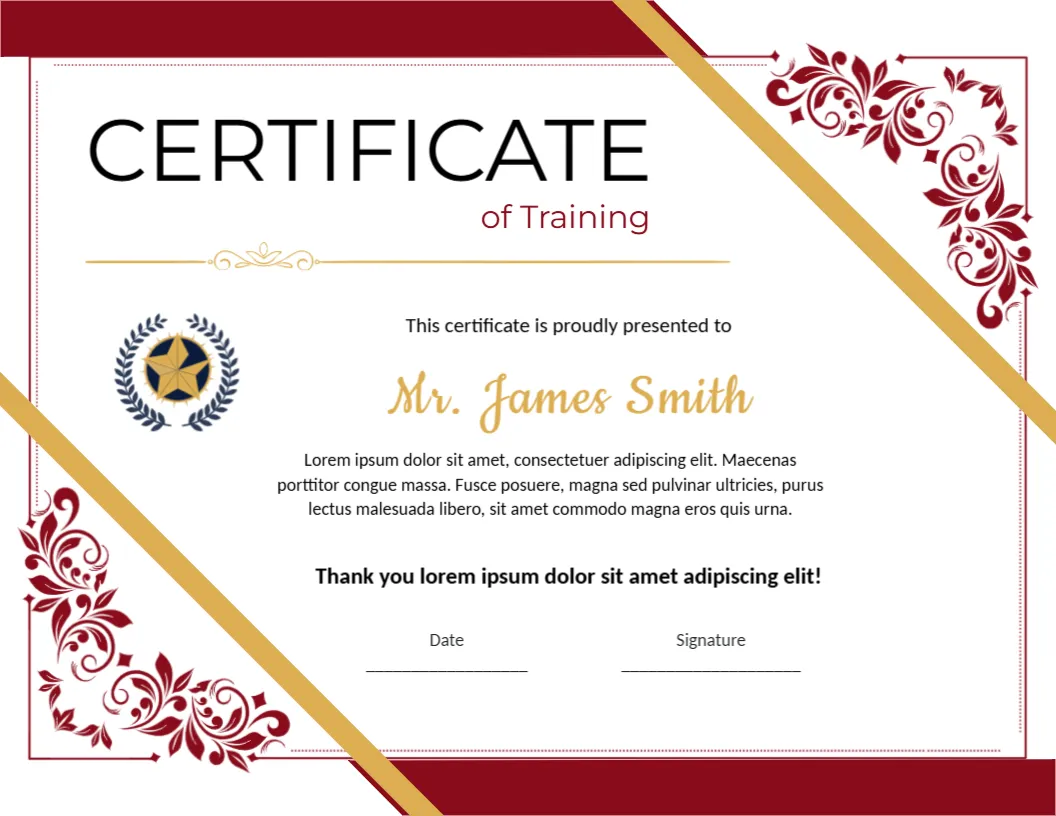
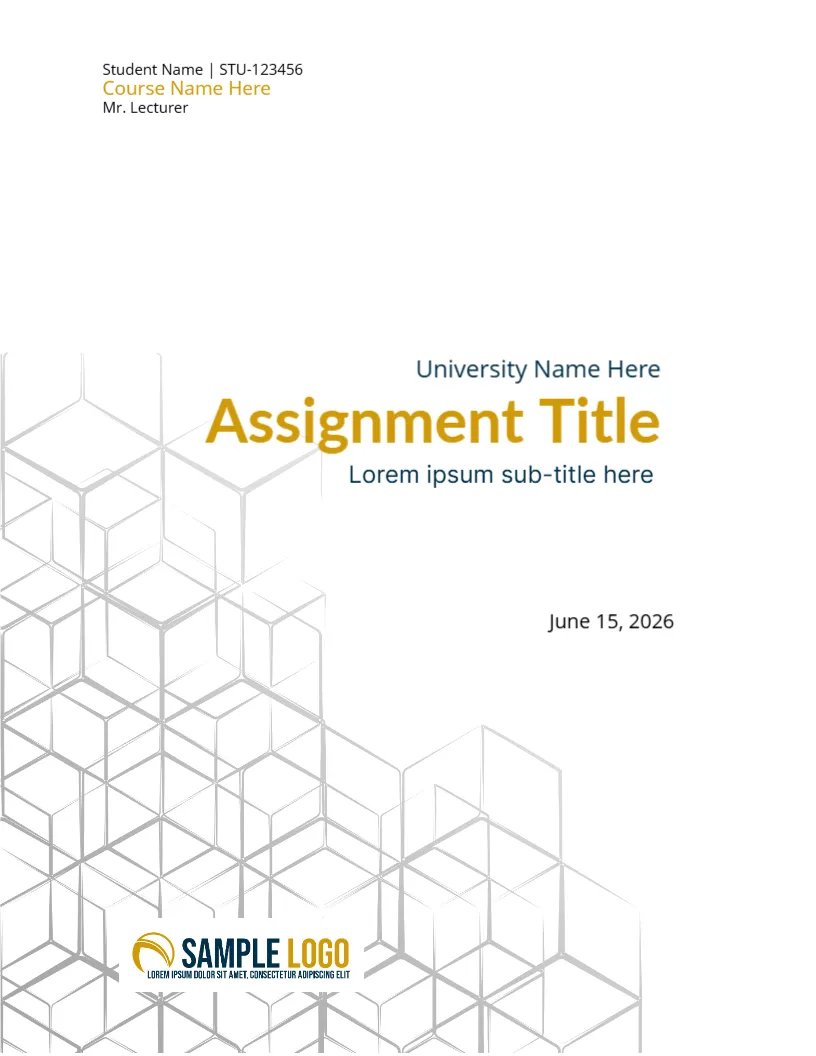
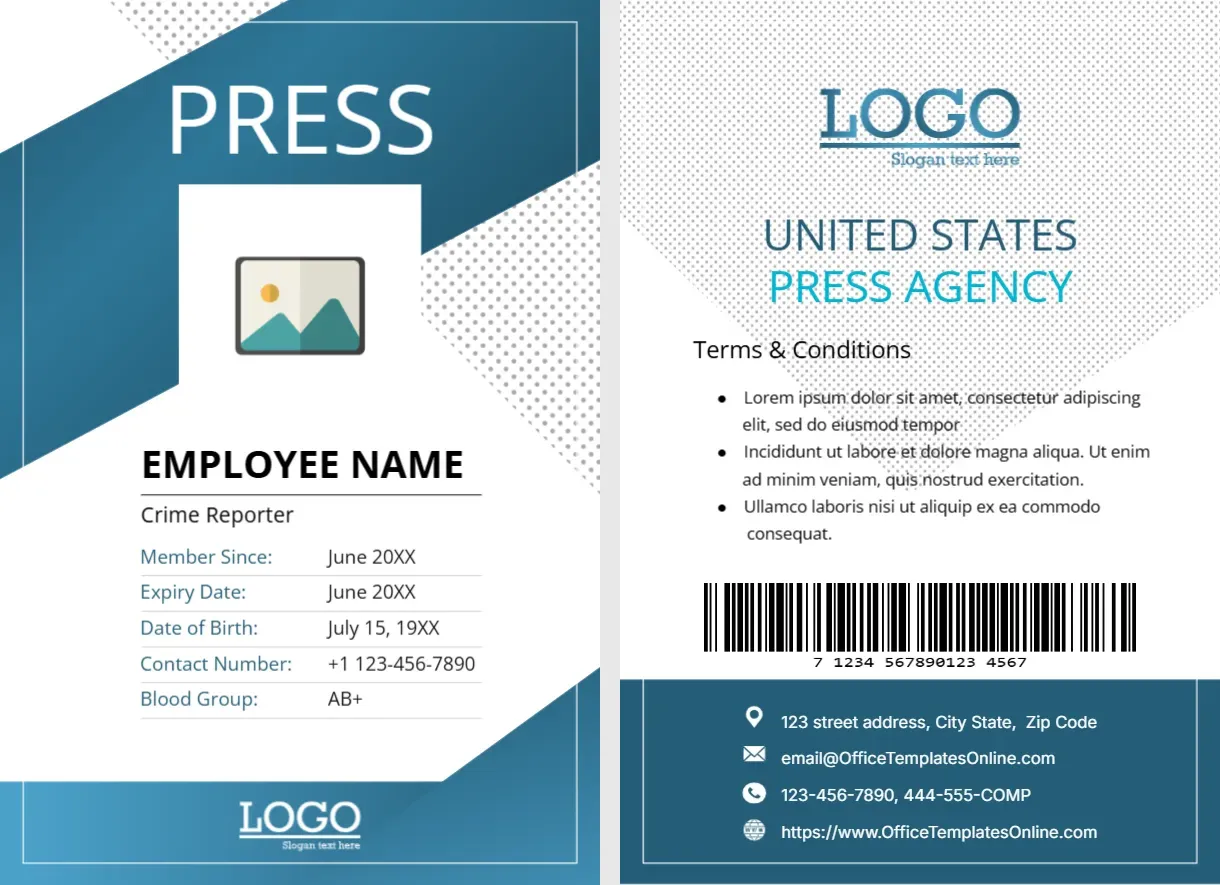
Looking for quick online customization? Browse our featured interactive editor templates below—perfect for creating polished certificates, letterheads, cards, and flyers with zero software needed.
Top Picks




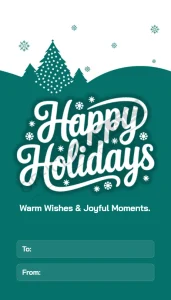


Open the file in Word (works in Google Docs) or Excel (works in Google Sheets), change names, dates, venues, and colors, then export to PDF for quick printing and sharing.
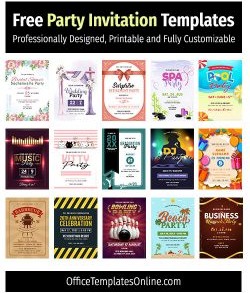
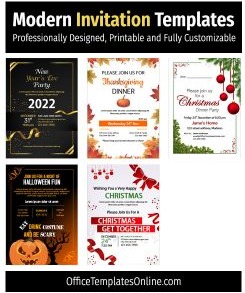
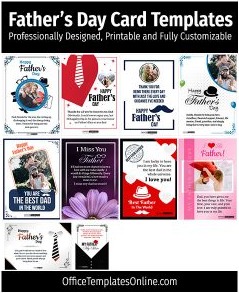
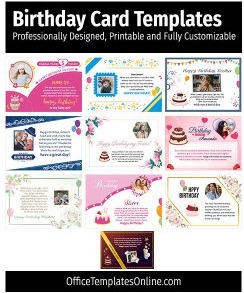
- Invitations & Cards:Invitation Card Templates, Party Invitation Templates, Birthday Cards, Wedding Invitation
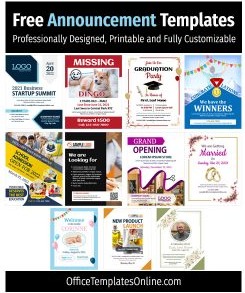
- Flyers & Posters:School Event Flyer (Word), Holiday Event Flyer, Upcoming Event Flyer
- Lists & Trackers:Party / Event Guest List (with RSVP)
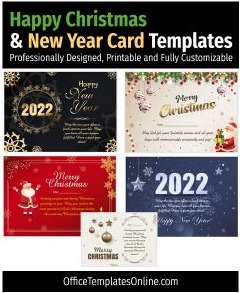
- Seasonal Sets:Christmas & New Year Cards, Thanksgiving Cards & Menus, Halloween Invitations
Which event template do you need?
- Invitations (Word): perfect for quick personalization – swap names, venue, date/time, dress code.
- Flyers (Word): eye-catching one-pagers for schools, fundraisers, and company events.
- Guest list & RSVP (Excel/Word): track attendees, contact details, RSVP status, and notes.
- Holiday cards: ready-made seasonal designs for Christmas, New Year, Halloween, and Thanksgiving.
Customize in minutes
- Open the DOCX or XLSX file (Google Docs/Sheets also work).
- Replace text, add your logo, adjust colors/fonts, and drop in photos if needed.
- Export to PDF for crisp printing or easy sharing by email and chat.
Planning tips
- Lock your date, venue, and theme first – then pick the design.
- Send invitations early and keep a guest list + RSVP tracker up to date.
- Print a few extra flyers/cards and save a master file for last-minute edits.
FAQs
Do you have holiday event templates?
Yes – see Christmas & New Year, Thanksgiving, and Halloween.
How do I manage attendees?
Use the Party/Event Guest List to track names, contact details, and RSVP status.
Advertisement
