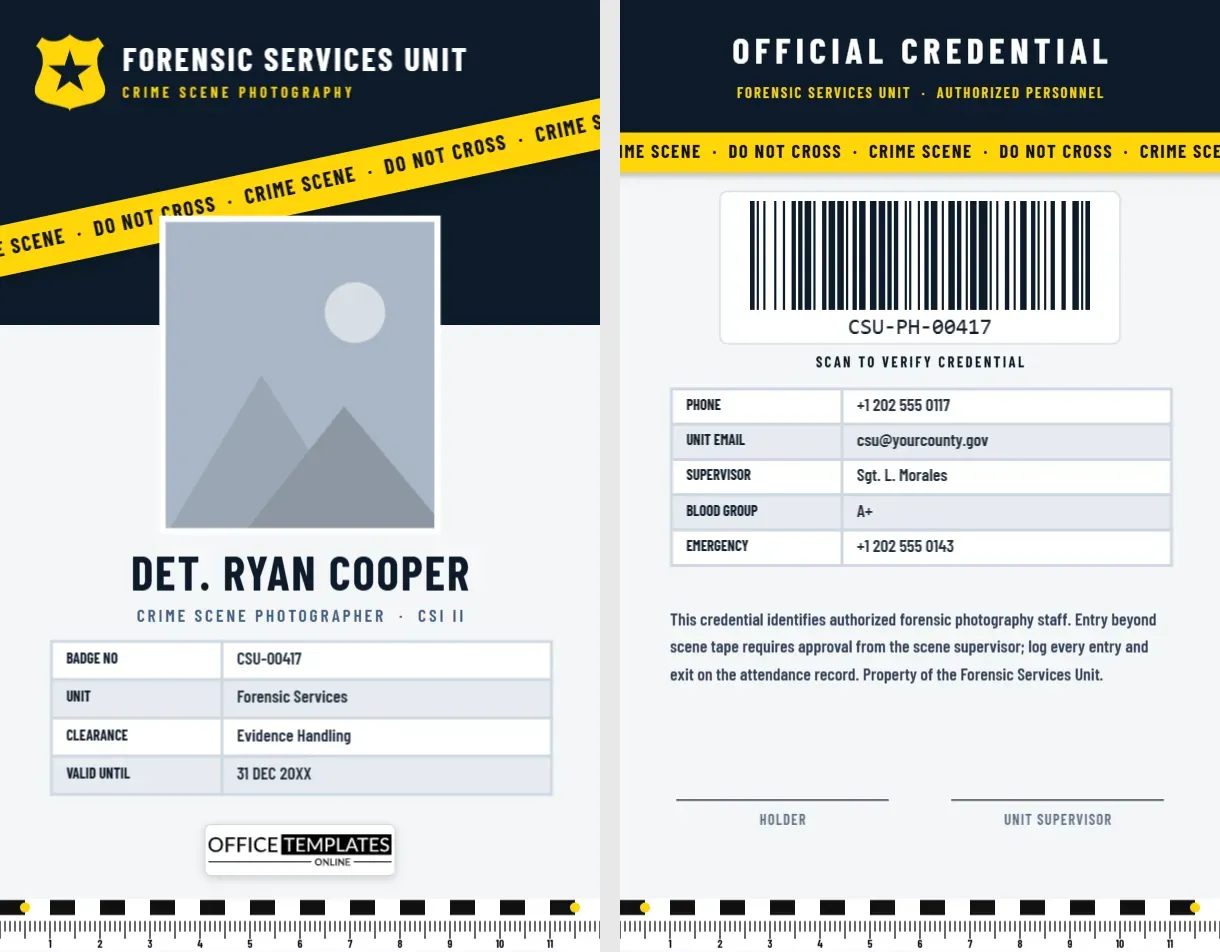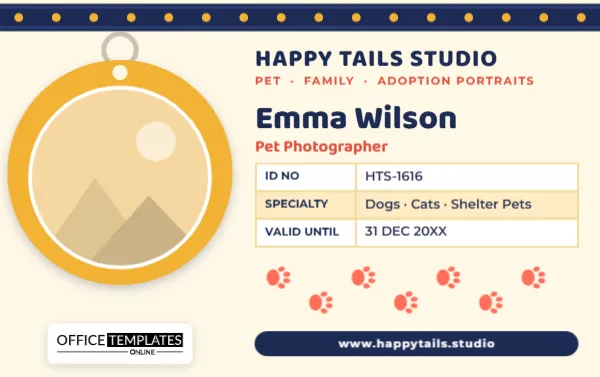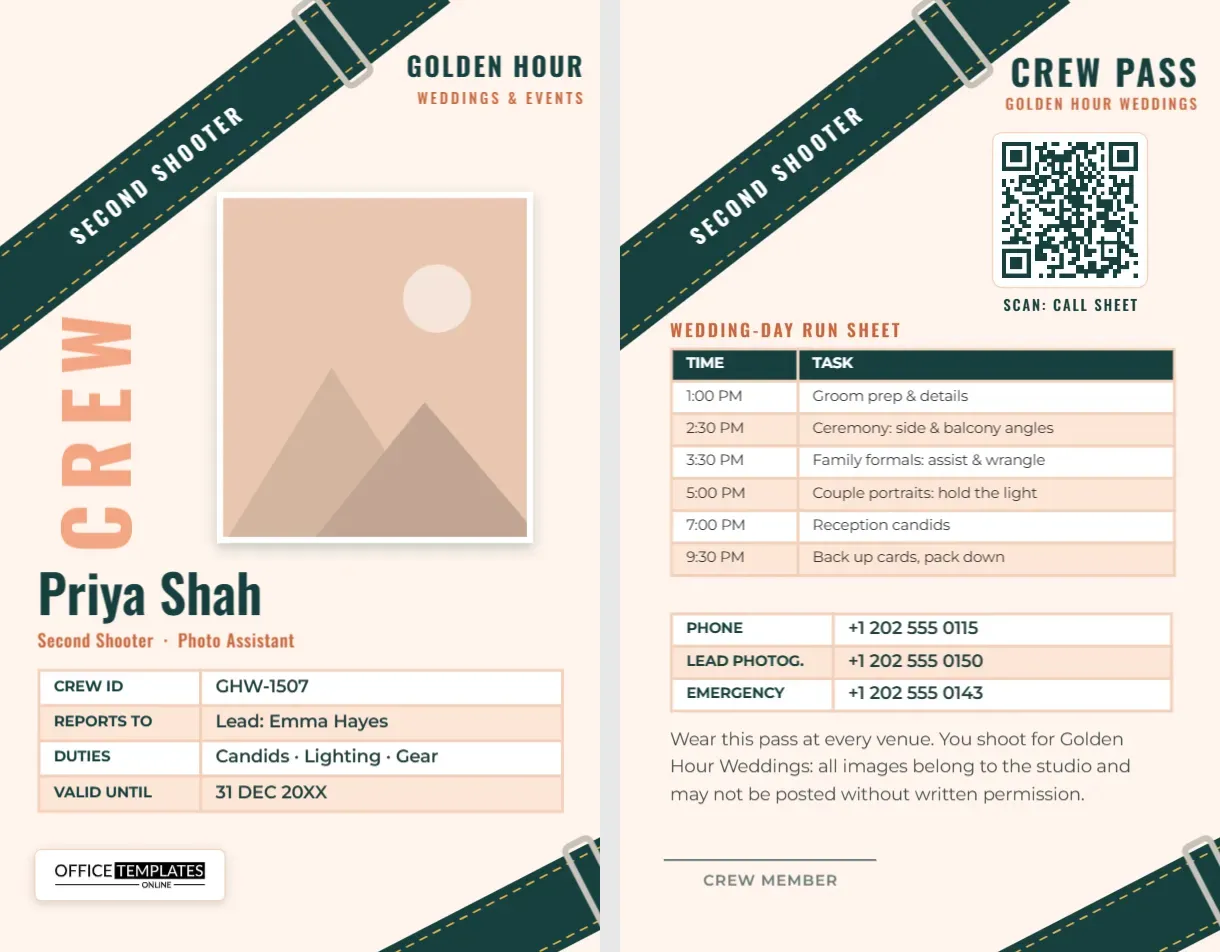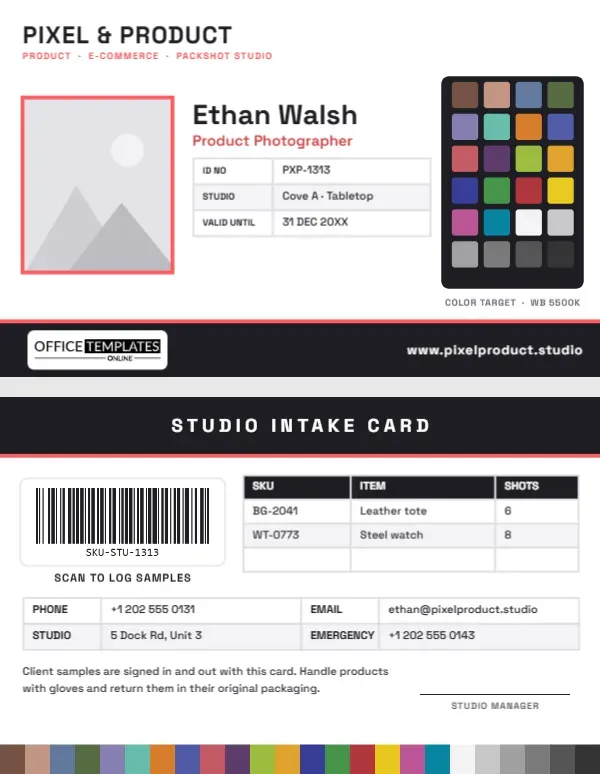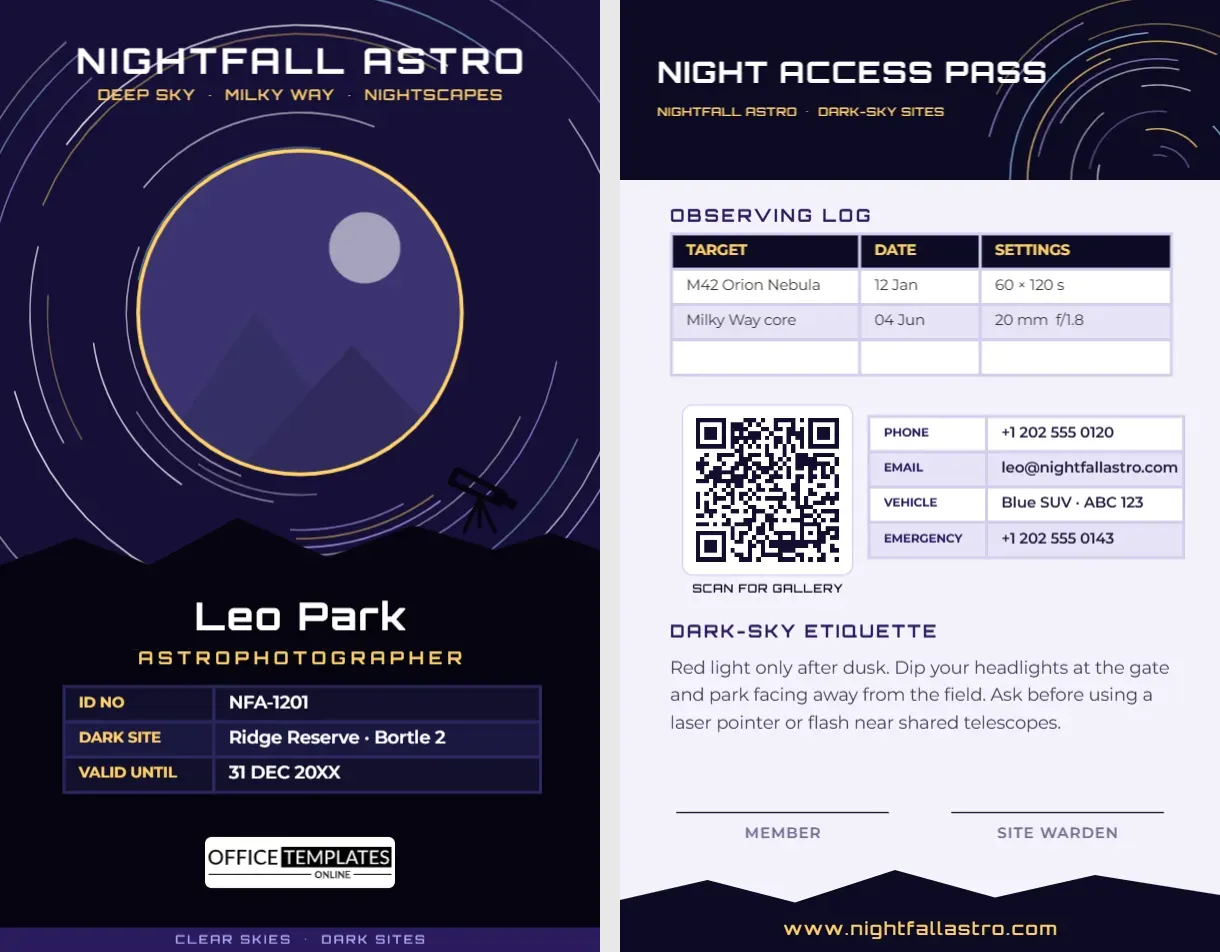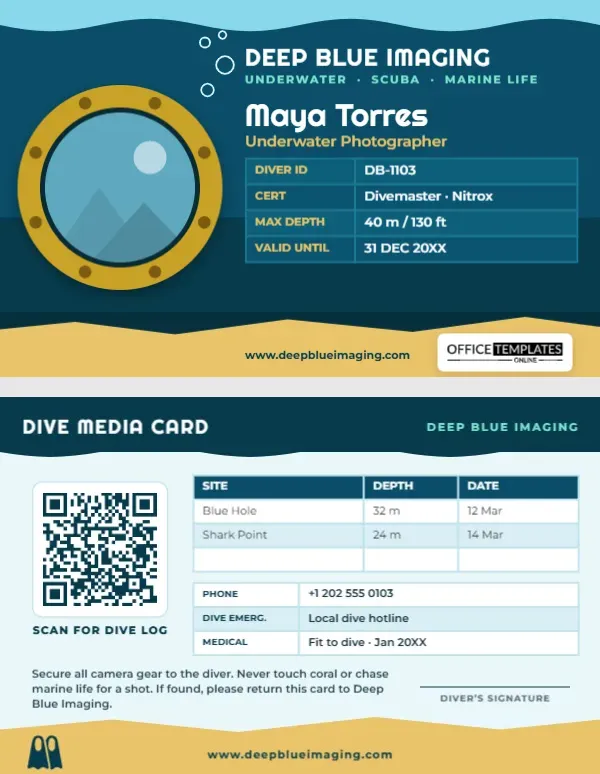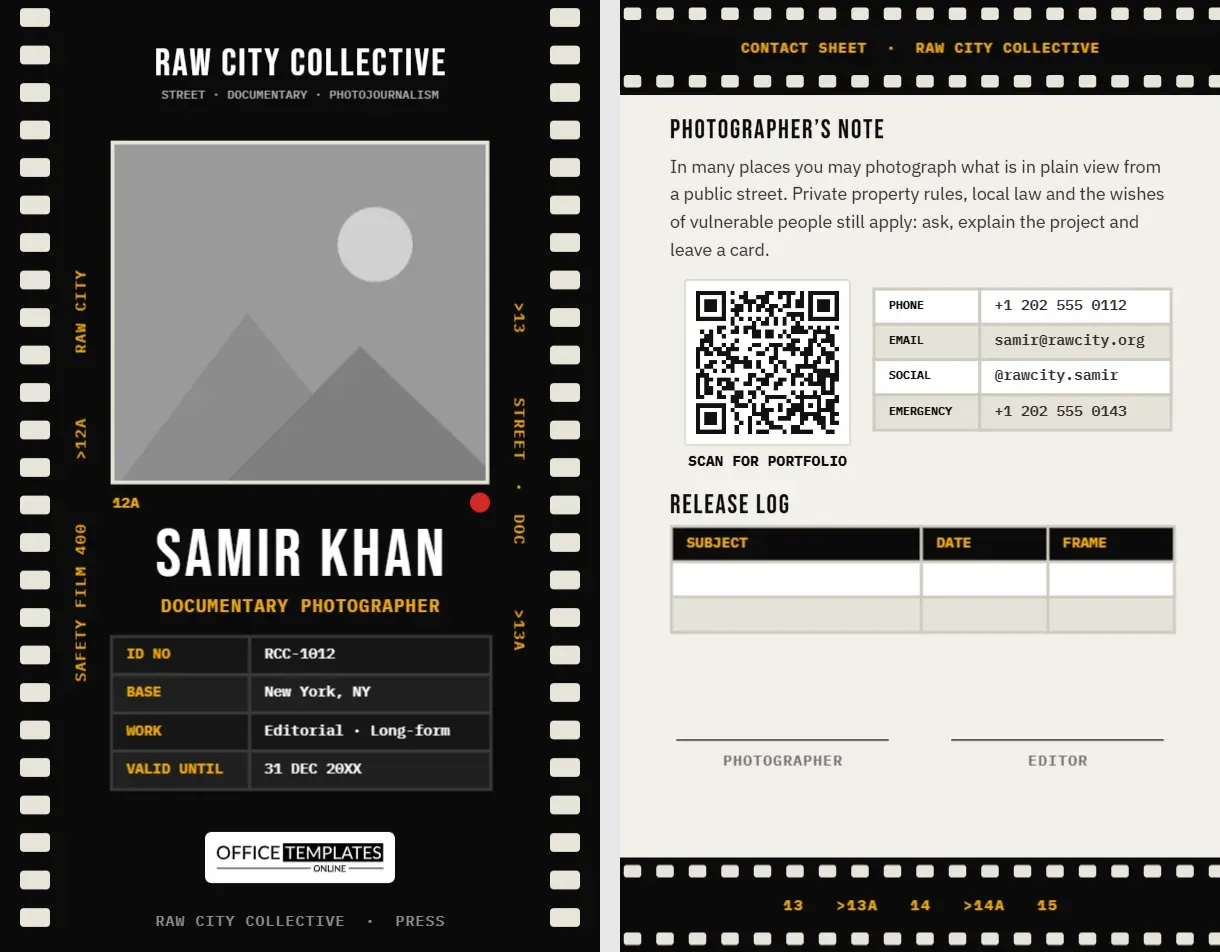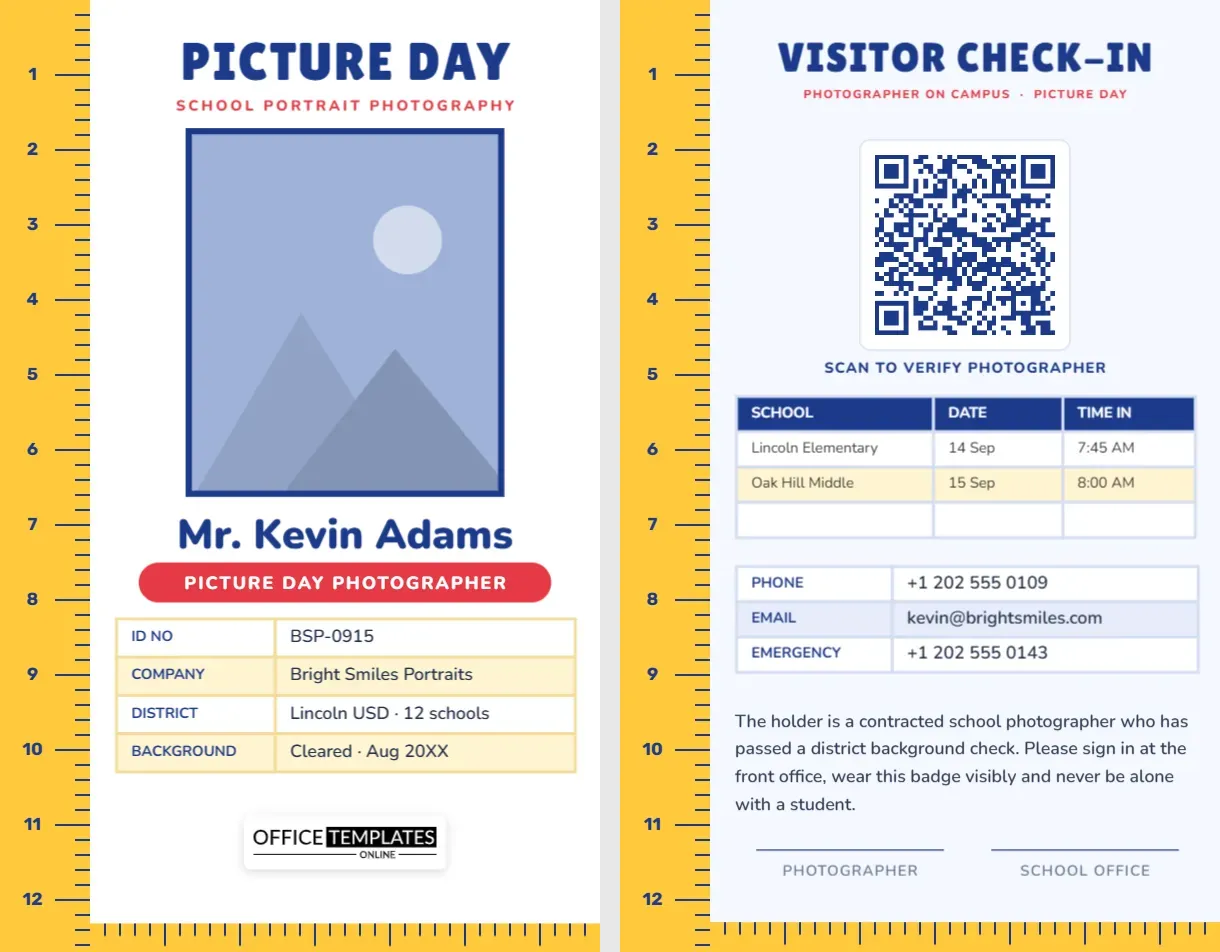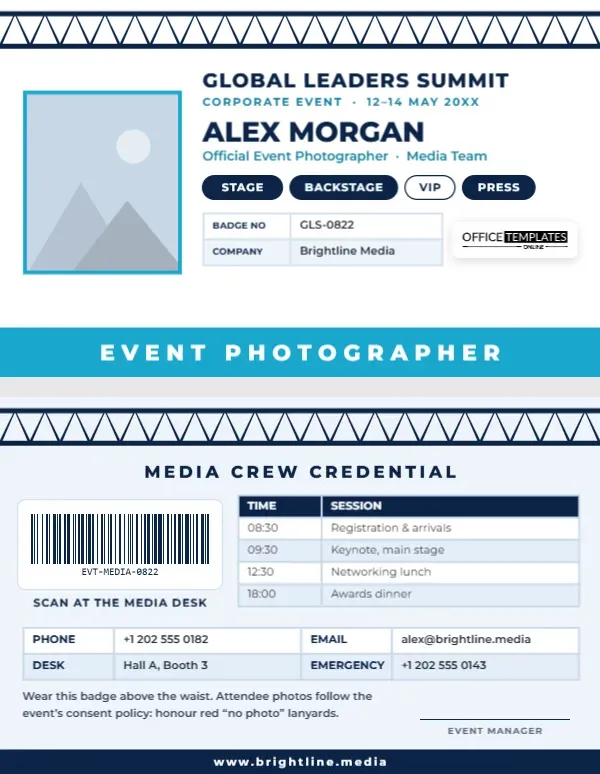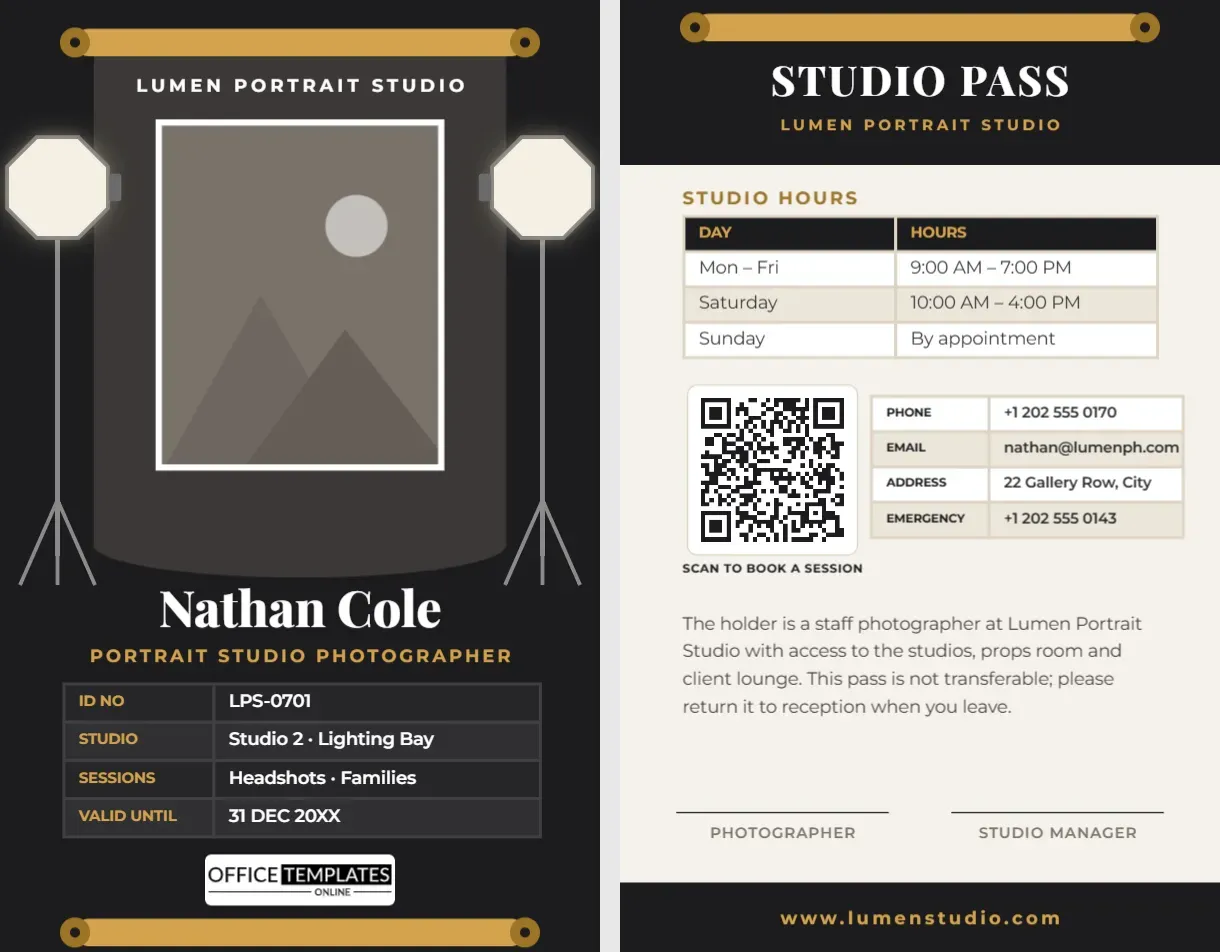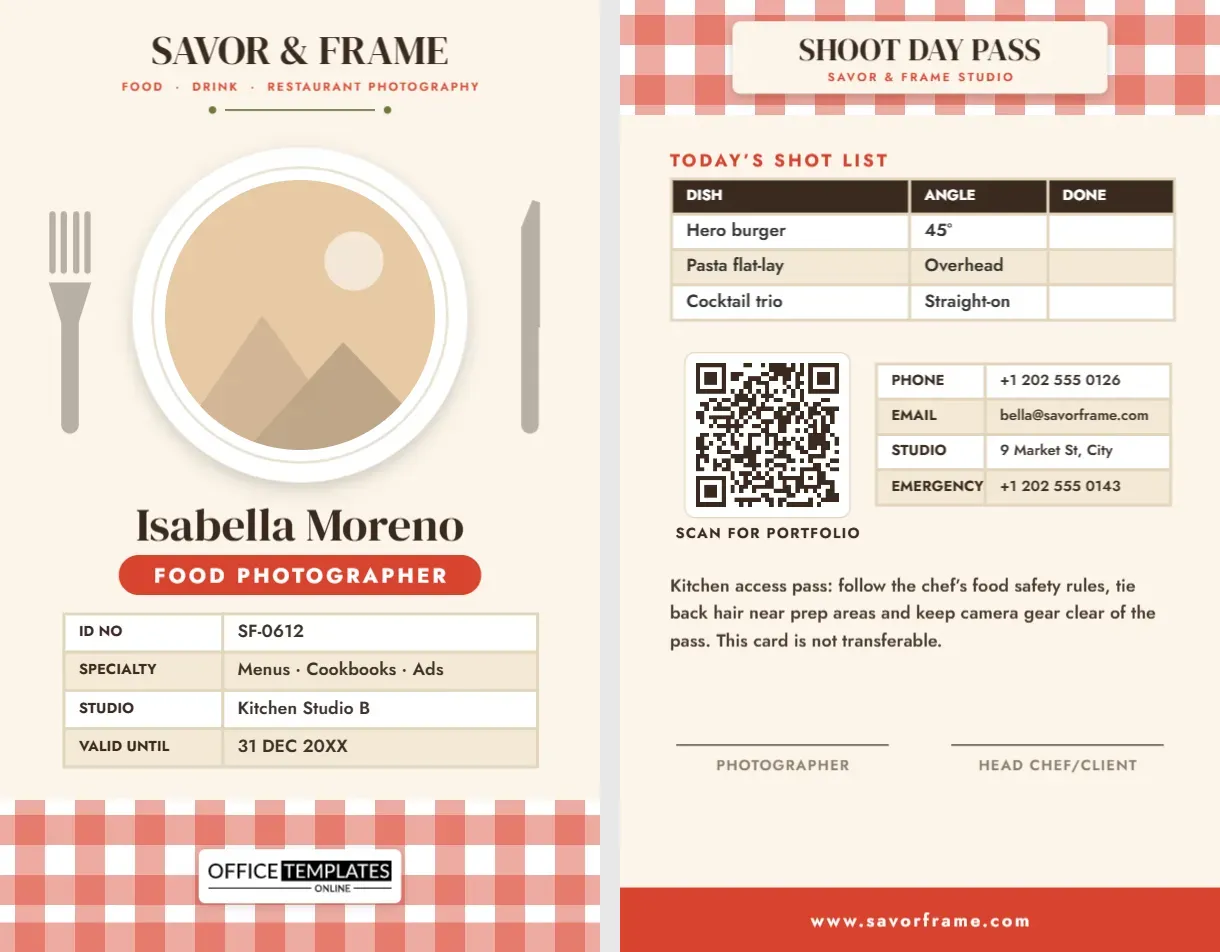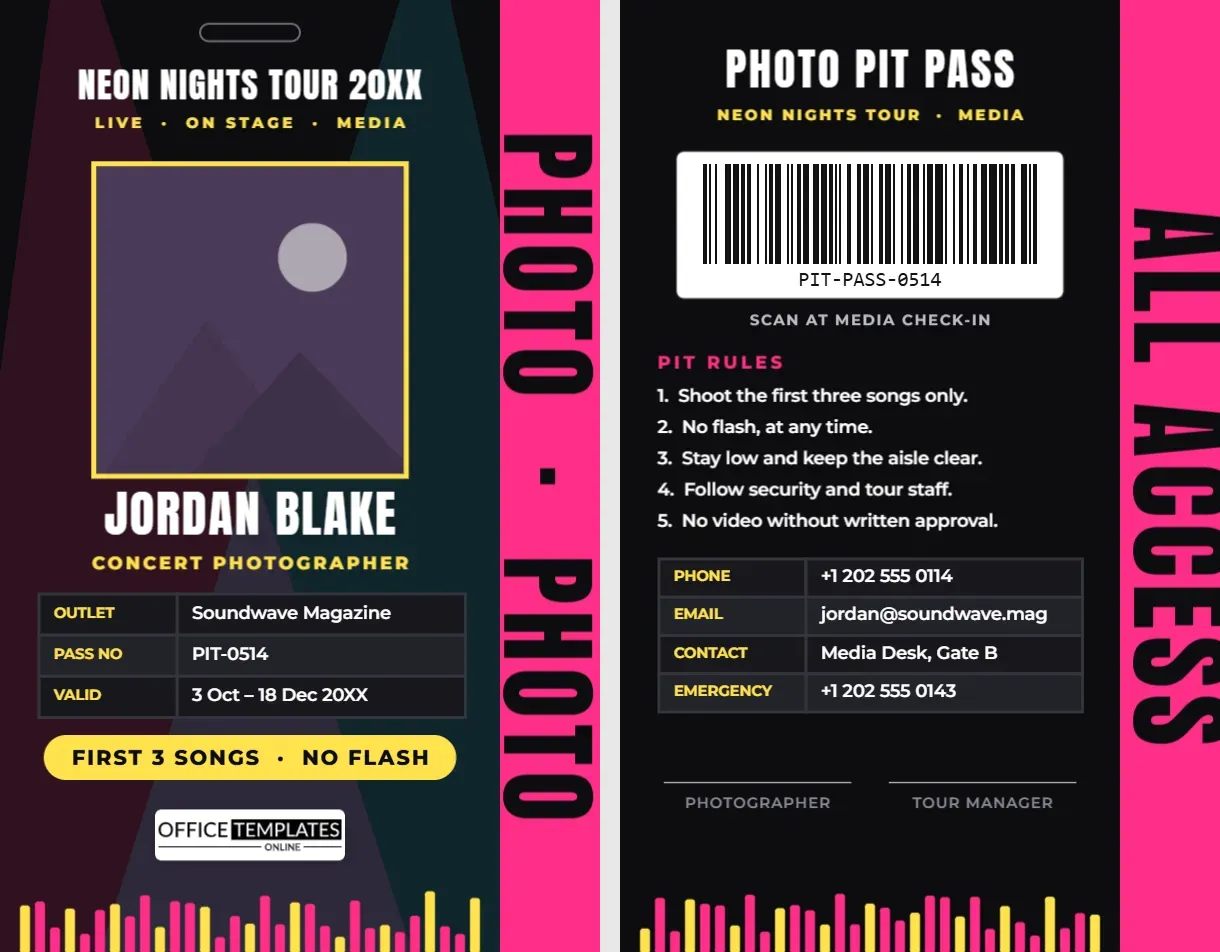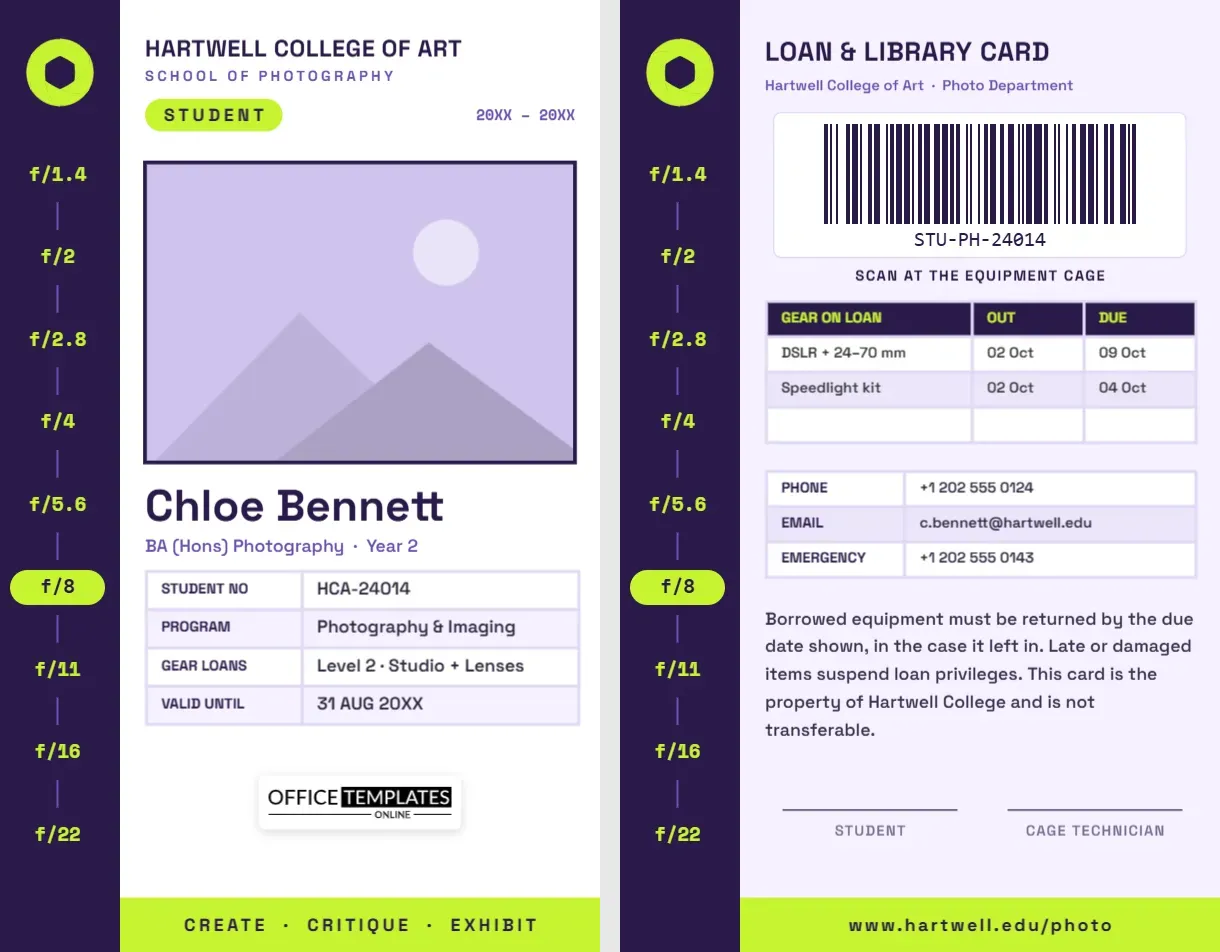
Every photography course has its rituals: the first time you shoot in manual, the first night in the darkroom or the editing lab, the first queue at the equipment cage to borrow a lens you could never afford. Through all of it, you need a student card for the building, for the library, and above all for the cage. This Photography Student ID Card is designed for art schools, colleges, universities, and photography academies, and for students who want a card that feels like it belongs to their subject. Its sidebar is a full f-stop scale, from f/1.4 to f/22, with one stop picked out in bright lime.
The f-Stop Sidebar
A deep purple sidebar runs down the left side of the card. At the top is a lime aperture icon, the iris of a lens with its blades half closed. Below it, the full-stop aperture series marches down the sidebar in lime Space Mono type: f/1.4, f/2, f/2.8, f/4, f/5.6, f/8, f/11, f/16 and f/22, joined by short purple lines like the markings on an old lens barrel. One stop, f/8, is highlighted inside a lime pill, a wink to the old photojournalist’s advice “f/8 and be there”.
The rest of the front is white. HARTWELL COLLEGE OF ART appears at the top in purple Space Grotesk, with SCHOOL OF PHOTOGRAPHY below, a lime STUDENT pill on the left and the academic year on the right. A wide rectangular photo, framed in purple, fills the middle. Under it come your name, “Chloe Bennett” on the sample, your course and year, “BA (Hons) Photography · Year 2”, and a table with your student number, programme, equipment loan level, and expiry date. Our logo sits on a white plate, and a lime band at the bottom reads CREATE · CRITIQUE · EXHIBIT.
Size: CR80, 2.125 x 3.375 inches, portrait.
What Each Stop on the Scale Does
Every stop on the sidebar halves or doubles the light reaching the sensor. For first-year students, the scale is a useful reminder:
| Aperture | Depth of field | Typical use |
|---|---|---|
| f/1.4 – f/2 | Very shallow | Low light, portraits with creamy backgrounds |
| f/2.8 – f/4 | Shallow | Events, sports, portraits with some context |
| f/5.6 – f/8 | Moderate | Street, documentary, groups, the lens’s sharpest zone on many lenses |
| f/11 – f/16 | Deep | Landscapes, architecture, sunstars |
| f/22 | Very deep | Maximum depth, long exposures; watch for diffraction softening |
The Loan & Library Card Side
The back repeats the purple sidebar with the aperture and f-stop scale, so both sides of the card feel like one design, and the main area turns a pale lilac. At the top: LOAN & LIBRARY CARD and Hartwell College of Art · Photo Department. A large barcode sits in a white panel with Scan at the equipment cage underneath, sized so a handheld scanner reads it easily. Below that:
- Gear on loan: a real table with item, date out, and date due, for example, a DSLR with a 24-70 mm lens and a speedlight kit.
- Contacts: phone, email, and emergency number.
- Loan rules: borrowed equipment must be returned by the due date; if it is late or damaged, loan privileges are suspended; the card is college property and not transferable.
- Signatures for the student and the cage technician, above a lime footer with the department web address.
For Schools Issuing Student Cards
Departments can use one master template for a whole intake:
- Replace the college name, department, and year once, and set your own colours.
- Duplicate the card for each student and replace the photo with Replace Image.
- Enter each student number in the table and in the barcode through the Barcodes & QR panel, using the same format as your loan system.
- Set the GEAR LOANS row to reflect each student’s level, for example Level 1 (cameras only) for first years and Level 3 (lighting and medium format) for final years.
- Print, test-scan a few cards, and hand them out at induction with the loan rules.
Personal Edits for Students
- Photo: click the purple-framed photo, choose Replace Image, and use a well-lit self-portrait. Show off a little: it is a photography card.
- Name and course: retype your name and the course line.
- Table: select it and click Edit Data to enter your student number and dates.
- The highlighted stop: the lime pill is a shape behind the f/8 text. Move it to your favourite aperture and change that text colour to purple.
- Colours: purple and lime can become your school colours; the sidebar is one group, so it recolours in one action.
Borrowing Gear Without Losing Privileges
Equipment cages run on trust. Check every item with the technician when you collect it and note any existing scratches. Keep lenses capped and bodies in their bags between shoots. Never lend college equipment to friends, even for a minute. Charge batteries and format cards only after you have backed up your files. If something breaks, report it straight away; hiding damage almost always costs more. Return kits on time and complete: missing lens caps and chargers are the most common reason students lose borrowing rights.
Printing Student Cards in Bulk
For a department printing hundreds of cards, a PVC card printer with a ribbon for full colour pays for itself quickly. The purple sidebar and lime accents use strong, saturated colours that print consistently. Leave the lilac on the back fairly light so signatures and pen notes stay readable. If students print their own cards for a workshop or summer course, a laminated 110 lb cardstock print is perfectly adequate.
Student Card Questions
Can the card be used for a short course or workshop?
Yes. Change the course line to the workshop name and dates, and set VALID UNTIL to the last day.
What barcode format should I use?
Code 128 is the default and works with most loan systems. Keep the value short, around ten to twelve characters, so the bars stay wide enough to scan.
Can I add a darkroom access line?
Use + Row to add DARKROOM with the times or days the student may use it.
Open the template, add your portrait and course, and carry a student card that shows you know your stops.