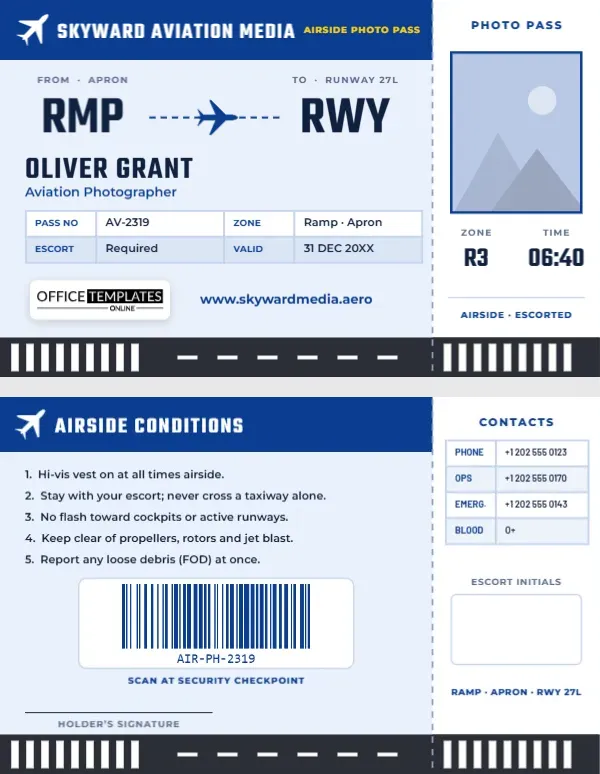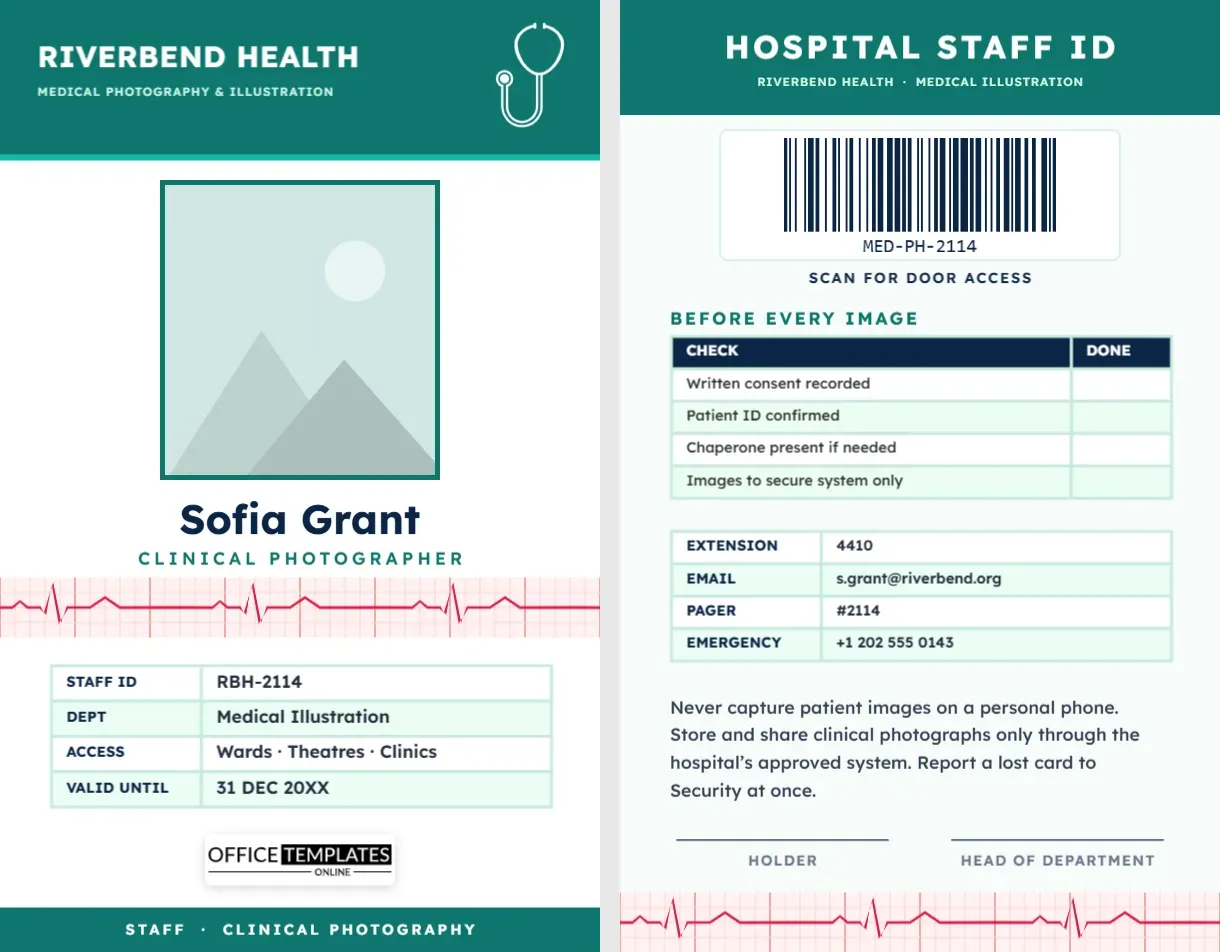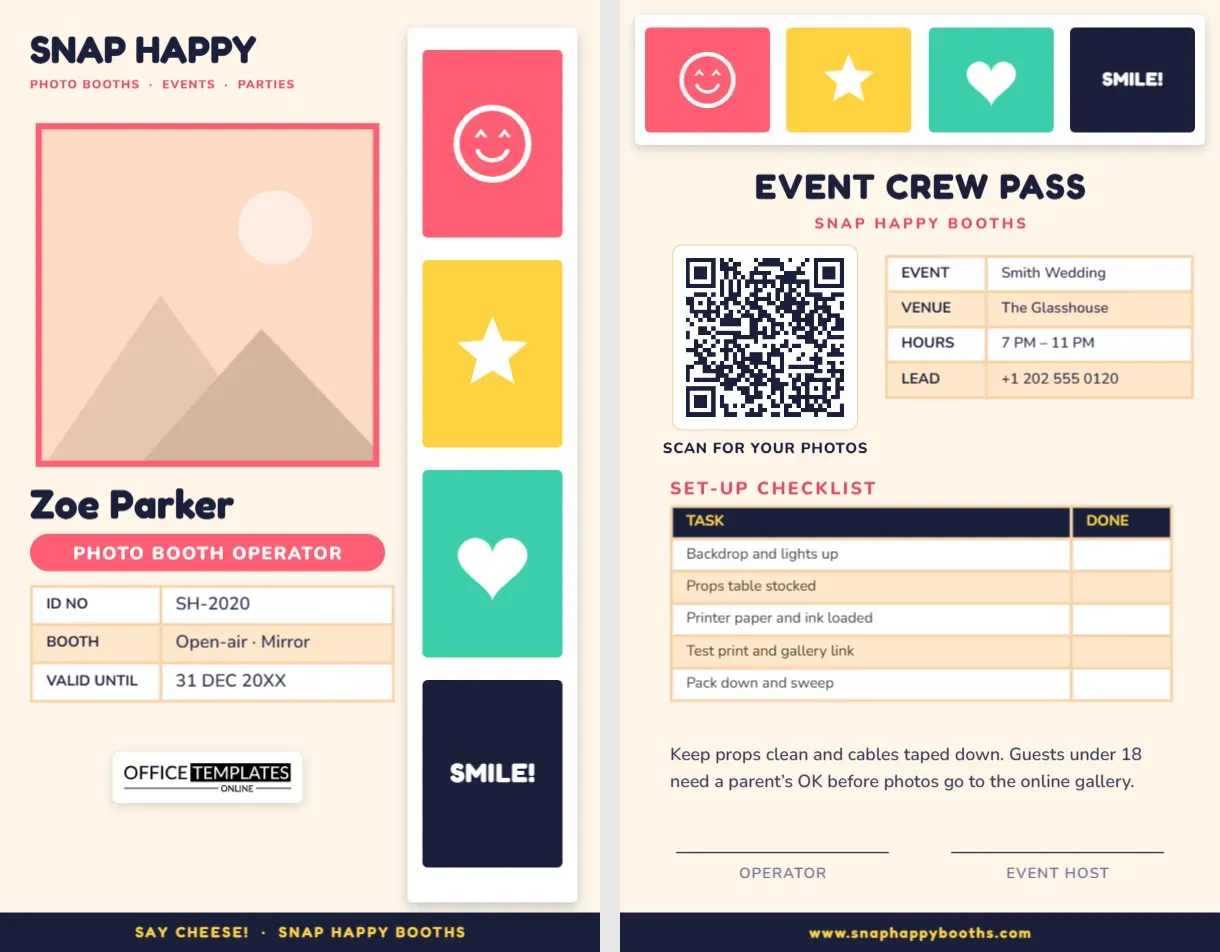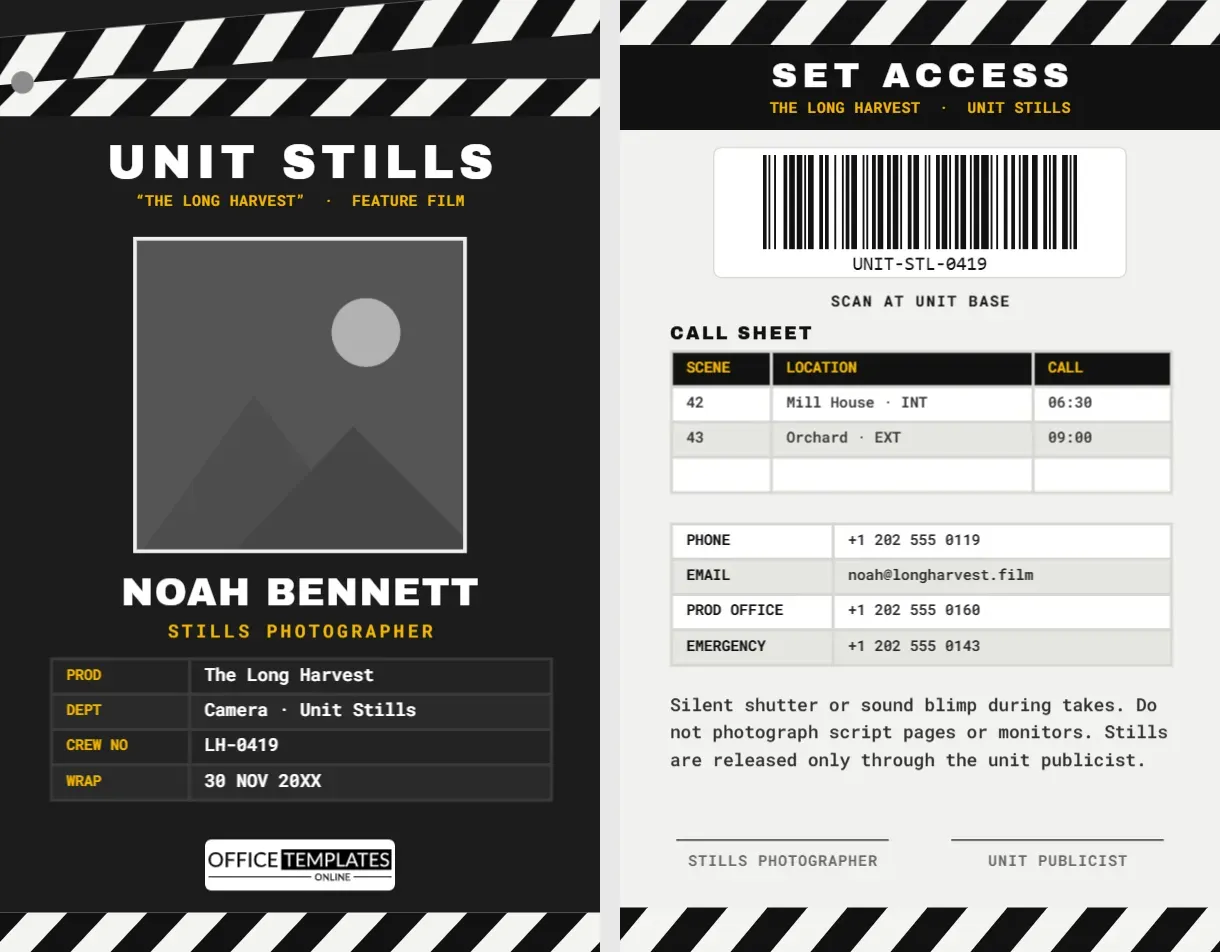
On picture day, a school photographer walks into a building full of children where every adult is expected to be known, checked, and visible. The front office wants to see identification, teachers want to know who is taking their class out of the room, and children want to know the friendly person with the camera is allowed to be there. This School Photographer ID Badge was created for school portrait companies and independent photographers who work with schools. It is cheerful enough for a kindergarten hallway and clear enough for a district security policy.
A Ruler Down the Side, Like Every Class Photo Line-Up
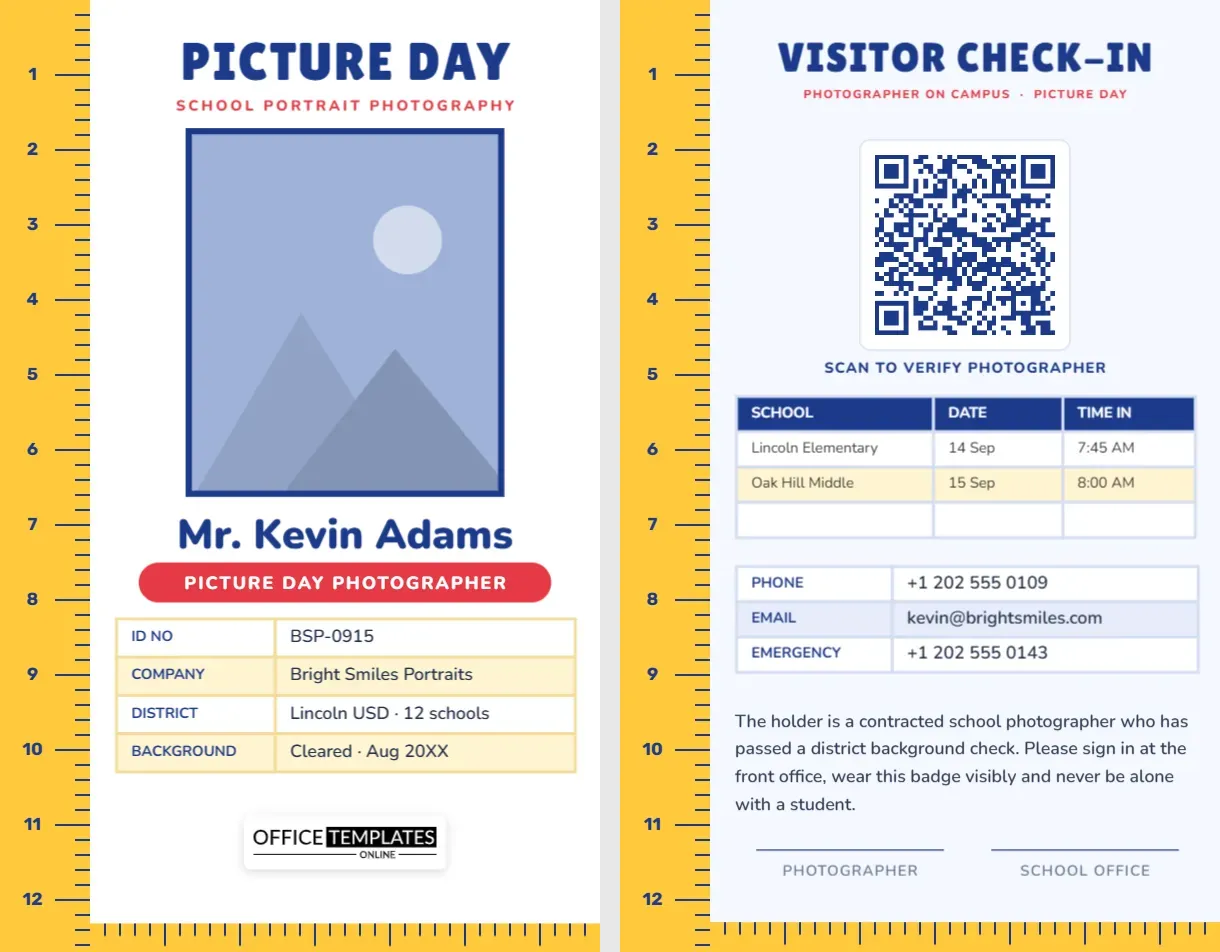
The left edge of the card is a bright school-bus yellow ruler that runs from top to bottom, with blue tick marks and the numbers 1 to 12, like the height charts taped to classroom doors and the measuring strips photographers use when they line children up for class photos. A matching ruler runs along the bottom edge of the card, so the two form a corner that frames the design.
At the top, PICTURE DAY is set in chunky navy Lilita One lettering with School Portrait Photography in red below. Your photo is large and rectangular with a thick navy border, like a school portrait print. Underneath, your name is written as children will say it, Mr. Kevin Adams on the sample, in bold rounded Nunito, then a red pill reads PICTURE DAY PHOTOGRAPHER. A four-row table with pale yellow stripes lists your ID number, company, the district or schools you serve, and your background check status with the date it was cleared. Our logo sits on a white plate above the bottom ruler.
The card is vertical, 2.125 inches wide and 3.375 inches tall, the CR80 size that fits standard school visitor badge holders.
What Schools Usually Ask of Visiting Photographers
Every district has its own rules, but these requirements come up again and again. The badge has a place for each one:
| School requirement | Where it appears on the badge |
|---|---|
| Photo identification worn visibly | Large photo and name on the front |
| Company name and contact | COMPANY row on the front; phone and email on the back |
| Background check or vetting | BACKGROUND row with a clearance date |
| Sign in at the front office | VISITOR CHECK-IN heading and a note on the back |
| Record of which campus and when | School, date, and time-in table on the back |
| A way to verify the photographer | QR code: Scan to verify photographer |
Many schools will also issue their own visitor sticker at sign-in. Wear both; the school’s sticker shows you have signed in today, and your badge shows who you are.
The Visitor Check-In Side
The back keeps the yellow ruler on the left and bottom and switches to a pale blue background. VISITOR CHECK-IN is the headline, with Photographer on campus · Picture Day in red. A large QR code in the centre can link to a verification page on your company website listing current photographers, so a school secretary can confirm you in a few seconds. Beneath it, a real Table has columns for school, date, and time in, with Lincoln Elementary and Oak Hill Middle as samples and a blank row to fill. A contact table lists phone, email, and emergency number, followed by a safeguarding note: the holder is a contracted school photographer who has passed a district background check, will sign in at the front office, will wear the badge visibly, and will never be alone with a student. Signature lines for the photographer and the school office sit above the bottom ruler.
A Picture Day Plan for Photography Teams
School picture days run on tight schedules. A typical plan looks like this:
- Two weeks before: send the school your photographer list, badge copies, and the class schedule; confirm where you can set up (library, gym, or stage).
- The day before: charge batteries, pack backdrops and combs, and print class name cards.
- Arrival: sign in at the front office, show your badge, and receive the school’s visitor pass.
- Set-up: build the backdrop and lights, and test your exposure on a staff volunteer.
- Classes: photograph class by class; teachers stay with their students and bring them back.
- Retakes and absences: note them for the retake day.
- Departure: sign out at the office, record the time on your badge table, and thank the staff.
Editing the Picture Day Badge
- Your photo: click inside the navy-bordered frame and select Replace Image. A friendly, smiling photo is ideal; children respond to it.
- Your name: write it the way students will address you, for example, Ms. Rivera, or Coach Dan.
- Details: select the front table, click Edit Data, and enter your company, schools, and clearance date.
- Campus table: fill in the schools on your route, or leave it blank to write on each day. The + Row button adds more rows.
- QR code: in the Barcodes & QR panel, link it to your verification or company page.
- Colours: the rulers are grouped objects; recolour them to your company’s colour or to match a school’s colours for a special event.
Beyond Portrait Day
The same badge works for yearbook photographers, sports team and club photo days, graduation and prom photographers, preschool and daycare picture days, dance school photographers, and district media staff who photograph events for newsletters and social media. Change PICTURE DAY to YEARBOOK or SPORTS DAY and keep the rest.
Printing for School Hallways
Yellow, navy and red are strong, simple colours that print well even on basic office printers. PVC cards are best if your photographers wear their badges all season. If you print on cardstock, laminate it, because badges swing into doors, desks and sticky little hands all day. Use a breakaway lanyard for safety around children, and punch the slot at the top of the card, above PICTURE DAY.
Questions From School Photography Companies
Should I include the background check date?
If your company runs checks, yes; schools appreciate seeing it. Only include information that is true and up to date, and remove the row if checks are handled differently in your area.
Can I use one design for all my photographers?
Yes. Duplicate it for each person and change the photo, name, ID and QR link.
Is the ruler editable?
The ticks and numbers are grouped, so you can recolour the ruler in one step or ungroup it to change the numbers.
Open the template, add your photo and school, and arrive on picture day with a badge that front offices, teachers and children all trust.