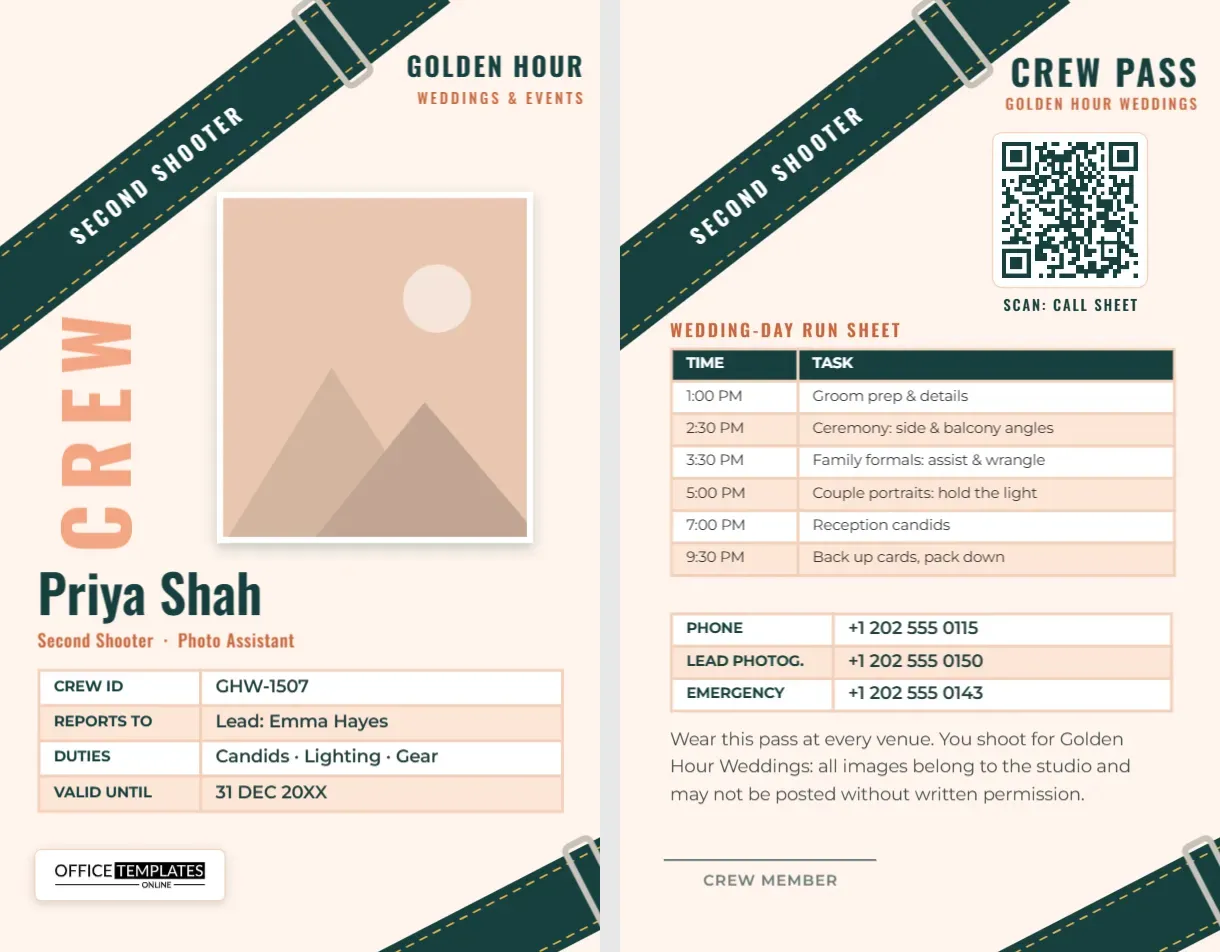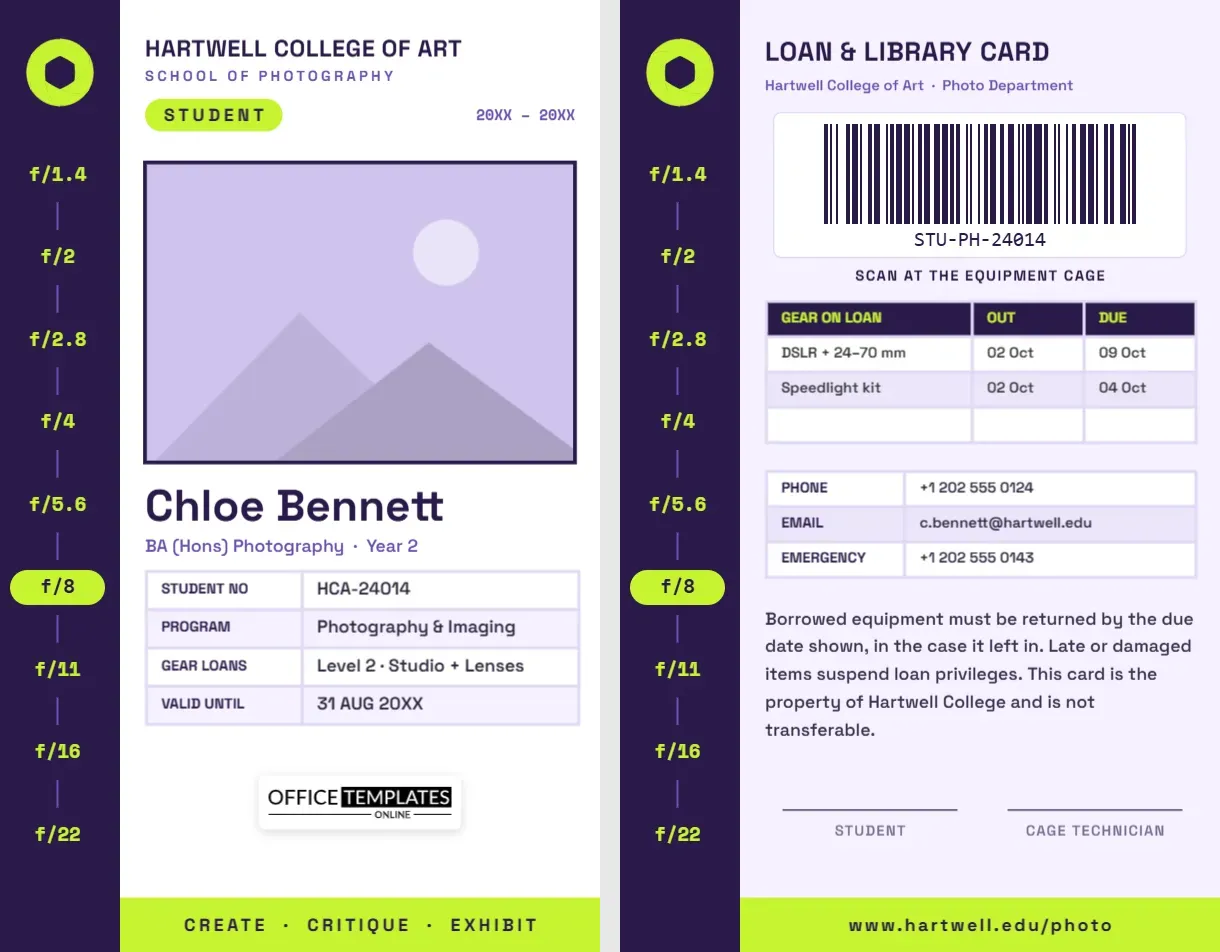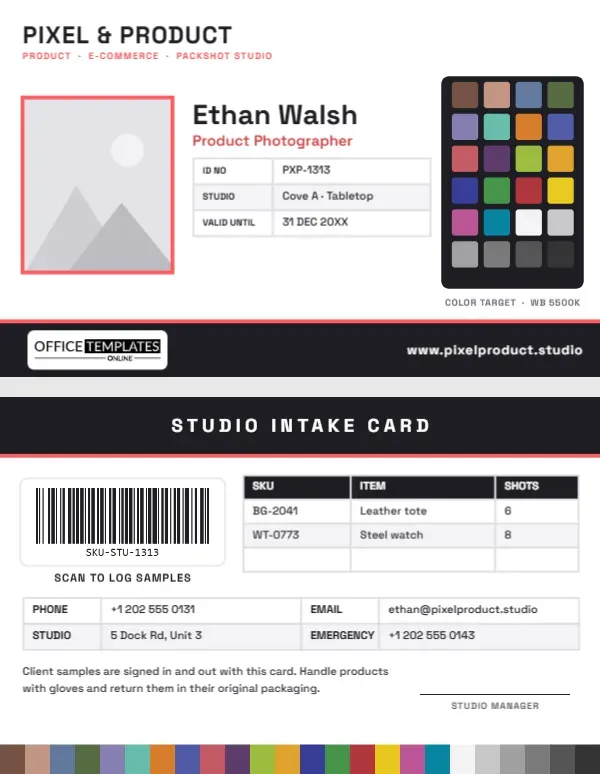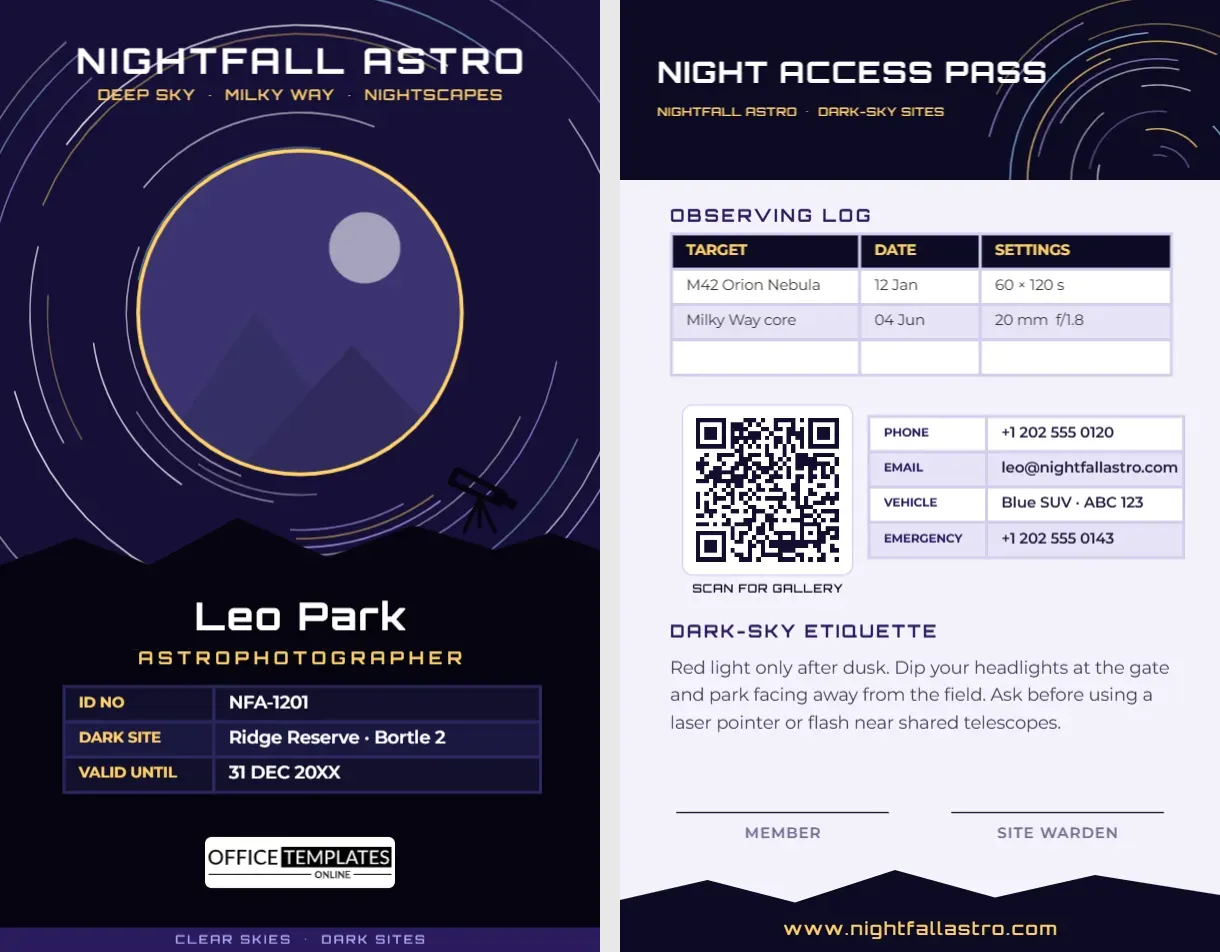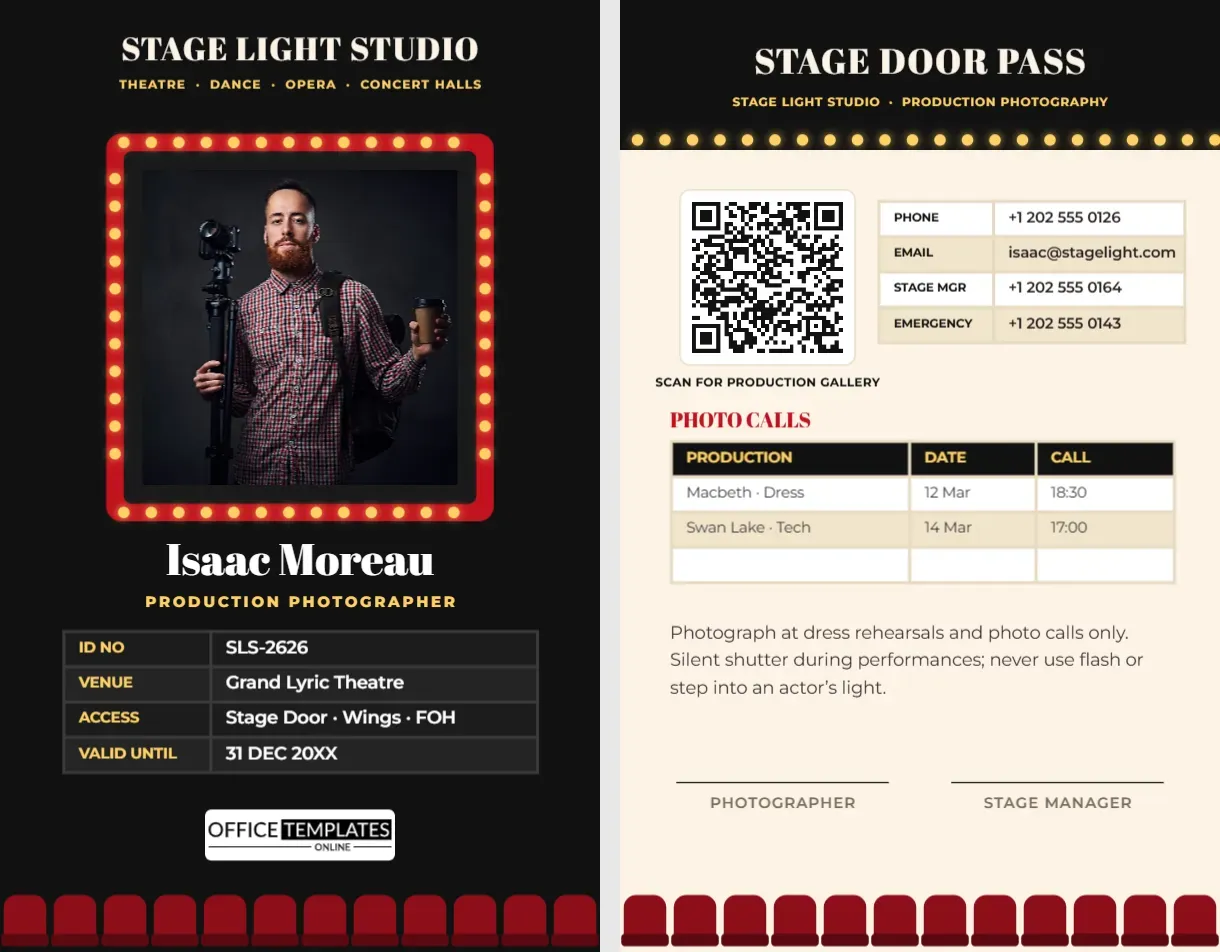
Theatre photographers work in the dark, backstage and in the wings, in rooms where every door is guarded by a stage door keeper and every movement is watched by a stage manager. The images they make, from production shots to rehearsal pictures, sell tickets and fill programmes, but the job starts with getting through the stage door. This Theatre Photographer ID Card is made for production photographers, dance and opera photographers, and the in-house media teams of theatres and concert halls. It puts your portrait up in lights, framed like the marquee sign above a theatre entrance.
Your Name in Lights
The front of the card is a deep black, like an auditorium before curtain up. At the top, STAGE LIGHT STUDIO is set in Abril Fatface, a high-contrast display serif with the feel of a vintage playbill, and Theatre · Dance · Opera · Concert Halls runs underneath in warm yellow.
In the middle, your photo is framed by a red marquee sign lined with glowing bulbs: rows of yellow lights run around all four sides, each with a soft golden glow. Under the marquee, your name, Isaac Moreau on the sample, is set in white Abril Fatface, with PRODUCTION PHOTOGRAPHER in spaced yellow capitals. A dark four-row table lists your ID, the venue (Grand Lyric Theatre), your access (stage door, wings and front of house), and the expiry date. Our logo sits on a white plate, and along the bottom edge a row of red velvet theatre seats looks up at the stage.
The card is portrait CR80, measuring 2.125 inches across and 3.375 inches high.
The Stage Door Pass
The back is a warm cream, like a programme page. A black header titled STAGE DOOR PASS ends in a row of the same glowing bulbs. Below it:
- A QR code labelled Scan for production gallery, where the press office or cast can find approved images.
- A contact table with phone, email, stage manager’s number, and an emergency contact.
- A Photo Calls table with production, date, and call time: Macbeth dress rehearsal on 12 March at 18:30 and Swan Lake technical rehearsal on 14 March at 17:00, plus a blank row.
- A note: photograph at dress rehearsals and photo calls only; use a silent shutter during performances; and never use flash or step into an actor’s light.
- Signature lines for the photographer and stage manager, above the row of red seats.
Types of Theatre Photo Sessions
| Session | What happens | Photographer’s approach |
|---|---|---|
| Rehearsal room | Early rehearsals in everyday clothes | Candid, documentary; stay quiet and out of the way |
| Technical rehearsal | Lights, sound, and scenery are set; often stop-start | Good for set and lighting shots; ask before moving |
| Dress rehearsal | A full run in costume, usually without an audience | The main production shoot; move freely in agreed areas |
| Photo call | Selected moments restaged just for cameras | Posed, press-friendly images, often with the press |
| Live performance | A real audience in the house | Only with permission, from fixed positions, silent shutter |
Etiquette Backstage and in the Wings
Backstage areas are busy and dark, and scenery can move without warning. Always sign in at the stage door, follow the stage manager’s instructions, and never enter the wings during a scene change. Stay out of the actors’ eyelines and never step into a lit area on stage. Dancers and singers can be distracted by any movement in the front rows, so settle into your position before the scene begins. Stage lighting is mixed and moody; shoot in RAW and expose for the highlights rather than raising everything to daylight levels. Share images only through the press office, which respects contracts with performers and unions.
Making the Marquee Card Yours
- Photo: click the photo inside the marquee and select Replace Image. A portrait lit like a stage shot suits the design.
- Studio or theatre name: retype STAGE LIGHT STUDIO and the yellow line of venues.
- Tables: click the ID grid or the photo call list and use Edit Data to rewrite it. Add productions to the photo call list with + Row.
- QR code: link it to the press gallery or your portfolio in the Barcodes & QR panel.
- Marquee: the frame and bulbs are one group; recolour the frame to gold or navy to match a venue.
- Seats: the seat row is one group, so it can be recoloured or removed in a single click.
For Venues, Companies and Freelancers
Freelance production photographers, in-house photographers at theatres and opera houses, dance companies, orchestras and concert halls, drama schools and conservatoires, festival fringe venues and community theatre groups can all use the design. Venues can print a version for visiting press photographers, changing PRODUCTION PHOTOGRAPHER to PRESS and the access row to the areas they may enter.
Printing the Lights
The glow around each bulb is a soft shadow, which prints beautifully on PVC and good-quality cardstock. Check a test print to make sure the bulbs stay bright yellow, and the black background does not swallow the glow. A matte finish reduces reflections under stage-door lighting. Punch the lanyard slot above the title so the marquee stays complete.
Settings for Stage Light
Stage lighting changes from one cue to the next, and the brightest areas are usually the performers’ faces. Spot or centre-weighted metering on the faces avoids blown highlights. Fast lenses at f/2.8 or wider, shutter speeds around 1/250 second for drama and 1/500 or faster for dance, and ISO settings of 3200 or more are common. White balance is best corrected later from RAW files, because coloured gels are part of the designer’s intention; keep the mood rather than neutralising every scene.
Performing Arts Questions
Can the card be used for a dance school recital?
Yes. Change the venue row to the school and the photo call table to the recital dates and dress rehearsal times.
Can I switch off the glow on the bulbs?
Ungroup the marquee and remove the shadow from the bulbs, or keep the glow for the full effect.
Why a silent shutter?
Camera noise carries in a quiet auditorium and distracts both audience and performers, so most venues insist on it during shows.
Open the template, put your portrait in lights, add your photo calls, and make your entrance at the stage door.