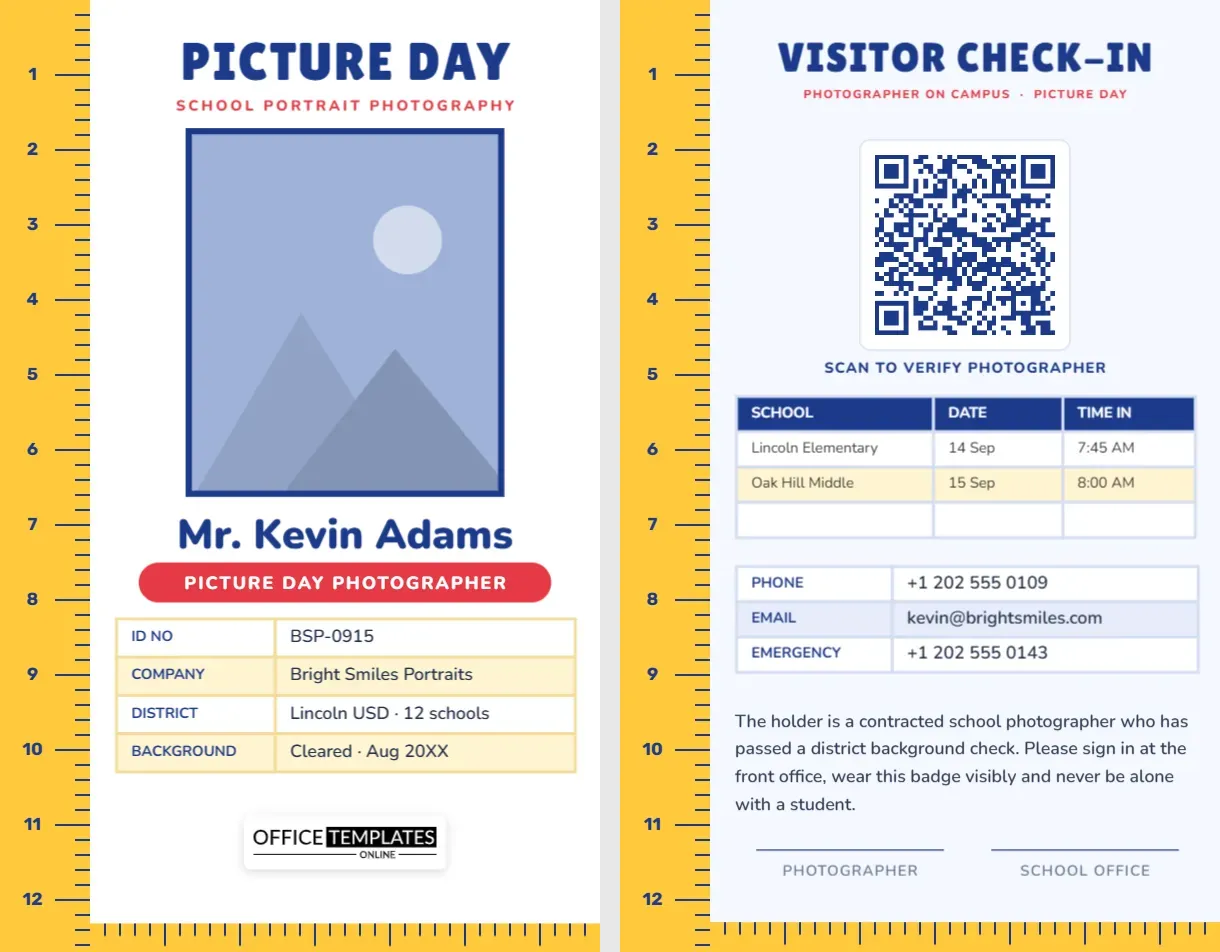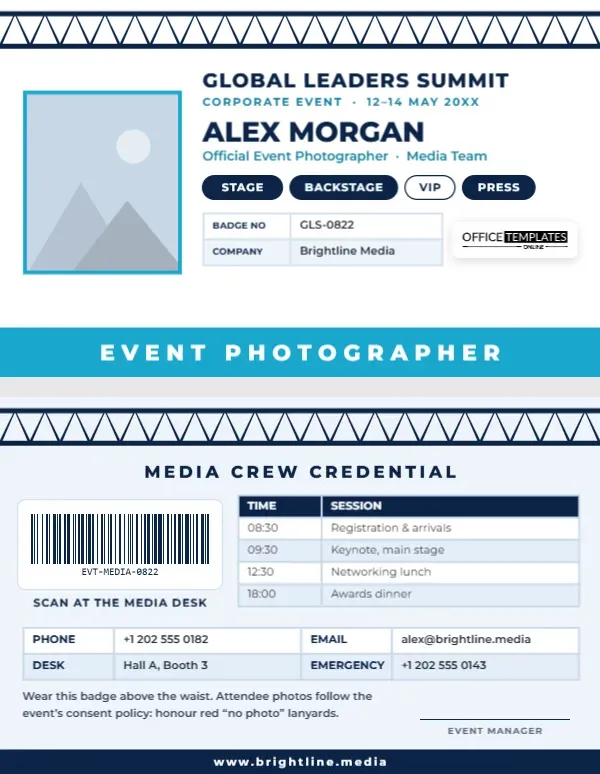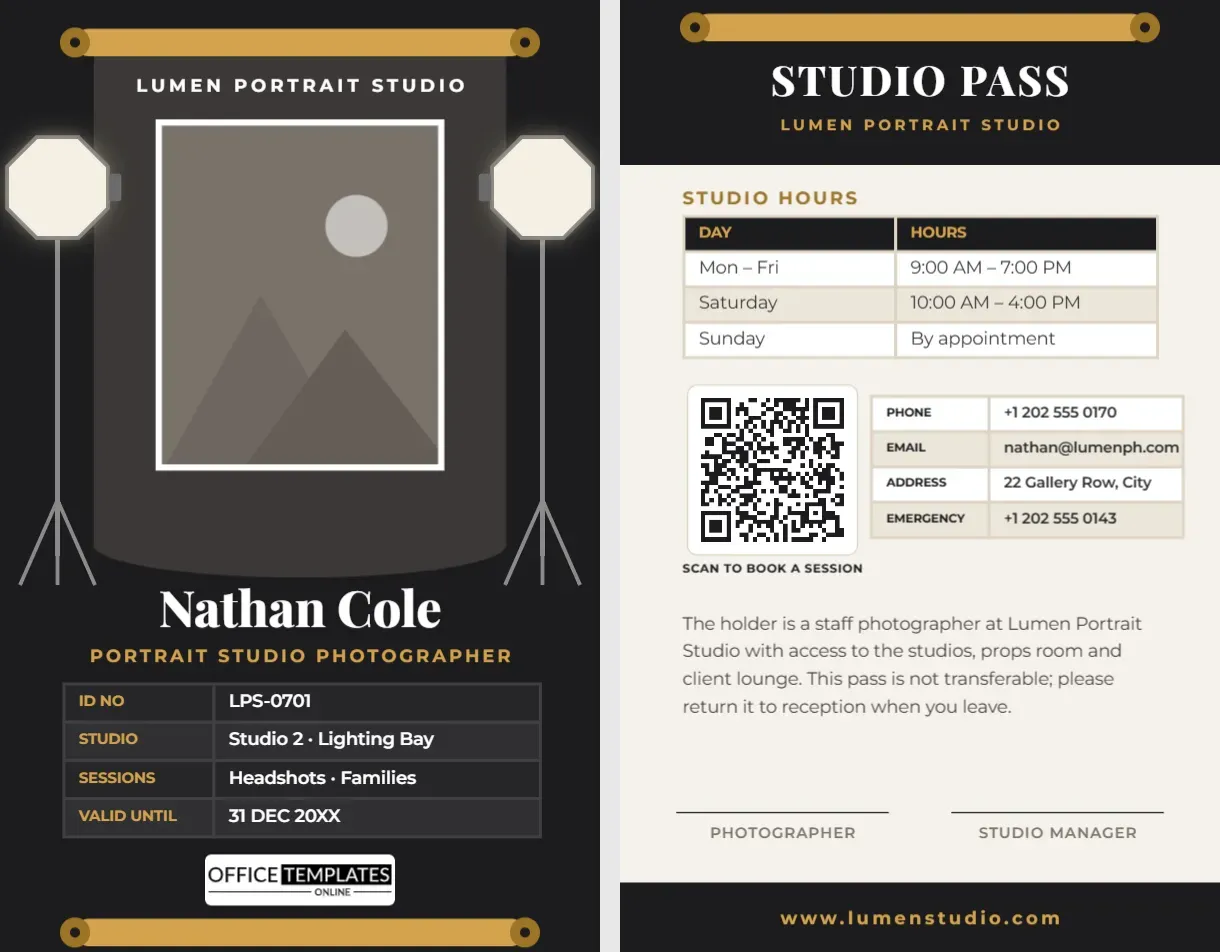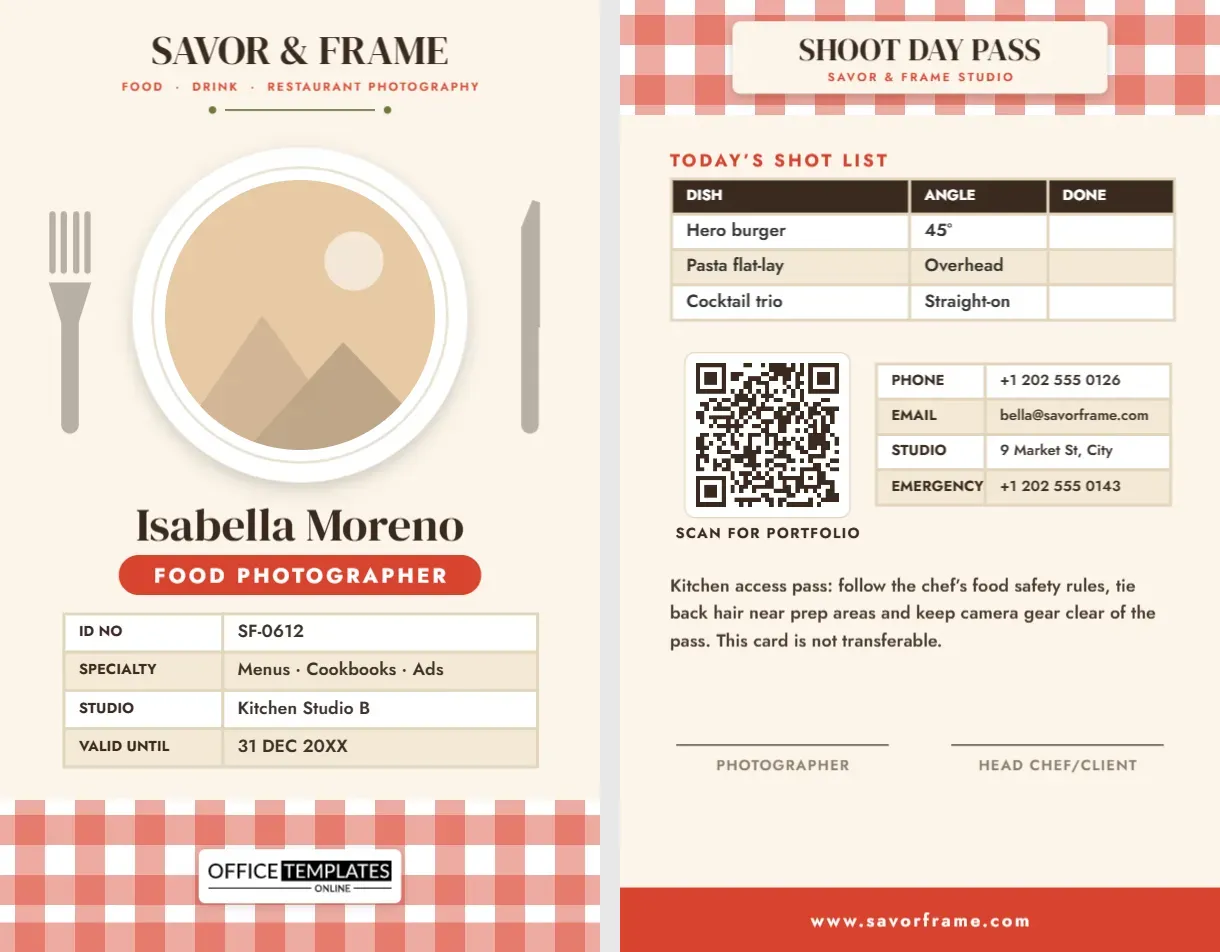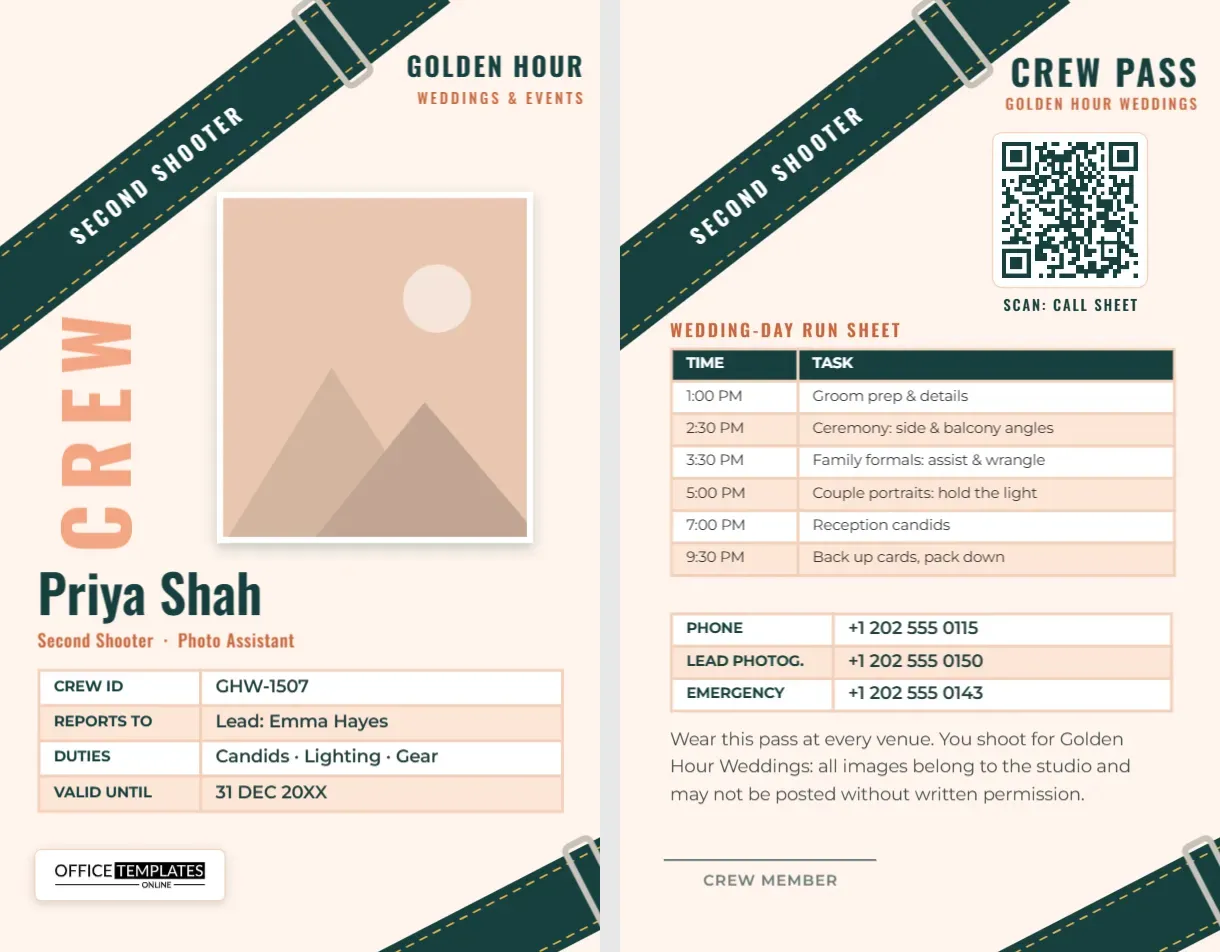
At a wedding or a big event, the lead photographer is easy to spot: they are the one the couple keeps looking for. The second shooter and the assistant are the people guests do not know, carrying bags into the bridal suite, stepping onto the balcony during the ceremony, asking to move a relative two steps to the left. A crew badge makes those moments easy. This Second Shooter ID Card is for studios that hire second photographers and assistants, and for freelancers who second for several leads. It says clearly who you work for, who you report to, and what you are doing that day.
A Camera Strap Across the Card
The design is built around the thing every photographer wears: a camera strap. A wide deep-teal strap crosses the top-left corner of the card at an angle, with gold dashed stitching along both edges and a steel buckle slider, and SECOND SHOOTER is printed along it in white Oswald capitals. A second strap cuts across the bottom-right corner, so the card looks as if it were lying on a strap.
The background is a soft cream. In the top-right corner, GOLDEN HOUR sits in teal with Weddings & Events in peach. Down the left side, the word CREW stands on end in big peach letters beside your photo, which has a white border and a soft shadow like a print. Your name is set large in teal Oswald, Priya Shah on the sample, followed by Second Shooter · Photo Assistant in burnt orange. A table lists your crew ID, who you report to (Lead: Emma Hayes), your duties (candids, lighting, and gear), and the validity date. Our logo sits on a white plate at the lower left, opposite the strap in the corner.
The card is a vertical CR80: 2.125 inches wide and 3.375 inches high.
The Crew Pass Side
On the back, the same strap crosses the top-left corner. CREW PASS sits top right with Golden Hour Weddings beneath, and a QR code labelled Scan: call sheet links to the day’s schedule or shared folder. The heart of the back is a wedding-day run sheet, an editable table with times and tasks:
- 1:00 PM, groom prep and details
- 2:30 PM, ceremony from the side and balcony angles
- 3:30 PM, family formals: assist and wrangle
- 5:00 PM, couple portraits: hold the light
- 7:00 PM, reception candids
- 9:30 PM, back up cards and pack down
Below the run sheet: your phone, the lead photographer’s number and an emergency contact, a short note that all images belong to the studio and may not be posted without written permission, and a signature line for the crew member.
A Sample Crew Briefing to Send With the Card
Many lead photographers email the second shooter a short briefing along with the card file. Adapt this one:
Hi Priya, thank you for joining us on Saturday for Sarah and James’s wedding. Your crew pass is attached; please print it and wear it all day. We start at 1:00 PM at the Grand Hotel, Suite 4. You’ll cover the groom’s preparation, then take the side and balcony angles during the ceremony. During formals, please help me gather family groups from the list I’ll share. Dress code is smart black, with flat, quiet shoes. Shoot in RAW, set your camera clock to match mine, and hand over both cards before you leave. All images belong to Golden Hour Weddings; please don’t post anything until the couple has seen their gallery. Call me on 202 555 0150 if anything changes. Emma
What Belongs on a Crew Card
A crew card has a slightly different job from a normal staff ID. It needs to tell venue coordinators, planners, and guests three things quickly: which studio you represent, who your lead is, and that you are working, not a guest with a camera. That is why the front shows REPORTS TO and DUTIES instead of a department. The back’s run sheet also means the second shooter never needs to pull out a phone during the ceremony to check what is next; a glance at the badge is enough.
Setting Up Cards for Your Team
- Photo: click the white-bordered photo and choose Replace Image.
- Studio name: retype GOLDEN HOUR and the subtitle on both sides.
- Strap text: double-click SECOND SHOOTER to change it to PHOTO ASSISTANT, VIDEOGRAPHER, or LIGHTING ASSISTANT.
- Tables: select the details table or the run sheet and click Edit Data. Use + Row for extra timeline items such as a first look or sparkler exit.
- QR code: point it at the call sheet, shot list, or shared folder in the Barcodes & QR panel. Update it for each wedding, or link it to a page you update yourself.
- Strap colours: each strap is one group, so recolour the teal to your brand or give each role its own strap colour.
Second Shooter Etiquette
A good second shooter makes the lead look great. Arrive early and dressed like the rest of the crew. Stay out of the lead’s shots, especially during the ceremony processional and the kiss. Keep talking to a minimum and never direct the couple when the lead is working with them. Hand out business cards only from the studio, never your own. Back up your cards before you leave the venue, hand them over the same day, and do not share images on social media unless the studio has said you may. Following these rules is how second shooters get rebooked, and how many of them later become leads.
Printing and Wearing the Crew Pass
Crew passes are often printed fresh for each wedding because the run sheet changes, so an office colour printer and 110 lb cardstock in a clear sleeve work perfectly well. Studios with a regular crew can print a PVC card for the front and keep the run sheet on a separate insert. Wear the pass on a black lanyard or clip it to your belt so it does not swing into the lens. Punch the slot at the top centre of the card, below the strap, so you do not cut through the stitching.
Crew Questions
Can I use this for event and corporate work, not just weddings?
Yes. Change the studio tagline and replace the run sheet with the event schedule.
Do the straps have to stay?
They are part of the design’s identity, but each is one object, so you can delete the lower strap if you want more space.
Can two people share one card?
No. Make one card per person with their own photo and crew ID, so venues know exactly who is on the team.
Open the template, add your photo and the day’s run sheet, and give your second shooter a pass that looks as professional as your studio.