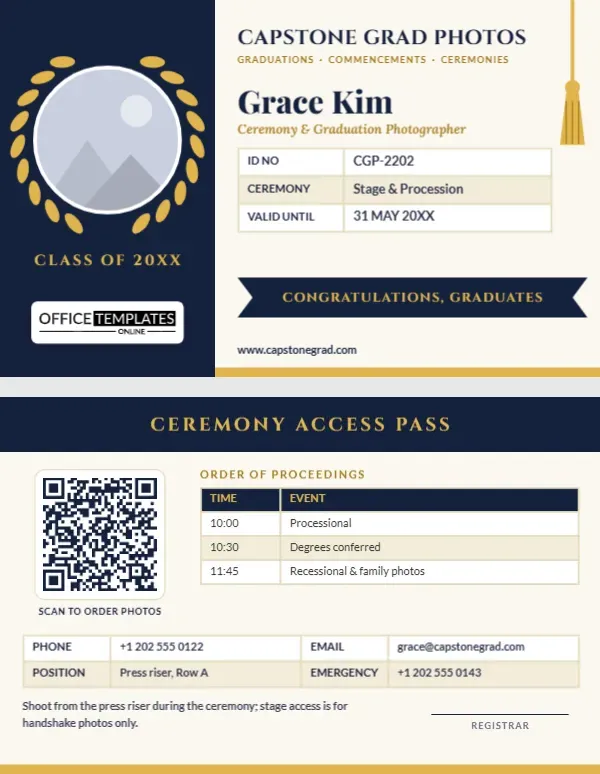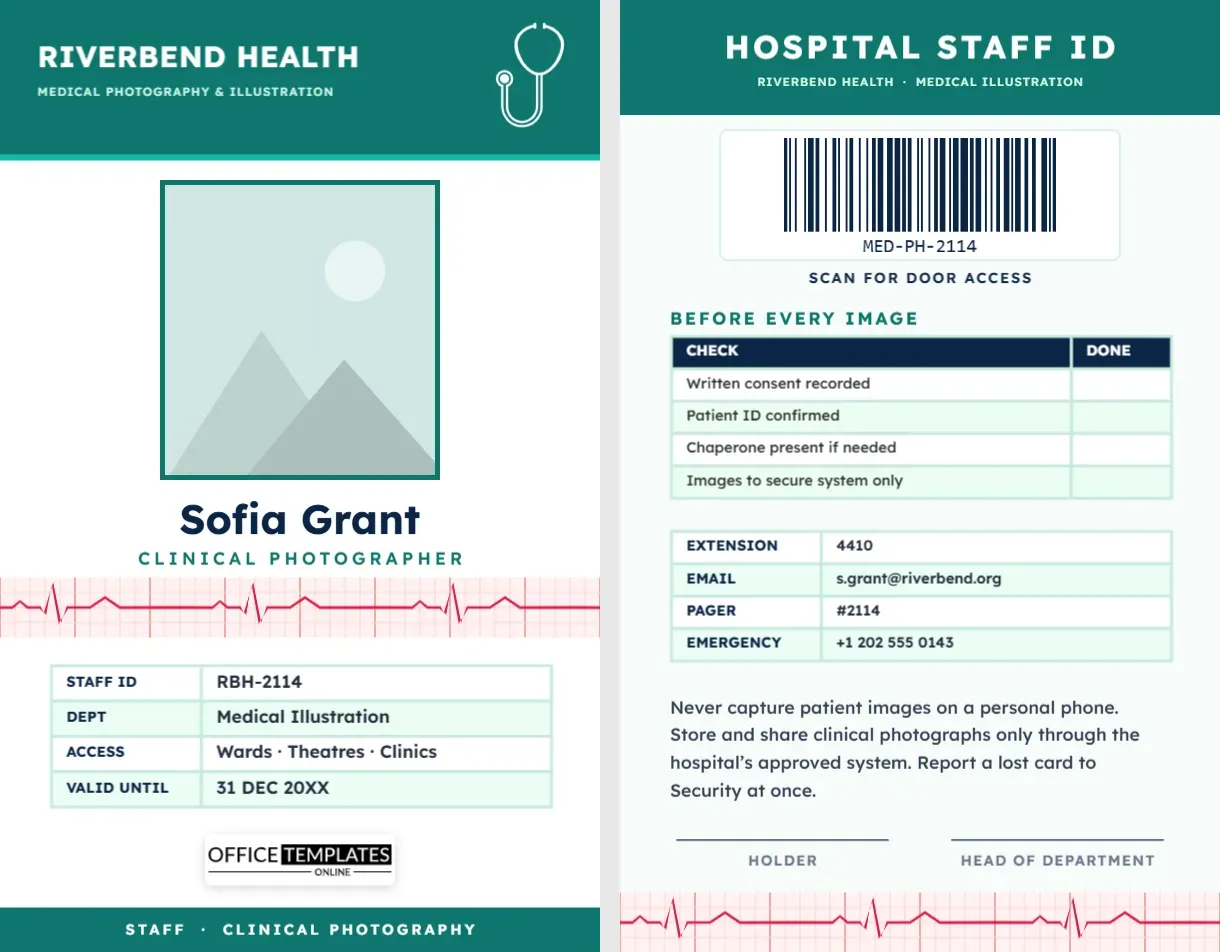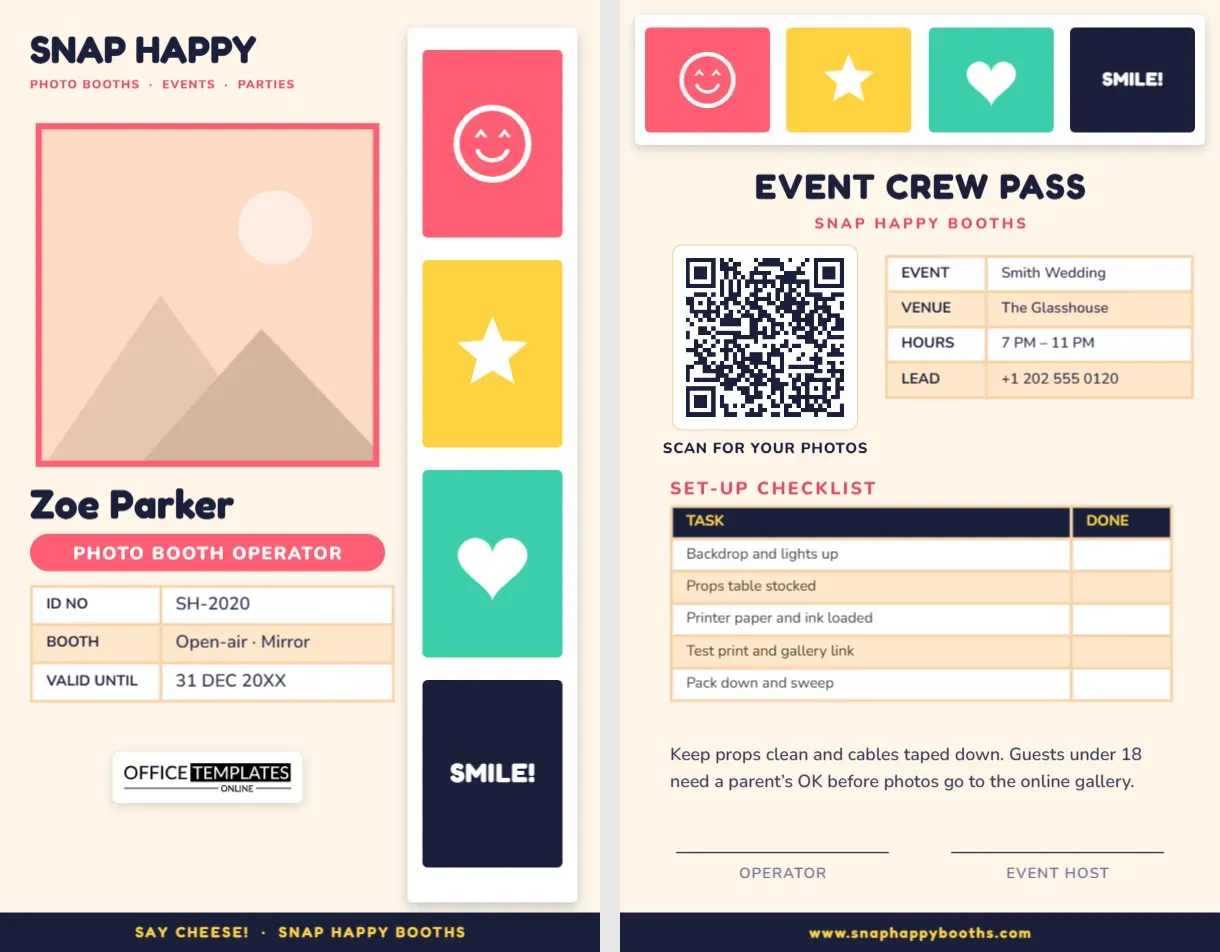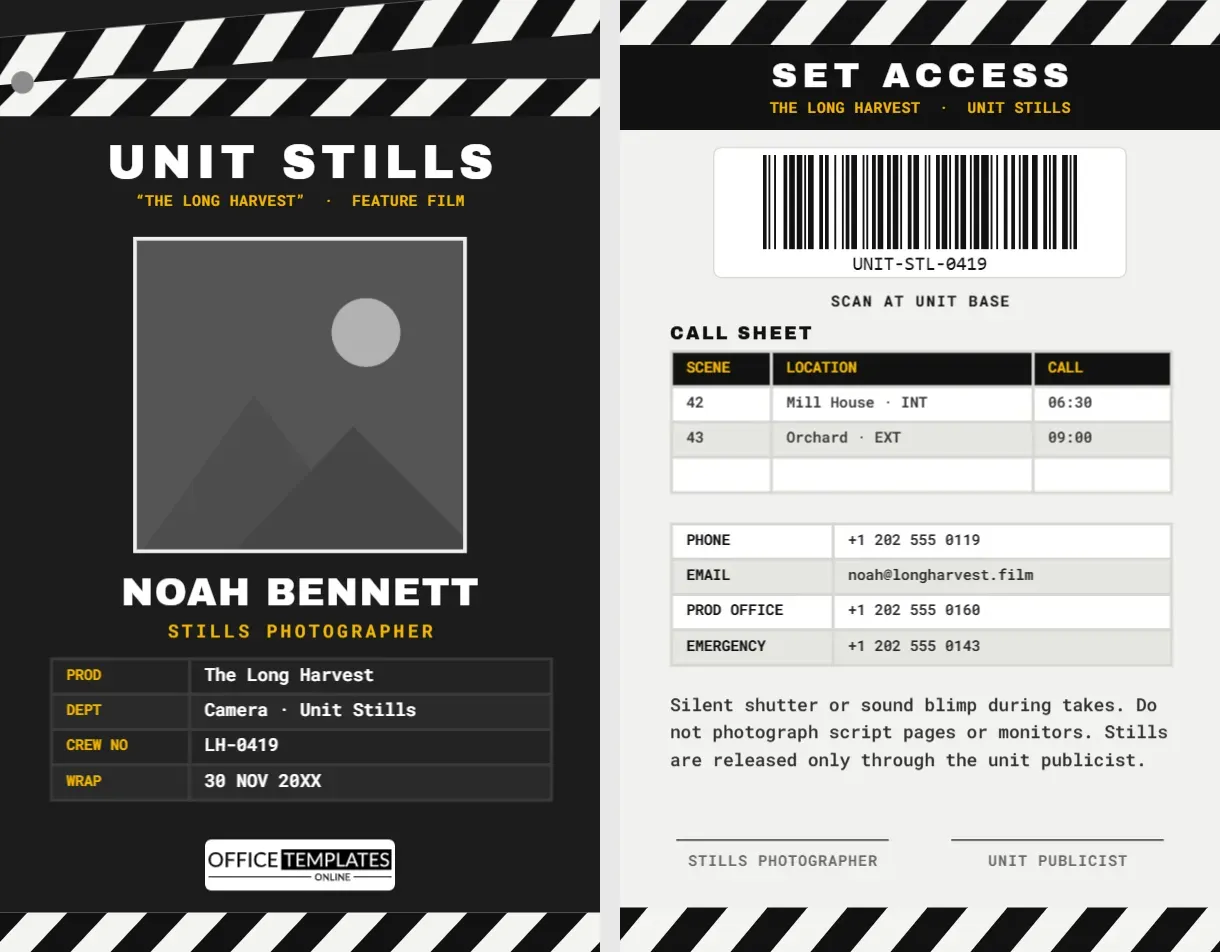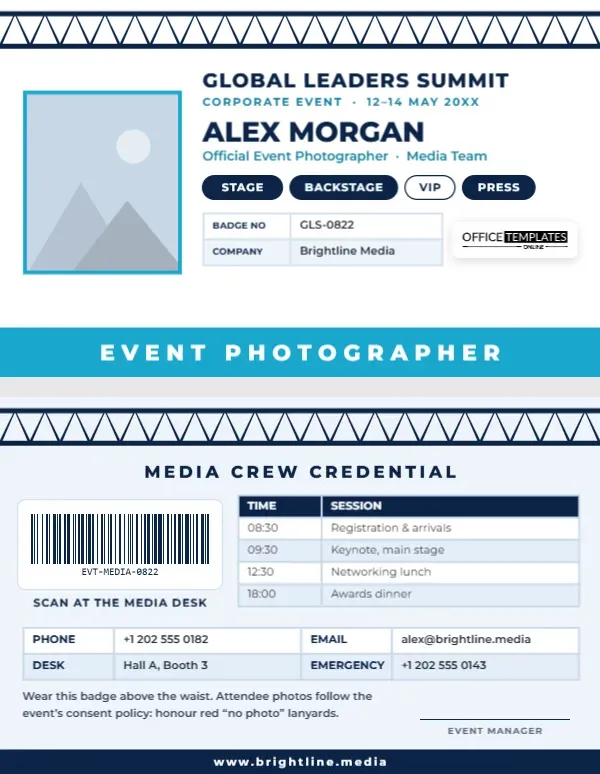
Conferences, summits, product launches and awards dinners all have the same problem: hundreds of people, several rooms, strict access rules, and a photographer who needs to be everywhere at once. The badge you wear decides whether the stage manager waves you through or stops you at the door. This Corporate Event Photographer Badge gives organisers and photographers a clean, business-like credential that shows your name, company, and exactly which areas you may enter, with the day’s session schedule on the back.
A Badge That Belongs at a Summit
The badge is landscape, 3.375 x 2.125 inches, the CR80 size that fits the horizontal holders most conference organisers stock. Across the very top runs a navy stage truss, the triangulated aluminium frame that holds lights above every conference stage, drawn as two rails with a zigzag of struts between them. It is the one detail that says events before anyone reads a word.
Your photo sits on the left with a sky-blue frame. To its right, the event name GLOBAL LEADERS SUMMIT appears in bold navy Montserrat, with Corporate Event · 12-14 May 20XX in small blue capitals. Your name follows in large type, then Official Event Photographer · Media Team. Four rounded access chips show the zones you can enter: STAGE, BACKSTAGE, and PRESS are filled navy, while VIP is an empty outline, meaning no access. A small table gives your badge number and the company you work for, and our logo sits on a white plate to the right. A full-width sky-blue band along the bottom edge reads EVENT PHOTOGRAPHER in widely spaced white capitals. It is the colour-coded role band that lets security read your role from across the room.
Colour-Coding Roles and Consent
Large events often use colour to speed up decisions. Two systems work well with this badge:
| System | How it works | How to set it on the badge |
|---|---|---|
| Role band colour | Each role gets a colour: blue for media, red for crew, green for staff, gold for speakers. | Recolour the bottom band and change its wording |
| Access chips | Filled chip means access, outline means no access | Swap each chip’s fill and text colour |
| Photo consent lanyards | Attendees choose a lanyard colour: for example, green for happy to be photographed, red for no photos. | The back of the badge reminds photographers to honour red lanyards |
A consent system protects attendees who do not want to appear in marketing photos and protects the organiser from complaints. Make sure it is explained at registration and on signage, not just on the photographer’s badge.
The Crew Side: Barcode and Schedule
The reverse repeats the stage truss on a pale blue background, followed by MEDIA CREW CREDENTIAL. On the left, a barcode in a white panel reads Scan at the media desk, so organisers can check photographers in and out. On the right, a real Table lists the key sessions of the day: 08:30 registration and arrivals, 09:30 keynote on the main stage, 12:30 networking lunch, 18:00 awards dinner. Below that, a four-column contact table gives your phone, email, the media desk location, and an emergency number. A short note asks you to wear the badge above the waist and to honour red no-photo lanyards, and there is an event manager signature line above a navy footer with the website.
Badge Pickup Checklist for Organisers
- Collect each photographer’s name, company, headshot, and required zones two weeks before the event.
- Duplicate the template for each photographer and set their chips and badge numbers.
- Enter a unique badge number in the barcode for each person using the Barcodes & QR panel.
- Update the schedule table on the back with the sessions photographers must cover.
- Print, check that every barcode scans, and file the badges alphabetically.
- At pickup, check photo ID against the badge photo, hand over a lanyard in the media colour, and brief them on the consent system.
- Collect badges at the end of the event if your security policy requires it.
Customising for Your Event
- Photo: click the framed photo and use Replace Image.
- Event name and dates: retype GLOBAL LEADERS SUMMIT and the date line.
- Zones: double-click a chip label to rename it (MAIN HALL, EXPO FLOOR, GREEN ROOM). To show no access, change the chip fill to white and the text to navy.
- Tables: select a table, click Edit Data, and update the badge number, company, or schedule. The + Row button adds a session.
- Role band: change EVENT PHOTOGRAPHER to VIDEOGRAPHER, MEDIA or PRESS and pick a band colour.
- Truss: the truss is one grouped object on each side; recolour it silver or black to match your stage set.
Beyond Conferences
The design works for any corporate or organised event with a photographer on the team: trade shows and expos, annual general meetings, product launches, charity galas, company retreats, graduation ceremonies held in convention centres, sports awards evenings and hackathons. Freelance event photographers can also keep a version with their own studio name as a standing business ID for smaller events where the organiser does not print badges.
Print and Holder Advice for Events
For a large event, print on PVC with a card printer, or order pre-cut perforated badge cardstock sheets that fit an office printer. The white front keeps ink costs low, and the navy and blue print crisply on laser printers. Use horizontal holders with a slot on the top edge, so the truss sits at the top of the badge. Remember that the back will also be visible when the badge flips on its lanyard, which is why it repeats the truss and colours.
Event Team FAQs
Can I print badges for a whole media team from one file?
Yes. Make one master design, then duplicate it for each person and change the photo, name, chips, and barcode number.
What if a photographer needs VIP access later?
Fill the VIP chip in navy with white text and reprint that badge, or add a sticker to the printed chip if you are on site.
Can the back show a floor plan instead of the schedule?
Delete the schedule table and place a small image of the venue map in its space.
Open the template, add your event name and zones, and get your media team through every door they need on the day.