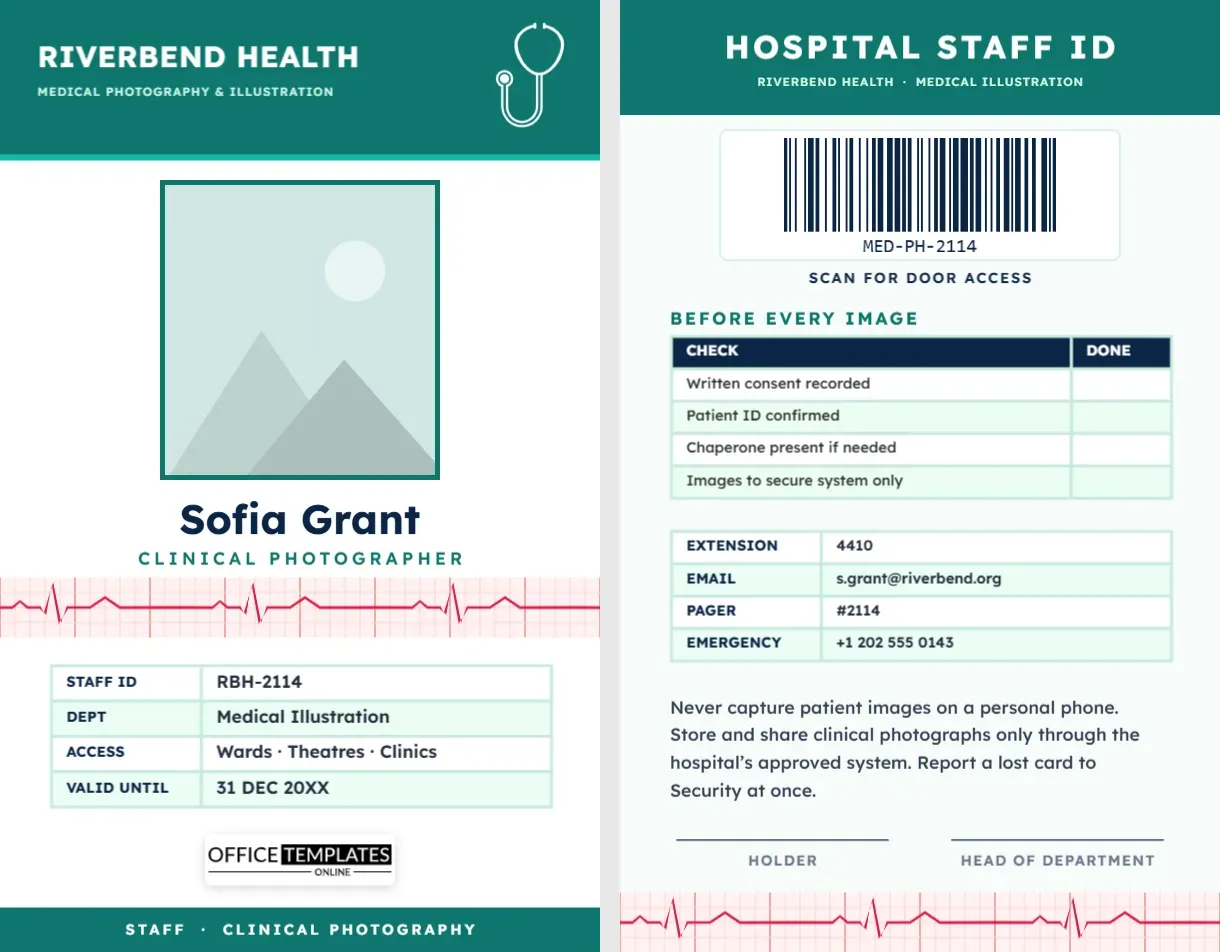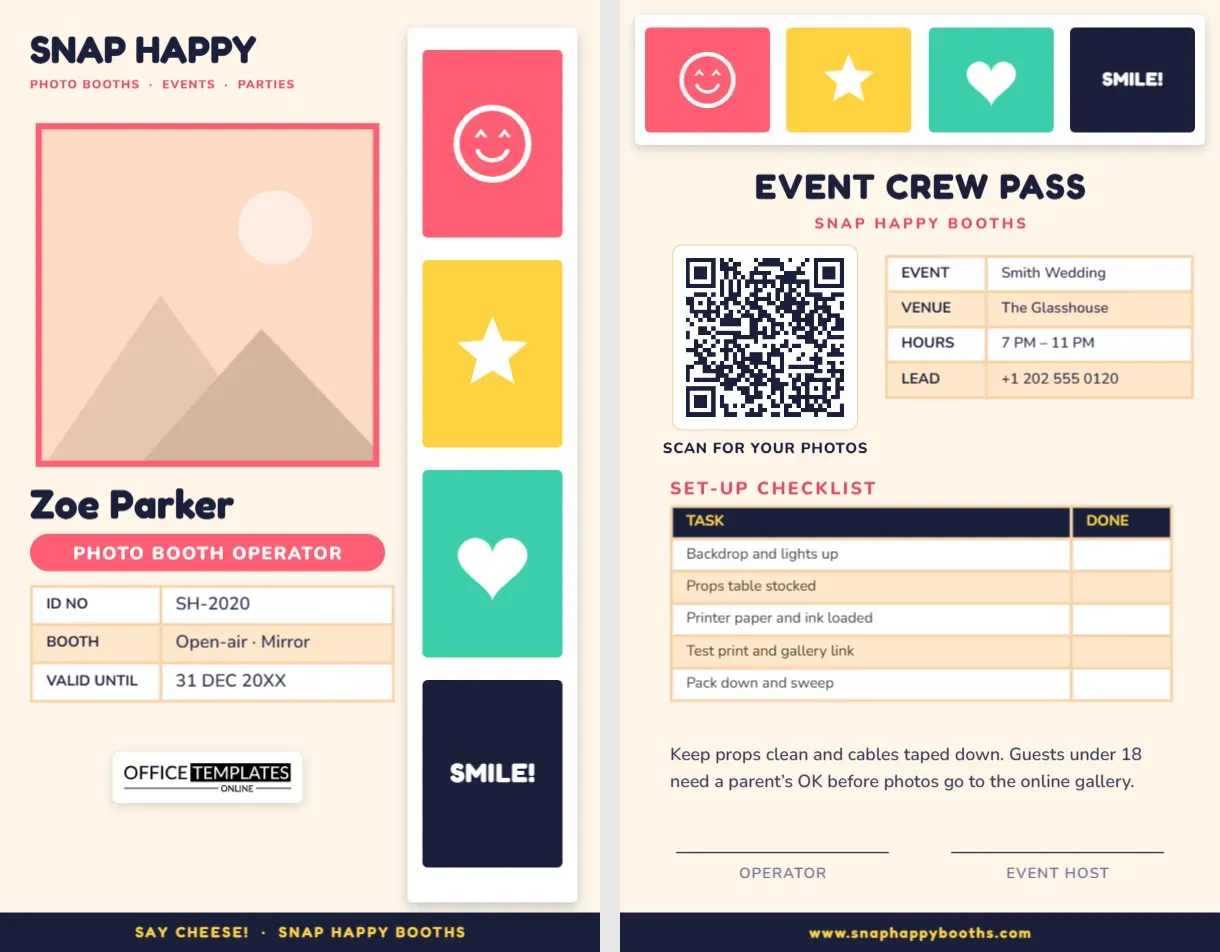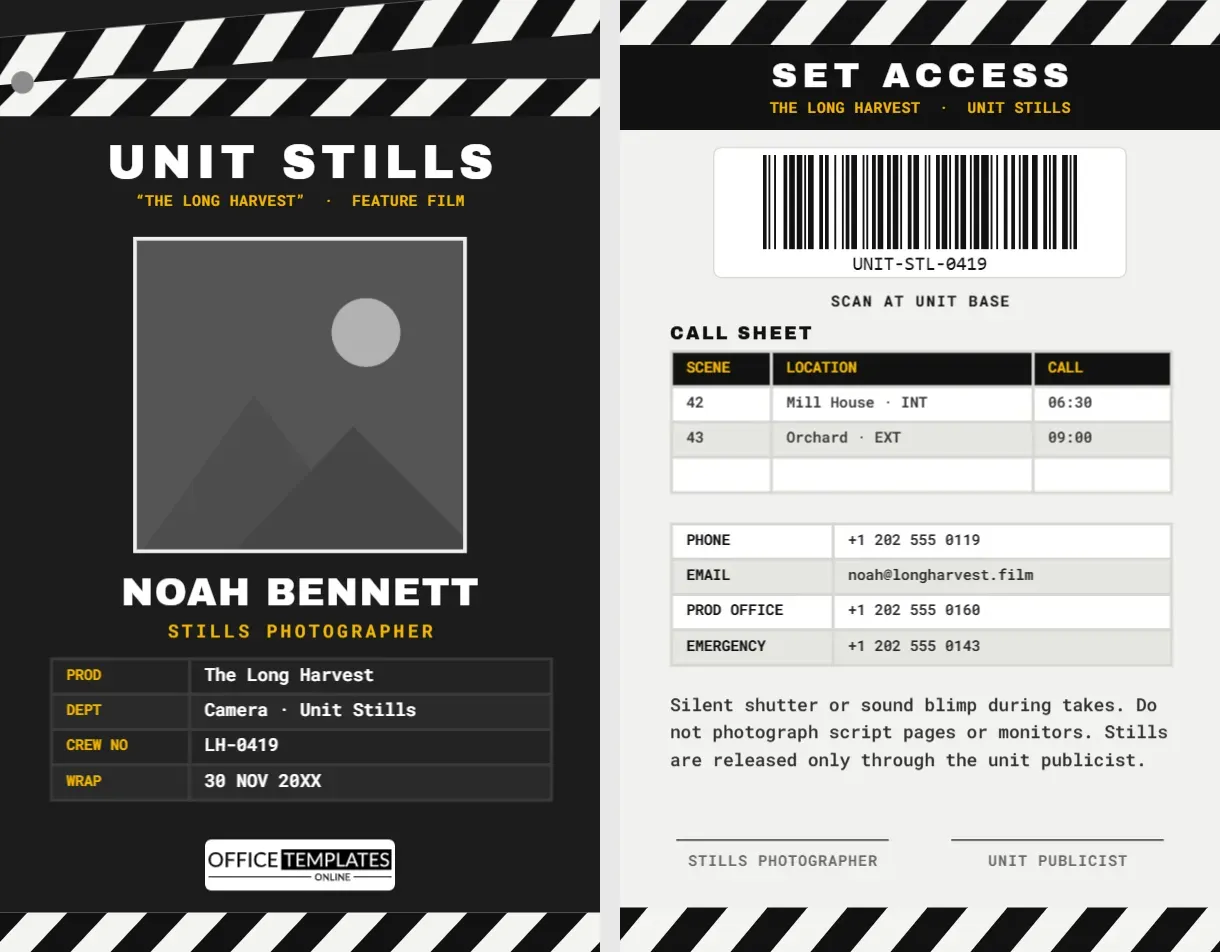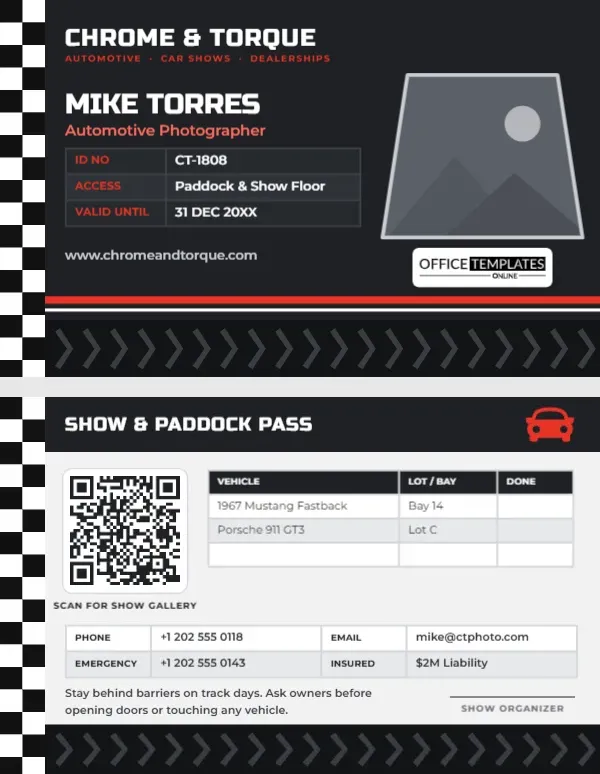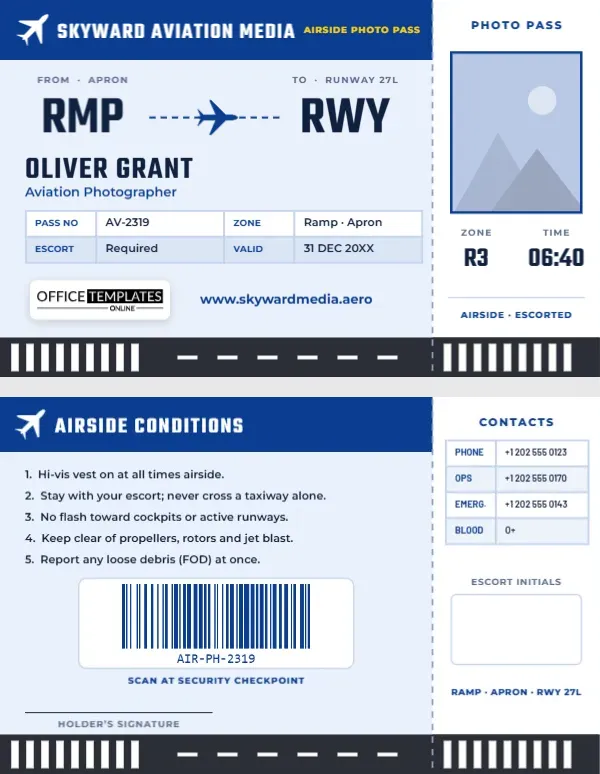
Few places are as tightly controlled as the airside of an airport. Aviation photographers who work on the ramp, at airshows, at airline events or for aircraft manufacturers pass through security checkpoints, wear hi-vis vests and are escorted near aircraft. Every person along the way wants to see a credential. This Aviation Photographer ID Card is designed in the one format every traveller recognises: a boarding pass, complete with a perforated stub. It turns a strict security requirement into a badge you will actually enjoy wearing.
Designed as a Boarding Pass
The card is landscape, 3.375 inches wide by 2.125 inches high. The main part, on a pale sky-blue background, has a deep blue header with a white aircraft icon, SKYWARD AVIATION MEDIA in tall Teko lettering, and AIRSIDE PHOTO PASS in yellow on the right. Below the header, two large route codes imitate the airport codes on a ticket: RMP (from the apron) and RWY (to runway 27L), joined by a dashed flight path with a small blue aircraft in the middle.
Your name, OLIVER GRANT on the sample, appears in large Teko capitals with Aviation Photographer underneath. A compact four-column table gives your pass number, zone (ramp and apron), escort requirement, and validity date. Our logo and your website sit above a strip of runway markings along the bottom: white threshold bars and a dashed centreline on dark tarmac.
A dotted perforation line separates the stub on the right, as on a real boarding pass. The white stub holds PHOTO PASS, your photo with a blue border, and two big fields: ZONE R3 and TIME 06:40, the start of your session. A last line reads AIRSIDE · ESCORTED, and the runway markings continue under the stub.
Airside Conditions on the Back
The back keeps the boarding pass layout. The main section lists five airside rules: hi-vis vest on at all times; stay with your escort and never cross a taxiway alone; no flash toward cockpits or active runways; keep clear of propellers, rotors and jet blast; report any loose debris (FOD) at once. A barcode labelled Scan at security checkpoint sits below, then a holder’s signature line and the runway strip. The stub on the back becomes a contact panel with your phone, the operations desk, an emergency number, and blood group, plus an empty box for the escort’s initials and a line naming the zones.
Understanding Airport Zones
| Zone | What it is | What photographers usually need |
|---|---|---|
| Landside | Public areas: terminals before security, car parks, viewing areas | Often no pass; follow terminal rules |
| Airside | Everything beyond security screening | An airport-issued pass or escort, and screening |
| Apron/ramp | Where aircraft park, load and refuel | Hi-vis, escort or ramp permit, strict walkways |
| Movement area | Taxiways and runways | Special authorisation, radio contact, a vehicle escort |
Airports and authorities set their own rules. This card is a company credential and does not replace an airport-issued ID; carry both when required.
Staying Safe Around Aircraft
An aircraft ramp is a busy industrial workplace. Engines can be running even when an aircraft looks parked, and jet blast can knock people over far behind the tail. Always walk where your escort walks, stay out of the painted danger zones around engines and propellers, and never walk under a wing or near a fuel hose unless you are told it is safe. Hold loose items firmly: lens caps and bags blown onto the ramp become foreign object debris that can damage engines. Wear hearing protection near running engines and keep your phone and camera straps secured.
Editing the Boarding Pass
- Photo: click the photo on the stub and choose Replace Image.
- Company and codes: retype SKYWARD AVIATION MEDIA, and change RMP and RWY to any codes you like, for example, your home airport’s code.
- Stub fields: double-click R3 and 06:40 to set your zone and session time.
- Tables: select a table and use Edit Data for the pass details and contacts.
- Barcode: in the Barcodes & QR panel, enter the pass number your checkpoint uses.
- Aircraft icon: it is an editable vector; recolour or rotate it.
Airshows, Airlines and Spotters
Airshow media teams, airline and airport marketing photographers, aircraft manufacturers’ communications teams, aviation magazines, flight schools photographing students and aircraft, and organised spotting events run by airports or aviation societies all use the design. An airshow can print one per accredited photographer with a crowd-line or flight-line zone in place of RMP and RWY.
Printing and Wearing It Airside
PVC is the most durable option in wind and rain on a ramp. The pale blue main section and white stub print cleanly; check that the thin perforation dots and runway markings stay visible. Wear the card in a clear holder on the outside of your hi-vis vest, above the waist, where security staff expects to see it. A retractable reel lets you present the barcode at a checkpoint without removing the lanyard.
Gear Choices for Ramp and Airshow Work
Aviation work swings between tight and far. On the ramp, a wide zoom captures the whole aircraft with ground crew for scale, while details such as engine inlets, livery, and cockpit windows suit a standard zoom. At airshows and for runway action, a long telephoto in the 100-500 mm range is typical. For propeller aircraft, a slower shutter speed of around 1/125 to 1/250 second keeps the propeller disc blurred so the aircraft does not look frozen. Carry fewer bags on the ramp than you think you need, because every loose item is a debris risk.
Aviation Media Questions
Can I use it for an airshow?
Yes. Change the zones to CROWD LINE, FLIGHT LINE, or MEDIA TOWER and the time field to your session.
Does it let me go airside?
No. Only the airport or authority can grant airside access. The card identifies you and your company alongside your pass.
Can I tear off the stub?
The perforation is printed decoration; the stub carries your photo, so keep the card in one piece.
Open the template, add your photo and pass details, and check in at the next airside gate with a badge that looks ready for departure.