A Hiring Poster That Lists Four Openings at a Glance
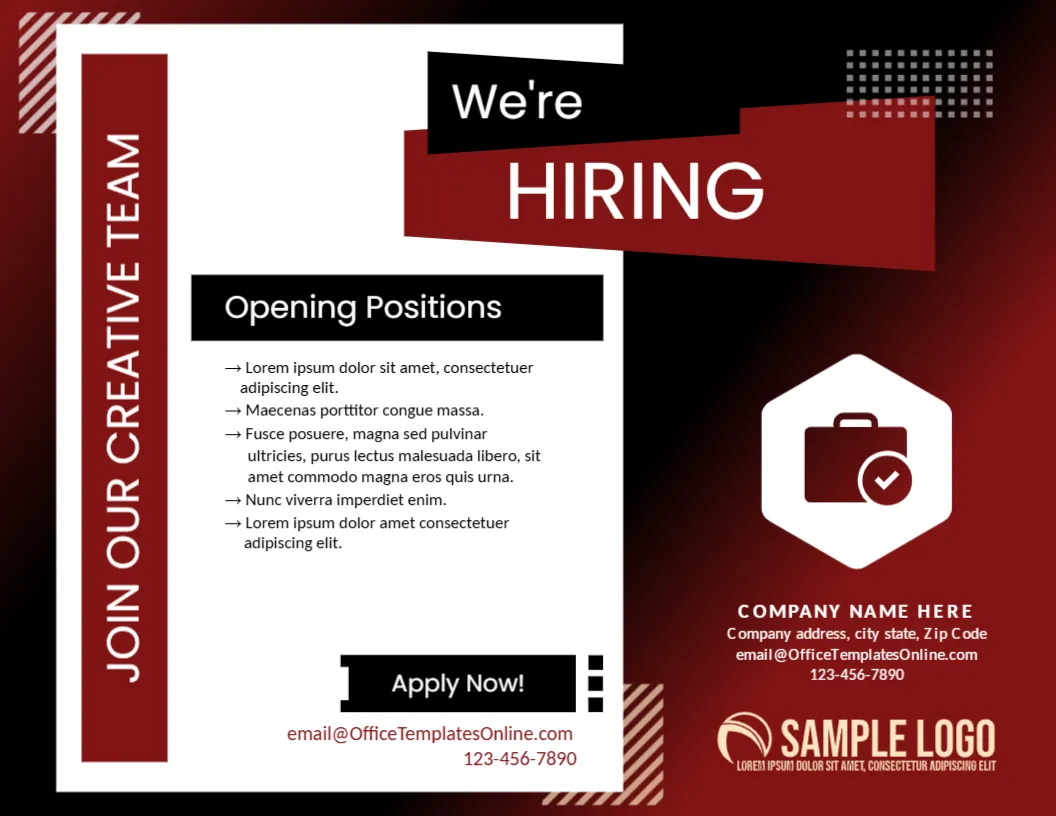
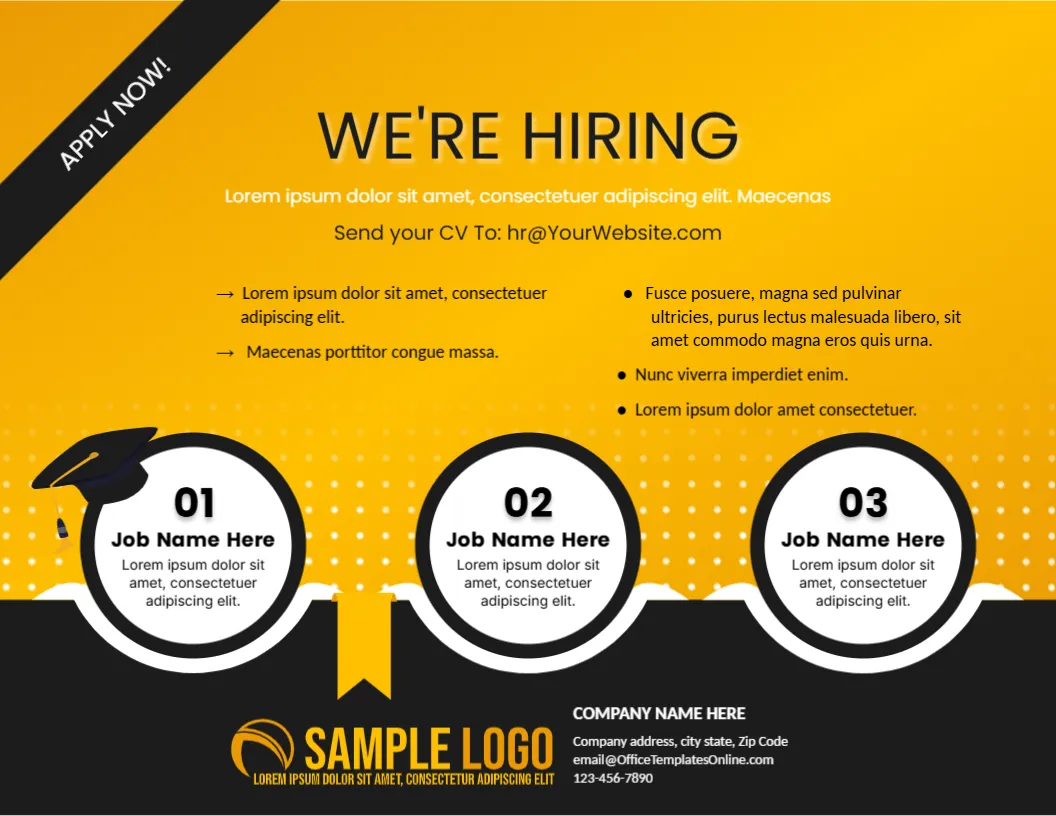
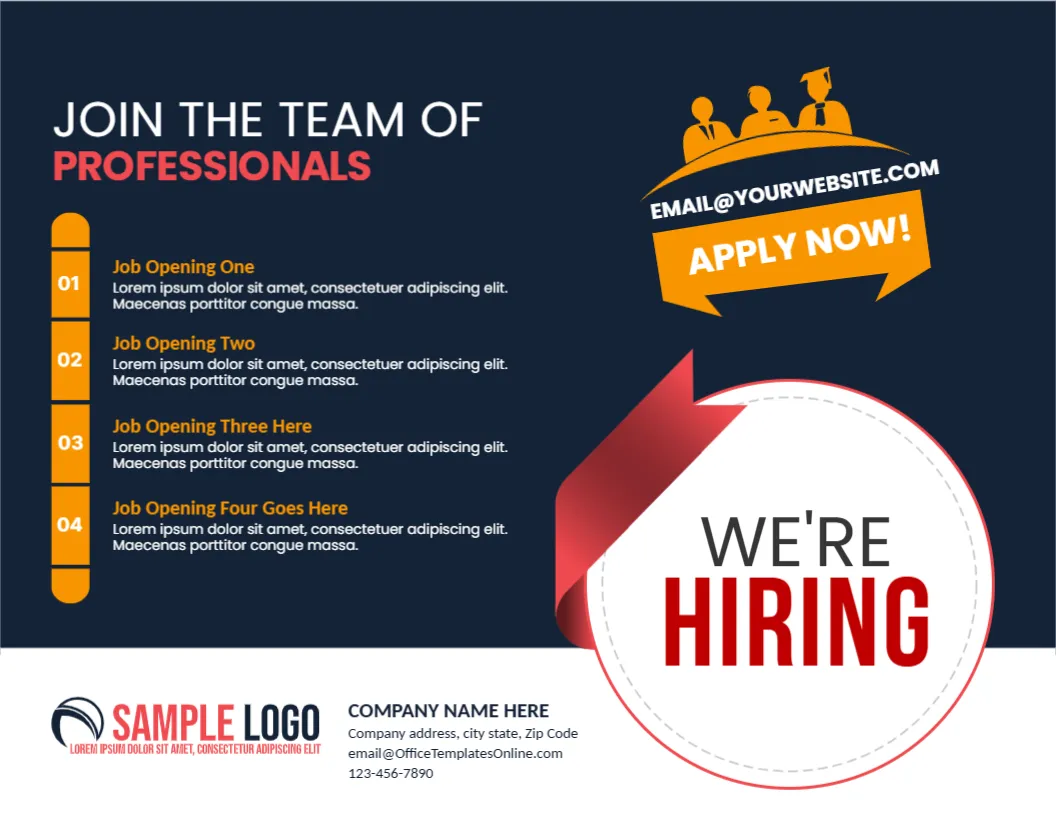
When a company needs several people at once, a poster has to carry more than one headline. This landscape hiring poster does that: a dark navy page, four numbered job slots on the left, a bold orange APPLY NOW ribbon with an email address and a red ribbon circle that says WE’RE HIRING. It suits offices, shops, factories, schools and clinics that pin notices to a wall, a door or a window.
Landscape Layout With a Ribbon Circle
The page is 11 x 8.5 inches, landscape, one page. The title JOIN THE TEAM OF PROFESSIONALS runs across the top left, with PROFESSIONALS in coral red. Under it, an orange rounded strip holds the numbers 01 to 04 beside four job blocks. At the right, a white circle with a dashed edge and a curled red ribbon holds WE’RE HIRING in large letters. The shapes are graphics and stay fixed. All the words can be changed.
Job Blocks, Apply Ribbon and Company Footer
Each of the four blocks has a job name in orange, such as Job Opening One, and a two line description in white. Above the circle, an orange ribbon reads APPLY NOW! with [email protected] in a smaller line, and a small orange badge with three office workers sits on top. The white footer holds a SAMPLE LOGO, COMPANY NAME HERE, an address, an email and a phone number. Replace every one of these with real details.
Details That Candidates Look For
- The exact job titles, one per block.
- Location and type: full time, part time or shift work.
- One line on the main requirement for each role.
- The closing date for applications.
- The email or phone number that is checked daily.
Writing Four Short Job Descriptions
Each block has room for about fifteen words. Start with the main duty, then add one requirement, for example Front desk coordinator, two years of reception experience. Avoid long lists. Candidates decide in seconds whether to read more, and the full advertisement can sit on your website.
Where to Put a Landscape Poster
Landscape posters suit noticeboards, shop windows, staff rooms and the front desk. Print at A4 or Letter for a small board, or enlarge at a print shop for a wider display. Place it at eye height, and add a QR code that links to the full vacancy page if you wish.
Printing the Navy Hiring Poster
The navy background uses a lot of toner. A colour laser or a print shop gives an even finish. For a window poster, use a matte paper to avoid glare. Keep a PDF so that you can reprint when the openings change.
Step by Step Editing of the Navy Job Hiring Poster Design
- On the navy job hiring poster design, click the main headline and type your own words, keeping a similar length.
- Retype every name, date and contact line on the navy job hiring poster design, checking each against a trusted source.
- Search the navy job hiring poster design for the words Lorem and Company so that no placeholder remains.
- Click any logo or photo on the navy job hiring poster design, choose Replace Image and resize the new picture to fit.
- Zoom the navy job hiring poster design to full size and read each line aloud before you save it.
- Keep a clean master of the navy job hiring poster design without private details, so later versions start tidy.
Similar designs include the flyer template for job requirement. Compare it with the announcement template for job vacancy. You may also like the corporate hiring poster design. Looking beyond the navy job hiring poster design? See all announcements.