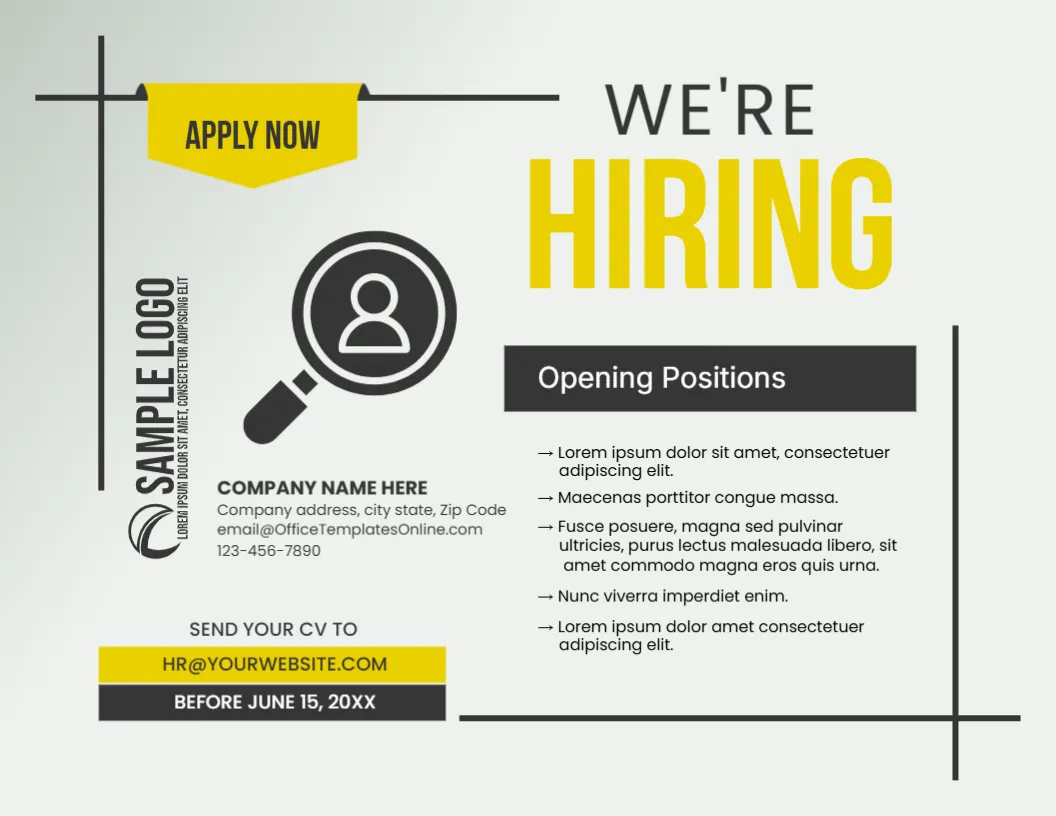
A Yellow Apply Now Tab and Magnifier on a Grey Hiring Poster
A pale grey landscape poster with black corner lines carries a yellow APPLY NOW tab at the top left and WE’RE in thin type above a huge yellow HIRING. A vertical SAMPLE LOGO sits at the left beside a magnifier over a person icon. An Opening Positions bar heads a list of five arrow bullets, with company contacts, a yellow SEND YOUR CV TO box and a BEFORE JUNE 15, 20XX bar.
A Landscape Poster for Walls and Screens
The page is 11 x 8.5 inches, landscape. It prints on letter paper for a notice board, and the same layout works as a screen image in a lobby or on social media.
Positions, Contacts and the Deadline
Replace the five Lorem ipsum arrow bullets with real job titles, and update COMPANY NAME HERE, the address and the phone. The email lines use the template site email, and the CV box reads [email protected], so replace both. Change BEFORE JUNE 15, 20XX to your closing date.
Preparing the Hiring Poster
- Swap the sample logo.
- List the open positions.
- Replace both email lines.
- Set the closing date.
- Print and post.
A Poster That Reads at Distance
HIRING is the biggest word on the page, set in strong yellow on grey. Passers by can read it from across a shop floor, which is the point of a recruitment sign.
The Magnifier as a Search Symbol
The magnifier over a person is a familiar sign for talent searches. It needs no translation, so it also works in bilingual workplaces and at job fairs.
Listing Positions Briefly
Five arrow bullets suit five short job titles. Add a location or a shift beside each, and keep it brief, since long descriptions belong in an advert or on a careers page.
A Clear Application Route
Tell applicants exactly where to send a CV and by when. A dedicated HR email is better than a personal address, and a closing date creates a useful sense of urgency.
Fair Hiring Language
Describe the role and the requirements, not the type of person you want. Check your local rules on job advertising, since this layout does not provide legal guidance.
Yellow and Grey Printing
Yellow prints brightly on most printers, and grey stays neutral. If you use a black and white machine, the yellow becomes light grey, so the black text still carries the message.
Placing the Poster
Put the poster at the entrance, in staff areas and near local colleges. Remove it once the deadline has passed, so applicants are not misled.
Step by Step Editing of the We Are Hiring Poster Corporate Yellow Grey Magnifier Design
- On the we are hiring poster corporate yellow grey magnifier design, click the main headline and type your own words, keeping a similar length.
- Retype every name, date and contact line on the we are hiring poster corporate yellow grey magnifier design, checking each against a trusted source.
- Search the we are hiring poster corporate yellow grey magnifier design for the words Lorem and Company so that no placeholder remains.
- Click any logo or photo on the we are hiring poster corporate yellow grey magnifier design, choose Replace Image and resize the new picture to fit.
- Zoom the we are hiring poster corporate yellow grey magnifier design to full size and read each line aloud before you save it.
- Keep a clean master of the we are hiring poster corporate yellow grey magnifier design without private details, so later versions start tidy.
For comparison, open the yellow hiring flyer with job circles. Consider the red creative team hiring poster. Similar designs include the job vacancy announcement. Looking beyond the we are hiring poster corporate yellow grey magnifier design? See all announcement templates.